

Description
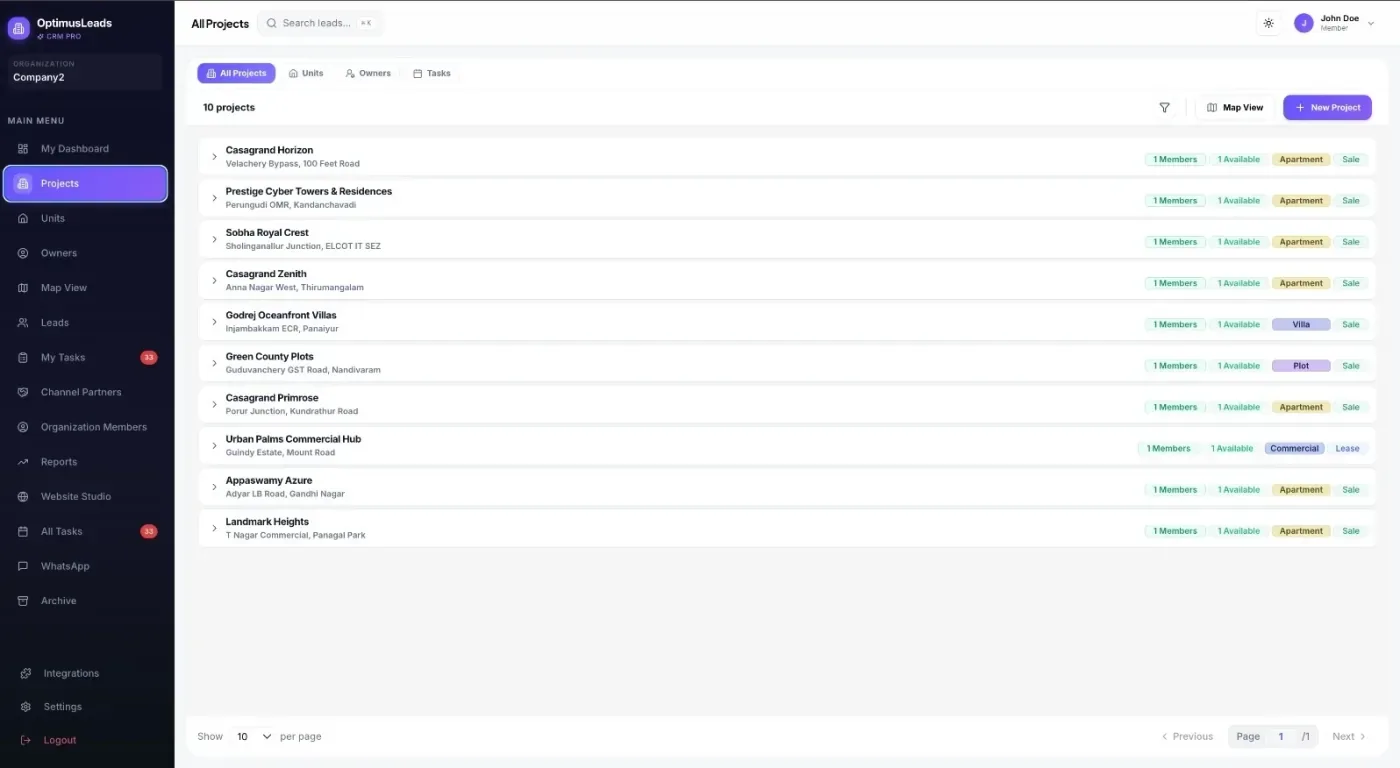
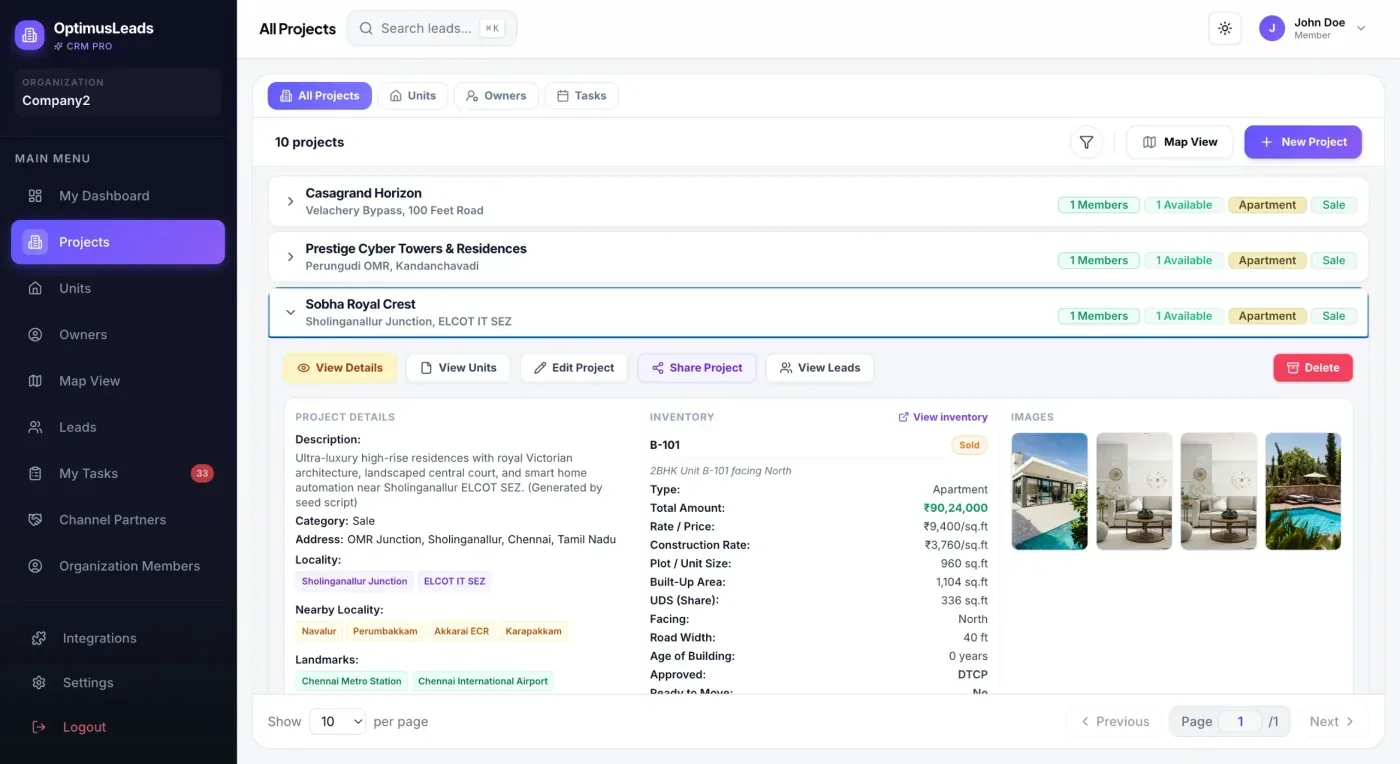
Optimus Leads Tool kit is the official WordPress integration plugin for the Optimus Leads Real Estate CRM platform.
It bridges your WordPress website with your CRM to automatically publish your real estate inventory, display comprehensive property listings with live filters, and route customer inquiries directly to your sales agents.
Key Features:
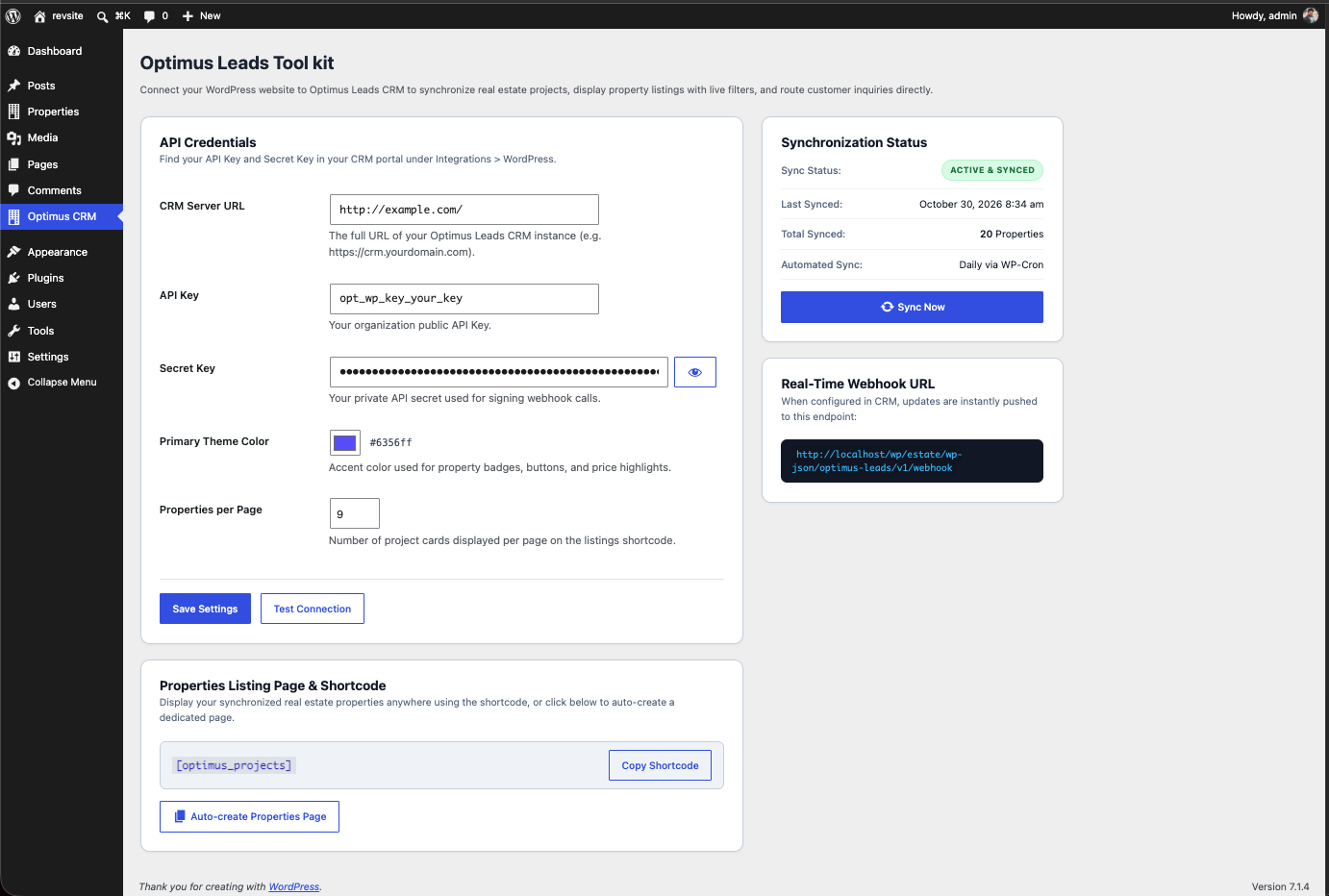
- Seamless API Authentication: Connect in seconds using your CRM API Key and Secret Key.
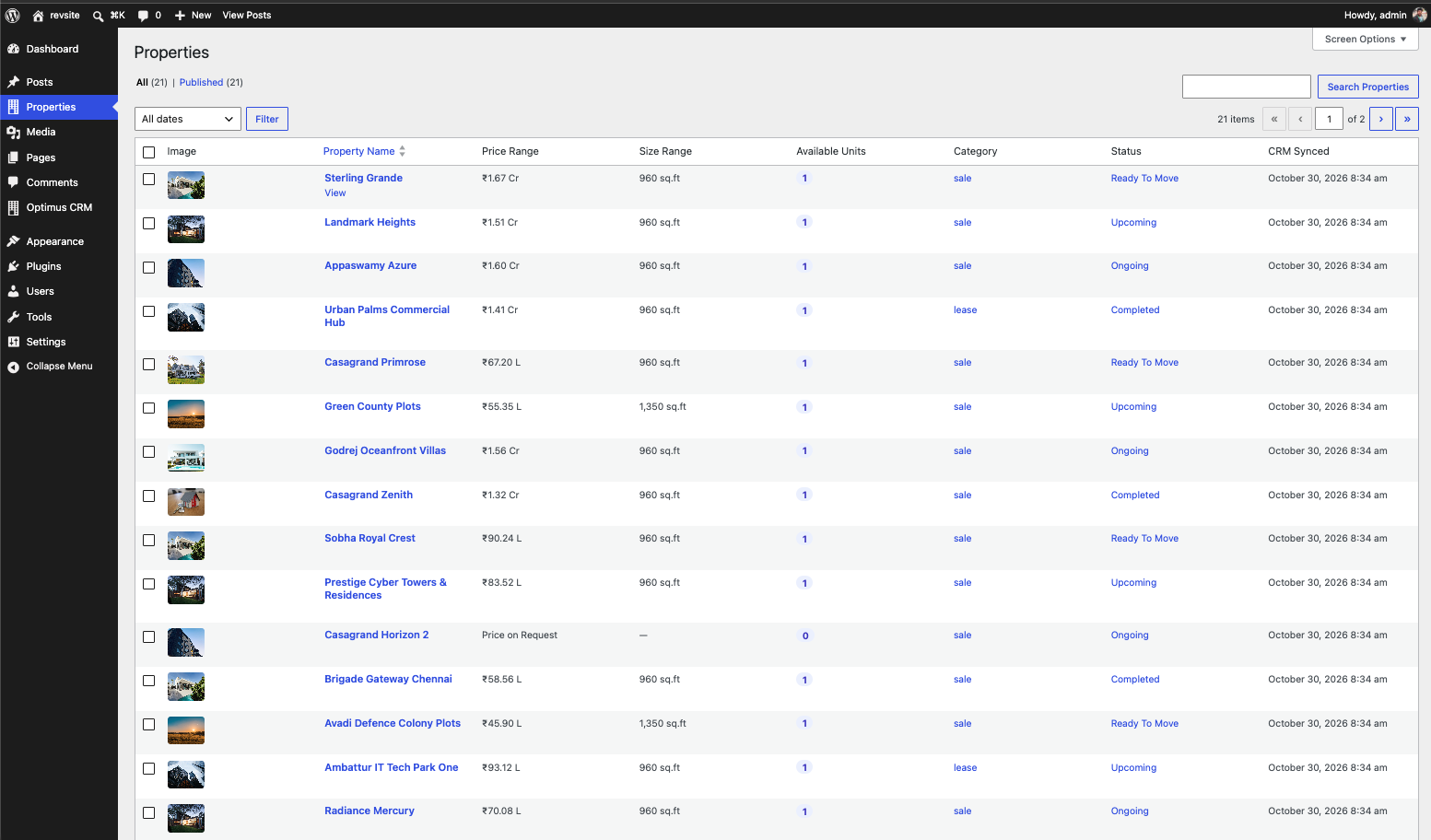
- Automatic Everyday Sync: Scheduled background sync via WP-Cron keeps all project details, available unit counts, and price ranges up to date.
- Real-time Webhook Push: Whenever a project or inventory unit is updated in the CRM portal, changes are instantly reflected on your WordPress site without waiting for the daily sync.
- SEO-Optimized Custom Post Type: Each project is published as a dedicated post with Schema.org RealEstateListing structured data to help search engines understand your listings.
- Comprehensive Property Ranges: Automatically calculates and displays overall unit ranges:
- Plot & Built-up sizes (Start to End)
- Road widths (e.g., 30 ft, 40 ft)
- Undivided Share of Land (UDS) ranges
- Facings (East, North, West, South)
- Approval statuses (DTCP, CMDA, RERA)
- Available unit counts
- Responsive Shortcode & Filters: Embed
[optimus_projects]on any page to display property cards with live search, filters (Budget, Category, BHK, Facing, Approvals), and AJAX pagination. - Web Studio-Inspired Single View: Beautiful dedicated single project template featuring hero image showcases, amenities grid, master layout plans, landmarks with distances, available units breakdown, and a direct inquiry form.
- Instant Lead Capture: Inquiries submitted on property pages are immediately routed to your CRM with project attribution and lead tracking.
Third-Party Services
This plugin acts as a client for the Optimus Leads Real Estate CRM platform. It communicates with an external Optimus Leads CRM API to synchronize real estate projects and forward website visitor inquiries.
- Service Name: Optimus Leads CRM API
- Provider: Optimus Leads
- Provider Website: https://optimusleads.app
- Purpose:
- Synchronizing published property data, floor sizes, unit availability, and pricing details.
- Forwarding user-submitted property inquiries from website visitors directly into the CRM for agent follow-up.
- Data Transmitted:
- Organization API Key and Secret Key in request headers to authenticate sync requests.
- Lead inquiry details (contact name, phone number, email address, message note, and project identifier) entered by visitors through property inquiry forms.
- Project images and layout plans are displayed from URLs hosted on your Optimus Leads CRM server, so visitors’ browsers request those images directly from that server (standard HTTP request data such as IP address and user agent is sent).
- When data is sent:
- On a manual “Test Connection” or “Sync Now” click, and once a day via WP-Cron.
- Each time a visitor submits a property inquiry form.
- Each time a visitor views a page that shows project images.
- Incoming webhook: the plugin registers a REST API endpoint that your CRM calls when a project changes. Requests are verified with an HMAC signature made with your Secret Key; unsigned requests are rejected.
- Terms of Service: https://optimusleads.app/terms
- Privacy Policy: https://optimusleads.app/privacy
Screenshots
Installation
- Upload the
optimus-leads-tool-kitfolder to the/wp-content/plugins/directory, or upload the.zippackage via Plugins > Add New > Upload Plugin in WordPress. - Activate the plugin through the Plugins screen in WordPress.
- Navigate to Optimus CRM in the WordPress admin menu.
- Enter your CRM API URL, API Key, and Secret Key (obtained from your CRM portal under Integrations > WordPress).
- Click Test Connection to verify connectivity.
- Click Auto-create Properties Page to automatically create a listings page with the
[optimus_projects]shortcode, or place[optimus_projects]on any existing page. - Click Sync Now to import your projects immediately.
FAQ
-
Where do I find my API Key and Secret Key?
-
Log in to your Optimus Leads CRM portal, navigate to Integrations, click on the WordPress tab, and copy your API Key and Secret Key.
-
Does this work with any WordPress theme?
-
Yes! The plugin styles are fully scoped to prevent CSS conflicts with your active WordPress theme. The single project template seamlessly integrates with all standard WordPress themes.
-
Are images hosted on WordPress or the CRM?
-
Project images are not copied into your Media Library. They are loaded directly from your Optimus Leads CRM server, which saves storage on your WordPress host. See the Third-Party Services section for what this means for visitors.
Reviews
There are no reviews for this plugin.
Contributors & Developers
“Optimus Leads Tool kit” is open source software. The following people have contributed to this plugin.
Contributors

Translate “Optimus Leads Tool kit” into your language.
Interested in development?
Browse the code, check out the SVN repository, or subscribe to the development log by RSS.
Changelog
1.0.0
- Initial public release.
- Added secure API key & secret authentication.
- Added everyday scheduled WP-Cron sync.
- Added real-time signed webhook receiver.
- Added
[optimus_projects]shortcode with live unit range filters and AJAX pagination. - Added Web Studio-styled single project template with lead capture inquiry form.
- Added local SVG placeholder assets.