

Description
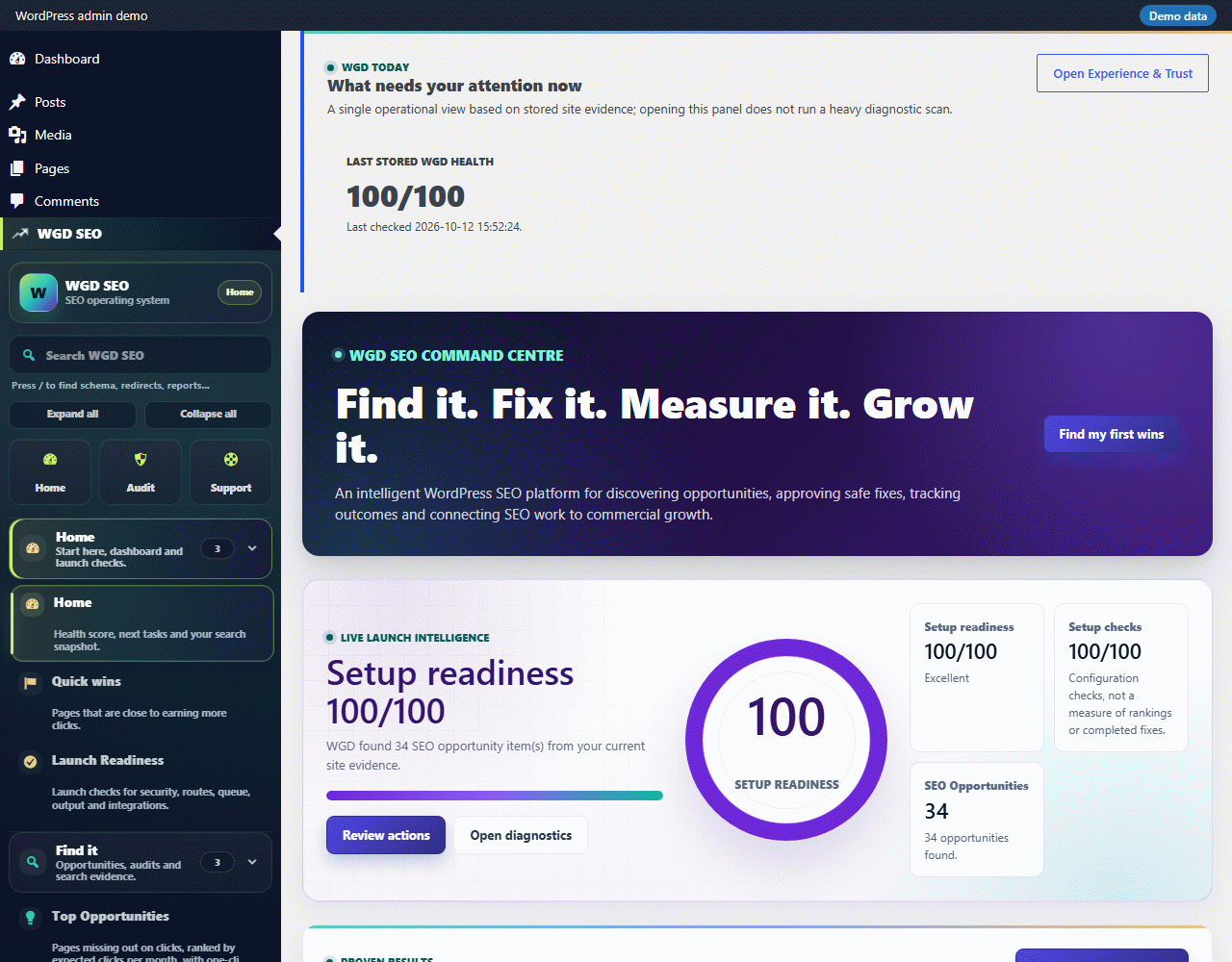
WGD SEO gives your WordPress site a complete, free SEO foundation without loading heavy scripts on public pages. Everything here is fully functional: nothing is locked, limited or gated behind a licence key.
On-page SEO
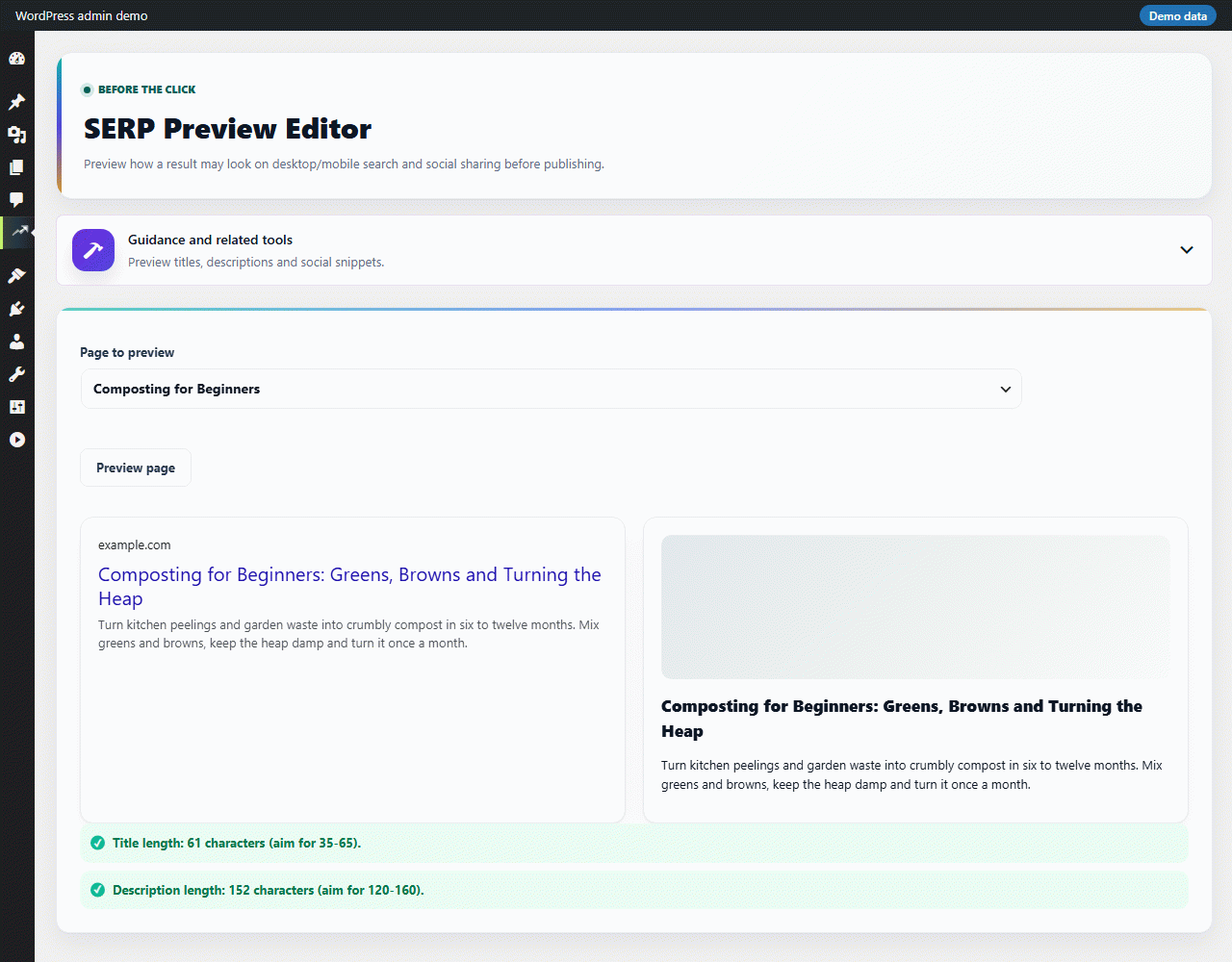
- SEO title and meta description fields for posts, pages, products and every public taxonomy, with a live snippet preview.
- Focus keyphrase, readability and content-quality scoring, including a block editor sidebar that scores drafts as you write.
- Canonical URL, noindex/nofollow and robots controls, plus noindex options for author, date and search archives.
- Open Graph and Twitter Card tags, and site verification tags for Google, Bing, Yandex and Pinterest.
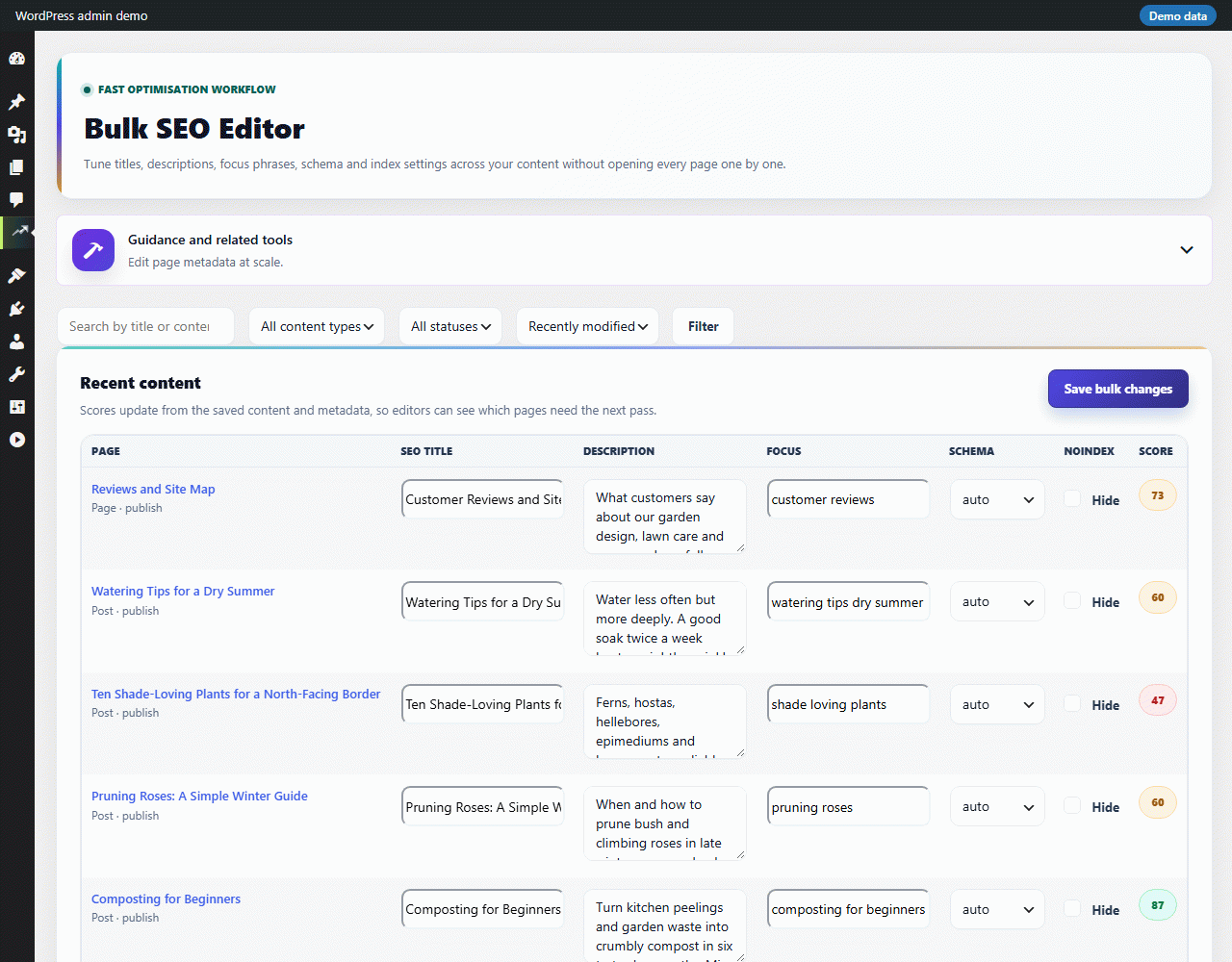
- Bulk SEO editor for posts and terms, and a change history with one-click undo.
Structured data and sitemaps
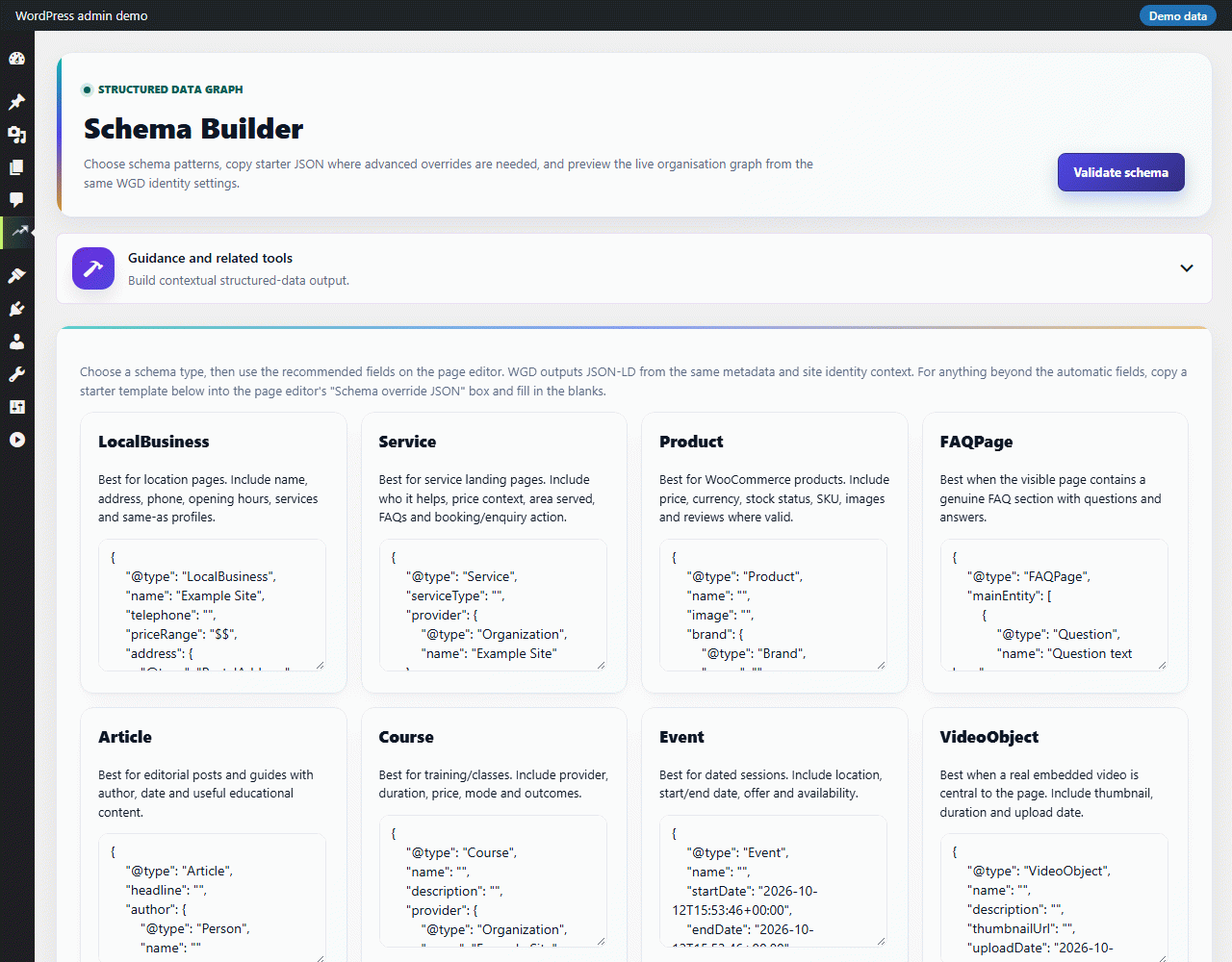
- JSON-LD schema for organisation, website, page, article, author, FAQ and breadcrumbs.
- XML sitemap index with post-type and image sitemaps, a paginated HTML sitemap, robots.txt sitemap injection and an optional llms.txt file.
- Breadcrumb, FAQ, table-of-contents, HTML sitemap and reviews shortcodes.
Technical SEO
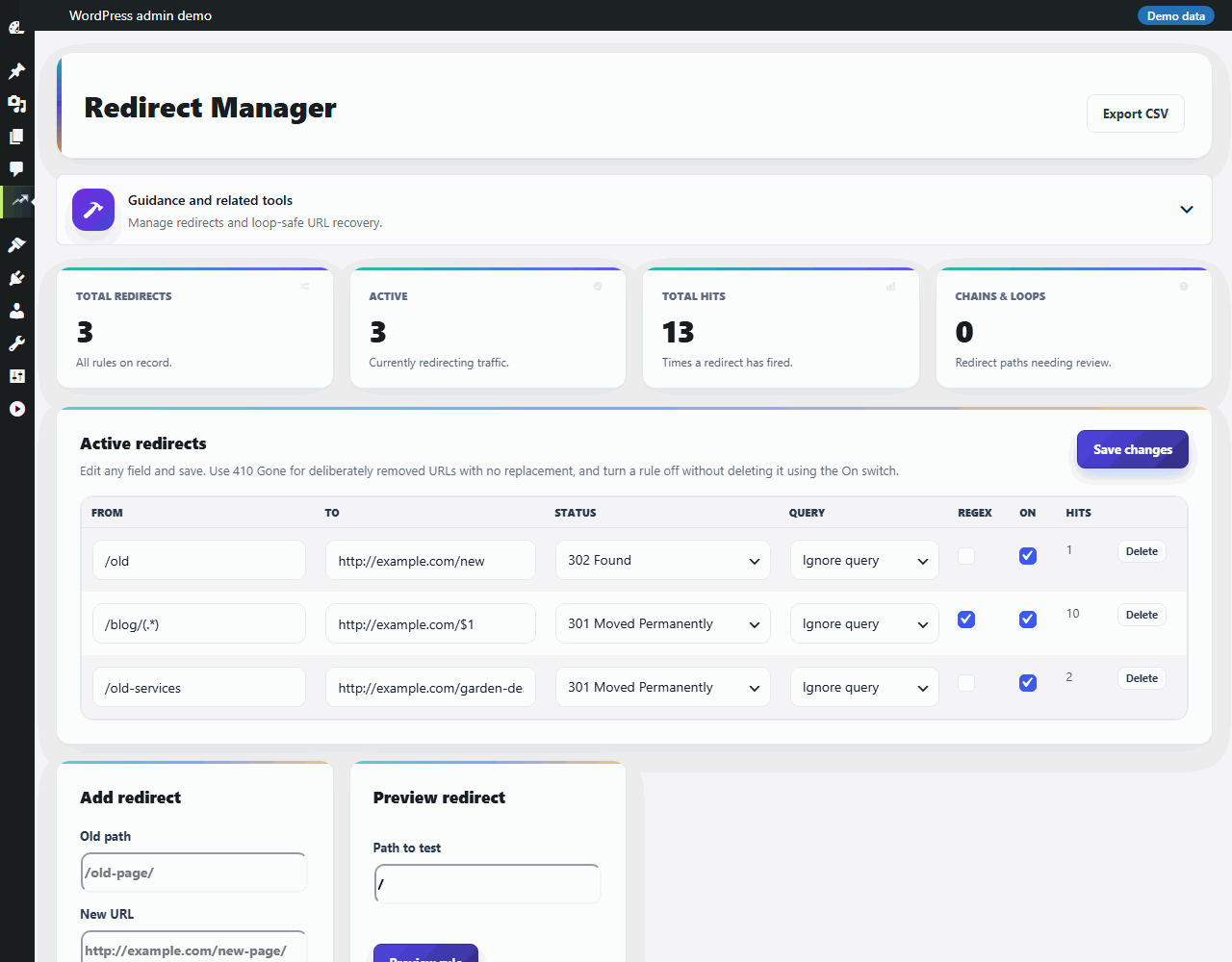
- Redirect manager with regex rules, CSV import and export and chain/loop detection, plus a 404 monitor with closest-page suggestions and one-click redirect creation.
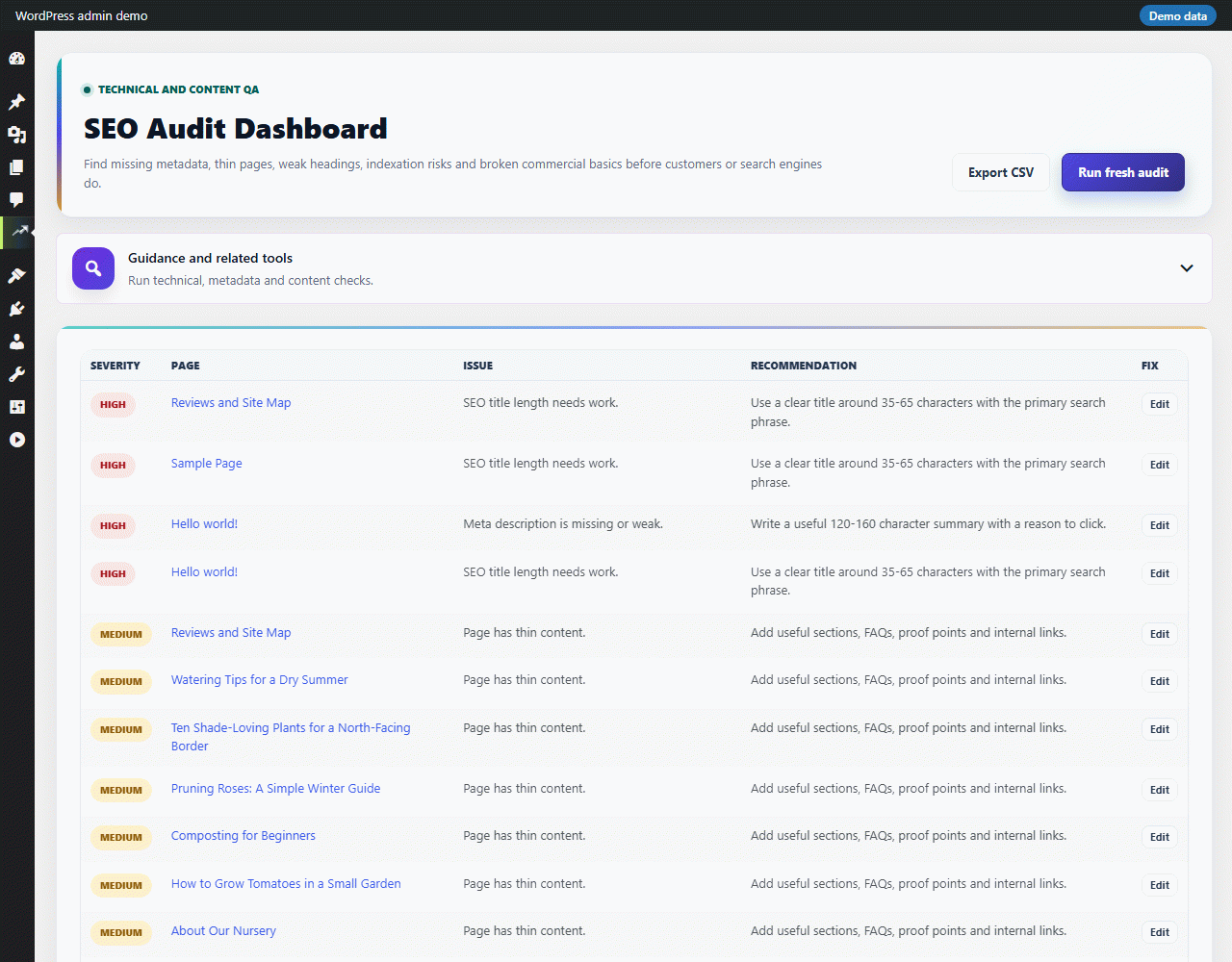
- SEO audit that flags duplicate or missing titles and descriptions, image alt text and performance issues, with an Action Centre to work through the results.
- Client-ready SEO reports, with an optional weekly or monthly email digest.
- Import existing metadata from Yoast SEO, Rank Math, AIOSEO, SEOPress and The SEO Framework.
- IndexNow key serving and URL submission.
- A Site Speed screen that runs a Google PageSpeed Insights check on a page of your site (uses your own free Google API key).
Optional integrations
- Connect Google Search Console to see clicks, impressions and keyword positions inside WordPress.
- Google Analytics 4: save a measurement ID and tick the consent box in Settings; the tag is added to your pages only then.
- Review widgets that cache Google, Facebook, Trustpilot and Yelp reviews and display them with a shortcode.
Every integration stays off until you connect it; see “External services” below for exactly what is sent and when.
External services
This plugin contacts an outside service only when you use a feature that needs one: you connect an integration, press a button that fetches or checks a page, or switch on an option that says so. Nothing is sent when you activate the plugin or from your public pages unless a section below says so, and until you connect an integration no admin screen sends anything. After you connect Google, a few report screens (Search Console, SEO Opportunities, Launch Readiness) can refresh your Google figures with the credentials you saved; that is described under Google Search Console API. There is no usage, error or licence telemetry, and no request is made to any WGD server.
Google Search Console API and Google OAuth
Used to show clicks, impressions and keyword positions for your site, and (from the URL inspector) indexing status. When you connect a property using a Google service account, the plugin exchanges the credentials you provided for an access token at oauth2.googleapis.com and requests report data from googleapis.com for the property and date ranges you choose (the token address is the one named in your service-account key, normally oauth2.googleapis.com; you can instead paste an access token). Once connected, the figures are refreshed when you open a report screen that needs them and the saved copy is older than six hours, by a short background task, and a daily background task measures the effect of fixes you applied. Clearing the saved Google credentials on the Search Console screen stops all of it. Google APIs Terms of Service: https://developers.google.com/terms — Privacy Policy: https://policies.google.com/privacy
Google Analytics 4
Off by default. Google’s gtag.js script is loaded on your public pages only when all three of these are true: a GA4 measurement ID is saved, you have ticked “My visitors have agreed to Google Analytics” in Settings, and nothing has held it back (a cookie-consent plugin can return false from the filter wgdseo_ga4_allowed for a visitor who has not agreed). Until then no script is enqueued or printed and no request is made to Google. Once it loads it runs for every visitor, including logged-in users, and visitor data is sent to Google’s collection servers, as with any Google Analytics installation; the script sets Google Analytics cookies. This plugin has no cookie banner: ticking the box is your statement that your visitors have agreed, or that you show a consent notice where the law requires one. If you also connect a GA4 property, the plugin requests report data from analyticsdata.googleapis.com using the same service-account credentials. Terms: https://policies.google.com/terms — Privacy Policy: https://policies.google.com/privacy
Google Places API (reviews)
When you connect Google reviews, the business name you type and your Google API key are sent to places.googleapis.com to find your listing; the listing’s reviews are then fetched and refreshed once a day. Reviewer pictures are not loaded from Google (or from any review platform) on your public pages: the widget shows the reviewer’s initial. Terms: https://developers.google.com/terms — Privacy Policy: https://policies.google.com/privacy
Facebook Graph API (Meta)
When you connect a Facebook Page with a Page access token, the plugin fetches that Page’s reviews from graph.facebook.com and refreshes them once a day. Terms: https://www.facebook.com/terms.php — Platform Terms: https://developers.facebook.com/terms/ — Privacy Policy: https://www.facebook.com/privacy/policy/
Trustpilot API
When you connect Trustpilot with your business unit ID and API key, reviews are fetched from api.trustpilot.com and refreshed once a day. Terms of Use and Privacy Policy for businesses (both linked from Trustpilot’s legal page): https://corporate.trustpilot.com/legal
Yelp Fusion API
When you connect Yelp with your business ID and API key, reviews are fetched from api.yelp.com and refreshed once a day. API Terms: https://terms.yelp.com/developers/api_terms/20260922_en_us/ — Privacy Policy: https://terms.yelp.com/privacy/en_us/20260101_en_us/
Google PageSpeed Insights API
The Site Speed screen and the SEO Operations Core Web Vitals check send the address of a page on your own site to googleapis.com’s PageSpeed Insights API, only when you click “Run a live check” (or “Run and compare”). Google now normally requires your own free Google Cloud API key for these requests, so add one on the Site Speed screen; without a key Google usually answers that its shared quota is used up and the screen says so. What leaves your site is the page address, the device type (mobile or desktop) and your key. Terms: https://developers.google.com/terms — Privacy Policy: https://policies.google.com/privacy
IndexNow
When you enable IndexNow, the URL of a page you publish or update, together with your IndexNow key, is sent to api.indexnow.org (operated by Microsoft Bing on behalf of participating search engines) so the page can be crawled sooner. Submissions happen when you click Submit, or automatically on publish if you turn that option on. Terms: https://www.indexnow.org/terms — Privacy Statement: https://privacy.microsoft.com/privacystatement
Pages you point the plugin at (Competitor Compare, Competitor Matrix and the broken-link checker)
Competitor Compare fetches the public page address you type in, once, when you click Compare; the Competitor Matrix does the same for up to three addresses. The broken-link checker requests (a HEAD or GET request, with no cookies and nothing about you or your site’s visitors) up to 60 external addresses that your own posts already link to, when you click Scan and in the weekly scheduled maintenance run. That weekly run is off until it is switched on in Technical SEO, and the site profiles in the Setup Wizard switch it on. Requests to private or local addresses are refused. These are requests to the sites you chose or linked to, so each site’s own terms and privacy policy apply.
Support tickets (email)
The Support screen lets you email a ticket to the plugin author. Only when you submit the form, and only after you tick the consent box, your name, email address, subject and message, the category and priority, the page address you enter, the site and admin addresses, the plugin, WordPress and PHP versions, the name of your theme and, if you tick the box, a redacted diagnostics summary are emailed from your site to sales@wgdseo.com (the recipient can be changed in Settings). No HTTP request is made to any WGD server. Privacy policy: https://wgdseo.com/privacy-policy/
Your own site
The Technical SEO, Launch Readiness and URL Inspector screens check your own site’s certificate, home page and redirects by requesting your own web address. Those requests go to your own domain only.
Data kept on your site
The 404 monitor stores, in your own database, the address, referrer and browser identification of visitors who reach a missing page, until you clear it, or until the weekly maintenance run (when switched on) removes entries not seen for 90 days. It is never sent anywhere. A monthly results summary can be e-mailed to the site administrator address when fixes have measured results; switch it off on the Results screen.
Screenshots
Installation
- Upload the plugin folder to /wp-content/plugins/, or install it from the Plugins screen, then activate it.
- Go to WGD SEO > Setup Wizard to pick a site profile and apply safe defaults.
- Edit any post or page to set its SEO title, description and focus keyphrase. Sitemaps and schema output work immediately.
FAQ
-
Is any feature locked or limited?
-
No. Every feature in this plugin works fully, with no licence key, trial period, usage quota or time limit.
-
Does the plugin use AI?
-
No. It does not connect to any AI service and sends no content to one.
-
What is WGD SEO Pro?
-
A separate plugin sold on wgdseo.com that adds AI-written articles and daily campaigns, social publishing, link outreach, Google Keyword Planner and Ahrefs file imports, rank tracking through your own search-results provider, revenue reporting and agency tools. This plugin does not depend on it, and the WGD SEO Pro screen in its menu describes the separate plugin without sending anything anywhere.
-
Does the plugin send data anywhere?
-
Only when you use a feature that needs an outside service (see “External services” for exactly what is sent and when). Nothing is sent when you activate the plugin, and there is no usage or error telemetry. Google Analytics stays off until you save a measurement ID and tick the consent box in Settings.
-
Why did Google Analytics stop loading after the update to 3.19.70?
-
Version 3.19.70 added a consent switch. The Google Analytics tag now loads only when a measurement ID is saved and you have ticked “My visitors have agreed to Google Analytics” in Settings. A site that had an ID saved before must tick the box once. The plugin had no public installs before 3.19.70, so this applies only to your own earlier test sites.
-
Where is the source for the JavaScript and CSS?
-
Every file in the assets/ folder is the readable source. There is no build step and no compiled or minified asset.
-
Can I use it alongside another SEO plugin?
-
You can import metadata from Yoast SEO, Rank Math, AIOSEO, SEOPress and The SEO Framework, but running two SEO plugins at the same time is not recommended because both will output titles, metadata and sitemaps.
Reviews

Contributors & Developers
“WGD SEO” is open source software. The following people have contributed to this plugin.
Contributors
Translate “WGD SEO” into your language.
Interested in development?
Browse the code, check out the SVN repository, or subscribe to the development log by RSS.
Changelog
3.19.70
- Security and privacy: regex redirects can no longer be turned into an off-site redirect; CSV exports no longer start a cell with a spreadsheet formula character; Contributors no longer see other authors’ drafts in the Bulk Editor, SERP Preview, Schema Validator or Social Sharing; the competitor list needs the manage capability; the “continue migration” address needs a security token; reviewer pictures are no longer loaded from Google, Trustpilot or Yelp on public pages.
- Fixes: accented and non-Latin addresses match redirect rules; no fatal error without PHP mbstring; [wgdseo_reviews] without attributes; bulk buttons on Action Centre and Change History no longer sit around the per-row forms; Opportunity apply and Undo no longer report success when a save or a restore was not confirmed; GA4 no longer shows invented 100% growth; Facebook reviews no longer report a connection that returned no reviews; sitemap and publish-time performance; WooCommerce order-storage compatibility is declared.
- Honest figures: missing Search Console and GA4 data says “Unavailable” instead of 0; opening a report screen no longer asks Google for decay data; “No analysis yet” before the first Action Centre analysis; a content opportunity and its task are counted once.
- Accessibility: Ctrl+K opens only the WGD palette; the setup wizard steps are buttons that move focus and use plainer wording; the product tour keeps focus inside its dialog; labels and contrast were corrected.
- Google Analytics now needs your confirmation: the tag loads only when a measurement ID is saved and “My visitors have agreed to Google Analytics” is ticked in Settings (and the wgdseo_ga4_allowed filter does not block it). A site that had an ID saved before must tick the box once; the plugin had no public installs before this version.
- The External services section now matches the code exactly.
- The WGD SEO Pro information screen was redesigned: it describes the separate plugin area by area with bundled screenshots of the Pro screens (demo data, local images, no remote file), lists what it adds and how it relates to this plugin, and links to the plans on wgdseo.com. It is reached from the plugin menu only: no notices elsewhere, no dashboard widget, nothing on the public site, and no price is shown.
- Hand-test fixes: the post editor’s “Schema override JSON” replaces the automatic node of the same type instead of adding a second one; the Redirect Manager confirms “Redirects saved.” and “Redirect deleted.”; the SEO Audit says an audit is queued (with the time requested) instead of “No open audit issues” until it has run; the HTTPS diagnostics probe keeps the site’s own port; selects no longer overflow their card on narrow screens; Competitor Compare and Internal Links are hidden from the menu for users who cannot open them.
3.19.63
- Opportunity records keep their correct field types whatever order a caller supplies the fields in.
Earlier releases are listed in CHANGELOG.md inside the plugin folder.