

Description
Sole Engine gives a WordPress site a single AI connection. You enter one key in
one settings page, and every plugin using WordPress’s AI features uses it,
including future plugins by Sole Computer.
- One key configures AI for the whole site
- Semantic indexing of your content
- A local PHP API other plugins call
- Block any plugin from using the engine
- If the service is unreachable, your site keeps working. The plugin is built
so that its own failure does not break the site.
External services
This plugin relies on Sole Engine, an external service operated by Sole
Computer (https://sole.computer). The plugin cannot perform AI work without
it, and it requires an active Sole Account membership at sole.computer.
Terms of service: https://sole.computer/wordpress/engine/terms.html
Privacy policy: https://sole.computer/wordpress/engine/privacy.html
The plugin contacts engine.sole.computer over HTTPS. Keys are created and
revoked at https://account.sole.computer/.
What is sent, and when. When a plugin asks the engine to do AI work, the
plugin sends the content for that operation and the credentials to authenticate
it. With semantic features enabled, saving a post sends its content for
indexing, and deleting or unpublishing one sends a request to remove it;
background jobs send queued content for the same purpose. The settings screen
checks whether a saved key is accepted.
Stored data. With semantic features enabled, content and its index data are
stored by the service so search works across requests. Turning semantic features
off stops this, and stored data can be purged from the settings page.
Licence
See LICENSE and SOLE-ADDITIONAL-TERMS.txt for the SOLE Section-7 notice.
Copyright (C) 2026 Sole Computer.
Source code
The complete, human-readable source of each release is published at https://github.com/solecomputer/sole-engine. The distributed admin.js is directly maintained readable source; no bundler or minifier is used. Release packages are generated by a deterministic allowlisted packaging step that normalizes line endings and removes non-distributed comments.
Screenshots
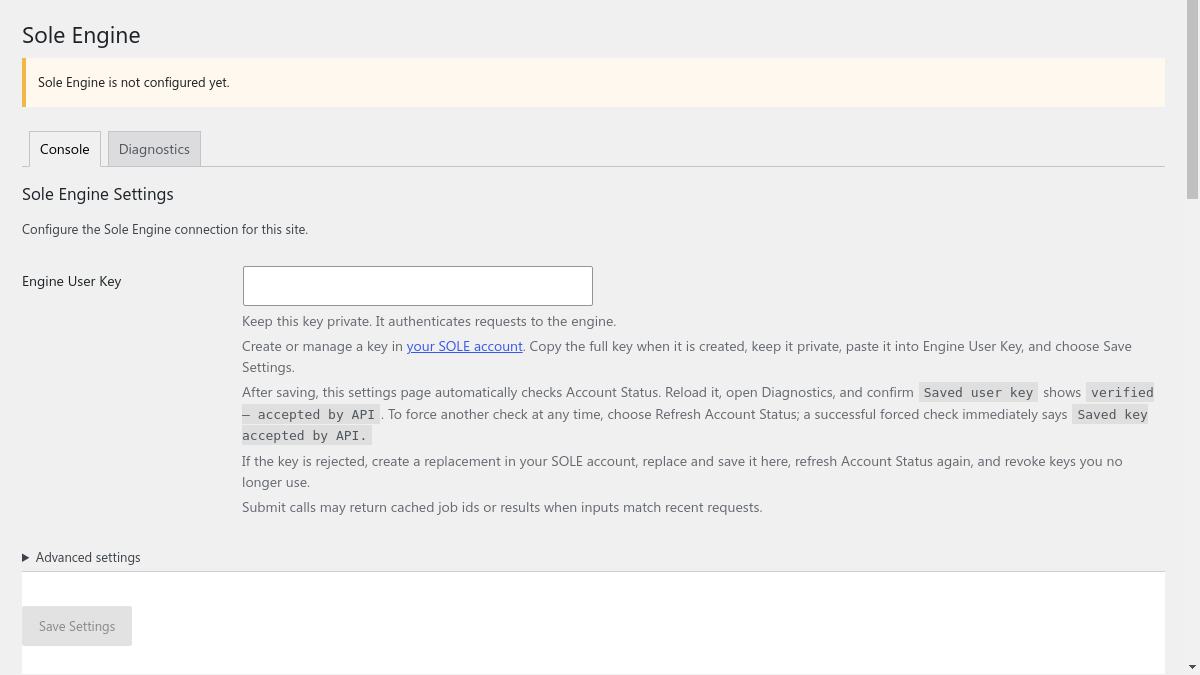
Installation
- Install and activate Sole Engine.
- Open https://account.sole.computer/ and create a key.
- Paste it into Settings > Sole Engine and save.
FAQ
-
Do I need a key?
-
Yes. Without one the plugin installs and activates normally but performs no AI
work. -
Can I stop content being stored?
-
Yes. Turn semantic features off, and purge stored data from the settings page.
Reviews
There are no reviews for this plugin.
Contributors & Developers
“Sole Engine – AI LLM Provider” is open source software. The following people have contributed to this plugin.
Contributors
Translate “Sole Engine – AI LLM Provider” into your language.
Interested in development?
Browse the code, check out the SVN repository, or subscribe to the development log by RSS.
Changelog
1.0.0
- Initial release.