
Description
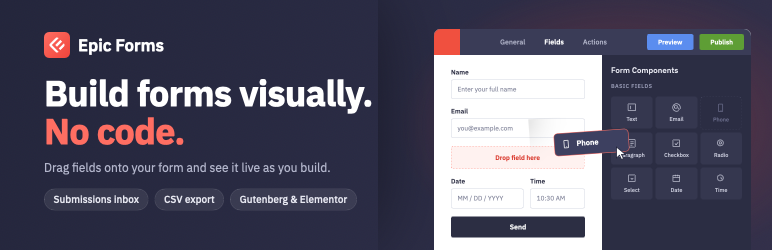
Epic Forms lets you build forms with a visual drag-and-drop editor. No coding required.
Features
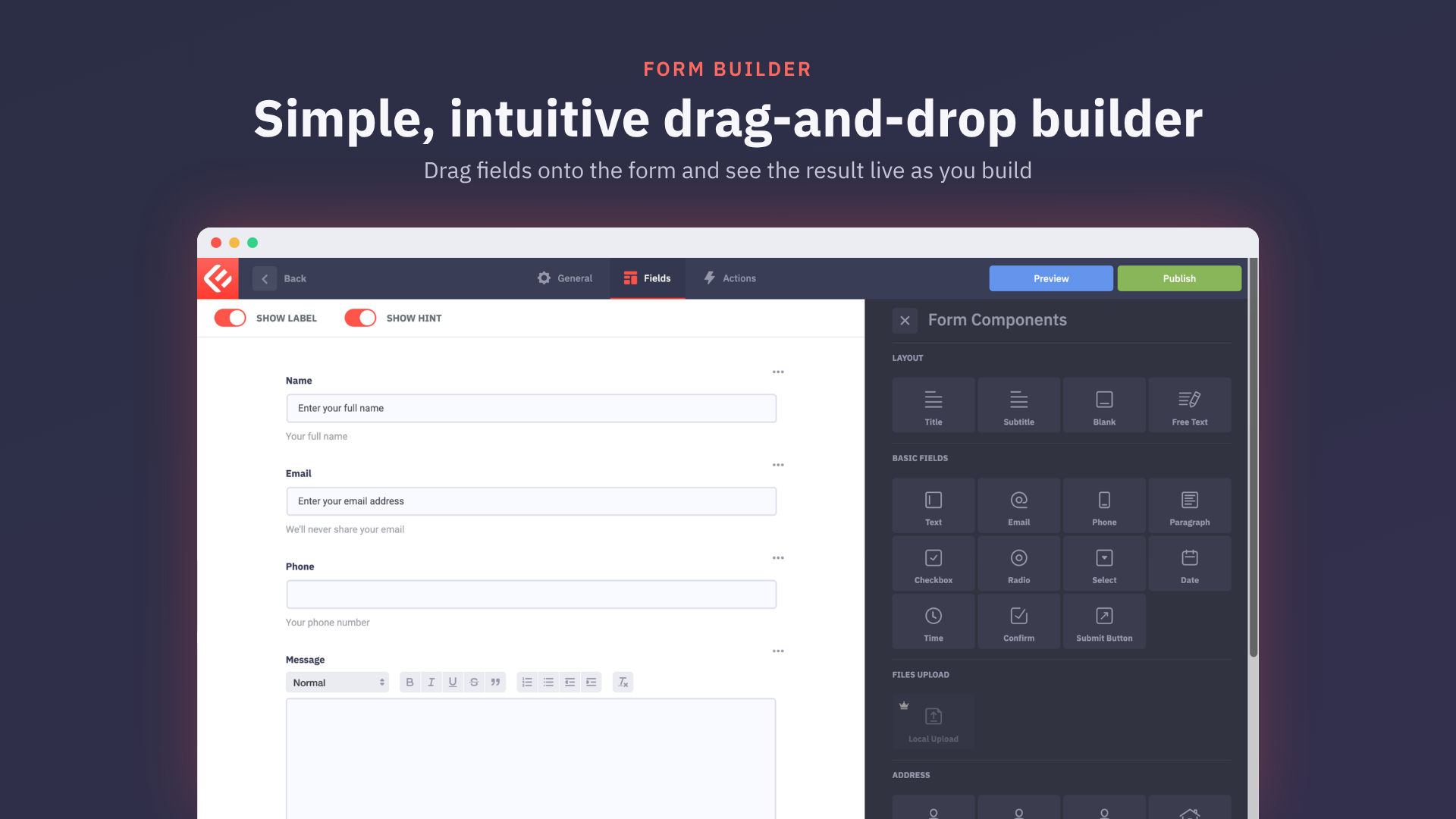
- Drag-and-drop form builder with a live preview
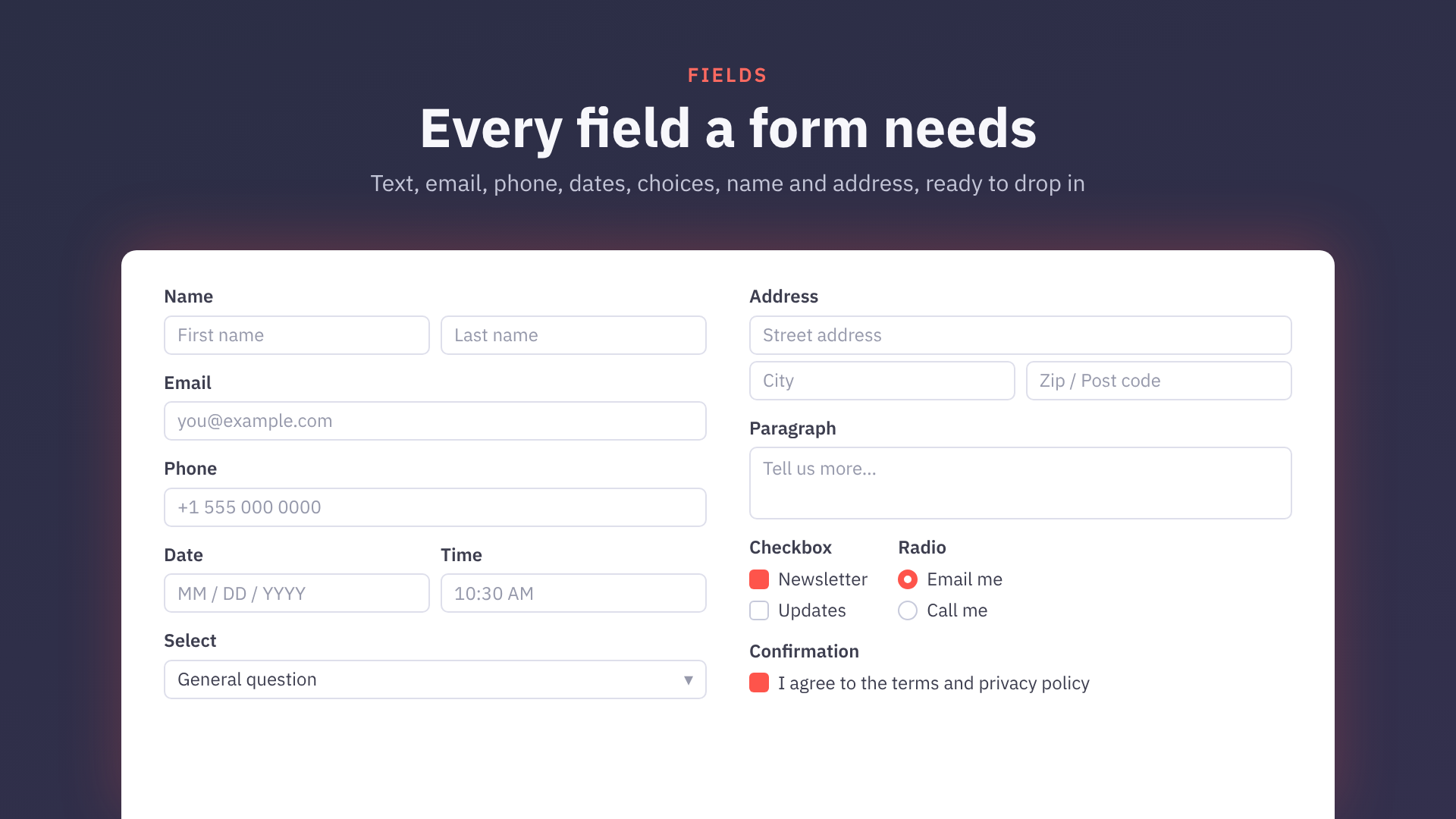
- Text, email, phone, paragraph, checkbox, radio, select, date, time, confirmation, name and address fields
- Success, failure and processing messages
- Email notifications to site owners
- Submissions inbox with read/unread status
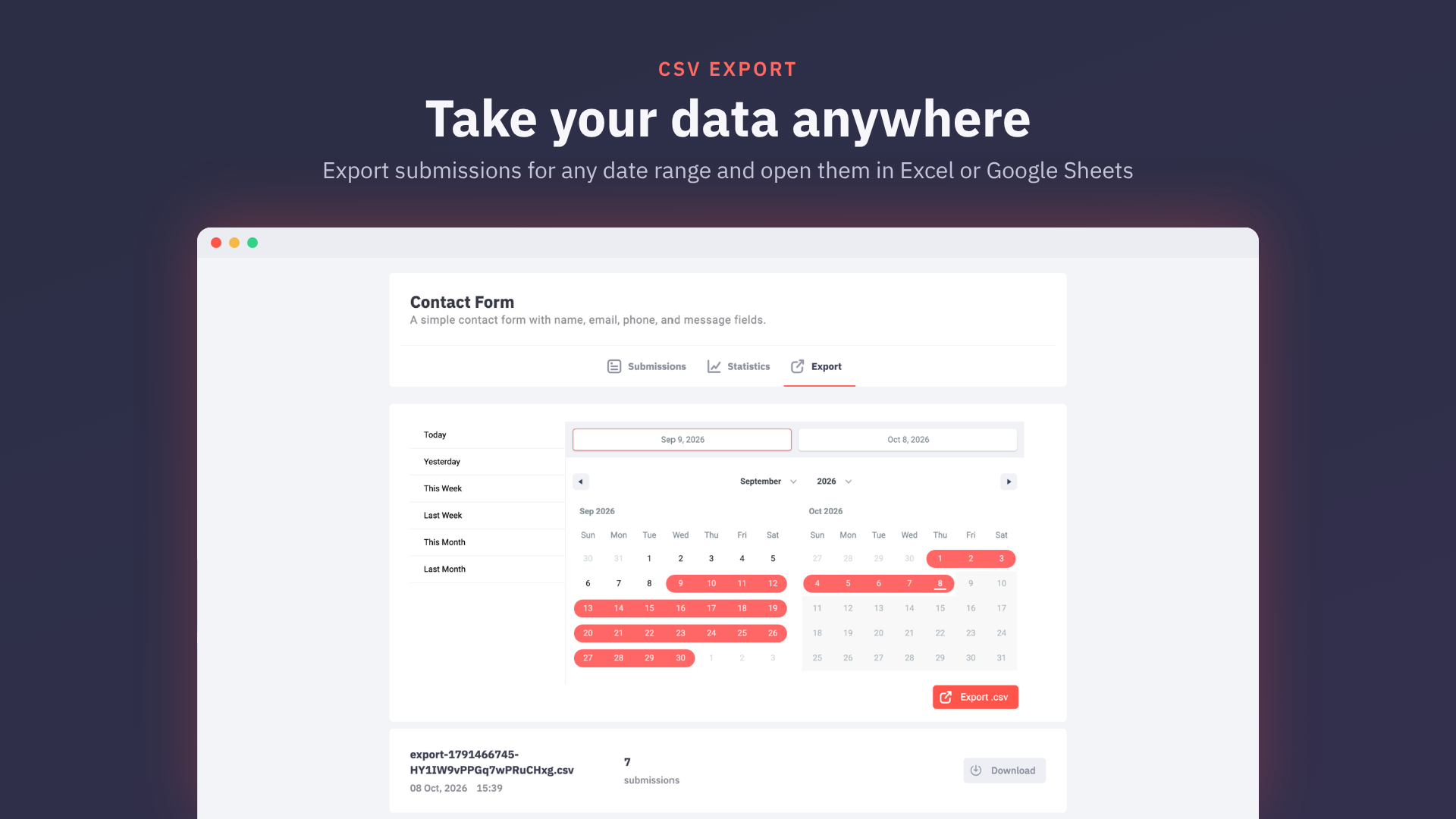
- CSV export of submissions
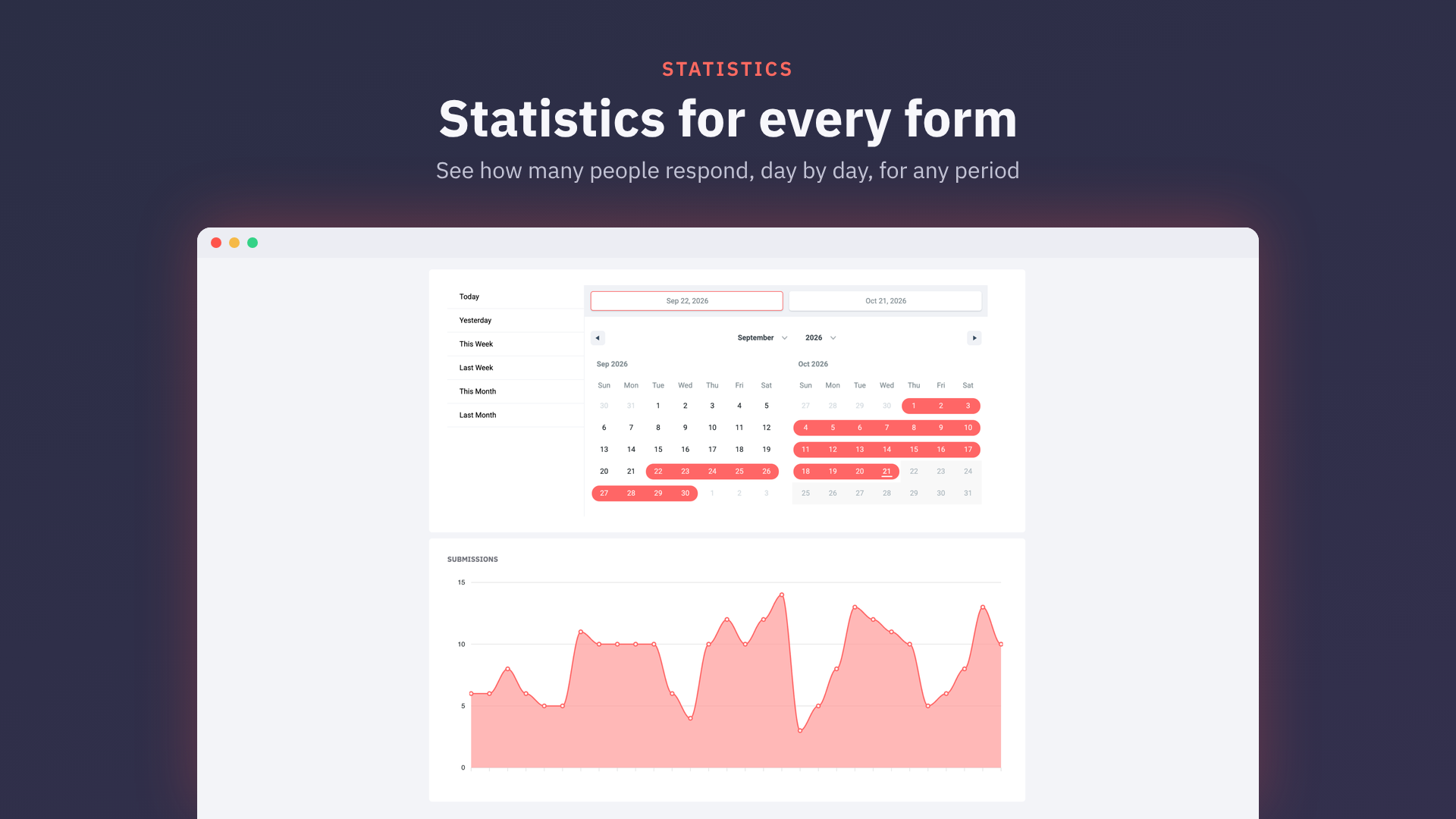
- Per-form statistics
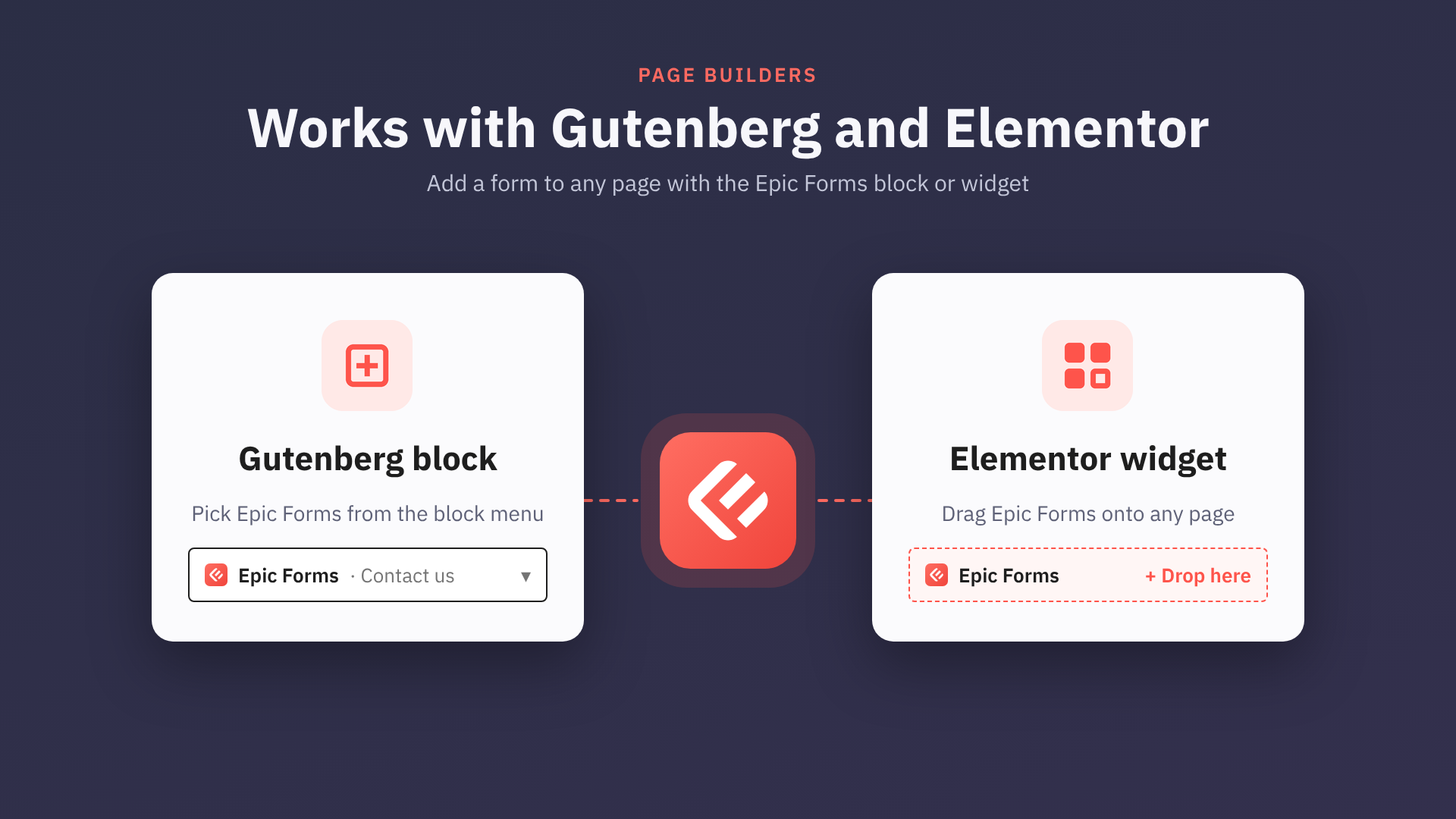
- Gutenberg block and Elementor widget
- Personal-data export and erasure through the WordPress privacy tools
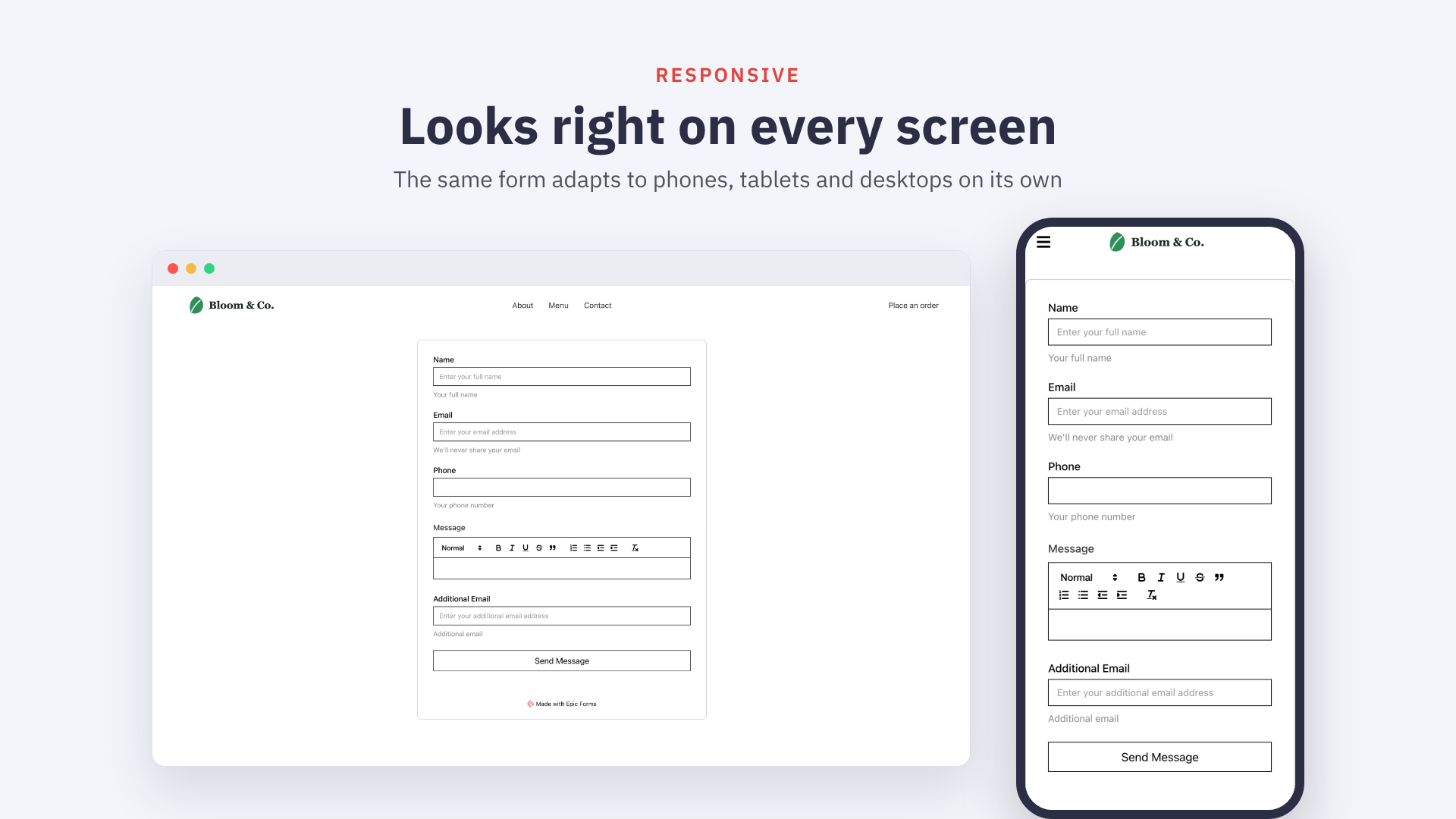
- Responsive and mobile-friendly
Every feature included in this plugin is fully available; nothing is locked or time-limited.
Epic Forms Pro
Epic Forms Pro is a separate, paid plugin that adds payments (Stripe, PayPal and Authorize.Net) with pricing and total fields, file uploads to Amazon S3, Cloudflare R2 and Google Cloud Storage, signatures, Mailchimp, Google Sheets, Zapier, reCAPTCHA v3, autoresponder emails and redirects after submission. It is available from epicformbuilder.com and is not required to use Epic Forms.
External services
This plugin does not connect to any external service. Epic Forms Pro documents the services it uses in its own readme.
Source Code and Build Tools
This plugin ships its complete, human-readable source code together with the build configuration, so the compiled bundles can be reproduced from the package itself. The JavaScript bundles in dist/ are built from the TypeScript/React source in the src/ directory using the included Vite configuration.
To rebuild the bundles from source:
- Install Node.js 20+ and run
npm installin the plugin directory. - Run
npm run build:all:production. The output is written todist/.
PHP dependencies in vendor/ are managed with Composer (composer install --no-dev) from the included composer.json.
Screenshots


Blocks
This plugin provides 1 block.
- Epic Forms Embed a form from Epic Forms plugin.
Installation
- Upload the
epicformsfolder to/wp-content/plugins/ - Activate the plugin through the ‘Plugins’ menu in WordPress
- Go to Epic Forms in the admin menu to create your first form
FAQ
-
Do I need coding skills to use Epic Forms?
-
No. Epic Forms provides a visual drag-and-drop builder that requires no coding.
-
Does Epic Forms work with Gutenberg?
-
Yes. Epic Forms includes a native Gutenberg block for embedding forms.
-
Does Epic Forms work with Elementor?
-
Yes. Epic Forms includes a dedicated Elementor widget.
-
Why do some cells in an exported CSV file start with an apostrophe?
-
Form submissions can contain any text, including text that a spreadsheet reads as a formula rather than as data. A value that begins with
=,+,-, or@(or a tab or carriage return) would be evaluated by Excel, Google Sheets, or LibreOffice when the export is opened, which lets a visitor turn a submitted answer into a command that runs on the computer of whoever opens the file. This is known as CSV (or formula) injection.To prevent that, Epic Forms prefixes such values with a single quote when writing the CSV file, which marks the cell as plain text. Spreadsheet applications consume that quote on import, so the cell still shows exactly what was submitted. Values that are purely numeric (for example
-5) carry no formula and are exported unchanged, so they stay usable in calculations. -
Does Epic Forms add a credit link to my forms?
-
Only if you turn it on. Settings “Show ‘Made with Epic Forms’ badge on forms” is off by default.
-
Does uninstalling Epic Forms delete my data?
-
Only if you ask it to. By default your forms, submissions, statistics and
uploaded files are kept when the plugin is deleted, so reinstalling brings them
back. Tick “Delete all Epic Forms data when the plugin is deleted” under Epic
Forms Settings and deleting the plugin removes its database tables,
options and the uploads/epicforms directory permanently. Deactivating the plugin
never removes anything.
Reviews
There are no reviews for this plugin.
Contributors & Developers
“Epic Forms” is open source software. The following people have contributed to this plugin.
Contributors
Translate “Epic Forms” into your language.
Interested in development?
Browse the code, check out the SVN repository, or subscribe to the development log by RSS.
Changelog
1.0.1
- Added: let add-ons dock a panel beside the form editor
- Fixed: save the form description as you type it
- Fixed: keep the form block and widget working when one form can’t be read
- Fixed: say an add-on failed to load instead of calling its fields missing
- Fixed: show add-on fields reliably in Safari on pages with several forms
- Fixed: link the Google Sheets teaser to its own page
1.0.0
- Initial public release.
- Drag-and-drop form builder with a live preview.
- Text, email, phone, paragraph, checkbox, radio, select, date, time, confirmation, name and address fields.
- Success, failure and processing messages.
- Email notifications to site owners.
- Submissions inbox with read/unread status.
- CSV export of submissions.
- Per-form statistics.
- Gutenberg block and Elementor widget.
- Personal-data export and erasure through the WordPress privacy tools.