

Description
Book appointments directly from your WordPress website
Bookminto adds a modern appointment booking experience to WordPress.
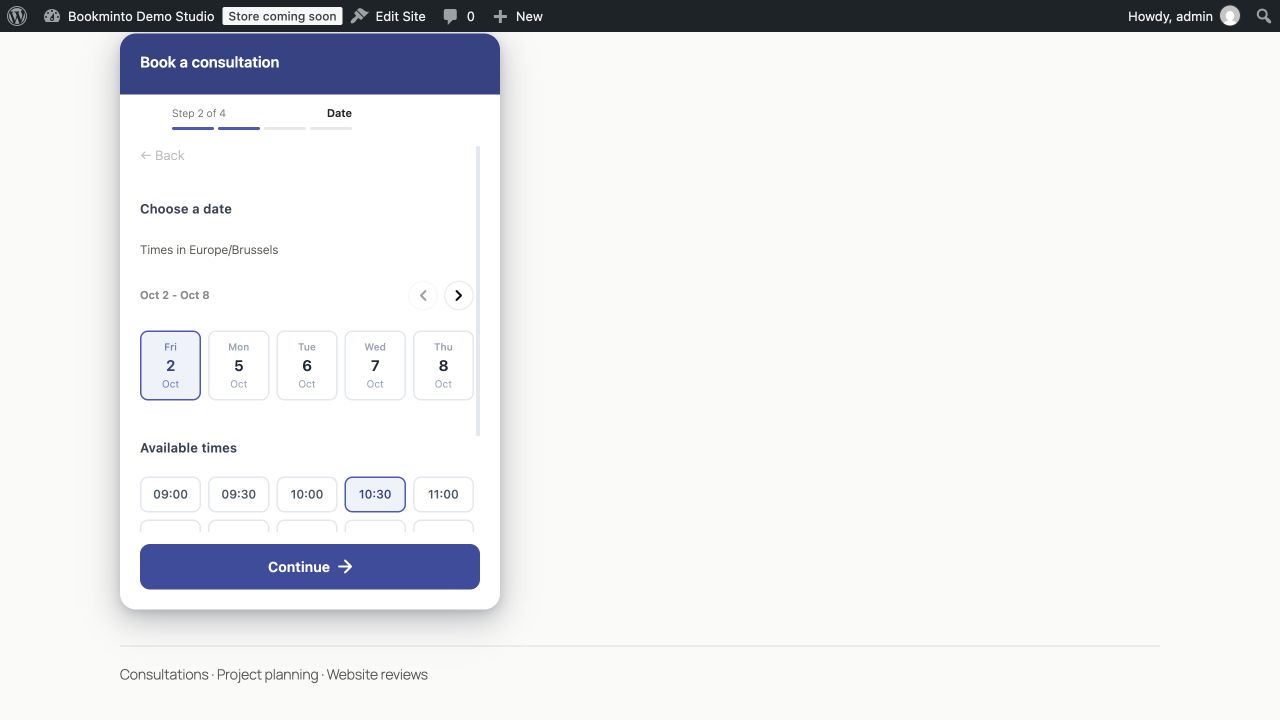
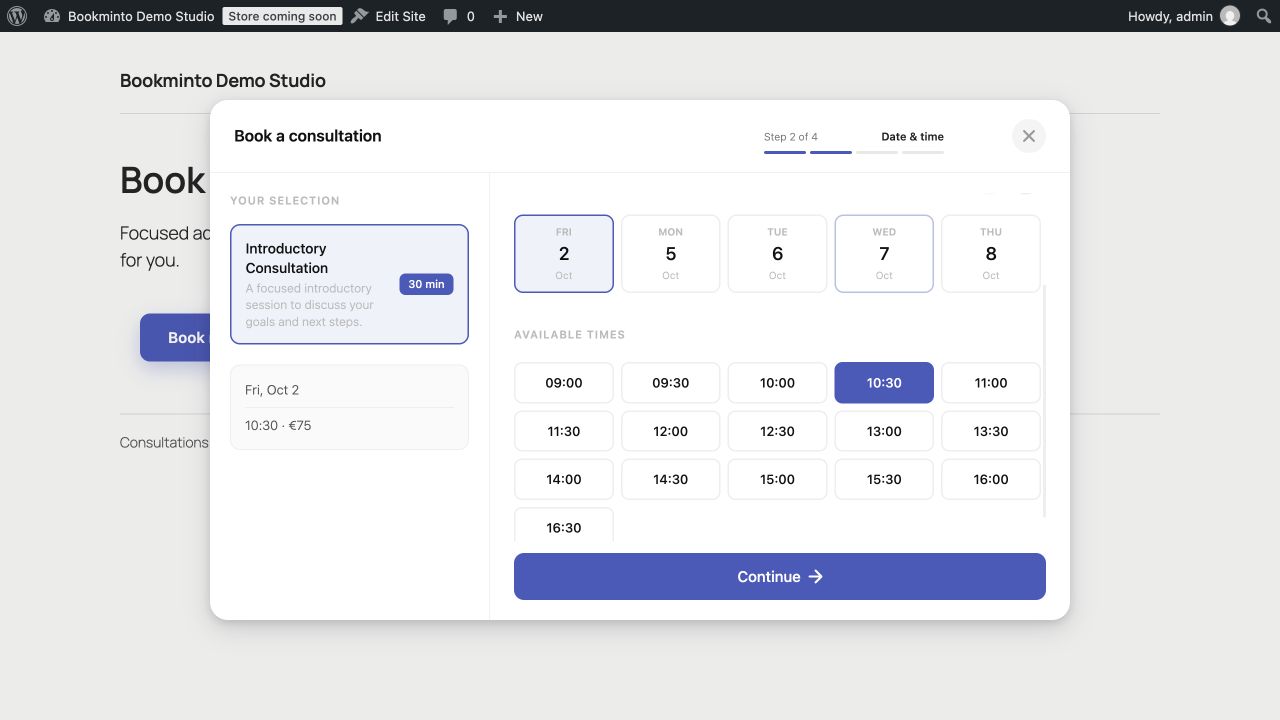
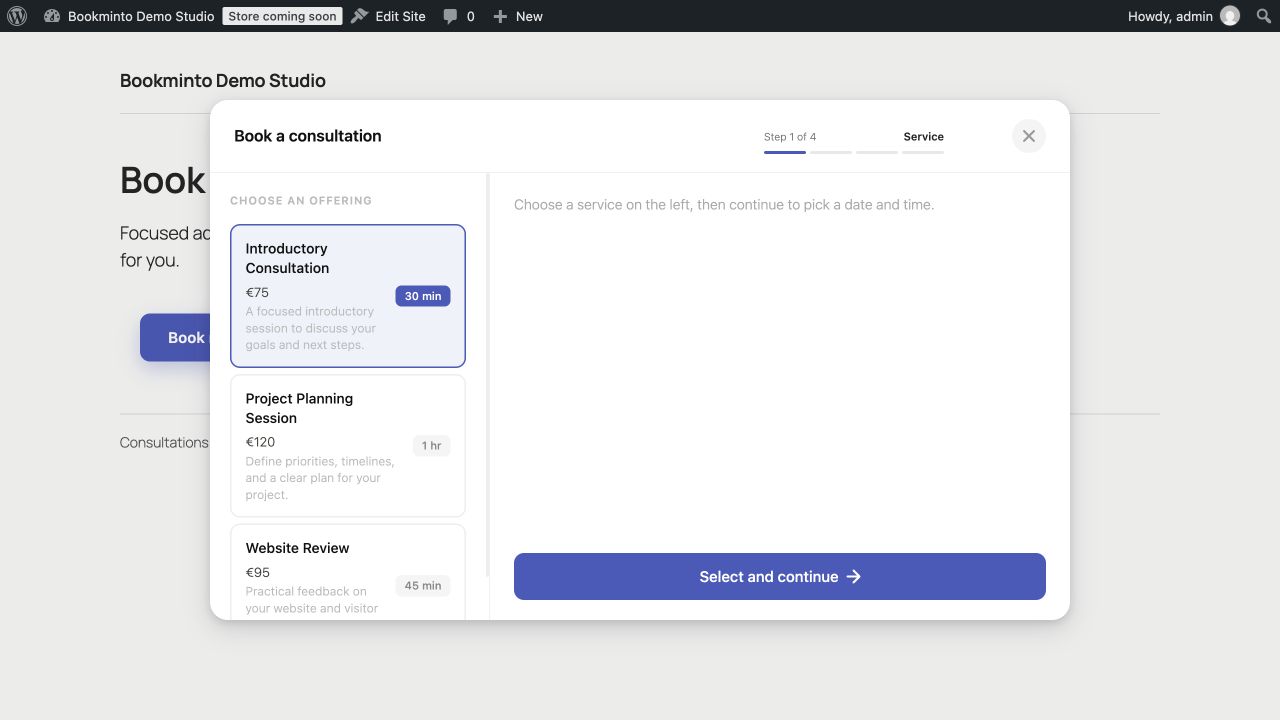
Let visitors choose a service, find an available time and book directly from your website — without sending them through a complicated booking process.
Manage your services, availability and bookings in Bookminto, while the booking experience stays where it belongs: on your website.
Booking that fits your website
Not every website needs the same booking flow.
Bookminto gives you several ways to make appointments available:
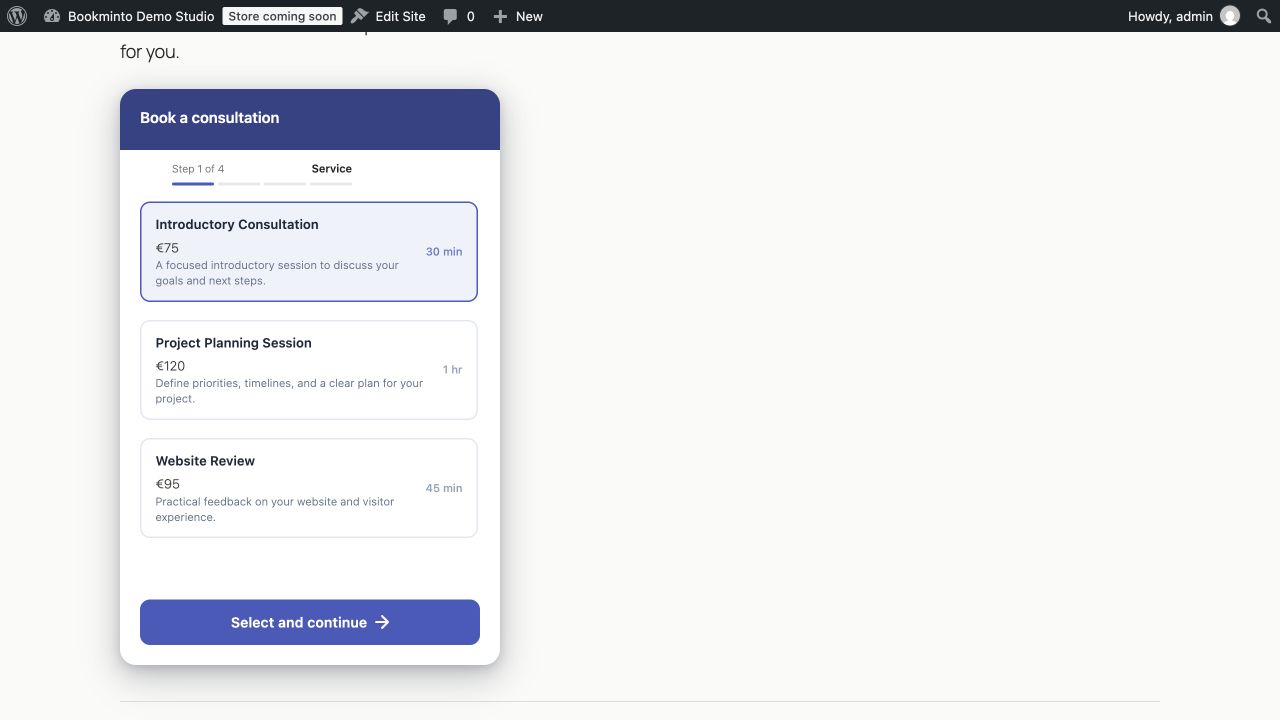
- Inline booking — embed the complete booking experience directly in a page.
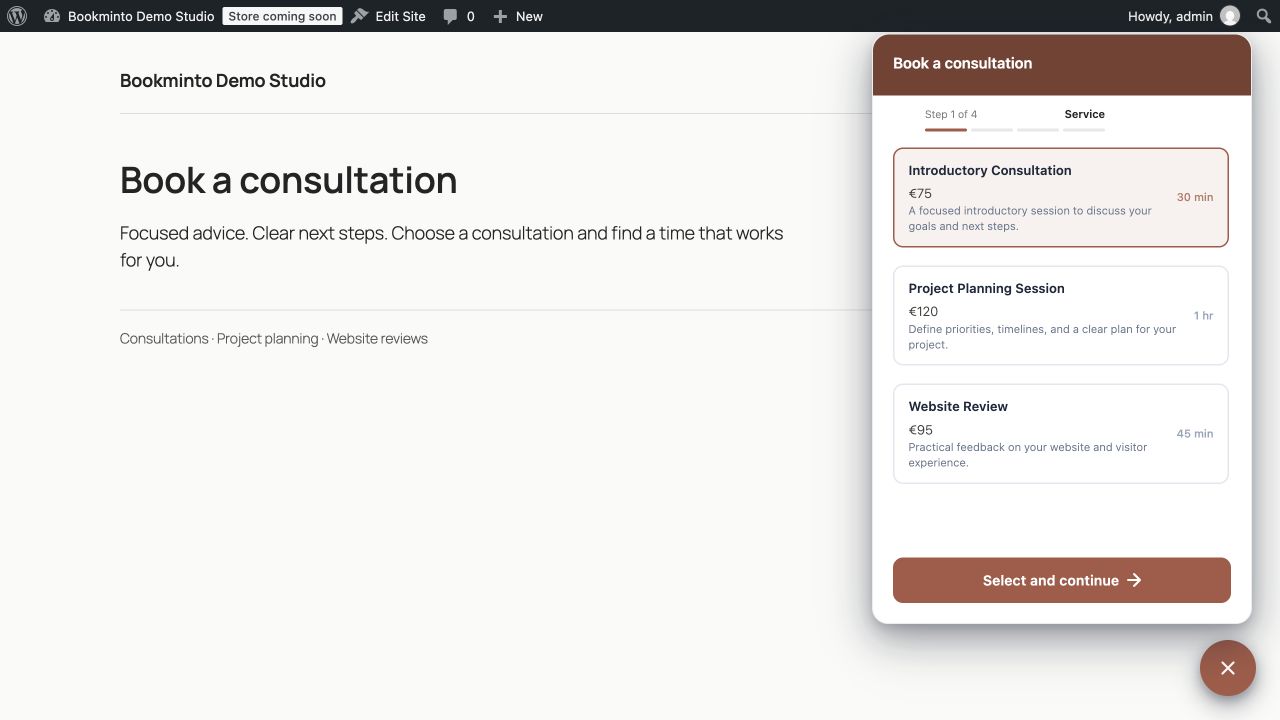
- Floating booking button — keep booking available while visitors browse your site.
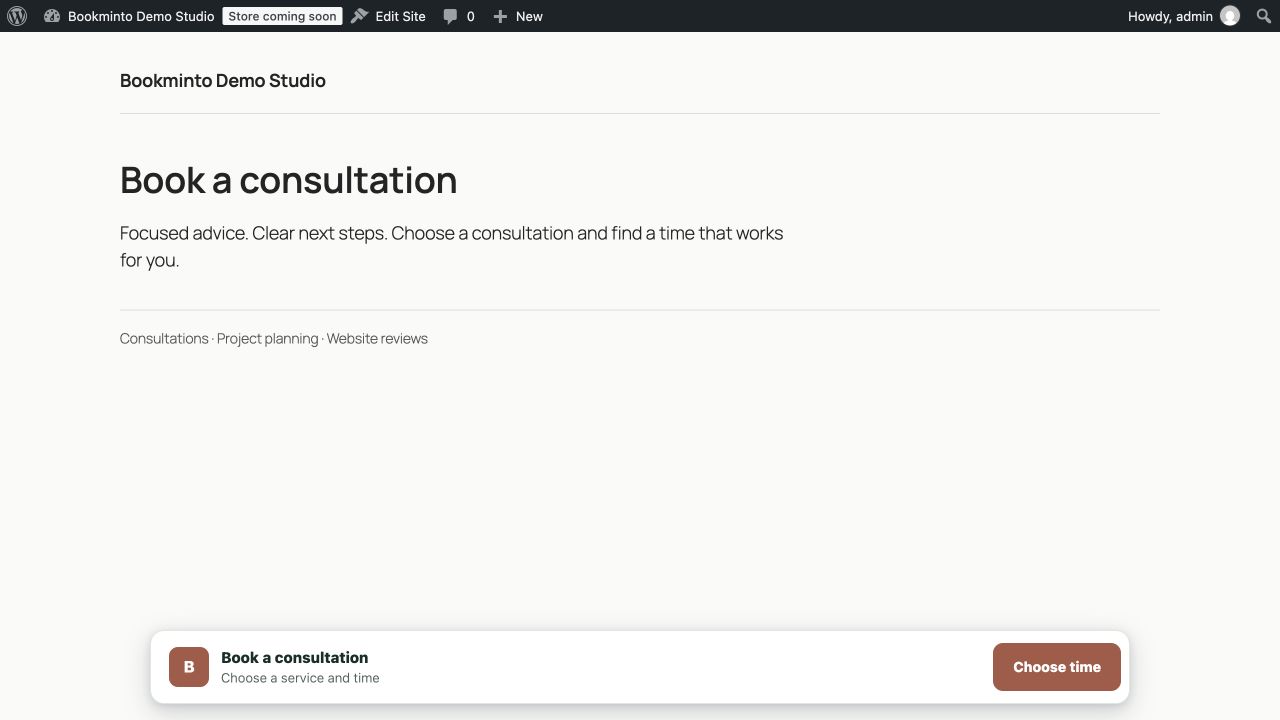
- Booking bar — add a compact booking action without taking over the page.
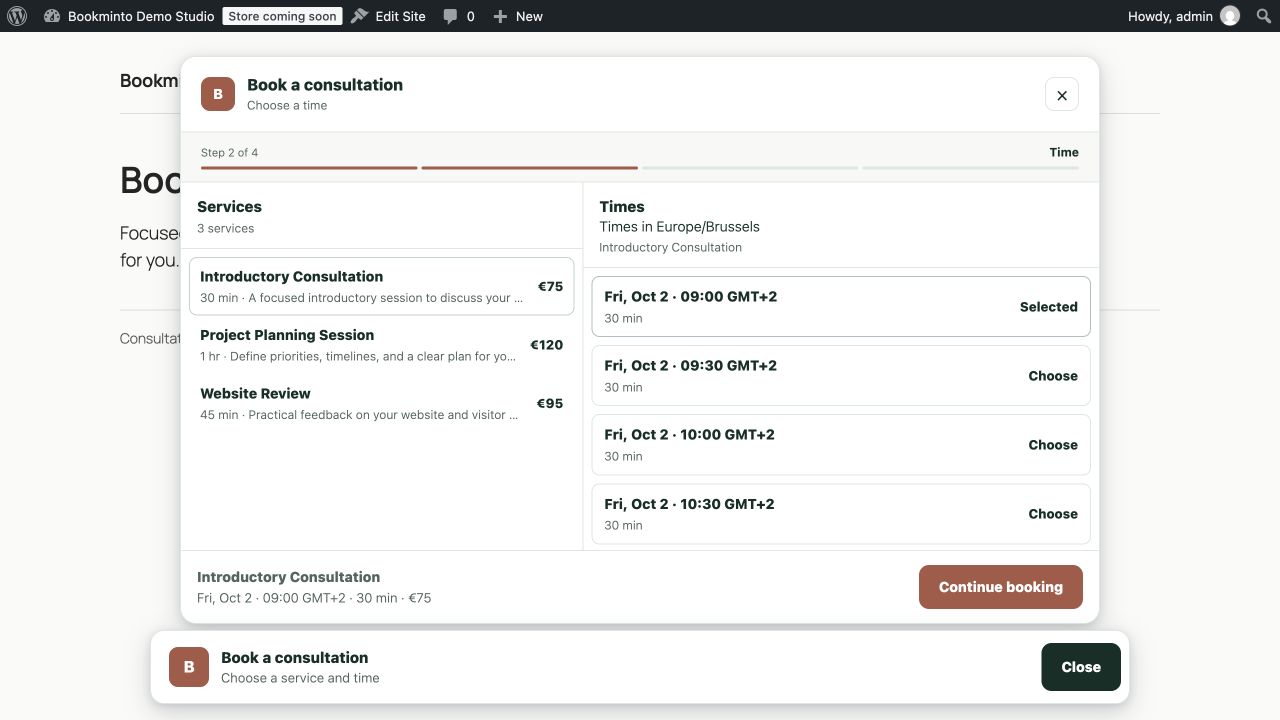
- Popup booking — open the booking flow when visitors are ready to book.
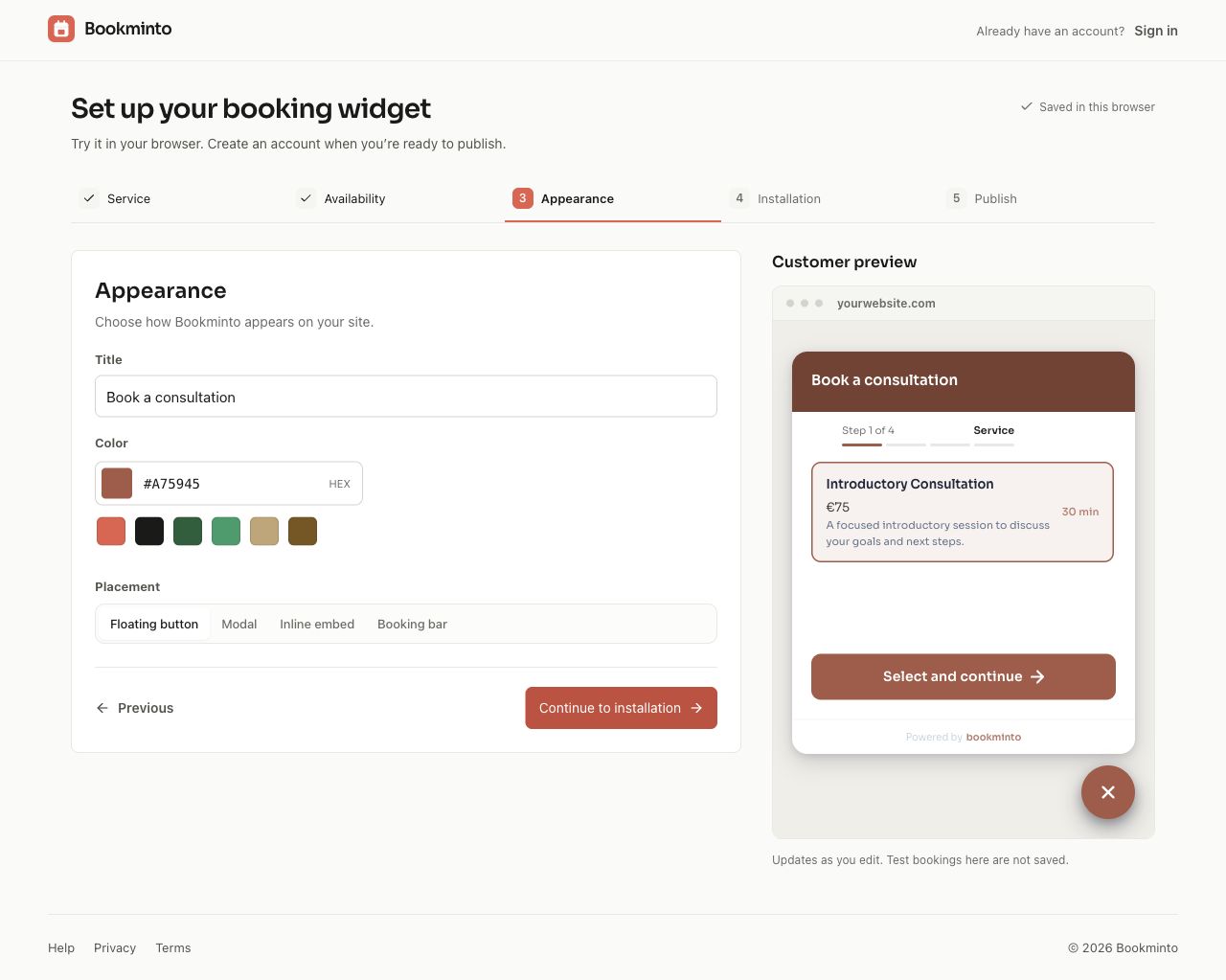
Customize the appearance to better match your website and brand.
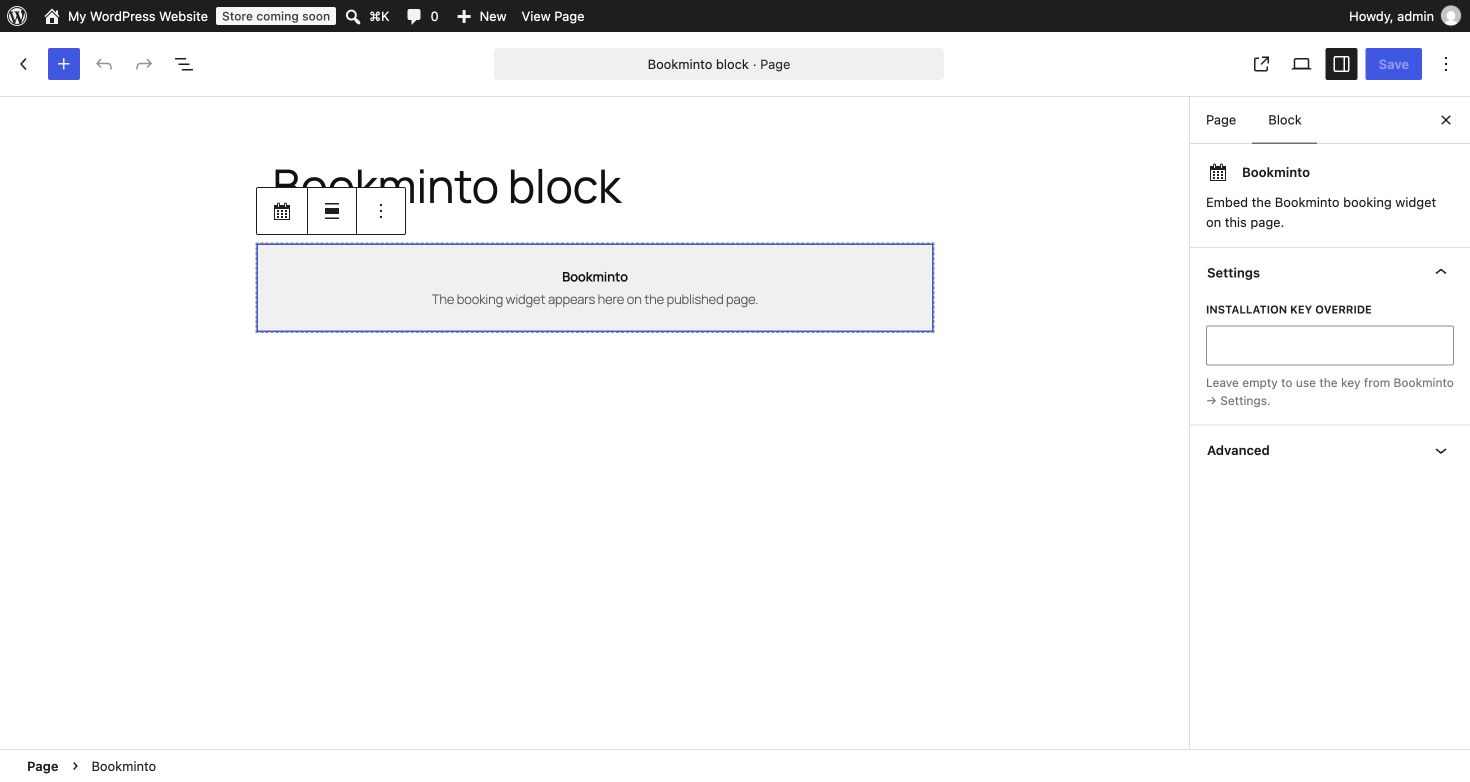
Use the Bookminto block in the WordPress editor, or place the booking experience manually with a shortcode.
A clear booking flow for your customers
Customers can:
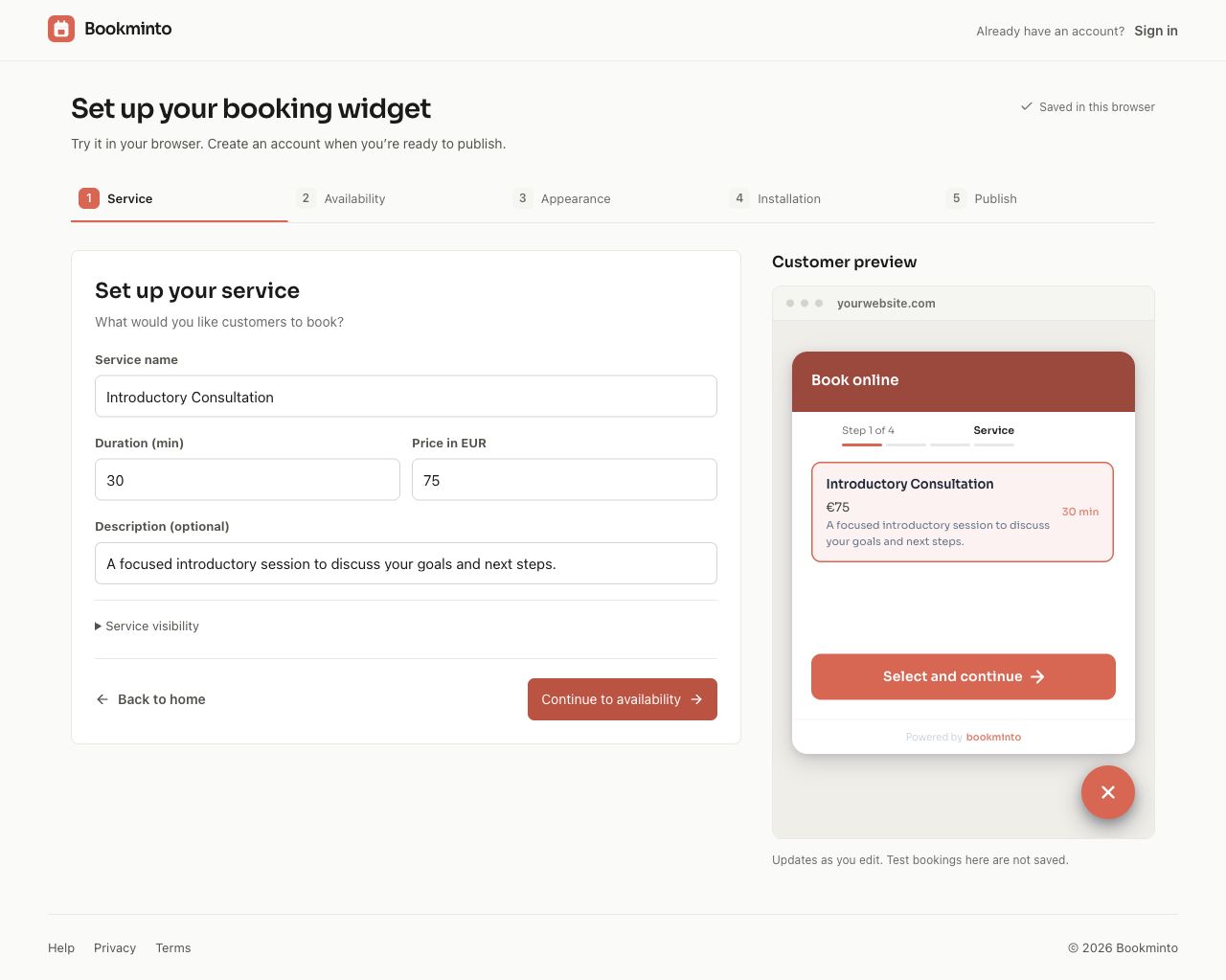
- Choose a service.
- View available dates and times.
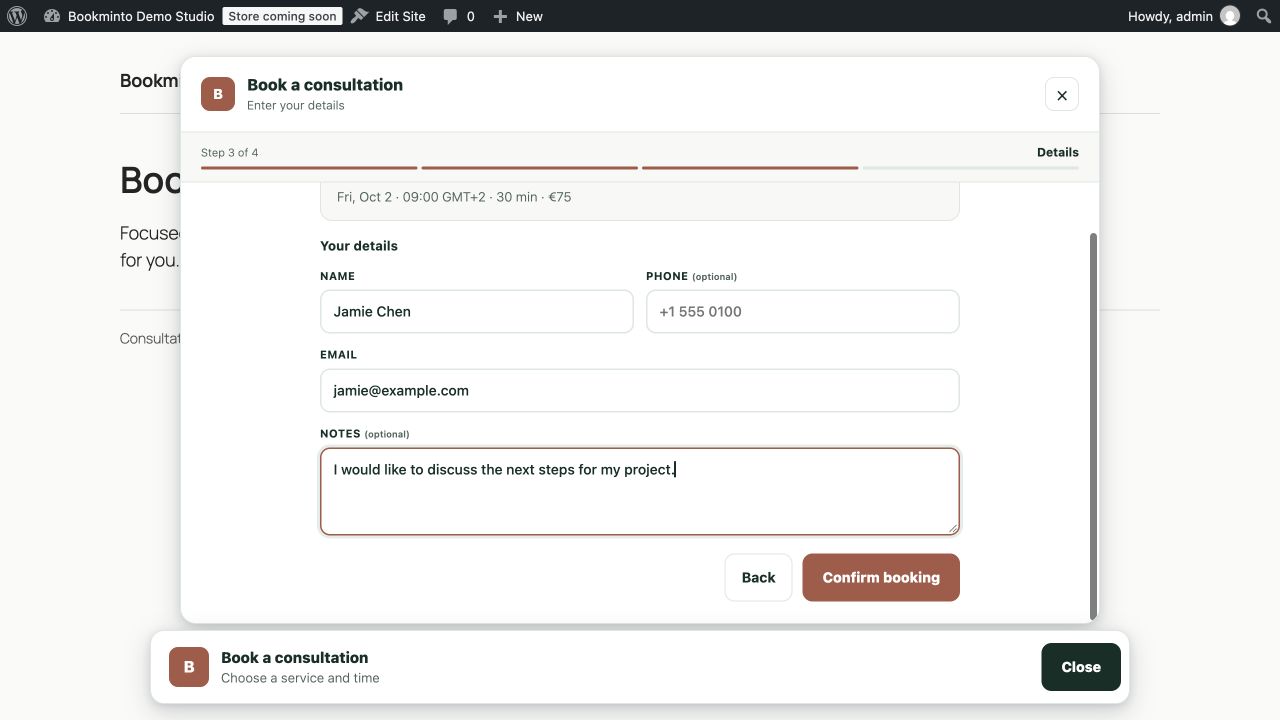
- Enter their contact details.
- Add booking information or notes where available.
- Confirm their appointment directly from your website.
Availability comes from your Bookminto setup, so customers are offered times that are available for the selected service.
Manage bookings in one place
Bookminto gives you a central place to manage the booking side of your business, including:
- Services and pricing.
- Service duration.
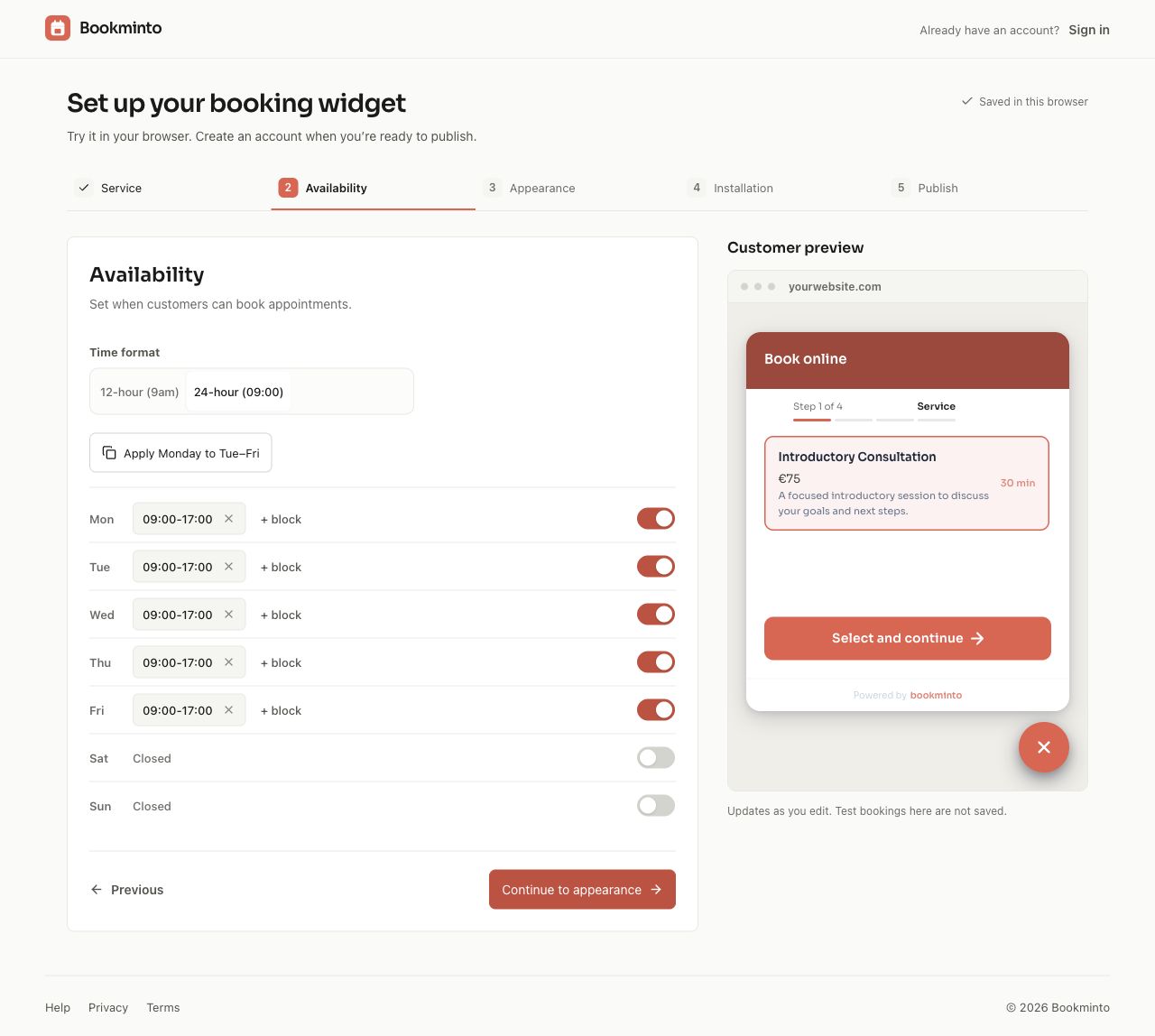
- Weekly availability.
- Appointments.
- Customer information.
- Booking appearance and settings.
Bookminto is designed for appointment-based businesses such as salons, wellness professionals, clinics, consultants, coaches and other service providers.
Already using WooCommerce?
Bookminto can connect appointments to WooCommerce products.
Customers select their appointment from the product page and continue through your existing WooCommerce checkout.
This lets you keep the checkout and payment setup you already use while adding appointment selection to the purchasing flow.
Optional booking deposits with Stripe
Bookminto can also collect a deposit during the booking process when deposits are enabled for your account.
Payment details are handled securely by Stripe Elements. Raw card information is not sent to or stored by Bookminto.
Start with free Pro access during beta
The WordPress plugin itself is free and open source.
A Bookminto account is required because availability, bookings and related booking services are provided through the Bookminto service.
During the Bookminto beta period, Pro service access is available without charge and without requiring a credit card.
After the beta period, an eligible paid Bookminto service plan will be required to continue accepting new bookings.
There is no local trial timer or paid-code lock inside the WordPress plugin. Account plans apply to the external Bookminto service.
See the current Bookminto plans and beta conditions for details.
External services
Bookminto is a Software as a Service (SaaS) product. This WordPress plugin connects your website to the Bookminto service in order to provide booking functionality.
The plugin communicates with:
https://api.bookminto.com/v1
The Bookminto service is used to:
- Load the booking configuration associated with your installation.
- Retrieve services and availability.
- Create and manage booking holds.
- Create and confirm appointments.
- Synchronize supported WooCommerce product and service information.
- Process signed booking, payment and cancellation updates where applicable.
Depending on the feature being used, information sent to Bookminto can include:
- The Bookminto installation key.
- The website or page URL.
- Selected service.
- Selected date and time.
- Customer name.
- Customer email address.
- Booking information supplied by the customer.
- WooCommerce order identifiers when WooCommerce booking is used.
Bookminto service:
Terms of Service:
https://app.bookminto.com/terms
Privacy Policy:
https://app.bookminto.com/privacy
Stripe
When optional booking deposits are enabled, the booking interface loads Stripe.js from:
https://js.stripe.com/v3/
Stripe processes payment details and associated device/network information required to process the payment.
Bookminto receives payment identifiers and payment status information, but does not receive raw card details.
Stripe documentation:
Stripe Terms:
Stripe Privacy Policy:
WooCommerce bookings use the payment method configured by the WordPress website owner in WooCommerce rather than a Bookminto-controlled checkout.
Screenshots
Installation
- Upload the
bookmintofolder to/wp-content/plugins/, or install the ZIP through Plugins > Add New > Upload Plugin. - Activate the plugin.
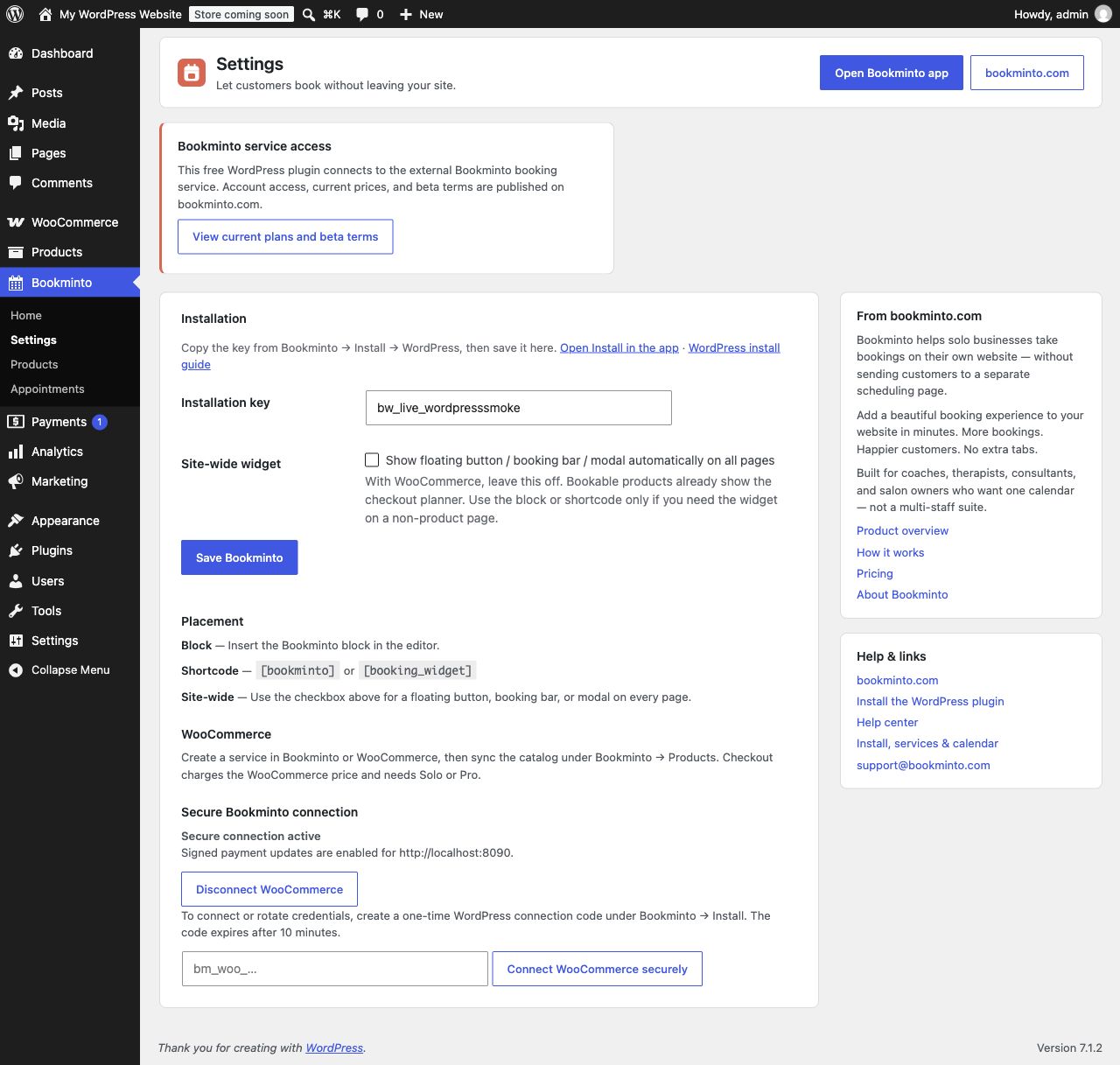
- Go to Bookminto > Settings.
- Paste the installation key from your Bookminto workspace.
- Save.
- Add the Bookminto block (or
[bookminto]) to a page, or leave site-wide display on. - In the Bookminto app, create a one-time WordPress connection code under Install. Paste it under Bookminto Settings in WordPress. This enables secure appointment and catalog access, as well as signed payment and cancellation updates.
- Optional (WooCommerce): open Bookminto Products and click Sync catalog so services and products match.
FAQ
-
Where can developers find the source and build instructions?
-
The compiled widget runtime is included locally as
assets/widget.js. Readable source is included inassets/src. From the repository root, runnpm ci, thennpm run sync:wordpress-pluginandnpm run package:integrationsto reproduce the runtime and plugin package with Node.js 22 and the pinned Rolldown dependency. The runtime is updated only when the plugin is updated and cannot be replaced by an external Bookminto script. -
Can I place the widget manually?
-
Yes. Use the Bookminto block in the editor, or
[bookminto]/[booking_widget]in a page or post. When a block or shortcode is present on a singular page, automatic rendering is skipped for that page. -
Does the plugin charge visitors?
-
If booking deposits are enabled in Bookminto, the widget can collect a deposit through Stripe. With WooCommerce product booking, visitors pay through WooCommerce checkout. Bookminto account billing is separate from these visitor payments.
-
Does the plugin load remote JavaScript?
-
Bookminto’s booking runtime is bundled with the plugin. Optional deposit payments load Stripe.js directly from Stripe; no remote Bookminto runtime is loaded. The plugin calls the documented Bookminto API to load configuration, availability, and create or update bookings.
-
Does the WordPress plugin use a trial or local license lock?
-
No. All code included in this WordPress plugin remains available; there is no local trial timer or license lock. The external Bookminto service controls account access and service features. Its beta offer and paid plans are separate from the free WordPress plugin. See https://bookminto.com/#pricing for current conditions.
-
Does WooCommerce work without a paid Bookminto plan?
-
During beta, Bookminto provides free Pro access, including WooCommerce checkout booking. Outside beta, the external service requires an eligible paid plan for product-page checkout booking. Check the current service plans at https://bookminto.com/#pricing.
Reviews
There are no reviews for this plugin.
Contributors & Developers
“Bookminto” is open source software. The following people have contributed to this plugin.
Contributors

Translate “Bookminto” into your language.
Interested in development?
Browse the code, check out the SVN repository, or subscribe to the development log by RSS.
Changelog
1.0.0
- Initial WordPress.org release.