

Description
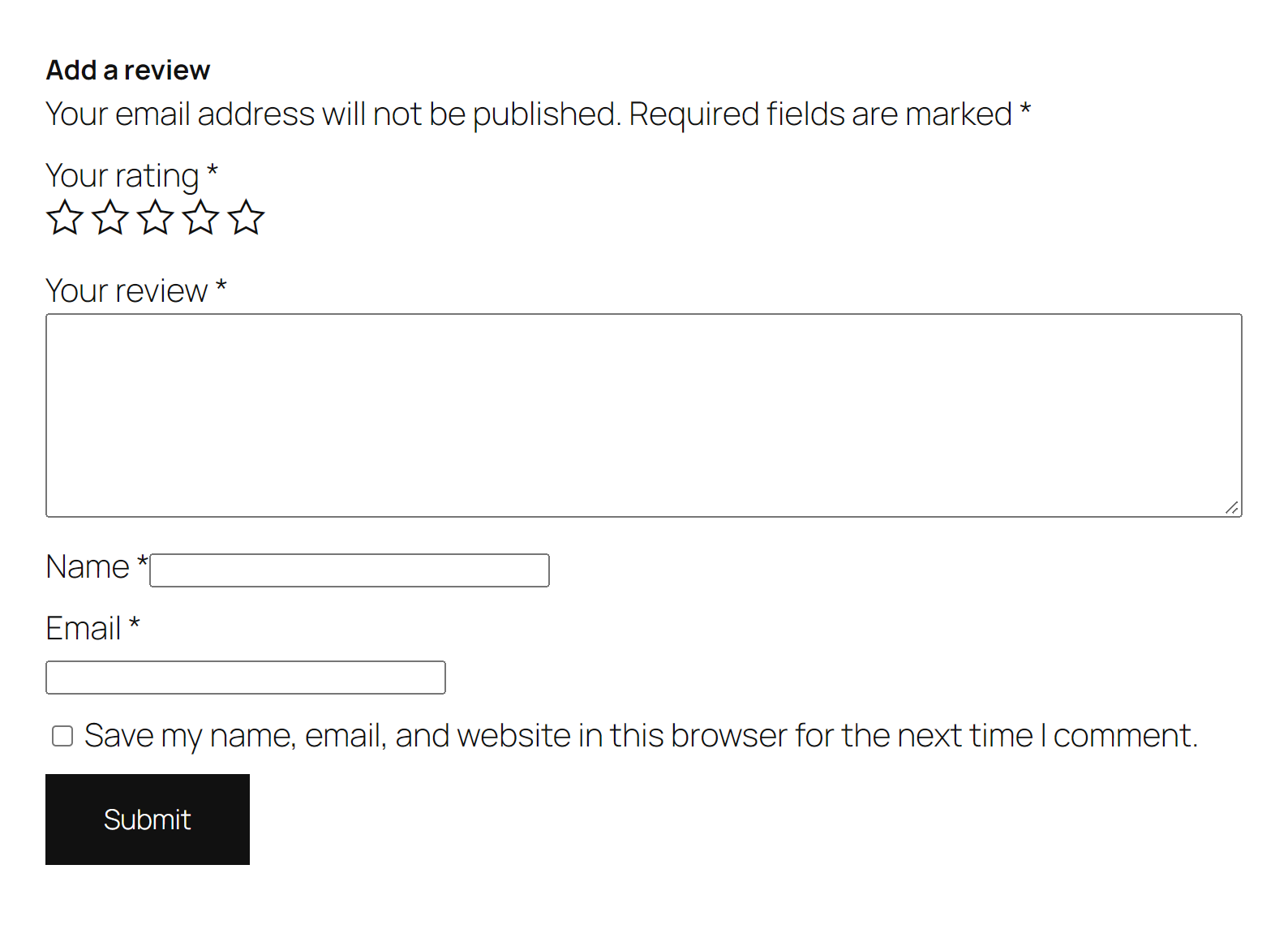
Comment spam stops the moment you click Activate. No signup, no API key, no checkbox puzzles for your visitors.
SpamKill is an anti-spam plugin that protects your WordPress comment form and WooCommerce product reviews with cloud-based behavioral spam detection — completely invisibly, with 99.9% accuracy. Your visitors see a normal form. Spam bots see a dead end.
Protecting WordPress sites since 2018 — 1,500+ sites, 100M+ submissions filtered.
What you get, free
- Comment spam protection — an invisible spam filter on your WordPress comment form. Blocked spam never becomes a comment, so your moderation queue stays empty.
- WooCommerce review spam protection — fake product reviews are stopped the same way, out of the box.
- Pingback, trackback & direct-POST spam rejected — the channels bots use to skip your form entirely are closed while protection is on.
- No CAPTCHA — nothing for your visitors to solve, click, or check.
- No signup, no API key — activate and you’re protected. No account, no email address, no key to paste.
- Free for business sites and stores — no “personal use only” clause, no quota, no trial clock.
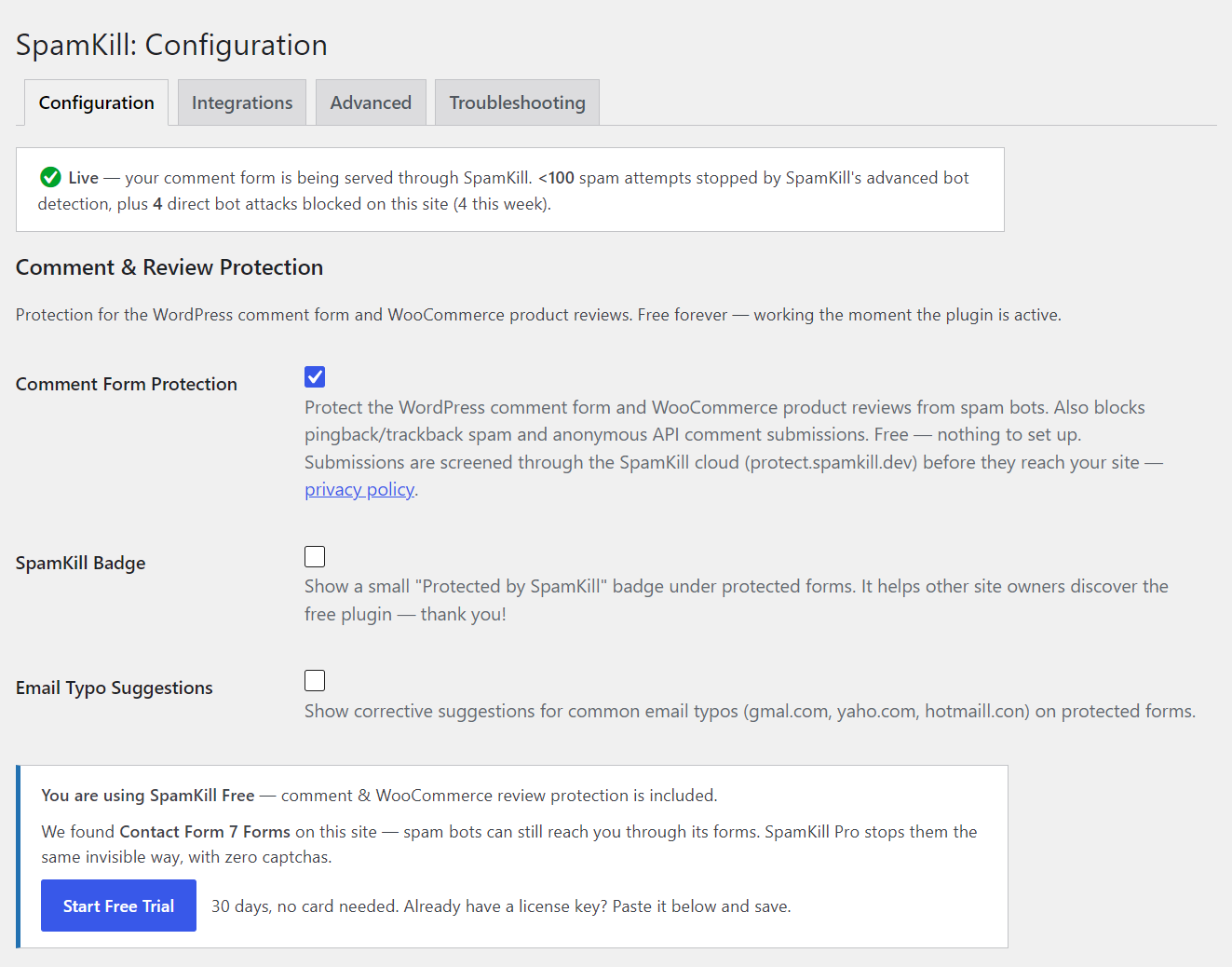
- Email typo suggestions — visitors who type gmal.com or yaho.com get a gentle correction before they submit, so replies actually reach them.
- Proof it’s working — a blocked-spam counter on your dashboard and a live protection status.
A free Akismet alternative for comments & reviews
There’s a setup difference first: Akismet won’t run until you sign up for an account and paste in an API key — even on its free tier. SpamKill needs no signup and no API key. Activate the plugin and comment protection is already on.
SpamKill also works differently from content-filtering plugins like Akismet, which score a comment’s text after it arrives and quarantine the suspicious ones for you to review. SpamKill’s behavioral analysis screens the submitter — it’s a spam blocker, not a spam sorter. Blocked bots never create a comment at all, and your moderation queue stays empty instead of filling up with “spam” entries.
And a licensing difference: Akismet’s free tier is for personal, non-commercial sites only. SpamKill’s comment and review protection is free for commercial sites and stores, forever — no “personal use only” clause, no trial clock, no monthly allowance, no volume limit.
Not ready to switch? You don’t have to. SpamKill runs happily alongside Akismet, so you can try it without removing anything.
Spam protection without CAPTCHA
CAPTCHAs and reCAPTCHA make your visitors solve a puzzle to compensate for bots’ behavior — and every puzzle costs you real comments, reviews, and leads. Honeypot plugins are friendlier, but modern headless-browser bots and human spam farms walk straight through them. And if you’re still getting spam with reCAPTCHA enabled, you’ve already seen the problem: solver services crack puzzles for pennies.
SpamKill is a true reCAPTCHA alternative, not another puzzle: your form is served through the SpamKill cloud, where behavioral analysis screens every submission before it reaches your site. Real visitors notice nothing. There is nothing to solve, click, or check — and your real visitors’ data is never stored by SpamKill (see External Services below).
Stop fake WooCommerce review spam
WooCommerce product reviews are WordPress comments underneath — and bots know it. Fake reviews damage buyer trust and your store’s credibility. SpamKill covers product review forms out of the box, on the free tier, with the same invisible screening as comments. Comment-spam channels that bypass the form entirely (pingbacks/trackbacks, anonymous REST/XML-RPC submissions) are rejected too while protection is on.
See it working
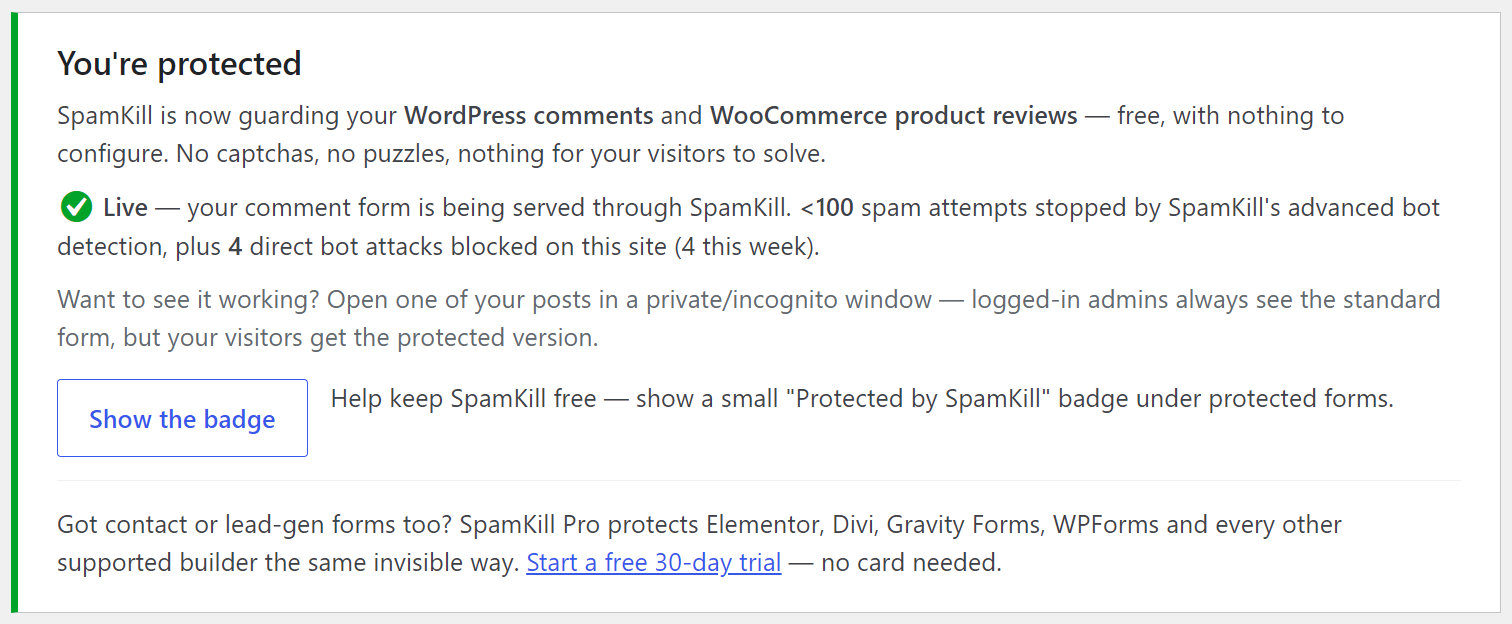
- A live protection status on the settings page
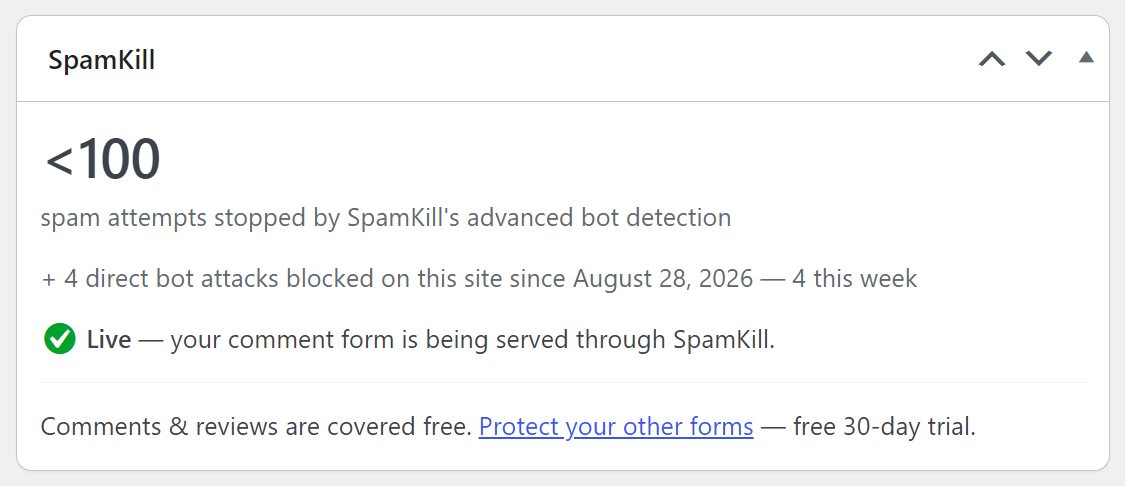
- A blocked-spam counter on your dashboard — see how much spam never reached your moderation queue
- A note on the Comments screen showing what was stopped this week
Contact form spam too? That’s SpamKill Pro (optional)
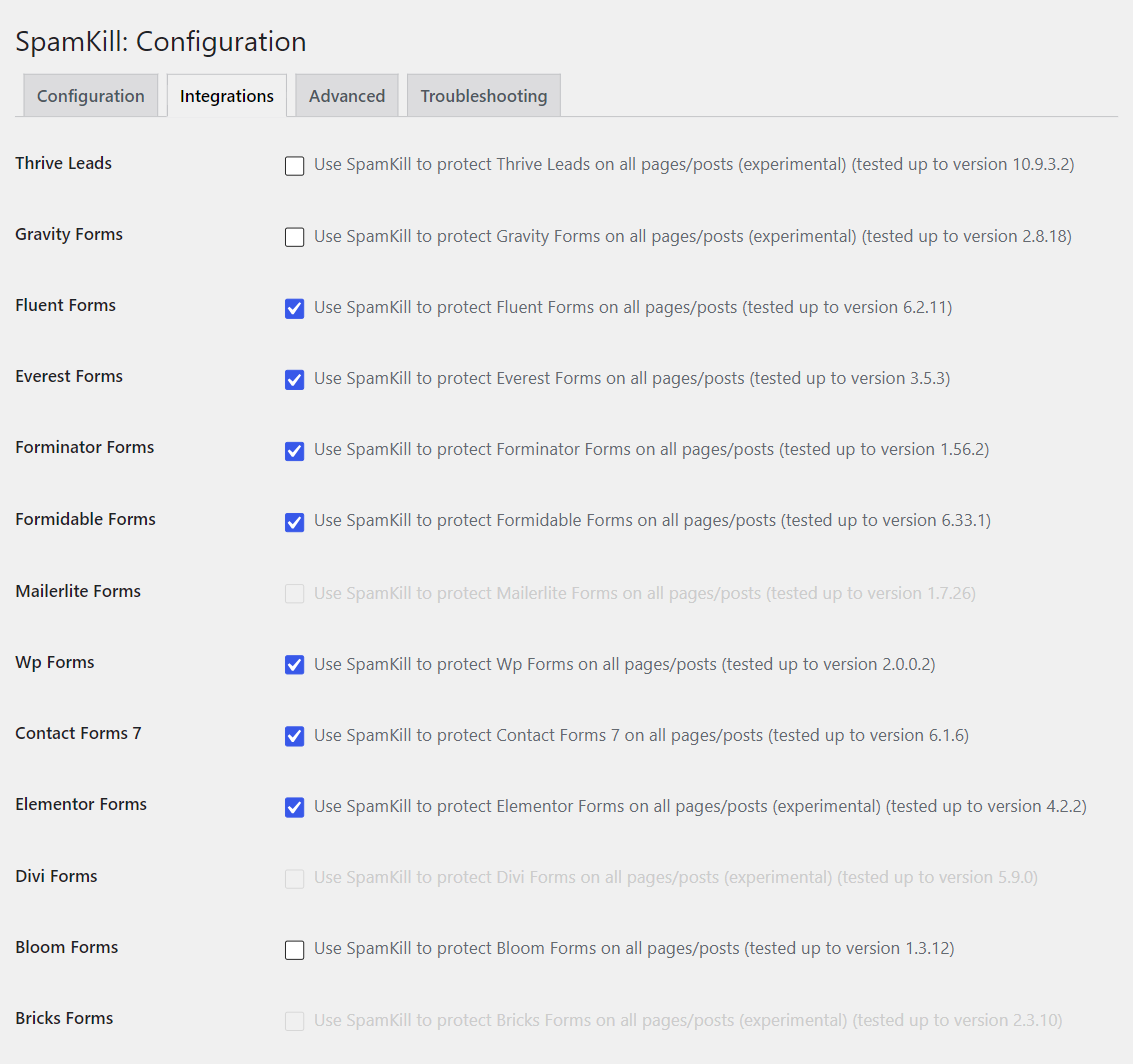
Everything above is free, forever. If spam bots and fake leads are also hitting your contact forms and lead gen forms — poisoning your email list and polluting your CRM — SpamKill Pro adds the same invisible, no-CAPTCHA form spam protection to Contact Form 7, WPForms, Gravity Forms, Elementor Forms, Divi, Formidable Forms, Forminator, Fluent Forms and Everest Forms — plus any custom HTML or AJAX form. In beta: Thrive Leads, Bloom, Bricks Forms, MailerLite.
- Free: WordPress comment form, WooCommerce product reviews, email typo suggestions
- Pro: form builders (Contact Form 7, WPForms, Gravity Forms, Elementor Forms, Divi, Formidable Forms, Forminator, Fluent Forms, Everest Forms) and any custom / AJAX form
Try Pro free for 30 days — no card needed.
External Services
SpamKill is a cloud service; this plugin is the connector. It talks to three endpoints, all operated by SpamKill (spamkill.co):
- api.spamkill.dev — when a protected form is first rendered, the form’s HTML structure is sent here to generate the protected version. Pro license keys are verified here. Free-tier sites are identified by their domain name.
- protect.spamkill.dev — submissions to protected forms (including the visitor’s name, email address, IP address, and message content) route through this endpoint for spam screening before being delivered to your site. The data is processed solely to determine whether the submission is spam.
- console.spamkill.co — once protection is on (or a Pro license key is set), the plugin asks this endpoint how many spam attempts SpamKill has blocked for your site, to show on your dashboard. It sends only your site’s host name (for example, example.com) — no license key, personal data or form content — at most about twice a day, and only from the WordPress admin or a scheduled WordPress task. Like every request made through the WordPress HTTP API, it also carries WordPress’s standard User-Agent (WordPress version and site URL).
Your real visitors’ personal data is never stored. Legitimate submissions are analyzed in real time, delivered to your site, and discarded from SpamKill’s end — their names, email addresses, IP addresses, and message content are not retained on SpamKill’s servers. For submissions identified as spam, SpamKill keeps aggregated frequency data only — counts of how often a given name, email address, or message has been seen — which improves detection for everyone. Per-domain submission counts are also kept to power your dashboard statistics.
By activating comment/review protection you agree to this data flow. See SpamKill’s Terms of Service and Privacy Policy. Suggested wording for your own privacy policy is provided under Settings Privacy.
Screenshots

Installation
- In your WordPress admin, go to Plugins Add New, search for “SpamKill”, then click Install Now and Activate. (Or upload the plugin zip under Plugins Add New Upload Plugin.)
- That’s it. Comment and WooCommerce review protection is already on — no signup, no account, no API key.
- Optional: open the SpamKill menu to see your live protection status. If your site uses a page cache, purge it once so visitors start receiving the protected form.
FAQ
-
Is it really free?
-
Yes. Comment and WooCommerce review protection is free forever, for any site — including business sites and stores. There is no trial period on the free tier, no submission quota, and no feature that stops working later. Pro is a separate, optional upgrade for form-builder coverage.
-
Do I need to sign up or get an API key?
-
No. There is no signup, no account and no API key on the free tier. Activate the plugin and comment protection is on. An account is only needed if you upgrade to Pro.
-
Yes. SpamKill doesn’t need them and doesn’t conflict with them, so you can leave your current anti-spam plugin active while you try SpamKill — nothing to remove, nothing to risk. SpamKill screens a submission before a comment is ever created; whatever your other plugin does happens after that. Watch the blocked-spam counter for a week and decide for yourself.
-
Will my visitors see a CAPTCHA or anything unusual?
-
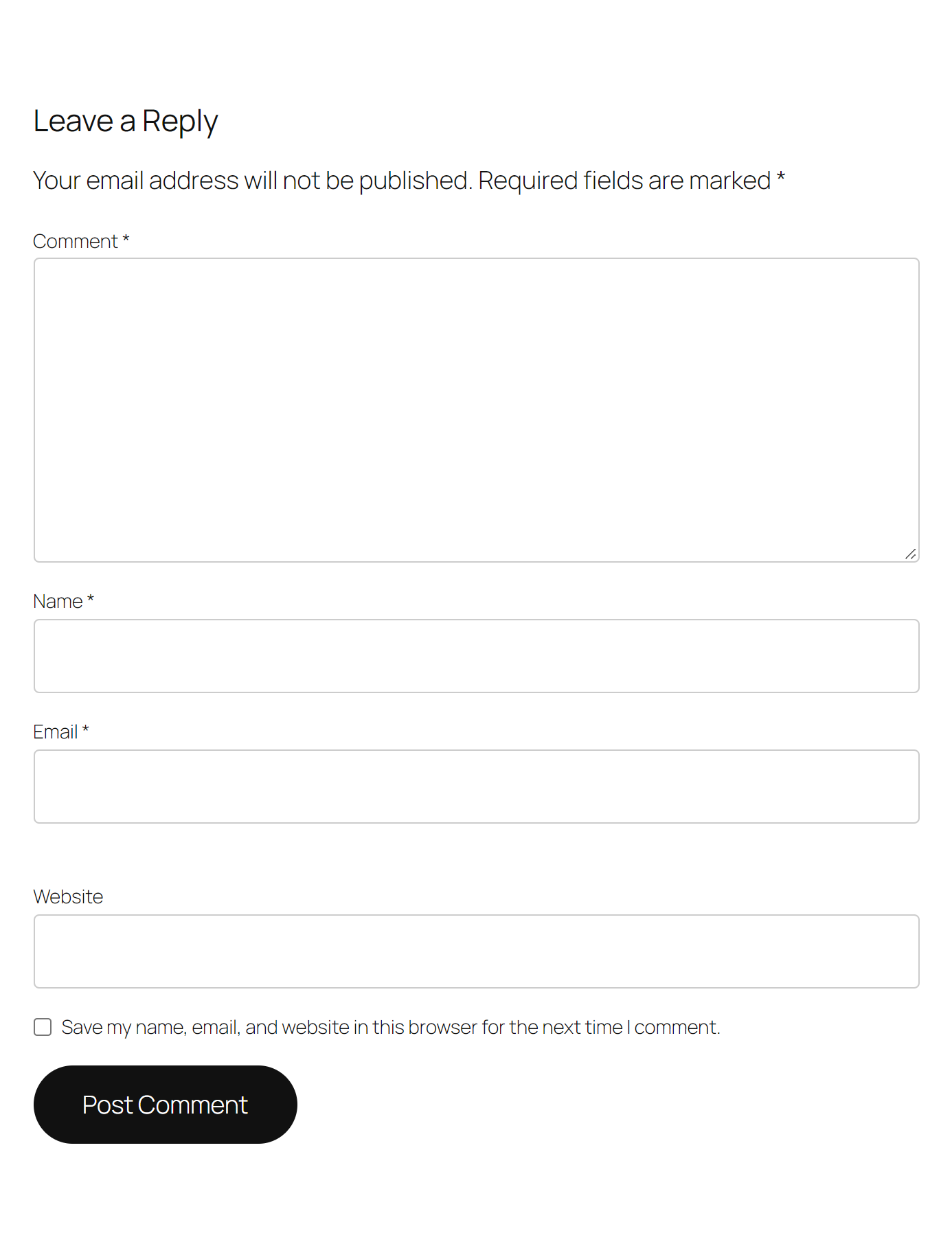
No. The form looks and behaves exactly as before. There is nothing to solve or click.
-
What if a real person gets flagged?
-
In the rare case a real person is flagged, they don’t hit a dead end or a puzzle. They’re offered a quick way to verify themselves — such as signing in with an existing account or using a passkey — and their submission goes through.
-
Where does my visitors’ data go? Do you store personal data?
-
Submissions to protected forms are screened through SpamKill’s servers before reaching your site — see the External Services section above. Legitimate submissions are never stored: they’re analyzed in real time, delivered to your site, and discarded from SpamKill’s end. Only spam submissions contribute to aggregated frequency counts (used to improve detection), and per-domain submission counts are kept for your dashboard statistics. The plugin adds suggested text to your WordPress privacy-policy guide describing this flow.
-
What happens if the SpamKill service is unreachable?
-
The plugin fails safe: if a form couldn’t be served through SpamKill, legitimate comments are never rejected. Protection resumes automatically.
-
Does it work with caching plugins?
-
Yes — the protected form is fully cacheable. One tip: if you activate SpamKill on a site with a warm page cache, purge your cache once so visitors start receiving the protected version of the form.
-
Three ways. Setup: Akismet requires an account and an API key before it does anything, even for free; SpamKill protects your comments the moment you activate it, with no signup and no API key. Mechanism: Akismet is a content filter — it scores the comment’s text after submission and quarantines suspects into your spam queue for review. SpamKill uses behavioral analysis to screen the submitter, so blocked bots never create a comment at all and there’s no queue to triage. Licensing: Akismet’s free tier excludes commercial sites; SpamKill’s free tier doesn’t.
-
Does it work with WooCommerce?
-
Yes — WooCommerce product reviews are WordPress comments underneath, and they’re covered by the free tier.
-
Why am I still getting spam with reCAPTCHA?
-
Because reCAPTCHA tests whether the visitor can solve a challenge — and bots outsource that. Solver services and human spam farms pass CAPTCHA challenges cheaply and at scale, then submit the form like anyone else. Behavioral analysis works on signals a solver can’t fake on the submitter’s behalf, which is why SpamKill screens submissions instead of showing puzzles.
-
How do bots fill out forms and comments anyway?
-
Most spam comes from headless browsers — real Chrome instances driven by scripts — plus purpose-built bots that POST directly to your form’s endpoint, skipping the page entirely. That second kind never even sees a honeypot or checkbox. SpamKill screens the submission itself, so both paths are covered.
-
Can I show that my site is protected?
-
Optionally, yes — a small “Protected by SpamKill” badge can be shown under protected forms. It’s off by default; you choose.
-
My contact forms still get spam / I’m getting fake leads.
-
The free tier covers comments and reviews. Contact and lead gen forms (Contact Form 7, WPForms, Gravity Forms, Elementor, and more — plus custom HTML forms) are covered by SpamKill Pro — there’s a 30-day free trial, no card needed.
-
Which form plugins does SpamKill Pro support?
-
Contact Form 7, WPForms, Gravity Forms, Elementor Forms, Divi, Formidable Forms, Forminator, Fluent Forms, and Everest Forms — plus any custom HTML or AJAX form. Thrive Leads, Bloom, Bricks, and MailerLite are supported in beta.
Reviews
There are no reviews for this plugin.
Contributors & Developers
“SpamKill – No-CAPTCHA, No-Signup Anti-Spam & Spam Protection for Comments & Reviews for WooCommerce” is open source software. The following people have contributed to this plugin.
Contributors
Interested in development?
Browse the code, check out the SVN repository, or subscribe to the development log by RSS.
Changelog
3.0.0
- Changed: SpamKill is now distributed through WordPress.org. Updates arrive in your WordPress dashboard like any other plugin, and the previous self-hosted updater has been removed. Existing Pro license keys carry over.
- New: free tier — WordPress comment form and WooCommerce review protection with no account or license key.
- New: dashboard widget showing spam attempts stopped by SpamKill’s bot detection and direct bot attacks blocked on your site, plus a Comments-screen summary and live protection status.
- New: comment-spam channels that bypass the form (pingbacks/trackbacks, anonymous REST/XML-RPC submissions) are now rejected while protection is on.
- New: optional “Protected by SpamKill” badge (off by default).
- New: first-run welcome screen and one-time setup guidance.
- Improved: license activation feedback, background license verification (no blocking page loads), and graceful handling of network failures.
- Improved: settings page reorganized — protection status first; clearer copy throughout.