

Description
Driveline Core provides the content types and booking logic for vehicle rental sites. It works with any theme, and the data belongs to the plugin rather than to the theme, so changing how the site looks never puts a reservation at risk.
What it registers
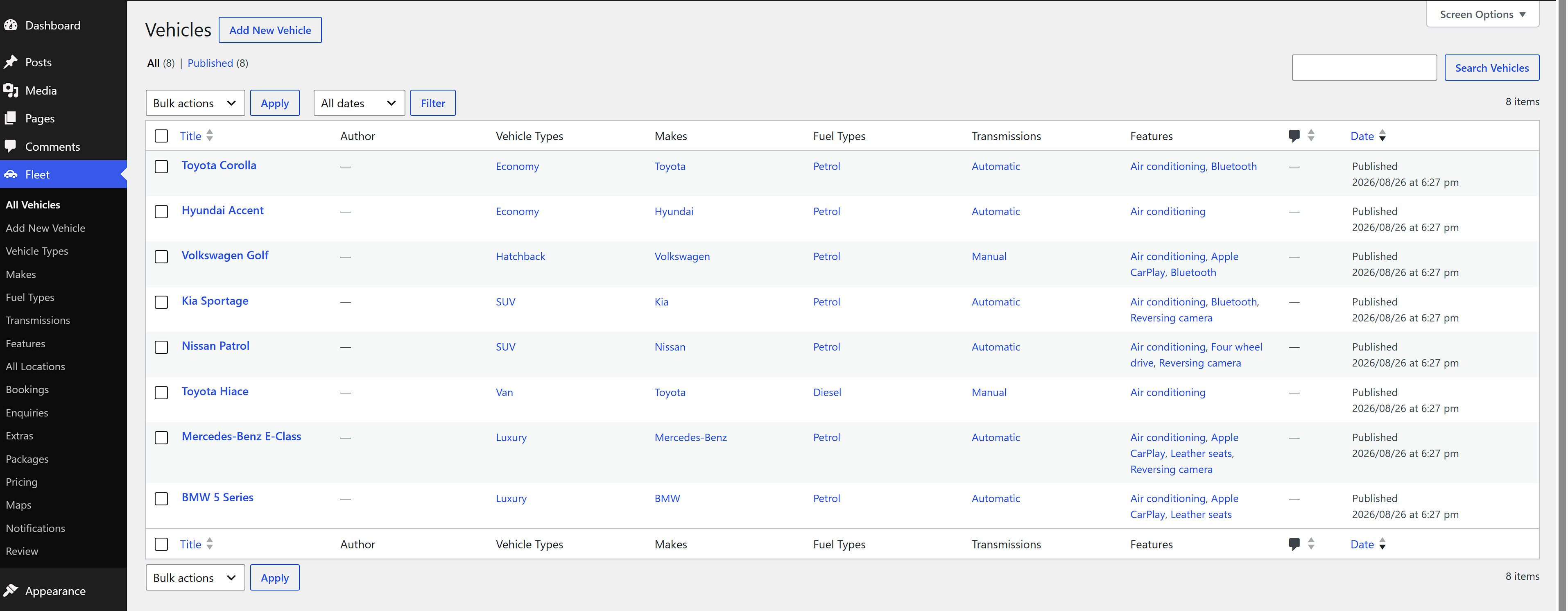
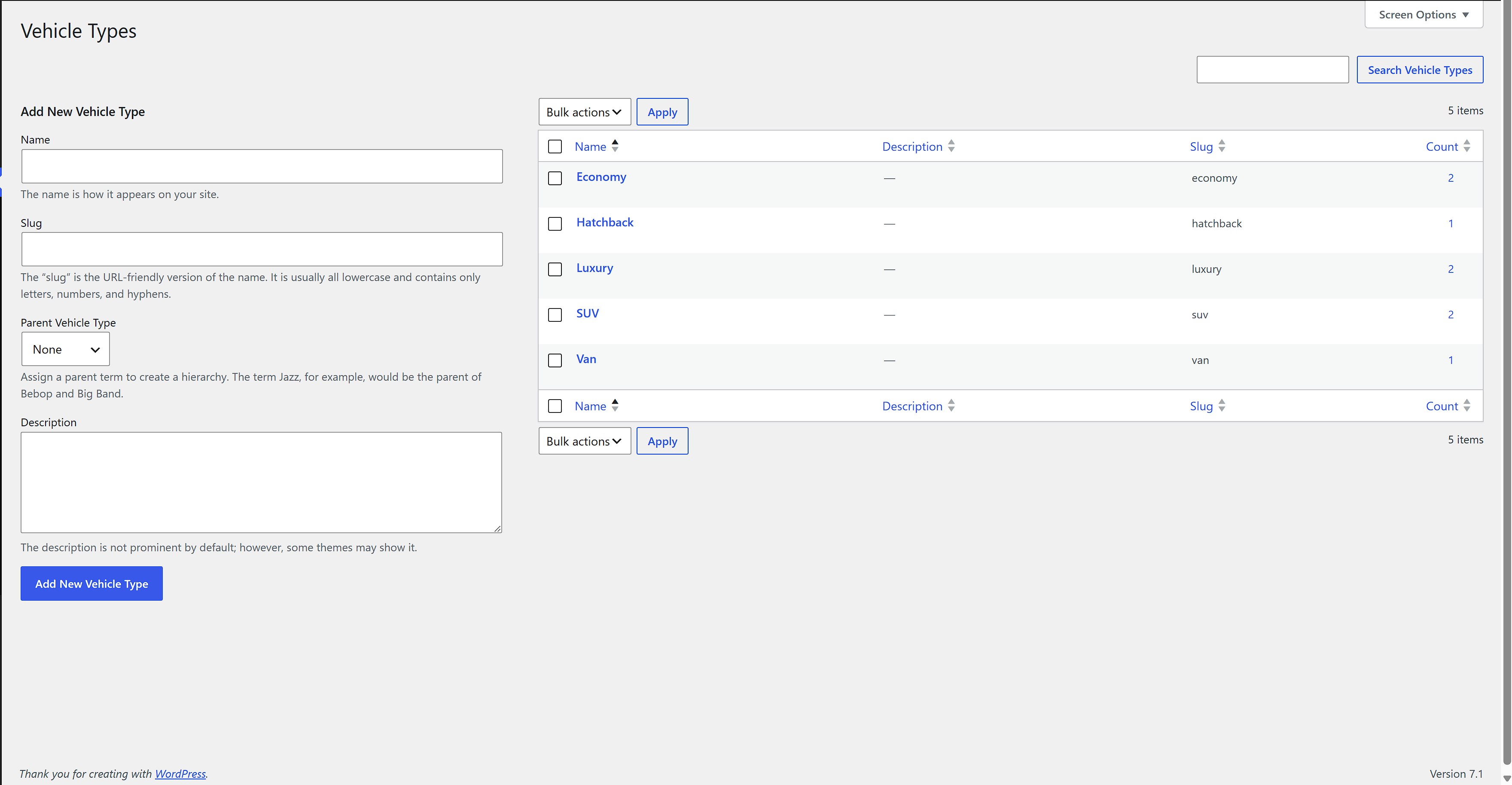
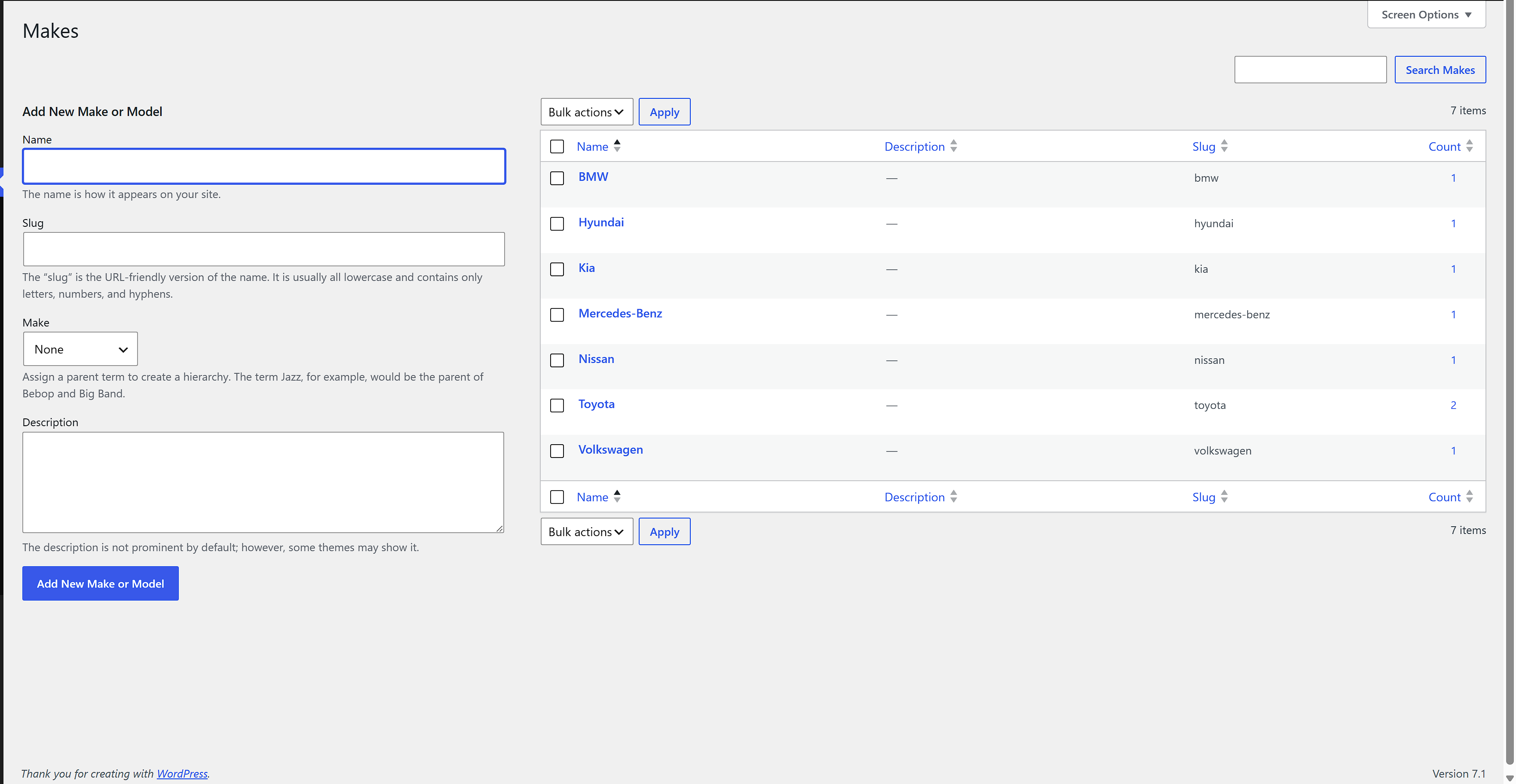
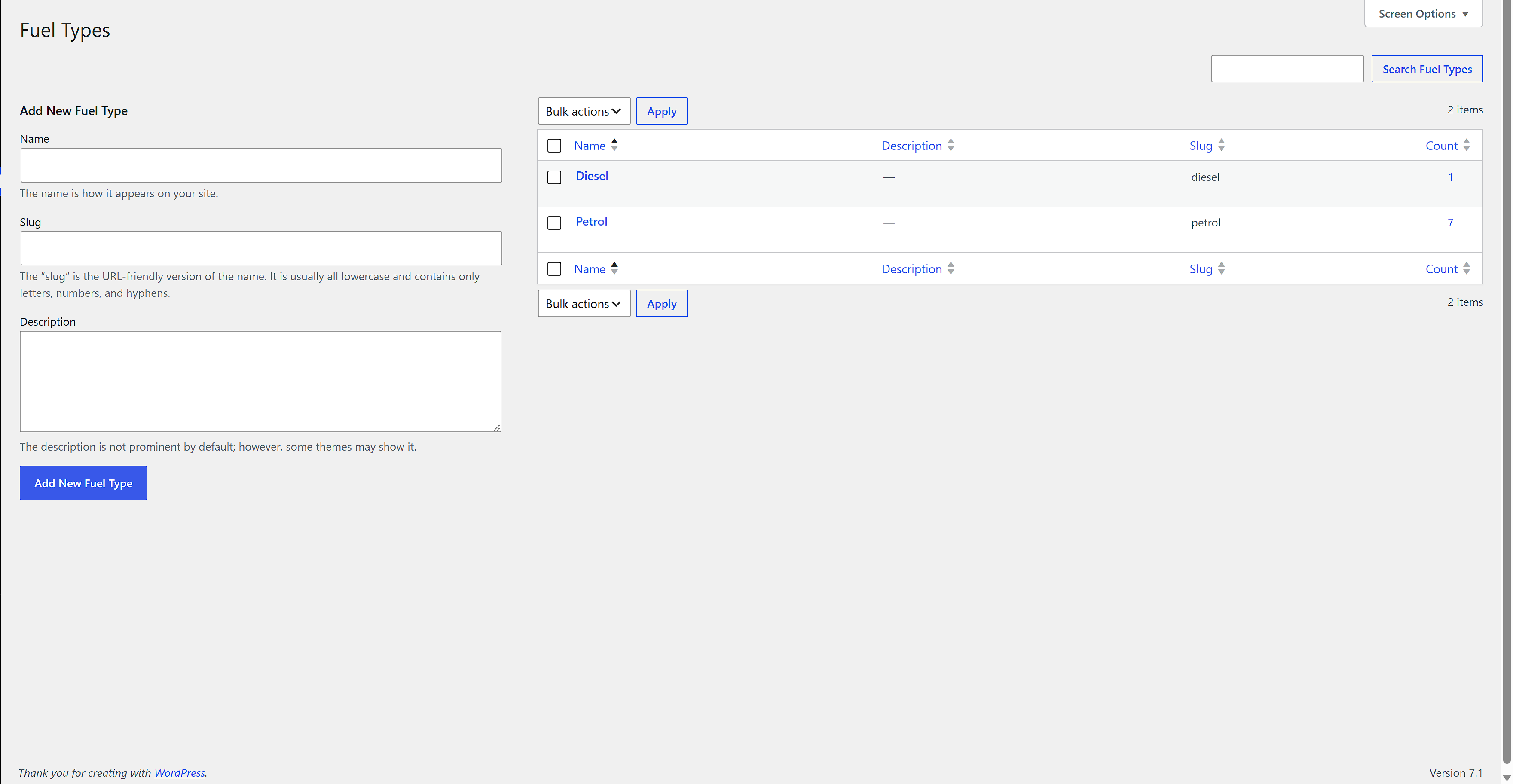
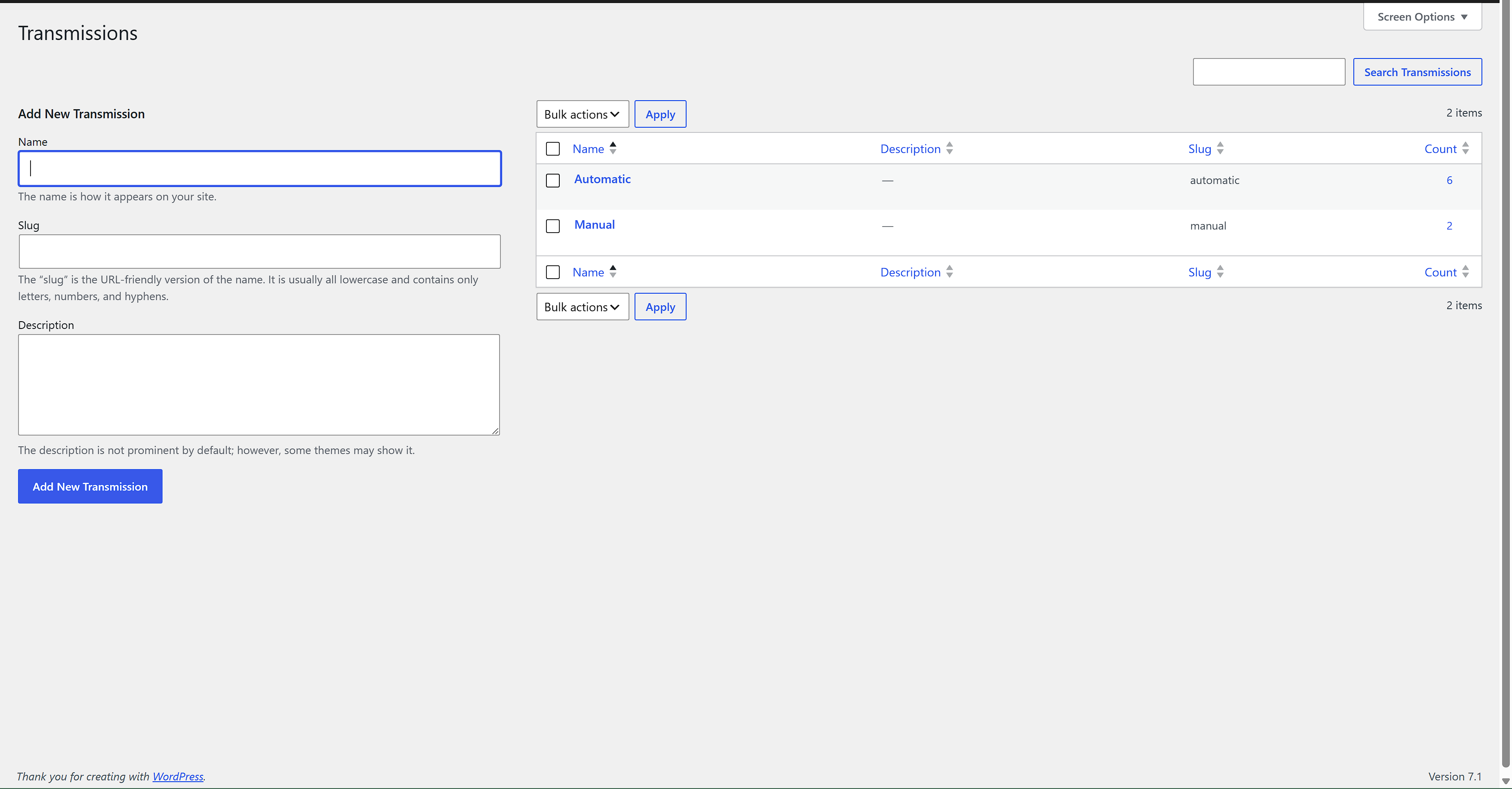
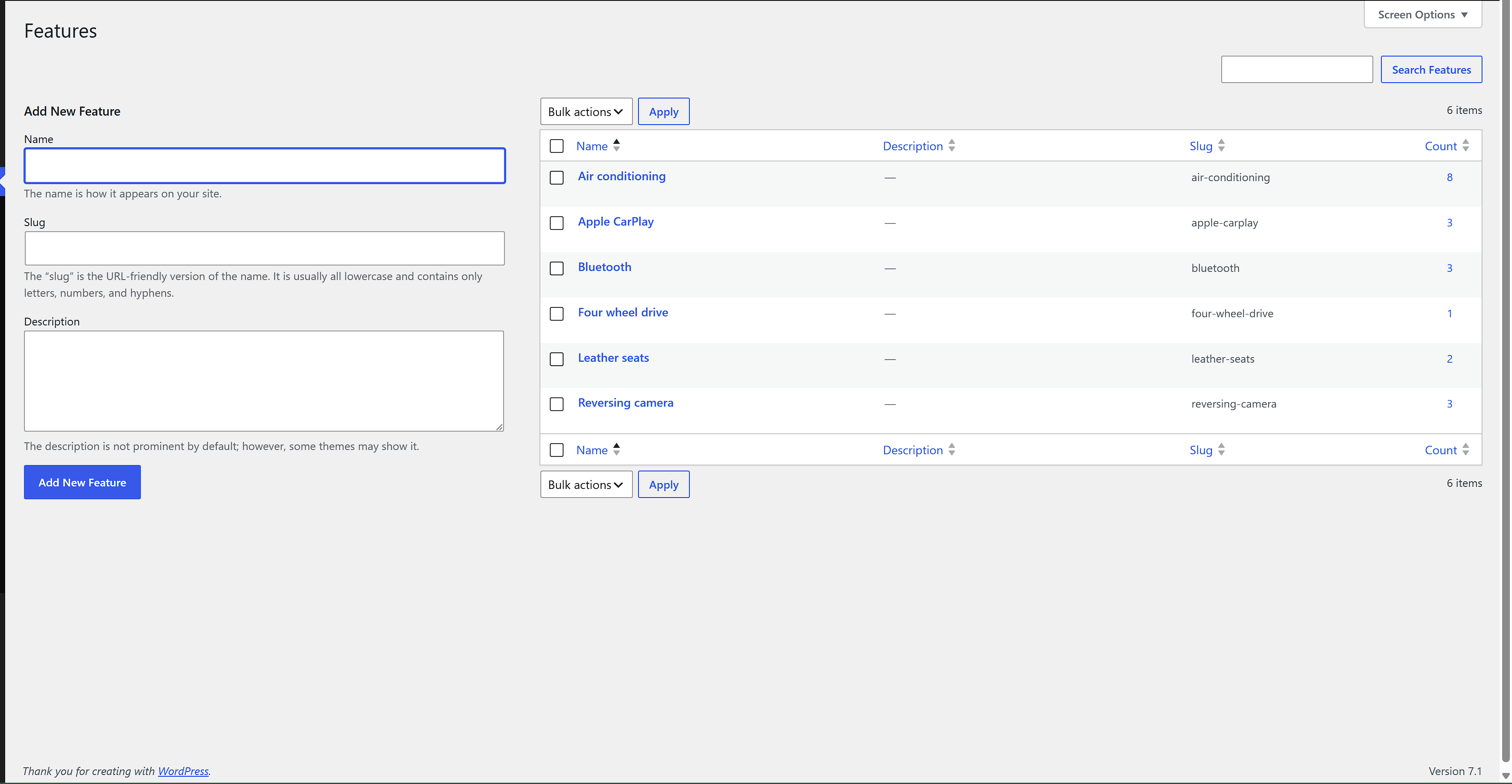
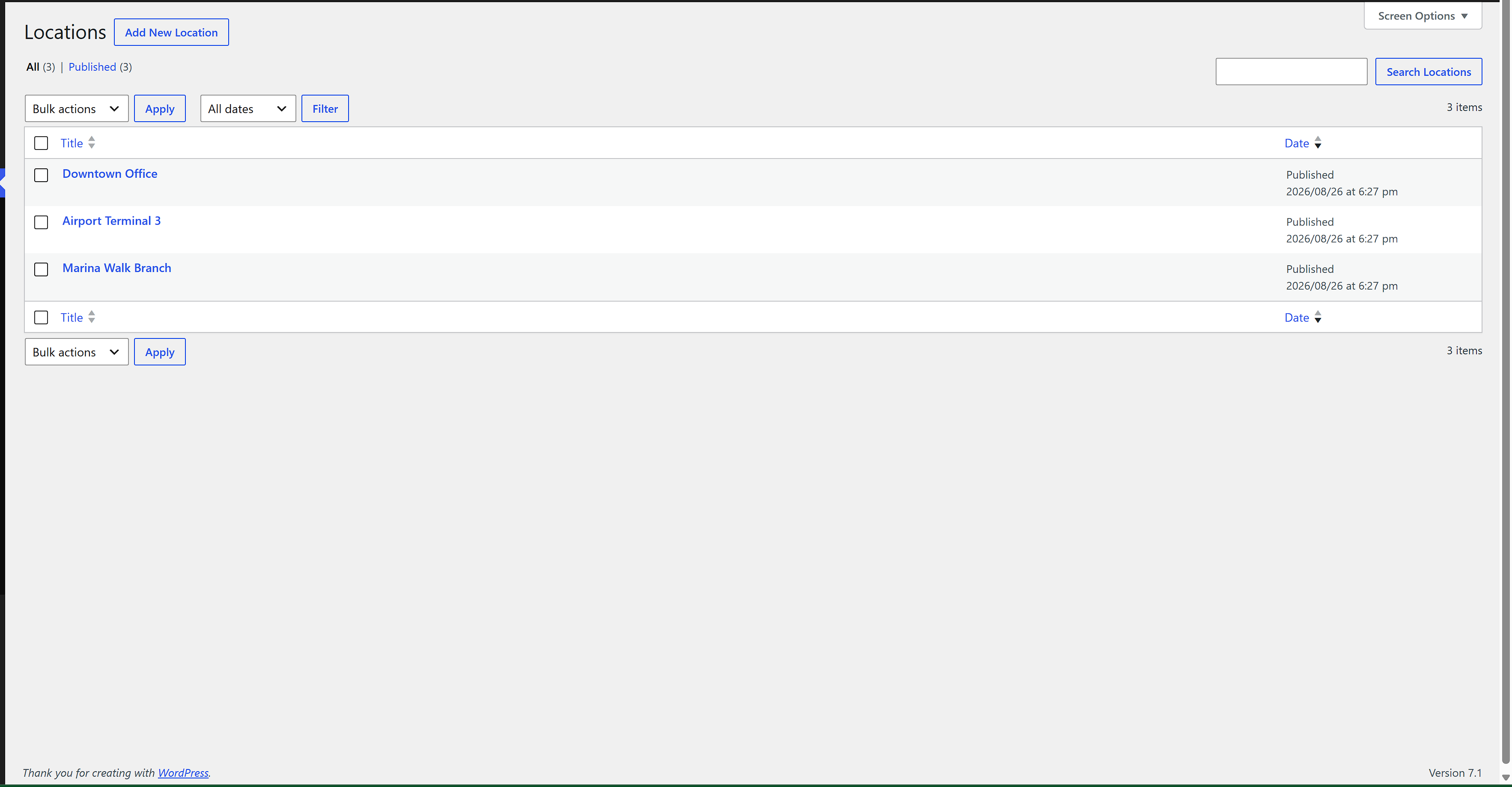
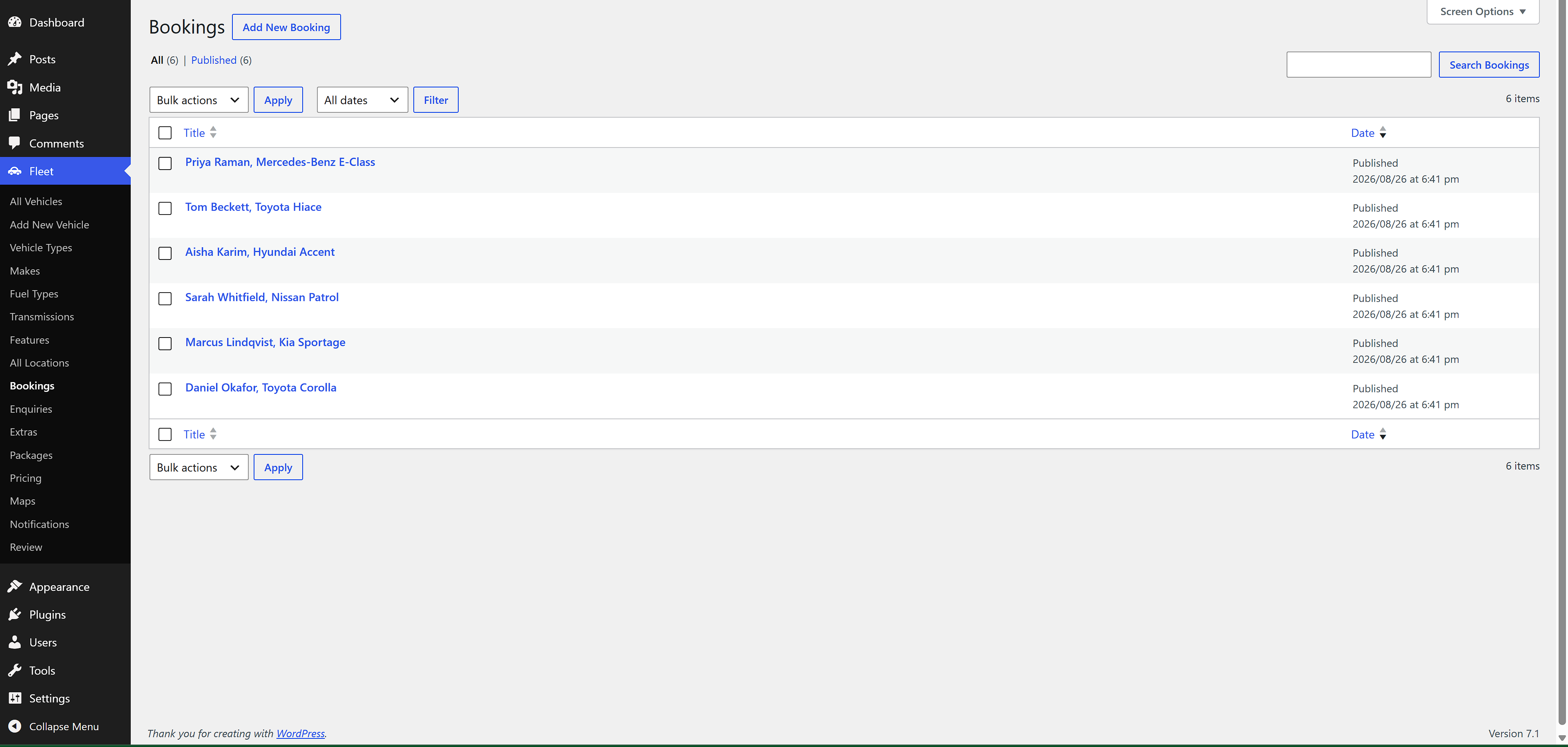
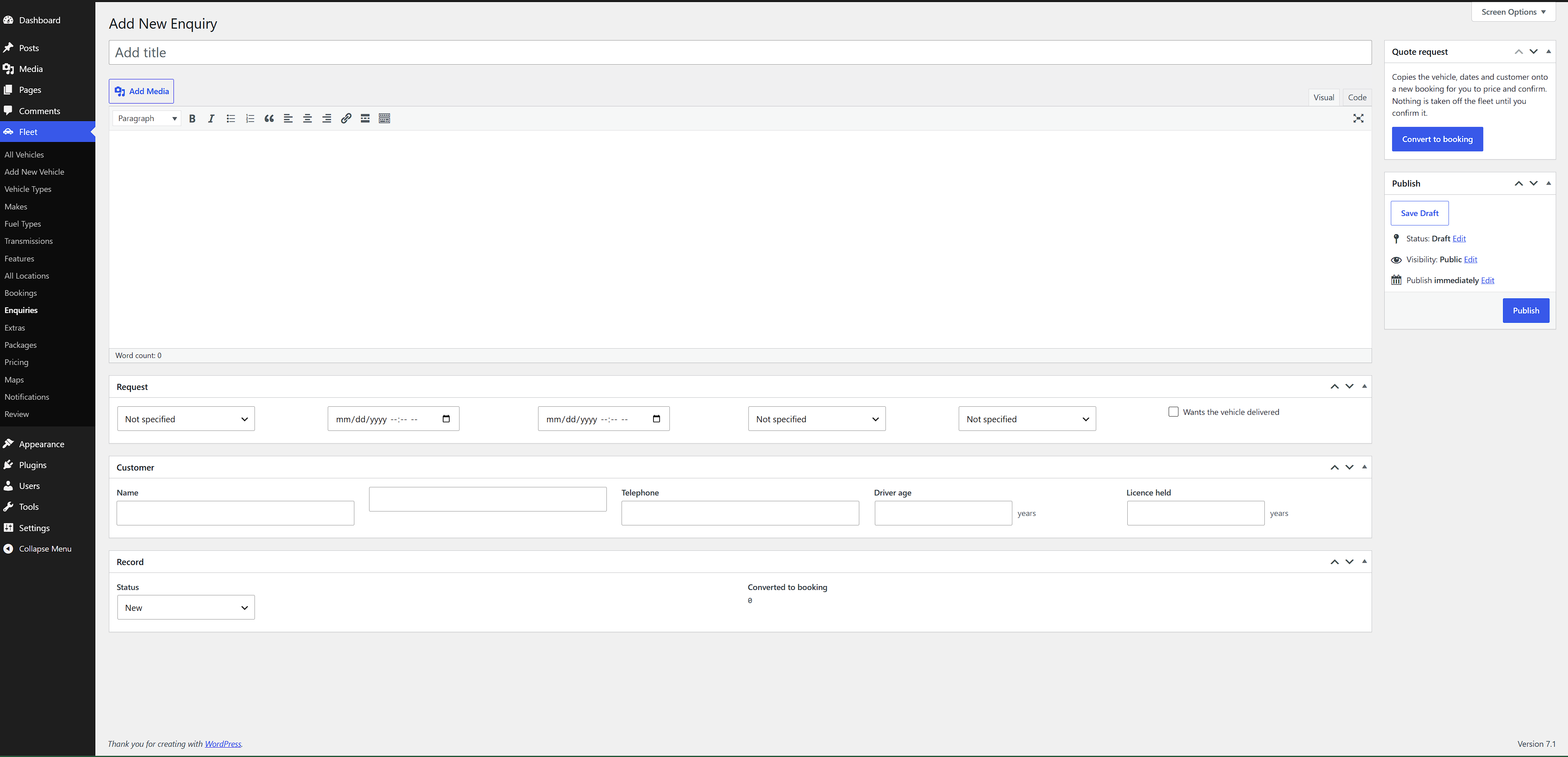
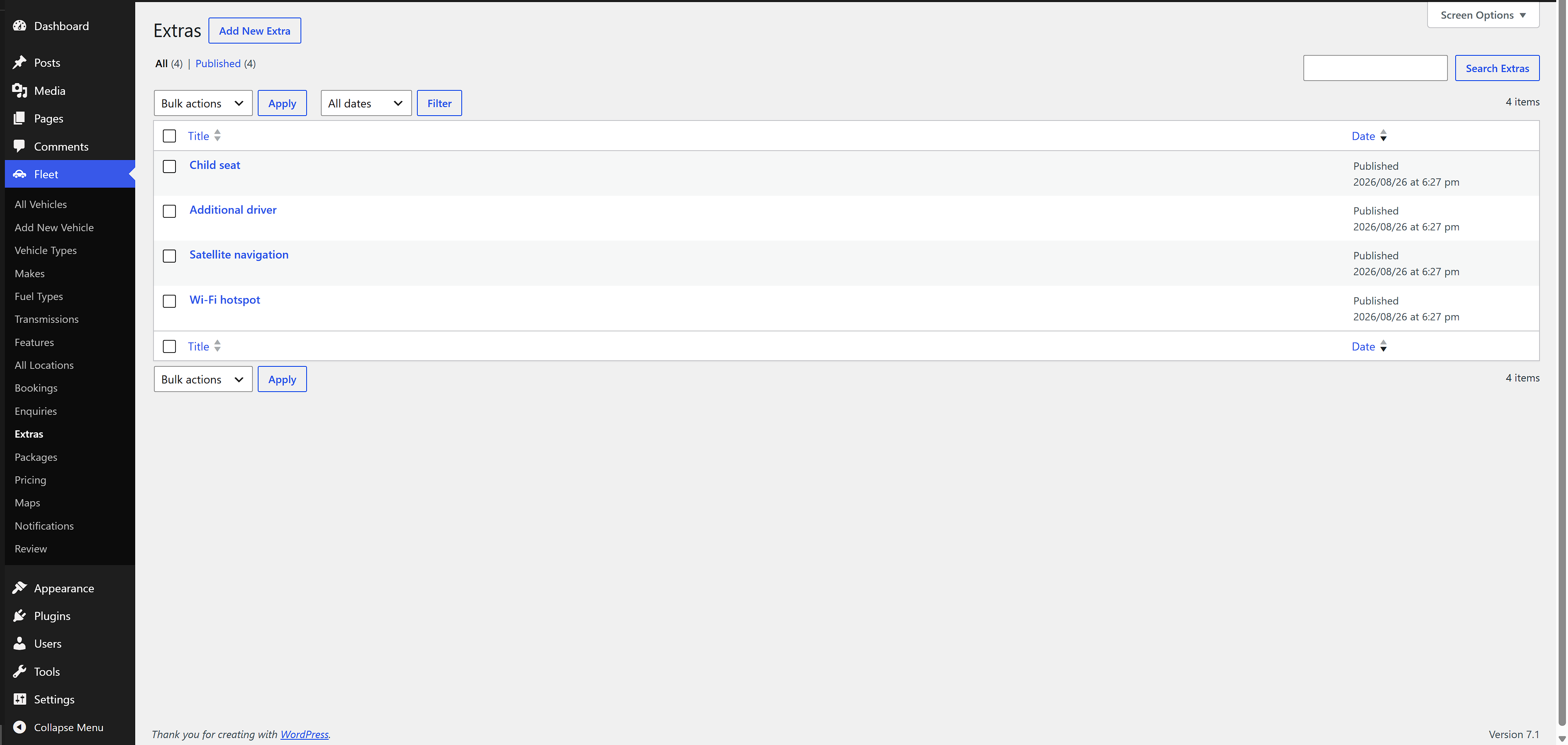
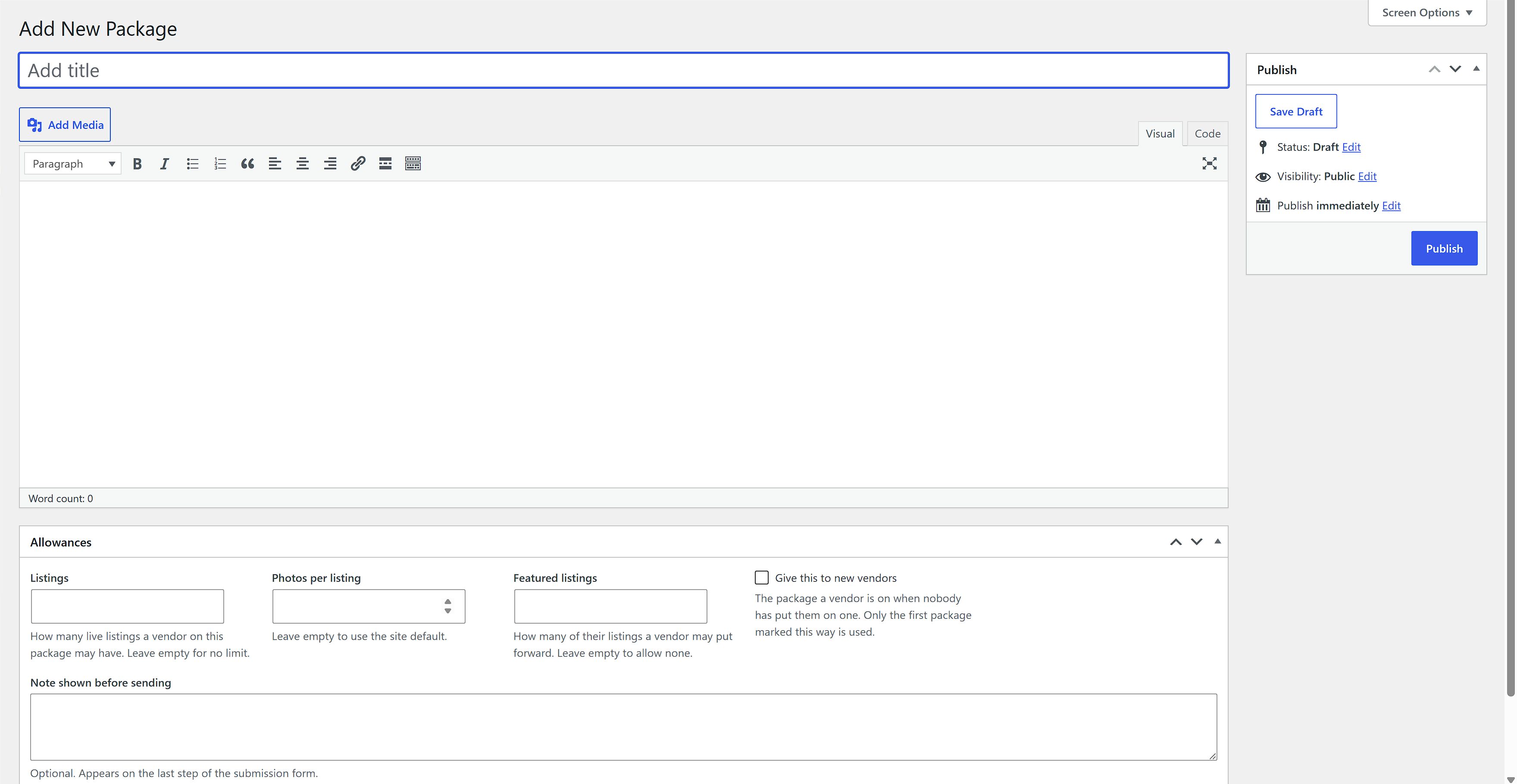
Vehicles, locations, packages, extras, bookings and enquiries, each as its own content type, plus taxonomies for make, vehicle type, fuel, transmission and features. Everything is prefixed, so nothing collides with another plugin.
Availability and booking
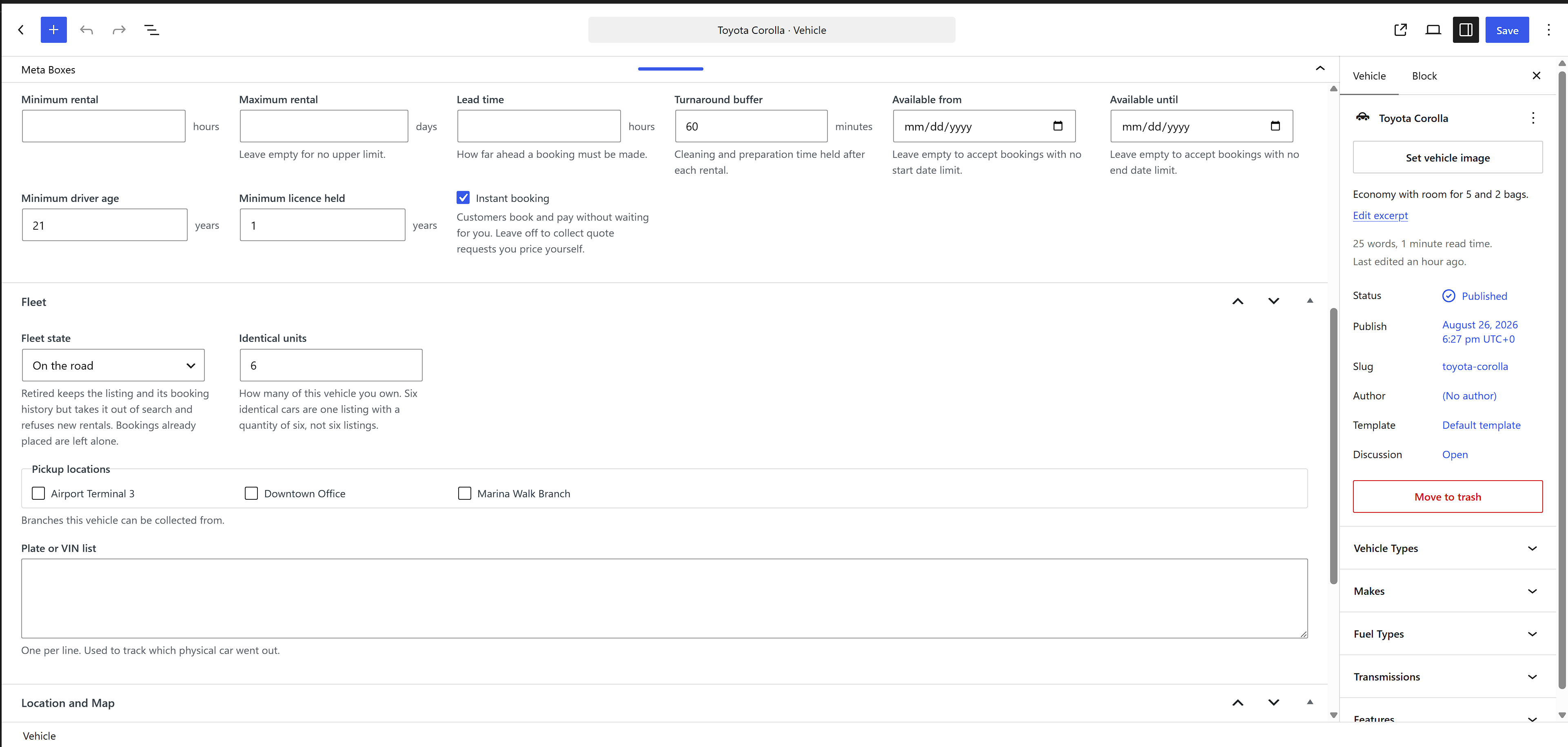
A vehicle has a number of units, and availability is counted against those units across a half-open date window, so a rental ending exactly when another starts is not a conflict. A booking takes a hold first, and the hold is what reserves the unit while the customer finishes paying. Two customers reaching the last car at the same moment cannot both take it: the claim is made behind a named database lock and re-checked after it is written.
Holds expire. An unpaid booking releases its units on a scheduled sweep so a car does not sit reserved for someone who never came back.
Pricing
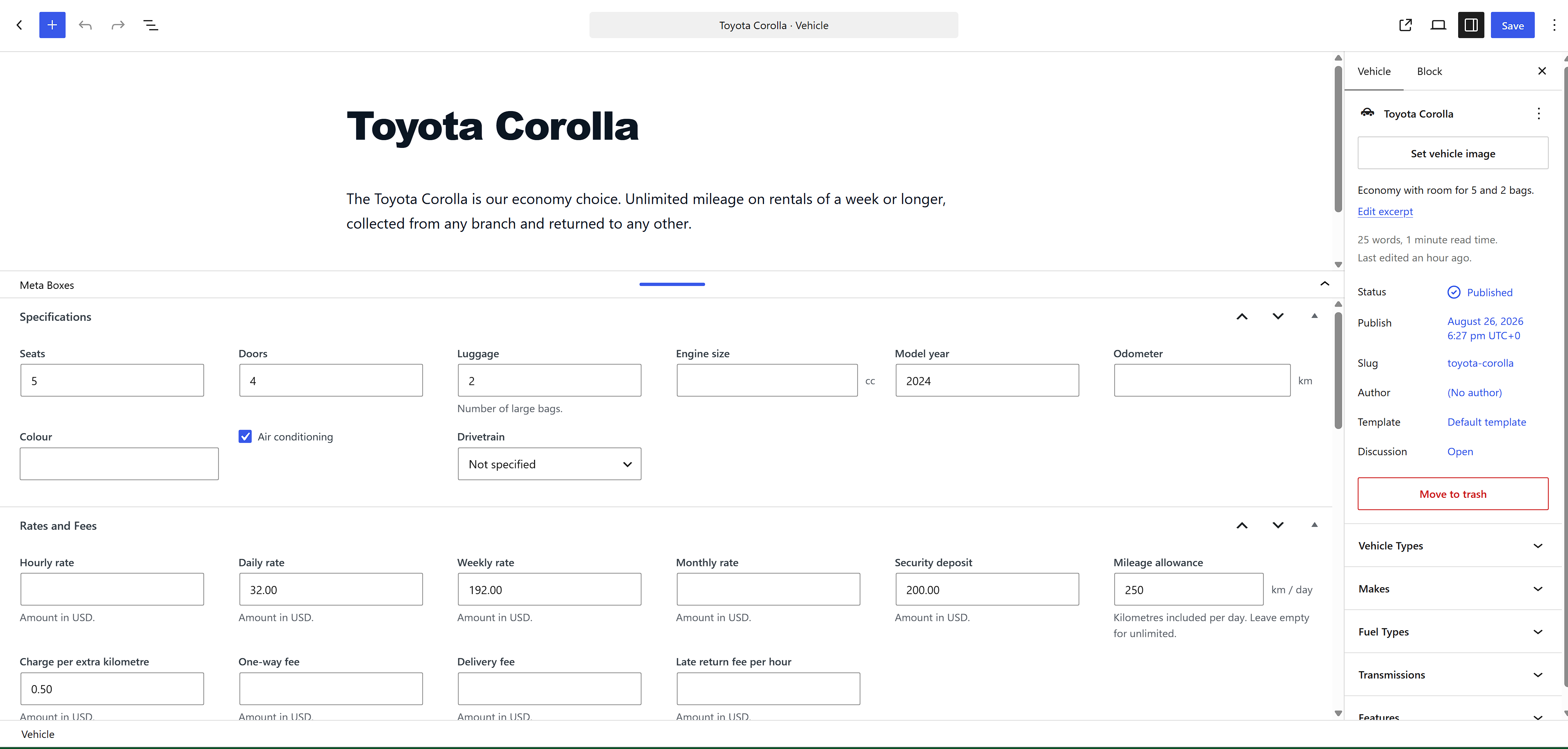
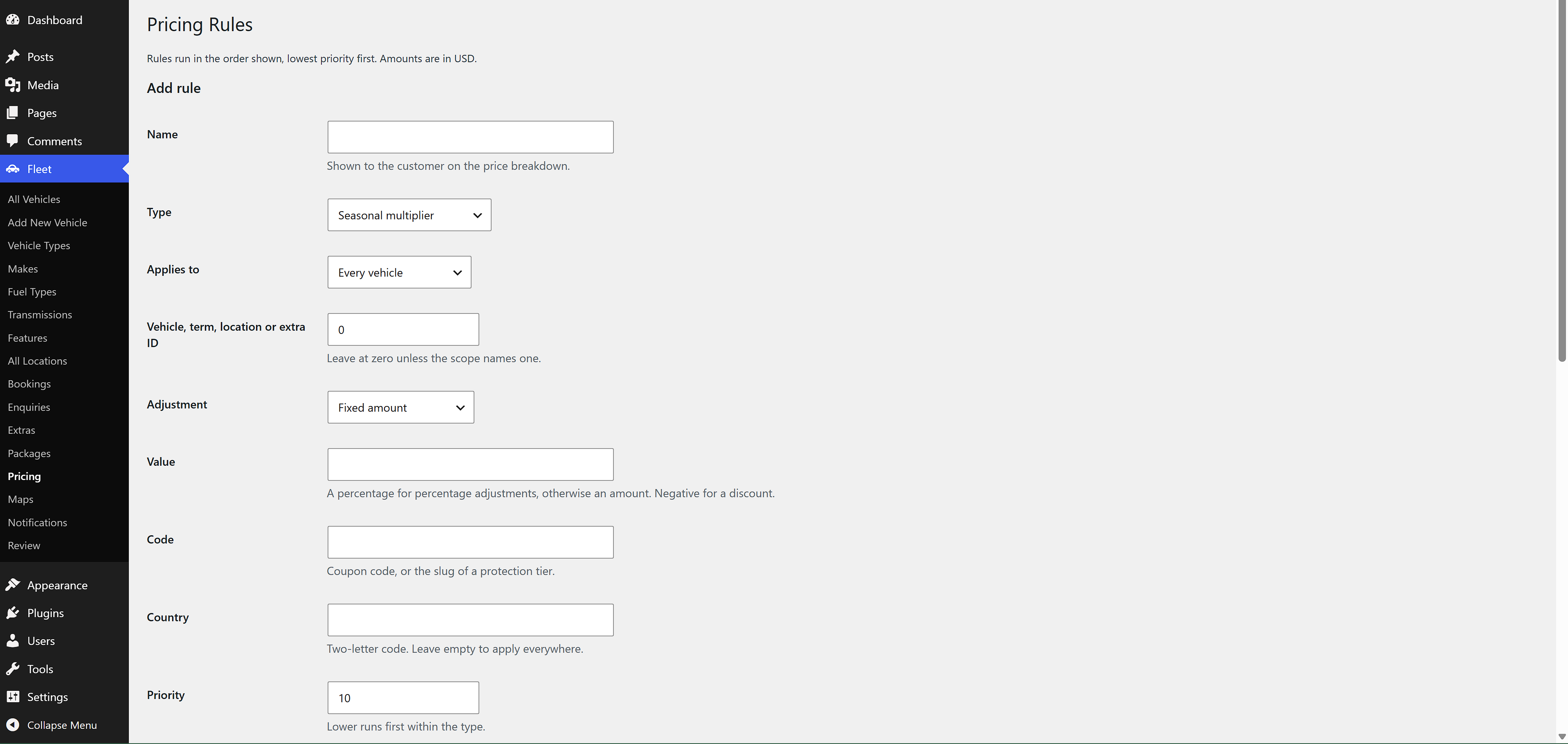
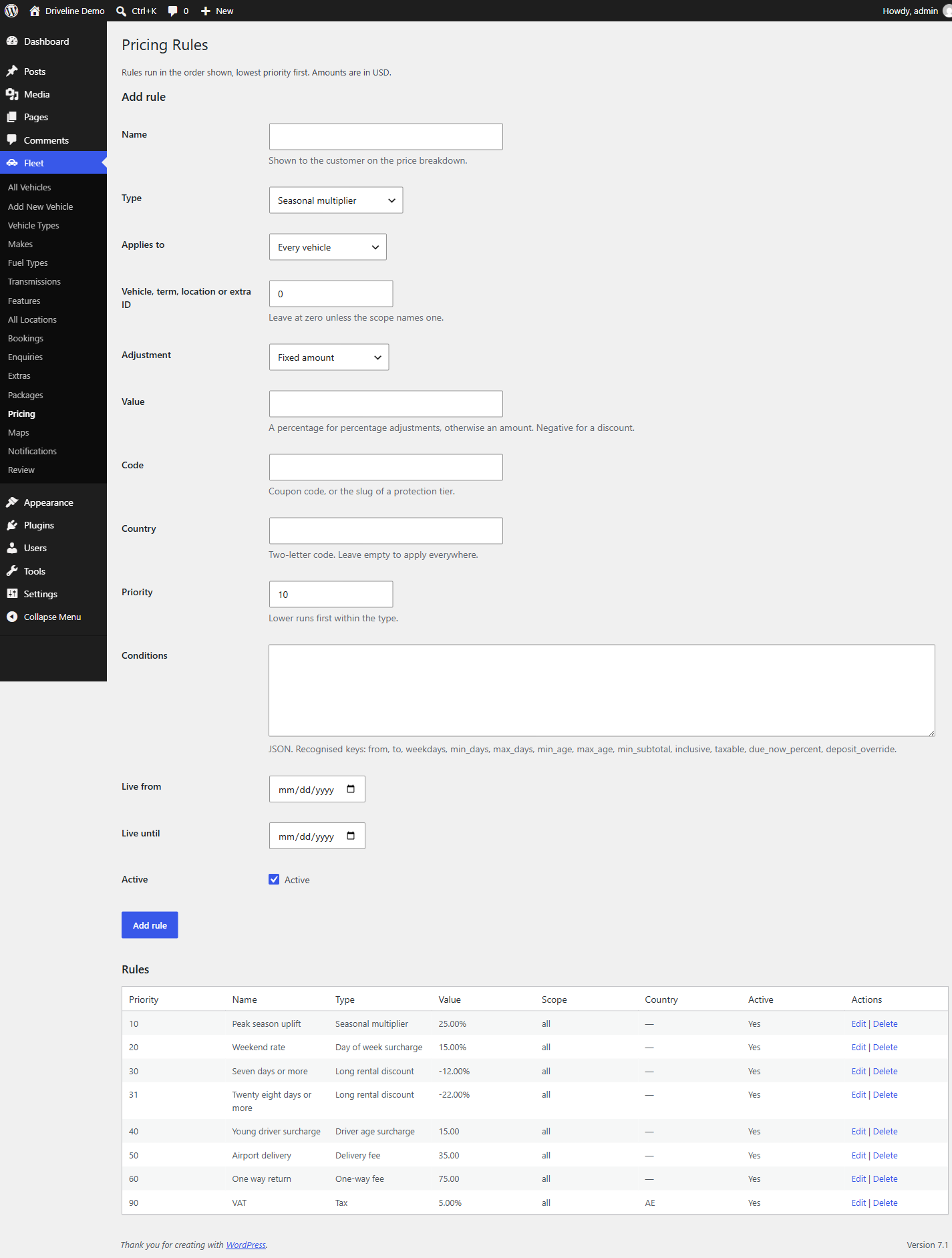
Rates are per vehicle with rules layered over them: seasonal percentages, weekday surcharges, long rental discounts, driver age bands, delivery, one way returns, add-ons and damage protection tiers. Money is stored in minor units against a declared currency, so a rounding error cannot creep in between the quote a customer saw and the amount an operator collects.
Checkout
WooCommerce is optional. With it installed, a booking is paid through a normal WooCommerce order, which brings refunds, taxes, gateways and reporting with it. Without it, a booking is still placed, still holds its units and is still confirmed by an operator.
Customer accounts and operator screens
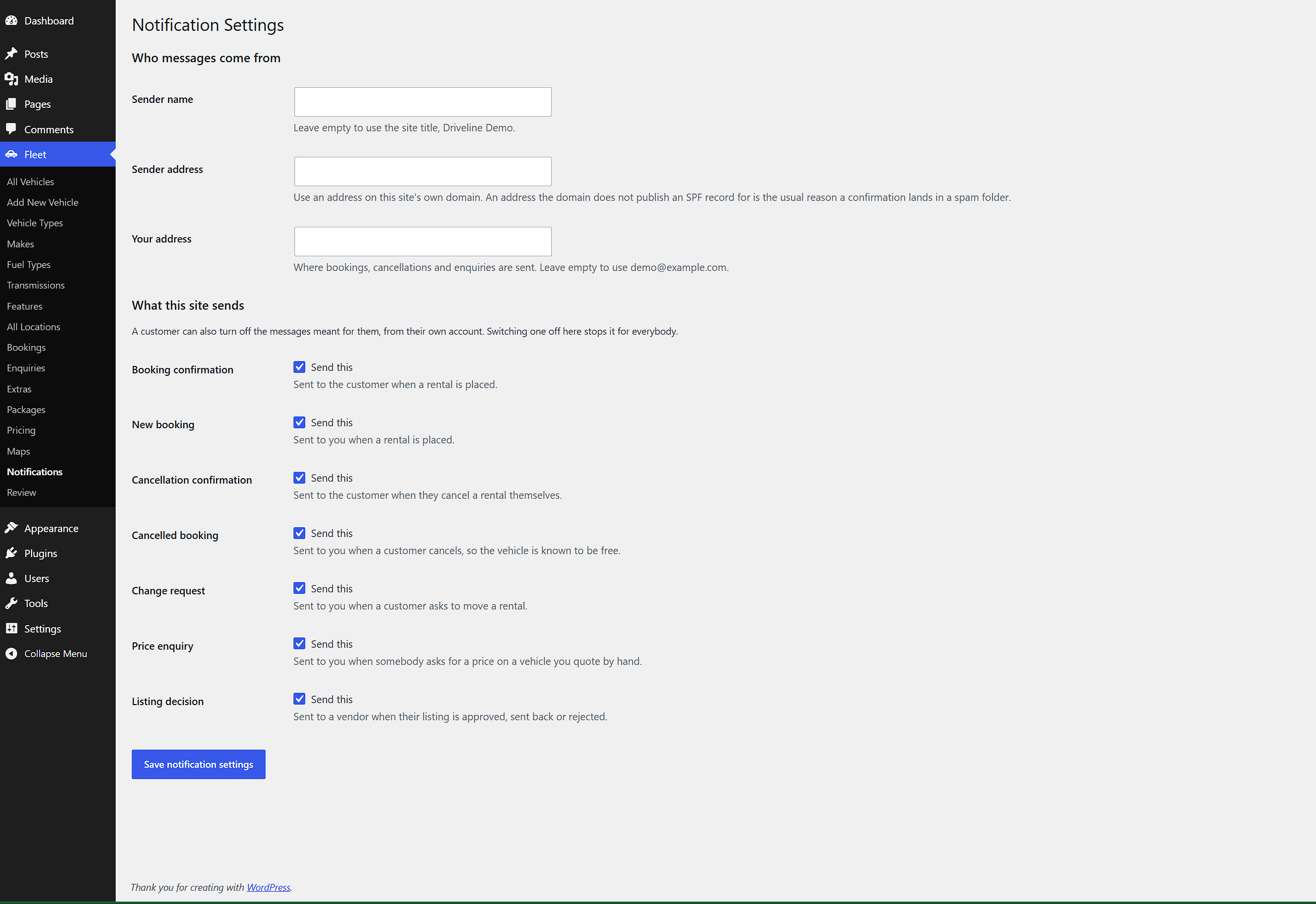
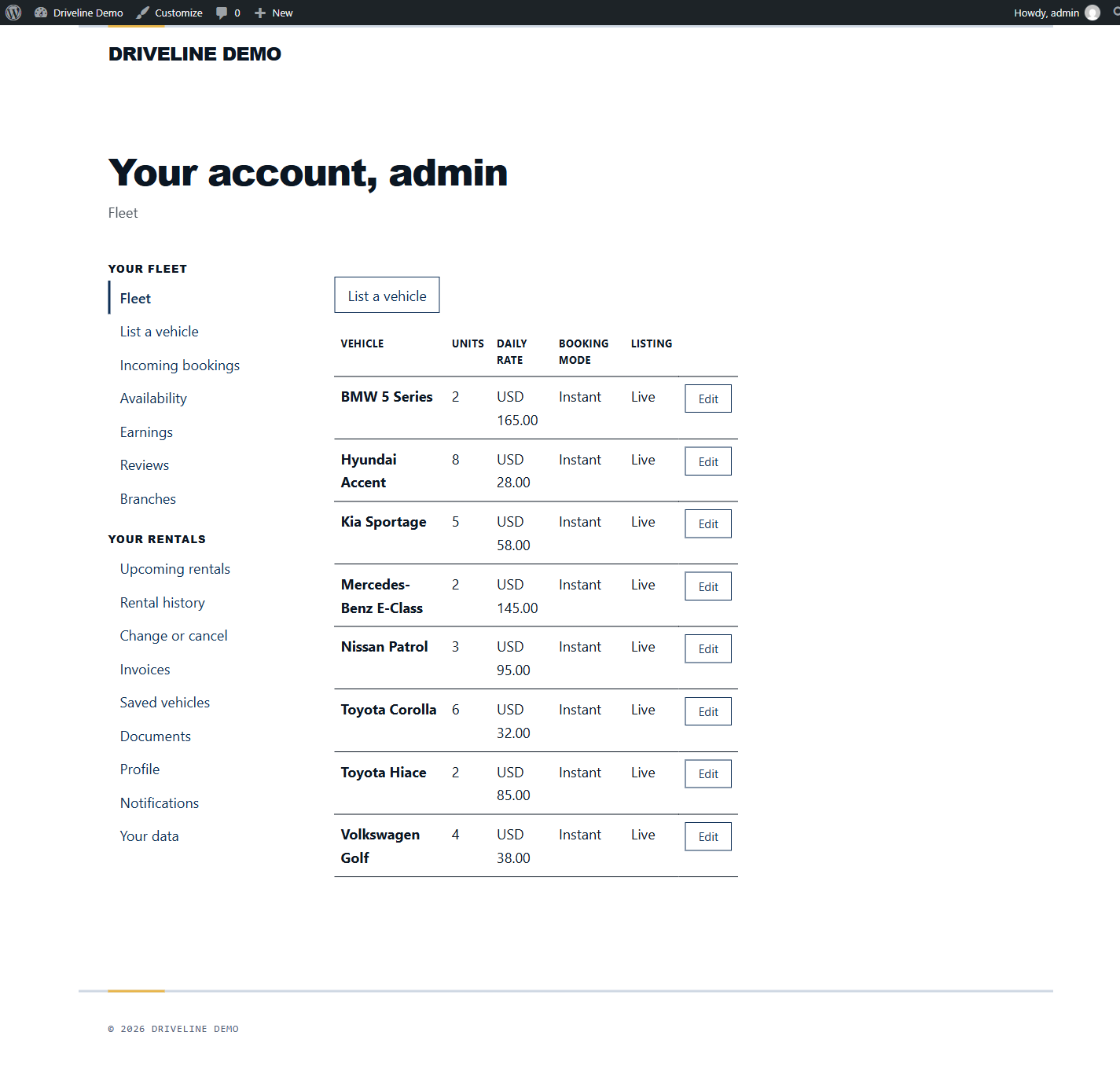
Customers see their rentals, ask to change dates and download their documents through a signed link that expires rather than a guessable path. Operators get a month-by-month fleet calendar and the booking list on the same dashboard, and pricing rules, submitted listings and notification settings under the Fleet menu.
Search and maps
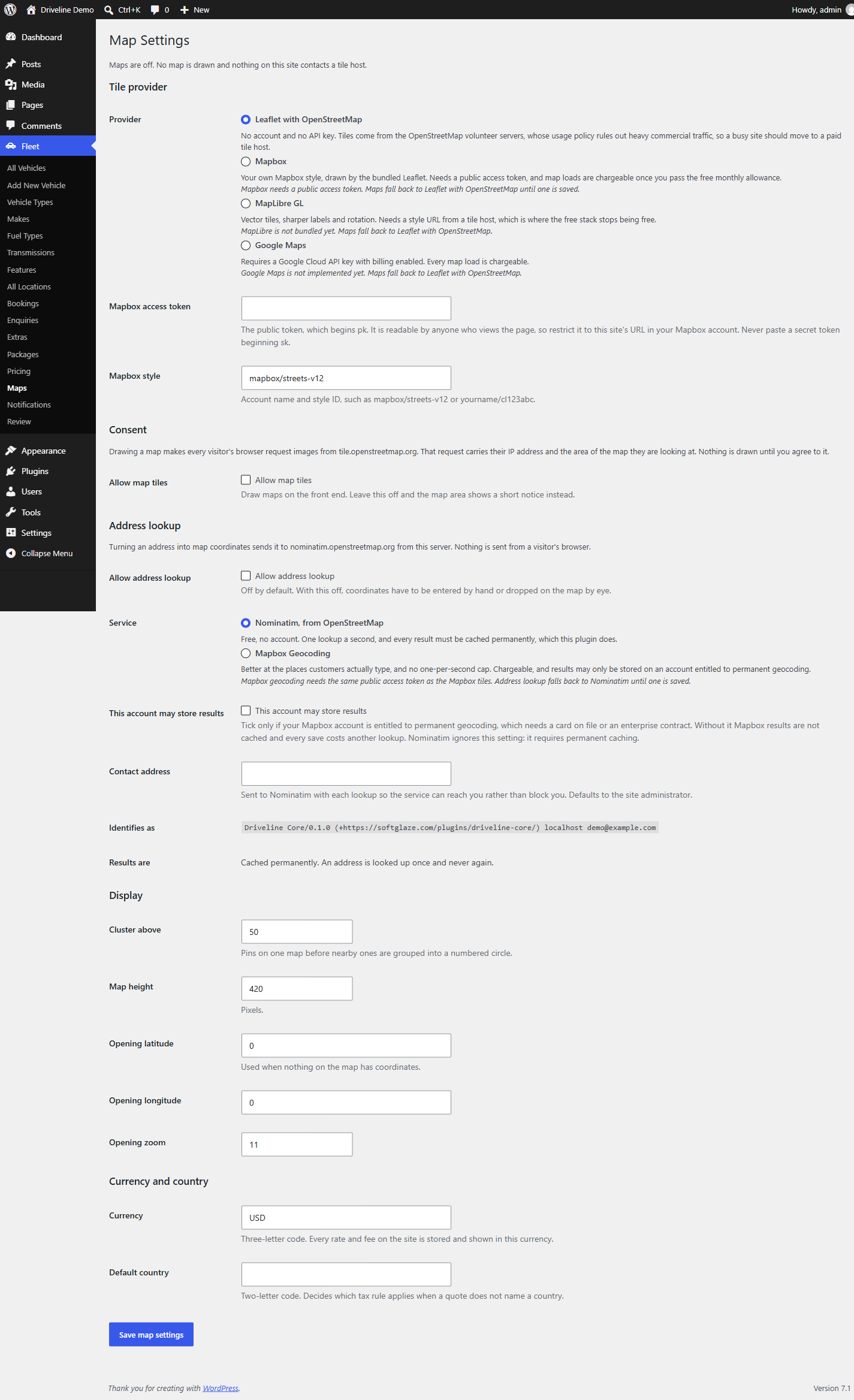
Visitors filter the fleet by dates, location, vehicle type and features. Maps are off until you turn them on, and every service the plugin can contact is listed below.
External services
This plugin can contact the services below. All of them are switched off when the plugin is installed, and none is contacted until an administrator turns it on under Fleet, Maps.
OpenStreetMap tile servers
Used to draw the map images on any page showing a map. When maps are switched on, each visitor’s browser requests map tiles directly from https://tile.openstreetmap.org/{z}/{x}/{y}.png. Those requests carry the visitor’s IP address, their browser’s user agent, and the area of the map being viewed. No personal data is sent by this plugin.
Turning maps off in the settings stops the requests entirely: the map area shows a short notice instead and no tile is ever requested.
Service provided by the OpenStreetMap Foundation.
Terms: https://osmfoundation.org/wiki/Terms_of_Use
Tile usage policy: https://operations.osmfoundation.org/policies/tiles/
Privacy policy: https://osmfoundation.org/wiki/Privacy_Policy
Nominatim geocoding
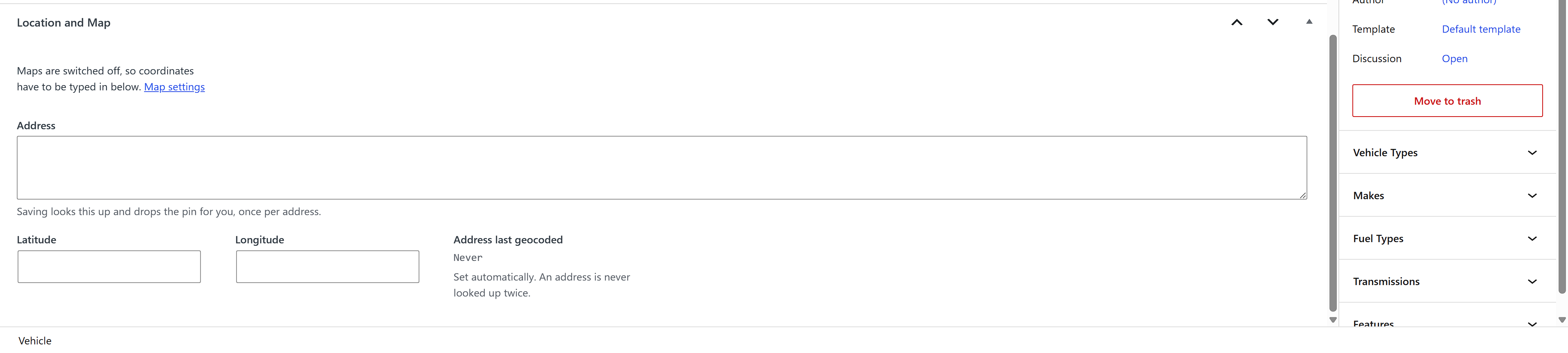
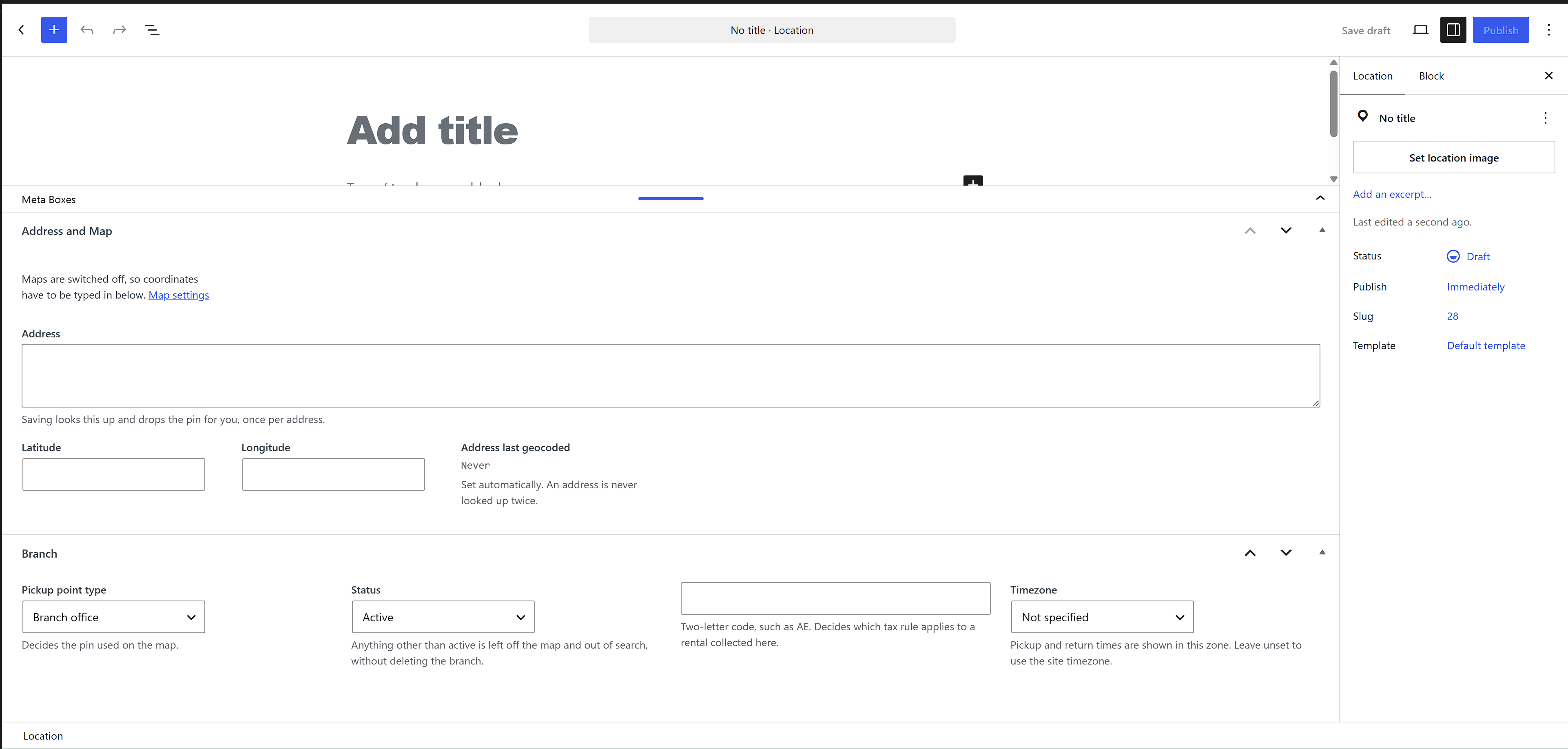
Used to turn an address typed into a vehicle or branch into map coordinates. When address lookup is switched on, this site’s server sends the address, and a contact address you configure, to https://nominatim.openstreetmap.org/search. Turning a dragged map pin back into an address uses https://nominatim.openstreetmap.org/reverse the same way. Nothing is sent from a visitor’s browser.
Every result is stored permanently, so an address is looked up once and never again, and lookups are paced at one per second as the service requires.
Service provided by the OpenStreetMap Foundation.
Terms: https://osmfoundation.org/wiki/Terms_of_Use
Usage policy: https://operations.osmfoundation.org/policies/nominatim/
Privacy policy: https://osmfoundation.org/wiki/Privacy_Policy
Mapbox
Optional, and used only if you select Mapbox as the tile provider and save a public access token.
For map images, each visitor’s browser requests raster tiles from https://api.mapbox.com/styles/v1/{style}/tiles/512/{z}/{x}/{y}, where the style is the one you selected. Those requests carry the visitor’s IP address, their browser’s user agent, the area of the map being viewed, and your public access token. The token is public by design and is visible in the page source, so restrict it to your site’s URL in your Mapbox account.
For address lookup, if you also select Mapbox as the geocoding service, this site’s server sends the address to https://api.mapbox.com/search/geocode/v6/forward, and a dragged map pin to https://api.mapbox.com/search/geocode/v6/reverse. By default Mapbox returns temporary results that may not be stored, so nothing is cached and every changed address costs another lookup. Results are cached only when you tick the setting declaring that your account is entitled to permanent geocoding, which sets the permanent parameter on the request.
Service provided by Mapbox, Inc.
Terms: https://www.mapbox.com/legal/tos
Privacy policy: https://www.mapbox.com/legal/privacy
Attribution requirements: https://docs.mapbox.com/help/dive-deeper/attribution/
Privacy
A booking holds the customer’s name, email address, telephone number and any notes they left, together with the dates, the branches, the vehicle and the price agreed. All of it stays in this site’s database. The plugin sets no cookie of its own, writes nothing to a visitor’s browser, and sends no personal data to any external service; the services listed above receive an address to geocode or a map area to draw, never a customer.
Rental data is reported and cleared through the privacy tools WordPress already has, under Tools, Export Personal Data and Tools, Erase Personal Data. A customer can raise the same request from their own dashboard, and the button there raises a core request rather than acting on the spot, so the link WordPress emails has to be opened before anything is exported or destroyed. A dashboard left open on a shared machine is not enough.
Erasure takes the name, email address, telephone number and notes off the rentals and keeps the rentals. A booking is a commercial record with an invoice number against it, and the right to erasure does not reach the ledger a tax authority can ask about. The erasure screen says exactly that, rather than reporting a clean job it did not do.
Resources
Leaflet 1.9.4
Copyright (c) 2010-2023 Volodymyr Agafonkin, (c) 2010-2011 CloudMade
License: BSD 2-Clause
Source: https://github.com/Leaflet/Leaflet
Bundled at assets/vendor/leaflet/, unmodified. The minified leaflet.js is the file that loads; the readable leaflet-src.js it was built from ships beside it. The licence text is at assets/vendor/leaflet/LICENSE.
Leaflet marker and layer images
Copyright (c) 2010-2023 Volodymyr Agafonkin
License: BSD 2-Clause
Source: https://github.com/Leaflet/Leaflet/tree/v1.9.4/dist/images
Bundled at assets/vendor/leaflet/images/, unmodified.
Screenshots


Installation
- In the admin, go to Plugins, Add New, Upload Plugin.
- Choose the zip file and select Install Now, then Activate.
- Open Fleet to add your vehicles, and Fleet, Pricing to set your rates.
- Maps and address lookup stay off until you switch them on under Fleet, Maps.
FAQ
-
Does it need WooCommerce?
-
No. WooCommerce is the payment layer and is optional. Without it a booking is still placed, still holds its units and is still confirmed by an operator; what you lose is the order, and with it refunds, taxes and gateways.
-
Does it need a Google Maps API key?
-
No. Maps need no API key and no billing account. Leaflet is bundled with the plugin and map images come from OpenStreetMap. Mapbox is offered as an alternative if you would rather use it, and needs a token of your own.
-
Does the plugin contact anything on its own?
-
No. Every external service is switched off when the plugin is installed and none is contacted until an administrator turns it on under Fleet, Maps. The services and what is sent to them are listed under External services.
-
Can two customers book the last vehicle at the same time?
-
No. The claim is made behind a named database lock and re-checked after it is written, so the second request is refused rather than oversold.
-
What happens to my data if I change theme?
-
Nothing. Vehicles, bookings, rates and customers belong to this plugin, not to the theme.
-
Does it work with a page builder?
-
Yes. Driveline for Elementor and Driveline for WPBakery place the same output in those editors. Both are optional, and both read from this plugin, so a price on a builder page and a price at checkout are produced by the same code.
Reviews
There are no reviews for this plugin.
Contributors & Developers
“Driveline Core” is open source software. The following people have contributed to this plugin.
Contributors
Translate “Driveline Core” into your language.
Interested in development?
Browse the code, check out the SVN repository, or subscribe to the development log by RSS.
Changelog
0.1.0
- First release. Vehicles, locations, packages, extras, bookings and enquiries.
- Unit-level availability with expiring holds and a locked claim.
- Rate plans with seasonal, length of rental, weekday and location rules.
- Optional WooCommerce checkout, customer accounts and operator screens.
- Fleet search, and maps through Leaflet with OpenStreetMap or Mapbox tiles.