

Description
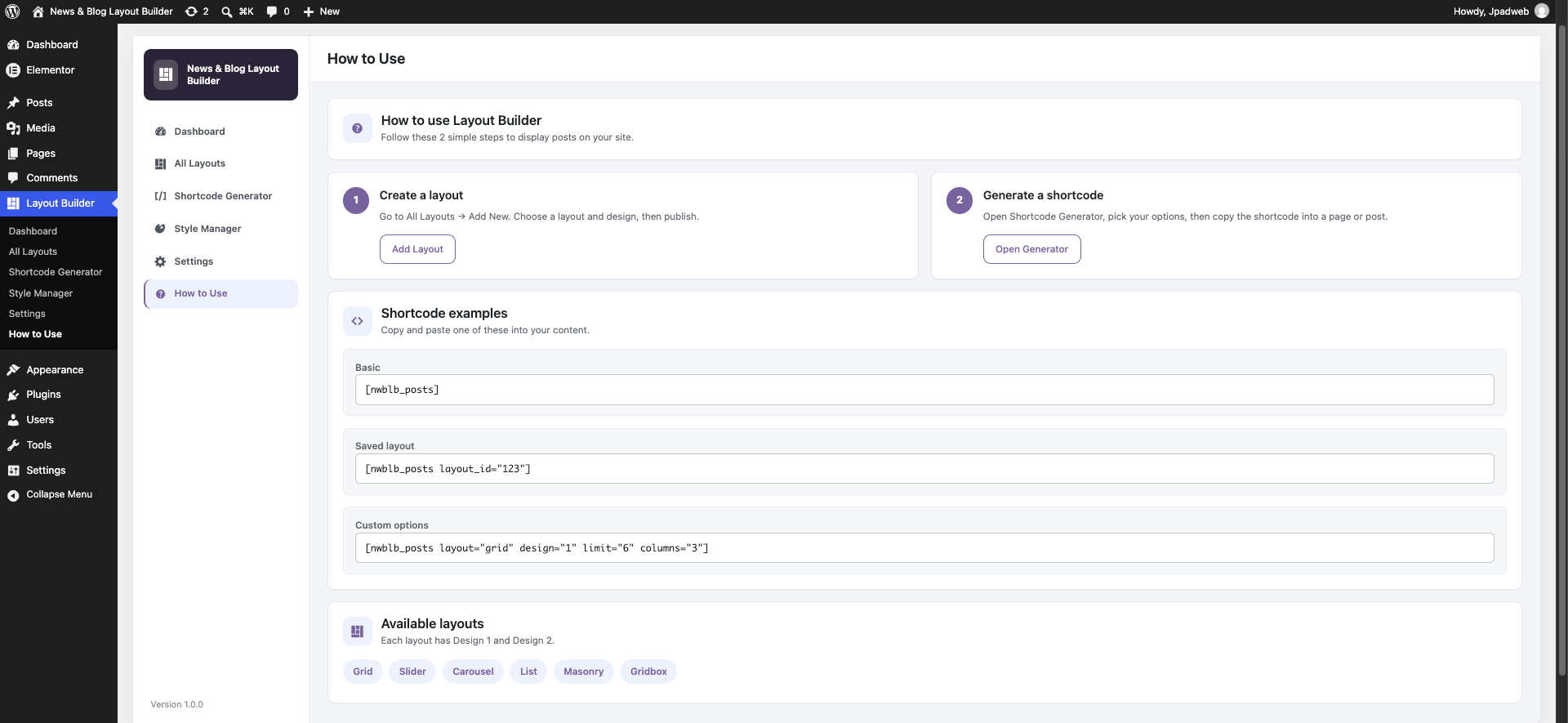
News & Blog Layout Builder displays WordPress posts in six layout types: Grid, Slider, Carousel, List, Masonry, and Gridbox. Each layout has two designs. You can output layouts with a shortcode, a saved custom layout, or a sidebar widget.
Getting started
- Activate the plugin and open Layout Builder in the admin menu.
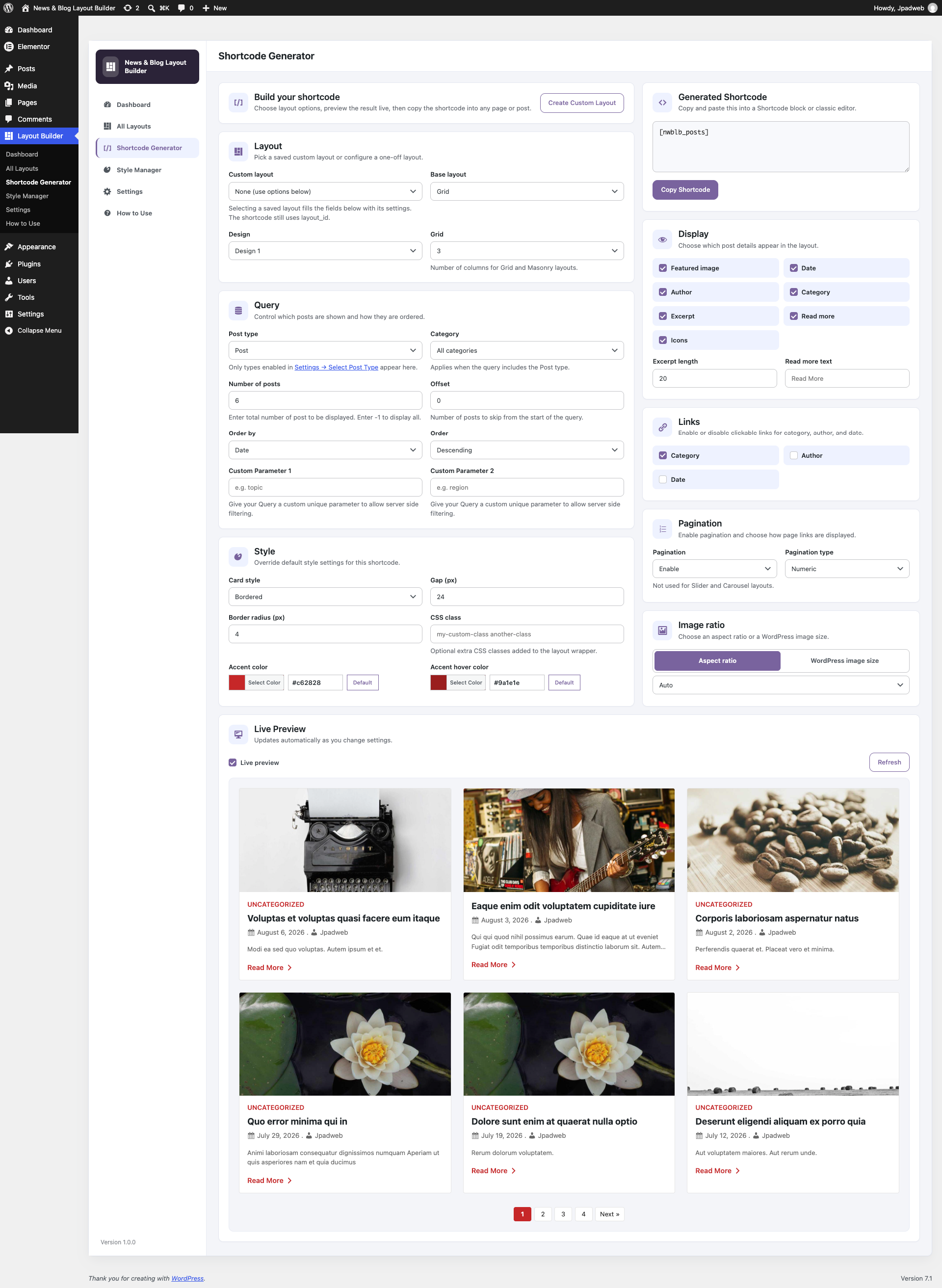
- Go to Shortcode Generator, choose a layout and design, then adjust query and display options.
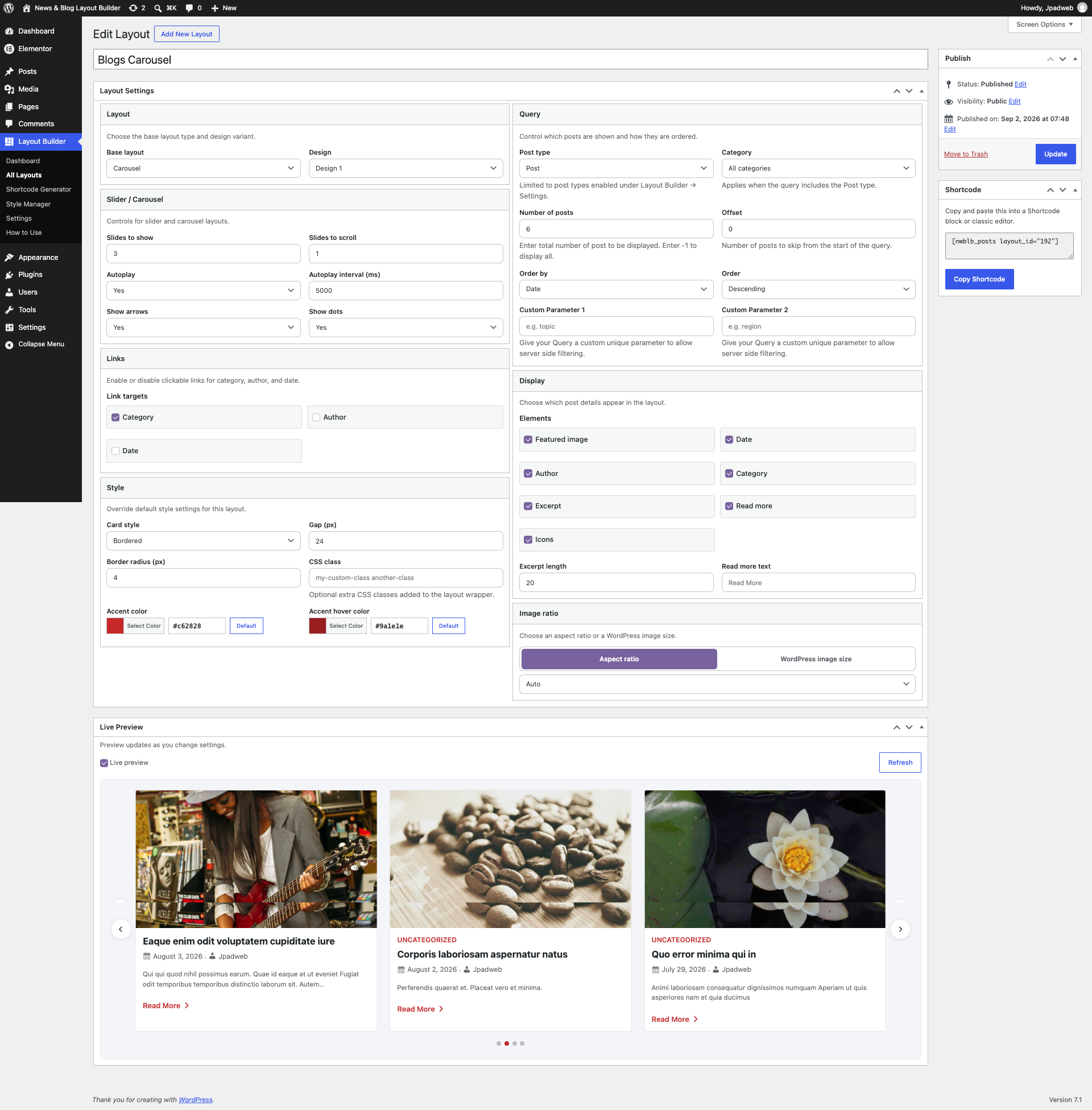
- Use the live preview to check the result, then click Copy Shortcode.
- Paste the shortcode into a page, post, Shortcode block, or widget area.
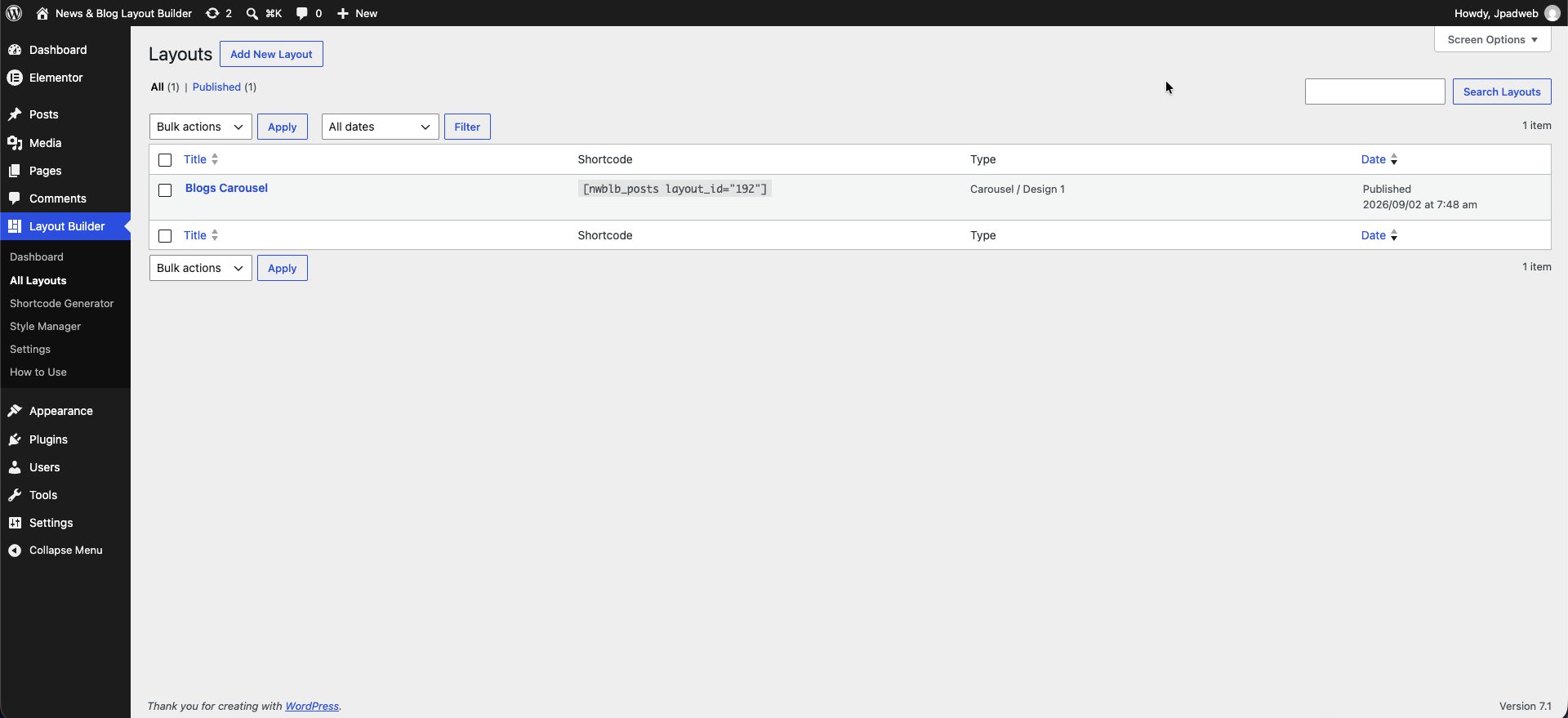
- Optionally open All Layouts Add New to save a reusable layout and embed it with
[nwblb_posts layout_id="123"]. - Use Style Manager for global card style, spacing, colors, and image defaults. Use Settings for featured image fallbacks and related options.
Layouts
- Grid – Multi-column post cards (Design 1 and Design 2)
- Slider – One post per slide with autoplay, arrows, and dots (Design 1 and Design 2)
- Carousel – Multiple slides visible at once (Design 1 and Design 2)
- List – Vertical list of posts (Design 1 and Design 2)
- Masonry – Variable-height masonry arrangement (Design 1 and Design 2)
- Gridbox – Featured post with supporting posts beside it (Design 1 and Design 2)
Admin screens
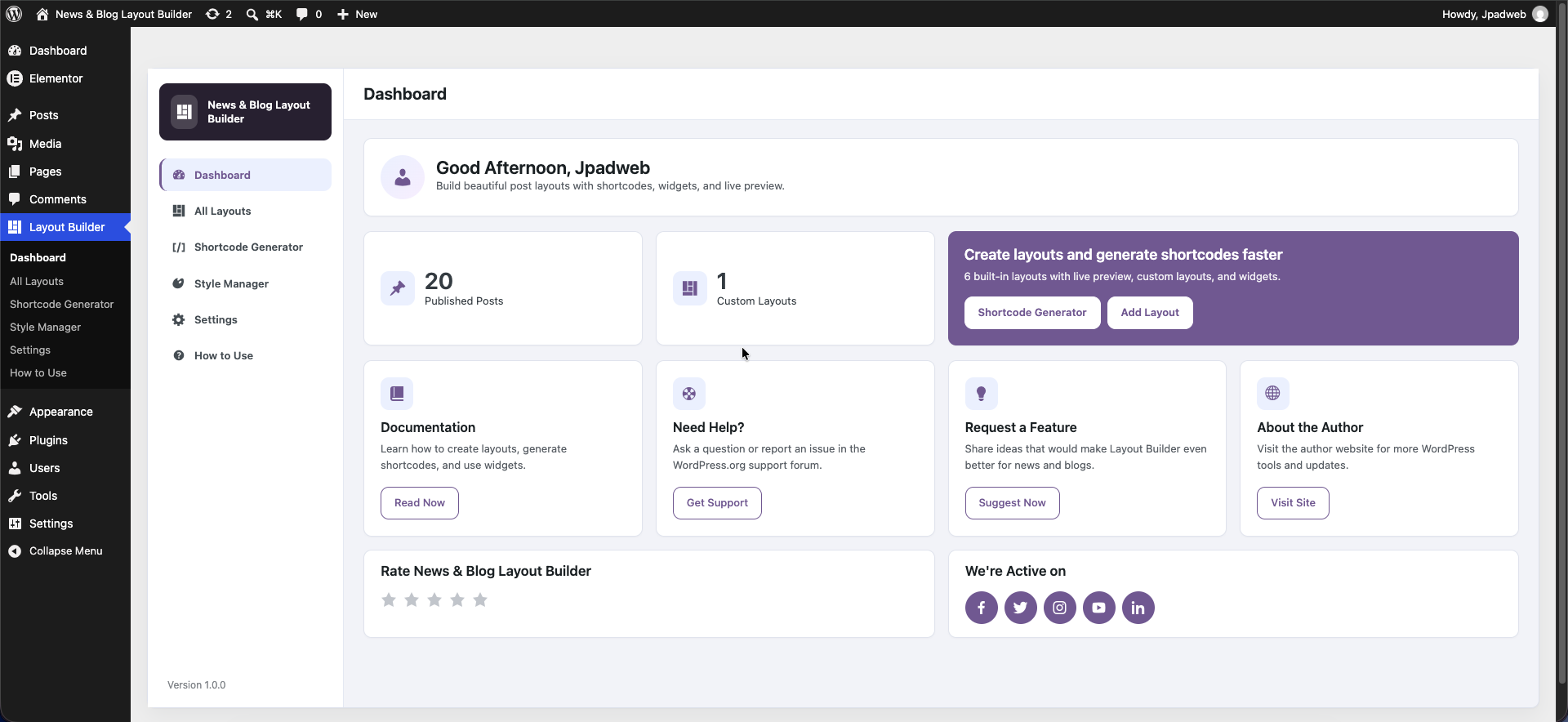
- Dashboard – Overview and shortcuts to the main tools
- Shortcode Generator – Build a layout with live preview and copy the shortcode
- Layout Builder (All Layouts) – Create and edit saved layouts
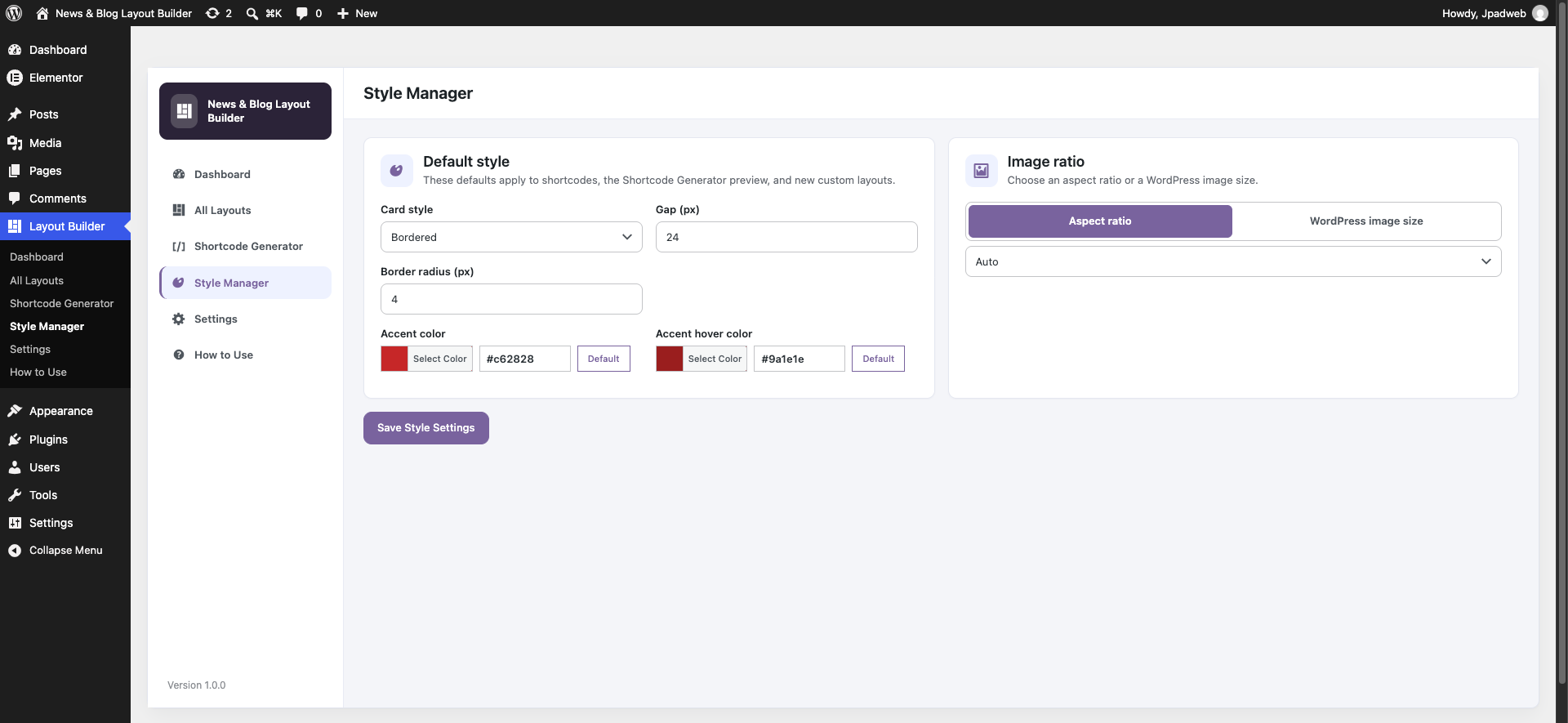
- Style Manager – Set global defaults for card style, gap, radius, accent colors, and images
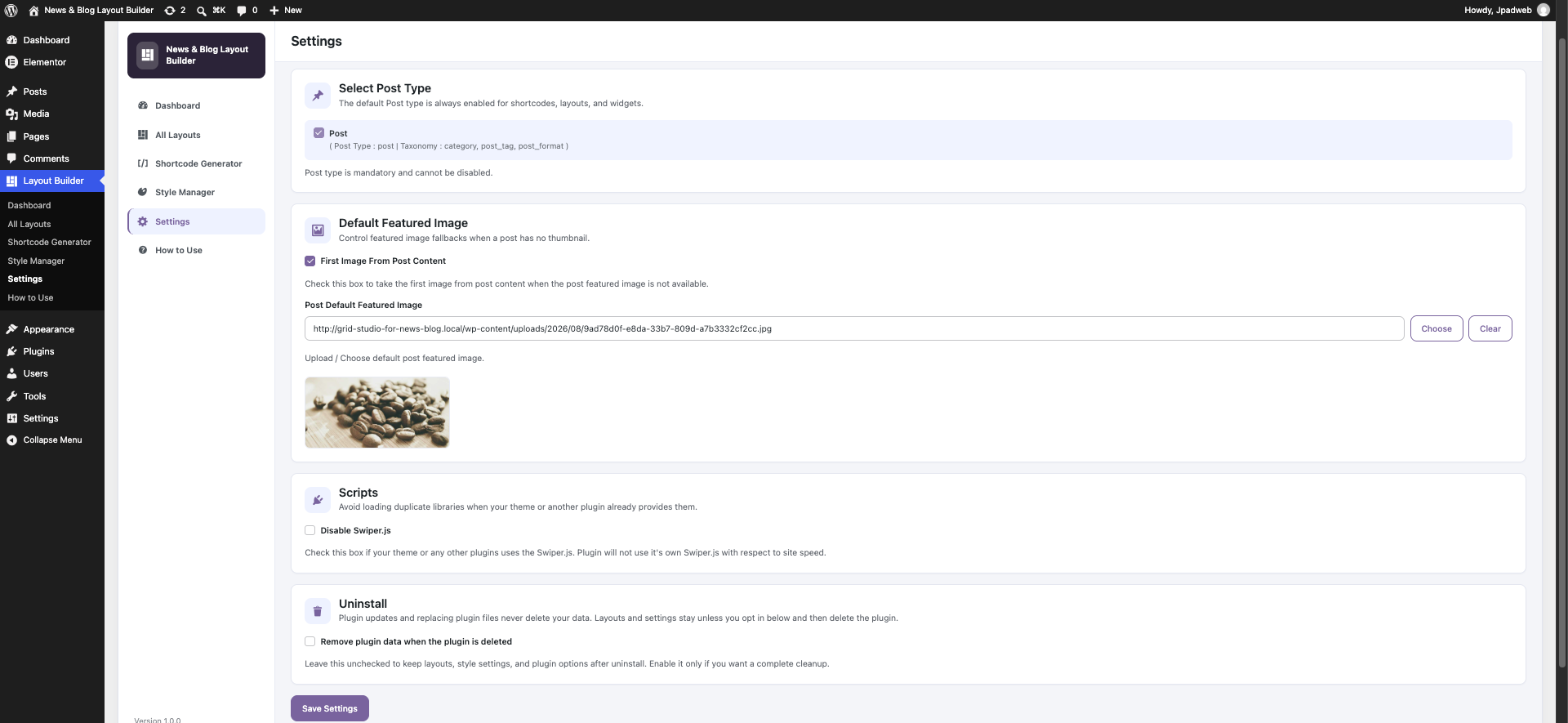
- Settings – Featured image fallbacks and plugin options
- How to Use – In-admin examples and guidance
Widget
Add the News & Blog Posts widget under Appearance Widgets.
- Design 1: image, date, and title
- Design 2: image, category, title, and date
- Optional category filter and post count
Shortcode
Default shortcode (uses Style Manager defaults where applicable):
[nwblb_posts]
Saved layout:
[nwblb_posts layout_id="123"]
Custom example:
[nwblb_posts layout="grid" design="1" category="news" limit="6" columns="3" pagination="yes"]
Common shortcode parameters
-
Layout
layout=”grid” (Values: grid, slider, carousel, list, masonry, gridbox) -
Design
design=”1″ (Values: 1 or 2) -
Saved layout
layout_id=”123″ (Use a layout created under Layout Builder All Layouts) -
Post limit
limit=”6″ (Number of posts. Use -1 to show all posts within the max limit) -
Offset
offset=”0″ (Number of posts to skip from the start of the query) -
Category
category=”news” OR category=”news,sports” (Filter by category slug or comma-separated slugs) -
Columns (Grid & Masonry)
columns=”3″ (Values: 1 to 12) -
Order
order=”DESC” (Values: DESC or ASC) -
Order by
orderby=”date” (Values: date, title, comment_count, rand, modified) -
Pagination
pagination=”yes” (Values: yes or no. Not used for Slider and Carousel layouts) -
Show featured image
show_image=”yes” (Values: yes or no) -
Show date
show_date=”yes” (Values: yes or no) -
Show author
show_author=”yes” (Values: yes or no) -
Show category
show_category=”yes” (Values: yes or no) -
Show excerpt
show_excerpt=”yes” (Values: yes or no) -
Excerpt length
excerpt_length=”20″ (Number of words) -
Show read more
show_read_more=”yes” (Values: yes or no) -
Read more text
read_more_text=”Read More” (Custom button label) -
Show icons
show_icons=”yes” (Values: yes or no. Uses WordPress Dashicons) -
Link category
link_category=”yes” (Values: yes or no) -
Link author
link_author=”no” (Values: yes or no) -
Link date
link_date=”no” (Values: yes or no) -
Card style
card_style=”bordered” (Values: bordered, shadow, flat) -
Gap
gap=”24″ (Spacing between cards in pixels) -
Border radius
border_radius=”4″ (Corner radius in pixels) -
Accent color
accent_color=”#c62828″ (Hex color for links and accents) -
Accent hover color
accent_hover_color=”#9a1e1e” (Hex hover color) -
Image mode
image_mode=”ratio” (Values: ratio or size) -
Image ratio
image_ratio=”auto” (Values: auto, 16-9, 4-3, 1-1. Used when image_mode is ratio) -
Image size
image_size=”medium” (WordPress image size slug. Used when image_mode is size) -
Custom CSS class
class=”my-custom-class” (Additional CSS classes on the layout wrapper)
Slider shortcode parameters
[nwblb_posts layout="slider"]
-
Autoplay
autoplay=”yes” (Values: yes or no) -
Autoplay interval
autoplay_interval=”5000″ (Milliseconds between slides) -
Show arrows
show_arrows=”yes” (Values: yes or no) -
Show dots
show_dots=”yes” (Values: yes or no)
Carousel shortcode parameters
[nwblb_posts layout="carousel"]
-
Slides to show
slides_to_show=”3″ (Values: 1 to 6) -
Slides to scroll
slides_to_scroll=”1″ (Values: 1 to 6) -
Autoplay
autoplay=”yes” (Values: yes or no) -
Autoplay interval
autoplay_interval=”5000″ (Milliseconds between slides) -
Show arrows
show_arrows=”yes” (Values: yes or no) -
Show dots
show_dots=”yes” (Values: yes or no)
Pagination
Numeric pagination is available for Grid, List, Masonry, and Gridbox. It uses WordPress paginate_links() and works with /page/2/ permalinks (or ?paged=2 when pretty permalinks are off).
Slider and Carousel do not use pagination.
Featured image fallbacks
If a post has no featured image, you can enable these options under Layout Builder Settings:
- Use the first image from the post content
- Use a default image from the media library
Developer hooks
nwblb_query_args– Filter the main post query argumentsnwblb_public_post_types– Add post types to admin selectorsnwblb_template_path– Override layout template file paths-
nwblb_paginate_links_args– Customize pagination outputcustom_param_1 and
custom_param_2can pass URL query values into custom filtering through thenwblb_query_argshook.
Third-party libraries
- Swiper 11.2.10 (MIT License) – Bundled in
assets/vendor/swiper/for Slider and Carousel. No CDN is used at runtime.
The plugin does not collect, store, or send personal data to remote services.
Screenshots
Installation
- Upload the
news-blog-layout-builderfolder to the/wp-content/plugins/directory, or install the plugin through the Plugins Add New screen in WordPress. - Activate News & Blog Layout Builder through the Plugins menu in WordPress.
- Go to Layout Builder in the admin menu.
- Open Shortcode Generator to build a layout with live preview, or go to All Layouts to create a saved custom layout.
- Copy the shortcode and paste it into a page, post, Shortcode block, or widget area.
Tip: To display posts on a dedicated blog page, create a new Page, add the shortcode, and publish. Do not set that page as the Posts page under Settings Reading.
FAQ
-
How do I display posts with this plugin?
-
Go to Layout Builder Shortcode Generator, choose a layout and design, adjust the settings, preview the result, then click Copy Shortcode. Paste the shortcode into any page or post.
-
Can I save a layout and reuse it?
-
Yes. Go to Layout Builder All Layouts Add New, configure your layout in the Layout Settings panel, publish, and use the shortcode shown in the sidebar:
[nwblb_posts layout_id="YOUR_ID"]. -
Where can I find all shortcode parameters?
-
Open Layout Builder Shortcode Generator or Layout Builder How to Use for examples. This readme also lists all available attributes under Description.
-
Which post types are supported?
-
The plugin displays the built-in WordPress Post type. You can filter posts by category slug.
-
Can I filter by multiple categories?
-
Yes. Pass comma-separated category slugs to the
categoryattribute, for example:category="news,sports". -
Does pagination work with all layouts?
-
Numeric pagination works with Grid, List, Masonry, and Gridbox. Slider and Carousel do not use pagination.
-
Can I use a widget instead of a shortcode?
-
Yes. Add the News & Blog Posts widget under Appearance Widgets. Choose Design 1 or Design 2, set the number of posts, and optionally filter by category.
-
Will this plugin work with my theme?
-
Yes. News & Blog Layout Builder works with any WordPress theme. Minor CSS adjustments may be needed to match your theme’s typography or spacing.
-
Does this plugin collect any data?
-
No. The plugin does not collect, store, or transmit personal data to external services.
-
Will updating or replacing the plugin delete my layouts and settings?
-
No. Updates and replacing plugin files keep your saved layouts, style defaults, and settings. Data is removed only if you enable Remove plugin data when the plugin is deleted under Layout Builder Settings and then delete the plugin from the Plugins screen.
-
Is News & Blog Layout Builder compatible with the block editor?
-
Yes. Paste the generated shortcode into a Shortcode block, or use the classic editor. The Layout Builder and Shortcode Generator work in the WordPress admin.
Reviews
There are no reviews for this plugin.
Contributors & Developers
“News & Blog Layout Builder” is open source software. The following people have contributed to this plugin.
Contributors


Translate “News & Blog Layout Builder” into your language.
Interested in development?
Browse the code, check out the SVN repository, or subscribe to the development log by RSS.
Changelog
1.0.0
- Initial release.
- 6 layouts (Grid, Slider, Carousel, List, Masonry, Gridbox) with 2 designs each.
- Shortcode Generator with live AJAX preview.
- Custom Layout Builder with saved layouts and copy shortcode.
- Style Manager for global default styling.
- Settings for featured image fallbacks.
- News & Blog Posts widget with 2 designs.
- Numeric pagination for Grid, List, Masonry, and Gridbox.
- Bundled Swiper library for Slider and Carousel (no CDN).