Skip to content
WordPress.org
  • Showcase
  • Plugins
  • Themes
  • Hosting
  • News
    • Learn WordPress
    • Documentation
    • Education
    • Forums
    • Developers
    • Blocks
    • Patterns
    • Photos
    • Openverse ↗︎
    • WordPress.tv ↗︎
    • About WordPress
    • Make WordPress
    • Events
    • Five for the Future
    • Enterprise
    • Gutenberg ↗︎
    • Job Board ↗︎
  • Swag ↗︎
  • Get WordPress
Get WordPress
WordPress.org

Plugin Directory

HDY Login Branding

  • Submit a plugin
  • My favorites
  • Log in
  • Submit a plugin
  • My favorites
  • Log in

HDY Login Branding

By Mary Mojisola Job
Download
  • Details
  • Reviews
  • Installation
  • Development
Support

Description

Customize the WordPress login screen without touching code.

Features:
* Enable or disable the custom login logo.
* Choose a logo from the Media Library.
* Logo links to the site homepage when enabled.
* Customize the login page background color.
* Customize the login button label, background, and text color.

Screenshots
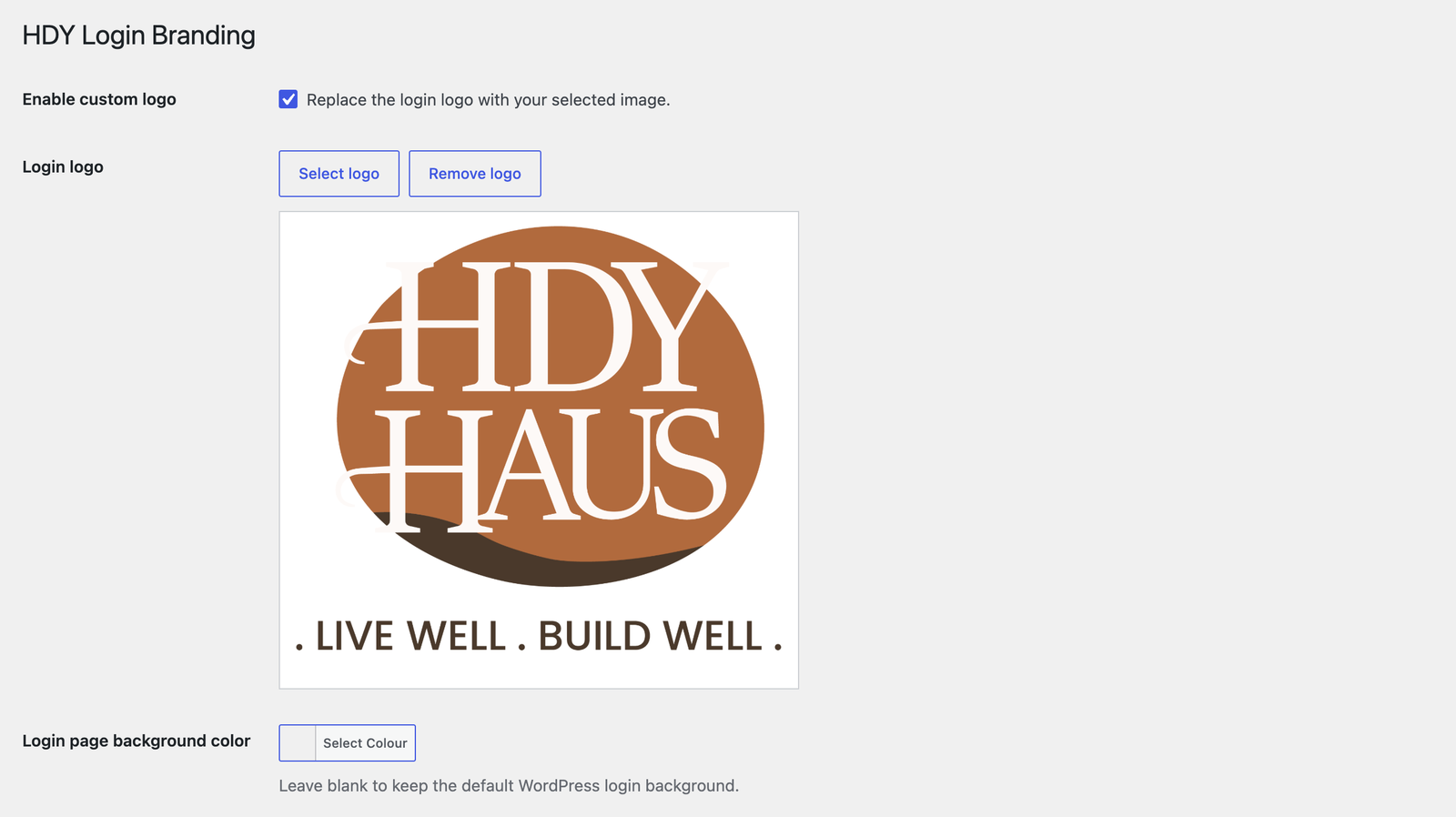
Plugin settings page with custom logo selection and preview.
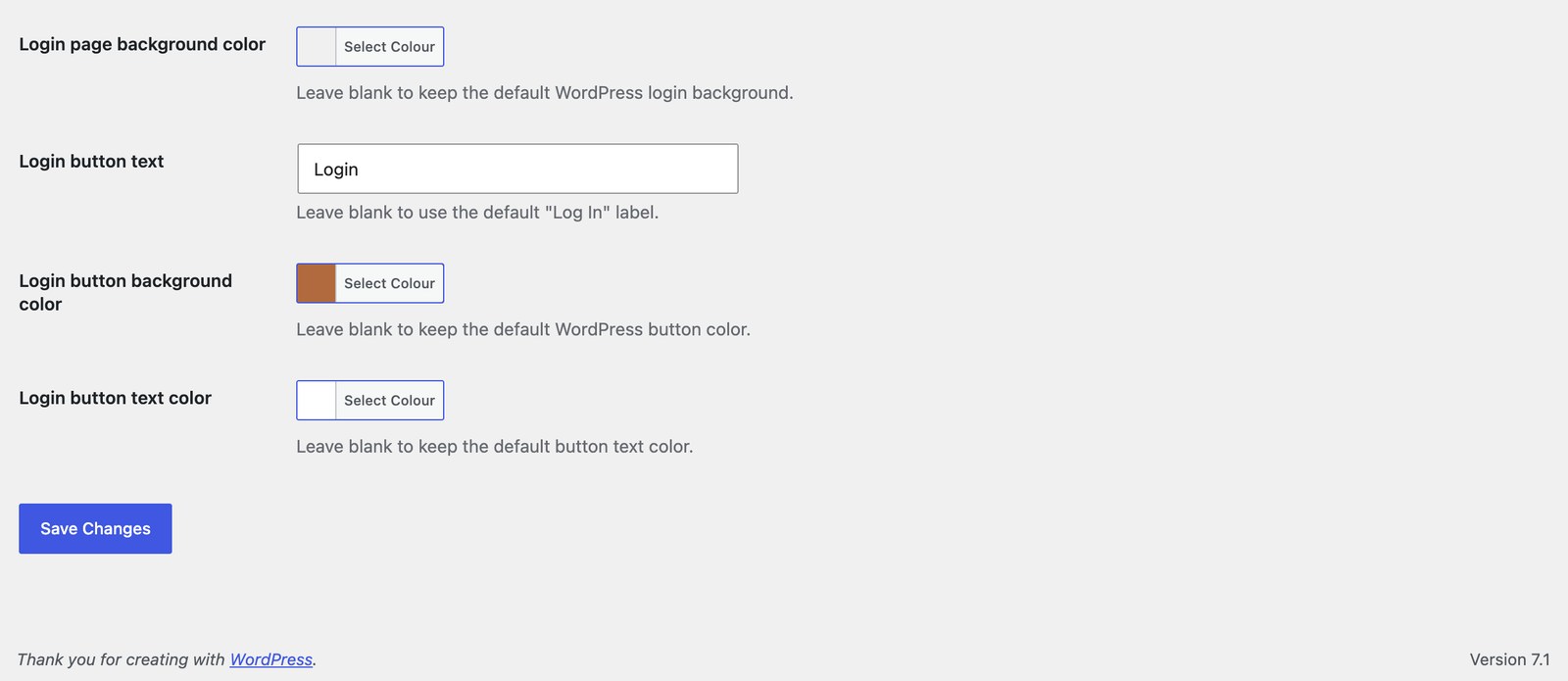
Color picker settings for login page background and login button styles.
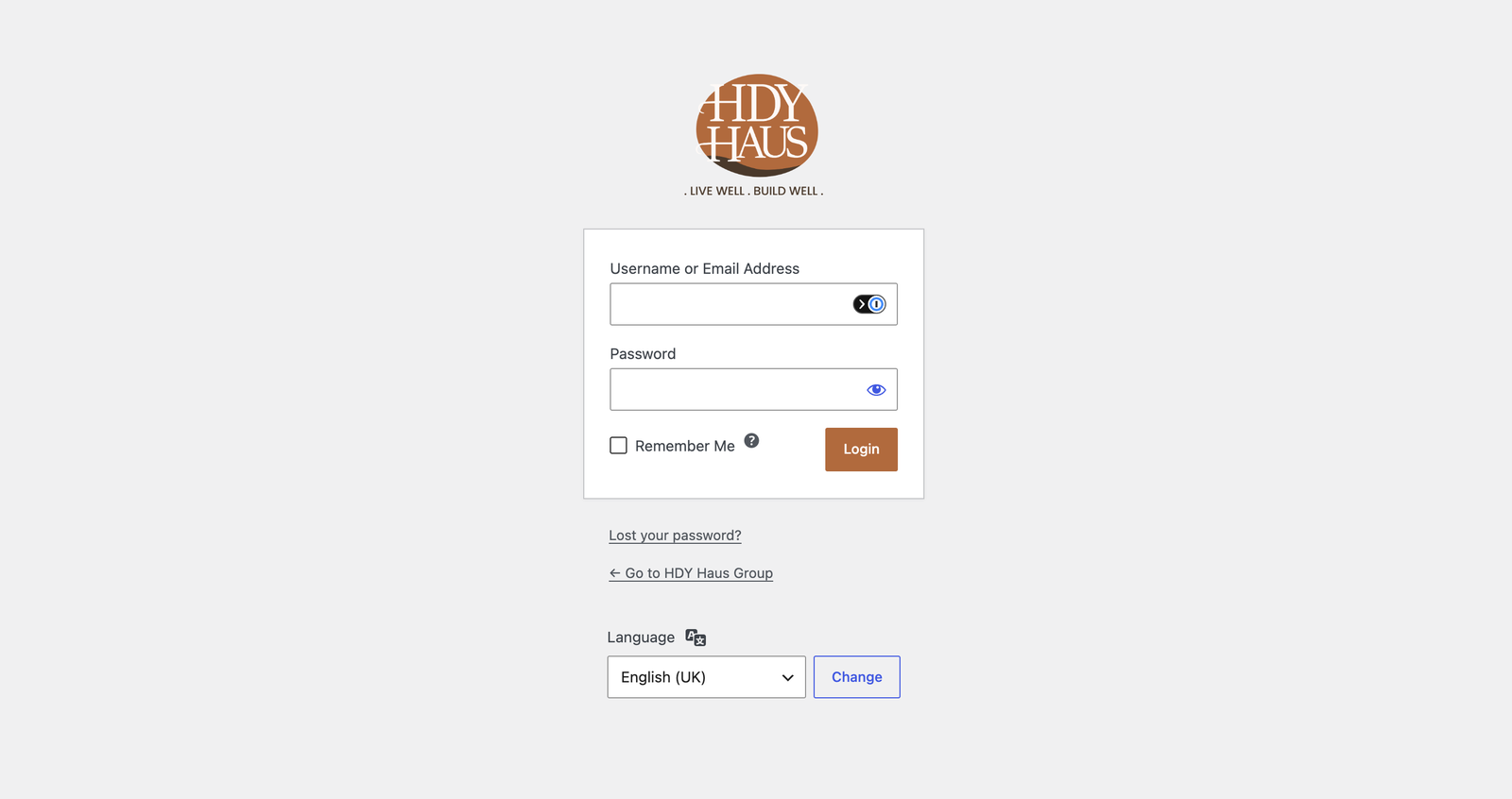
Customized WordPress login page with branded logo, background, and button text.

Installation

  1. Upload the hdy-login-branding folder to /wp-content/plugins/ Or in your WordPress admin, go to Plugins > Add New > Upload.
  2. Activate the plugin through the Plugins screen in WordPress.
  3. Go to Settings > HDY Login Branding.
  4. Enable the logo and select an image from the Media Library.

FAQ

What size should the logo be?

The login screen uses a 320×120 box. Larger images are scaled to fit.

Where does the logo link to?

When the custom logo is enabled and set, it links to the homepage.

Reviews

There are no reviews for this plugin.

Contributors & Developers

“HDY Login Branding” is open source software. The following people have contributed to this plugin.

Contributors
  • Mary Mojisola Job

Translate “HDY Login Branding” into your language.

Interested in development?

Browse the code, check out the SVN repository, or subscribe to the development log by RSS.

Changelog

1.0.3

  • Added a Settings action link on the WordPress Plugins screen.

1.0.2

  • Renamed plugin to HDY Login Branding for WordPress.org review.
  • Updated prefixes, text domain, and asset handles for directory compliance.
  • Removed bundled screenshot assets from the plugin package.

1.0.1

  • Added login page background color customization with WordPress color picker support.
  • Added screenshot assets and expanded screenshot descriptions.
  • Updated plugin and readme license metadata to GPL-3.0-or-later.
  • Improved coding standards compliance with local PHPCS/WPCS tooling.

1.0.0

  • Initial release.

Meta

  • Version 1.0.3
  • Last updated 3 days ago
  • Active installations Fewer than 10
  • WordPress version 5.8 or higher
  • Tested up to 7.0.4
  • PHP version 7.4 or higher
  • Tags
    adminbrandingloginlogo
  • Advanced View

Ratings

No reviews have been submitted yet.

Your review

See all reviews

Contributors

  • Mary Mojisola Job

Support

Got something to say? Need help?

View support forum

  • About
  • News
  • Hosting
  • Privacy
  • Showcase
  • Themes
  • Plugins
  • Patterns
  • Learn
  • Documentation
  • Developers
  • WordPress.tv ↗
  • Get Involved
  • Events
  • Donate ↗
  • Swag ↗
  • WordPress.com ↗
  • Matt ↗
  • bbPress ↗
  • BuddyPress ↗
WordPress.org
WordPress.org
  • Visit our X (formerly Twitter) account
  • Visit our Bluesky account
  • Visit our Mastodon account
  • Visit our Threads account
  • Visit our Facebook page
  • Visit our Instagram account
  • Visit our LinkedIn account
  • Visit our TikTok account
  • Visit our YouTube channel
  • Visit our Tumblr account
Code is Poetry
The WordPress® trademark is the intellectual property of the WordPress Foundation.