

Description
Byteslim Image Optimizer makes your site faster by compressing images and serving next-generation formats — without changing how you work. New uploads are optimized automatically, and you can process your whole library in a few clicks.
Built for performance: it prefers Imagick, falls back to GD when the host restricts it, only overwrites a file when the result is genuinely smaller, and processes large libraries in memory-efficient batches that resume if interrupted.
WebP the way you want it
Choose how WebP is delivered in Settings:
- Replace (recommended) — the media file itself becomes WebP, so your Media Library shows
.webp. The original JPG/PNG is kept and can be restored in one click. - Serve alongside — the original file is never changed; WebP is delivered on the front end via a
<picture>tag with automatic fallback.
Free features
- JPEG & PNG compression (lossless PNG, transparency preserved)
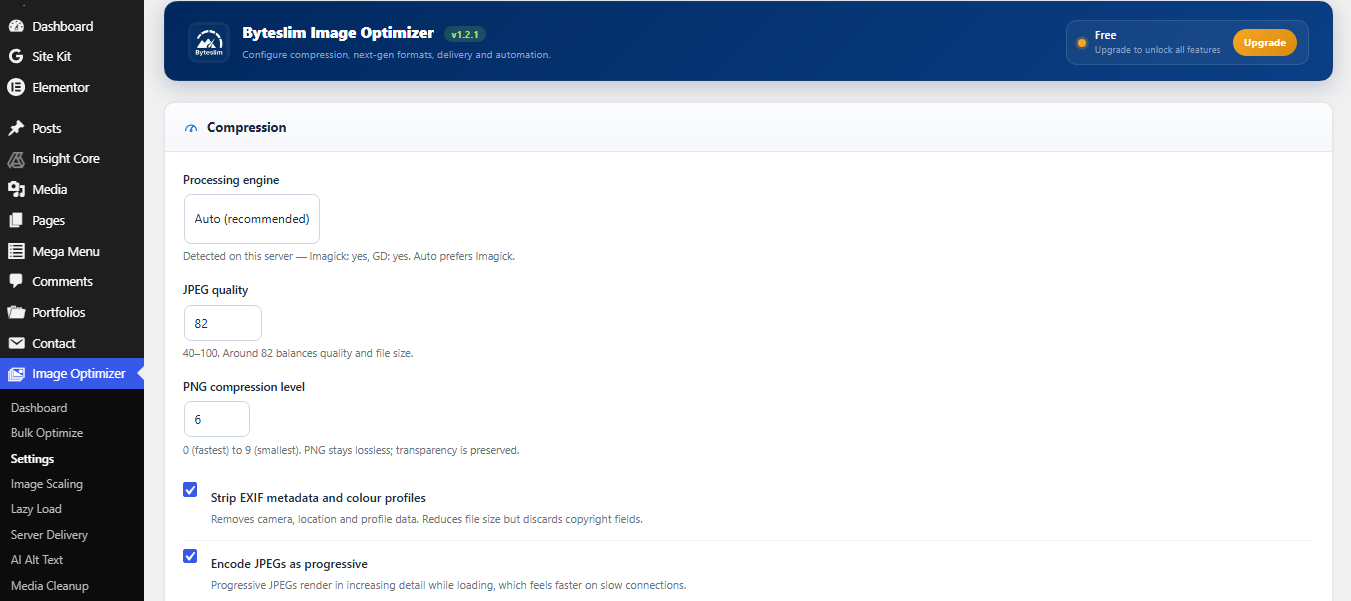
- Adjustable quality, metadata stripping, progressive JPEG
- Optimize the full image and every thumbnail size
- WebP conversion with Replace or serve-alongside delivery
- One-click “Restore original” for any WebP-replaced image
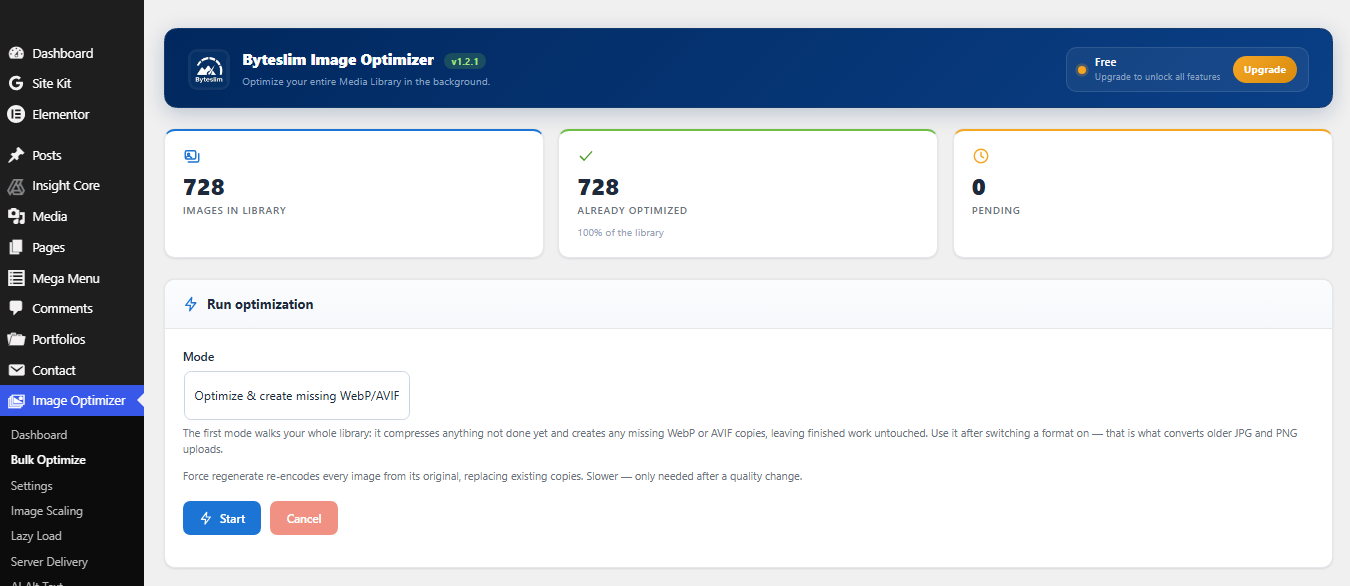
- Bulk optimizer with a progress bar that resumes after interruption
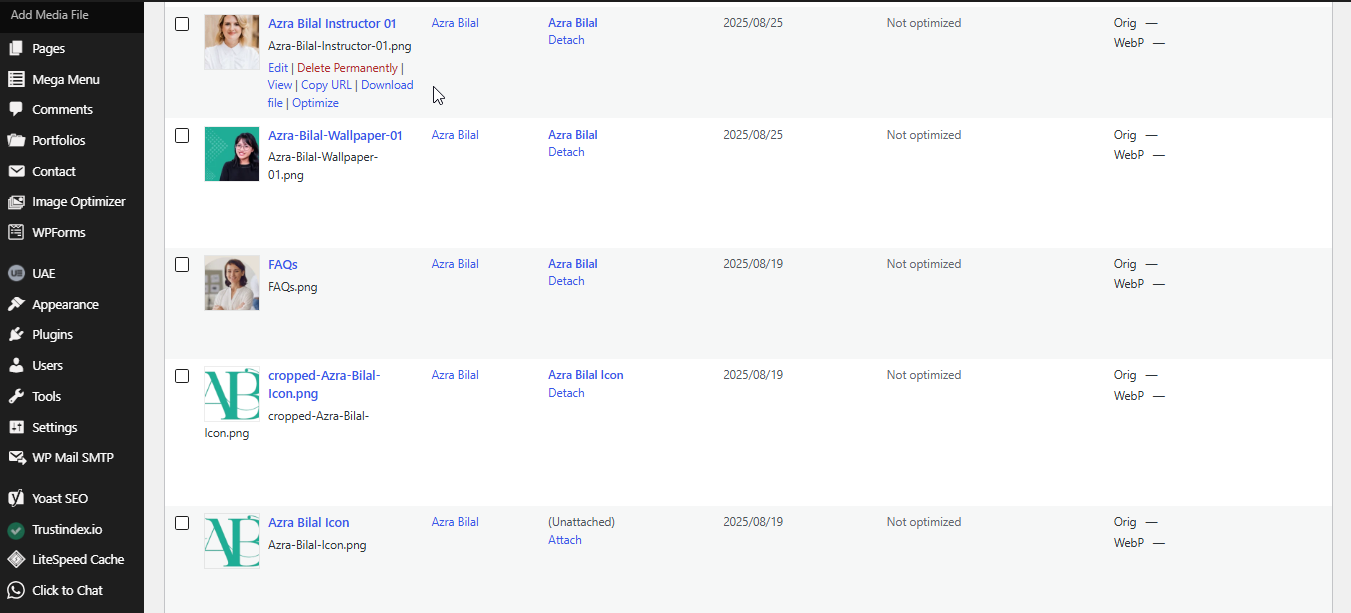
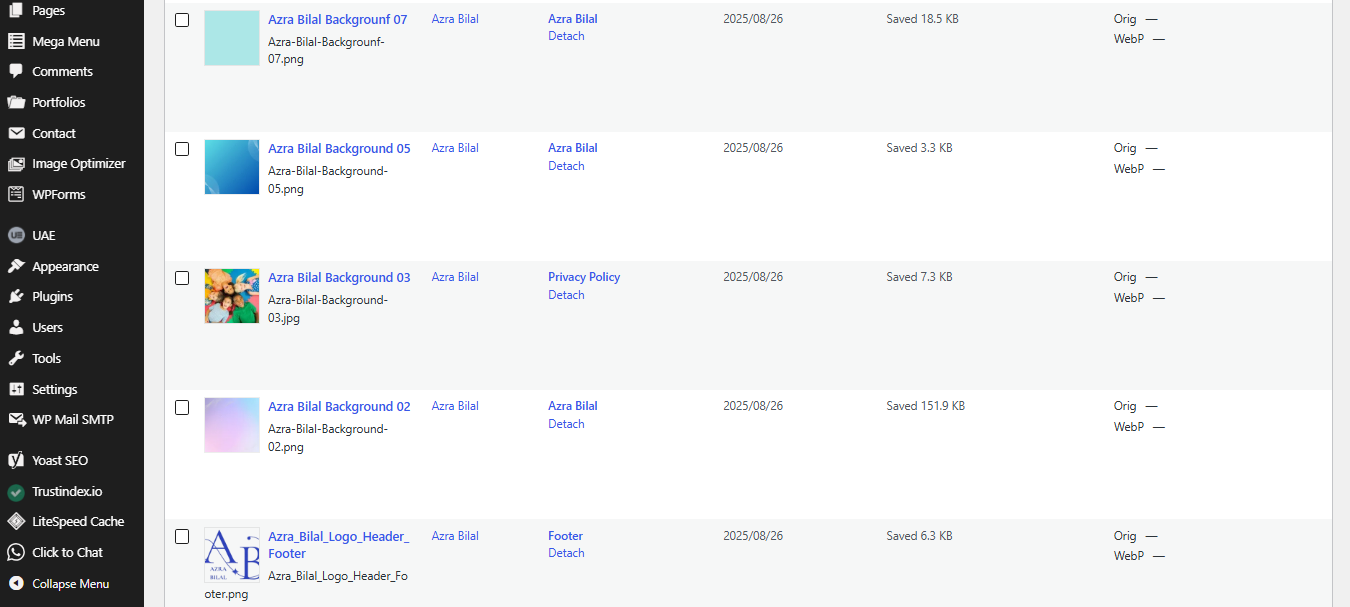
- Media Library “Optimize” action, bulk actions and status column
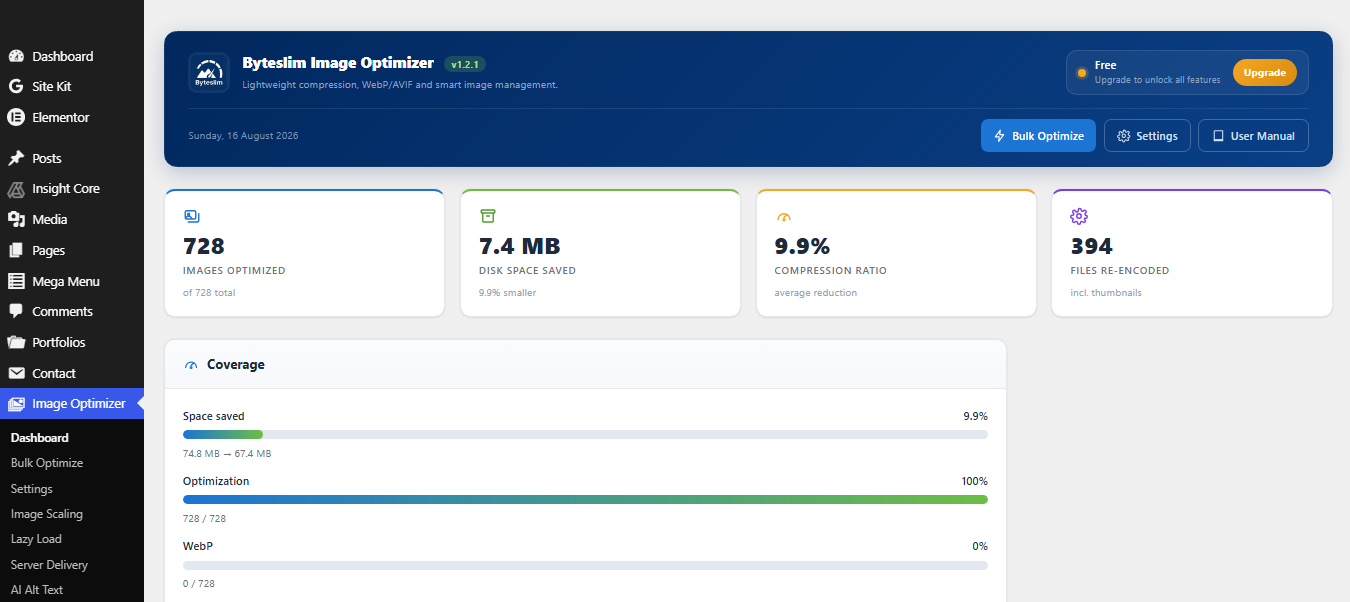
- Statistics dashboard (images optimized, space saved, compression ratio, health)
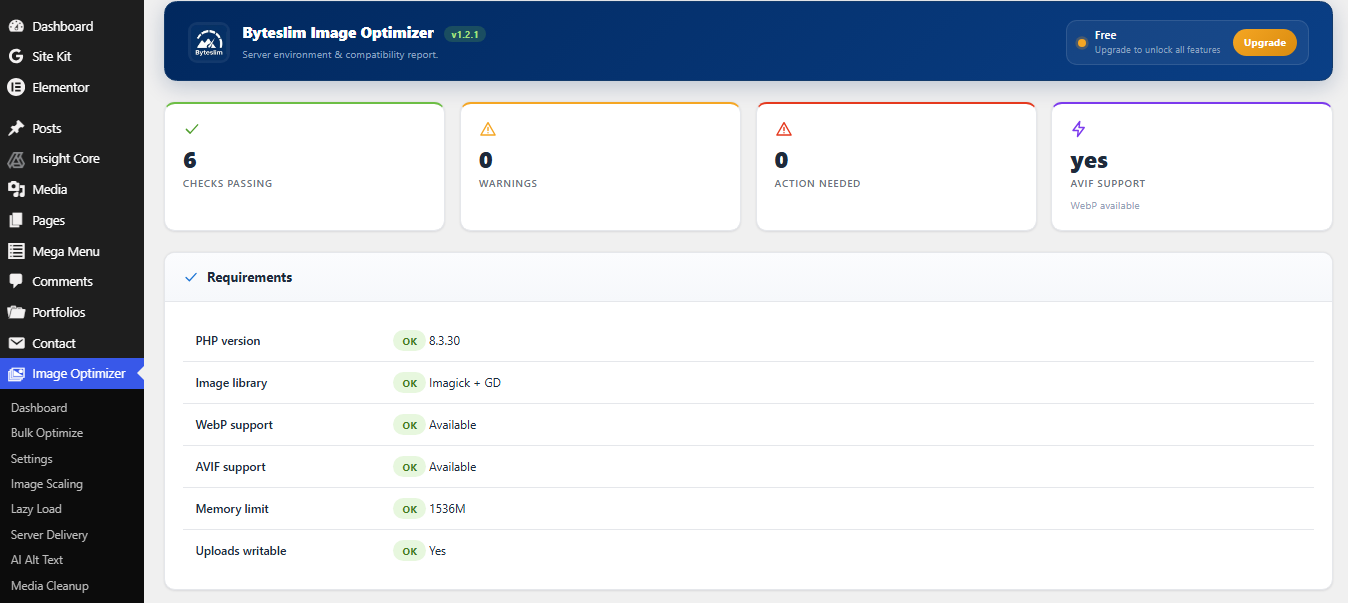
- Server status: server, PHP, WebP/AVIF and host/CDN detection
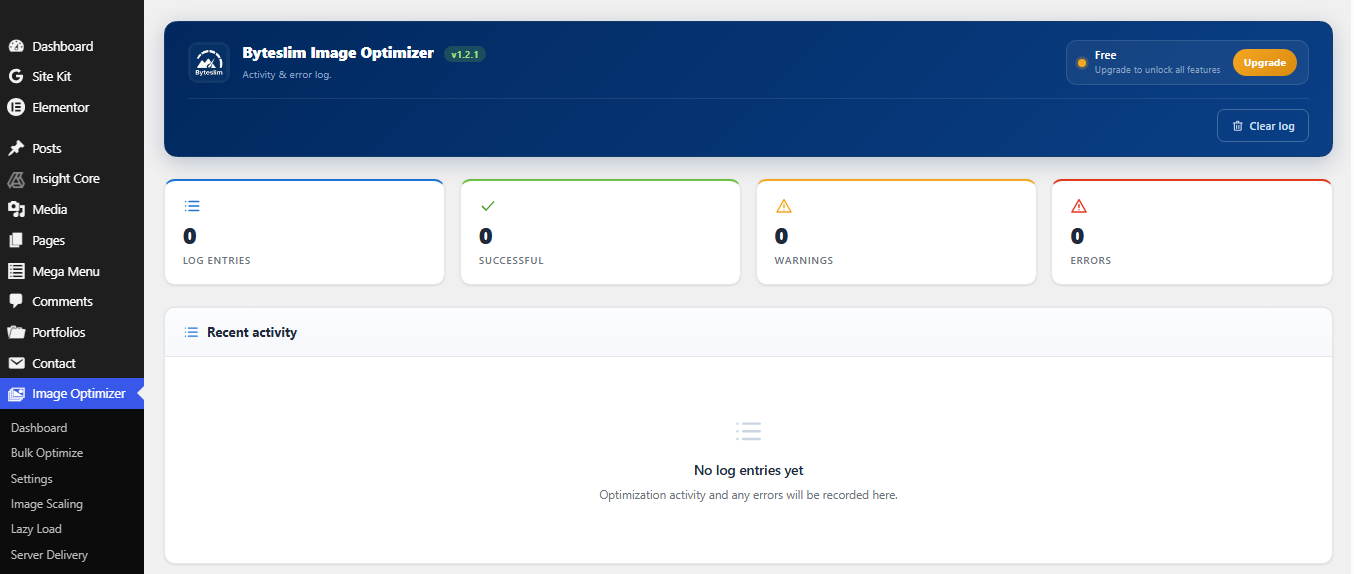
- Activity & error logs
- WP-CLI commands and a read-only REST API
- Translation ready
Premium features
Byteslim Image Optimizer Premium adds automatic scaling of oversized images (resize huge originals down to a maximum you choose, thumbnails rebuilt, original kept restorable), lazy loading with blur-up placeholders and Largest Contentful Paint protection, server-level WebP/AVIF delivery across the whole site (theme and CSS-background images, via .htaccess or an Nginx snippet), AI-generated alt text for accessibility and SEO (bring your own key), media cleanup (find duplicate images and broken records to reclaim space), AVIF conversion, backup & one-click restore of originals, background queue processing, scheduled optimization, WooCommerce/Elementor/Gutenberg/page-builder delivery, advanced analytics and an image health report, and a REST write API.
Premium is available as a low yearly price or a one-time lifetime licence (1, 5 or unlimited sites) — unlimited images, no per-image credits and no bandwidth limits, because it all runs on your own server. Full feature comparison, documentation and licensing: wpdeveloperhub.com/byteslim-image-optimizer
This free plugin makes no external service calls.
Screenshots
Installation
- Upload the plugin to
/wp-content/plugins/byteslim-image-optimizer, or install it from the Plugins screen. - Activate the plugin.
- Go to Image Optimizer Settings and choose your options.
- Use Image Optimizer Bulk Optimize to process images already in your library.
FAQ
-
Why does my Media Library show .webp after optimizing?
-
That is Replace mode (the default). The media file is converted to WebP and the original JPG/PNG is kept as a restorable backup — you’ll see an “Original image” link on the attachment. Prefer to keep the original file untouched? Switch Settings WebP mode to “Serve alongside”.
-
Will optimization damage my images?
-
No. A file is only replaced when the optimized version is actually smaller, PNG compression is lossless, and the original is always kept so you can restore it.
-
My server does not support WebP or AVIF. What happens?
-
Those conversions are skipped automatically and compression still works. Check Image Optimizer Server Status to see what your server supports.
-
Does it work with WooCommerce and page builders?
-
Compression and WebP conversion work for every image. Serving next-gen formats inside WooCommerce, Elementor, Gutenberg blocks and page builders is a Premium feature.
-
Can I run it from the command line?
-
Yes:
wp bslim status,wp bslim stats,wp bslim optimize <id>,wp bslim bulk, andwp bslim reset.
Reviews
There are no reviews for this plugin.
Contributors & Developers
“Byteslim Image Optimizer” is open source software. The following people have contributed to this plugin.
Contributors
Translate “Byteslim Image Optimizer” into your language.
Interested in development?
Browse the code, check out the SVN repository, or subscribe to the development log by RSS.
Changelog
1.2.1
- Hardening: every admin screen now escapes its output at the point of output, including the inline SVG icons, which are filtered through a strict allowlist.
- The “leave a review” link now opens the plugin’s full reviews page instead of a pre-filtered five-star form, so all feedback is visible.
1.2.0
- The plugin is now named Byteslim Image Optimizer. Settings, statistics, optimization history and licence activation are migrated automatically on upgrade — nothing needs to be re-entered.
- Note: the admin menu now lives under Byteslim, so any bookmarks to the old settings URL need updating.
1.1.1
- Fix: attachments left labelled the wrong file type by other optimizers (a .webp/.avif stored as image/jpeg) are now corrected automatically on upgrade and when processed, so they stop being queued as images that can never be optimized.
- Fix: Bulk Optimize now reports optimized, skipped and failed counts separately — images that were already done or unsupported are no longer counted as fresh work.
- Fix: when the server cannot generate AVIF, it is skipped with a clear logged reason instead of recording empty coverage.
- Fix: image markup is left untouched on AMP pages, which do not allow the element.
- Tweak: author footer logo now sits on a rounded white background so it stays visible.
- Tweak: refreshed the premium features overview shown to free users.
- Compatibility: marked tested up to WordPress 7.1. Server-side optimization works alongside 7.1’s client-side media processing (the plugin optimizes whatever file arrives and falls back cleanly).
1.1.0
- New: WebP “Replace” mode (default) — the media file itself becomes WebP so the Media Library shows
.webp, while the original JPG/PNG is kept and fully restorable. - New: “Restore original” action in the Media Library for WebP-replaced images.
- New: WebP mode setting (Replace / Serve alongside).
- New: redesigned admin — branded header, KPI cards, coverage meters, image-health panel and author footer.
- Fix: images that failed to encode were incorrectly marked as optimized, which made a re-run of Bulk Optimize do nothing. Failures are now retried and recorded with a reason, and a failed count is shown.
- Fix: added a GD fallback when Imagick is blocked by host policy/resource limits, so large JPEGs no longer fail silently.
- Fix: unified how “optimized” is counted across the dashboard, the bulk job and the statistics.
- Fix: removed a byte-order mark that produced an “unexpected output” / “headers already sent” warning on activation.
- Fix: the log table now self-heals if it is missing.
1.0.0
- Initial release: compression, WebP conversion & delivery, bulk optimizer with resume, statistics dashboard, system/CDN detection, logs, WP-CLI and REST API.