

Description
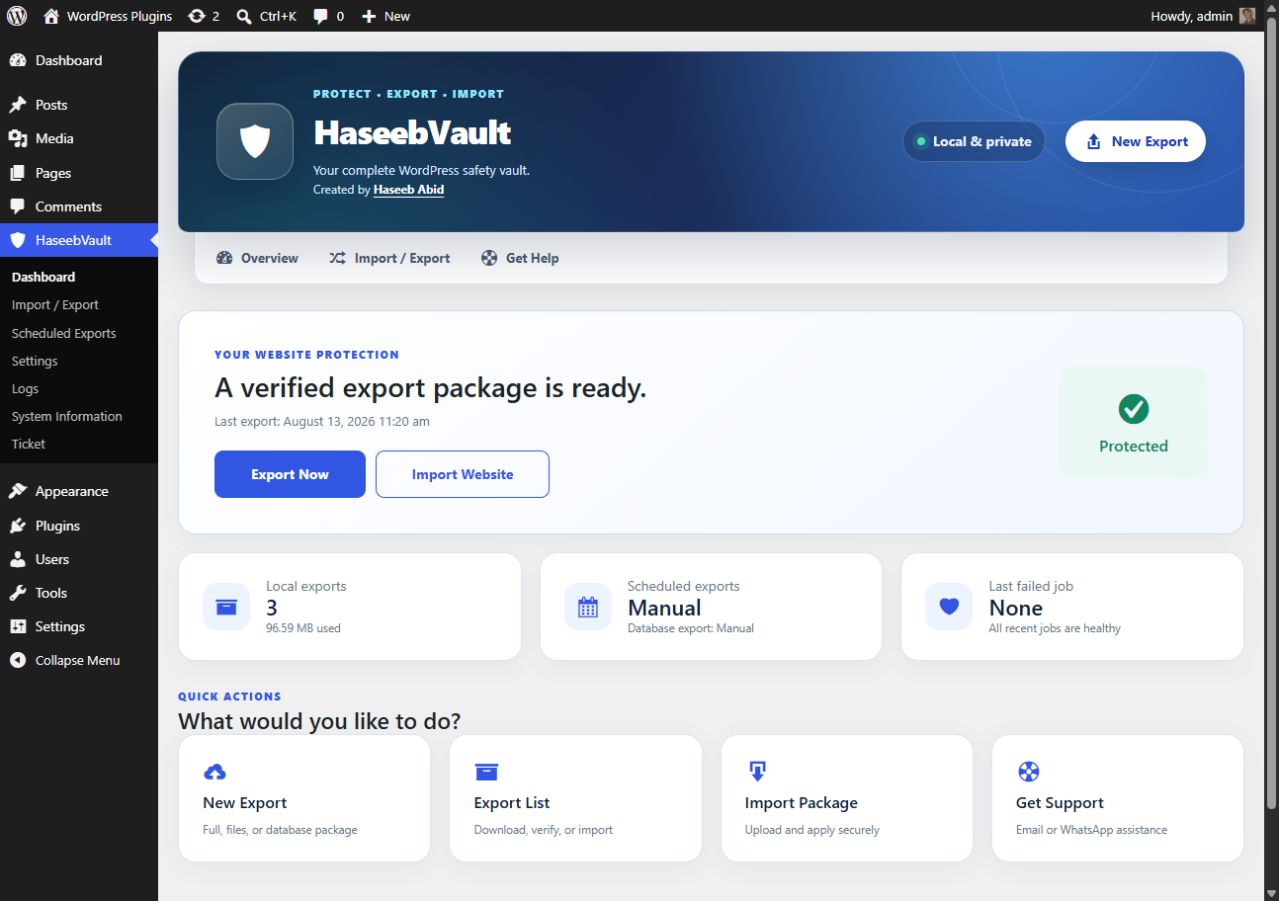
HaseebVault is a secure WordPress backup and migration plugin for creating portable site exports and importing them on the same domain or a new domain. Create full-site, database-only, files-only, or selective backup packages using short resumable requests designed for shared hosting.
Move or protect a WordPress website without shell access or mysqldump. HaseebVault verifies every package with SHA-256 checksums, preserves destination administrator access and database credentials, and safely replaces serialized URLs during migration.
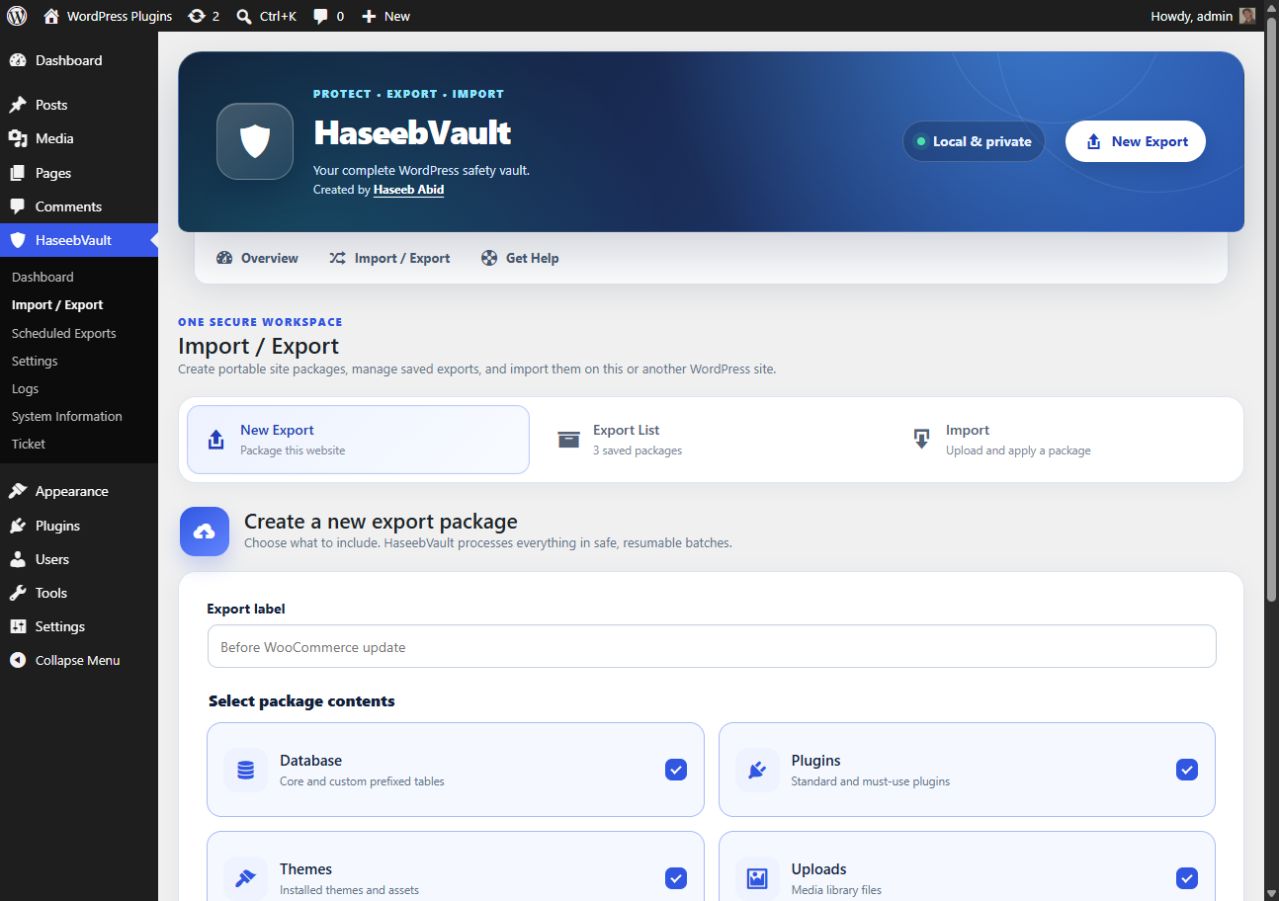
WordPress Backup and Export
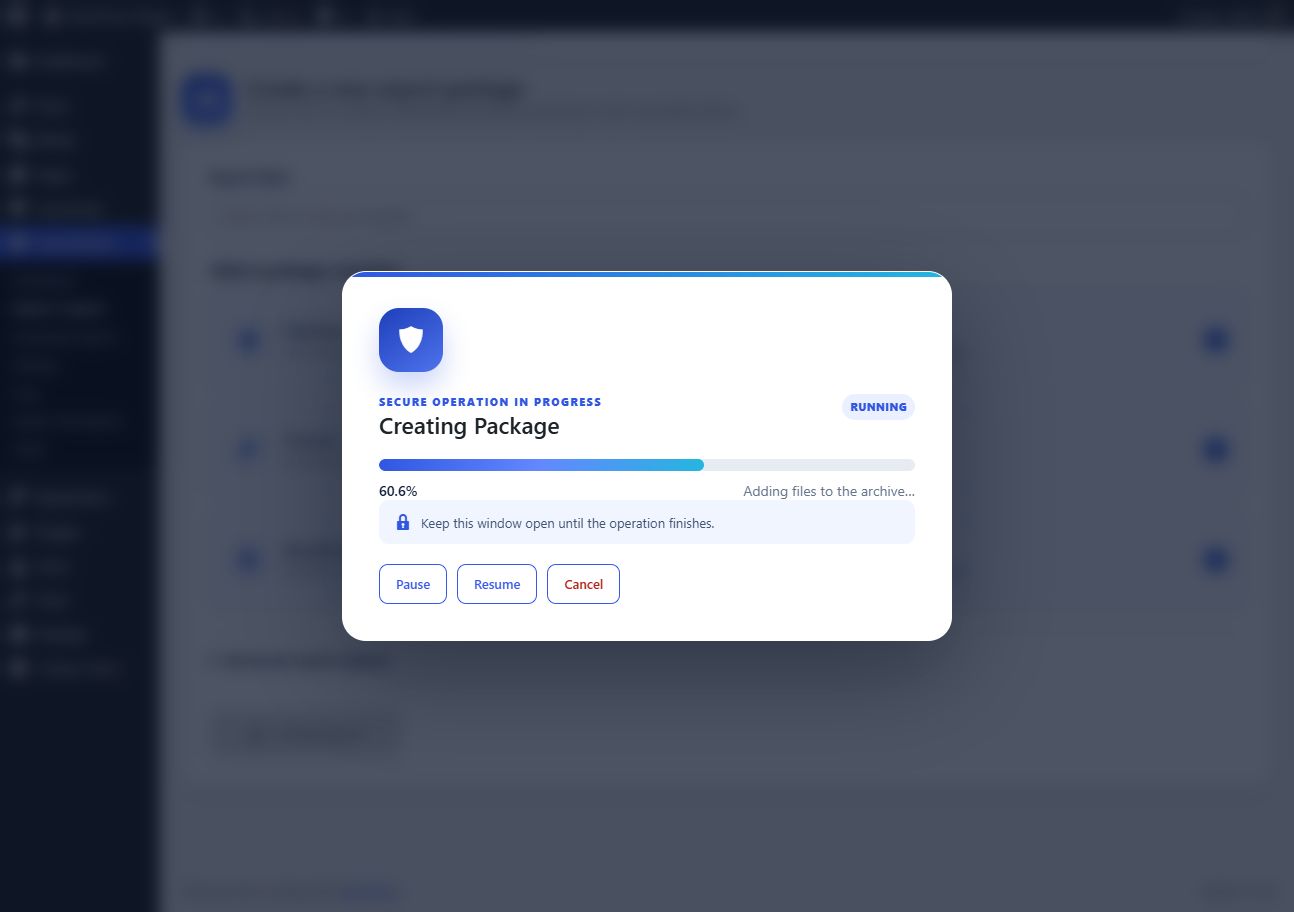
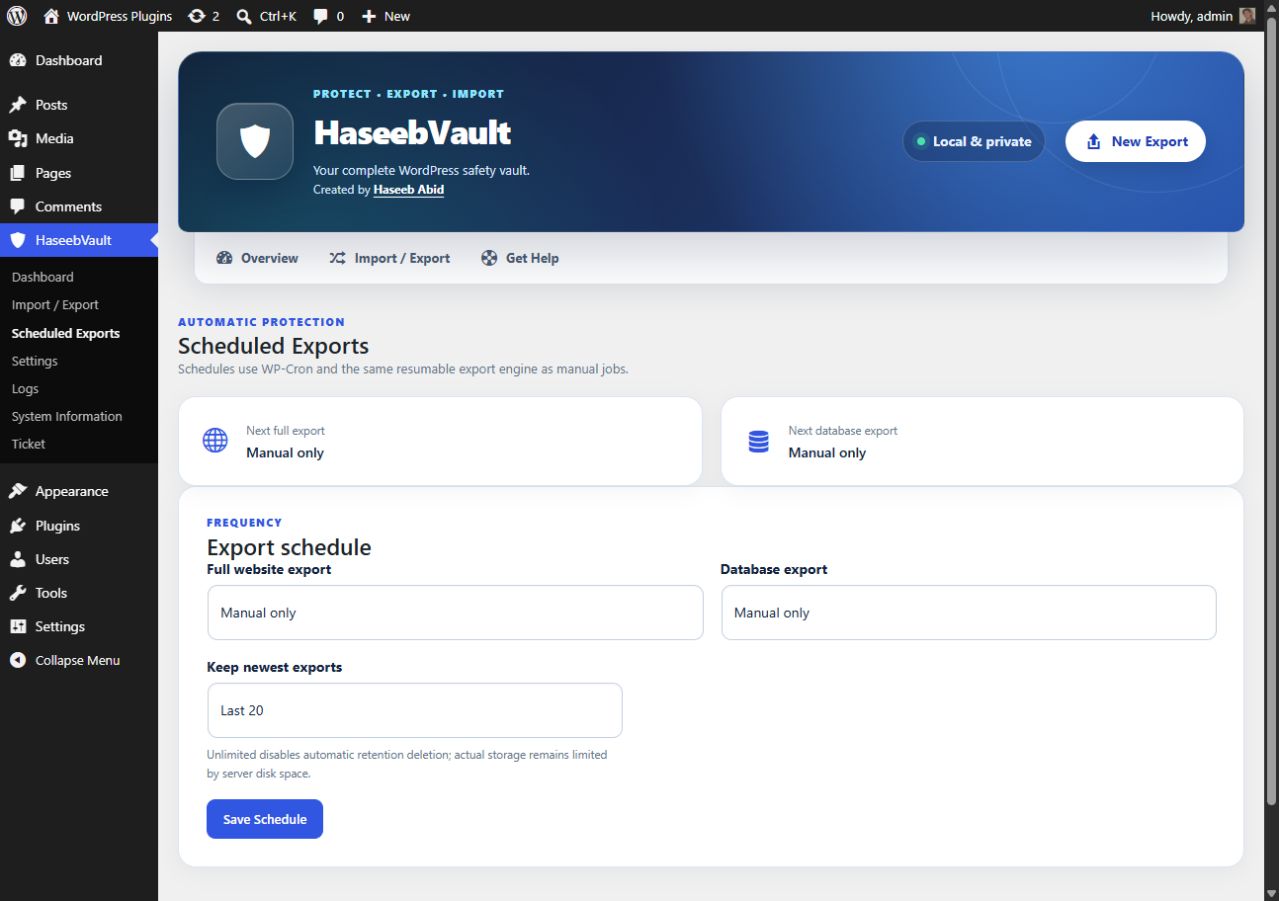
Create local .hvbackup packages containing your database, plugins, themes, uploads, WordPress files, or selected content. Export jobs run in small resumable batches with pause, resume, retry, cancellation, scheduling, and retention controls.
WordPress Migration and Import
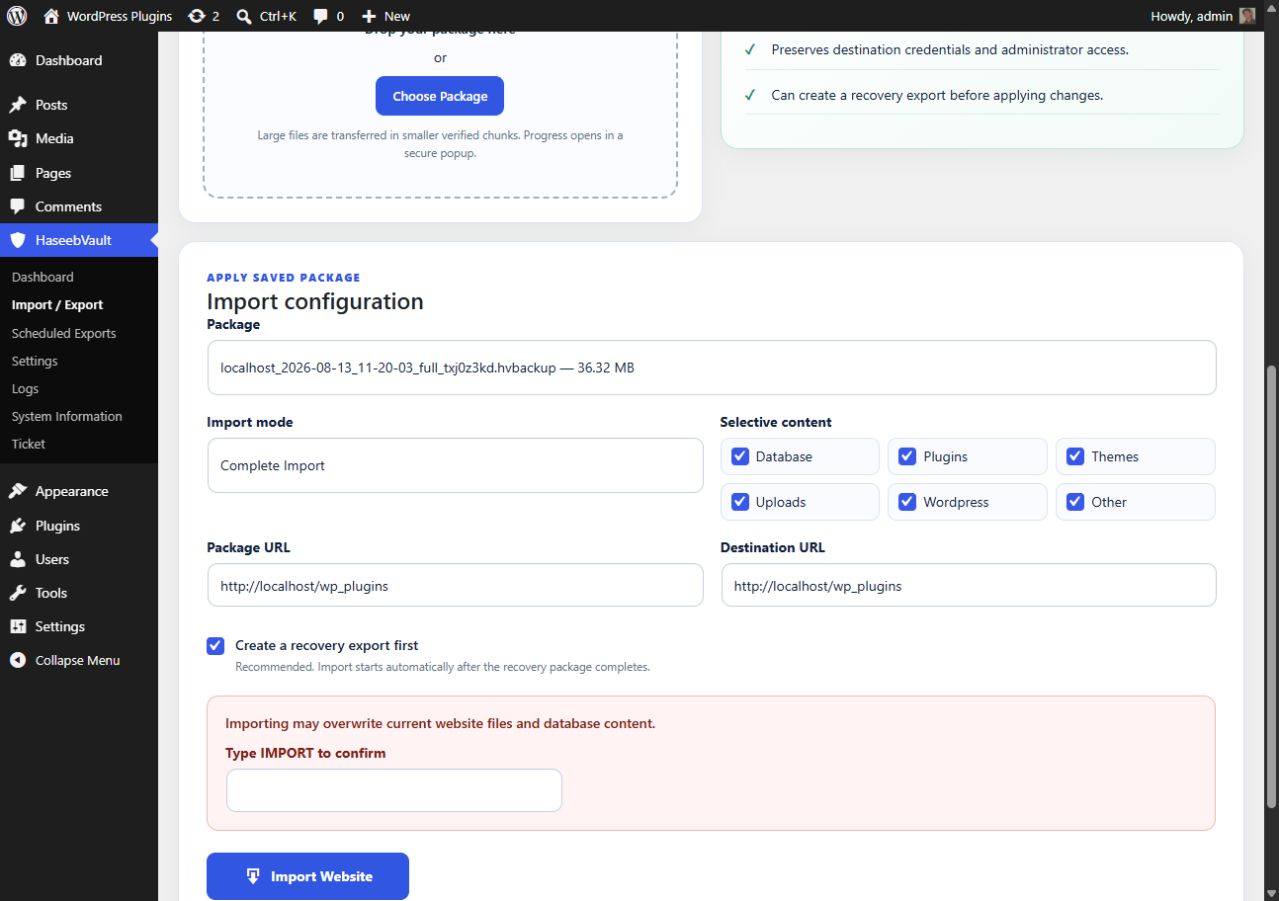
Upload large packages in verified chunks, import selected components, and migrate between domains with serialization-safe URL replacement. HaseebVault protects wp-config.php, administrator access, plugin files, and destination database credentials during an import.
Security and Integrity
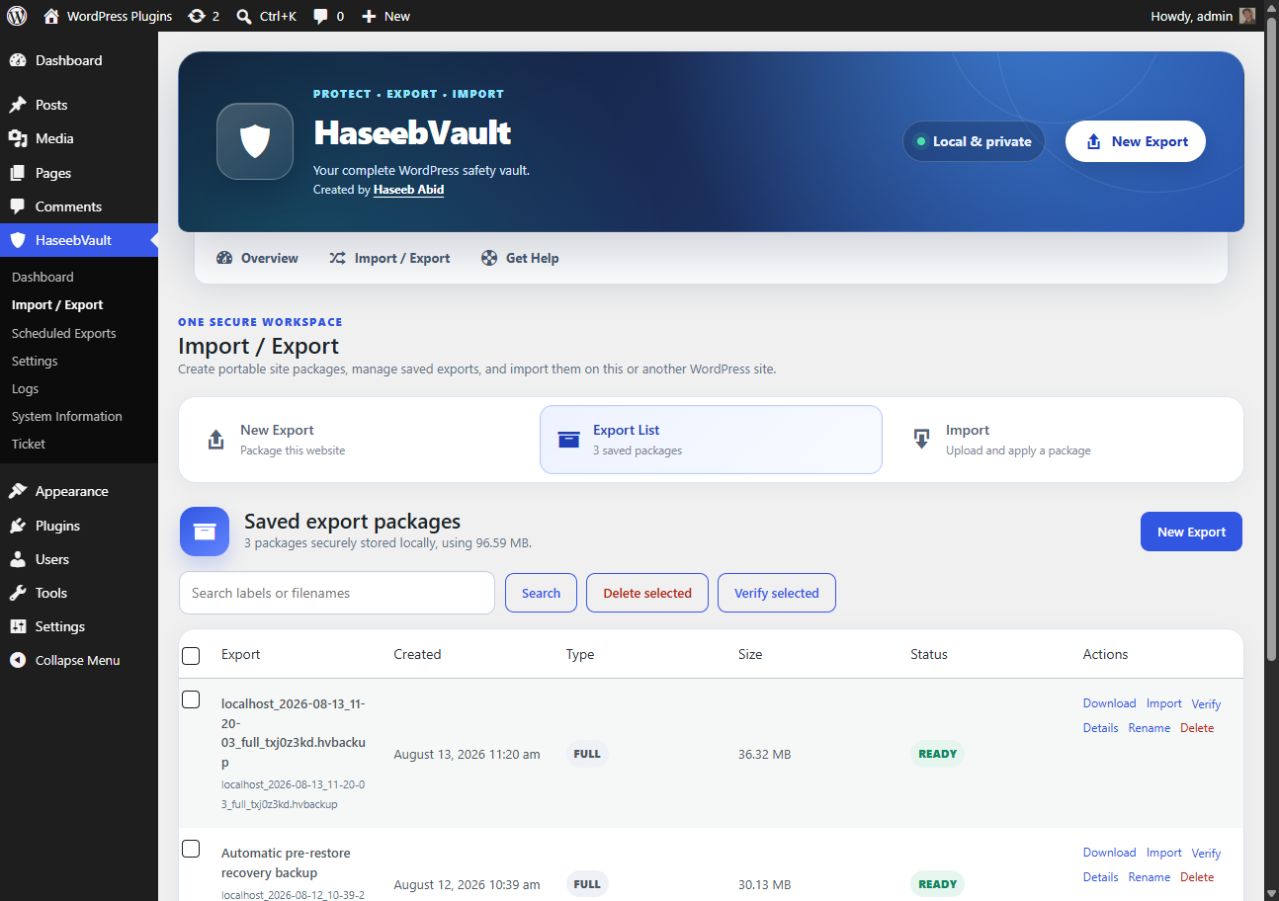
Packages use protected local storage, safe archive-path validation, component checksums, administrator-only downloads, guarded destructive actions, redacted logs, and optional pre-import recovery exports.
Highlights include:
- Incremental file discovery and archive creation.
- Native batched database export; no shell access or mysqldump required.
- Protected local
.hvbackupstorage and administrator-only streamed downloads. - Browser-based chunked uploads with pause, resume, retry, and cancel.
- Archive manifest, path, structure, and SHA-256 integrity verification.
- Checkpointed selective file and database imports.
- Destination table-prefix mapping and serialization/JSON-safe URL replacement.
- Optional pre-import recovery exports.
- Daily, weekly, and monthly local schedules with retention.
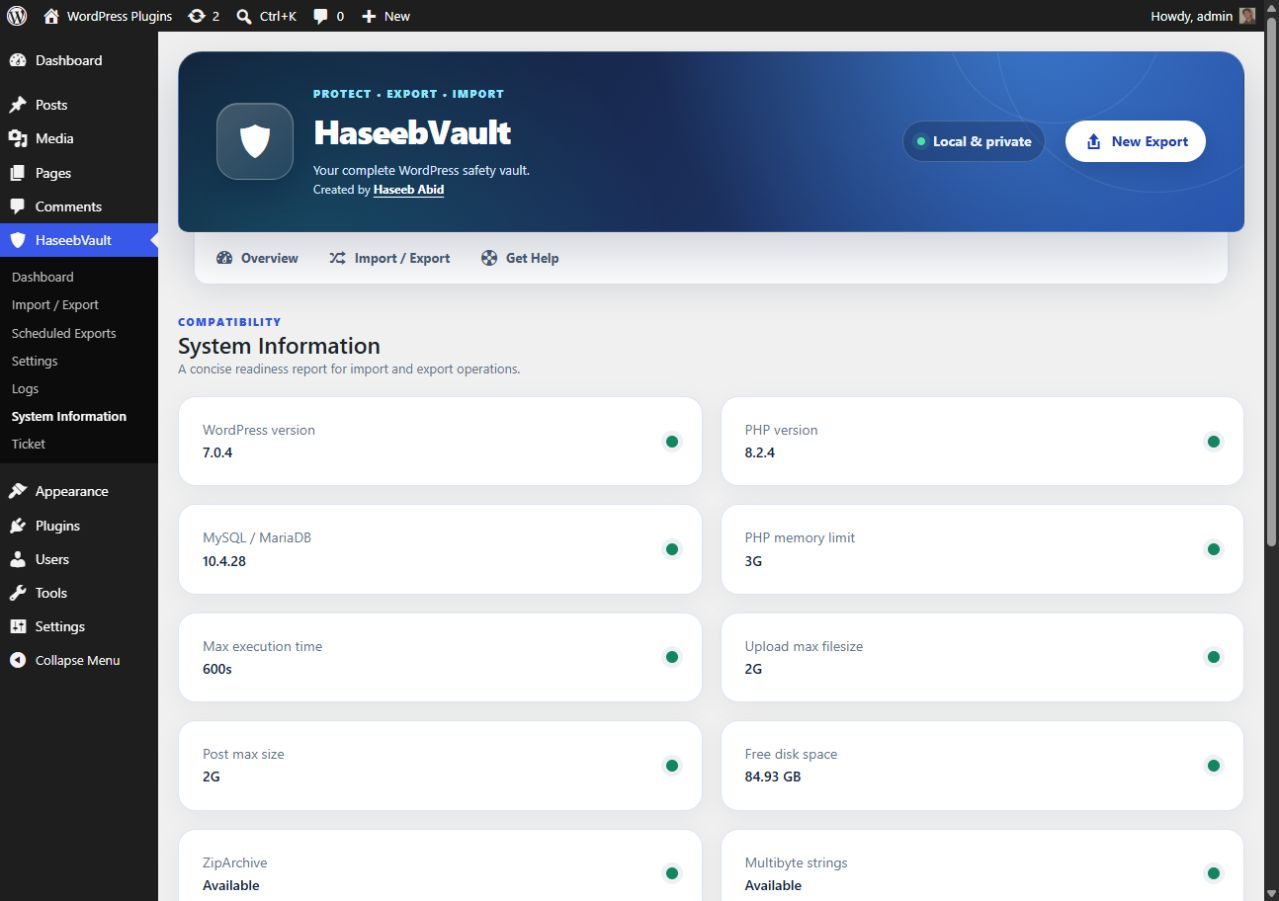
- Detailed redacted logs and a system compatibility screen.
HaseebVault does not claim unlimited backup sizes. Maximum practical size is governed by available disk space, PHP and web-server configuration, filesystem limits, database availability, and hosting resource policies.
WordPress Multisite is detected. Version 1.1 intentionally blocks full-site import and migration operations on Multisite rather than risk an unsafe partial network import.
Developed and maintained by Haseeb Abid, a WordPress.org Plugin Developer contributor.
Screenshots
Installation
- Upload the
haseebvault-backup-migrationfolder to your WordPress plugins directory or install its ZIP in Plugins. - Activate HaseebVault.
- Open HaseebVault > Import / Export.
- Keep the HaseebVault folders inside the WordPress uploads directory writable by PHP.
- On Nginx, deny direct web access to the HaseebVault folders under uploads. Apache and IIS denial files are installed automatically.
Activation creates three lightweight metadata tables and protected storage directories. It never creates an export automatically.
FAQ
-
Is there an artificial import-size limit?
-
No. Files are uploaded in configurable chunks. Your server still needs enough free disk space, and per-request limits must permit the configured chunk size.
-
Does HaseebVault overwrite wp-config.php?
-
No. It may be included only when explicitly selected, but imports protect the destination
wp-config.phpand its database credentials. -
How does URL migration handle serialized values?
-
HaseebVault unserializes trusted database values with PHP classes disabled, recursively replaces full URLs, and serializes them again so string lengths remain valid. JSON and plain strings are also handled. GUIDs are not changed by default.
-
Can I use this on Multisite?
-
Version 1.1 detects Multisite and blocks unsafe full-site operations. Network-aware import is future work and is not advertised as complete.
-
Is cloud storage included?
-
Local protected storage is included. A provider interface is present for future remote destinations; version 1.1 does not advertise unimplemented cloud integrations.
-
Why did a scheduled export not run on time?
-
WP-Cron is traffic-driven by default. On a low-traffic site, configure the hosting control panel to request
https://example.com/wp-cron.phpevery minute. Do not add adoing_wp_cronquery parameter. HaseebVault 1.1.4 automatically repairs missing events, records schedule registration and trigger logs, and warns whenDISABLE_WP_CRONrequires a real server cron.
Reviews
There are no reviews for this plugin.
Contributors & Developers
“HaseebVault – Backup & Migration” is open source software. The following people have contributed to this plugin.
Contributors
Translate “HaseebVault – Backup & Migration” into your language.
Interested in development?
Browse the code, check out the SVN repository, or subscribe to the development log by RSS.
Changelog
1.1.8
- Removed the typed confirmation and manual source/destination URL fields from import setup.
- Detects the package source URL and current destination URL automatically.
- Shows a verified-upload success popup with a Proceed button before import configuration.
- Fixed the Import confirmation token mismatch between the interface and restore engine.
1.1.7
- Kept WordPress authentication, administrator roles, active plugins, and site URL options stable throughout resumable database imports.
- Prevented critical users, usermeta, and options tables from disappearing at database batch boundaries.
- Expanded serialized and JSON-safe migration replacement to home/site URLs, HTTP/HTTPS variants, escaped URLs, encoded URLs, and scheme-relative URLs.
- Added an import-success confirmation popup that redirects to login only after the administrator clicks OK.
- Fixed selective WordPress core-file imports by using the correct component identifier.
- Matched the backend destructive-action confirmation to the Import interface.
1.1.6
- Removed the fixed directory-depth assumption from the archive recovery regression test bootstrap.
1.1.5
- Matched the WordPress.org text domain and distributable folder to the assigned plugin slug.
- Moved generated exports and temporary data to protected folders under the WordPress uploads directory.
- Replaced fixed WordPress paths with portable path APIs throughout export, import, cleanup, and diagnostics.
- Guarded development test files against direct web execution.
1.1.4
- Added self-healing WP-Cron registration when saved schedules exist but events were cleared.
- Added explicit logs for schedule registration, scheduled triggers, and continuation failures.
- Added last-trigger visibility and a warning when WP-Cron is disabled in wp-config.php.
1.1.3
- Recovered valid ZIP batches when older Windows libzip builds fail only during the final temporary-file rename.
- Replaced misleading disk-space errors with an accurate file-lock diagnostic.
- Applied the same verified recovery to archive finalization and final manifest updates.
1.1.2
- Hardened administrator job ownership checks and AJAX request validation.
- Updated WordPress.org metadata and coding-standards compatibility.
- Improved database import cleanup and filesystem error handling.
1.1.1
- Fixed responsive package-card clipping and aligned action and status icons.
- Added verified WordPress.org author attribution for Haseeb Abid.
- Improved WordPress.org title, summary, tags, feature headings, and keyword-focused documentation.
1.1.0
- Combined Import / Export workspace with tabbed export, export-list, and import sections.
- Added blocking popup progress, post-operation redirects, refreshed header design, aligned controls, and Ticket support page.
- Removed live current-file and database/file counters from progress responses.
- Fixed cache invalidation after direct database imports.
1.0.0
- Initial release with local backup, import, restore, migration, schedules, logs, integrity verification, and resumable batch processing.