

Description
Scribeling AI Writer turns your WordPress site into a self-writing blog,
powered by YOUR ChatGPT subscription — no API keys to manage, no per-word or
per-token fees. Log in to ChatGPT once on your Scribeling dashboard, then
write as much as you want from WordPress.
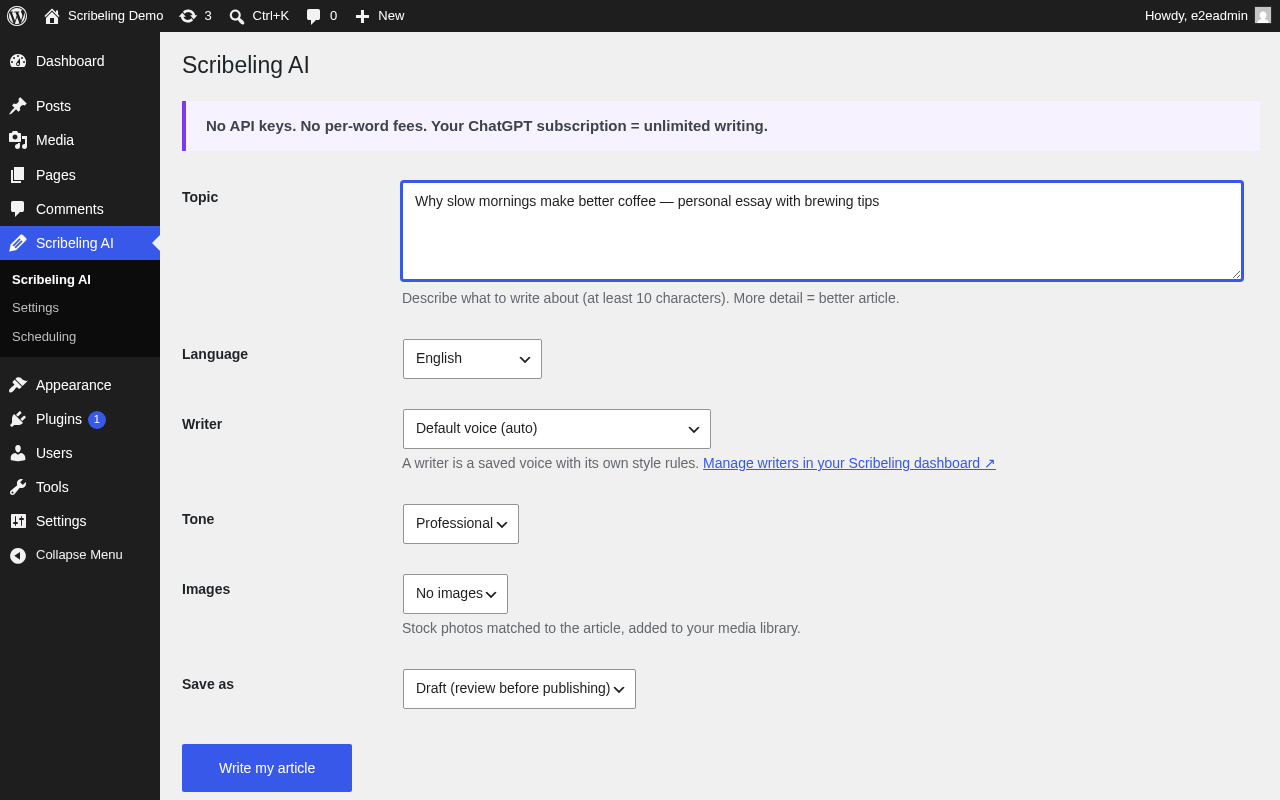
Write full articles
- Enter a topic, pick a language, a writer voice, and how many stock images
you want. - A ready-to-edit draft arrives in 1–3 minutes — as native Gutenberg blocks,
with images sideloaded into your media library and a featured image set.
Writer voices
- Choose a writer — a saved voice with its own style rules (friendly
columnist, honest reviewer, first-person essayist, and more, in English and
Korean). Manage or create writers in your Scribeling dashboard.
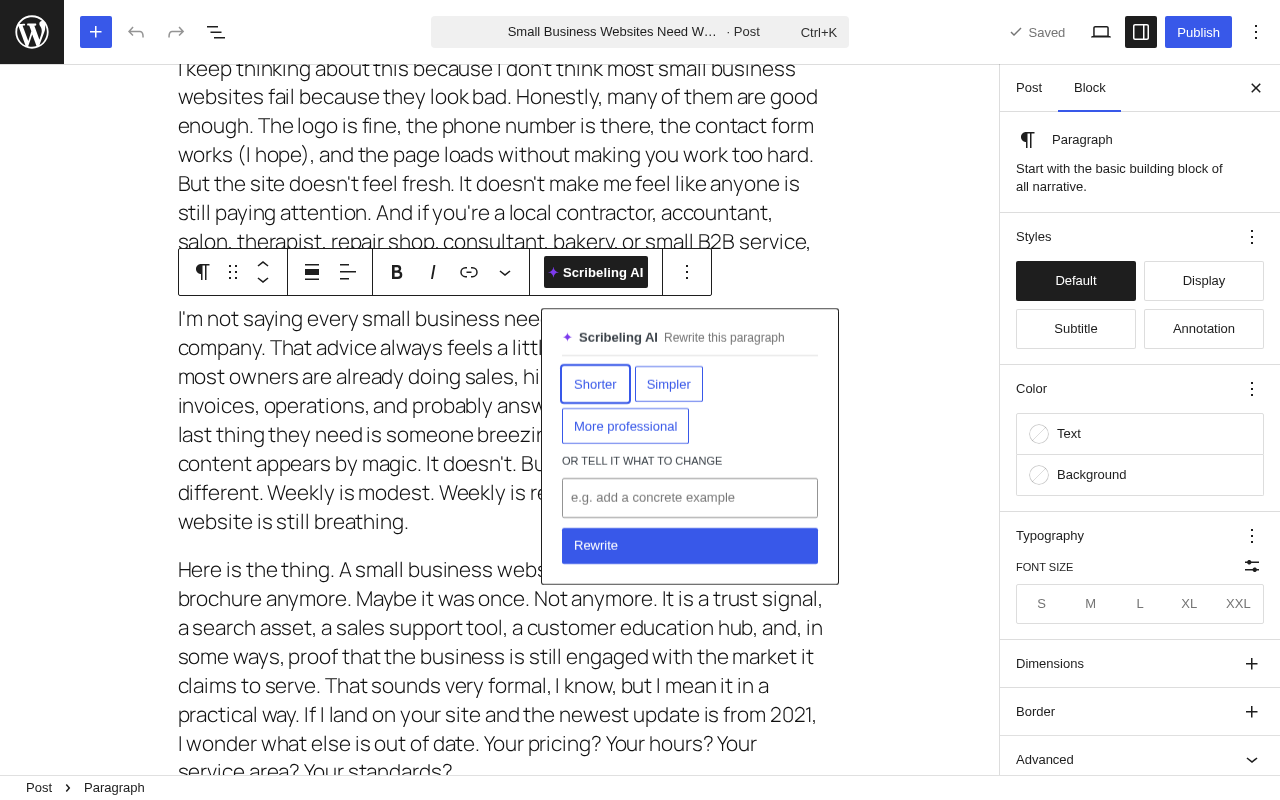
Rewrite one paragraph at a time
- Click any paragraph in the editor the ✦ Scribeling AI toolbar button
Shorter / Simpler / More professional, or type your own instruction. - The paragraph is rewritten in place in ~30–60 seconds. Undo with Ctrl+Z.
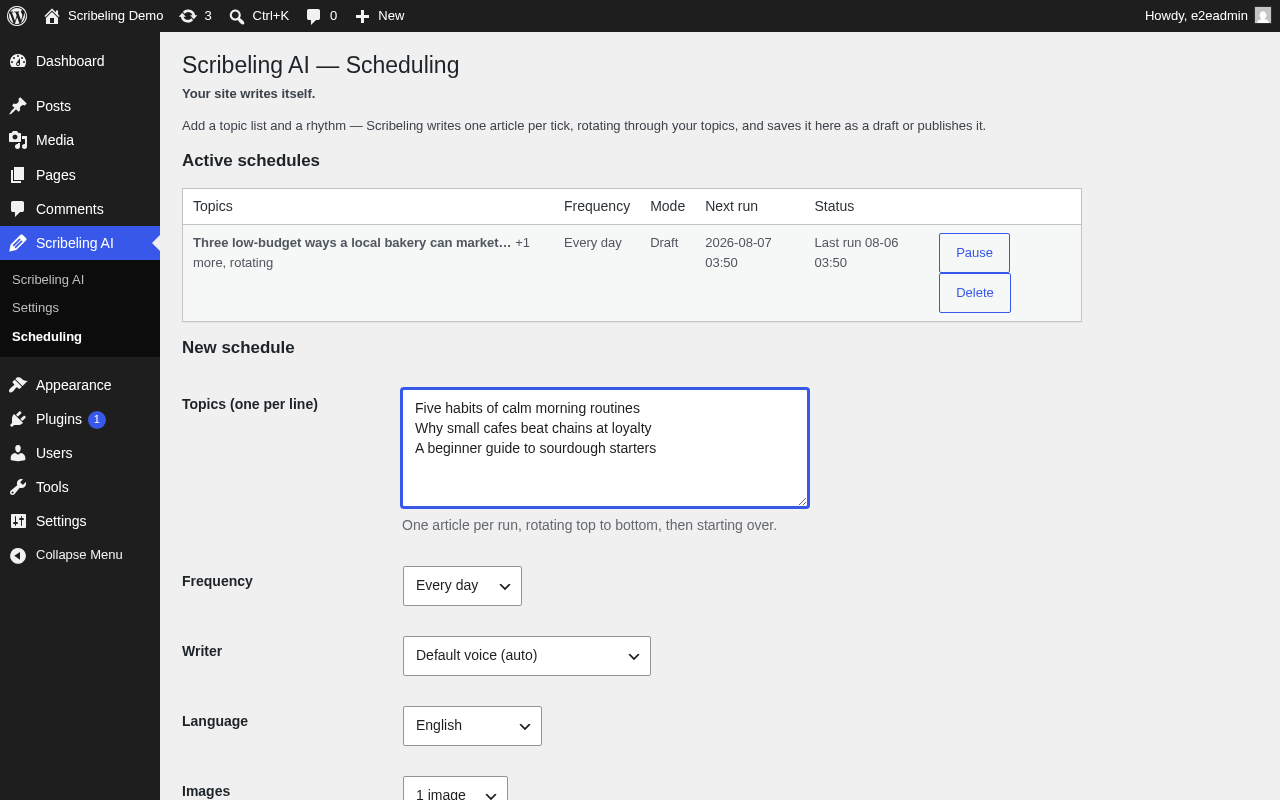
Your site writes itself
- Add a topic list and a rhythm (daily / every 3 days / weekly) under
Scribeling AI Scheduling. - WordPress generates one article per tick, rotating through your topics,
saved as drafts or published automatically — even while you sleep.
External services
This plugin talks to the Scribeling API (https://scribeling.com) — the
service that runs the actual writing on your connected ChatGPT account.
Data sent to Scribeling when you use the plugin:
- Your Scribeling Site ID and API key (for authentication).
- The topic or instructions you type, and paragraph text you ask to rewrite.
- Generated articles are returned to this WordPress site and stored only
here — Scribeling does not publish them anywhere else.
A Scribeling account is required (free to create). See https://scribeling.com
for terms and privacy information.
Screenshots
Installation
- Upload the plugin zip via Plugins Add New Upload Plugin.
- No Scribeling account yet? The settings page has a “Create your free Scribeling account” button — sign up and create your site.
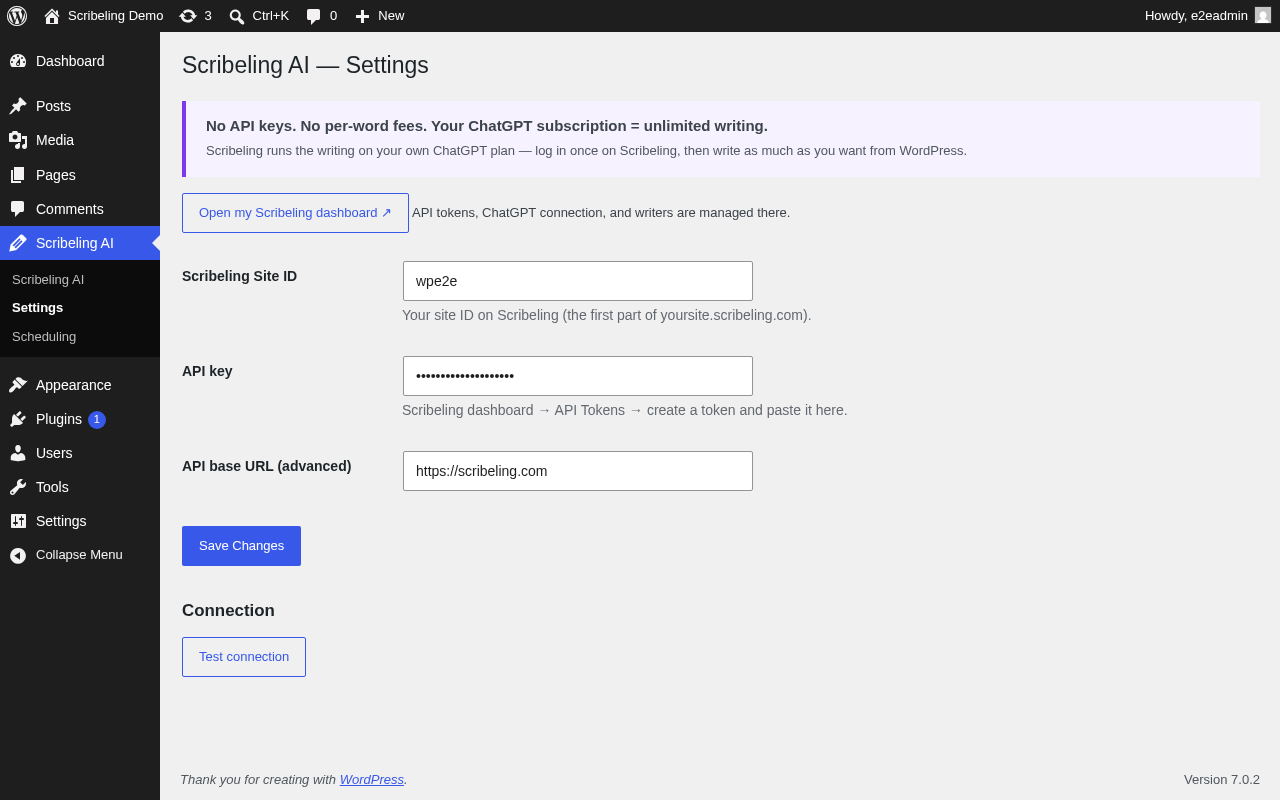
- In your Scribeling dashboard: connect ChatGPT once (AI Codex Connect), then create an API token (API Tokens).
- In WordPress Scribeling AI Settings, paste your Site ID and API key, then press “Test connection”.
- Write your first article under the Scribeling AI menu.
FAQ
-
Do I need an OpenAI API key?
-
No. The writing runs on your own ChatGPT subscription, connected once on
your Scribeling dashboard. There are no per-word or per-token fees. -
How much does it cost?
-
The plugin is free and a Scribeling account is free to create. Writing uses
your existing ChatGPT plan’s capacity — your subscription is the only cost. -
Where are my articles stored?
-
Only in this WordPress site, as drafts (or published posts if you choose).
Scribeling never posts them anywhere else. -
What is a “writer”?
-
A saved voice with its own style rules — for example an honest reviewer or a
first-person essayist. Pick one per article or per schedule; manage them in
your Scribeling dashboard. -
Scheduling didn’t run while my site had no visitors.
-
Schedules run on WP-Cron, which fires on site traffic. For fully unattended
publishing on a quiet site, point a real cron job at wp-cron.php (standard
WordPress practice).
Reviews
There are no reviews for this plugin.
Contributors & Developers
“Scribeling AI Writer” is open source software. The following people have contributed to this plugin.
Contributors
Translate “Scribeling AI Writer” into your language.
Interested in development?
Browse the code, check out the SVN repository, or subscribe to the development log by RSS.
Changelog
0.6.5
- Capabilities: publishing an article immediately now requires the
publish_posts capability, both at the REST route and where the post is
created. Users who can only write drafts always get drafts. - Articles are authored by the user who requested them (scheduled articles by
the user who created the schedule), instead of whoever happened to poll. - The route that turns a finished job into a post is now POST instead of GET.
0.6.4
- Hardening: a finished rewrite is now written straight to the paragraph it
was started on, instead of going through the editor’s “current selection”.
A rewrite takes 30-60 seconds, and whatever you select in the meantime can
no longer affect where the result lands.
0.6.3
- Fixed: article images went into the post at their original upload size with
no size information, so themes stretched them across the full width. They
now go in at the large size with proper WordPress image markup, so themes
lay them out correctly and browsers pick a smaller file on phones. The
full-size original is still stored in your media library.
0.6.2
- Removed: the source-link field. Articles are now written only from the
topic and instructions you type in wp-admin.
0.6.1
- Plugin Check compliance: stricter input sanitization on the scheduling
screen, translator comments, and a WordPress-native tag stripper.
0.6.0
- New: Scheduling — recurring article generation with topic rotation
(daily / every 3 days / weekly), draft or auto-publish, pause/resume. - New: onboarding — signup call-to-action and Scribeling dashboard links.
0.3.0
- New: writer voices — pick a saved writing persona per article.
0.2.0
- Drafts now arrive as native Gutenberg blocks (paragraphs, headings,
images, lists) instead of one Classic blob. - New: rewrite any paragraph in place from the block editor toolbar
(✦ Scribeling AI), with quick presets and free instructions.
0.1.0
- First release: full-article generation from wp-admin with stock images,
media-library sideloading, and featured image.