

Description
Uttor (pronounced OOT-tor, Bengali for “answer”) makes your WooCommerce products the answer when AI search engines respond to shopping queries.
Uttor generates rich, correct schema markup — Product, Offer, ProductGroup, BreadcrumbList, CollectionPage, and more — designed specifically for how AI search engines like ChatGPT Search, Perplexity Shopping, Claude, and Google AI Overviews decide which products to cite.
Why Uttor?
Most AEO (Answer Engine Optimization) tooling targets blogs and content sites — headings, FAQ schema, article markup. WooCommerce stores need something different: product schema, variable product structure, category page markup, and store-level entity data.
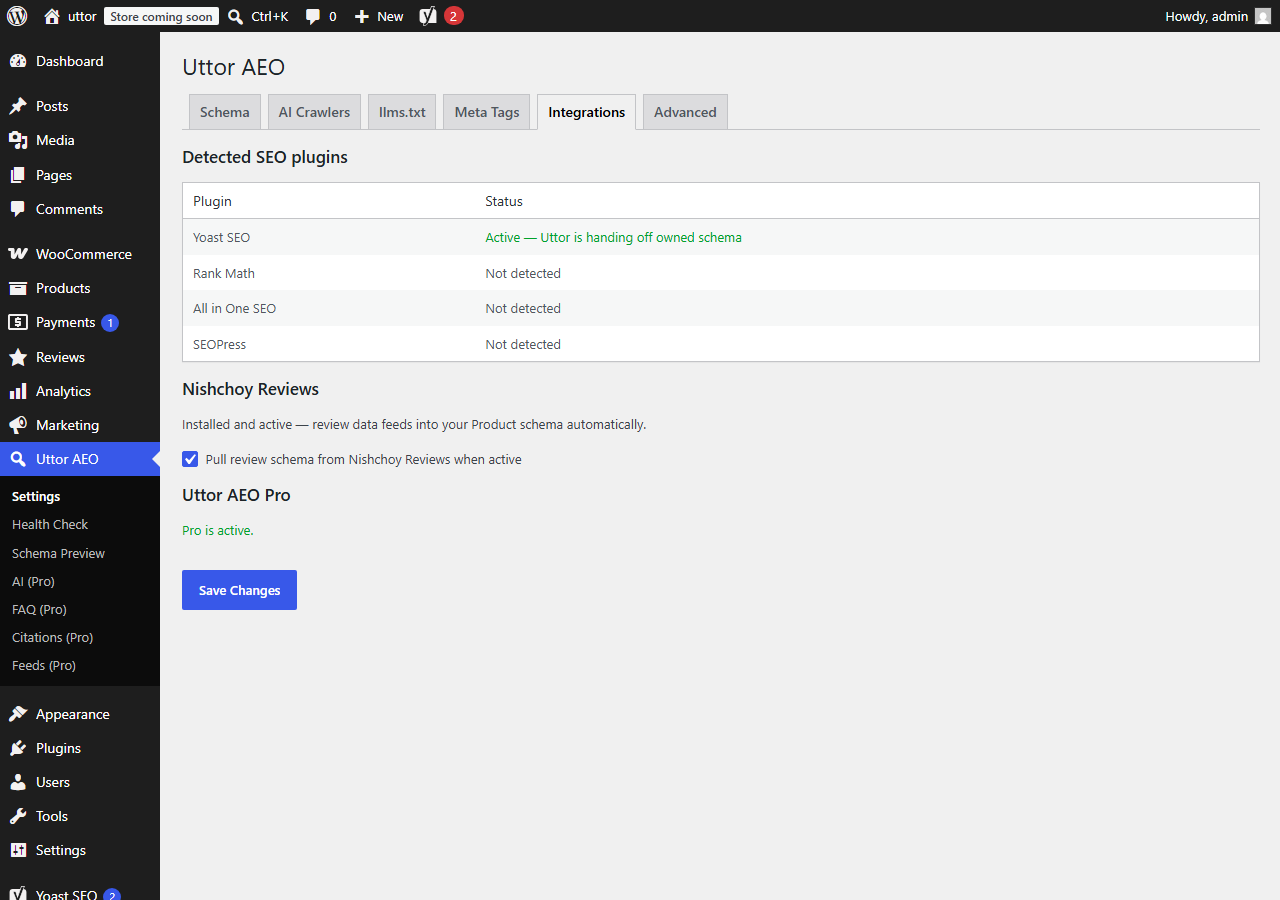
Uttor focuses specifically on WooCommerce products — complete Product, Offer, and ProductGroup schema, AI crawler controls, and llms.txt generation built around how a store catalog actually works. It cooperates with your existing SEO plugin — Yoast, Rank Math, All in One SEO, or SEOPress — filling the gaps they leave, without duplicating what they already do.
Features (free)
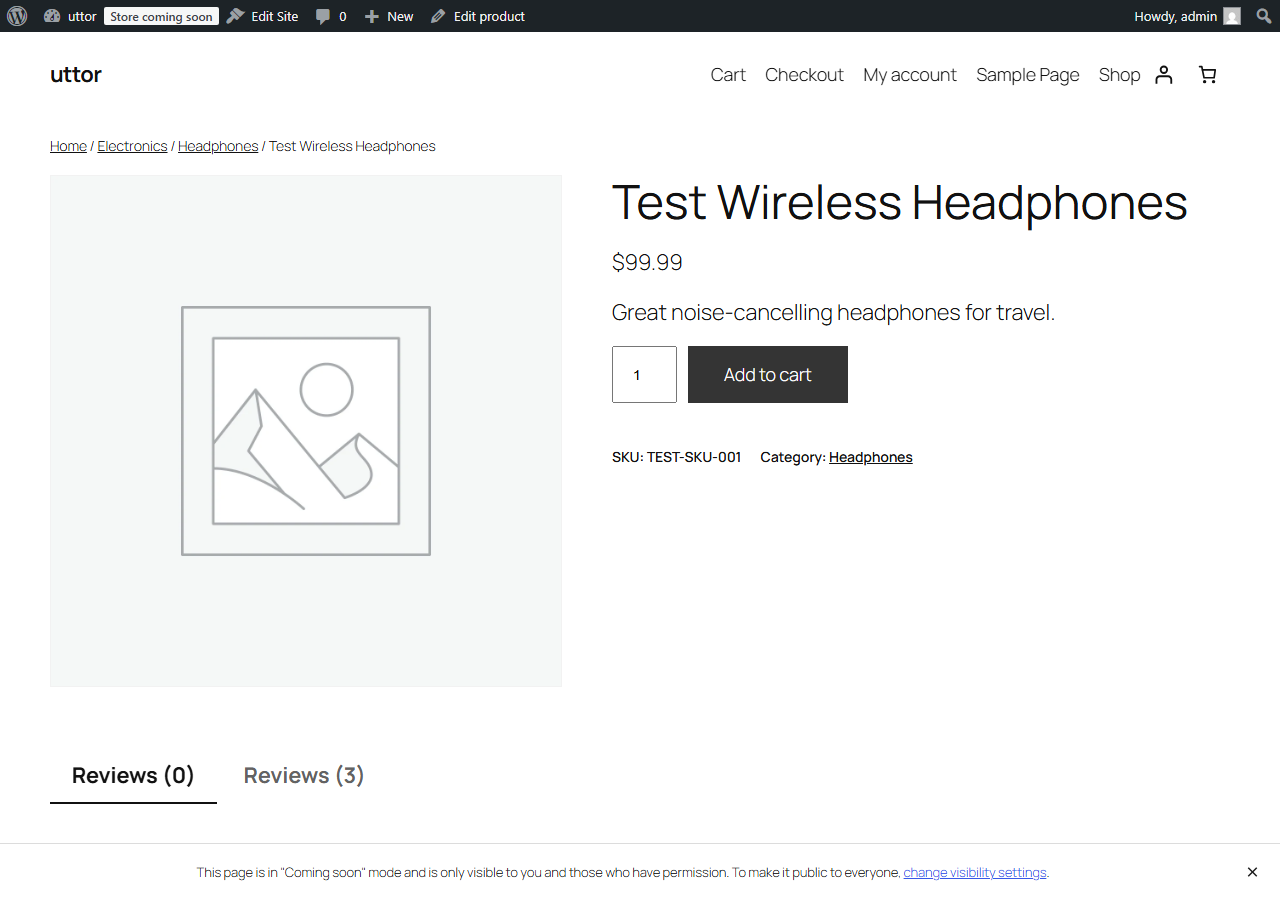
- Complete Product schema per Google Merchant Center guidelines — name, image, brand, SKU, GTIN, price, availability, condition
- Variable product support — proper
ProductGroupwithhasVariantlinking every variation - Offer schema with price, availability, currency, shipping details, return policy
- BreadcrumbList schema on every product and category page
- CollectionPage + ItemList schema on category pages
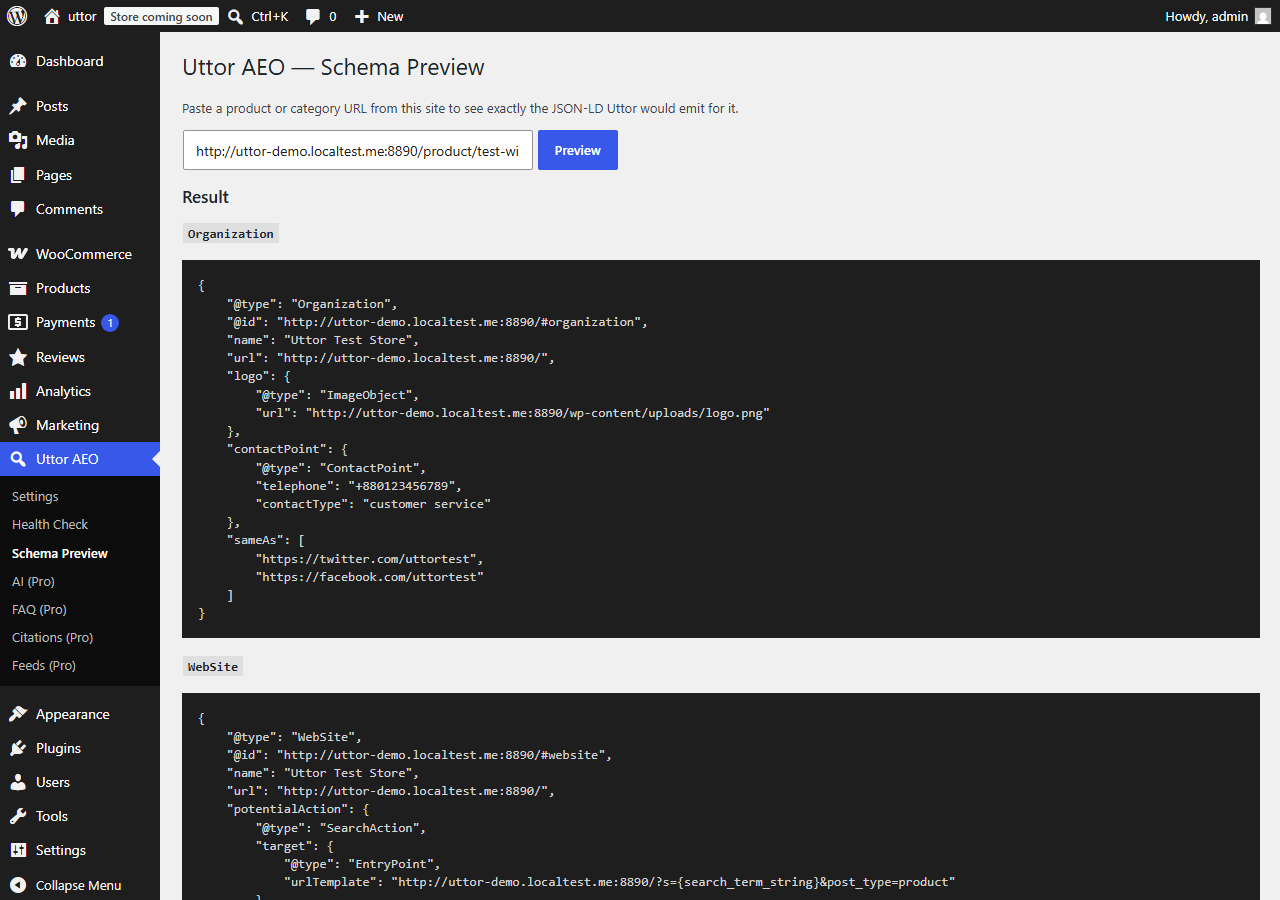
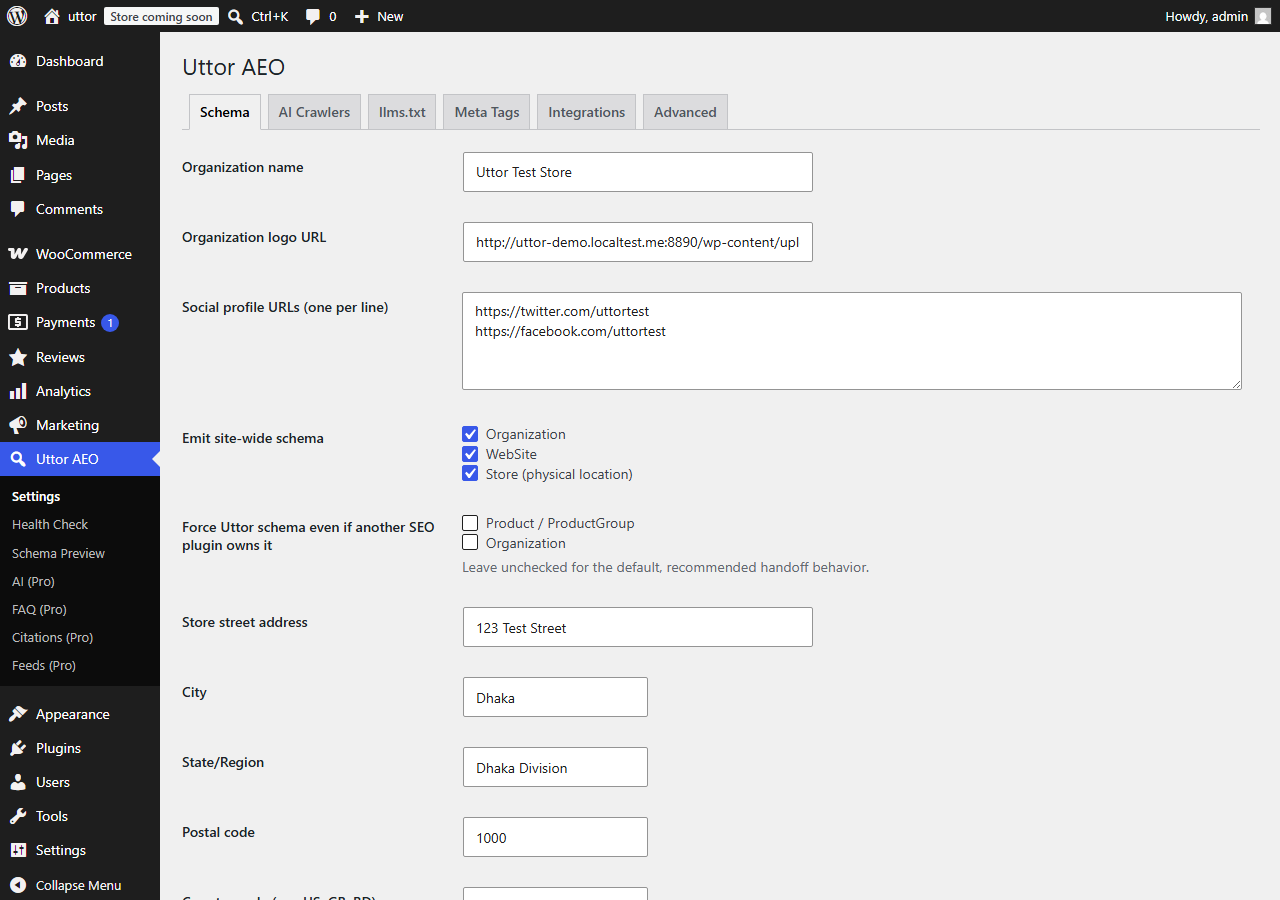
- Site-wide WebSite and Organization schema with SearchAction
- Optional Store schema for physical locations
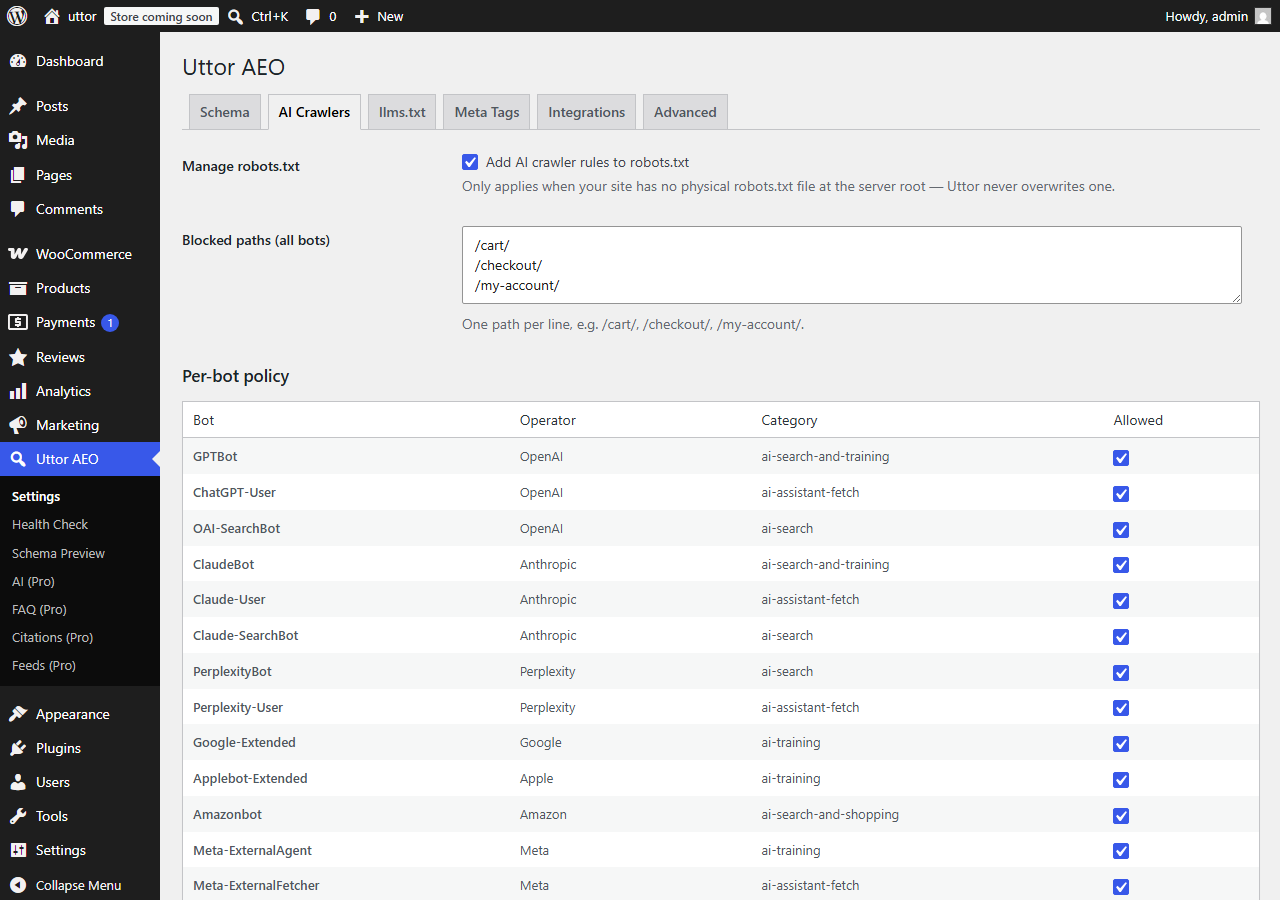
- AI crawler controls in robots.txt — granular per-bot toggles for GPTBot, ClaudeBot, PerplexityBot, Google-Extended, Amazonbot, and 15+ other AI crawlers
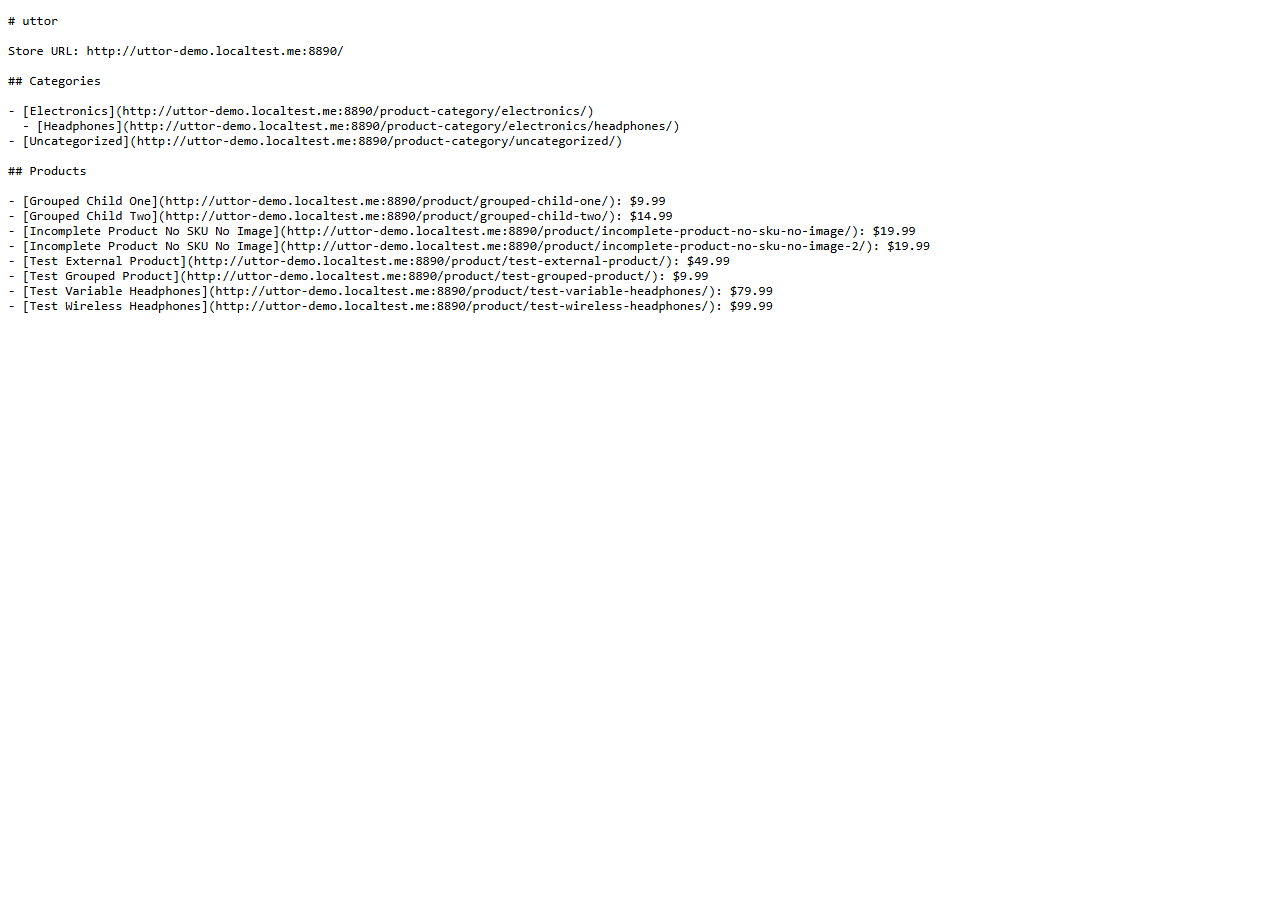
- Automatic llms.txt generation at your site root, listing products, categories, and key pages in LLM-friendly format
- Open Graph and Twitter Product cards on every product
- Meta description auto-generation for products lacking one
- SEO plugin detection and handoff — never emit duplicate schema
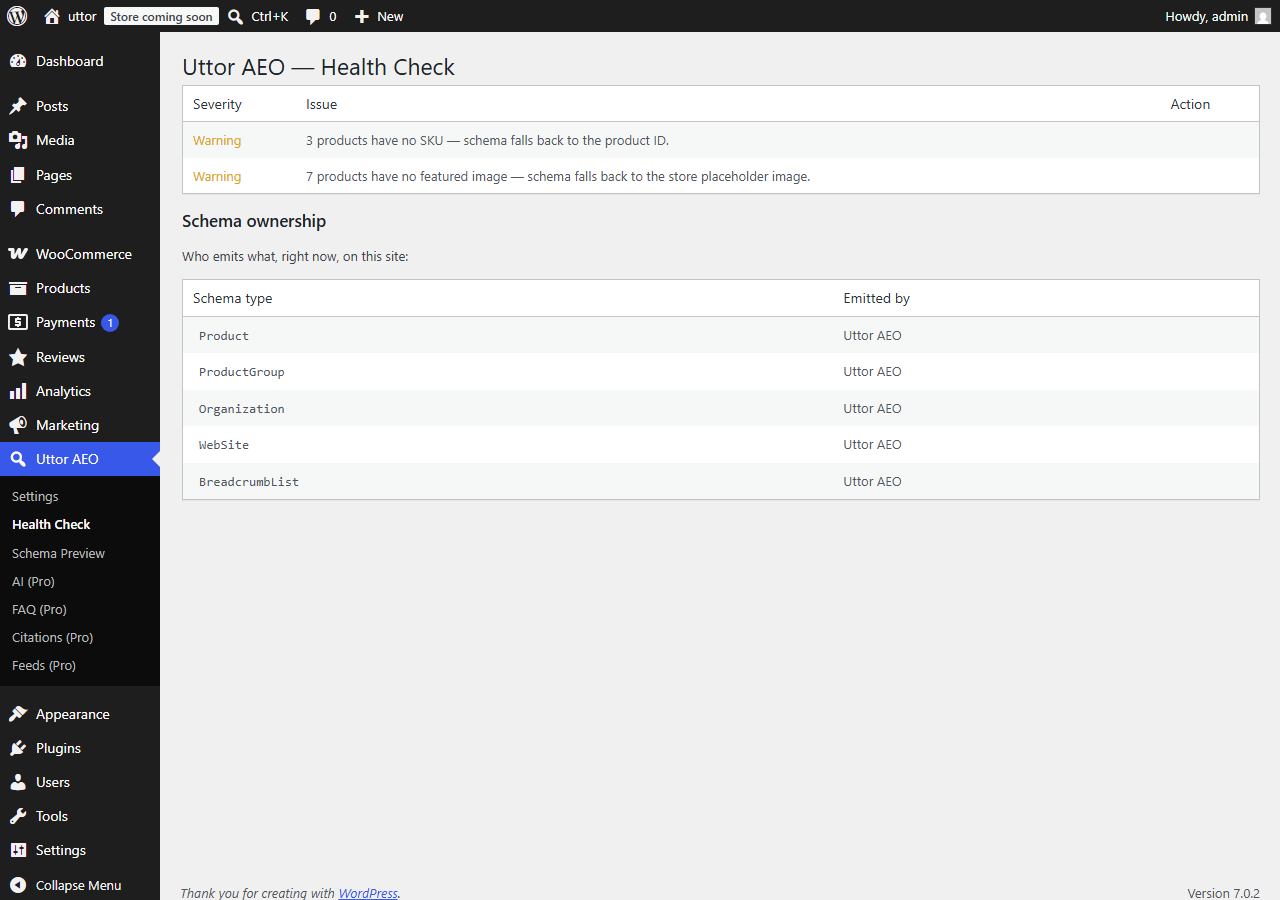
- Health check — one-click audit of your store’s AEO health
- Live schema preview — paste any product URL, see exactly what Uttor emits
- WP-CLI commands —
wp uttor-aeo audit,wp uttor-aeo regenerate,wp uttor-aeo validate - HPOS-compatible and works with all WooCommerce product types
- Translation-ready with
.potfile and RTL support
Pro version
Uttor AEO Pro adds AI-generated LLM-friendly product summaries (bring your own OpenAI, Anthropic, or Google API key), category-level AEO copy, FAQ generation from customer reviews, AI citation tracking, Google Merchant Center feed enhancement, multi-language schema (WPML/Polylang), and priority support. The free plugin is fully functional without it.
Bundle with Nishchoy Reviews
Uttor AEO integrates deeply with Nishchoy Reviews — the self-hosted alternative to Judge.me, Loox, and Yotpo. Products with rich reviews AND rich schema get cited more often by AI search engines. Available as a discounted bundle — see uttor.bytloop.com.
Developer-friendly
Every schema type is filterable. Every text output is filterable. Templates for llms.txt sections are overridable in your theme. Full REST API for programmatic access to schema. See the developer docs.
Screenshots
Installation
Standard install
- Go to Plugins Add New in your WordPress admin.
- Search for “Uttor AEO”.
- Click Install Now, then Activate.
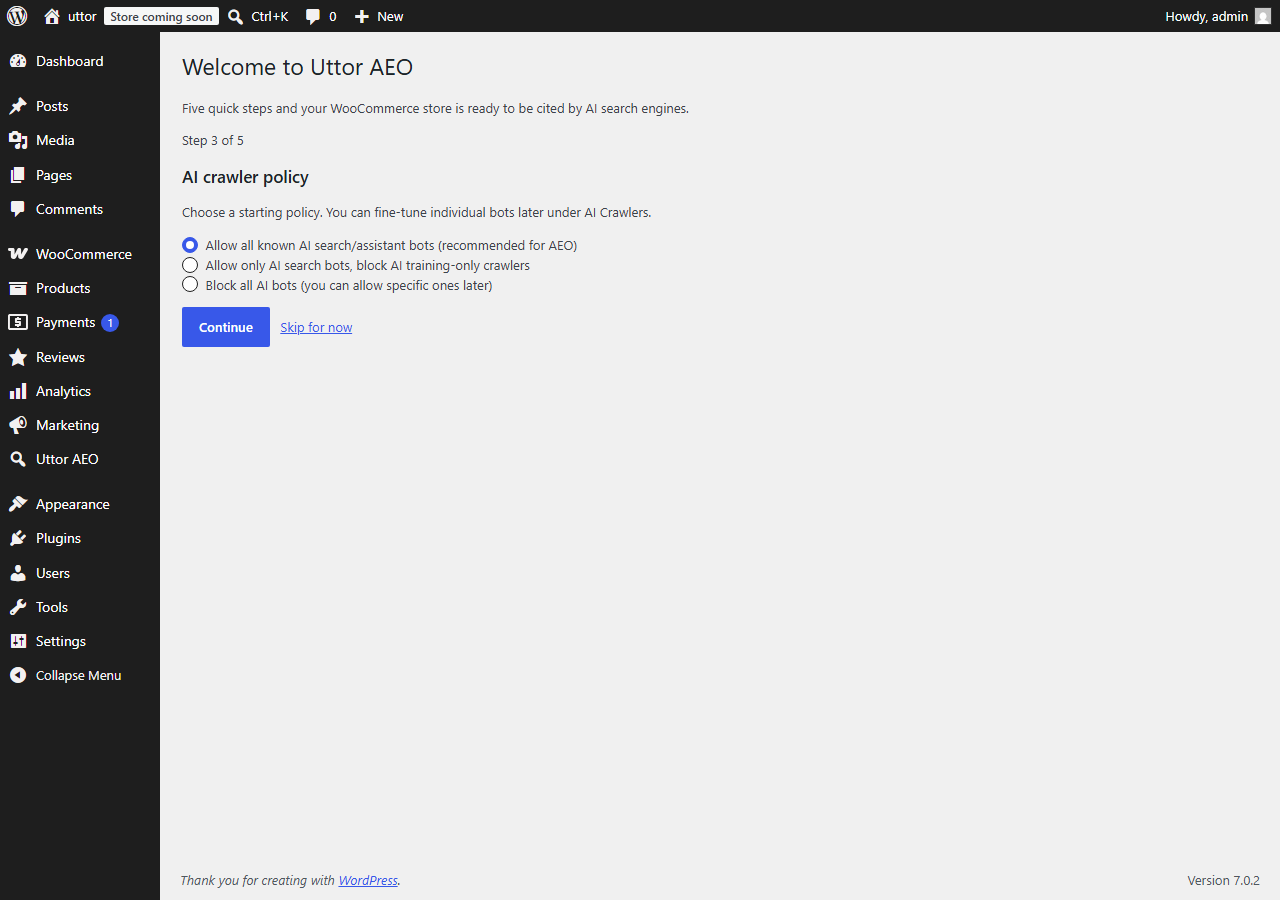
- Follow the 5-step setup wizard.
Manual install
- Download the plugin ZIP.
- Go to Plugins Add New Upload Plugin.
- Upload the ZIP and click Install Now, then Activate.
Requirements
- WordPress 6.3 or newer
- WooCommerce 8.0 or newer
- PHP 7.4 or newer (8.1+ recommended)
FAQ
-
What is AEO?
-
Answer Engine Optimization. It’s like SEO, but for AI search engines — ChatGPT Search, Perplexity, Claude, Google AI Overviews, Bing Copilot. When a shopper asks an AI which product to buy, AEO is what determines whether YOUR products get cited in the answer.
-
I already have Yoast (or Rank Math, AIOSEO, SEOPress). Do I need Uttor?
-
Yes. Content SEO plugins do a good job on blog posts and pages. They do a partial job on products — often missing
ProductGroupfor variable products,Offervariations, and correct shipping/return policy schema, and typically don’t generatellms.txtor manage AI crawlers granularly. Uttor detects your SEO plugin and fills the gaps without duplicating what it already does. -
Will Uttor conflict with my SEO plugin?
-
No. Uttor’s conflict detector explicitly checks what your SEO plugin emits and hands off ownership of overlapping schema types. Zero duplicate JSON-LD. You can see exactly who owns what on the Uttor health check page.
-
What is llms.txt?
-
An emerging convention (llmstxt.org) for helping AI systems understand your site. Similar to how
robots.txtguides search crawlers,llms.txtprovides a curated, LLM-friendly summary of your site’s key content. Uttor generates one automatically for your WooCommerce store. -
Can I control which AI companies can crawl my site?
-
Yes. Uttor has granular per-bot toggles in
robots.txtfor every major AI crawler. Allow the ones you want to be cited by (ChatGPT, Claude, Perplexity), block the ones you don’t. Uttor writes via therobots_txtfilter and never overwrites your physicalrobots.txtfile if you have one. -
Does it work with my theme?
-
Yes. Uttor emits schema and meta tags via WordPress hooks — no theme dependencies. Works with Storefront, Astra, Kadence, Blocksy, GeneratePress, and all modern block themes.
-
Is it HPOS-compatible?
-
Yes. Uttor is fully compatible with WooCommerce High-Performance Order Storage.
-
Does it slow down my site?
-
Schema generation runs on
wp_headwith caching per product. Overhead is negligible — target is under 10ms per page.llms.txtis pre-generated on cron and served statically. -
Do I need a paid AI API to use Uttor?
-
Only for Pro features that use AI (product summaries, category copy, citation tracking, image alt text). Free features don’t require any API keys.
-
What happens to my data if I uninstall the plugin?
-
Uttor doesn’t create any custom data — settings live in
wp_options, and generated meta values live in standard WooCommerce meta. On uninstall, you’re asked whether to delete Uttor’s settings and generated meta. Original WooCommerce data is untouched. -
Where can I get support?
-
Support is available in the plugin’s support forum on wordpress.org. Pro customers get email support with a 24-hour response SLA.
-
I’m a developer — where are the hooks?
-
The hooks reference lives at uttor.bytloop.com and in
/docs/hooks.mdin the plugin.
Reviews
There are no reviews for this plugin.
Contributors & Developers
“Uttor AEO for WooCommerce” is open source software. The following people have contributed to this plugin.
Contributors
Translate “Uttor AEO for WooCommerce” into your language.
Interested in development?
Browse the code, check out the SVN repository, or subscribe to the development log by RSS.
Changelog
1.0.0
- Initial release.