

Description
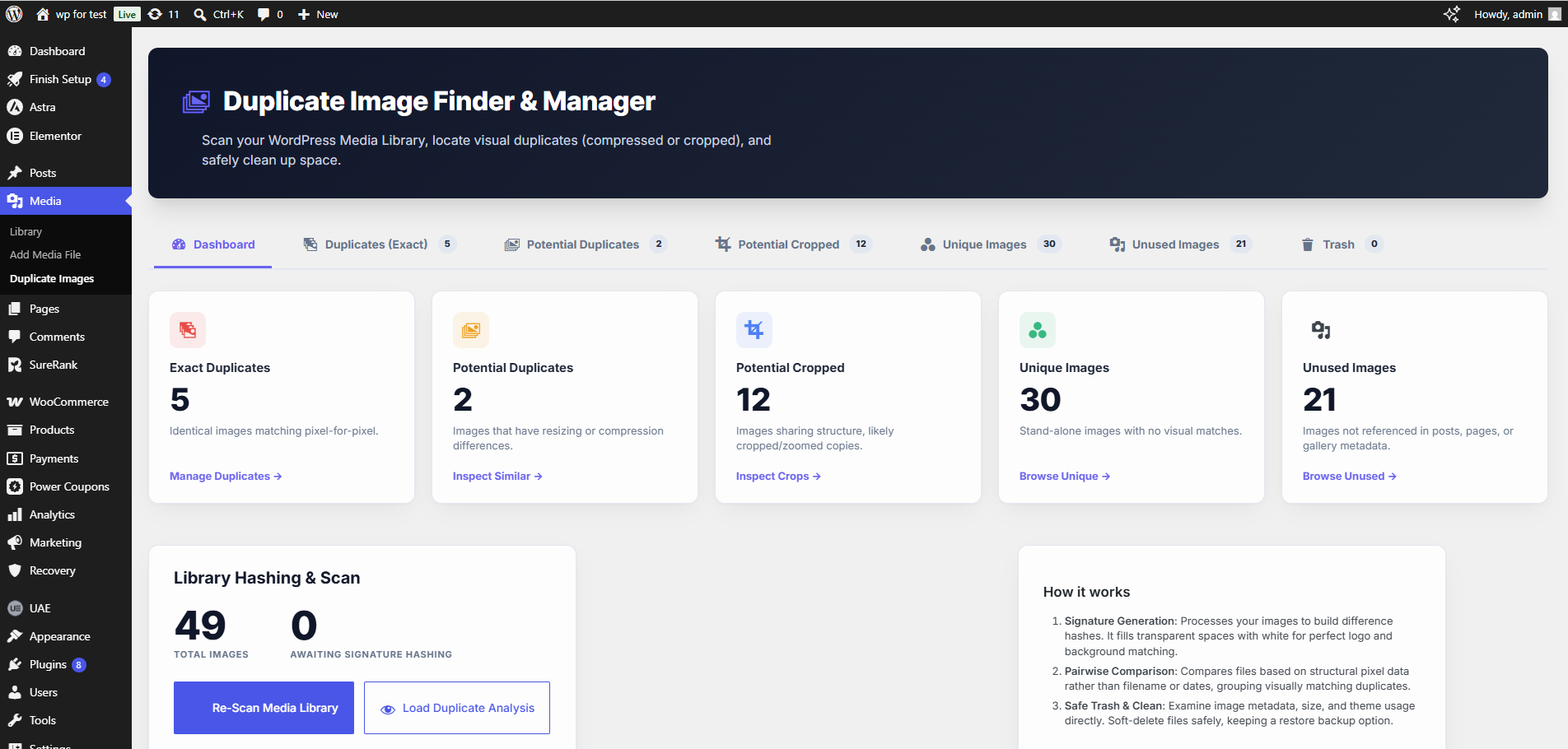
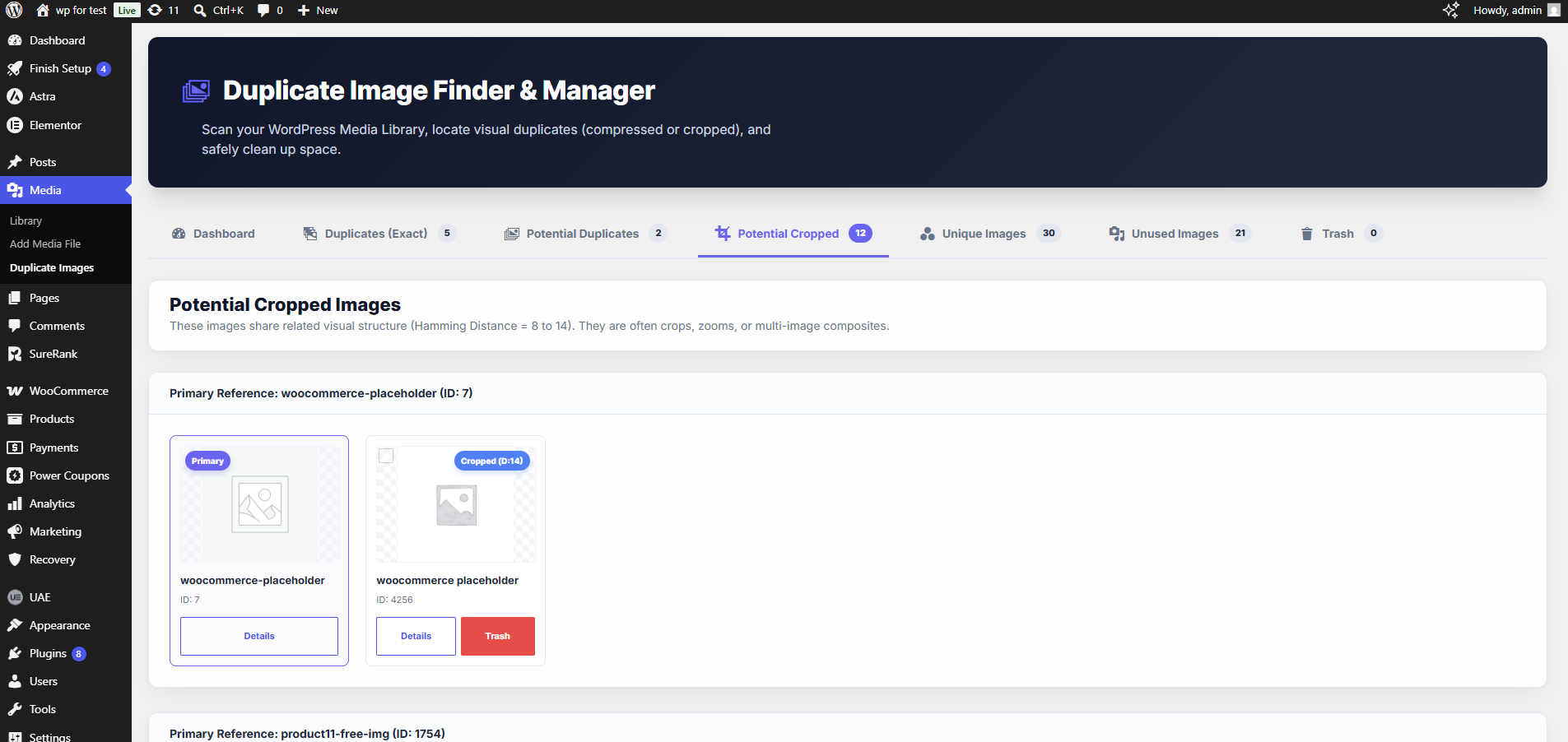
Inventkid Media Cleanup Manager is a premium, lightweight, and high-performance media library optimization plugin. It helps you scan your attachment files to identify duplicate, resized, compressed, or cropped images that are consuming valuable server disk space.
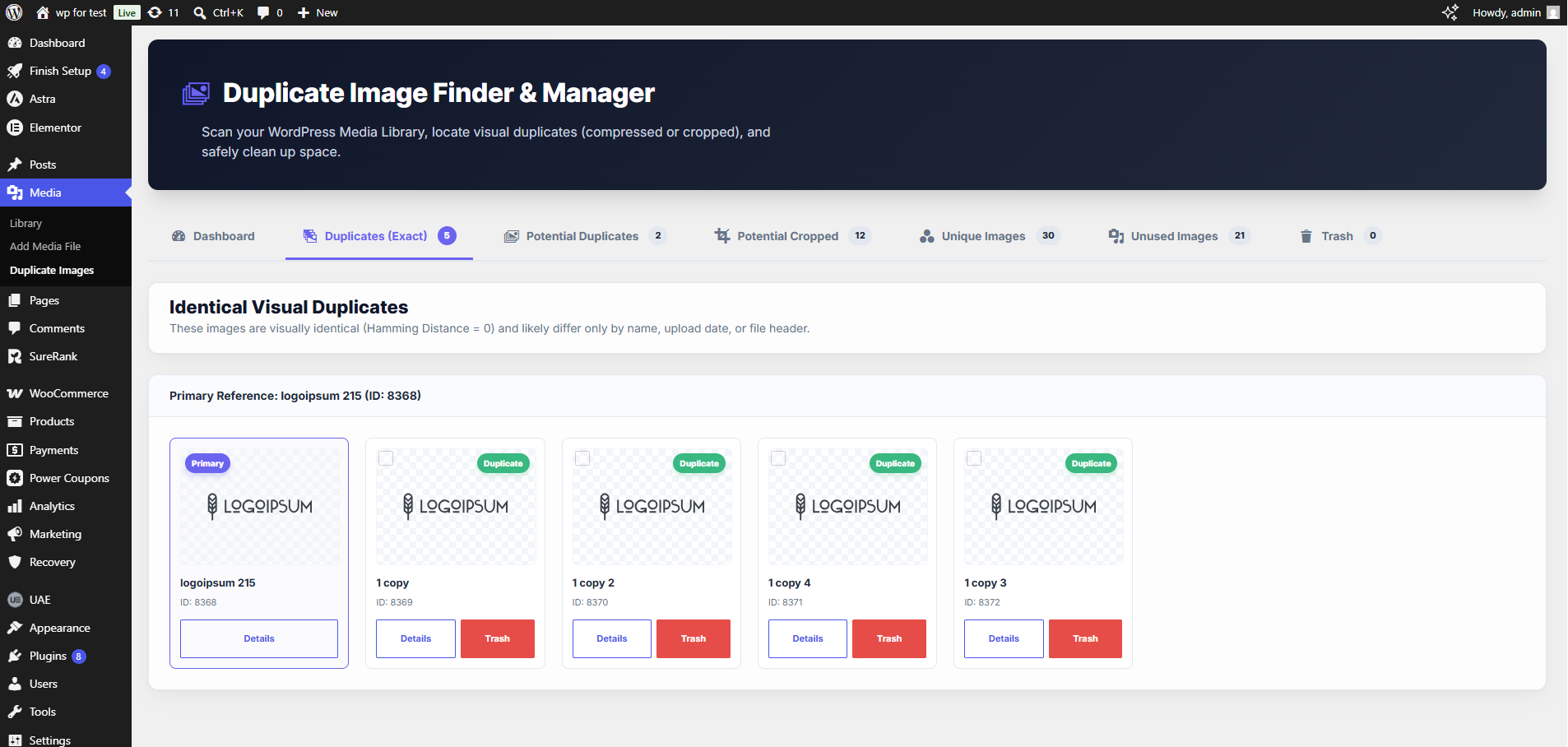
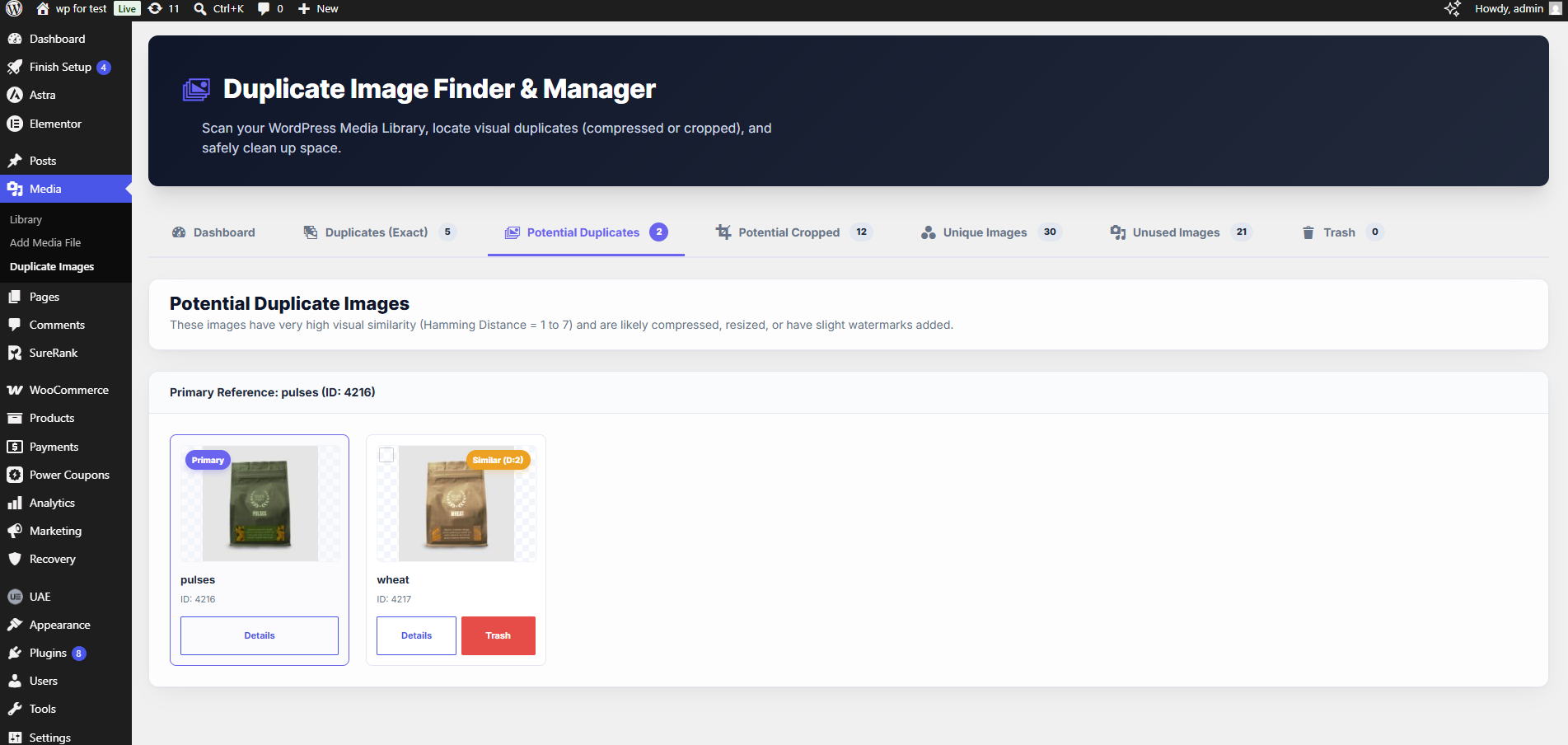
With the integrated search-and-replace feature, you can automatically swap duplicate instances with the primary reference image across post contents, featured images, and WooCommerce product galleries, and clean up visual clutter in seconds.
Features:
- GD-Powered Visual Hashing: Generates difference hashes (dHash) to analyze structural features and identify duplicates even if they are compressed, resized, or have slight color corrections.
- Vector SVG Parsing: Strips comments, namespaces, and format line breaks to match identical SVG assets.
- Site-Wide Search & Replace: Instantly replaces duplicate image IDs and source URLs (including responsive sub-sizes like
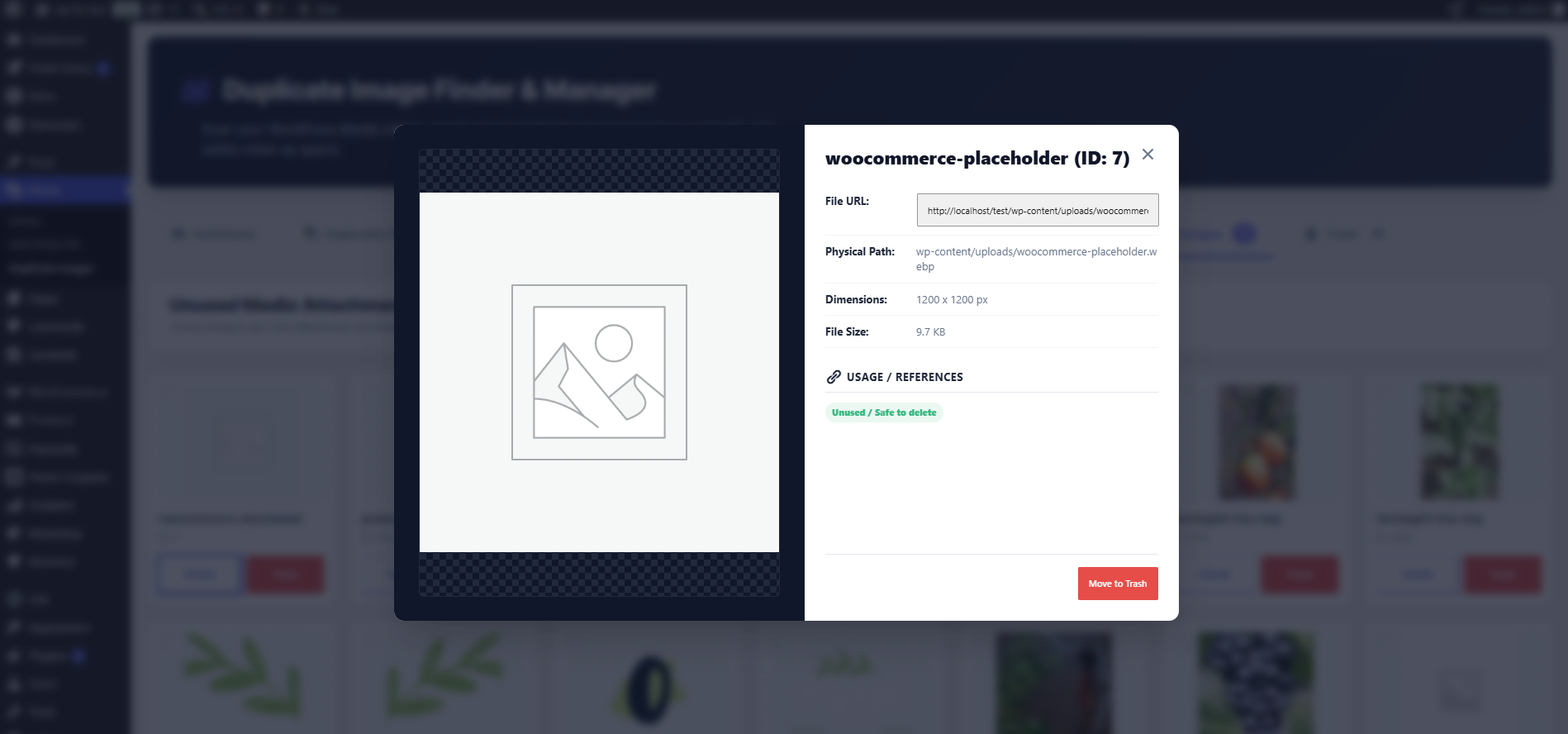
-150x150.jpg) inside post contents, featured images, and WooCommerce gallery postmeta. - Detailed Usage Mapping: Click any card to inspect exactly where the image is referenced on your site (posts, pages, WooCommerce products, etc.) with edit URLs.
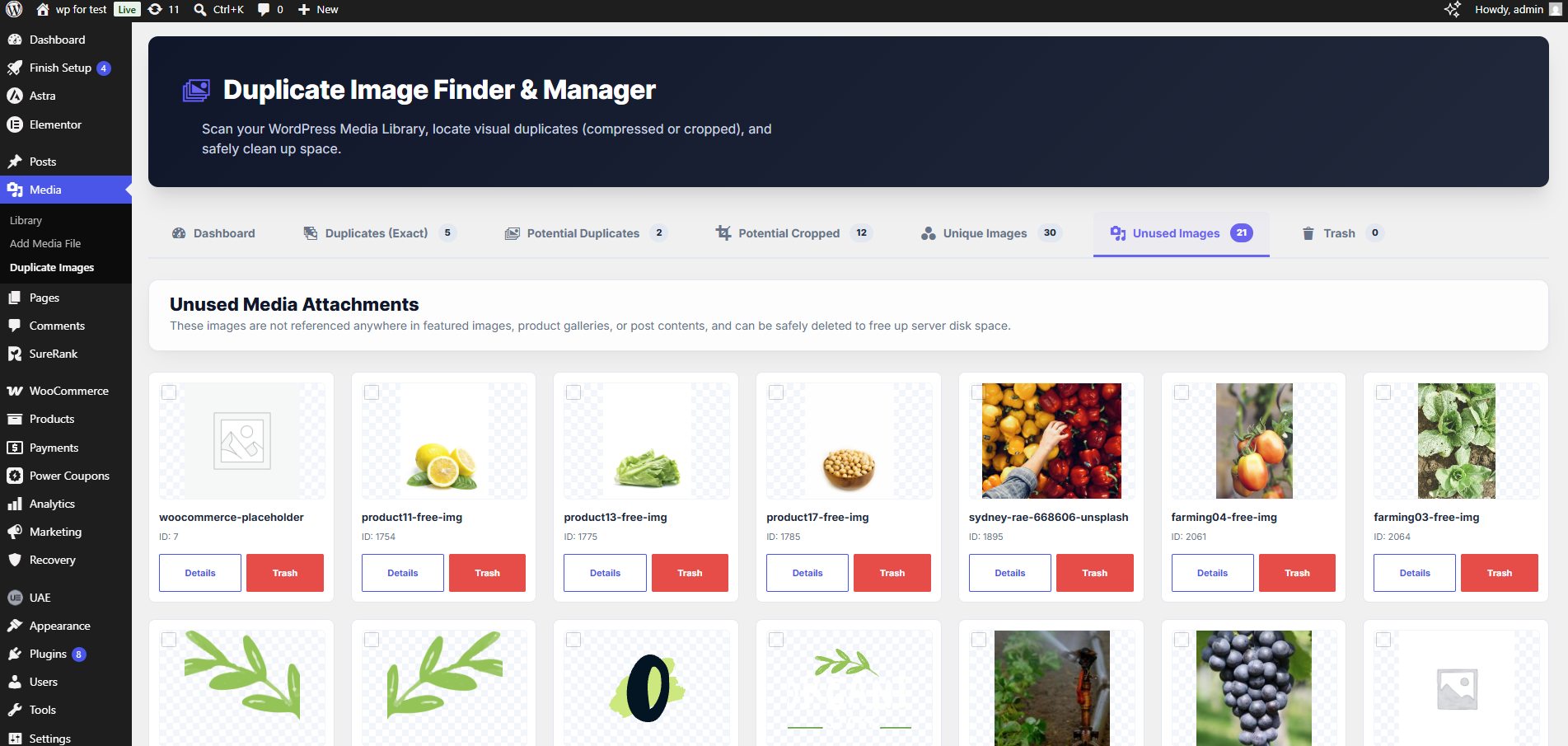
- Unused Images Tab: Highlights attachments that are not referenced anywhere on the site, making them 100% safe to delete.
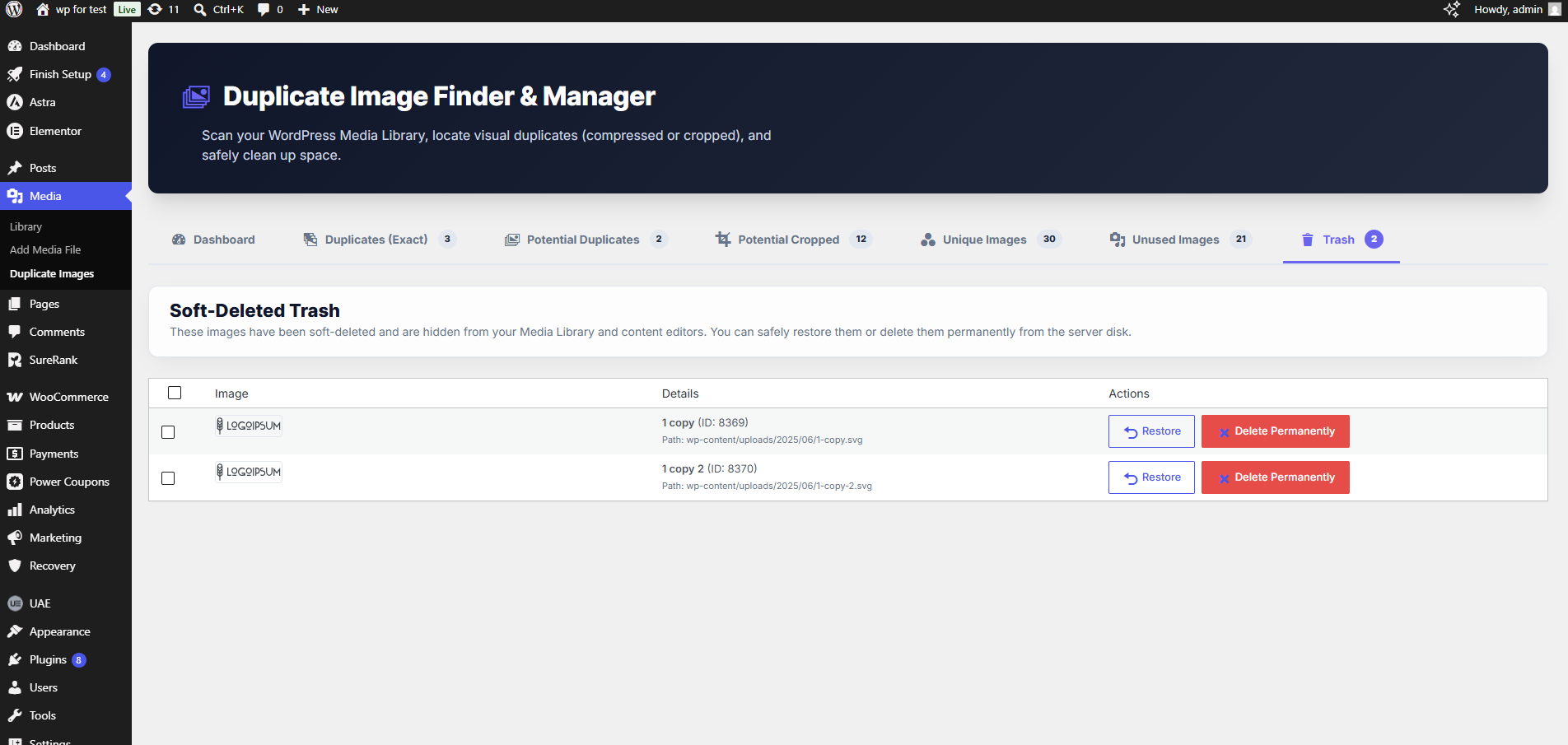
- Soft-Deleted Trash Bin: Safely soft-deletes assets before permanent disk deletion. Hidden attachments can be restored with a single click.
Screenshots
Installation
- Upload the plugin folder to the
/wp-content/plugins/directory, or upload the ZIP file directly via the WordPress Plugins menu. - Activate the plugin through the ‘Plugins’ screen in WordPress.
- Access the dashboard by clicking “Duplicate Images” in the Media sidebar menu.
FAQ
-
Does this delete images automatically?
-
No. The plugin will only highlight duplicates and unused attachments. All trashing, replacing, and permanent deletion actions are fully manual and require your confirmation.
-
What is the difference between soft-delete and permanent delete?
-
Soft-delete hides the image from your Media Library and site editors, saving its reference in a virtual trash bin. Permanent delete wipes the physical image files and sub-sized thumbnails from your server’s disk forever.
Reviews
There are no reviews for this plugin.
Contributors & Developers
“Inventkid Media Cleanup Manager” is open source software. The following people have contributed to this plugin.
Contributors
Translate “Inventkid Media Cleanup Manager” into your language.
Interested in development?
Browse the code, check out the SVN repository, or subscribe to the development log by RSS.
Changelog
1.0.0
- Initial release. Features GD-based dHash comparison, site-wide search and replace swapping, unused images indexer, detailed usage queries, and modal loader screens.