

Description
Crawlwise AI Readiness measures how well your WordPress site holds up when the reader is an AI agent rather than a person, then fixes what doesn’t and verifies the change over a real HTTP request.
Every check fetches the site the way an agent would instead of trusting internal plugin state, so a passing score reflects what a crawler actually sees — including when a CDN or a stray physical robots.txt is overriding WordPress.
What it grades
- Discoverability — robots.txt sanity, XML sitemap, discovery
Linkheaders - Content — Markdown content negotiation,
/llms.txt, structured HTML - Bot access — Content Signals, explicit AI-crawler rules, Web Bot Auth
- Capabilities — API catalog, MCP card, agent skills, OAuth metadata
- Commerce — UCP and x402 descriptors (WooCommerce only)
Fixes are reversible. Every fix writes plugin settings and nothing else — no theme edits, no rewritten posts — so “Turn off” genuinely restores the prior state.
Agent-callable. An optional MCP server exposes scan / fix / verify / revert as tools an agent can call directly. It is off by default and requires a bearer token you generate yourself.
Privacy
The plugin makes HTTP requests to your own site only. It sends nothing to any third party and has no telemetry.
/llms.txt, the Markdown output, and the JSON-LD graph are built exclusively from public content: password-protected, private, draft, and per-entity excluded posts are never included.<h3>Security</h3>
* The MCP bearer token is stored as a SHA-256 hash. Its raw value is displayed exactly once, when generated, and cannot be recovered afterwards — regenerate it if lost.
* The token is never included in a settings export, and a settings import can never set or enable it.
* Failed MCP authentication attempts are rate-limited per IP, and cross-origin requests to the MCP endpoint are rejected.
* All dashboard REST routes require manage_options; per-entity routes require edit_post for that specific post.
Screenshots
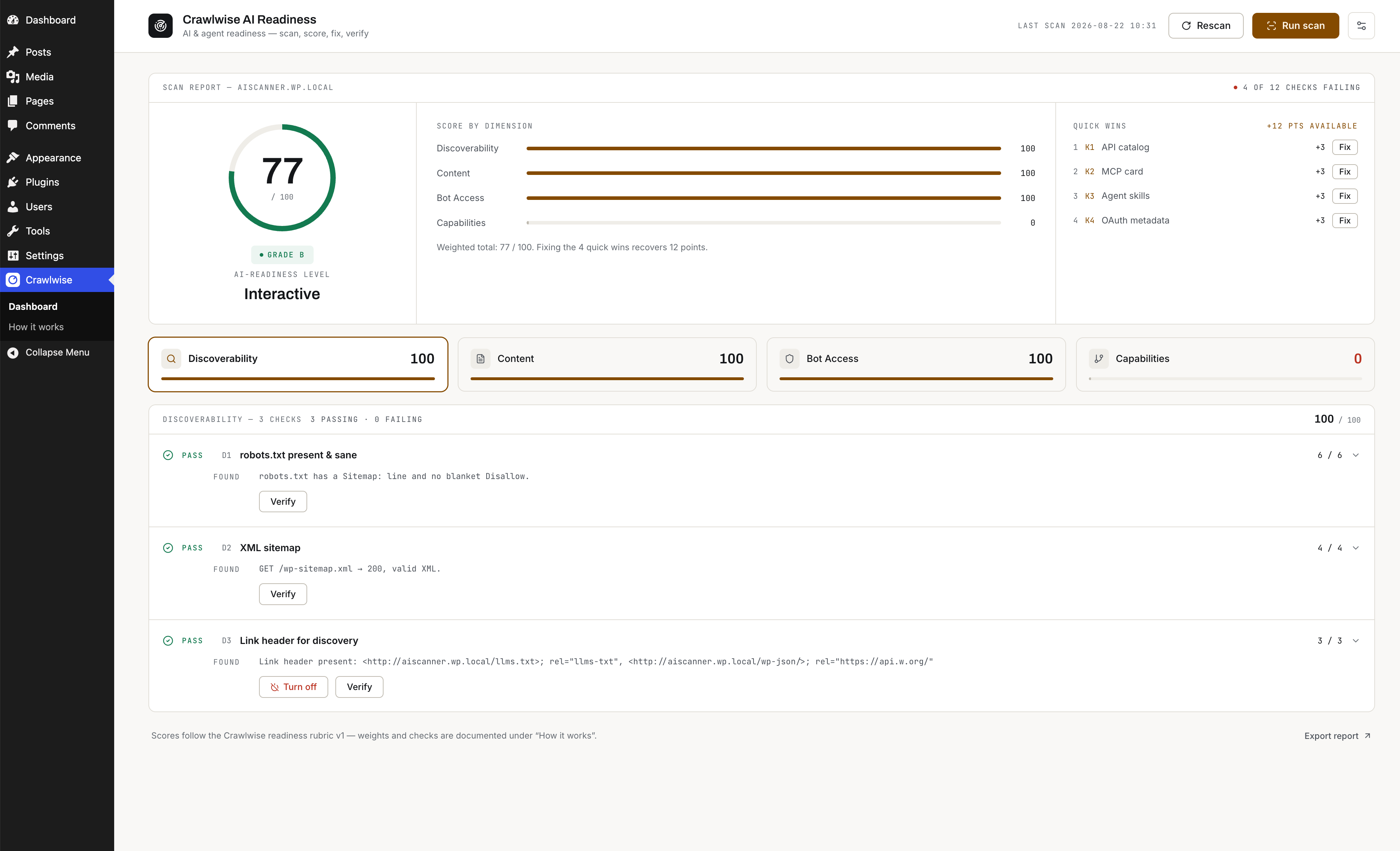
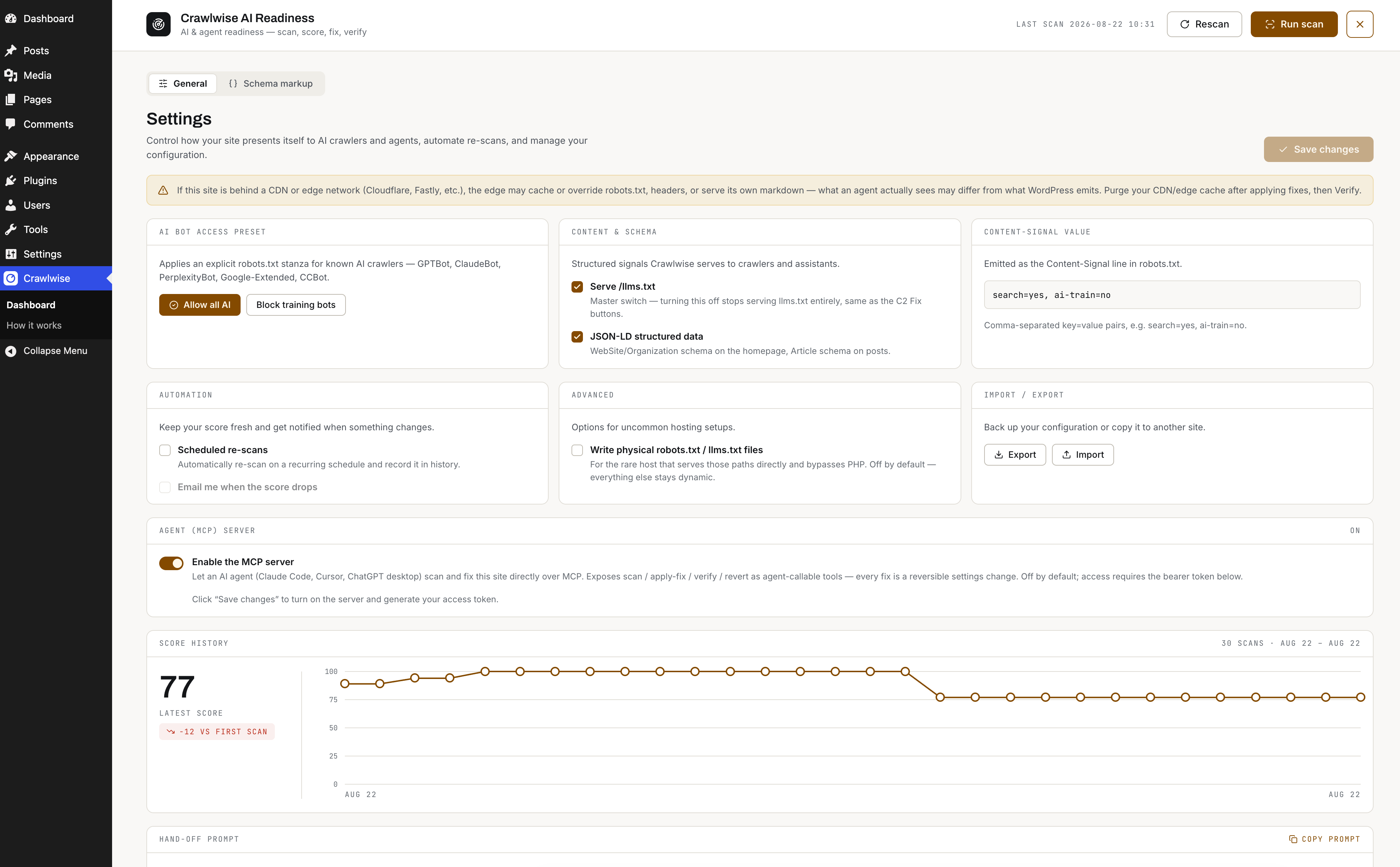
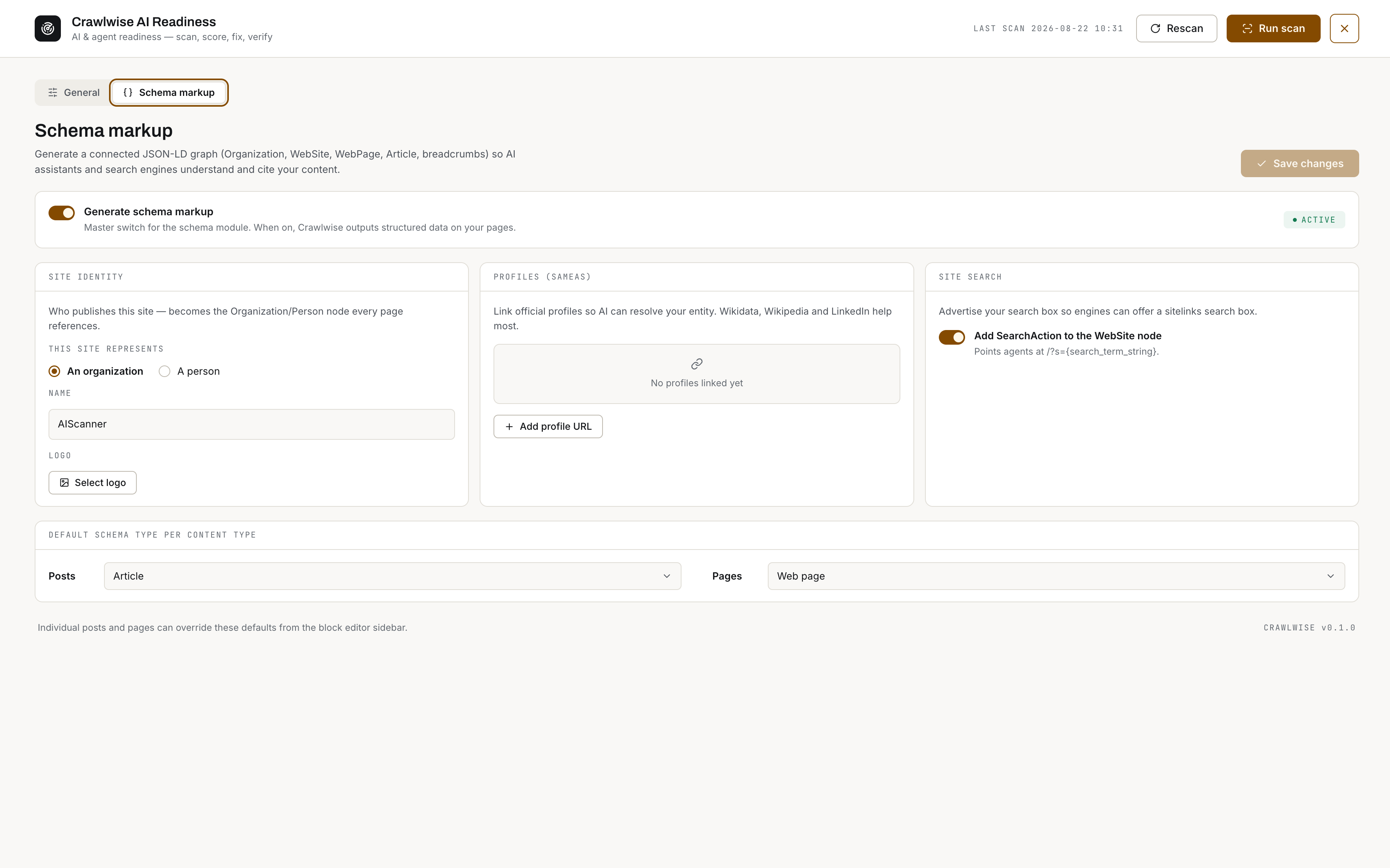
Installation
- Upload the
crawlwise-ai-readinessfolder to/wp-content/plugins/, or install the plugin through the Plugins > Add New screen. - Activate the plugin through the Plugins screen.
- Go to Crawlwise AI Readiness in the admin menu and click Scan to grade the site.
- Apply a fix from any failing check, then click Verify to confirm the change over a real HTTP request.
Activation creates one custom table ({prefix}_crwl_scans) for score history and flushes rewrite rules so /llms.txt, *.md and .well-known/* routes can resolve. Uninstalling removes the table, all options and transients, the scheduled re-scan, and any files the plugin exported.
Optional: the agent (MCP) server
- Go to Crawlwise AI Readiness > Settings, tick Enable the MCP server, and click Save Changes.
- Copy the bearer token shown. It is stored hashed and cannot be displayed again — regenerate it if you lose it.
- Add it to your agent, e.g.
claude mcp add --transport http crwl <endpoint> --header "Authorization: Bearer <token>".
FAQ
-
Does it conflict with Yoast, Rank Math, or AIOSEO?
-
No. Crawlwise AI Readiness detects them and defers per feature, so you don’t get two sitemaps, two meta descriptions, or two JSON-LD graphs.
-
Why does a check say “couldn’t verify”?
-
Some hosts block a site from making HTTP requests to itself. When that happens Crawlwise AI Readiness reports an informational result rather than guessing, so a blocked loopback never becomes a misleading pass or fail.
-
I enabled static export and nothing happened.
-
Static export refuses to overwrite a
robots.txtorllms.txtit did not create, so a hand-maintained file is never clobbered. Remove or rename the existing file if you want the plugin to manage it.
Reviews
There are no reviews for this plugin.
Contributors & Developers
“Crawlwise – AI Readiness Scanner and Fixer” is open source software. The following people have contributed to this plugin.
Contributors
Translate “Crawlwise – AI Readiness Scanner and Fixer” into your language.
Interested in development?
Browse the code, check out the SVN repository, or subscribe to the development log by RSS.
Changelog
0.2.0
- Redesigned every admin screen — dashboard, settings, schema markup and “How it works” — around a single typographic system, with the three typefaces self-hosted rather than loaded from a font CDN.
- Fixed: applying the D3 fix had no effect on its own. It enabled Link headers, but a header needs somewhere to point, so with
/llms.txtand Markdown both off nothing was emitted and the check kept failing. The fix now enables/llms.txtas the link target. - Fixed: the K1–K4 capability checks could never pass after a re-activation. Activation rebuilt the rewrite rules from a hard-coded list that had drifted, silently dropping every
.well-known/*route — and clicking Fix did not repair it, because the flush was skipped whenever the setting was already on. Affected B3 and the commerce checks too. - Fixed: rewrite rules are now rebuilt on the first request after activation, once every route has registered, so a newly added endpoint can no longer be left out.
- Checks are listed by name instead of by code throughout the dashboard.
- Informational (INFO) results are no longer counted as failures in the “N of M checks failing” summary.
- The “last scan” timestamp now comes from the site’s own clock rather than the browser’s, so it no longer shifts by the UTC offset after a scan.
0.1.0
- Initial release.
- Security: password-protected content is excluded from Markdown output,
/llms.txt, and JSON-LD descriptions. - Security: the MCP bearer token is stored hashed, shown once, excluded from settings export, and cannot be set by settings import.
- Security: MCP endpoint validates
Originand rate-limits failed authentication. - Fixed:
*.mdand.well-known/*URLs return a real 404 instead of the front page when a feature is off or nothing matches. - Fixed: applying the C3 fix no longer rewrites post excerpts — the meta description is derived at render time, keeping every fix reversible.
- Fixed: scan history is capped per scope instead of growing without bound.