

Description
SnapTapGo Gallery connects your WordPress site to your SnapTapGo account in two powerful ways:
1. Live gallery shortcodes — Add one shortcode to any page or post. Manage every photo from your phone. The gallery on your site updates the moment you add, remove, or reorganize photos — no WordPress login needed.
2. Upload to WordPress from your phone — Send photos directly from your phone to your WordPress media library. No desktop, no FTP, no logging into WordPress. Just tap and upload.
How live galleries work
- Create a project in the SnapTapGo app and upload your photos
- Organize photos into named groups (e.g. “Before”, “After”, “Kitchen”, “Deck”)
- Tap Share to get your project link
- Paste the shortcode on any WordPress page — done
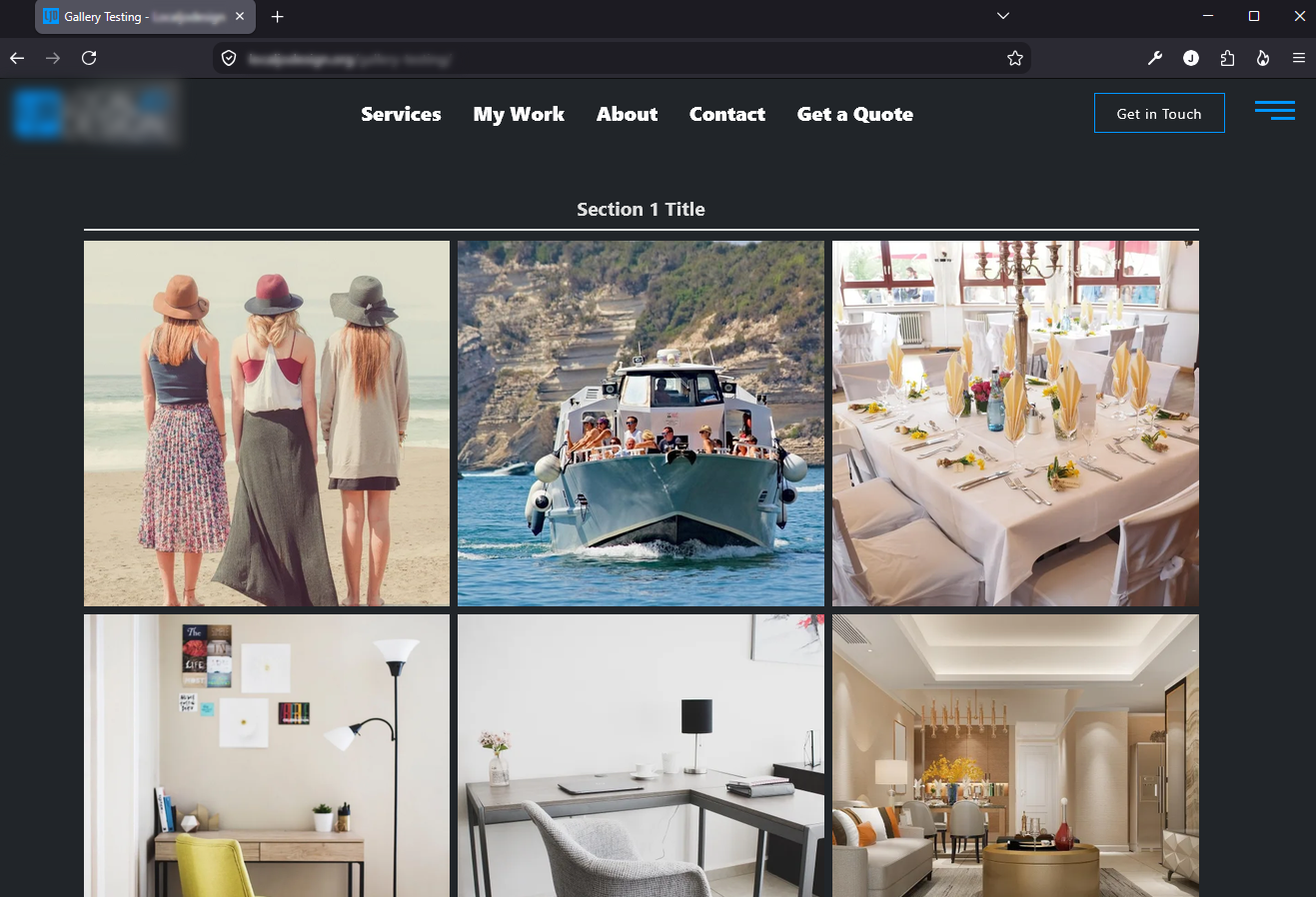
The gallery pulls photos live from SnapTapGo and caches them for performance. Groups appear as clearly labeled sections automatically.
How to upload photos from your phone
- Go to Settings in the SnapTapGo app
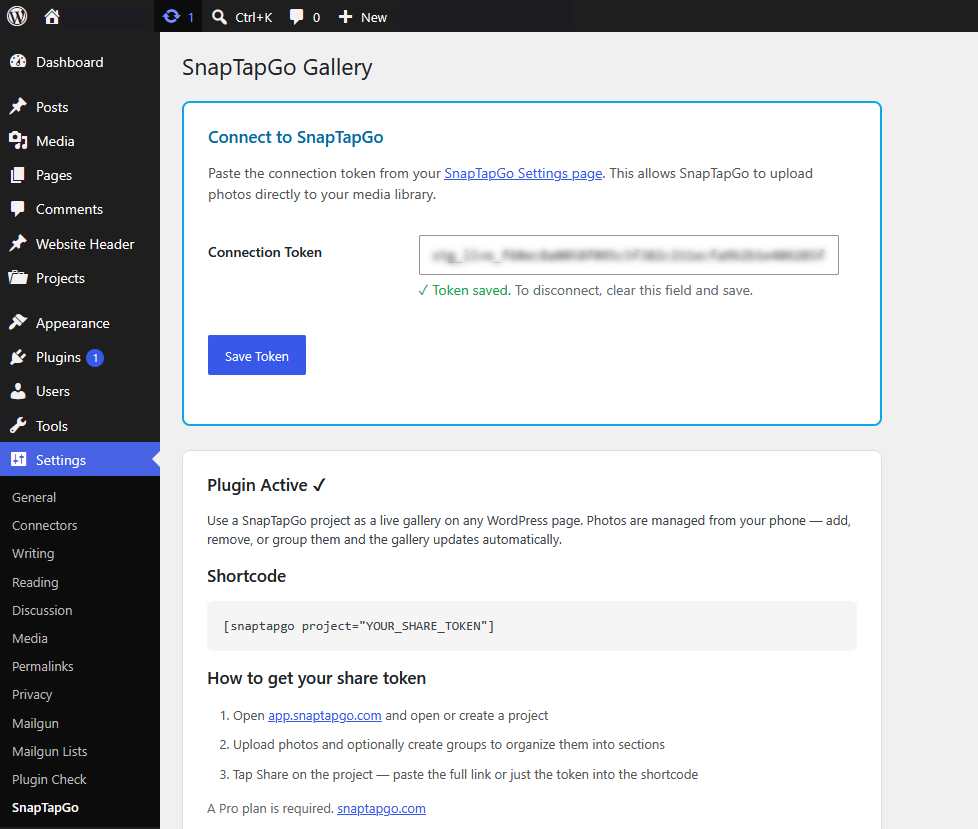
- Copy your connection token and paste it into Settings SnapTapGo in WordPress
- Enter your site URL in the SnapTapGo app to connect
- Open any project and tap Upload to Site — photos go straight to your media library
Gallery layouts
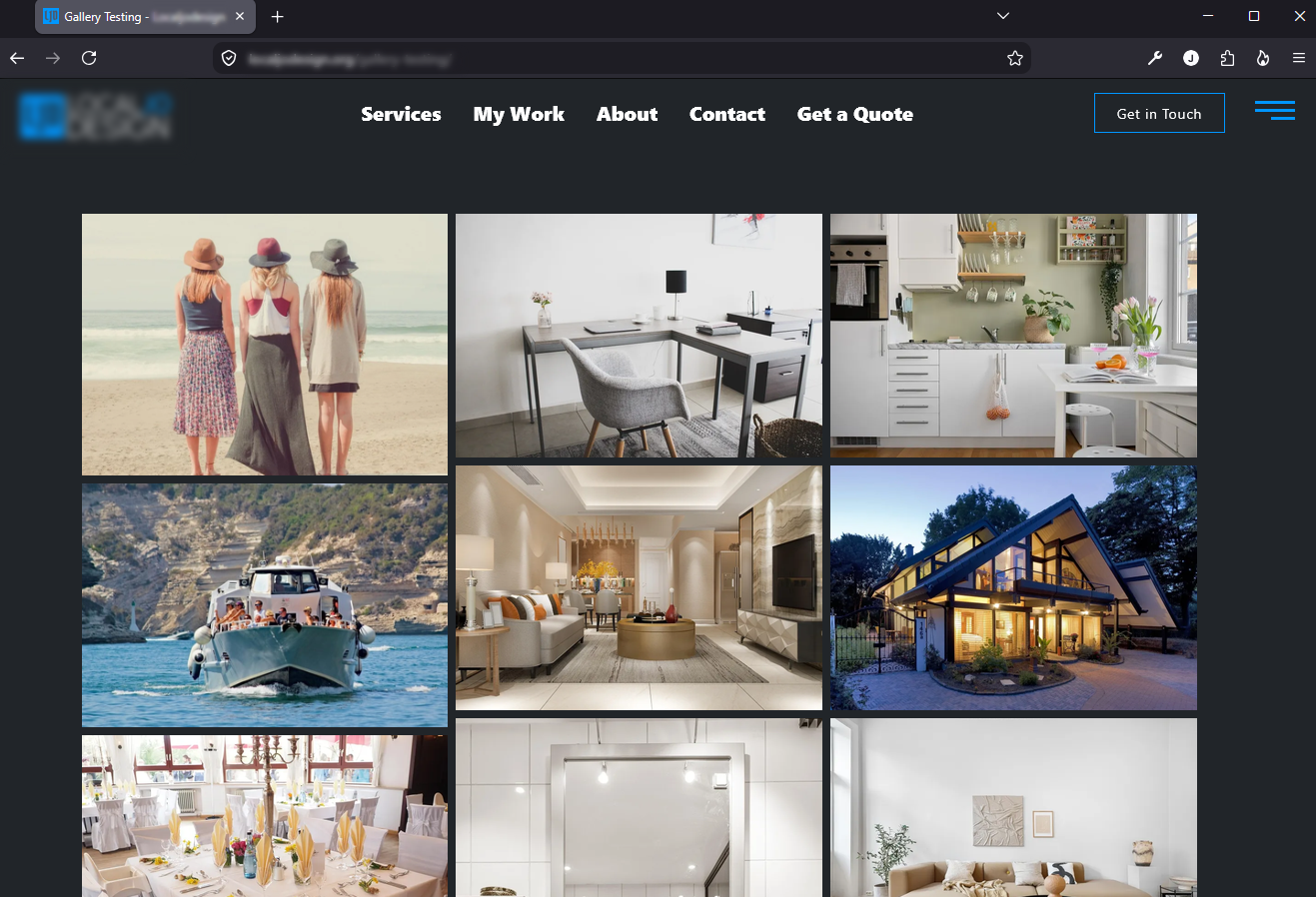
- Grid — equal-sized square tiles, responsive columns
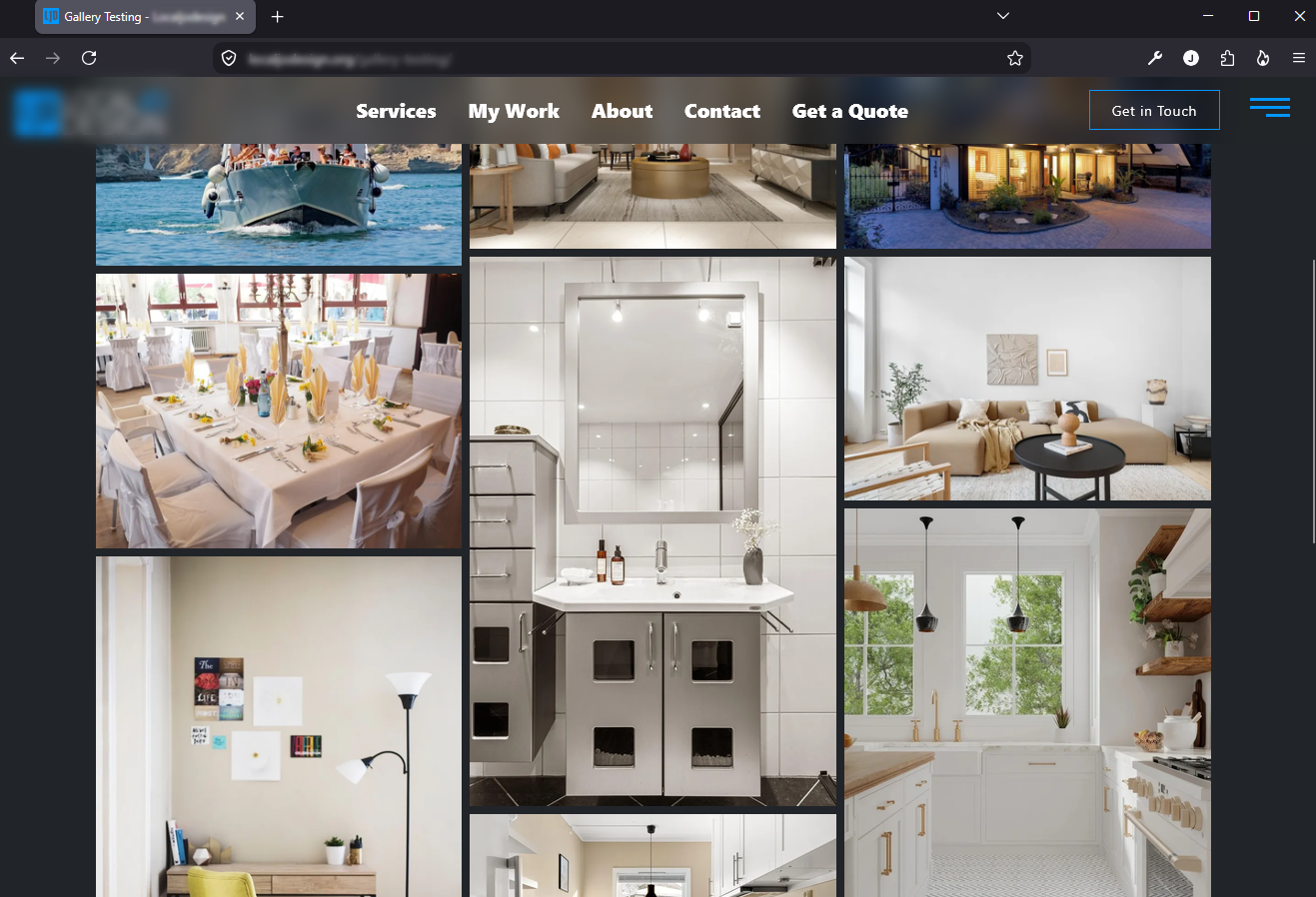
- Masonry — natural photo heights, Pinterest-style flow
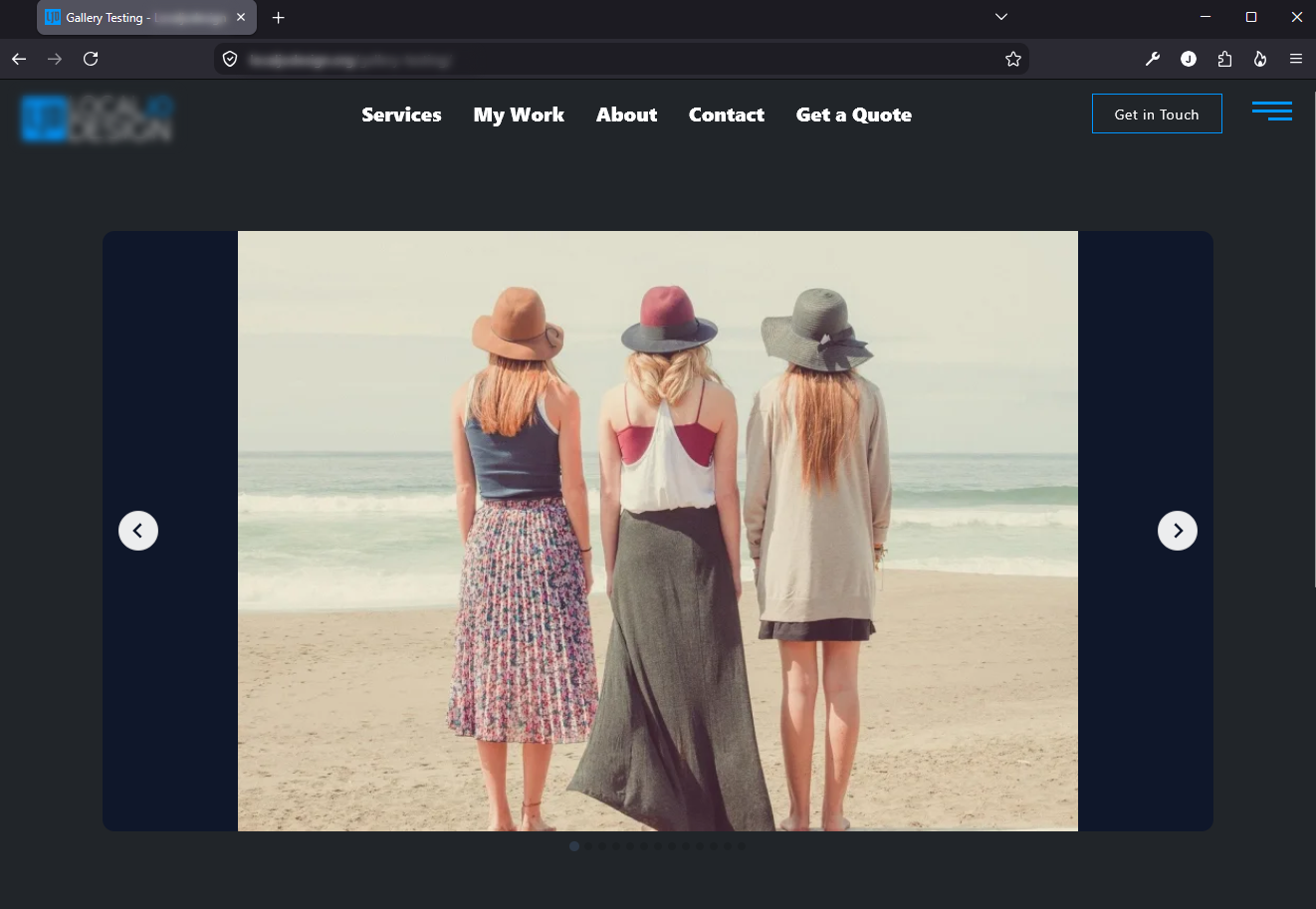
- Carousel — one photo at a time, swipe-friendly with optional autoplay
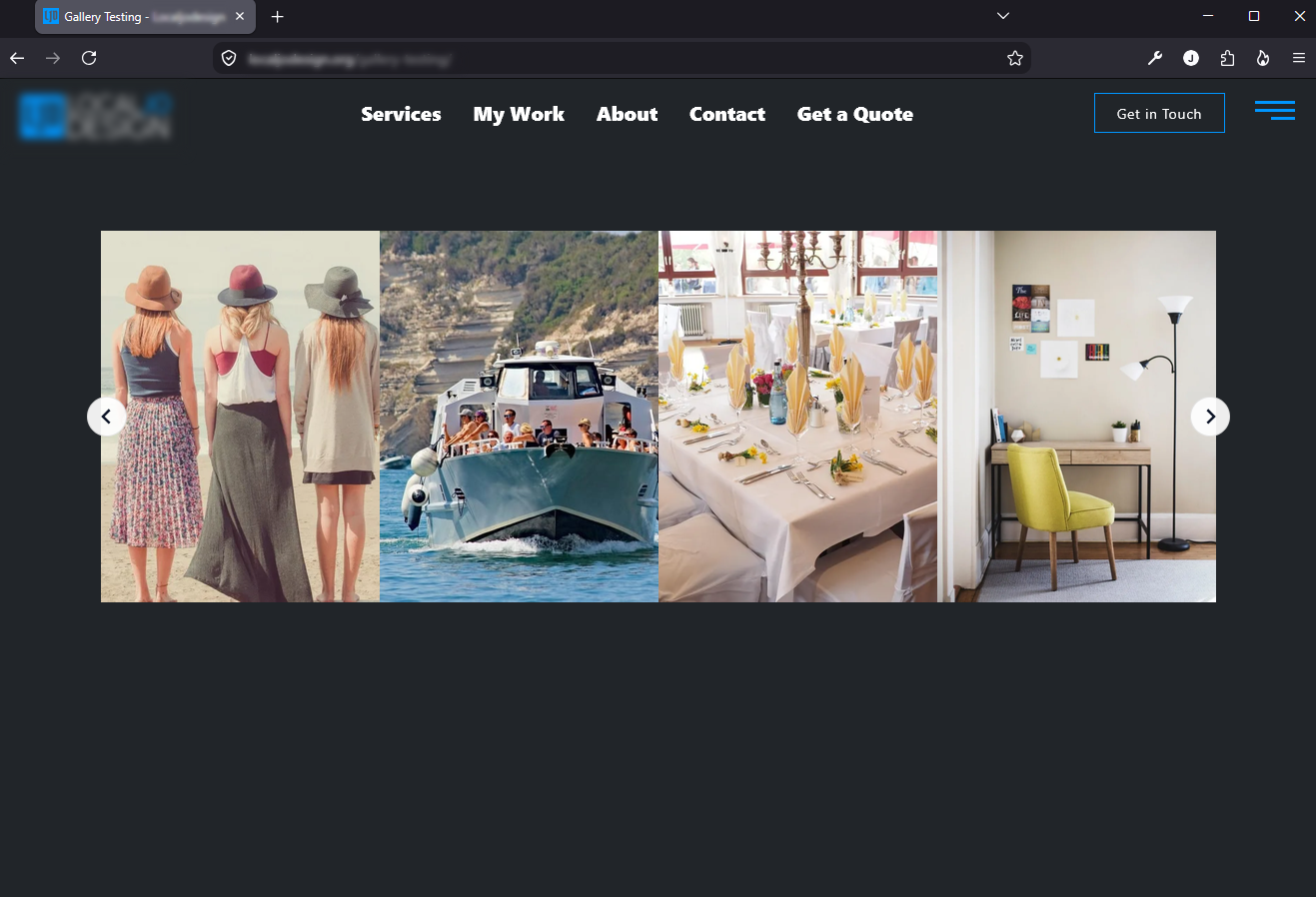
- Strip — portrait photos side by side, perfect for project sequences with optional autoplay
All layouts include a full-screen lightbox with navigation arrows, keyboard support, swipe gestures, and a download button.
Great for
- Contractors — show before/after photos on your website. Update from the job site.
- Landscapers & home service pros — build a live portfolio that never goes stale.
- Interior designers — display project rooms as organized, labeled gallery sections.
- Real estate agents — embed property photo galleries without touching the media library.
- Wedding photographers — share galleries with clients via a private link, then publish to your site.
- Anyone — if you take photos on your phone and want them on your website, this is the simplest way.
Shortcode examples
Basic grid:
[snaptapgo project=”YOUR_TOKEN”]
Masonry with 4 columns:
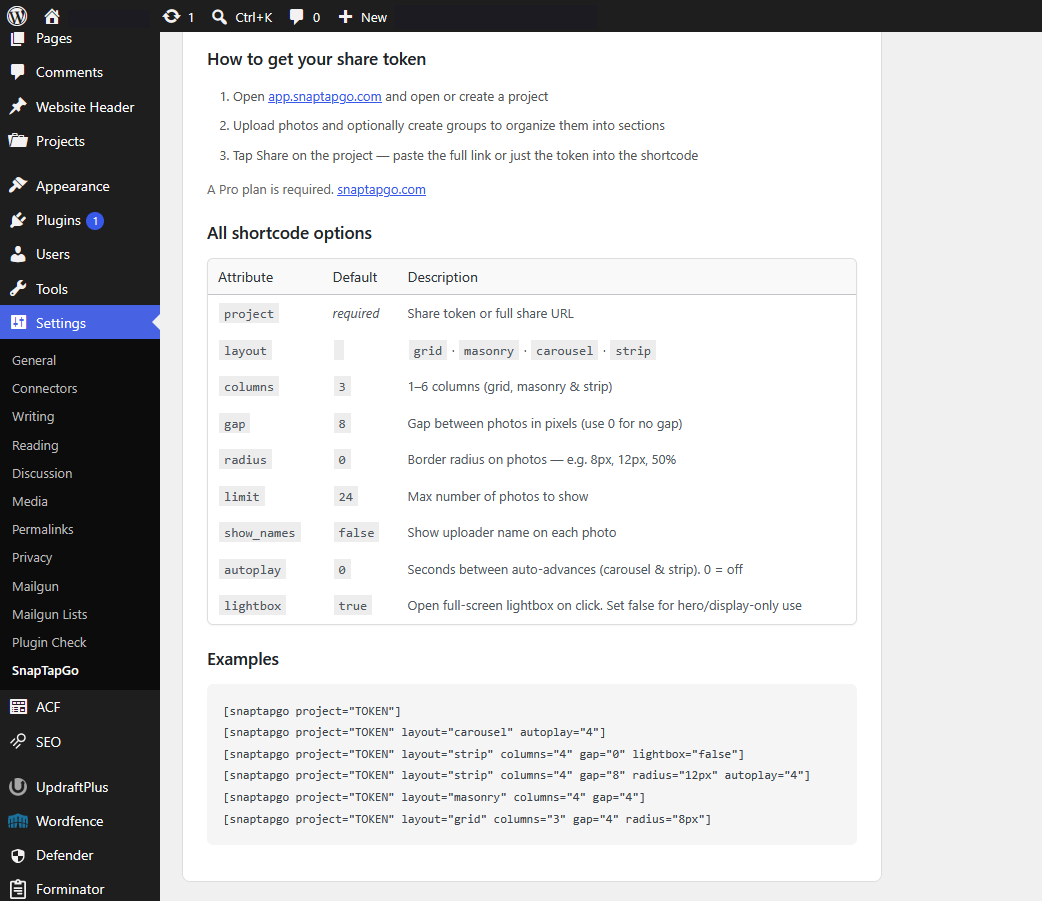
[snaptapgo project=”YOUR_TOKEN” layout=”masonry” columns=”4″]
Carousel with autoplay (4-second interval):
[snaptapgo project=”YOUR_TOKEN” layout=”carousel” autoplay=”4″]
Strip layout, no gaps, no lightbox (for hero use):
[snaptapgo project=”YOUR_TOKEN” layout=”strip” columns=”4″ gap=”0″ lightbox=”false”]
Strip with rounded corners and autoplay:
[snaptapgo project=”YOUR_TOKEN” layout=”strip” columns=”4″ radius=”12px” autoplay=”4″]
All shortcode attributes
project(required) — your share token or full share URLlayout—grid(default),masonry,carousel,stripcolumns— 1–6 columns (default:3; applies to grid, masonry, strip)gap— spacing between photos in pixels (default:8; use0for no gap)radius— border radius on photos, e.g.8px,12px,50%(default:0)limit— maximum number of photos to display (default:24)show_names— show uploader name on each photo:trueorfalse(default:false)autoplay— seconds between auto-advances for carousel and strip (default:0= off)lightbox— set tofalseto disable click-to-open; useful for hero/display-only use (default:true)
Appearance settings
Go to Settings SnapTapGo to:
- Set a default layout for all galleries
- Customize group label font, size, weight, and color
- Override per-gallery with shortcode attributes
Group labels inherit your theme’s heading font by default — no custom CSS needed.
Requirements
- A free SnapTapGo account at snaptapgo.com
- Paste your connection token from the SnapTapGo app into Settings SnapTapGo in WordPress
- No API key setup — connect with a single token
Note: some SnapTapGo features (such as the WordPress gallery) require a Pro plan on the SnapTapGo service. Plan details at snaptapgo.com.
External Services
This plugin connects to app.snaptapgo.com, a third-party service operated by SnapTapGo.
- Gallery display: The plugin fetches photo data from
https://app.snaptapgo.com/api/public/using your project share token. This request is made from your WordPress server and results are cached for 60 seconds. - Photo uploads: When the upload feature is used, photos are sent from the SnapTapGo app to your WordPress site via a secure REST endpoint. No visitor data is transmitted.
- Privacy policy: https://snaptapgo.com/privacy
- Terms of service: https://snaptapgo.com/terms
No visitor or user data from your WordPress site is ever sent to SnapTapGo.
Screenshots
Installation
- In your WordPress dashboard, go to Plugins Add New Plugin
- Search for SnapTapGo Gallery and click Install Now
- Click Activate Plugin
- Go to Settings SnapTapGo and paste your connection token from the SnapTapGo app
- Add
[snaptapgo project="YOUR_TOKEN"]to any page or post
To get your connection token and project token:
- Open app.snaptapgo.com and go to Settings
- Copy the Connection Token and paste it into the plugin settings
- Open a project tap Share to get the share link for your shortcode
FAQ
-
Do I need a SnapTapGo account?
-
Yes. You need a free account at snaptapgo.com to create projects and generate share tokens. Some SnapTapGo features require a Pro plan — see snaptapgo.com for details. The plugin itself is free and open source.
-
Where are my photos stored?
-
Photos are stored in SnapTapGo, not in your WordPress media library (unless you use the Upload to Site feature). This keeps your WordPress installation lean and means you can manage everything from the SnapTapGo app without touching WordPress at all.
-
What is the connection token for?
-
The connection token links your SnapTapGo account to this WordPress plugin. It does two things: (1) activates the gallery shortcodes, and (2) authorizes the SnapTapGo app to upload photos directly to your media library. You’ll find your token in the SnapTapGo app under Settings.
-
How do I update the photos on my site?
-
Just add, remove, or reorganize photos in the SnapTapGo app. The gallery on your site refreshes automatically. Cached results update within 60 seconds.
-
Can I show photos organized into sections?
-
Yes. Create named groups in your SnapTapGo project (e.g. “Before”, “After”, “Kitchen”). These groups appear as labeled sections in the gallery automatically.
-
Can I use multiple galleries on the same page?
-
Yes. Each shortcode is independent and can point to a different project with different layout settings.
-
My gallery shows “Could not load gallery” — what’s wrong?
-
Check that your project token is correct and that your SnapTapGo account is on a Pro plan. Make sure a connection token is saved in Settings SnapTapGo. You can verify by visiting your share link directly in a browser (e.g.
https://app.snaptapgo.com/p/YOUR_TOKEN). -
Does this work with page builders like Elementor or Divi?
-
Yes. Use the shortcode widget in any page builder that supports shortcodes.
-
Can visitors download photos?
-
Yes. Clicking any photo opens a full-screen lightbox with a download button. Set
lightbox="false"to disable the lightbox entirely (useful for hero banners or display-only galleries). -
Is there a limit on how many photos I can display?
-
The
limitshortcode attribute controls how many photos are shown (default: 24, max: your project’s photo count). Your SnapTapGo plan may have its own photo limits per project. -
Does the plugin slow down my site?
-
Photo data is cached in WordPress for 60 seconds using transients, so external API requests are minimal. Photos are loaded lazily and served from SnapTapGo’s CDN, not from your server.
-
Can I remove the rounded corners from photos?
-
Yes. Set
radius="0"in your shortcode. You can also add any CSS border-radius value likeradius="8px"orradius="50%". -
Can galleries auto-advance?
-
Yes, for carousel and strip layouts. Add
autoplay="4"(or any number of seconds) to enable automatic sliding.
Reviews
There are no reviews for this plugin.
Contributors & Developers
“SnapTapGo Gallery” is open source software. The following people have contributed to this plugin.
Contributors
Translate “SnapTapGo Gallery” into your language.
Interested in development?
Browse the code, check out the SVN repository, or subscribe to the development log by RSS.
Changelog
1.7.2
- Fix carousel and strip layouts failing with “Splide is not defined”
- Strip and carousel photos now fade in correctly (they were left invisible after 1.7.1)
1.7.1
- First row of grid and masonry galleries now loads immediately instead of lazy-loading
- Photos fade in when ready; uploader names no longer appear on empty placeholder tiles
1.7.0
- First WordPress.org directory release
- Live gallery shortcode with grid, masonry, carousel, and strip layouts
- Connection token authentication and phone-to-media-library uploads
- Full-screen lightbox, named group sections, and admin appearance settings
1.6.2
- Strip: initialize Splide only after all images are loaded and decoded — eliminates flash on first loop
1.6.1
- Fix arrow positioning by loading full Splide CSS
- Fix gray flash on loop by adding dark slide background and preloadPages
1.6.0
- Strip and carousel layouts now powered by Splide.js (bundled, no CDN) for rock-solid infinite looping and smooth animation
- Removed custom slider code in favour of battle-tested library
- All shortcode attributes (columns, gap, radius, autoplay) fully supported
1.5.3
- Strip layout: all images now preloaded and decoded before autoplay starts, eliminating choppiness on the first pass
1.5.2
- Strip layout: seamless infinite loop — reaching the last photo now wraps smoothly to the first with no backwards slide
- Strip layout: hover zoom is now smooth on first interaction (GPU layer promoted at page load)
1.5.1
- Added full internationalization (i18n) to all admin-facing strings for translation-readiness
- Minor code quality improvements
1.5.0
- Added connection token authentication — replaces WordPress Application Passwords for a simpler, safer setup
- Added REST endpoint for direct photo uploads from the SnapTapGo app to your media library
- Added
GET /wp-json/snaptapgo/v1/pingendpoint for connection verification - Gallery shortcodes now require a saved connection token to display (cleaner all-or-nothing behavior)
- Improved token mismatch error messages with actionable instructions
- Updated admin settings panel with prominent connection token section
1.4.4
- Added GPU layer promotion (
will-change: transform) to strip slides and track for smoother autoplay animation
1.4.3
- Strip layout: pre-decode image bitmaps using
img.decode()before starting autoplay to eliminate first-slide flash
1.4.2
- Strip layout: added
<link rel="preload">tags for first visible images to initiate fetch as early as possible - Strip layout: kept preloader Image objects in a hard reference array to prevent garbage collection during loading
1.4.1
- Added
radiusshortcode attribute — set border radius on photos (e.g.radius="8px",radius="50%", default0)
1.4.0
- Strip layout: fixed partial image bleed by calculating slide widths precisely from
columnsandgapvalues - Strip layout: changed image loading to
eagerfor faster initial render
1.3.0
- Added
autoplayshortcode attribute for carousel and strip layouts (seconds between advances;0= off) - Added
lightboxshortcode attribute — set tofalsefor hero/display-only galleries - Added
columnssupport for strip layout
1.2.1
- Added strip layout: portrait photos displayed side by side with scroll navigation
- Added carousel layout: one photo at a time with swipe and dot navigation
- Added masonry layout: natural photo heights without cropping
- Added WordPress admin settings for default layout and group label styling (color, size, weight, font family)
- Improved lightbox: keyboard navigation, swipe gestures, download button, photo counter
- Shortcode now accepts full share URLs in addition to bare tokens
- Inline styles applied to grid elements for reliable rendering across all themes
1.1.0
- Added support for project groups — photos organized into named sections display as labeled gallery sections
- Improved cache key to prevent stale data after plugin updates
- Improved error messages for missing tokens and API failures
- Added responsive column breakpoints for mobile devices
1.0.0
- Initial release
- Grid layout with lightbox
- Shortcode:
[snaptapgo project="TOKEN"] - Attributes:
columns,limit,show_names,gap