
Description
ImagePipe Lite generates resized WebP/JPEG/PNG versions of your WordPress
Media Library images on demand and caches them permanently. Free tier:
JPEG/PNG/WebP output and Fit/Cover resize only (no AVIF, no Crop/Contain/
Stretch, no watermarking, no pretty URLs — see ImagePipe Pro for those).
Features
- On-demand image route with a permanent disk cache — repeat requests are
served straight from cache, never regenerated. [imagepipe]shortcode (same tag as ImagePipe Pro, so content keeps
working unchanged after an upgrade), a PHP template helper for theme use, a
native Elementor widget, and a native Gutenberg block (“ImagePipe” in
the block inserter) — preset or manual sizing (including WordPress’s
own registered image sizes: thumbnail/medium/large/custom), link,
caption, blur-up placeholder, and responsivesrcset(one width field
per breakpoint — active Elementor breakpoints for the widget, a fixed
Mobile/Tablet pair for the block).- Automatic replacement: swaps the
srcof content images, the site logo,
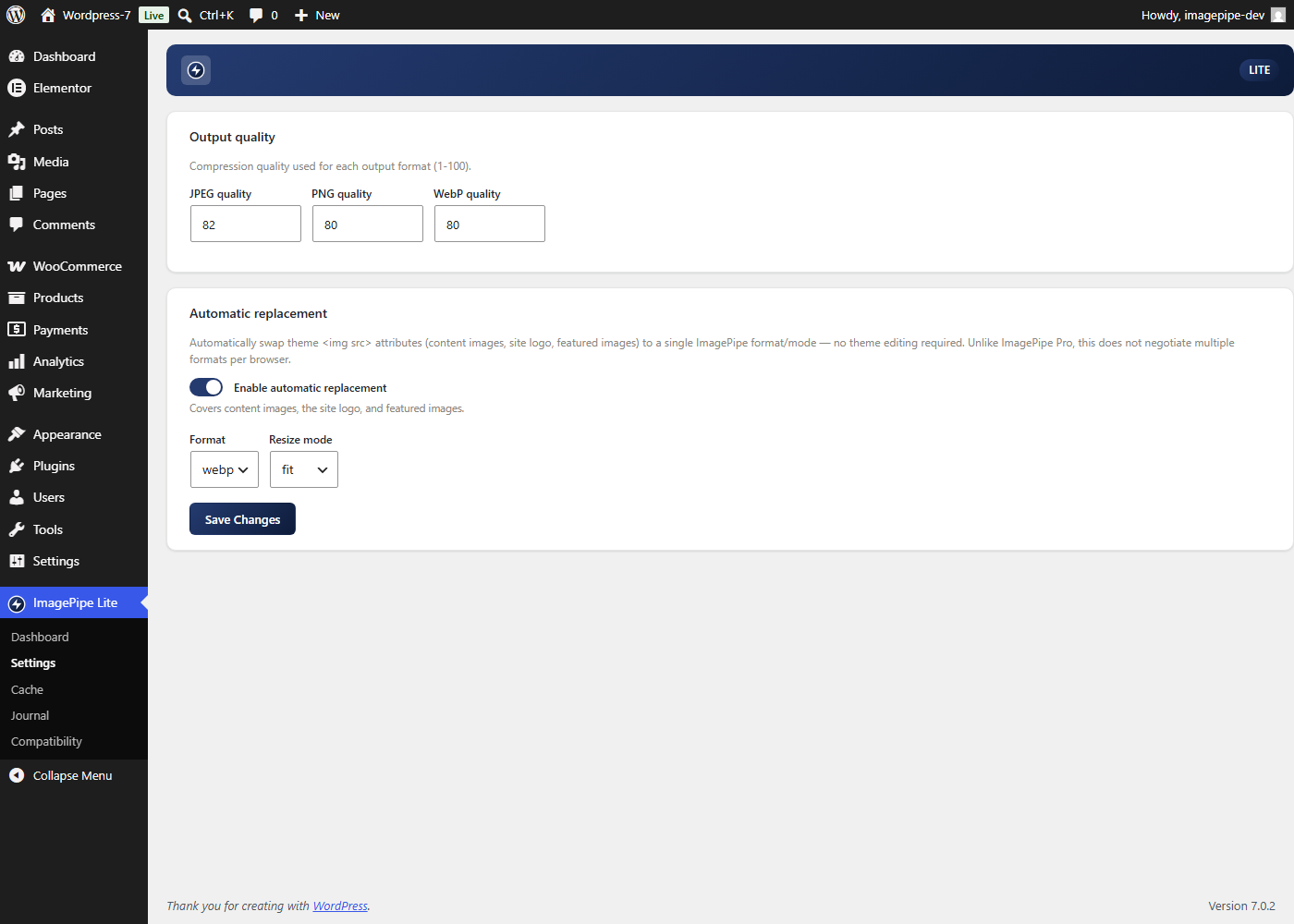
and featured images to an ImagePipe URL, in a single fixed format/mode
(no per-browser negotiated<picture>element — that’s an ImagePipe Pro
feature). - WooCommerce product grids/galleries and cart/checkout images (Store API)
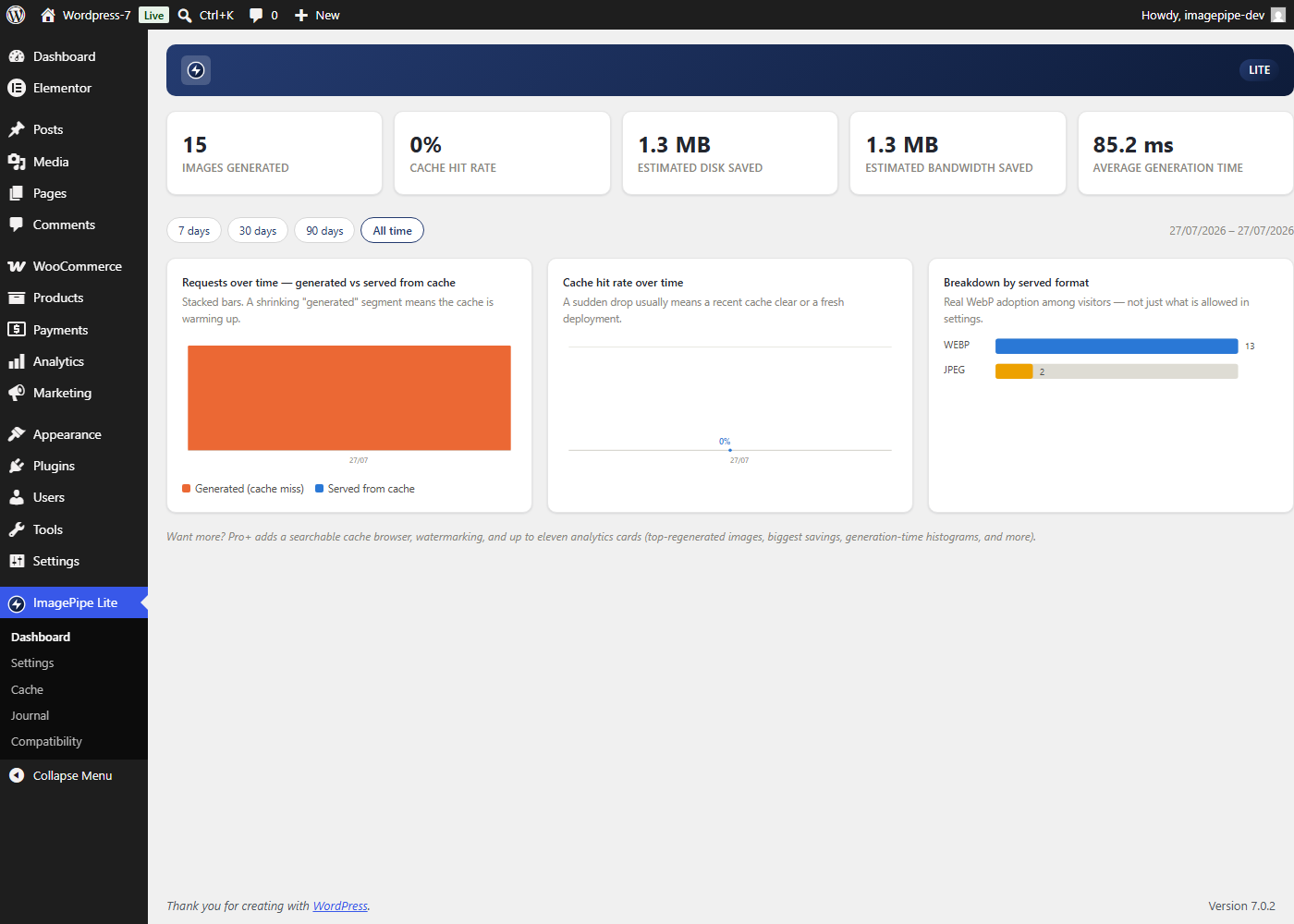
are covered by the same automatic replacement. - Admin dashboard with analytics (requests over time, cache-hit rate over
time, served-format breakdown) and a 7/30/90-day/all-time period
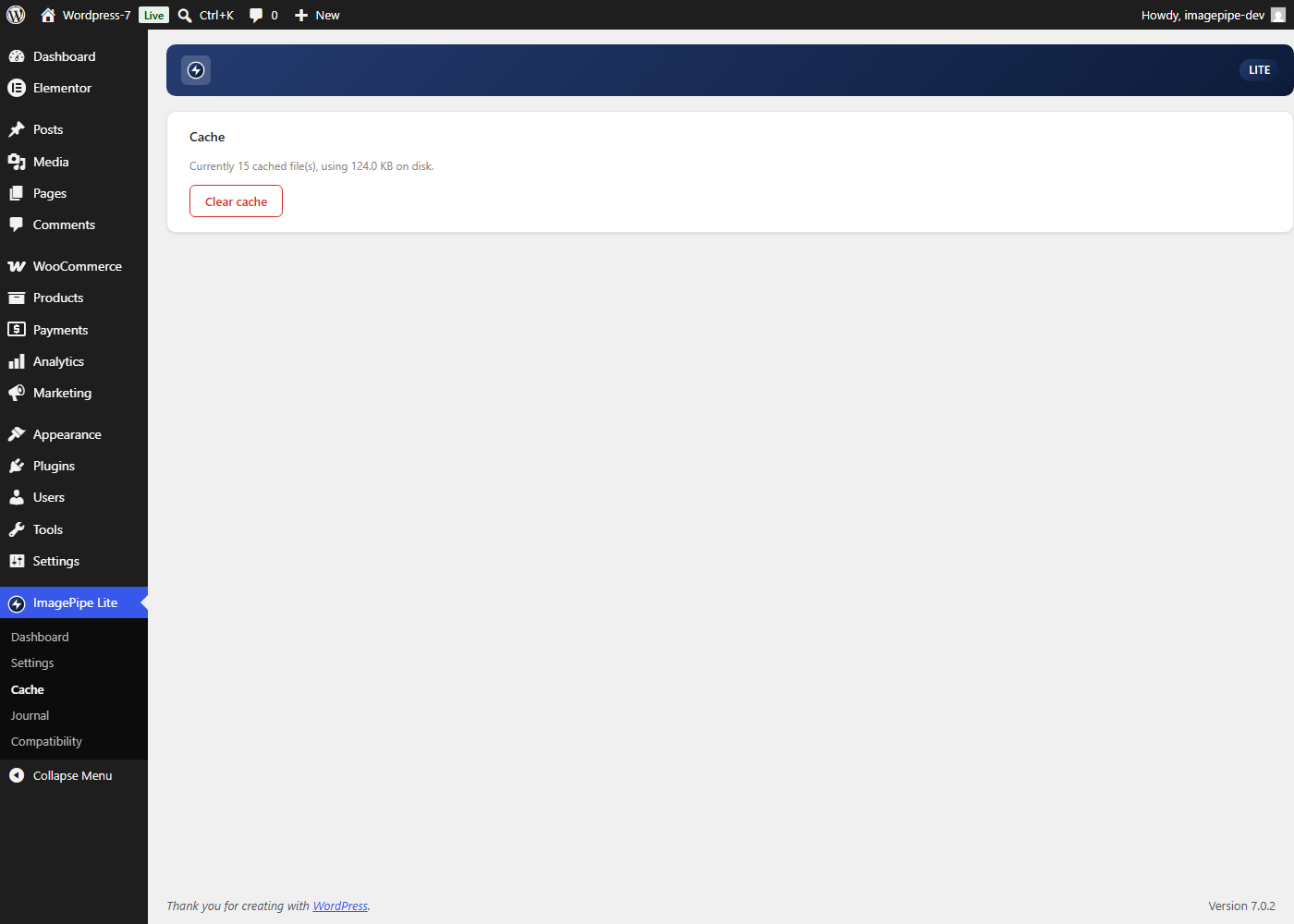
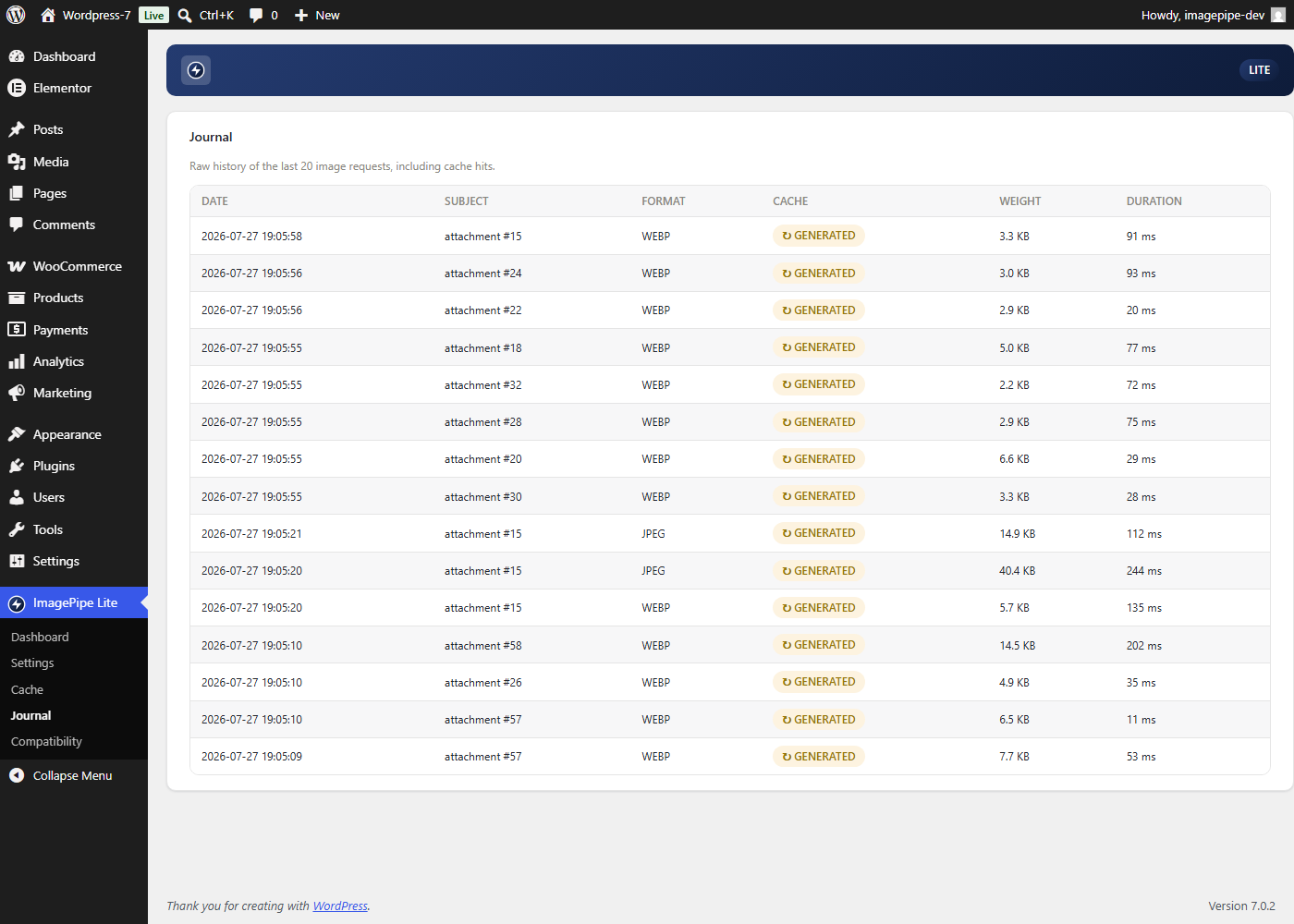
selector. - Per-format quality settings, a journal of the last 20 generation events,
and a one-click “Clear cache” button. - Available in English plus 14 translated languages (French, Spanish,
German, Italian, Portuguese (Brazil), Dutch, Polish, Czech, Turkish,
Romanian, Greek, Arabic, Indonesian, Russian).
Usage
[imagepipe id="123" width="400" height="300"] in any post/page
content, or from a theme template:
<?php echo esc_url( \ImagePipe\WordPressLite\TemplateHelper::url( get_post_thumbnail_id(), null, 400, 300 ) ); ?>
Building pages with Elementor instead? Drag the “ImagePipe Lite” widget
onto the page from the “ImagePipe” category — no shortcode/template code
needed.
Using the block editor (Gutenberg)? Insert the “ImagePipe” block — same
options, no shortcode/template code needed.
Screenshots
Blocks
This plugin provides 1 block.
- ImagePipe (Lite) On-demand resized image (JPEG/PNG/WebP, srcset) served by ImagePipe Lite.
Installation
- Upload the
imagepipe-litefolder to/wp-content/plugins/. - Activate the plugin through the “Plugins” screen.
- Configure output quality and automatic replacement under “ImagePipe Lite” in the admin menu.
FAQ
-
What’s the difference between ImagePipe Lite and ImagePipe Pro?
-
Lite covers JPEG/PNG/WebP output and Fit/Cover resize only. Pro adds
AVIF, Crop/Contain/Stretch, watermarking, pretty (path-based) URLs, and
per-browser<picture>format negotiation. Both use the same
[imagepipe] shortcode and block/widget identifiers, so content built
under one tier keeps working unchanged if you switch to the other — Lite
and Pro are never meant to run active at the same time on the same site. -
Does ImagePipe Lite modify my original image files?
-
No. Original files in the Media Library are never touched — every
generated variant is a separate file in its own on-demand disk cache,
which the “Clear cache” button empties without affecting your originals. -
Does this send my images or any data to an external server?
-
No. Every image is generated locally by your own server, and every
analytics/journal entry the admin dashboard shows is stored in your own
site’s database — nothing is sent anywhere else. -
Does it work with WooCommerce?
-
Yes. Automatic replacement also covers WooCommerce product grids/
galleries and cart/checkout images through the Store API, not just
regular post/page content. -
What happens if I install ImagePipe Pro while ImagePipe Lite is active?
-
They’re designed to never run together. Activating a licensed copy of
Pro while Lite is active deactivates Lite automatically; activating Lite
while a licensed Pro is already active is refused outright. An
unlicensed Pro install doesn’t trigger either — see each plugin’s own
activation notice for details.
Reviews
There are no reviews for this plugin.
Contributors & Developers
“ImagePipe Lite” is open source software. The following people have contributed to this plugin.
Contributors
Translate “ImagePipe Lite” into your language.
Interested in development?
Browse the code, check out the SVN repository, or subscribe to the development log by RSS.
Changelog
1.0.0
- Automatic replacement now also covers WooCommerce product grids/galleries
and cart/checkout images (Store API), on top of content/logo/featured
images. - Default automatic-replacement resize mode changed from Cover to Fit.
- Admin dashboard gained analytics charts (requests over time, cache-hit
rate over time, format breakdown) and a period selector. - Native Elementor widget (“ImagePipe Lite”): preset or manual sizing
(including WordPress’s own registered image sizes), link, caption,
blur-up placeholder, and responsivesrcset(one width per active
Elementor breakpoint). - Native Gutenberg block (“ImagePipe”): same feature set as the
Elementor widget, for sites using the core block editor (fixed
Mobile/Tablet responsive breakpoints instead of Elementor’s own). - French translation, then 13 more languages (Spanish, German, Italian,
Portuguese (Brazil), Dutch, Polish, Czech, Turkish, Romanian, Greek,
Arabic, Indonesian, Russian) — machine-translated, pending human review.
0.1.0
- Initial release: activation/deactivation, on-demand REST image route,
Media Library source resolver, shortcode/template tag, back-office
(dashboard/settings/cache/journal), automatic<img src>replacement for
content/logo/featured images.