

Description
Features | Documentation | Blog | Get Support
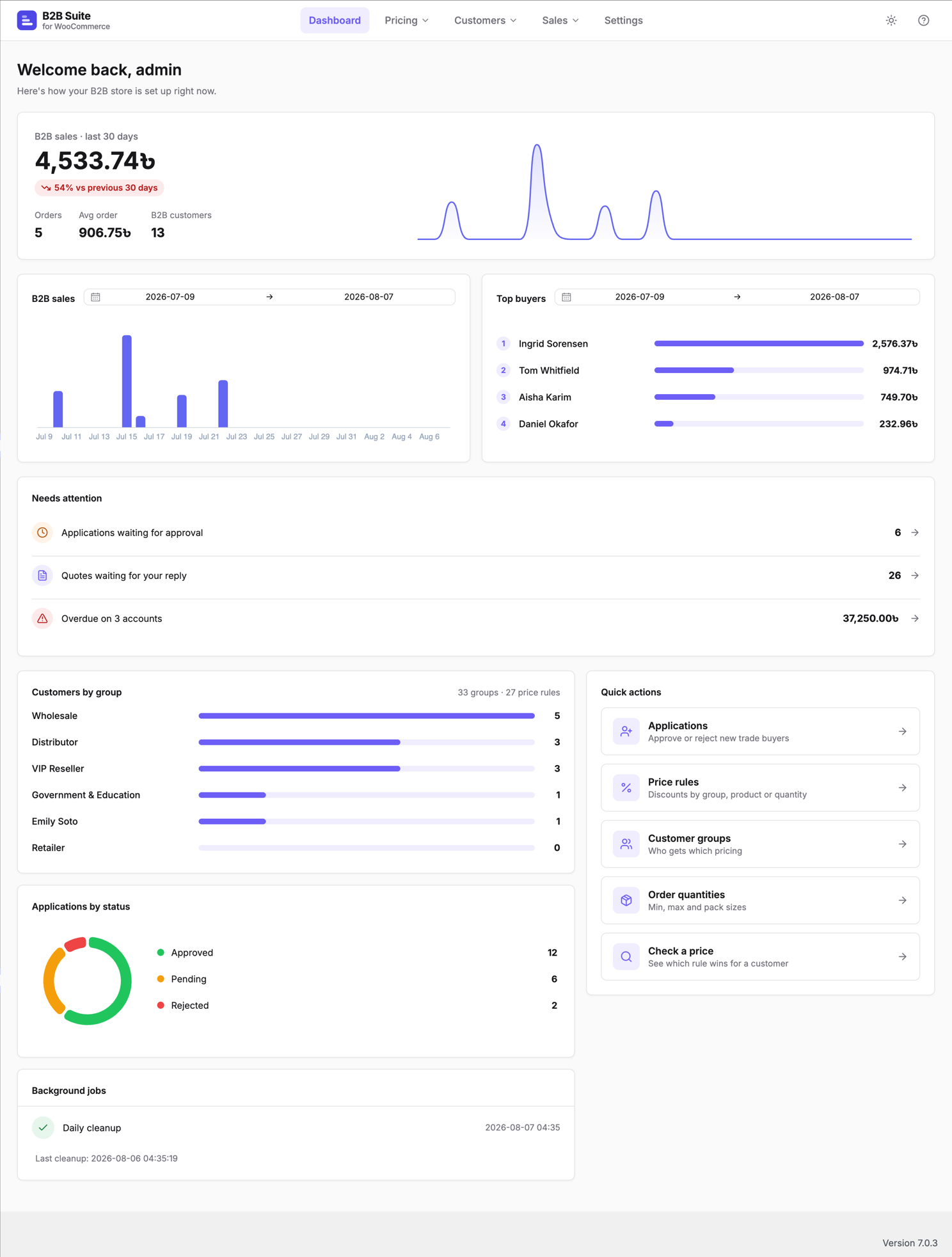
Softminal B2B Suite turns a standard WooCommerce store into a proper trade store. It is built around a single pricing pipeline, so every discount, hidden price and quantity rule is resolved one way — no scattered filters, no surprise prices at checkout.
Requires WooCommerce 8.0 or newer. Softminal B2B Suite extends your existing WooCommerce store; it does not work on its own.
WooCommerce is a trademark of Automattic Inc. Softminal B2B Suite for WooCommerce is an independent plugin developed by Softminal and is not affiliated with, endorsed by, or sponsored by Automattic or WooCommerce. The name is used only to indicate compatibility.
Key features
-
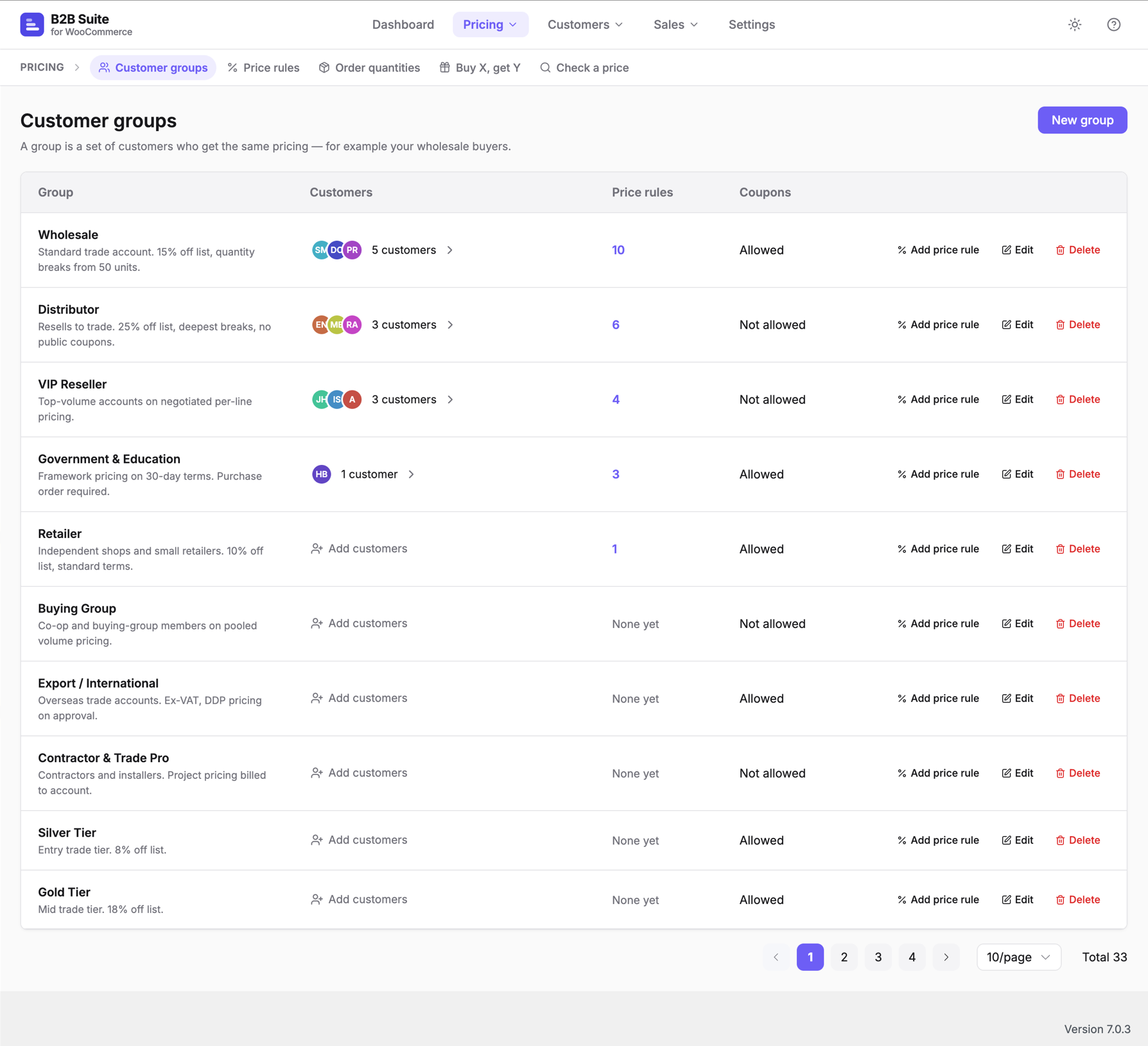
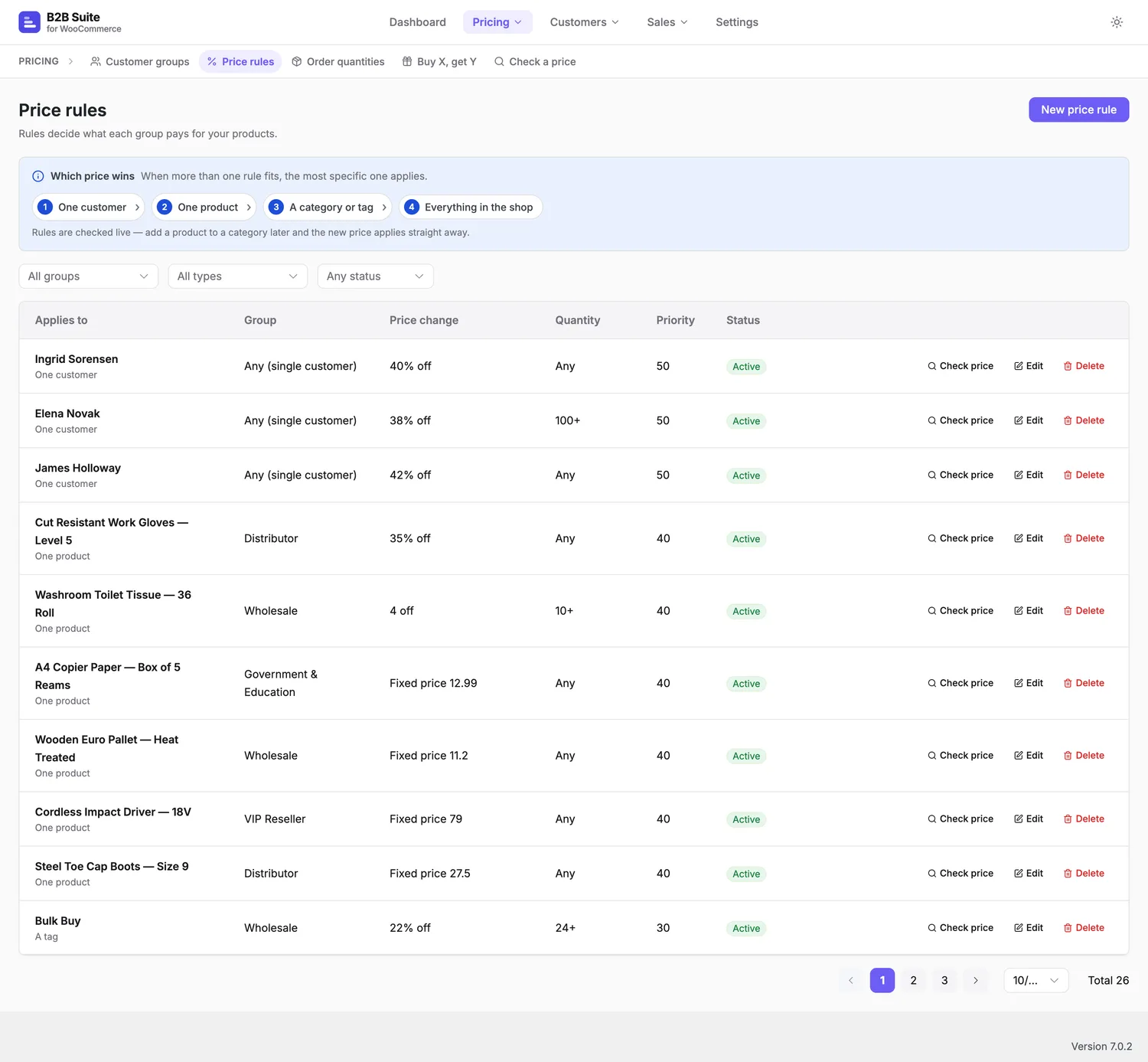
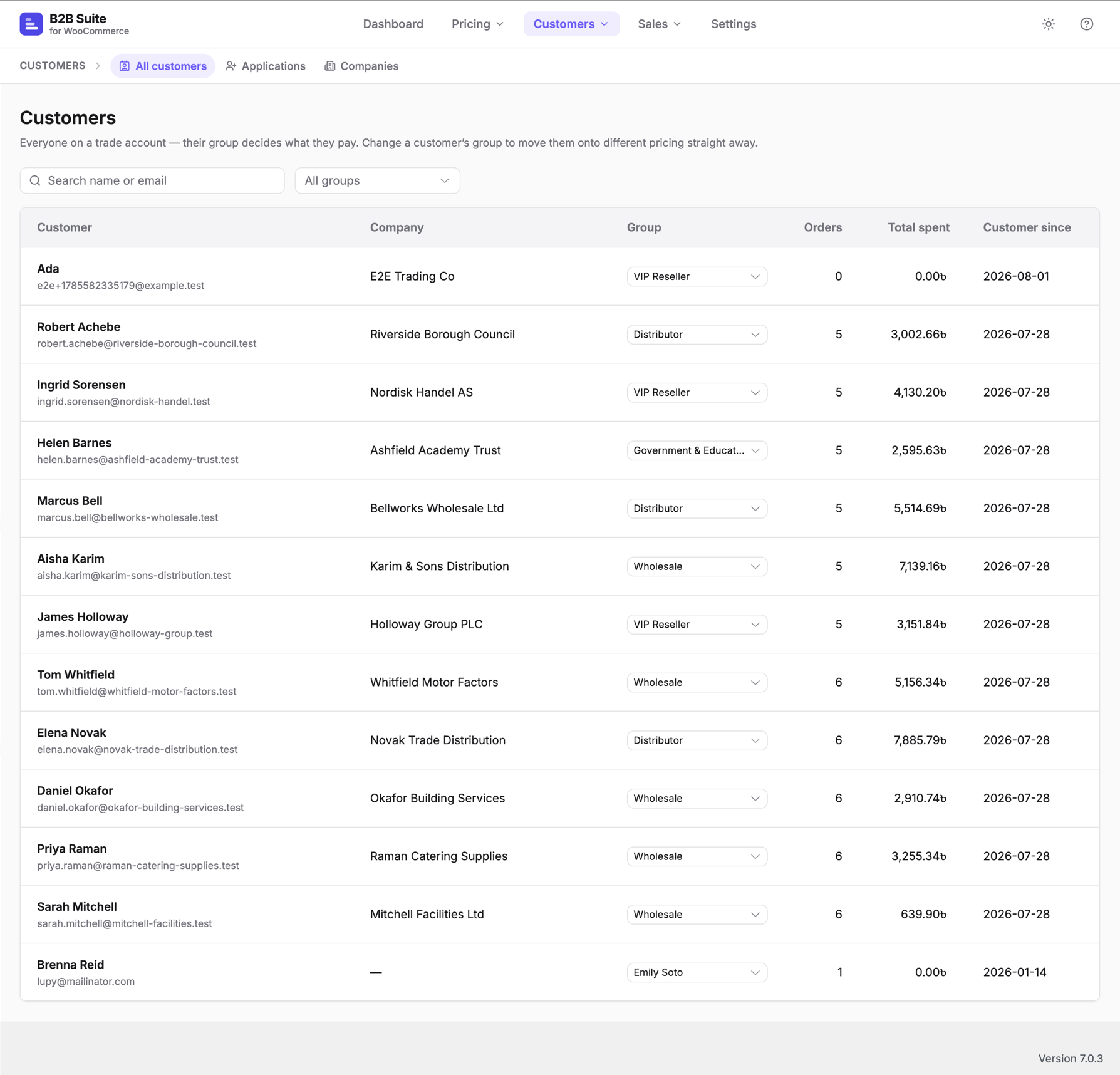
Customer group pricing — put buyers into groups and set percentage, amount-off or fixed prices per group, product, category, tag or quantity band.
-
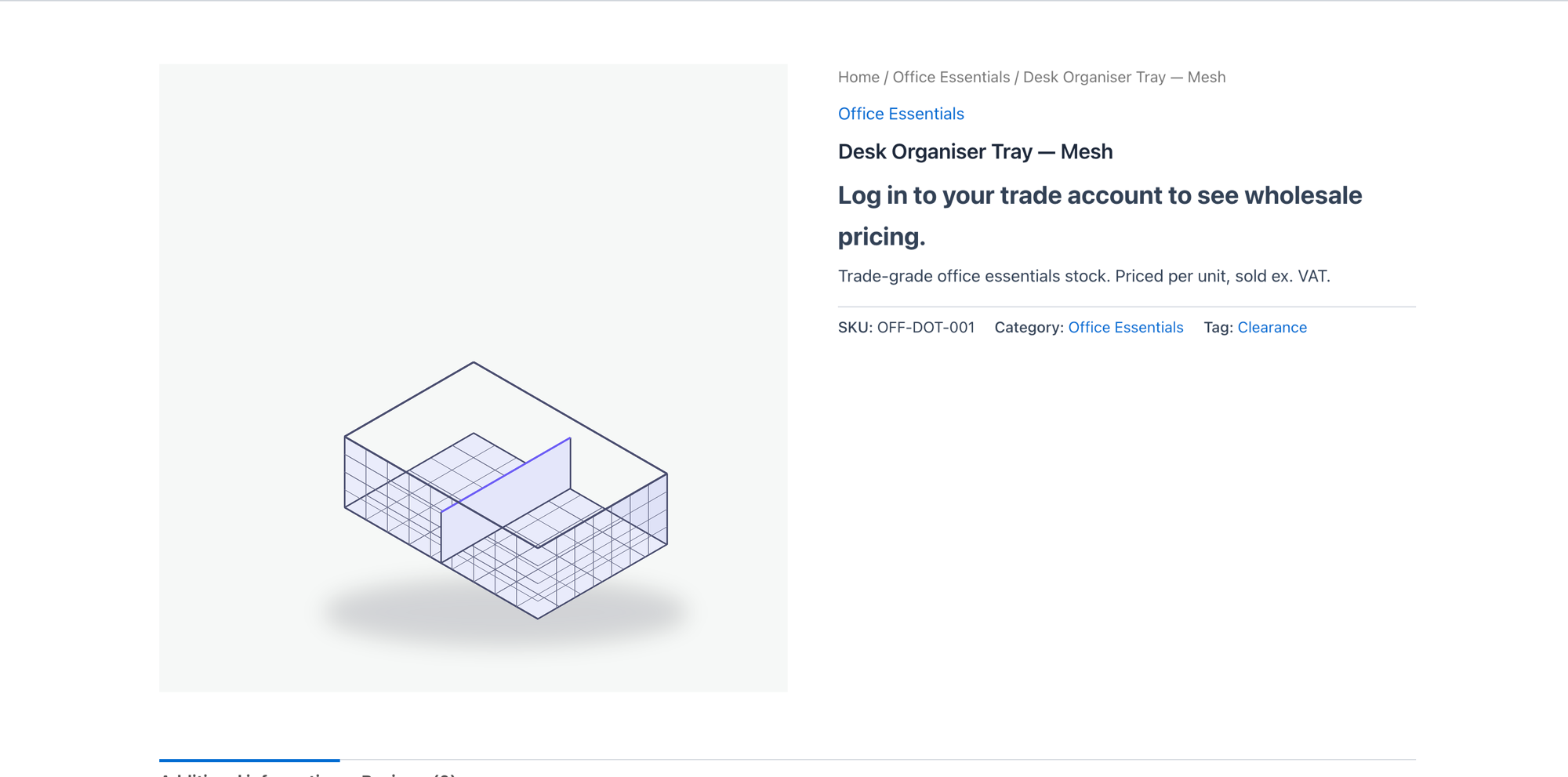
Hidden prices / login to see prices — hide prices and the add-to-cart button from guests, or require an approved trade account.
-
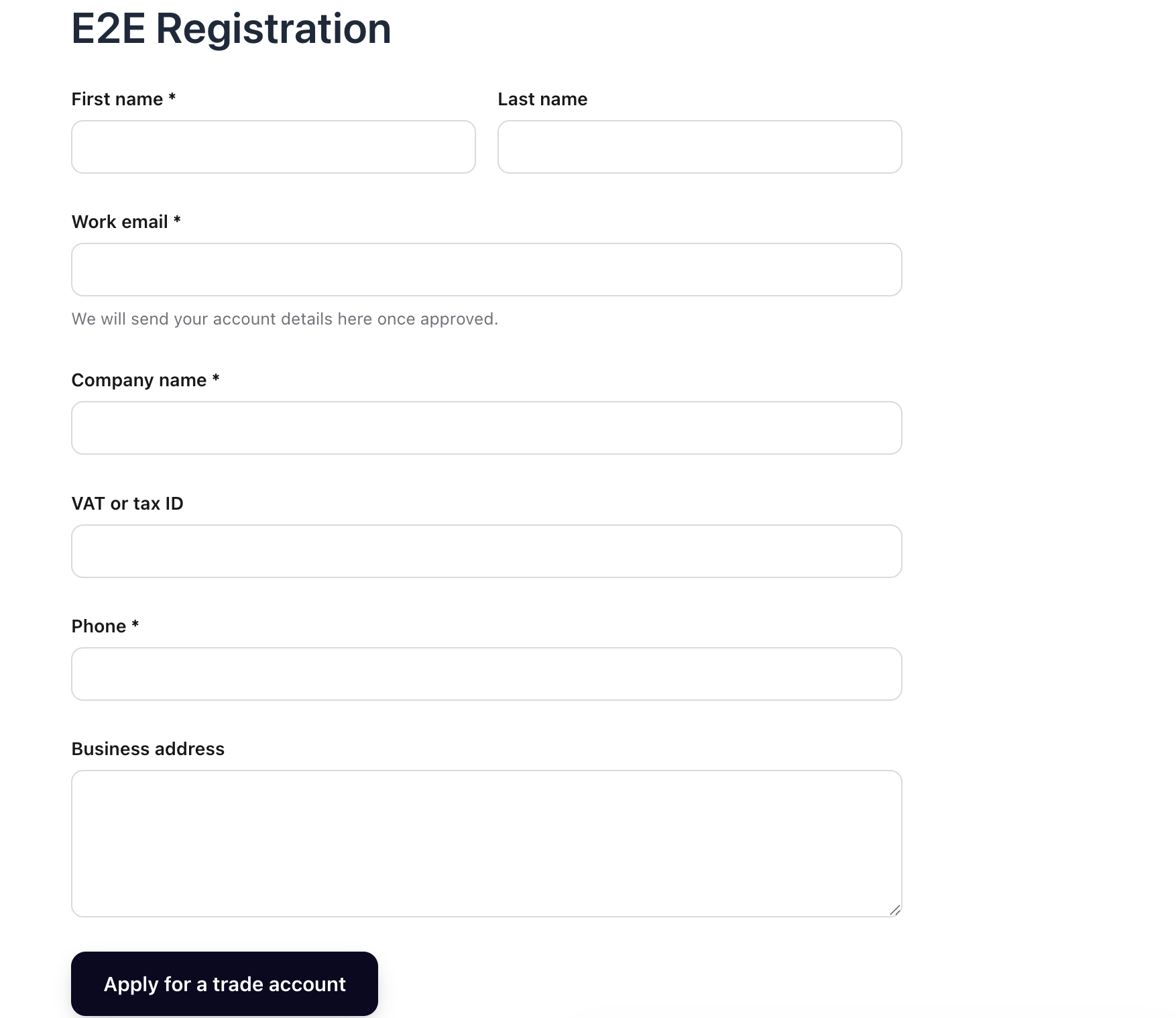
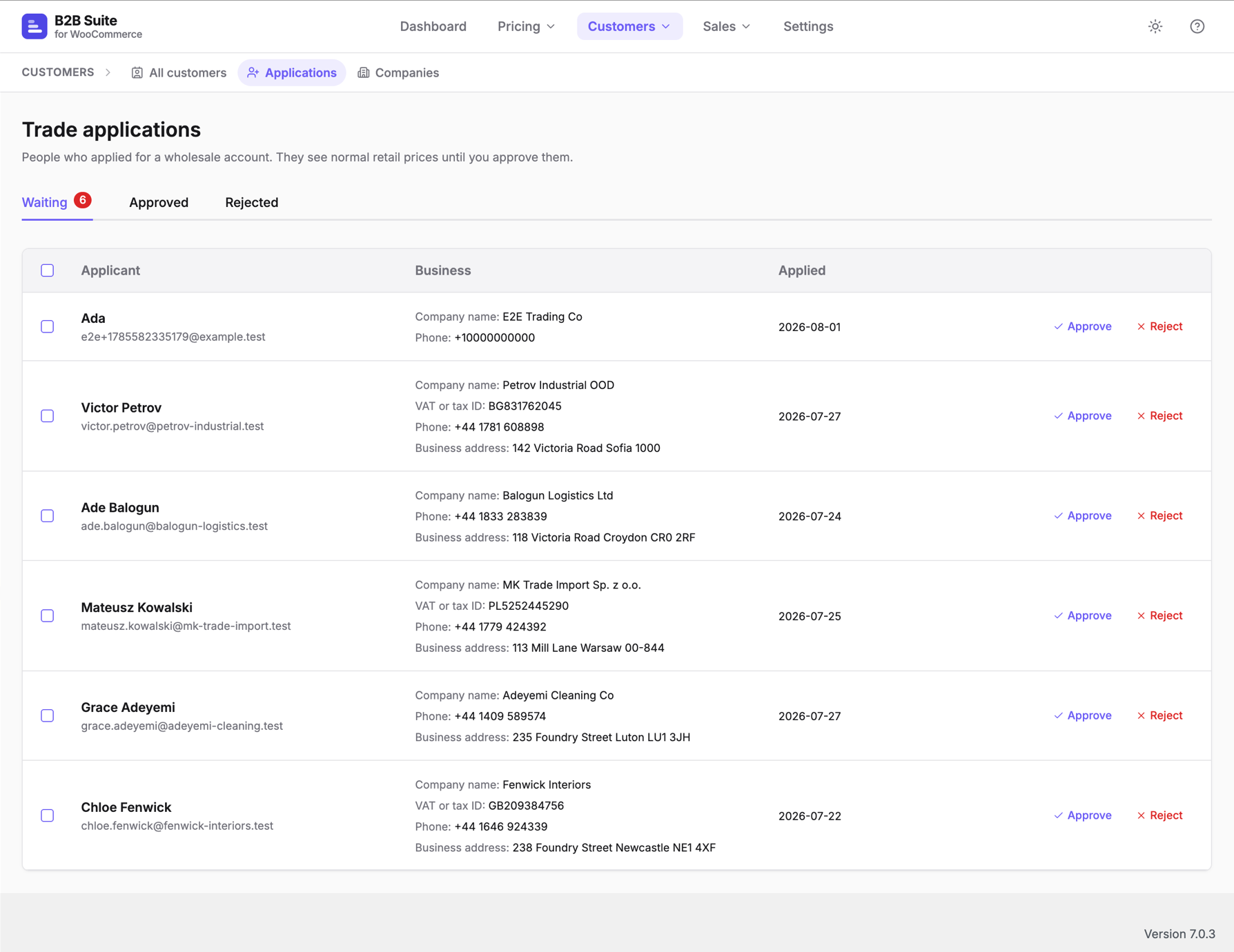
Trade registration & approval — a registration form with your own business fields (company, VAT/tax ID, phone, address), spam-guarded, with an approval queue and email notifications.
-
Company accounts — give a business one shared account: several colleagues, roles for who can buy and who approves, and per-account spend limits.
-
Net terms & credit — offer pay-on-account at checkout, set a credit limit per company, and send statements and overdue reminders automatically.
-
Request a quote — let buyers build a quote basket and negotiate; an accepted quote converts straight to an order.
-
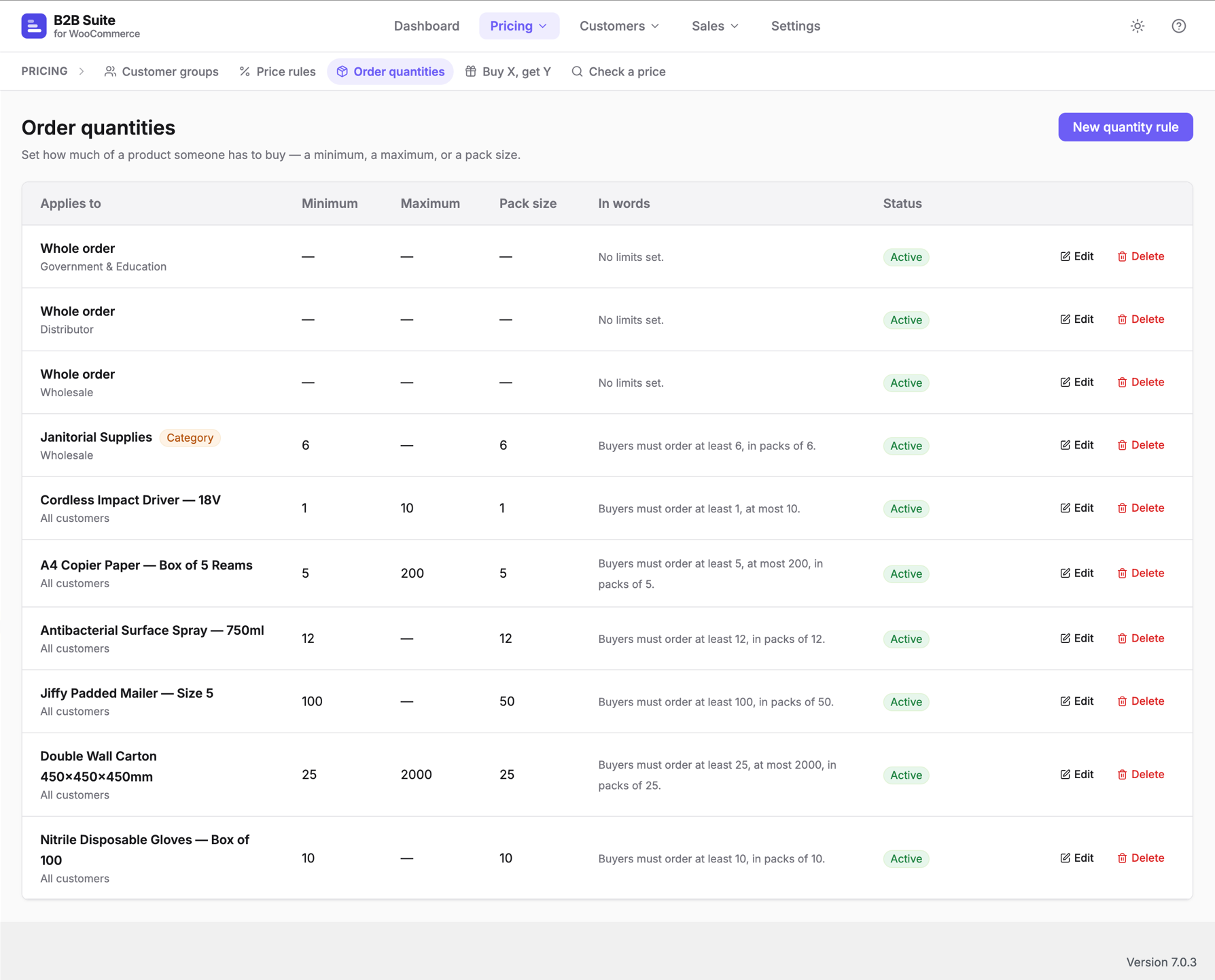
Minimum, maximum and pack quantities — enforce order quantities per product, per category or order-wide, shown clearly at the shop, cart and checkout.
-
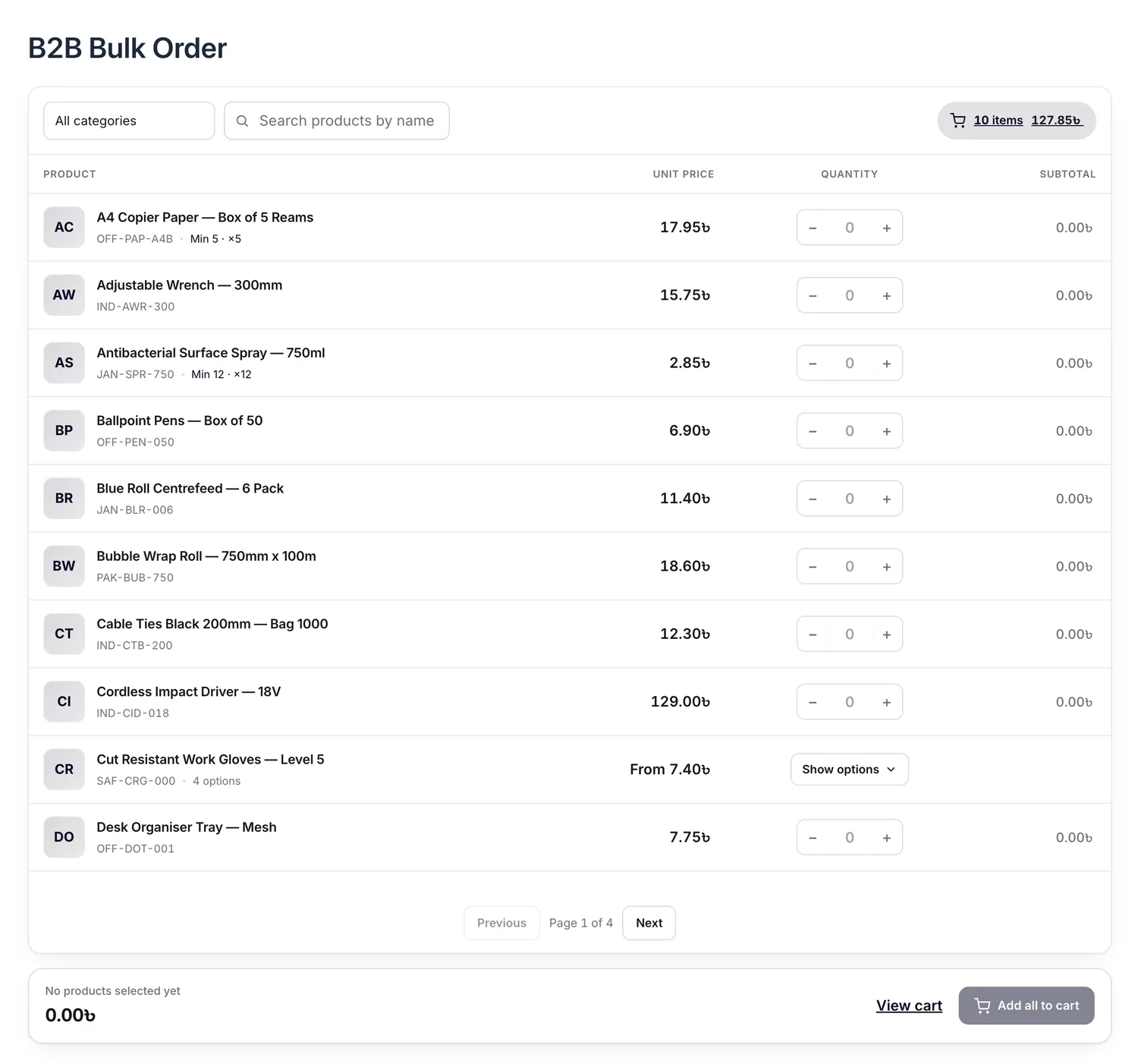
Bulk order form — a fast order pad your buyers can use to add many products at once, plus quick order by SKU or CSV.
-
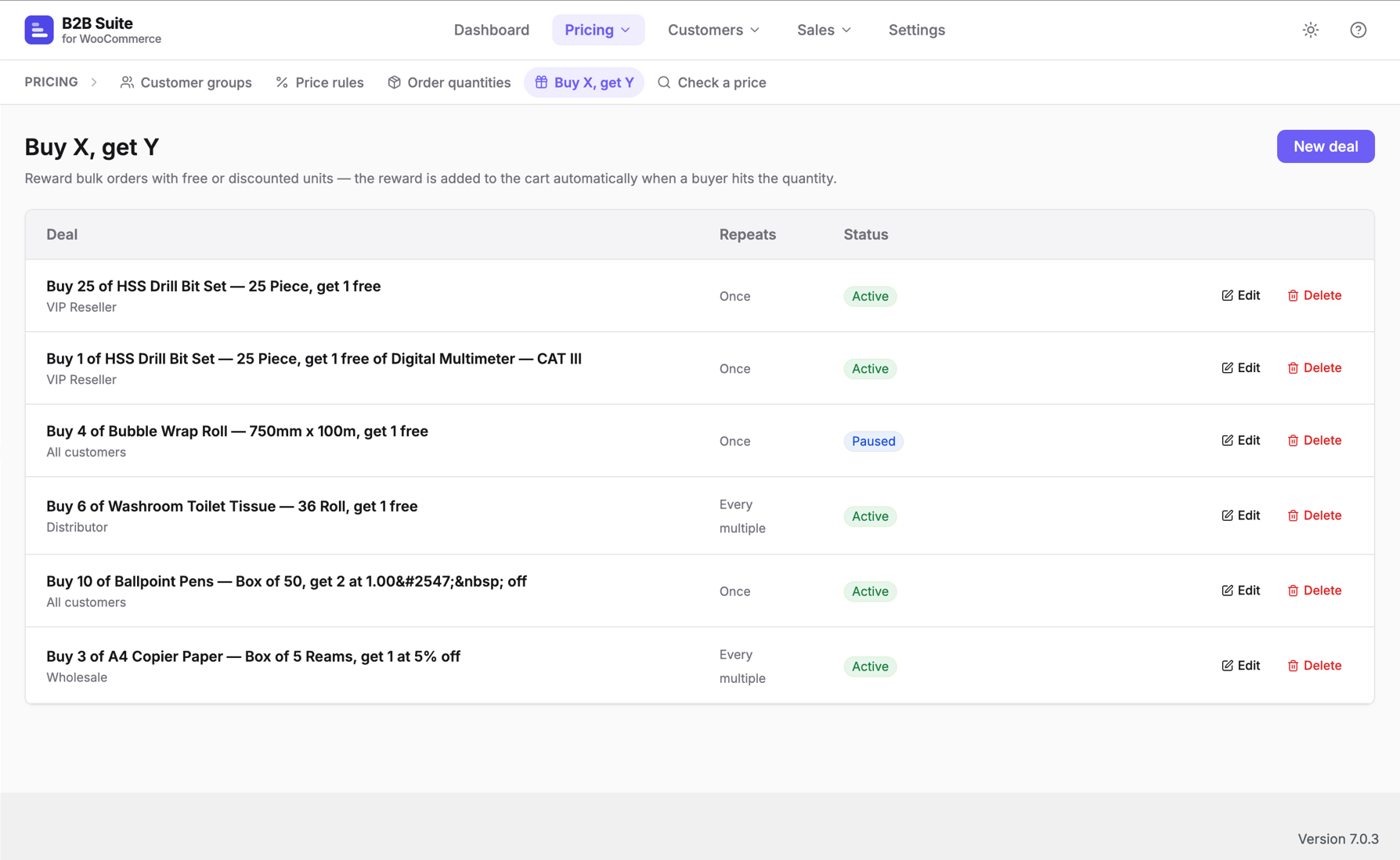
Buy X, get Y — reward bulk orders with free or discounted units, from a product or a category, as the same item, a different gift or the cheapest in the cart.
-
Reorder — one-click “order again” from a past order.
-
Purchase order numbers and an ex/inc VAT price toggle at checkout.
-
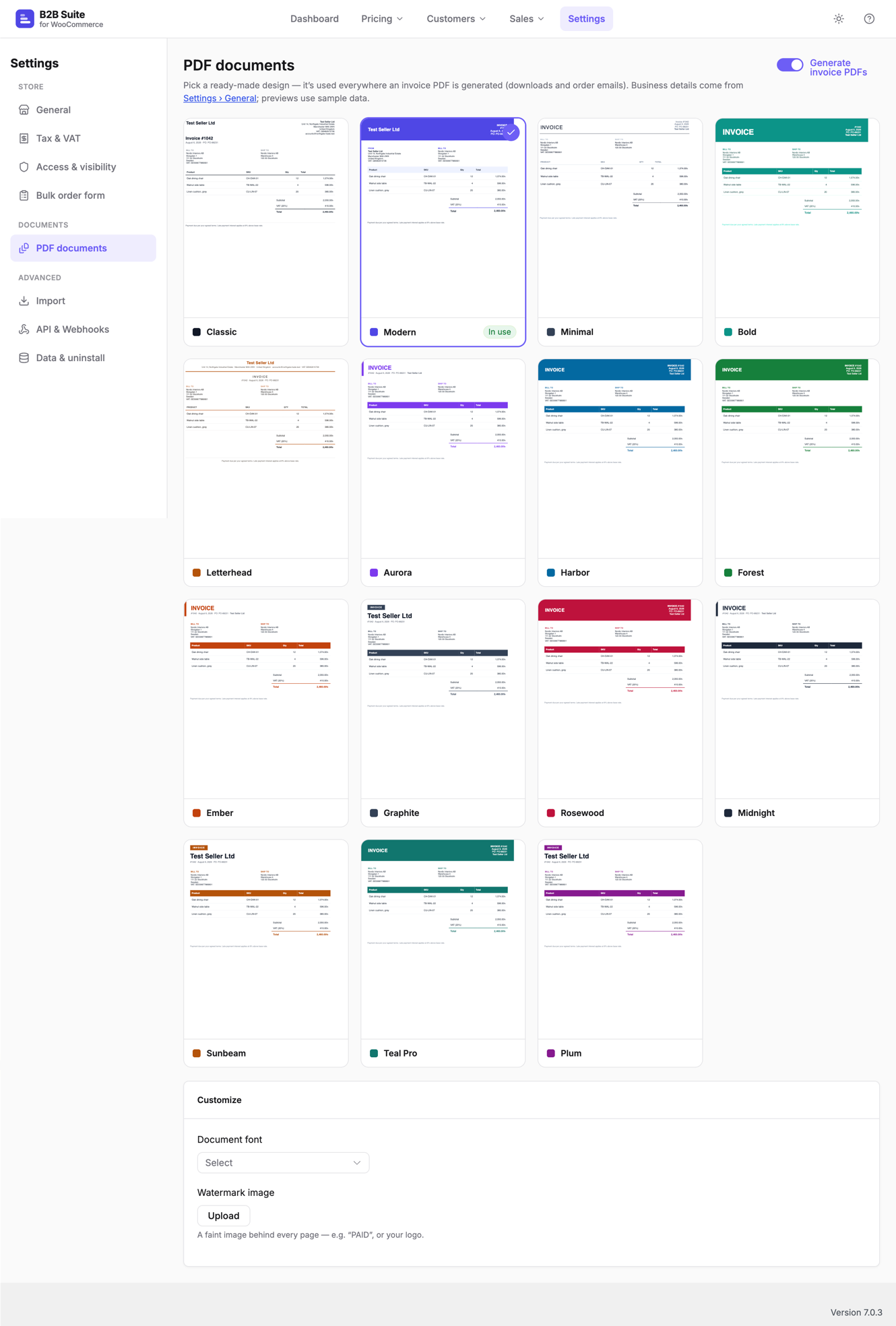
PDF invoices — generate clean PDF invoices, choose from ready-made and premium designs (with your own watermark and fonts), download from the order screen or My Account, and attach them to order emails automatically.
-
Tax exemption & EU VAT (VIES) — mark customers or groups tax-exempt and validate EU VAT numbers against VIES.
-
Role-gated payment & shipping — show or hide payment gateways and shipping methods per group (for example, wholesale = pay on account only).
-
Private catalogue — hide categories from selected groups across the shop, search and direct links for a members-only or hybrid store.
-
Import from another plugin — bring your customer groups, users and price rules across from B2BKing or Wholesale Suite, with a safe preview before anything changes.
-
Developer-friendly — a REST API and signed outbound webhooks for ERP, CRM and automation.
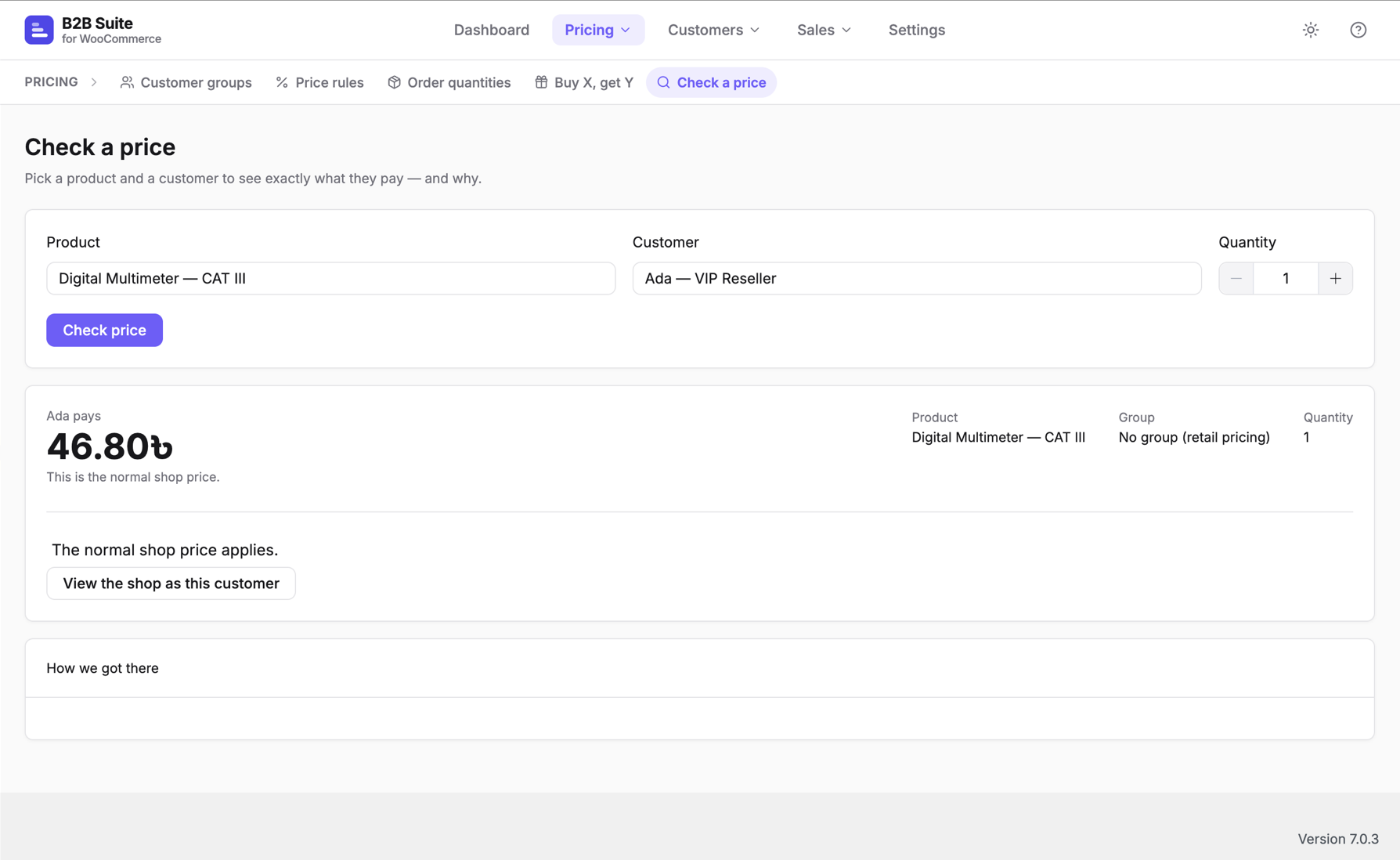
Every price change flows through one resolver, so B2B pricing is correct on the shop, the product page, the cart and the block checkout alike. The plugin is HPOS-compatible and works with WooCommerce Cart & Checkout Blocks.
Works with multilingual and multi-currency stores
Price, quantity and buy-X-get-Y rules apply across translations (WPML and Polylang). Softminal B2B Suite always works in your store’s base currency and leaves conversion to your currency switcher, so prices stay correct when one is active.
Advanced modules — company accounts, net terms and credit, request-a-quote, category-level quantity rules, VIES VAT validation, private catalogue, role-gated methods, premium invoice designs and the webhooks API — are part of the Pro add-on.
Advanced use
Softminal B2B Suite is built to be extended, so developers can wire it into other systems and change its behaviour without editing the plugin.
REST API. Read customer groups, resolved prices and customers over the WordPress REST API, authenticated with application passwords. The Pro add-on adds endpoints for companies, credit, quotes and tax/VIES, all under the smb2b/v1 namespace with proper capability checks.
Webhooks. Signed outbound webhooks (HMAC-SHA256, sent as an X-SMB2B-Signature header) fire on key events — a new trade registration, a submitted quote, an order awaiting approval, and an overdue invoice — so you can push data into an ERP, CRM or automation tool. Every delivery is logged and can be re-tested. (Webhooks are part of the Pro add-on.)
Action & filter hooks. A documented, stable hook surface lets you change behaviour cleanly. For example:
smb2b_resolved_price— override the final resolved price for any product and buyer.smb2b_registration_fields— add, remove or reorder the business fields on the registration form.smb2b_registration_approved/smb2b_registration_submitted— run your own code when an application is approved or received.smb2b_hide_prices/smb2b_hidden_price_message— control when prices are hidden and what guests see.smb2b_invoice_data/smb2b_invoice_templates— customise invoice content or register your own PDF designs.
Core hooks use the smb2b_ prefix; Pro hooks use smb2bpro_. The full hook reference, REST API details and setup guides are in the developer documentation.
Screenshots
Blocks
This plugin provides 1 block.
- B2B bulk order form
Installation
- Make sure WooCommerce 8.0 or newer is installed and active.
- Upload the plugin to
/wp-content/plugins/, or install it from the Plugins screen. - Activate Softminal B2B Suite for WooCommerce.
- Follow the setup wizard to create your first customer group, pricing and registration page.
FAQ
-
Does this work with the WooCommerce block cart and checkout?
-
Yes. B2B pricing and quantity rules are enforced in both the classic checkout and the Cart & Checkout Blocks, through the Store API.
-
Is it compatible with High-Performance Order Storage (HPOS)?
-
Yes. All order access uses the WooCommerce order API, so the plugin is HPOS-compatible.
-
Can I hide prices from visitors until they have a trade account?
-
Yes. You can hide prices and the add-to-cart button from guests, and require an approved registration before a buyer sees trade pricing.
-
Does it work on multilingual or multi-currency stores?
-
Yes. Rules apply across WPML and Polylang translations. Softminal B2B Suite uses your store’s base currency and lets your currency-switcher plugin convert prices for display.
Reviews
There are no reviews for this plugin.
Contributors & Developers
“Softminal B2B Suite for WooCommerce” is open source software. The following people have contributed to this plugin.
Contributors
Translate “Softminal B2B Suite for WooCommerce” into your language.
Interested in development?
Browse the code, check out the SVN repository, or subscribe to the development log by RSS.
Changelog
1.0.1
- Fixed: registration setup text referred to a non-existent editor block — the registration form is added with the
[smb2b_registration]shortcode. - Fixed: minor paragraph spacing in the admin screens.
1.0.0
- Initial release: customer-group pricing, hidden prices, trade registration and approval, quantity rules, bulk order form, buy-X-get-Y, reorder, PO numbers and an ex/inc VAT toggle.