

Description
SEOLadders is an AI-powered SEO platform that researches topics, writes SEO-optimized articles, and publishes them for you. This plugin is the WordPress destination for that content.
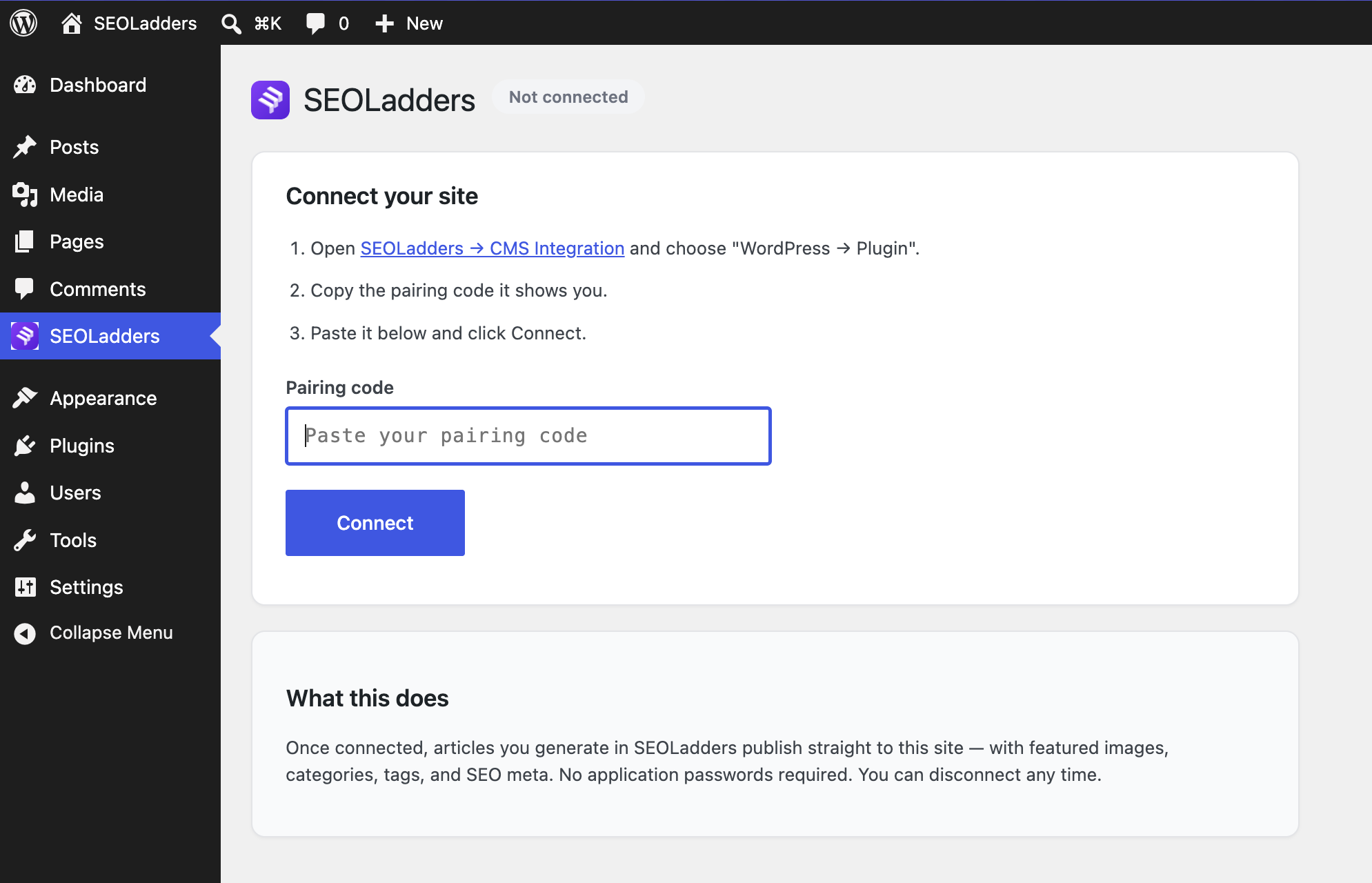
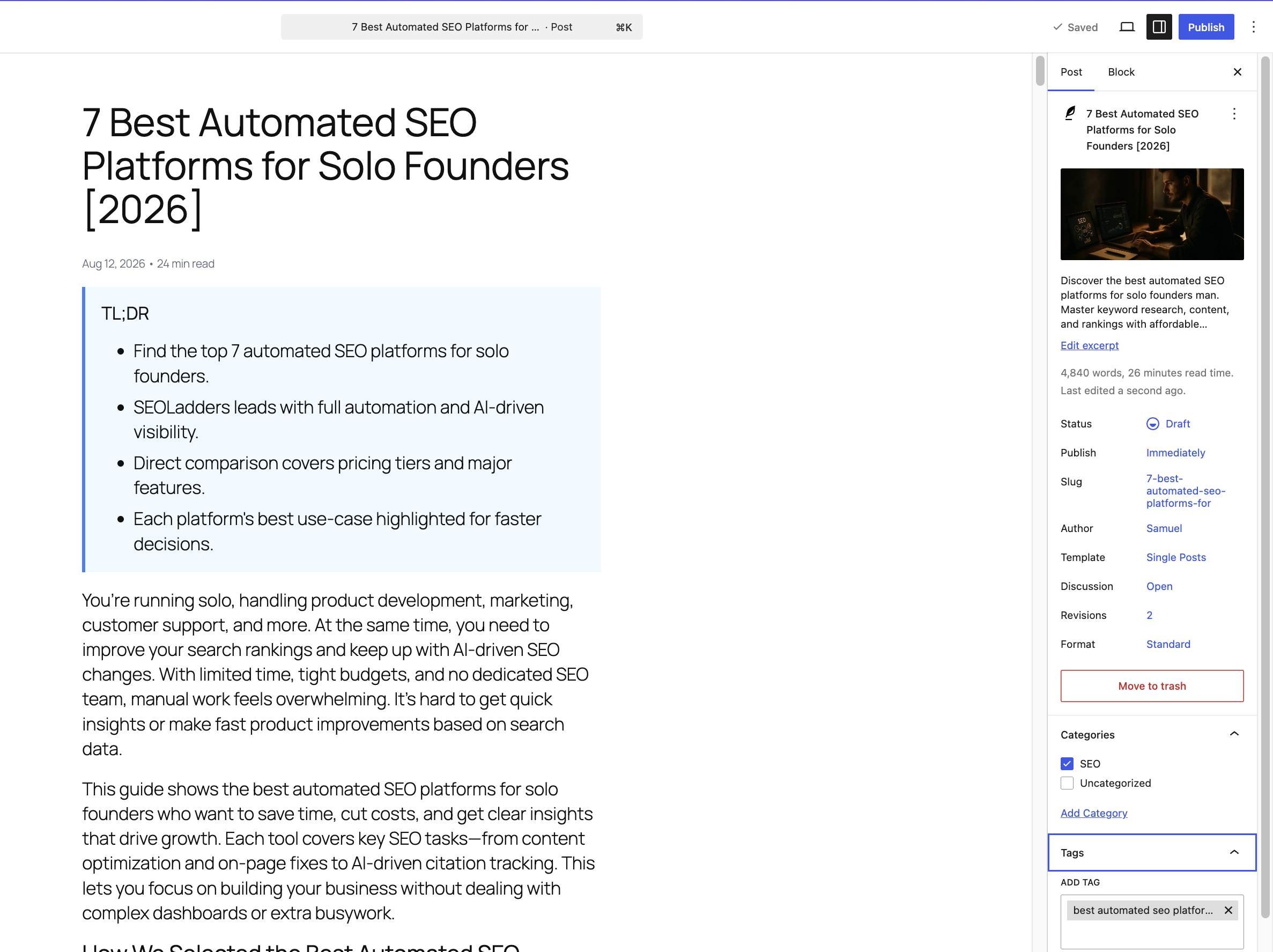
Instead of copying and pasting application passwords, you connect once with a pairing code. After that, every article you generate in SEOLadders lands on your site automatically — complete with a featured image, categories, tags, excerpt, and SEO meta description.
What it does
- One-click connect — pair with a single code. No application passwords, no REST credentials to manage.
- Full articles, formatted — posts arrive as native Gutenberg blocks (headings, lists, quotes, tables, images, embeds).
- Featured images — downloaded into your media library and set automatically.
- Categories & tags — matched to existing terms, or created for you.
- SEO meta — writes the meta title, description, and canonical for Yoast, Rank Math, and All in One SEO.
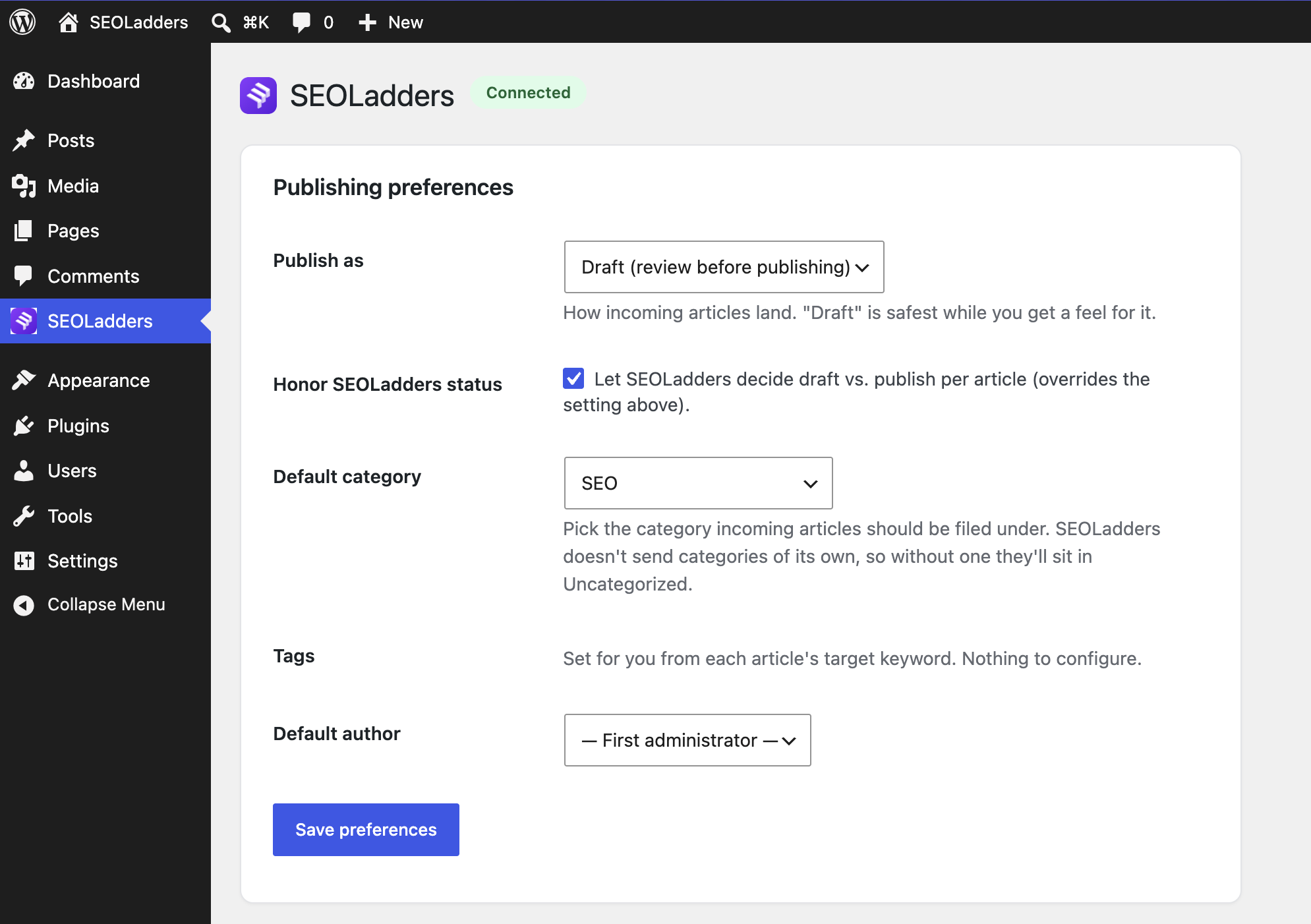
- You stay in control — choose draft, pending, or publish; set a default category and author; disconnect any time.
- Safe updates — re-publishing an article updates the same post instead of creating duplicates, and never unpublishes a live post.
How it works
The plugin exposes a small, token-protected REST endpoint that only your SEOLadders account can reach. When you generate or approve an article, SEOLadders sends it to that endpoint and the plugin creates the post. Your content never passes through a third party beyond the connection you set up.
External services
This plugin connects your WordPress site to SEOLadders (https://www.seoladders.com), the service that researches, writes, and delivers the articles this plugin publishes. A SEOLadders account is required — without a connection to SEOLadders the plugin does nothing on its own.
The plugin communicates with SEOLadders only in these cases:
- When you connect (pairing). After you paste a pairing code and click Connect, the plugin makes a one-time request to
https://www.seoladders.com/api/integrations/wordpress/register. It sends: the pairing code you entered, your site URL, your site name, this plugin’s REST endpoint URL, a randomly generated site secret (the token SEOLadders uses to authenticate future publish requests to your site), your WordPress version, and the plugin version. This links your site to your SEOLadders account. - When you disconnect. The plugin makes a one-time request to the same endpoint with your site URL and site secret so SEOLadders can mark the connection as removed.
- When SEOLadders publishes an article. SEOLadders sends the article (title, content, images, categories, tags, excerpt and SEO meta) to this plugin’s REST endpoint on your own site, authenticated with the site secret above. The plugin then creates or updates the matching post. Nothing about your site is sent back to SEOLadders during publishing.
The plugin makes no other external requests, and sends no data to any other service.
By connecting, you agree to the SEOLadders Terms of Service (https://www.seoladders.com/terms) and Privacy Policy (https://www.seoladders.com/privacy).
Privacy
The plugin communicates only with the SEOLadders API (www.seoladders.com) that you connect to. It does not collect analytics or share your data with any other party. Uninstalling removes the plugin’s settings but leaves all posts and media in place.
Screenshots
Installation
- Install and activate the plugin.
- In WordPress, open SEOLadders in the admin menu.
- In your SEOLadders dashboard, go to CMS Integration, choose WordPress Plugin, and copy the pairing code.
- Paste the code into the plugin and click Connect.
- Pick how articles should publish (draft is the default) and you’re done.
FAQ
-
Do I need a SEOLadders account?
-
Yes. The plugin is the publishing destination for articles created in SEOLadders. You can start at https://www.seoladders.com.
-
Does this need an application password?
-
No. That’s the point — pairing replaces application passwords entirely.
-
Will re-publishing create duplicate posts?
-
No. Each article is linked to its WordPress post, so updates edit the existing post.
-
Which SEO plugins are supported?
-
Yoast SEO, Rank Math, and All in One SEO. The meta title, description, and canonical are written for whichever you use.
-
How do I disconnect?
-
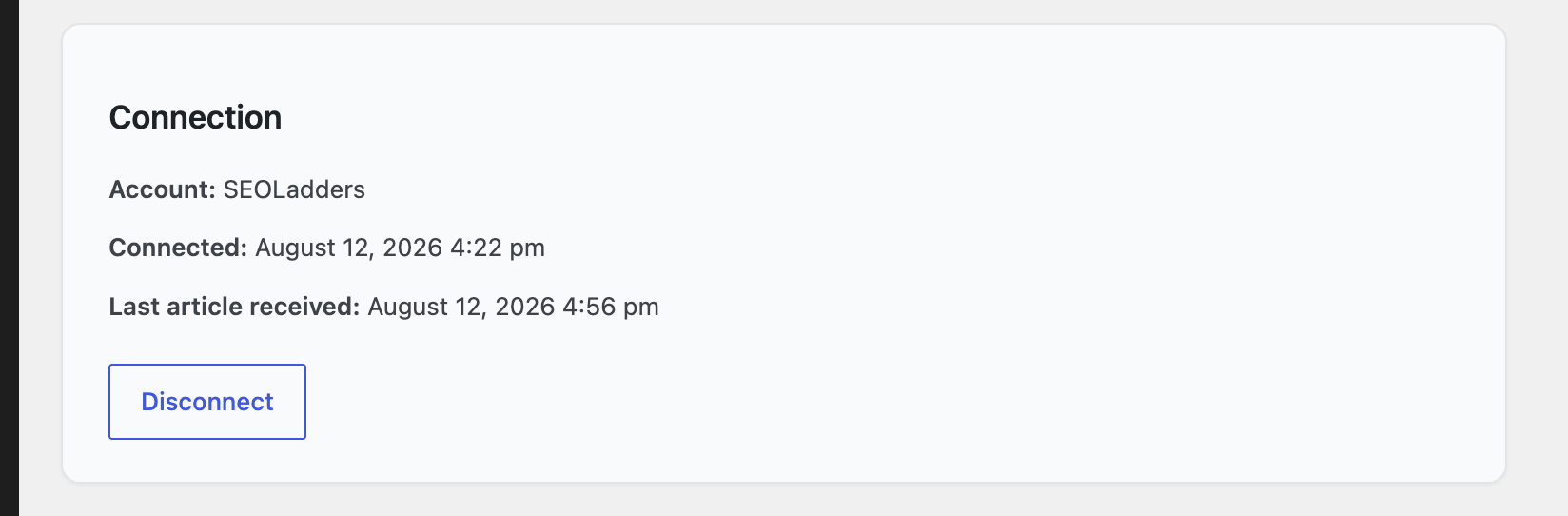
Open the SEOLadders admin page and click Disconnect. You can also revoke the connection from the SEOLadders dashboard. Your posts and media stay untouched.
Reviews
There are no reviews for this plugin.
Contributors & Developers
“SEOLadders” is open source software. The following people have contributed to this plugin.
Contributors
Translate “SEOLadders” into your language.
Interested in development?
Browse the code, check out the SVN repository, or subscribe to the development log by RSS.
Changelog
1.0.1
- Fixed: re-publishing an article now restores its featured image when the image file has gone missing from the uploads folder. The upload was previously skipped whenever the attachment record still looked correct, which left the post showing a broken image with no way to repair it.
- Tested against WordPress 7.1.
1.0.0
- Initial release: one-click pairing, article publishing with featured images, categories, tags, and SEO meta, and a publishing-preferences screen.