

Description
Vova’s Post Grids is a native Gutenberg block for building responsive post grids directly in the WordPress editor.
Build a dynamic query or hand-pick specific posts, then fine-tune the result without touching code.
Flexible content queries
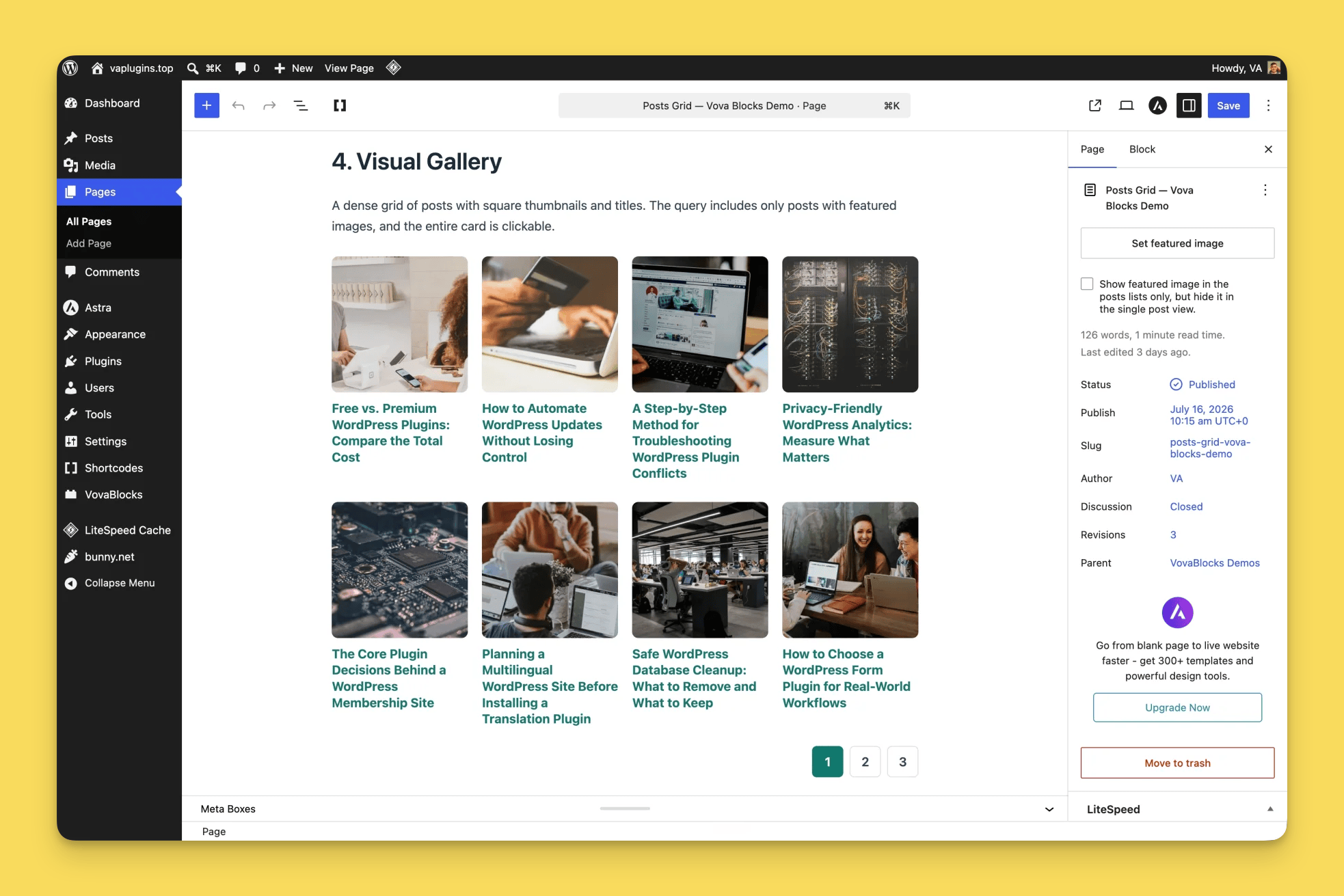
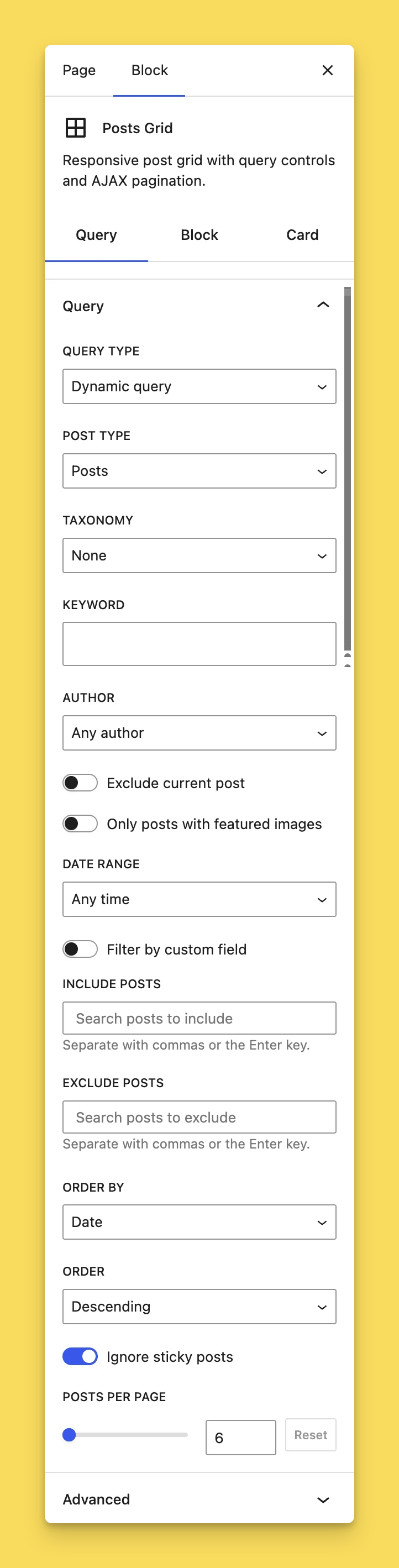
Query any public post type and its public taxonomies. Filter content by taxonomy terms, keyword, author, date range, featured image, or custom fields. Control ordering, sticky posts, the current post, and the number of posts per page.
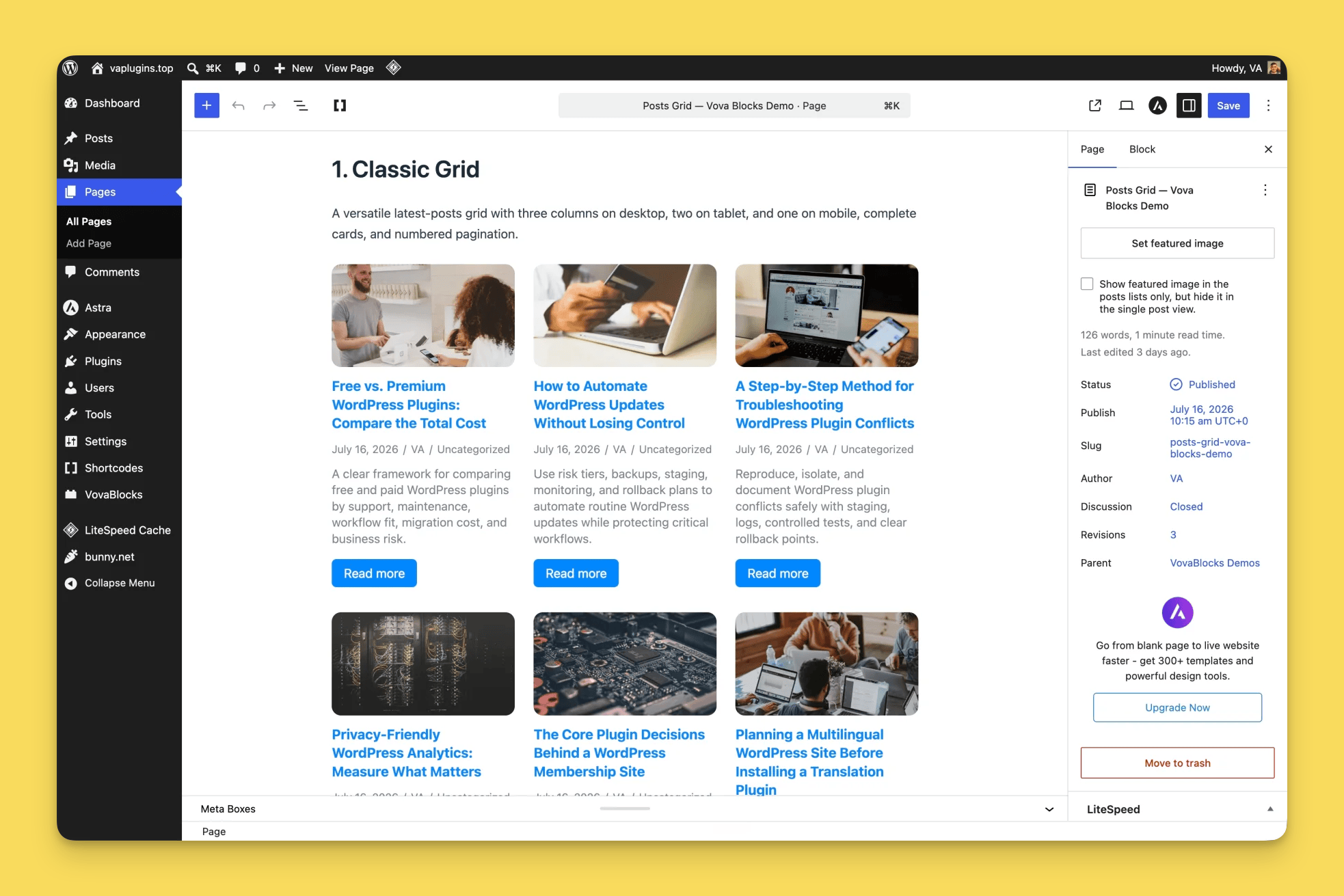
Responsive layouts
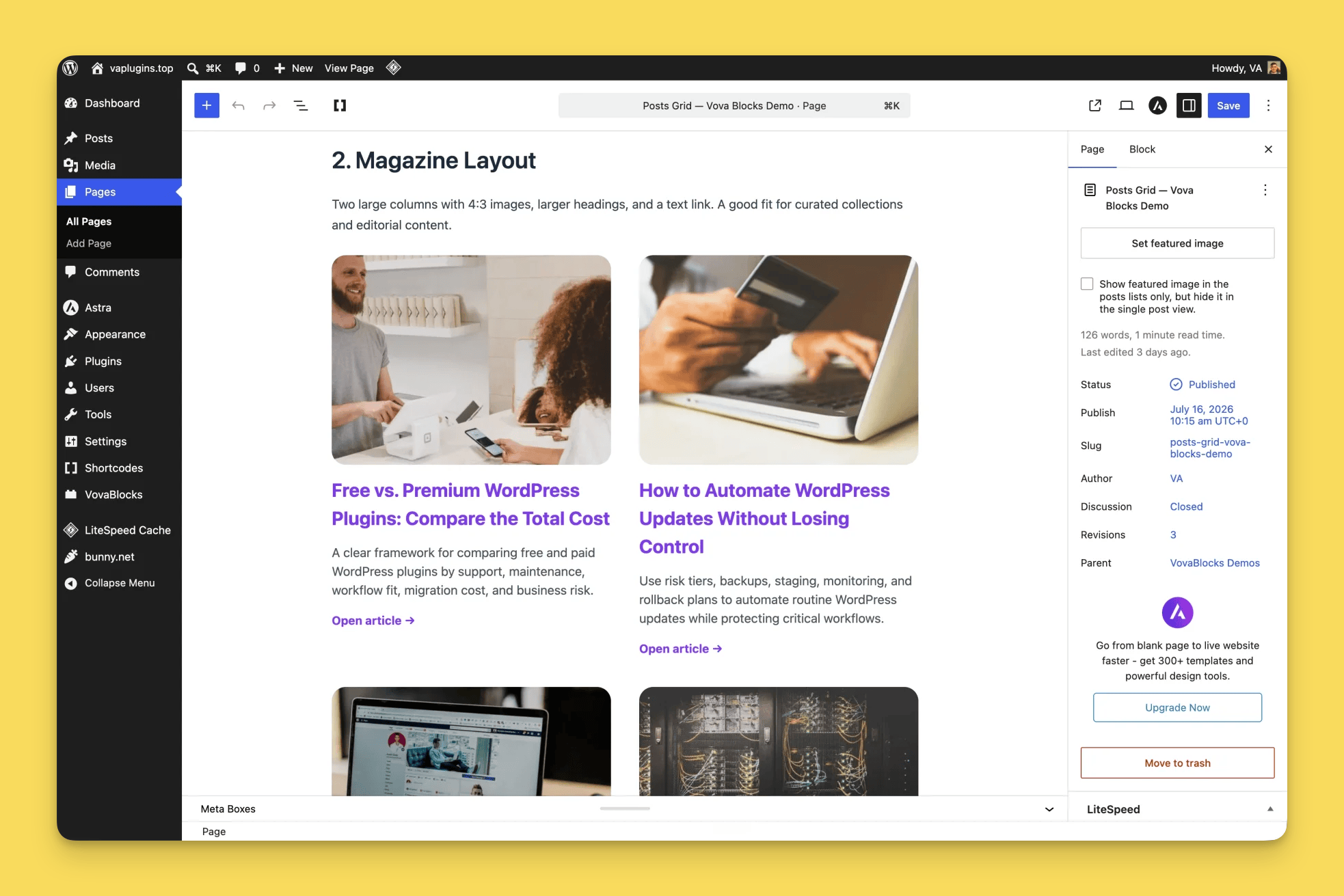
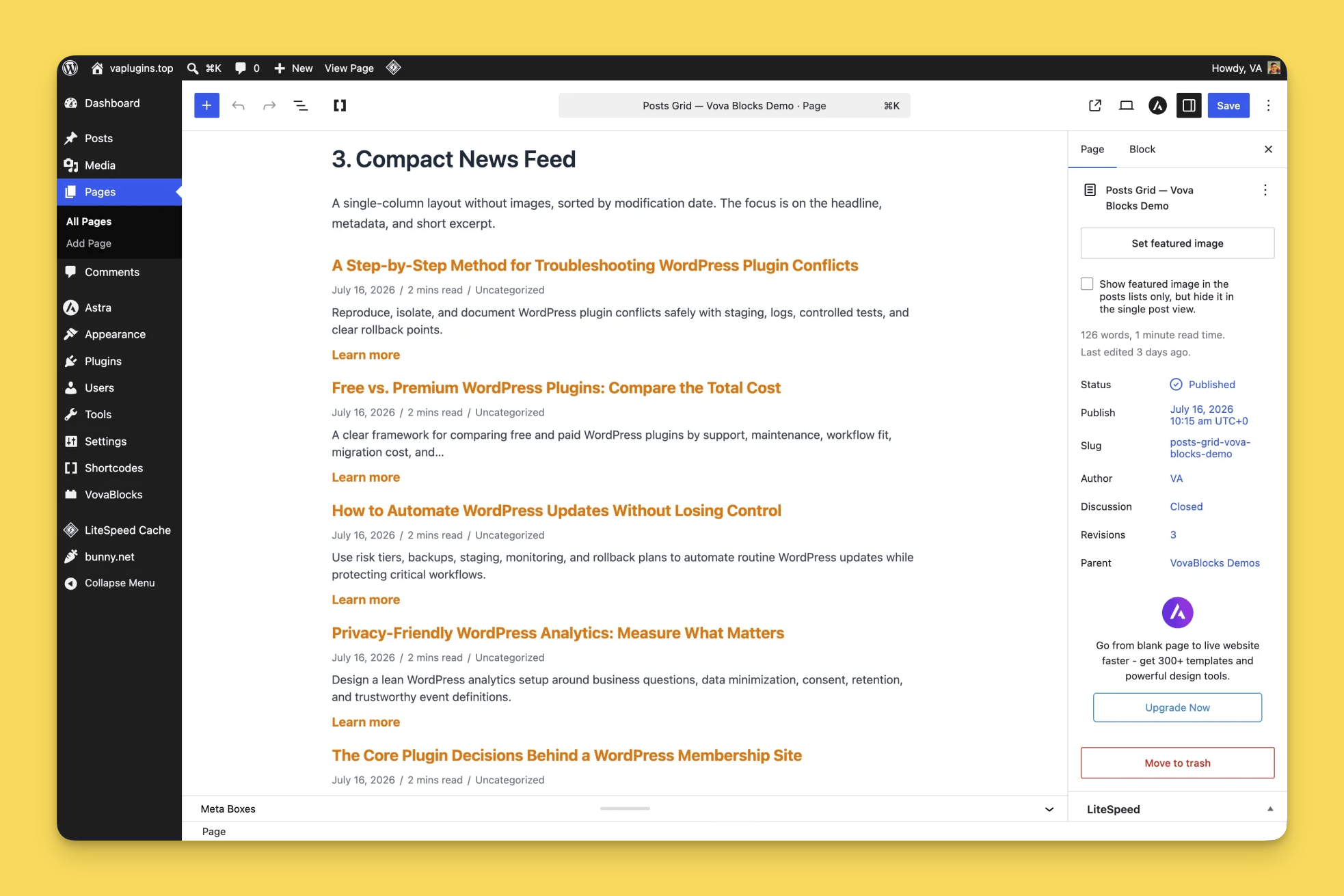
Configure desktop, tablet, and mobile column counts independently. Adjust horizontal and vertical spacing to create classic grids, editorial layouts, compact feeds, or image-first galleries.
Complete card controls
Reorder or hide the featured image, title, metadata, excerpt, and read-more link. Customize image treatment, typography, colors, spacing, excerpt length, metadata, taxonomy badges, and link presentation.
Smooth AJAX pagination
Add numbered or previous/next pagination. The block loads each selected page through the WordPress REST API and updates the grid in place without reloading the whole page.
Native, free, and open source
The block uses WordPress data APIs, server-side rendering, and core editor components. Every feature is included for free: there is no Pro tier, trial, account, or external service. Vova’s Post Grids is licensed under GPL-2.0-or-later and can be used on commercial websites.
The project source code and releases are available on GitHub.
Development
The release archive includes the human-readable block source and locked npm dependency metadata.
- Install Node.js and npm, then run
npm ci. - Install WP-CLI with the i18n command available.
- Run
npm run buildto compile production assets and regenerate the translation template. - Run
npm run lint:jsandnpm run lint:cssfor JavaScript and stylesheet checks. - Install the Composer development dependencies and run
npm run lint:phpfor WordPress and PHP 7.4 compatibility checks. - Run
npm run exportto build and create the release ZIP indist/.
Screenshots
Blocks
This plugin provides 1 block.
- Post Grids Responsive post grid with query controls and AJAX pagination.
Installation
- Upload the
vova-post-gridsfolder to/wp-content/plugins/, or install the plugin ZIP throughPlugins > Add New > Upload Plugin. - Activate Vova’s Post Grids.
- Open a post or page in the block editor.
- Add the Post Grids block from the Vova Post Grids category.
- Configure the query, layout, content, and pagination in the block sidebar.
FAQ
-
Which content can the block display?
-
Any public post type and its public taxonomies, or a hand-picked list of specific posts.
-
Does pagination reload the whole page?
-
No. When pagination is enabled, the block loads the selected page through the WordPress REST API and updates the grid in place.
-
Can the card layout adapt to different screen sizes?
-
Yes. Desktop, tablet, and mobile column counts can be configured independently, along with horizontal and vertical spacing.
-
Are all features included for free?
-
Yes. There is no Pro tier, trial, upgrade prompt, or account to create.
-
Does the plugin connect to an external service?
-
No. The plugin works with content and APIs provided by the WordPress site where it is installed.
-
Can I use the plugin on a commercial website?
-
Yes. Vova’s Post Grids is free software licensed under GPL-2.0-or-later.
Reviews
There are no reviews for this plugin.
Contributors & Developers
“Vova's Post Grids” is open source software. The following people have contributed to this plugin.
Contributors
Translate “Vova's Post Grids” into your language.
Interested in development?
Browse the code, check out the SVN repository, or subscribe to the development log by RSS.
Changelog
2.0.3
- Updated Live Preview in the wp.org repository.
2.0.2
- Expanded the plugin description and FAQ.
- Added Live Preview in the wp.org repository.
2.0.1
- Added screenshots.
2.0.0
- Plugin name changed to Vova’s Post Grids (formerly Posts Grid)
1.0.1
- Hardened REST API endpoint
1.0.0
- Initial WordPress.org release.