

Description
NotifyBay bridges the gap between customer demand and inventory availability. It lets WooCommerce store owners capture high-intent leads when a product is out of stock (Waitlists), then handles the follow-up automatically — recovering sales that would otherwise be lost.
By leveraging background processing and intelligent notification logic, NotifyBay does this without slowing down your store or your customers’ checkout experience.
Key Features
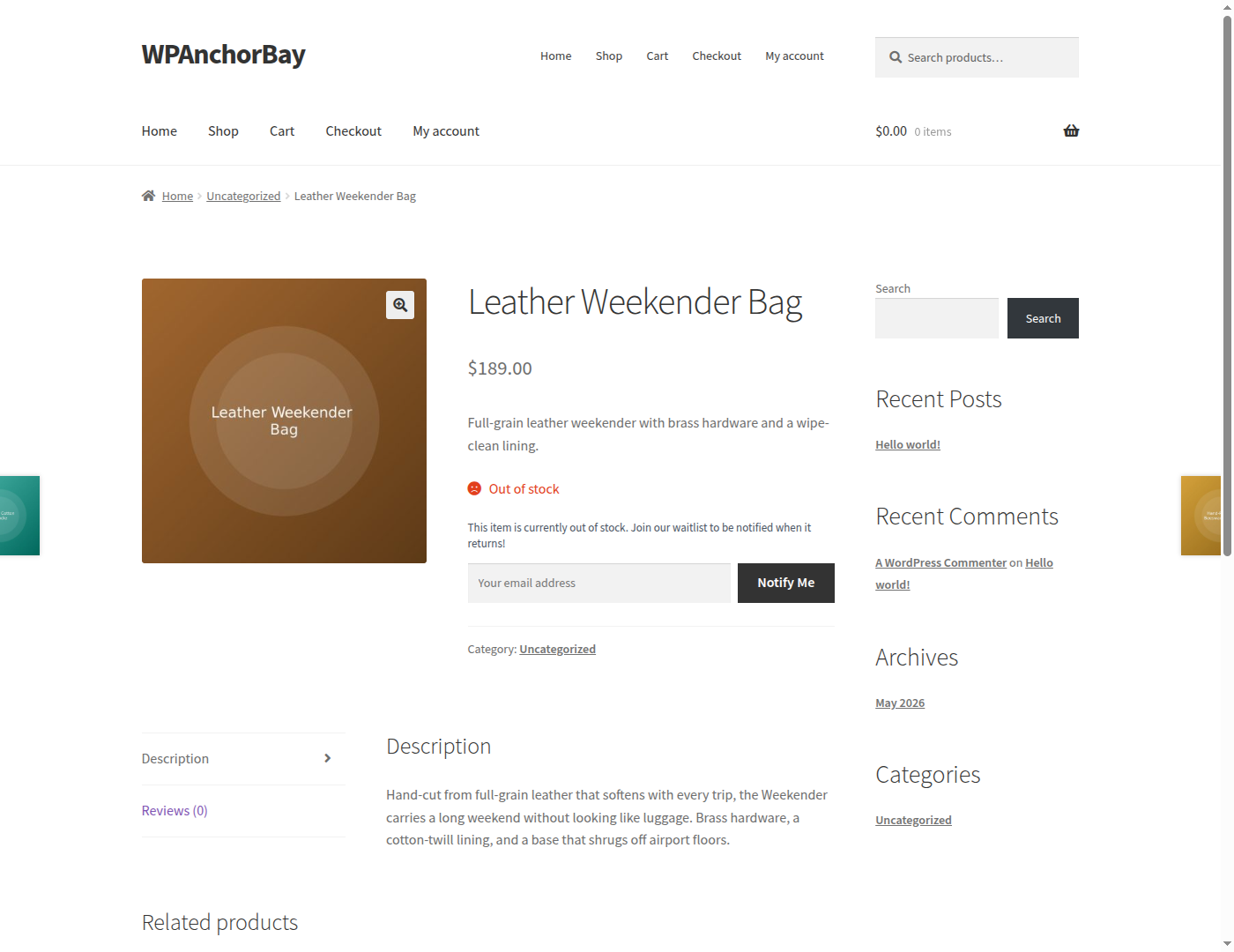
- Waitlists & Back-in-Stock Alerts — Customers can join a waitlist on any out-of-stock product and are automatically emailed the moment it’s restocked.
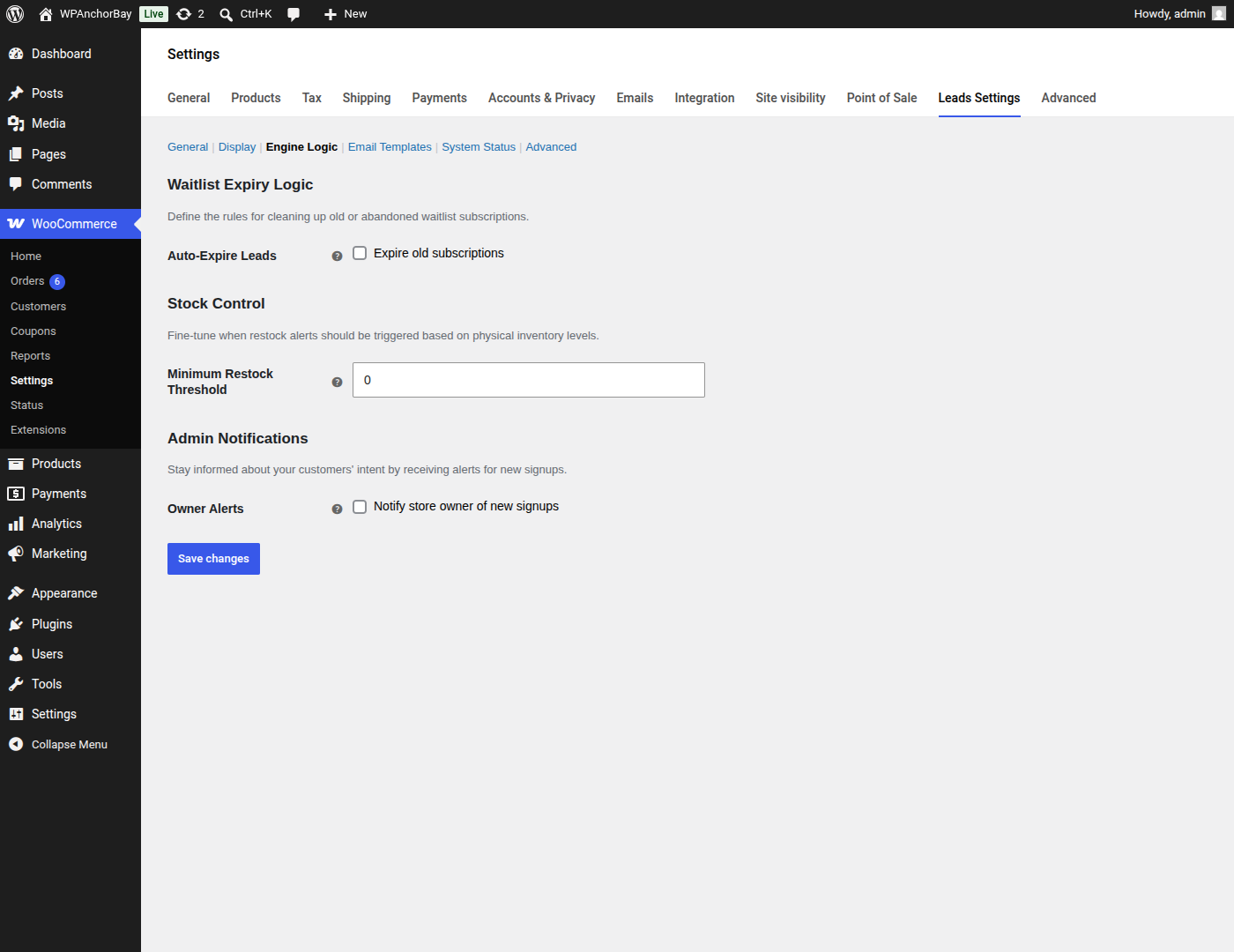
- First-Come, First-Served Dispatch — Waitlisted customers are notified in the order they signed up, and a configurable minimum restock threshold stops a one-unit inventory bump from triggering a mass email.
- Asynchronous Processing — Notification emails are queued and sent in the background via Action Scheduler, so high-volume dispatch never impacts your customers’ checkout experience or your site’s performance.
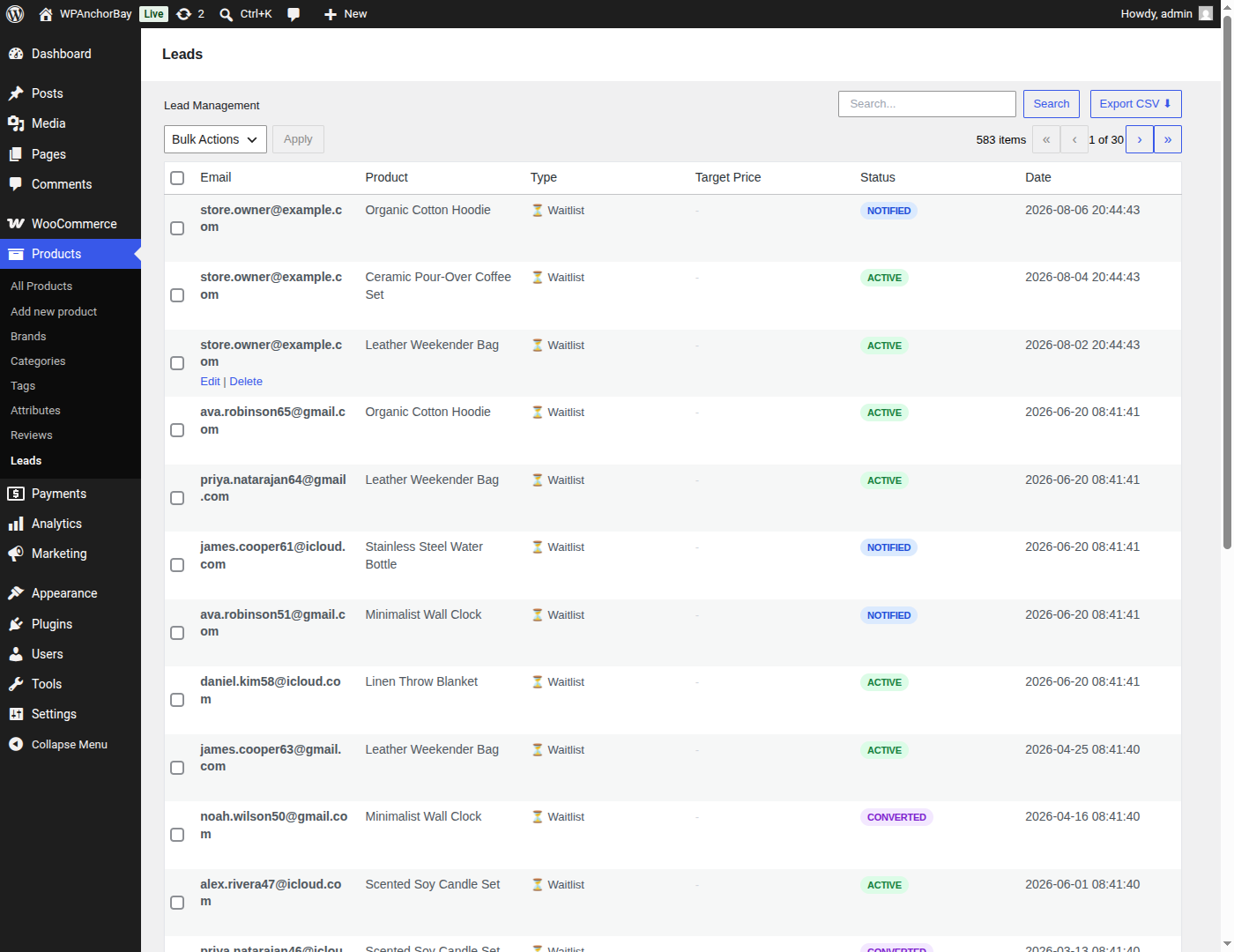
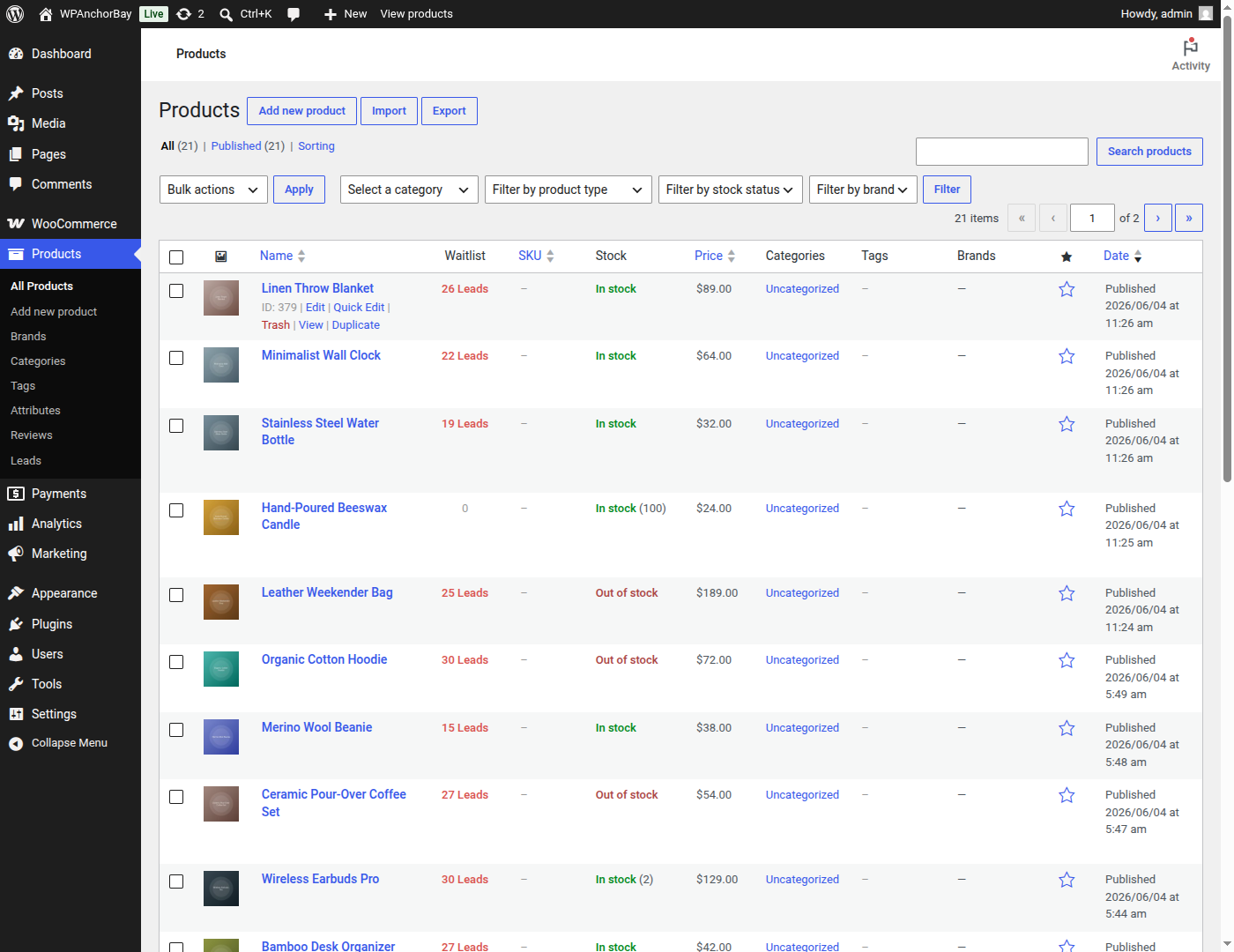
- Lead Management & CSV Export — Every signup lands in a WordPress-native table you can search, filter by status, edit inline, action in bulk, and export to CSV for your email platform.
- Guest-to-Account Merging — Guest waitlist subscriptions are automatically merged into a customer’s account the moment they register, so nothing gets lost.
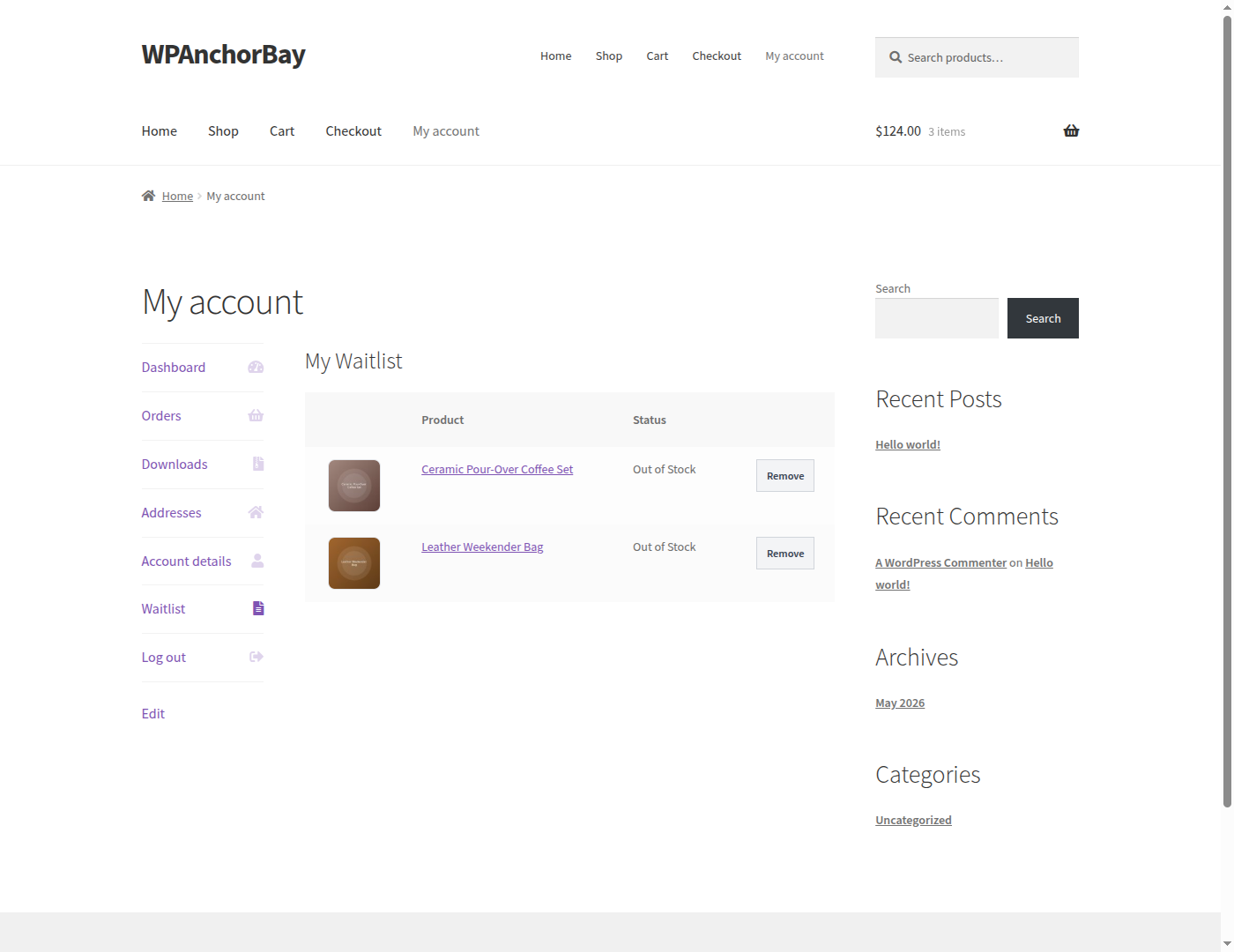
- My Account Integration — Customers get a dedicated Waitlist tab in their WooCommerce “My Account” area to review and manage their own subscriptions.
NotifyBay is an independent product and is not officially affiliated with, endorsed by, or sponsored by WooCommerce or Automattic Inc. WooCommerce is a registered trademark of Automattic Inc.
External services
This plugin sends deactivation feedback to an external service operated by WPAnchorBay at dfs.wpanchorbay.com, so we can understand why store owners stop using NotifyBay and improve the plugin.
This happens only when you explicitly ask it to. When you deactivate NotifyBay from the Plugins screen, a dialog offers an optional survey. Data is transmitted only if you select a reason and press “Submit & Deactivate”. If you press “Skip & Deactivate”, close the dialog, or deactivate the plugin any other way, nothing is sent. The dialog itself discloses exactly what will be transmitted before you submit, and deactivation is never blocked or delayed by this request.
When — and only when — you submit the survey, the following is sent: the reason you selected, any note you typed, your site address, the email address of the WordPress account you are logged in as, your WordPress version, and the plugin slug.
No data is sent at any other time. This plugin does not phone home during normal operation.
Service provider: WPAnchorBay — Terms of Service: https://wpanchorbay.com/terms/ — Privacy Policy: https://wpanchorbay.com/privacy-policy/
Source Code
The compiled JavaScript in the build/ directory is generated from human-readable source using @wordpress/scripts (webpack). The full, unminified source (the src/ directory) and the build tooling (package.json, webpack.config.js, tsconfig.json, postcss.config.js, tailwind.config.js) are included in this package, alongside the compiled build/ output.
The same source is also published publicly at:
https://github.com/wpanchorbay/notifybay-free/tree/1.0.0
To rebuild the compiled assets from source: run npm install, then npm run build.
Screenshots
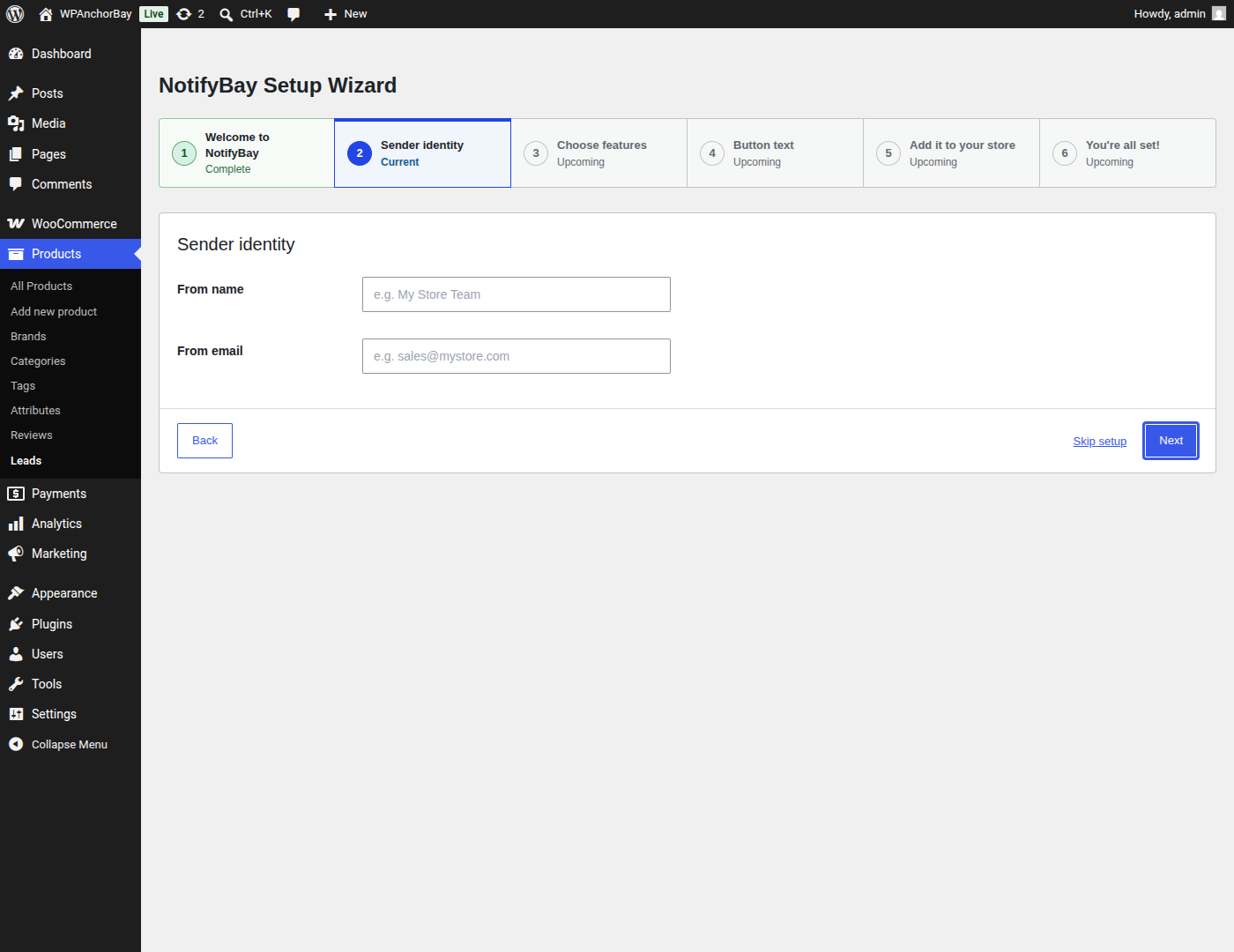
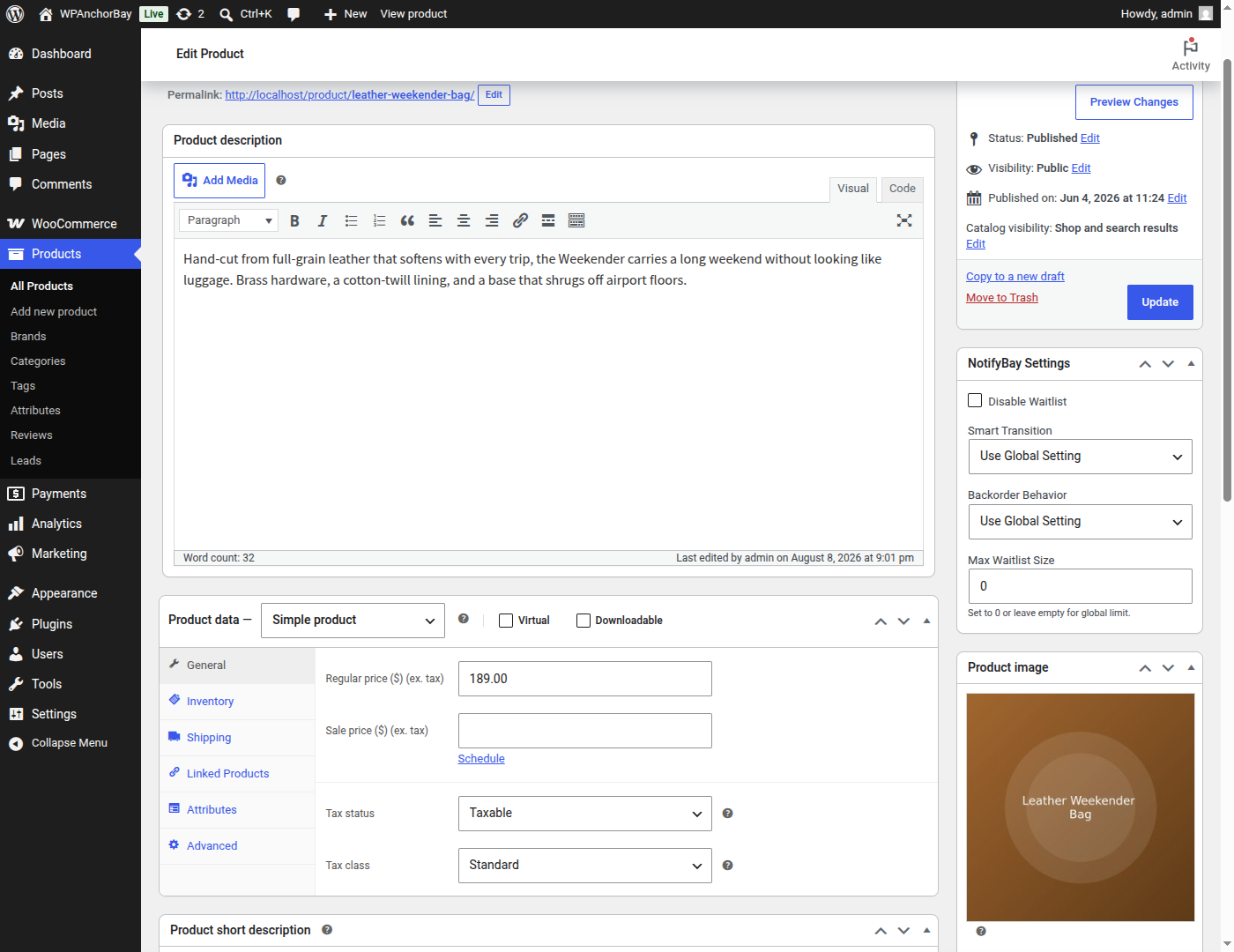
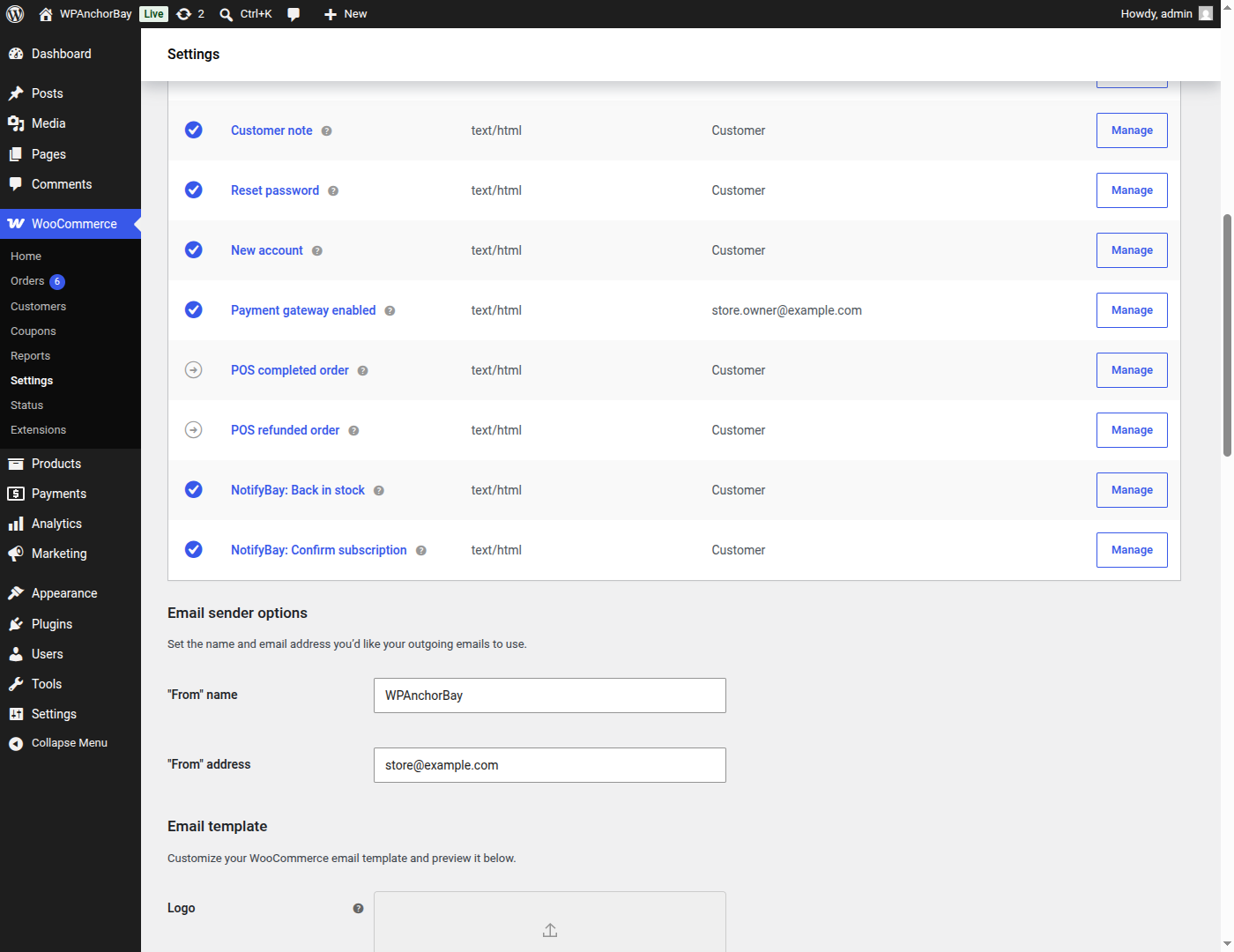
Installation
- Upload the plugin files to the
/wp-content/plugins/directory, or install the plugin directly through the WordPress “Plugins” screen (Plugins Add New Upload Plugin). - Make sure WooCommerce is installed and active — NotifyBay is an add-on for WooCommerce and requires it to function.
- Activate the plugin through the “Plugins” screen in WordPress.
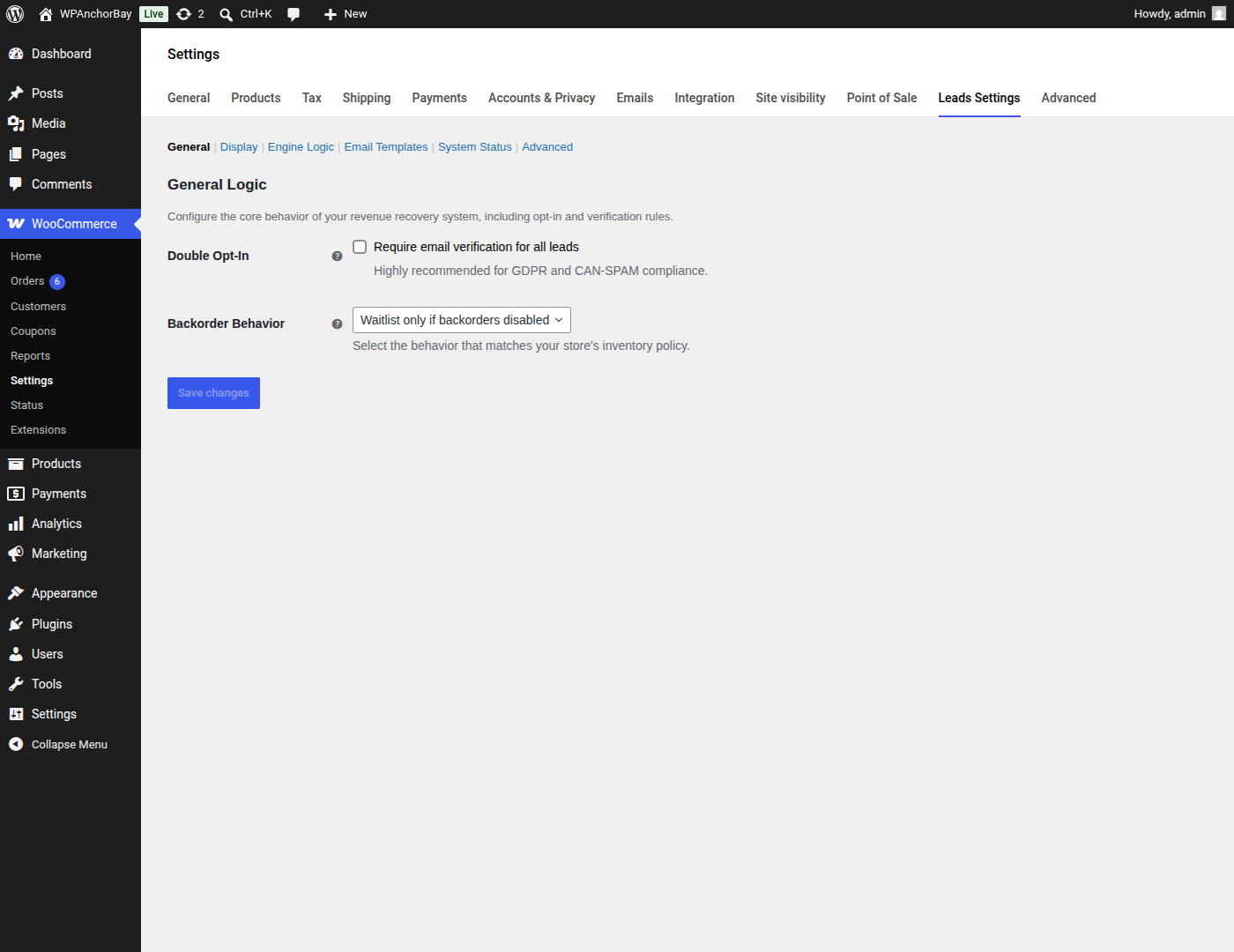
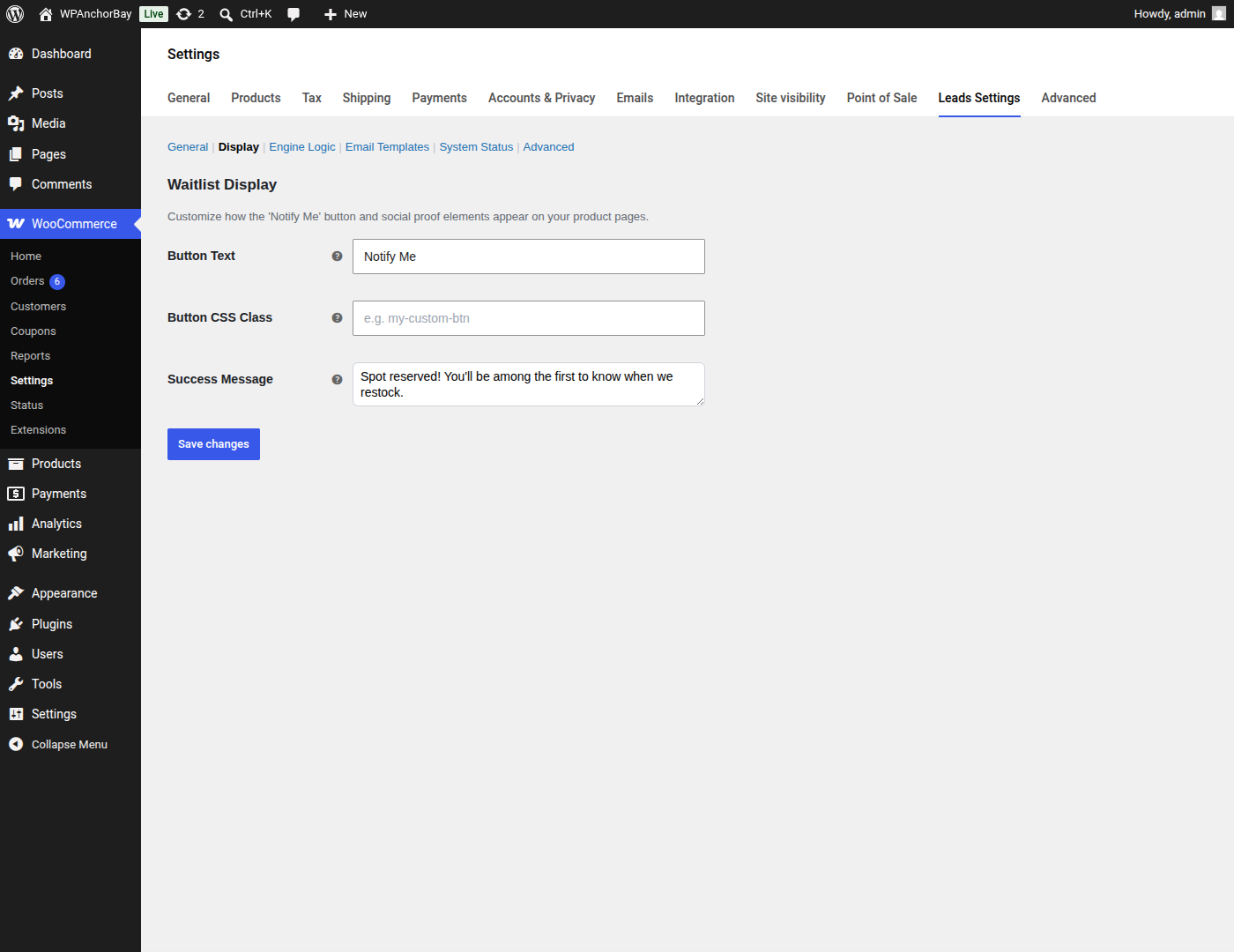
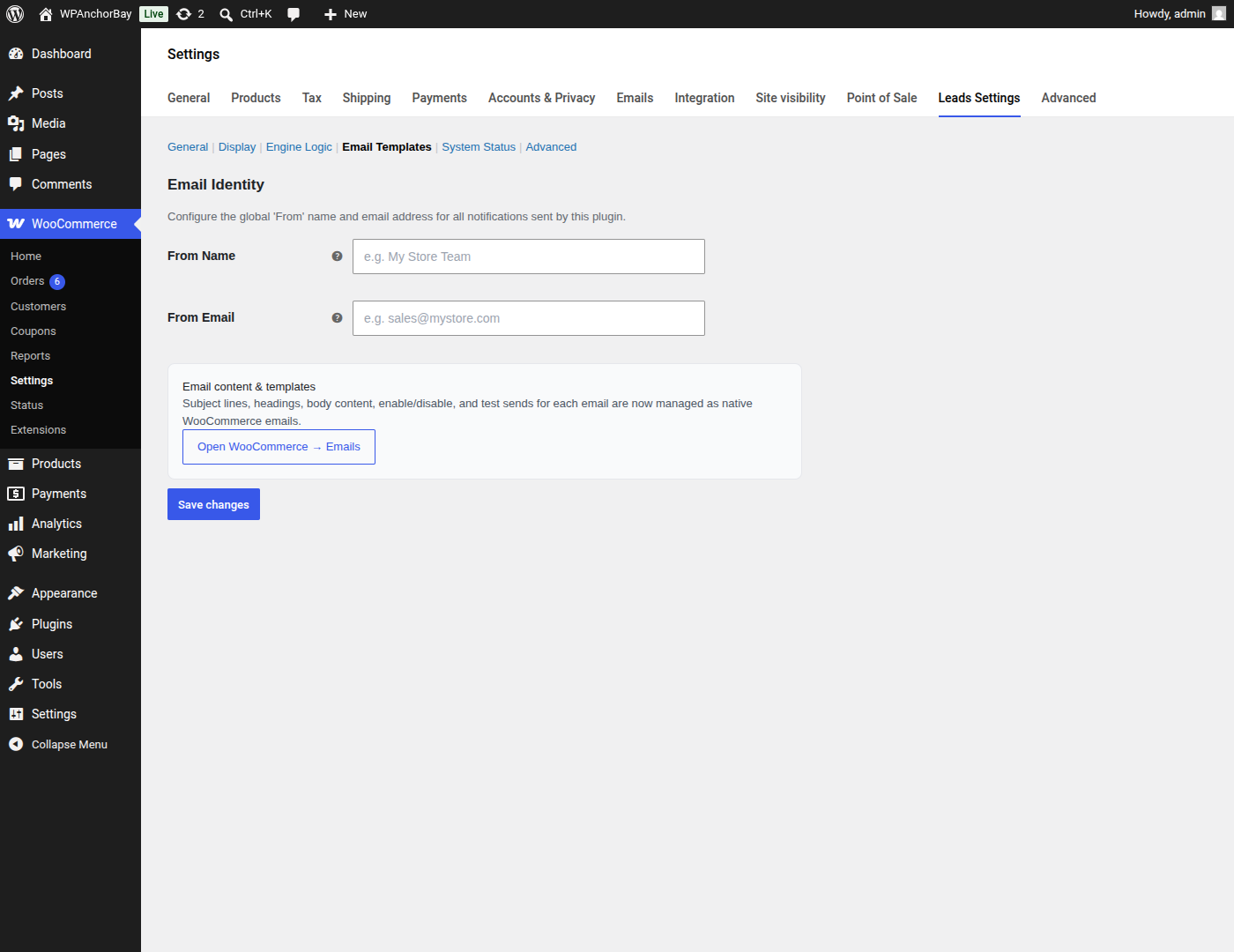
- Go to WooCommerce Settings Leads Settings to configure your waitlist. Your signups are listed under Products Leads.
FAQ
-
Does this plugin require WooCommerce?
-
Yes. NotifyBay adds functionality on top of WooCommerce and will not run without WooCommerce installed and active. You’ll see an admin notice if WooCommerce is missing.
-
Can a customer join a waitlist without creating an account?
-
Yes. Guests can join a waitlist using just their email address. If they later create an account with the same email address, their existing subscriptions are automatically merged into that account.
-
How are restock notifications sent?
-
Restock notifications are queued and delivered by email in the background using Action Scheduler, so notifying a large number of subscribers at once doesn’t slow down your site.
-
In what order are waitlisted customers notified?
-
In the order they joined — oldest subscription first. When a product is restocked, everyone on that product’s active waitlist is notified, so the earliest subscribers get the earliest emails. You can set a minimum restock threshold so that very small inventory changes don’t trigger notifications at all.
-
Can I limit how many people are notified per restock?
-
Capping notifications to the number of units actually restocked — the Fair-Play reservation-window engine — is part of NotifyBay Pro. The free plugin notifies every active subscriber on the waitlist when stock returns.
Reviews
There are no reviews for this plugin.
Contributors & Developers
“NotifyBay – Waitlist and Stock Alert for WooCommerce” is open source software. The following people have contributed to this plugin.
Contributors


Translate “NotifyBay – Waitlist and Stock Alert for WooCommerce” into your language.
Interested in development?
Browse the code, check out the SVN repository, or subscribe to the development log by RSS.
Changelog
1.0.0
- Initial release.