

Description
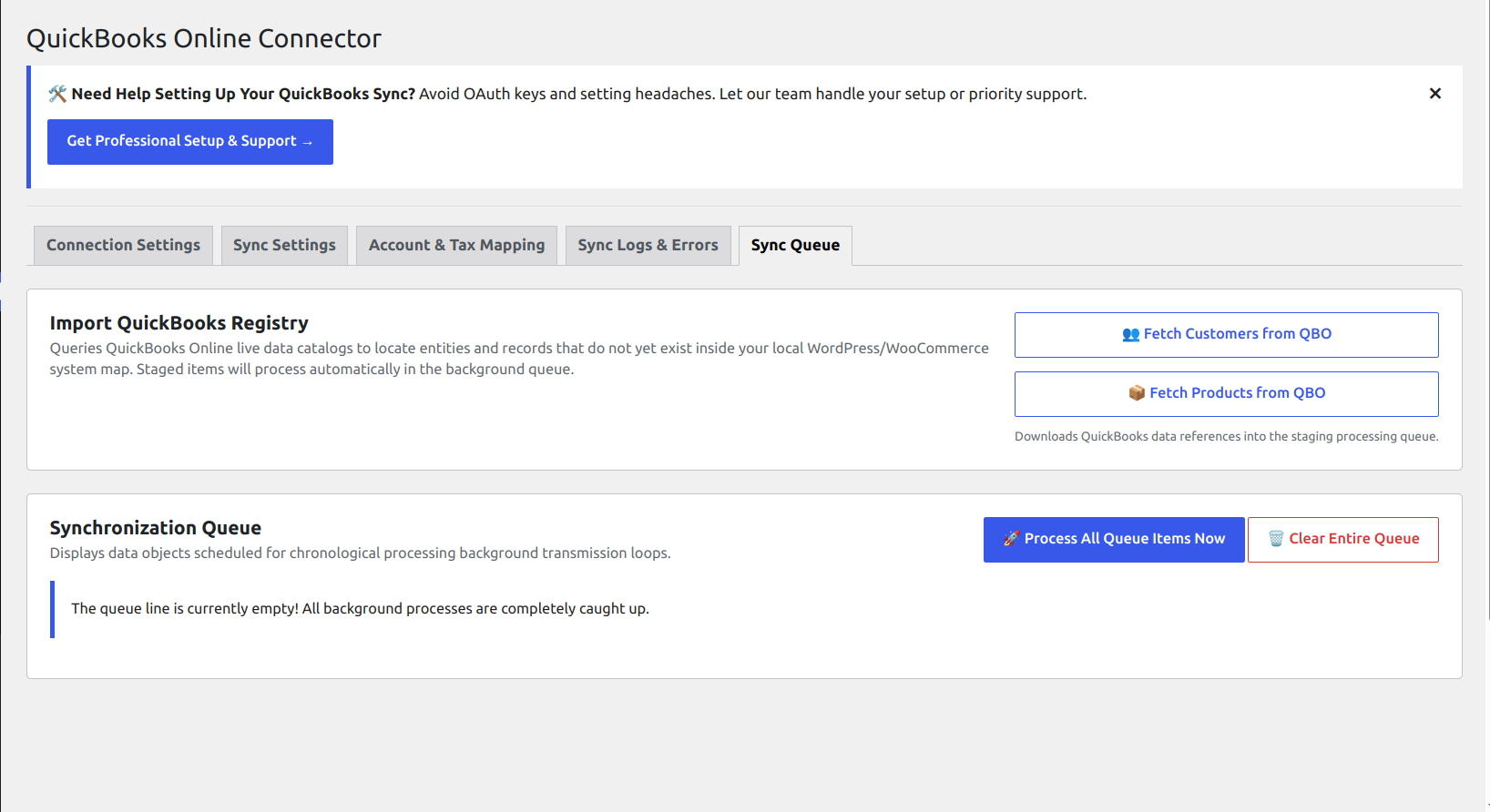
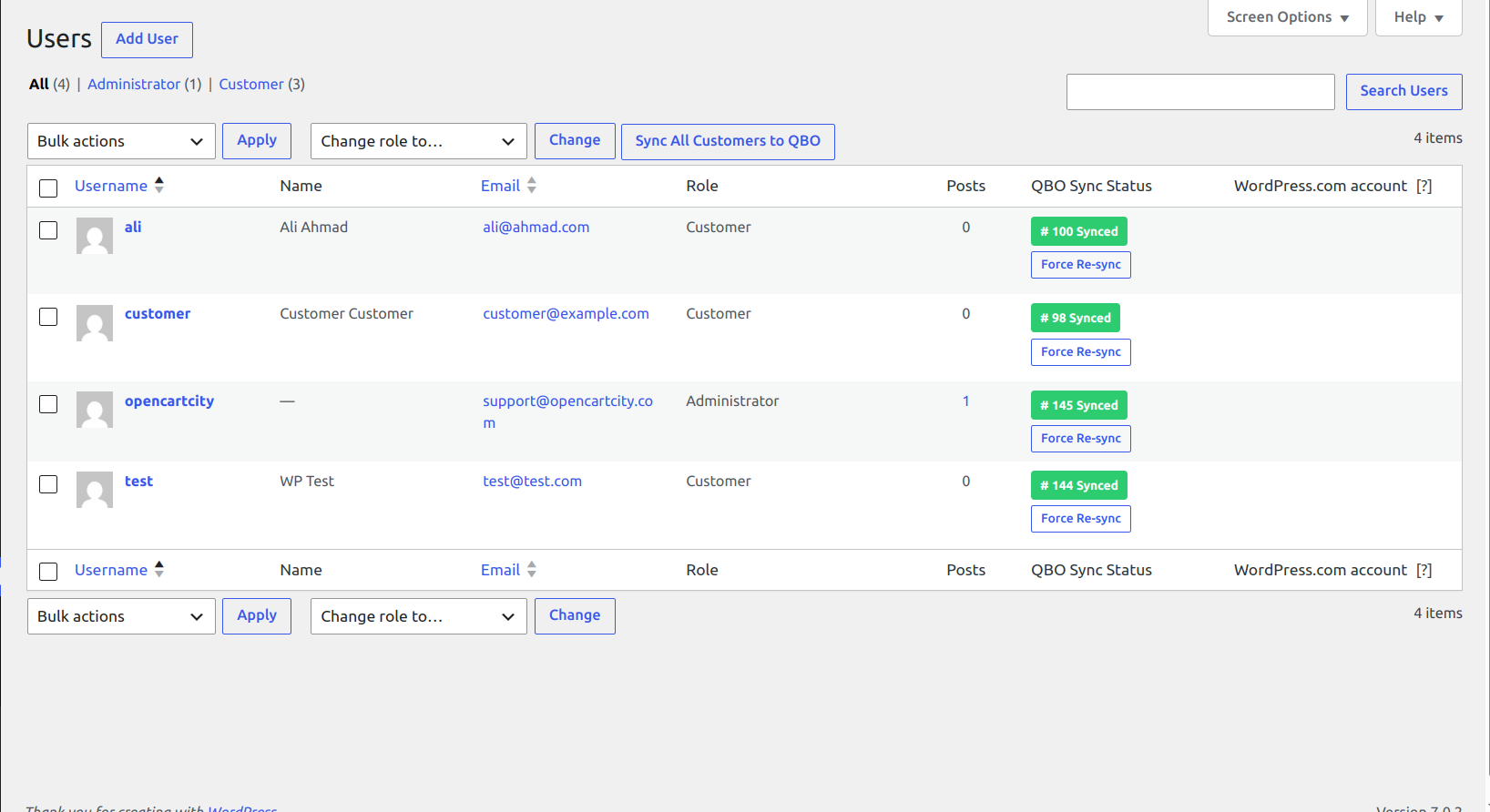
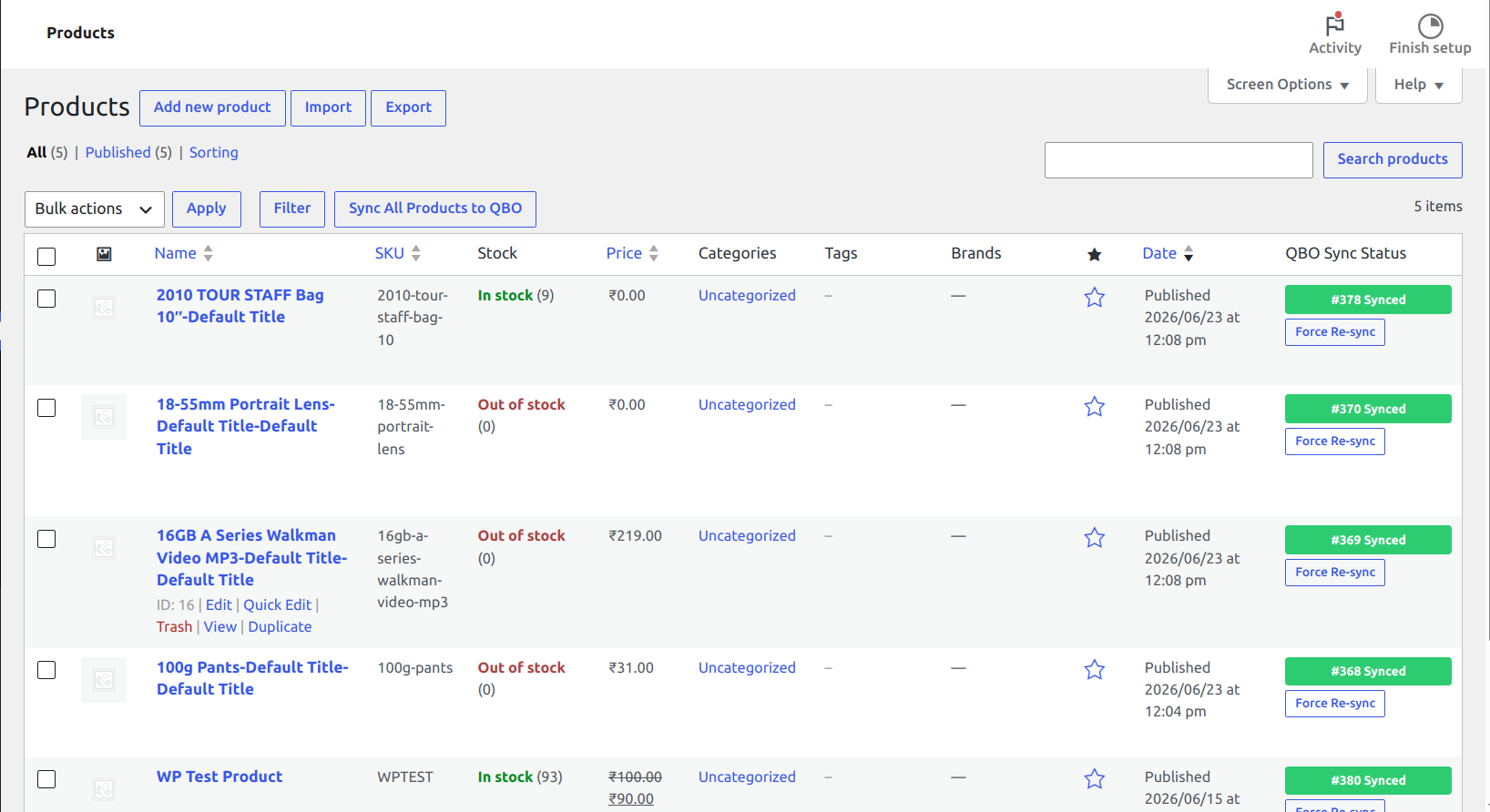
Eliminate manual data entry and keep your books perfectly balanced. The OpenCartCity Connector for QuickBooks Online bridges the gap between your storefront and QuickBooks Online (QBO).
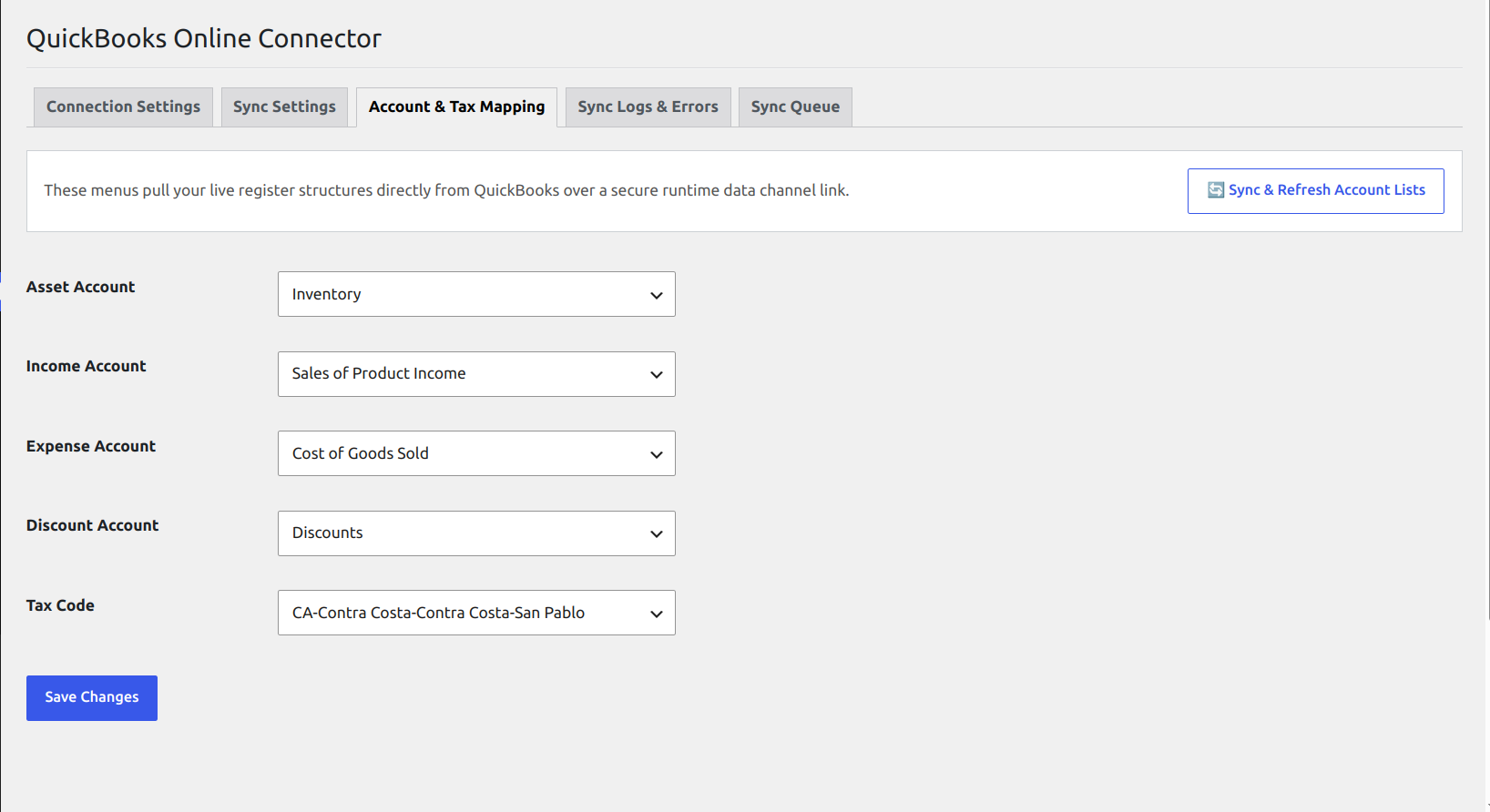
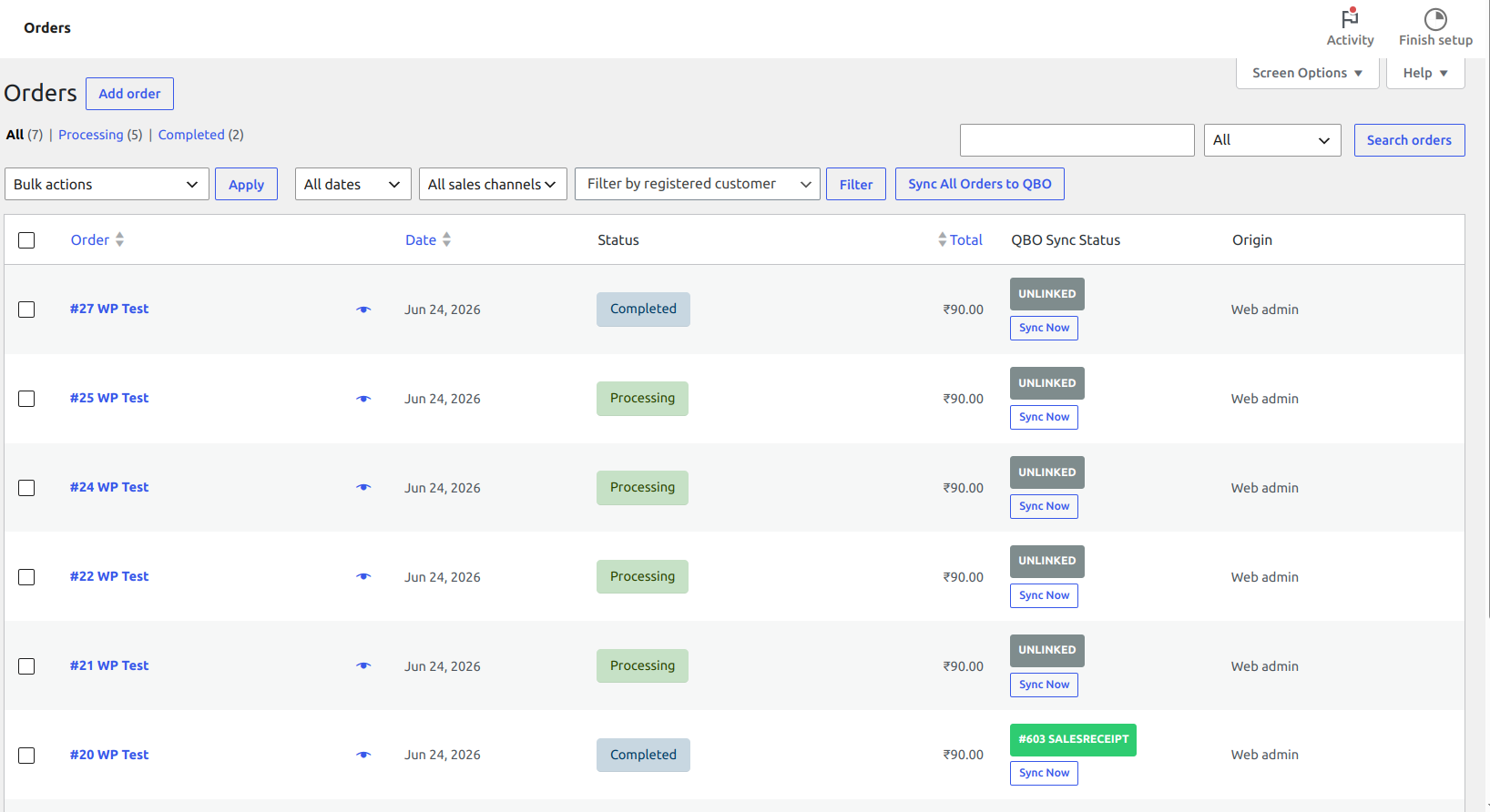
Whenever an order is processed, modified, or completed, this module dynamically handles dependency logic to ensure customers, items, and transactions map perfectly without creating duplicates.
Key Features
- Smart Dependency Queuing: Automatically detects if a product or customer already exists in QBO before uploading a transaction.
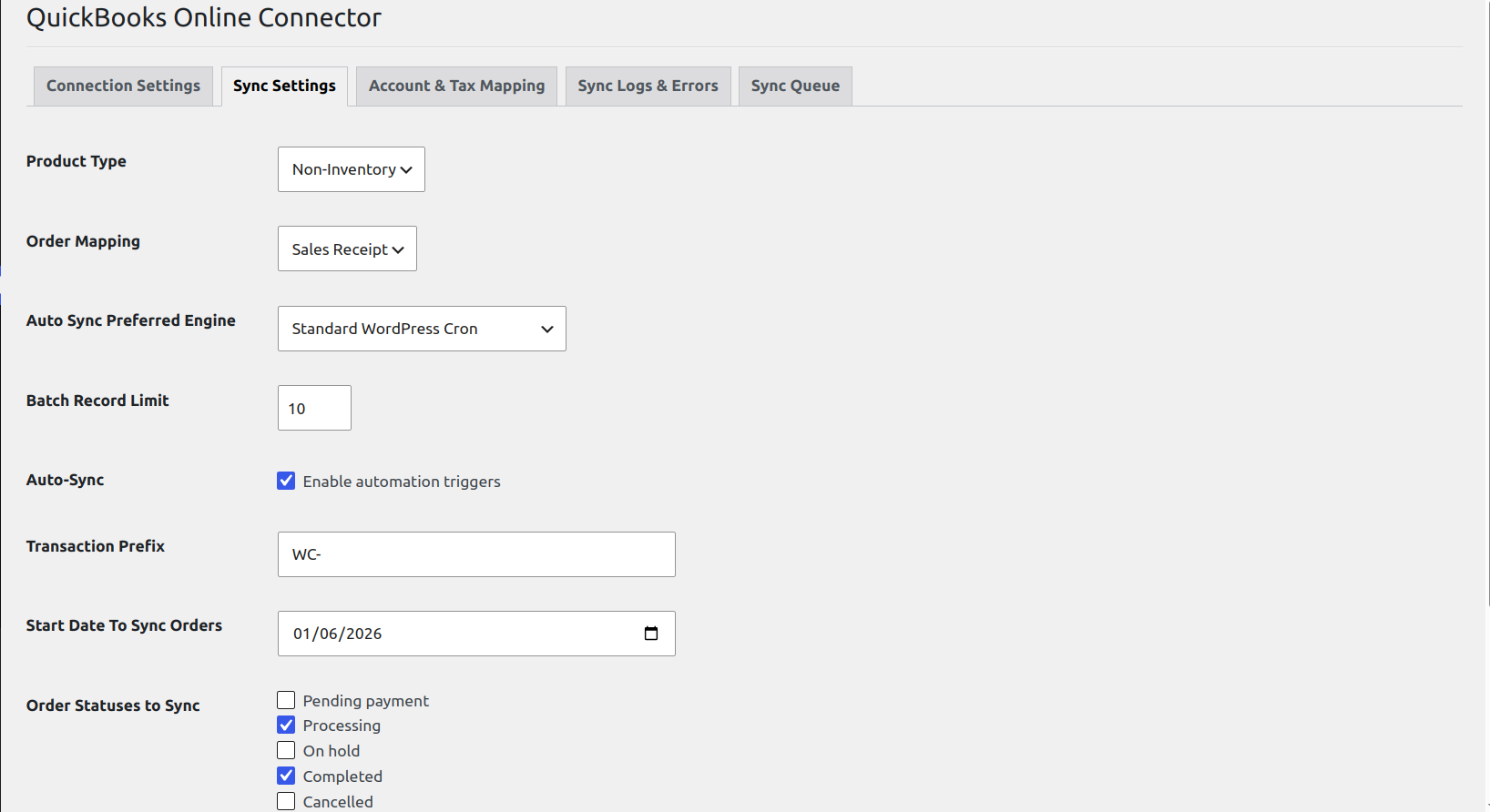
- Flexible Order Mapping: Sync transactions dynamically as either Invoices (with linked payments) or Sales Receipts based on your workflow.
- HPOS & Custom Data Store Compliant: Built specifically to support modern High-Performance Order Storage (HPOS) and standard WordPress environments without memory race conditions.
- Inventory Control Protection: Safely skips frontend checkout stock triggers to prevent duplicate queue bloat.
External Services
This plugin connects directly to QuickBooks Online (via the Intuit API) to synchronize e-commerce and accounting data between your WooCommerce store and QuickBooks.
- Service: QuickBooks Online (provided by Intuit Inc.)
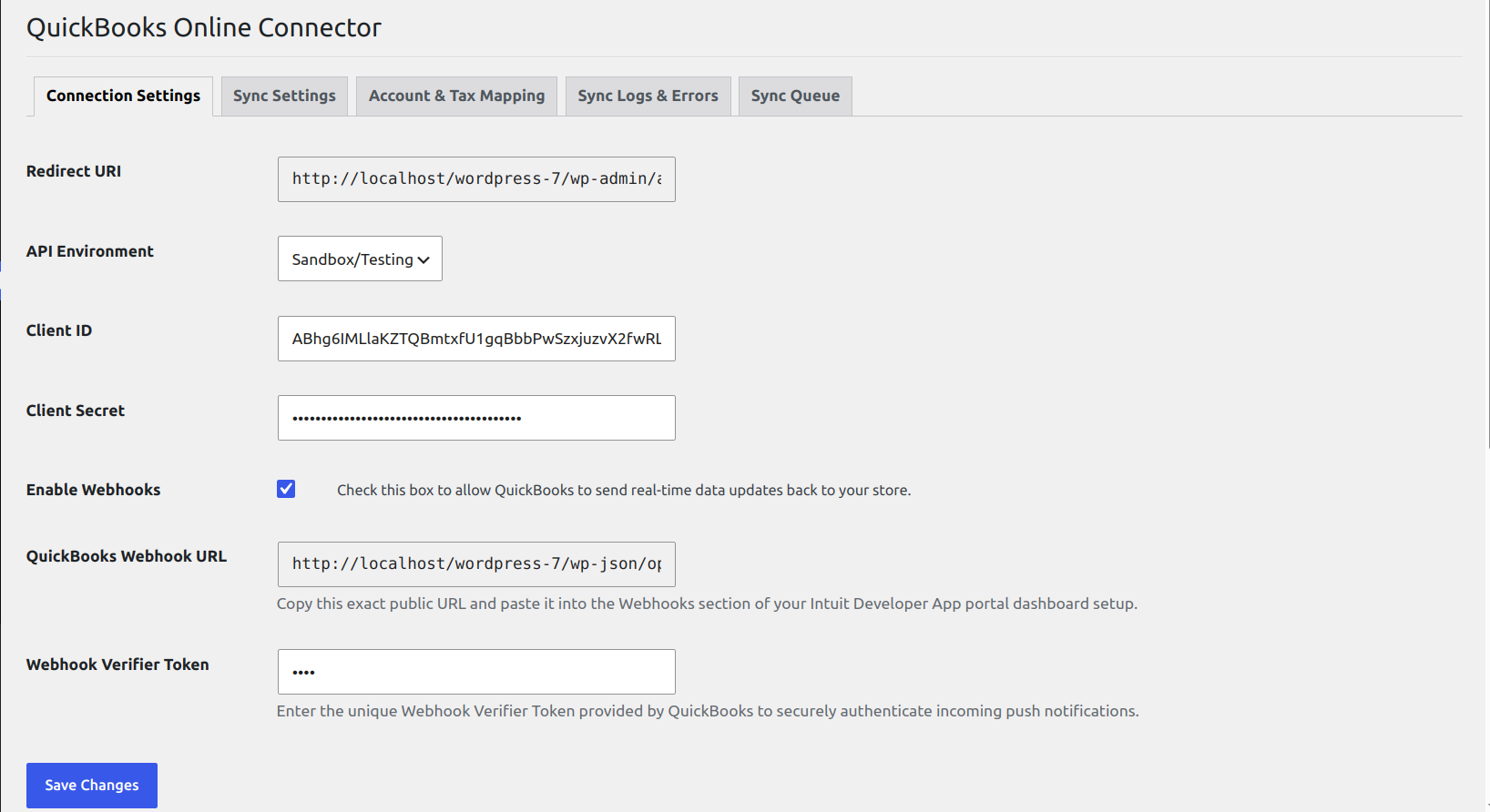
- Purpose: To authorize your store account via OAuth 2.0 and synchronize customers, products, sales receipts, and invoices to your QuickBooks Online account.
- Data Sent & When:
- During OAuth connection: Authorization codes and refresh tokens are transmitted via
https://oauth.platform.intuit.comto establish and maintain account authorization. - During order product or customer sync: Customer details (names, email, billing/shipping addresses, etc), product data (names, SKUs, prices etc), and order data(customer, product, address, totals etc) are transmitted via
https://quickbooks.api.intuit.com(orhttps://sandbox-quickbooks.api.intuit.comin sandbox mode) when orders, products or customers are created/updated in WooCommerce.
- During OAuth connection: Authorization codes and refresh tokens are transmitted via
- Terms of Service: https://www.intuit.com/legal/terms/
- Privacy Policy: https://www.intuit.com/privacy/statement/
Screenshots
Installation
- Upload the entire
opencartcity-connector-for-quickbooks-onlinefolder to the/wp-content/plugins/directory, or upload the.zipfile directly via Plugins > Add New > Upload. - Activate the plugin through the Plugins screen in WordPress.
- Navigate to WooCommerce > Settings > QuickBooks Sync to configure your API Credentials.
- Authenticate your store with your Intuit Developer App via OAuth 2.0.
FAQ
-
What happens on order edits?
-
If an order’s total or configuration changes, the plugin handles linked transaction checks—safely modifying the invoice and managing payment rewrites without disrupting past bank reconciliations.
-
Does it support guest checkouts?
-
Yes, if a customer checks out as a guest, the plugin automatically maps the transaction payload to your configured global fallback customer asset.
Reviews
There are no reviews for this plugin.
Contributors & Developers
“OpenCartCity Connector for QuickBooks Online” is open source software. The following people have contributed to this plugin.
Contributors
Translate “OpenCartCity Connector for QuickBooks Online” into your language.
Interested in development?
Browse the code, check out the SVN repository, or subscribe to the development log by RSS.
Changelog
1.0.0
- Initial stable production launch.
- Added support for WooCommerce HPOS data structures.
- Implemented strict anti-duplicate guards for linked invoices and payments.