

Description
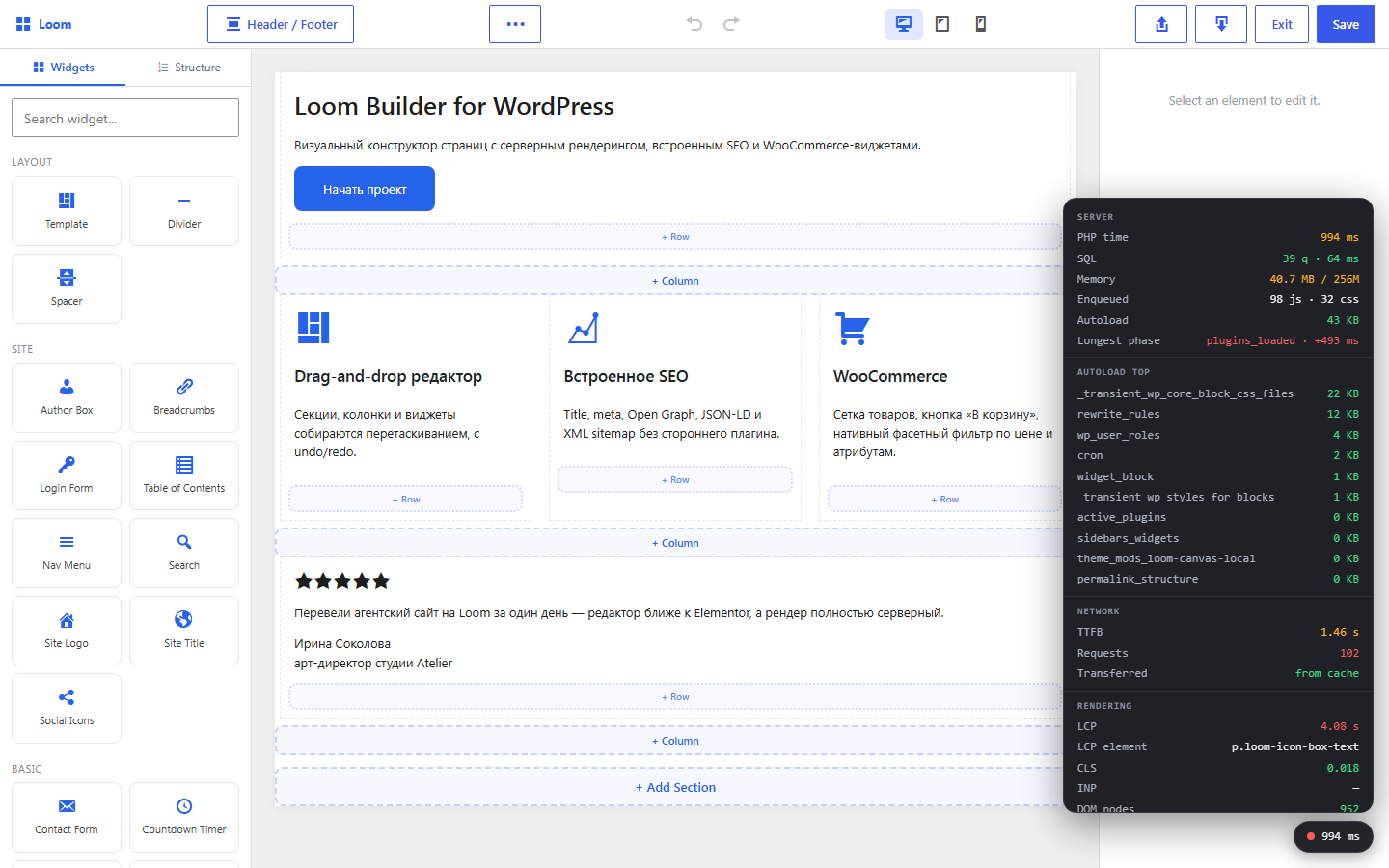
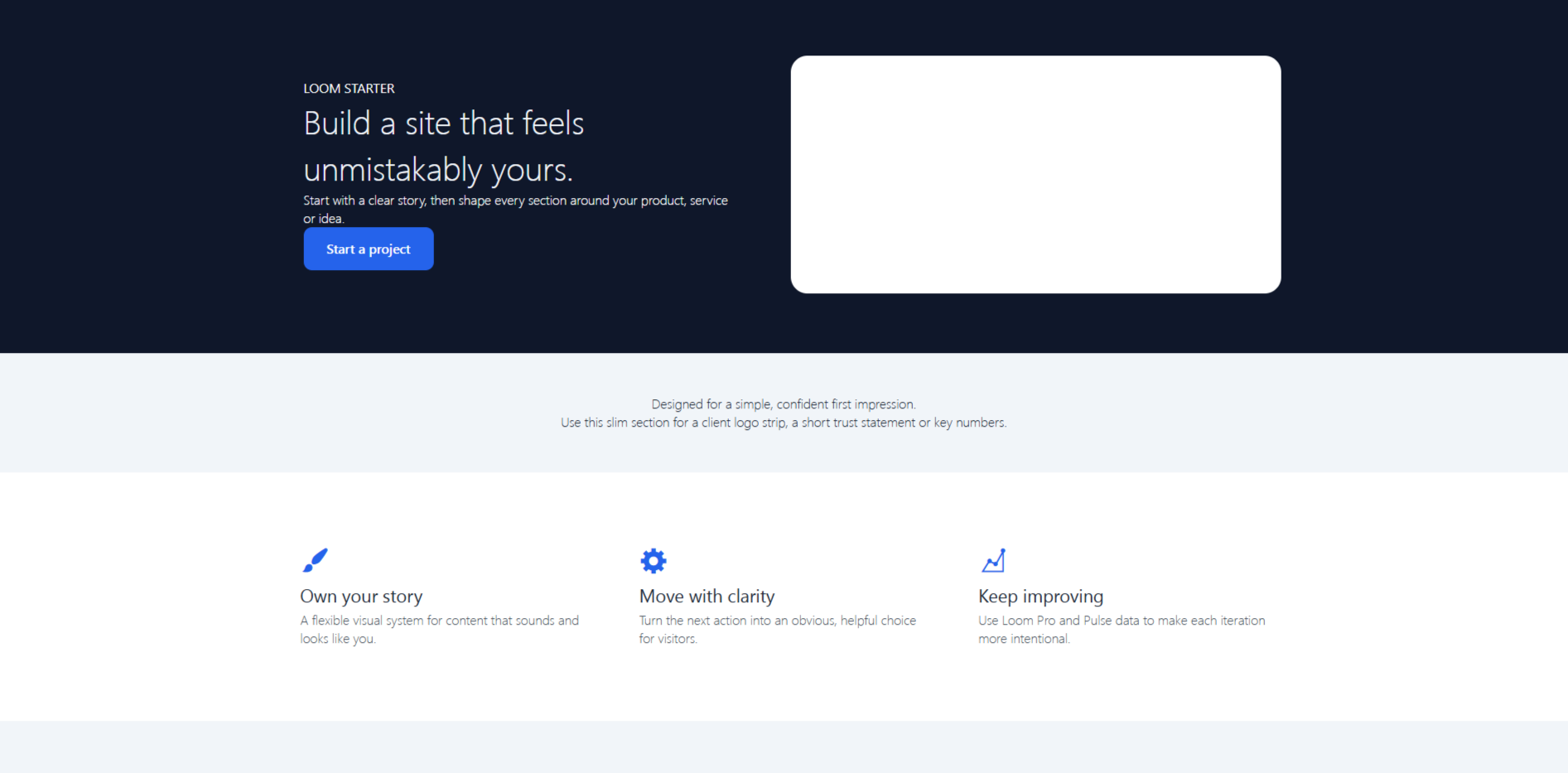
Arvexa Loom Builder is a visual page builder for WordPress with a built-in SEO module. Build landing pages and complete sites without writing code. The plugin uses WordPress and its own components, with no required third-party plugins.
The editor is built with native WordPress React (wp.element) and requires no build step. Public pages are rendered by PHP from a JSON layout, keeping the output fast and search-engine friendly.
Features:
- Visual page builder with responsive controls, reusable sections and animations.
- Slider, carousel, gallery, lightbox and repeater controls.
- Native custom fields, field groups and dynamic data binding.
- WooCommerce product, cart and filter widgets when WooCommerce is active.
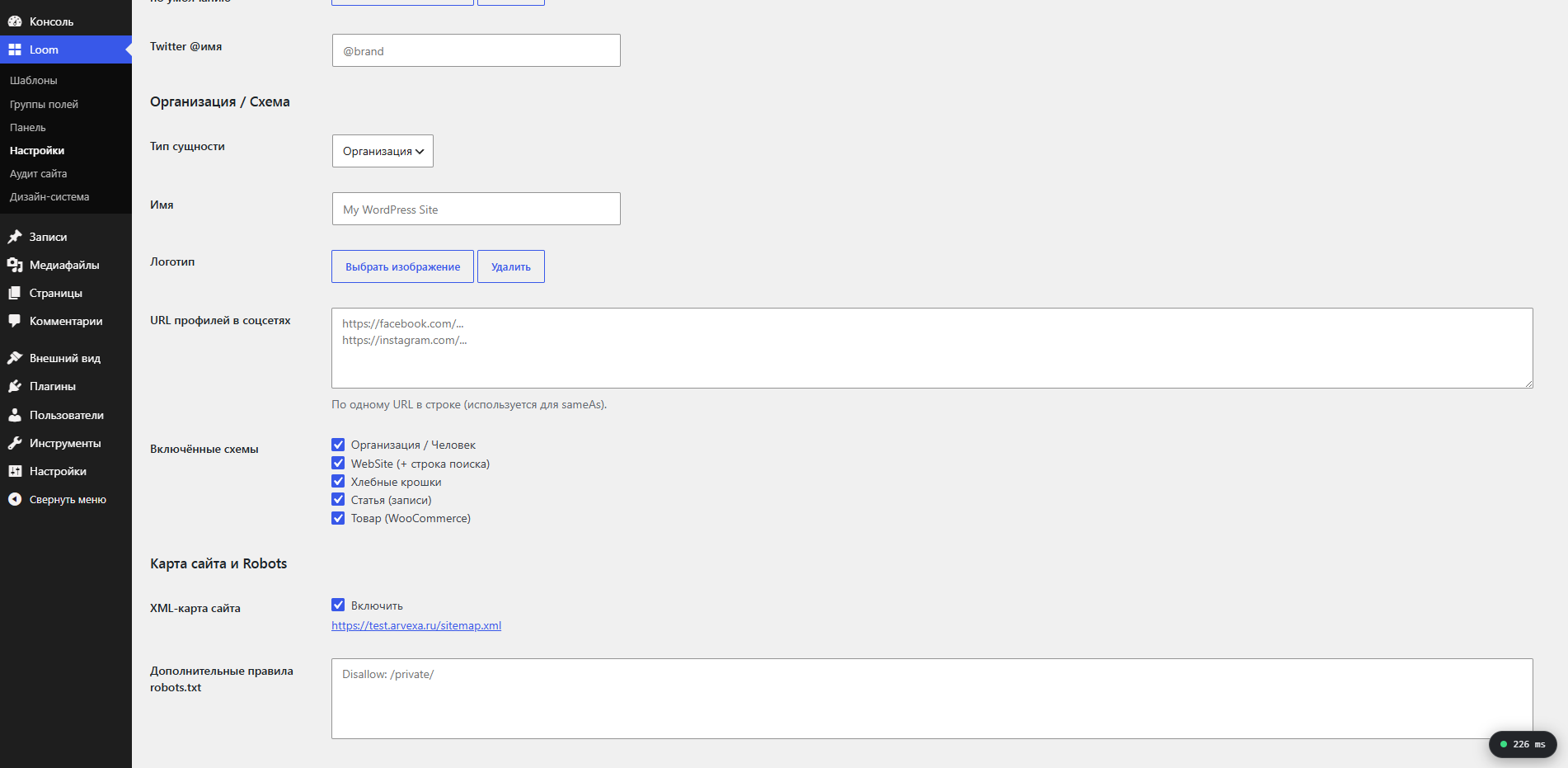
- Built-in SEO tools for titles, meta tags, Open Graph, JSON-LD, robots rules and XML sitemaps.
- Reusable header, footer and block templates with display conditions.
Screenshots
Installation
- Upload the
arvexa-loom-builderfolder to the/wp-content/plugins/directory, or install the plugin from the WordPress Plugins screen. - Activate the plugin through the Plugins screen in WordPress.
- Open a page or post and choose “Edit with Loom”.
FAQ
-
Does the plugin require another page builder?
-
No. Arvexa Loom Builder is a standalone visual editor and does not require another builder.
-
Does it provide custom fields?
-
Yes. The plugin includes its own field engine with field groups, location rules and ten field types, including repeaters. No additional custom-fields plugin is required.
-
Can I use the built-in SEO module with another SEO plugin?
-
The plugin provides title templates, meta descriptions, canonical URLs, Open Graph tags, JSON-LD and XML sitemaps. To avoid duplicate head tags and sitemaps, enable only one SEO module at a time.
-
Does it work with block themes?
-
Loom replaces enabled post content through the standard
the_contentfilter in the main WordPress loop. Use a theme whose page template renders the post content in that loop and provides the page width you need. -
Does it work with WooCommerce?
-
Yes. When WooCommerce is active, the editor provides product-grid, add-to-cart and product-filter widgets.
-
What happens when the plugin is deactivated?
-
Your layout is kept as post metadata. While the plugin is inactive, WordPress shows the normal post content; the Loom layout is available again after reactivation.
-
Is there a paid version?
-
An optional Arvexa Loom Builder Pro add-on adds a design system, global sections, a visual query loop, layout revisions and a site-wide SEO audit. It is installed separately on top of the free plugin.
Reviews
There are no reviews for this plugin.
Contributors & Developers
“Arvexa Loom Builder” is open source software. The following people have contributed to this plugin.
Contributors
Translate “Arvexa Loom Builder” into your language.
Interested in development?
Browse the code, check out the SVN repository, or subscribe to the development log by RSS.
Changelog
1.7.0
- Editor UX: drag-and-drop reordering of sections, columns and widgets (with a drag handle), including moving widgets between columns; undo/redo with history and Ctrl/Cmd+Z / Ctrl+Shift+Z (Ctrl+Y) shortcuts; export a section or the whole page to JSON and import sections from JSON (IDs are regenerated to avoid clashes).
1.6.0
- Reusable templates:
loom_templatecan be a Header, Footer or Block, shown by display conditions (entire site, front page, post type, specific post, post type archive, 404 or search). Headers and footers render in theme positions throughloom_header()/loom_footer()with awp_body_open/wp_footerfallback. Blocks can be inserted through the Template widget or the[loom_template id="123"]shortcode. Self-recursion is guarded.
1.5.0
- SEO module: per-post SEO settings (title, description, canonical URL, share image and noindex); title templates, meta description, canonical, robots, Open Graph and Twitter Card tags; JSON-LD graph for Organization/Person, WebSite, BreadcrumbList, Article and WooCommerce Product; native XML sitemap index and per-post-type sitemaps at
/sitemap.xml; robots.txt sitemap entry and custom rules.
1.4.0
- WooCommerce integration (guarded by
class_exists). Widgets: Products grid, Add to Cart and Product Filter. Native faceted filters throughpre_get_postsfor categories, attributes and price ranges. WooCommerce widget category in the editor panel.
1.3.0
- Native field engine with text, textarea, number, select, true/false, color, image, gallery, link and repeater fields. Field groups have a visual builder and location rules. Public API:
loom_field(). Builder text and image widgets can bind to custom-field values at render time.
1.2.0
- Advanced animations: entrance presets with per-element duration, delay and easing; continuous loop animations; and hover animations. Scroll-triggered animations use IntersectionObserver and honor
prefers-reduced-motion.
1.1.0
- Slider widget (slide, fade and cards), Carousel widget, Gallery widget with a native lightbox, repeater controls, multi-image gallery picker and single-image object control. All interactions use vanilla JavaScript with no external libraries.
1.0.0
- Core builder, REST layout API, server renderer, responsive scoped CSS, heading, text, image, button and spacer widgets, plus entrance animations.