
Description
Webtechtut09 Site Kit replaces eight single-purpose plugins with one clean, tabbed dashboard. Everything is toggleable — enable only what you need, and the rest stays completely inactive on the frontend. No bloat, no ads, no upsells.
Every tool below is included at no cost, with no premium tier, no external services, and no phone-home tracking.
Features at a glance
- Hide Admin Notifications — silence plugin promo notices, review nags, WordPress core update banners, plugin/theme update banners, and PHP update warnings. Per-role visibility. Uses CSS-only hiding, so WordPress itself is never blocked from knowing about updates.
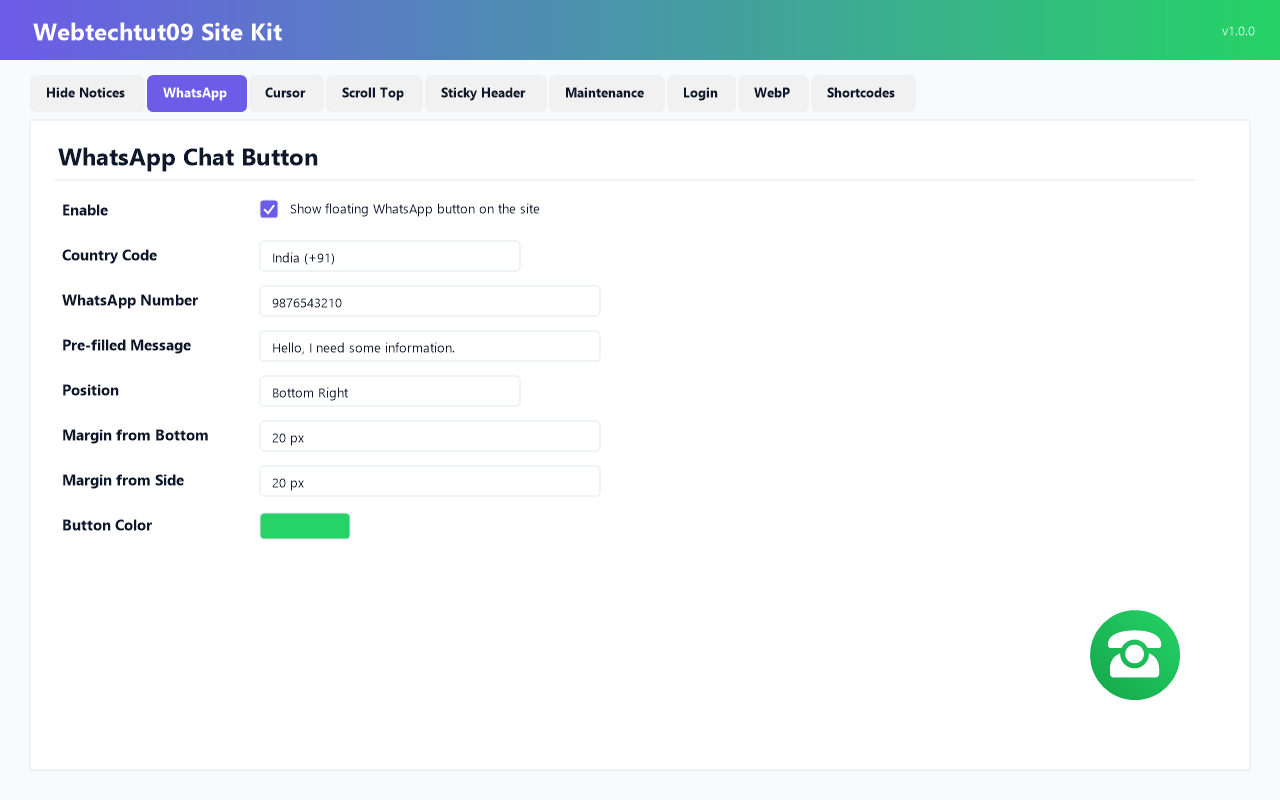
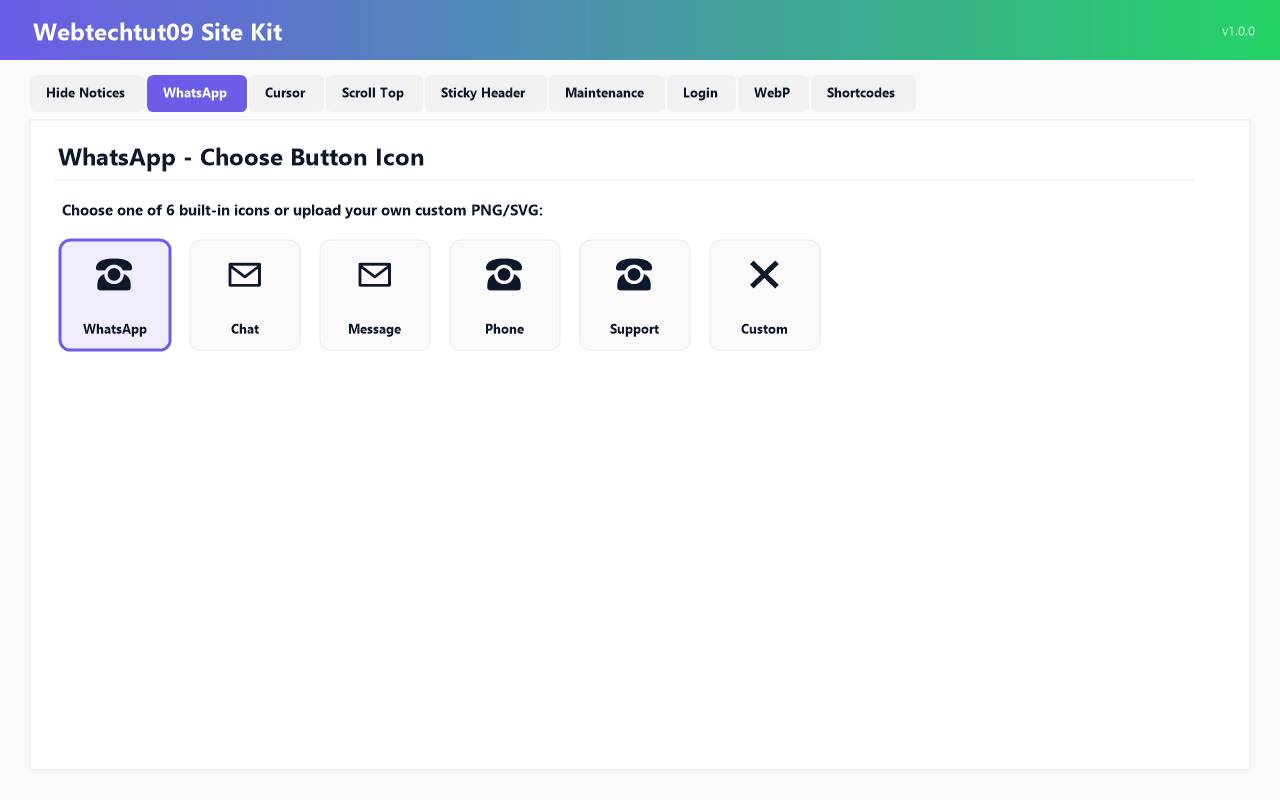
- Floating Chat Button — floating chat icon with 50+ country code selector, pre-filled message, tooltip, 6 icon designs (or upload your own), custom position/margin/size/color, desktop and mobile visibility.
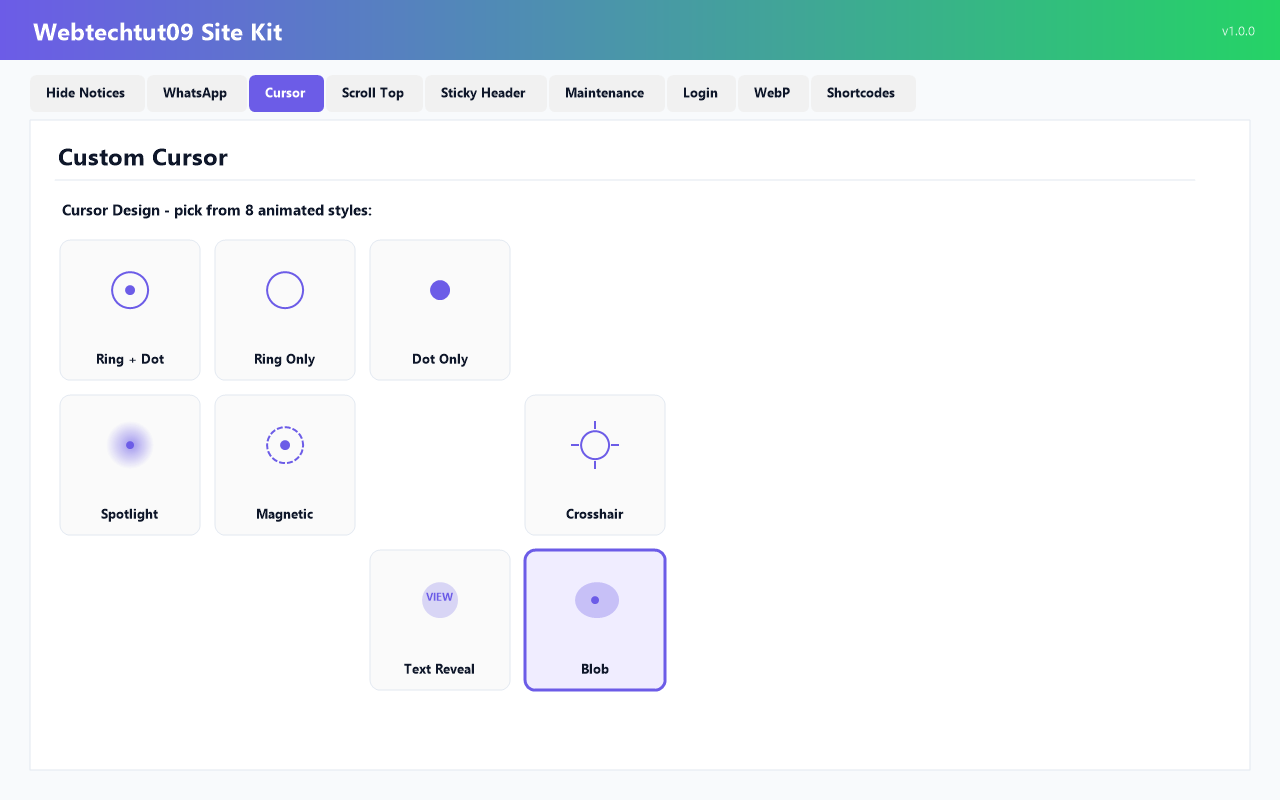
- Custom Animated Cursor — 8 designs (Ring + Dot, Ring Only, Dot Only, Crosshair, Spotlight, Magnetic, Text Reveal, Blob), color picker, blend mode, trail effect.
- Scroll to Top Button — 4 button styles (circle, square, rounded, pill with text), position, offset, color, size, scroll threshold, smooth scroll.
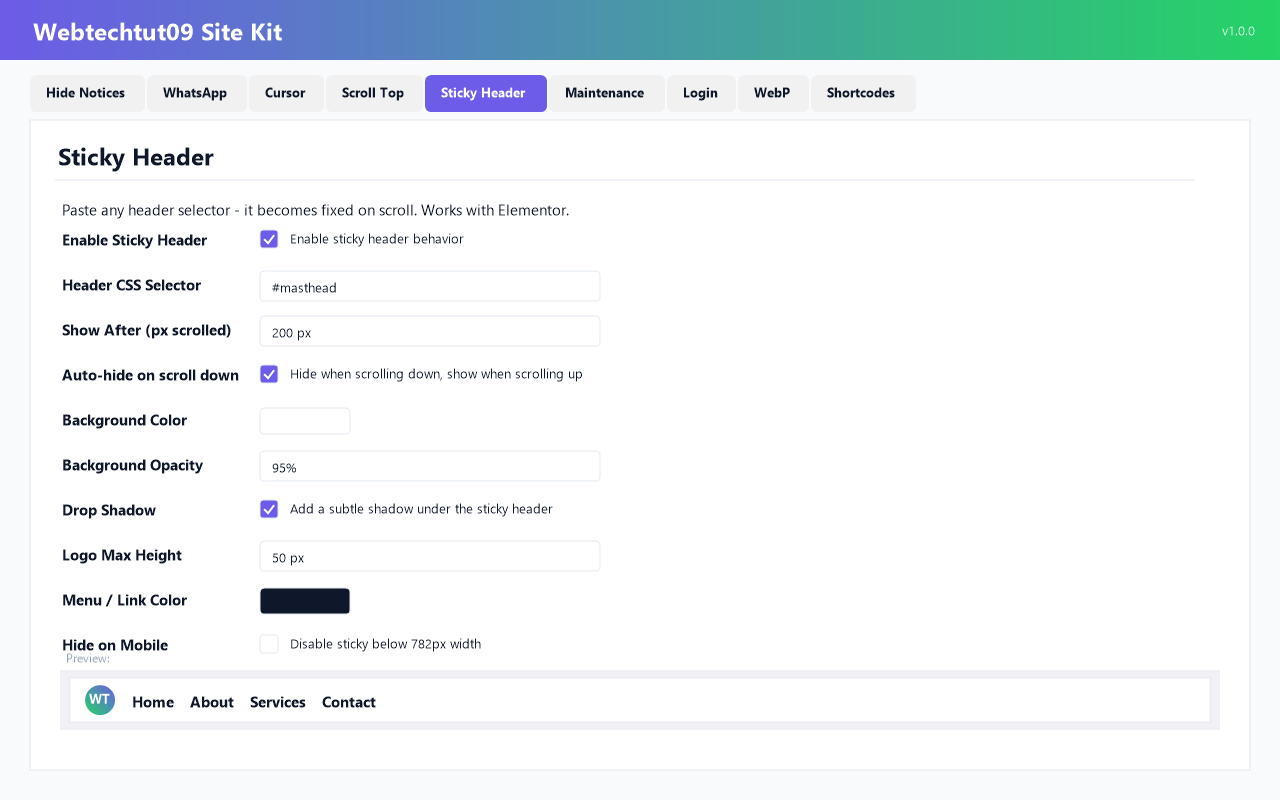
- Sticky Header — makes any theme header sticky on scroll (works with Elementor headers). Show-after threshold, auto-hide on scroll down, background opacity, drop shadow, logo max-height, menu link color.
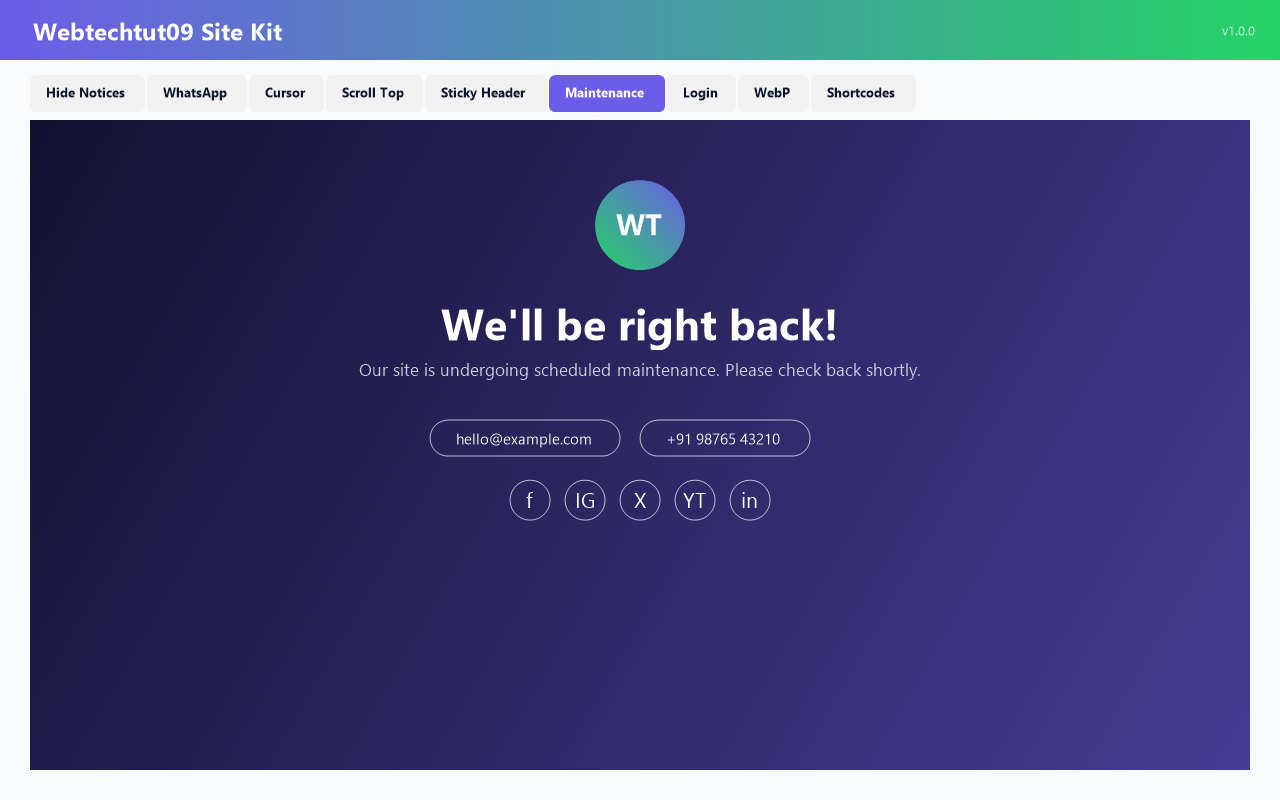
- Maintenance Mode — under-construction page with background image, overlay opacity, logo, title, description, contact email/phone, and 5 social links. Bypass access with username + password (session duration configurable), IP allowlist with CIDR support, and country allowlist (with Cloudflare).
- Login Page Customizer — replace the WordPress logo on wp-login.php with your own, custom size and link, background image with overlay, button color, and separate text-link colors.
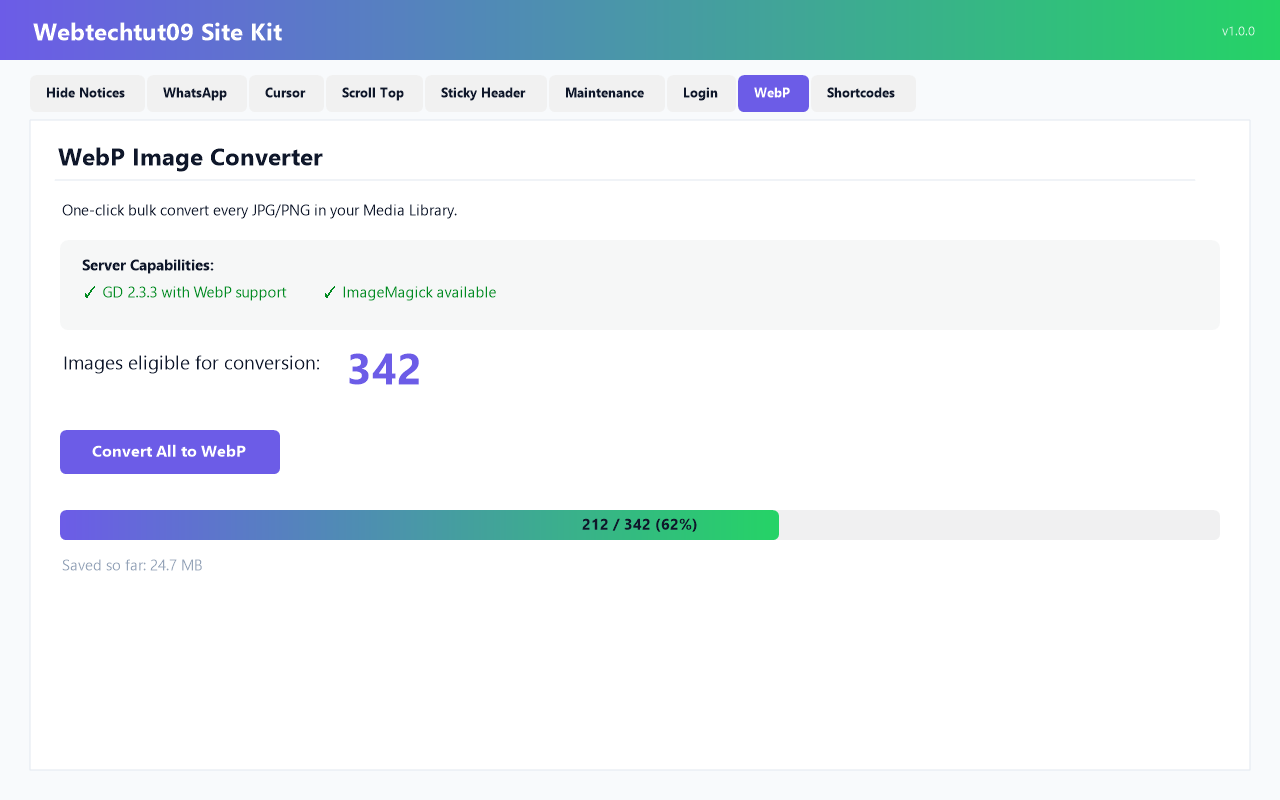
- WebP Image Converter — one-click bulk convert every JPG/PNG in your Media Library to WebP. Live progress bar, batch conversion, quality slider, session manifest with one-click undo, and optional auto-serve WebP to modern browsers.
Who this plugin is for
If you find yourself installing separate plugins for chat button, hide admin notices, maintenance mode, custom login logo, sticky menu on scroll, or WebP conversion, this replaces all of them.
Perfect for freelance developers managing many client sites, agencies who need a lean utility stack, and site owners who want fewer plugins with more features.
Performance
- Only enabled modules ever load frontend assets.
- No jQuery dependency on the frontend.
- WebP conversion is AJAX-batched to avoid PHP timeouts.
Privacy
- No external service calls. No tracking. No analytics.
- Chat links go directly to
wa.me— the same public link the service provides for anyone.
Shortcodes
The Shortcodes tab includes a copy-to-clipboard reference for:
[aios_whatsapp text="Chat with us"][aios_scroll_top][aios_year][aios_site_url][aios_email][aios_phone]
Screenshots
Installation
- Upload the plugin folder to
/wp-content/plugins/webtechtut09-site-kit/, or install directly from the WordPress “Plugins Add New” screen. - Activate the plugin through the Plugins menu in WordPress.
- Go to Site Kit in the admin sidebar to configure the modules you want.
- Every feature is off by default — enable each one from its tab.
FAQ
-
Does it work with Elementor / Divi / Astra / other page builders?
-
Yes. The Sticky Header module targets any element via a CSS selector — paste your Elementor header wrapper ID and it becomes sticky.
-
Yes. 50+ country codes are pre-loaded in the dropdown. Just enter your local number without the country code and pick your country.
-
Can I bypass the maintenance mode for specific users or countries?
-
Four ways: (1) any WordPress administrator always sees the site; (2) share a username/password pair — visitors who submit them get a signed cookie; (3) whitelist specific IP addresses / CIDR blocks; (4) whitelist entire countries (requires Cloudflare’s CF-IPCountry header).
-
Will the WebP converter break my site?
-
No. It only creates new .webp files alongside your originals — it never modifies or deletes your JPG/PNG. One-click Undo removes every .webp file created in the session.
-
No. Every feature is free. There is no premium tier, no locked features, no upsell.

Contributors & Developers
“Webtechtut09 Site Kit” is open source software. The following people have contributed to this plugin.
Contributors
Translate “Webtechtut09 Site Kit” into your language.
Interested in development?
Browse the code, check out the SVN repository, or subscribe to the development log by RSS.
Changelog
1.0.0
- Initial public release.
- Eight tabbed modules: Hide Notifications, Chat Button, Custom Cursor, Scroll to Top, Sticky Header, Maintenance Mode, Login Page, and WebP Converter.