

Description
Aetos RTL Input Direction Fixer improves technical input fields on right-to-left WordPress sites.
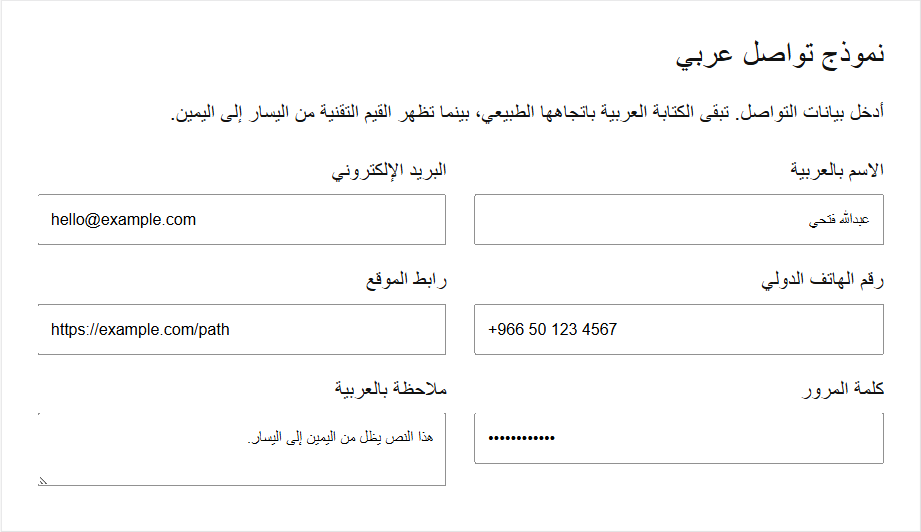
Email addresses, URLs, international telephone numbers, and passwords use left-to-right syntax even when the surrounding page is Arabic, Hebrew, Persian, or another RTL language. Some themes and form styles force every field into RTL, which can make symbols such as @, ., /, and + appear in confusing positions.
The plugin applies a small static stylesheet only when WordPress detects an RTL locale. It targets semantic technical input types and leaves normal text fields and textareas unchanged.
Main features:
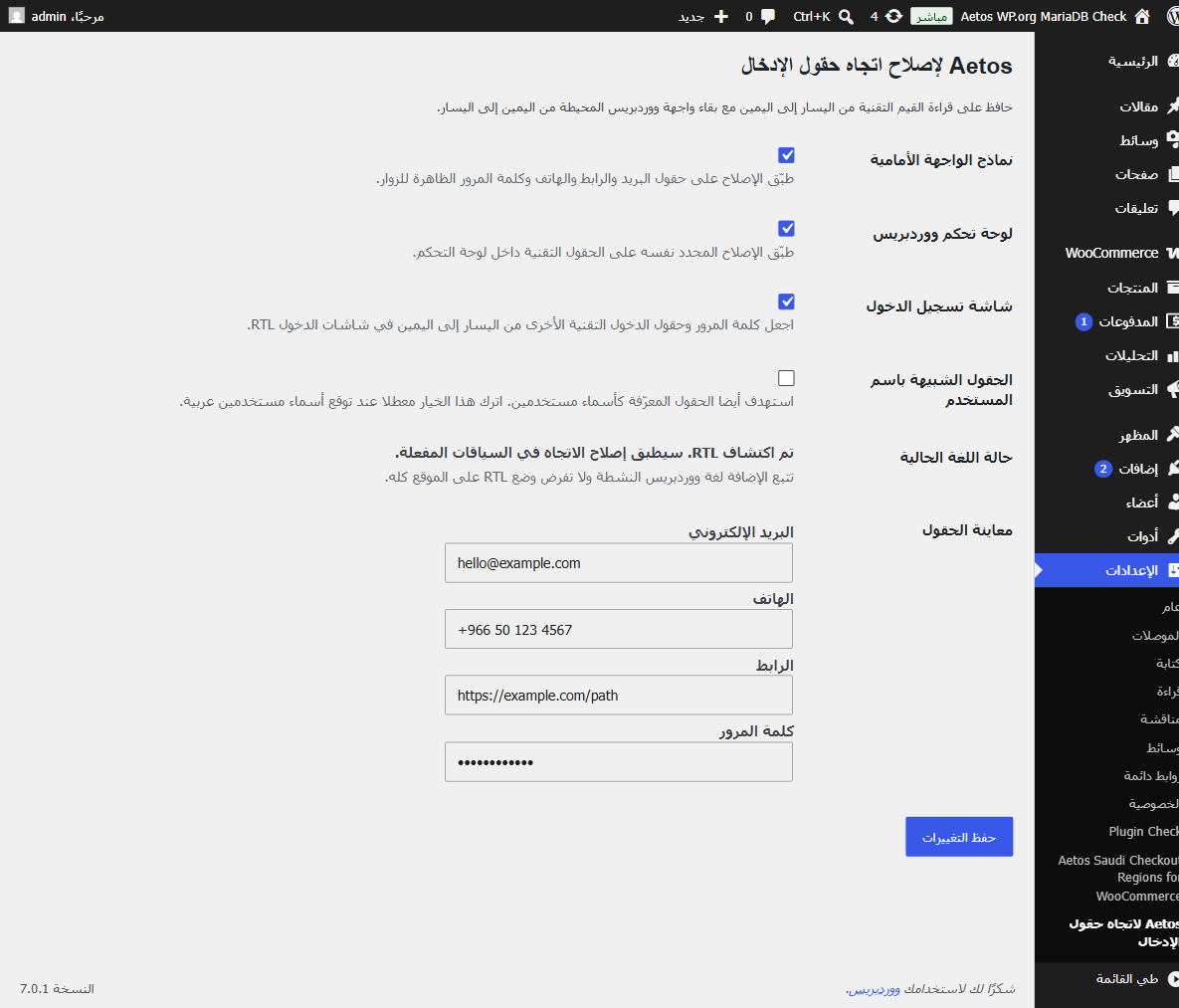
- Front-end, wp-admin, and login-screen controls.
- Narrow selectors for email, URL, telephone, and password fields.
- Optional username-field support, disabled by default for sites that accept Arabic usernames.
- An opt-out CSS class for intentionally RTL technical fields.
- No JavaScript, external services, analytics, or content changes.
The opt-out class is aetos-rtl-input-direction-ignore. Developers can add aetos-rtl-input-direction-ltr to another input that should explicitly use the same LTR treatment.
Privacy
Aetos RTL Input Direction Fixer does not collect, store, or transmit personal data. It does not read submitted form values.
External services
This plugin does not connect to external services.
Screenshots
Installation
- Upload the plugin files to the
/wp-content/plugins/aetos-rtl-input-direction-fixer/directory, or install the plugin through the WordPress plugins screen. - Activate the plugin through the “Plugins” screen in WordPress.
- Go to Settings > Aetos RTL Input Direction to choose where the fix is enabled.
- Use an RTL WordPress site or user locale. The plugin intentionally loads no direction styles for LTR locales.
FAQ
-
Does this change stored field values or post content?
-
No. The plugin changes visual direction and alignment with CSS only. It does not read, rewrite, or store form values.
-
Does this force my whole website into RTL mode?
-
No. It follows WordPress
is_rtl()and loads only on an already-RTL locale. -
Which fields are affected?
-
Email, URL, telephone, and password input types are targeted. Normal text inputs and textareas keep their existing direction.
-
Can I exclude one field?
-
Yes. Add the
aetos-rtl-input-direction-ignoreclass or an explicitdir="rtl"attribute to that input. -
Why are username fields optional?
-
Some sites accept Arabic usernames. The separate setting is disabled by default so those sites are not changed unexpectedly.
-
Does this include form-builder-specific presets?
-
No. Version 1.0.0 targets standard semantic HTML input types, so it can work across themes and form plugins without depending on a specific builder.
Reviews
There are no reviews for this plugin.
Contributors & Developers
“Aetos RTL Input Direction Fixer” is open source software. The following people have contributed to this plugin.
Contributors
Translate “Aetos RTL Input Direction Fixer” into your language.
Interested in development?
Browse the code, check out the SVN repository, or subscribe to the development log by RSS.
Changelog
1.0.0
- Initial release.