
Description
PostNotify is a WordPress plugin that automatically sends a notification email whenever a new post is published. The possibilities are endless: notify a press office, a client, a collaborator, the post’s author, a friend, or anyone you want to let know that new content is online — without having to do it by hand every time.
This is the Free version:
- 📧 Automatic email on publish
- 🔐 SMTP support with secure password encryption
- ⚡ Built-in SMTP configuration test
- 🔒 Advanced security and input validation
- One recipient per post
- Standard email subject and text (not customizable)
- PostNotify logo in the email header
- Localized in English (en_US, en_GB) in addition to Italian
Looking for multiple recipients, a customizable logo, your own email text, and more languages? Check out PostNotify Pro.
Template Variables (used in the standard text)
- [titolo_articolo] – Post title
- [link_articolo] – Direct link to the post
- [link_homepage] – Link to the homepage
- [firma] – Signature with sender name
Support
For technical support or bug reports:
* Email: info@postnotify.it
* Website: https://www.postnotify.it
Credits
Developed by Oblò s.a.s. — website: https://www.postnotify.it — email: info@postnotify.it
Screenshots
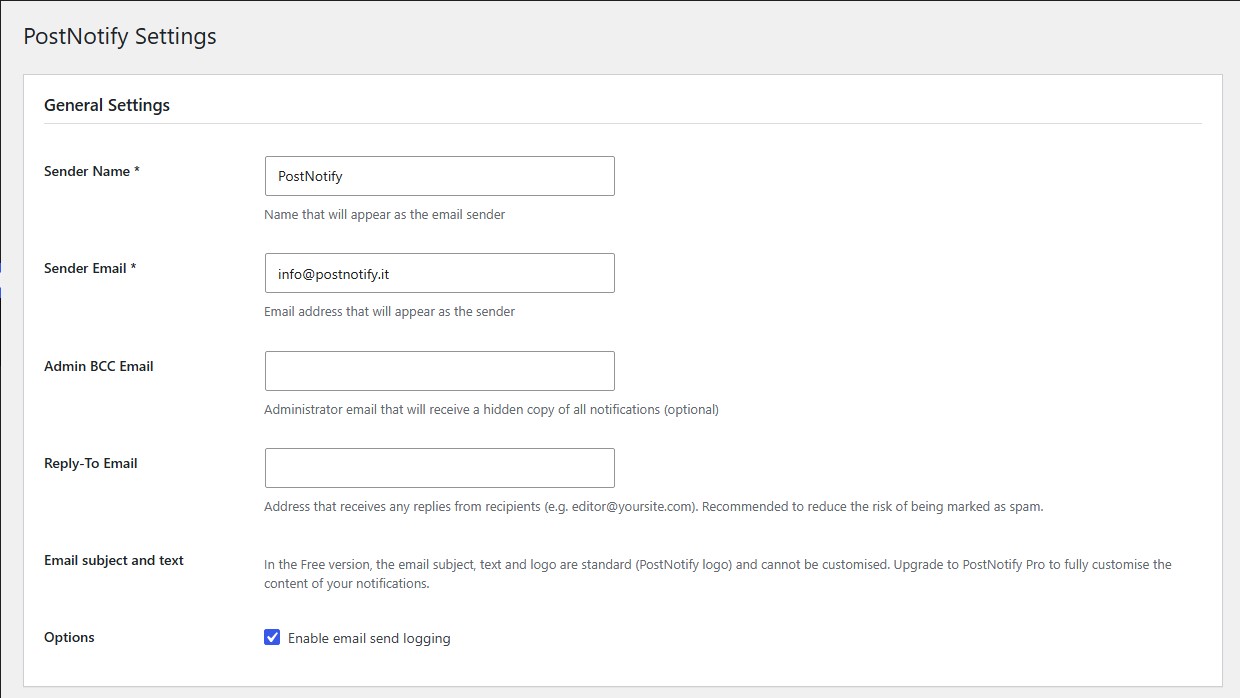
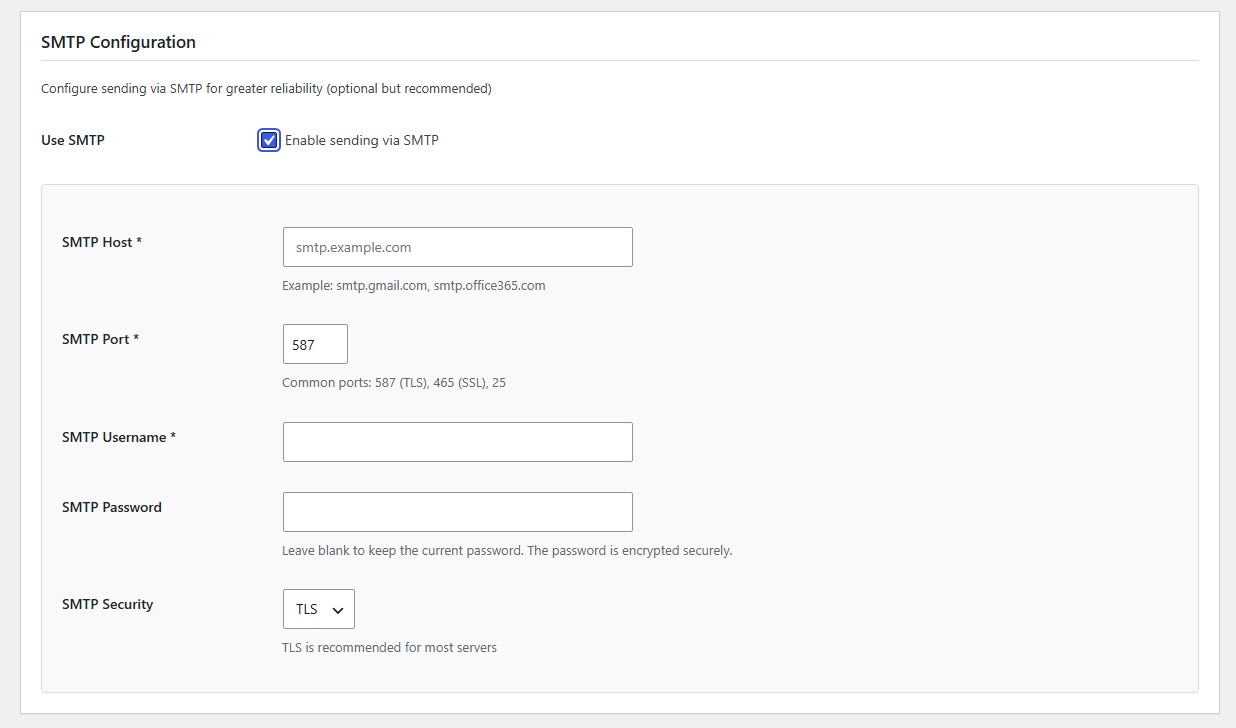
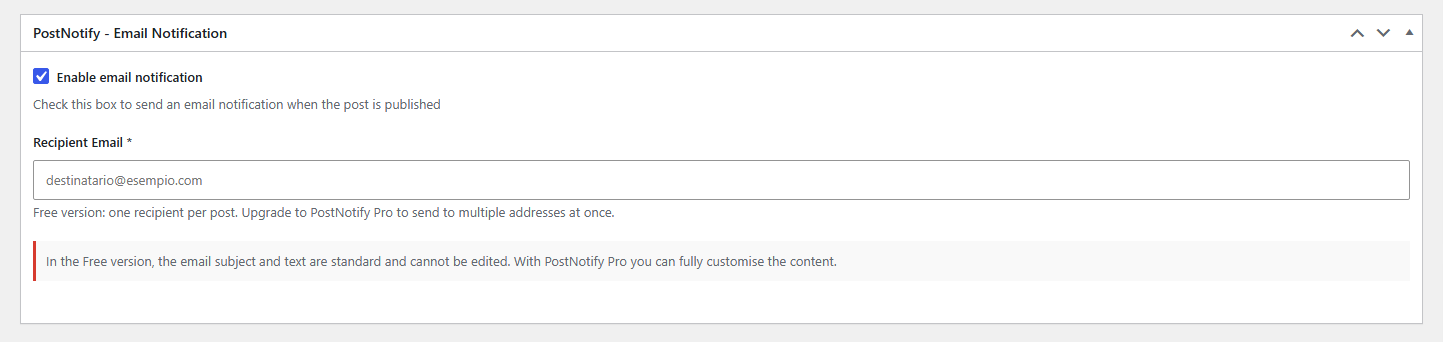
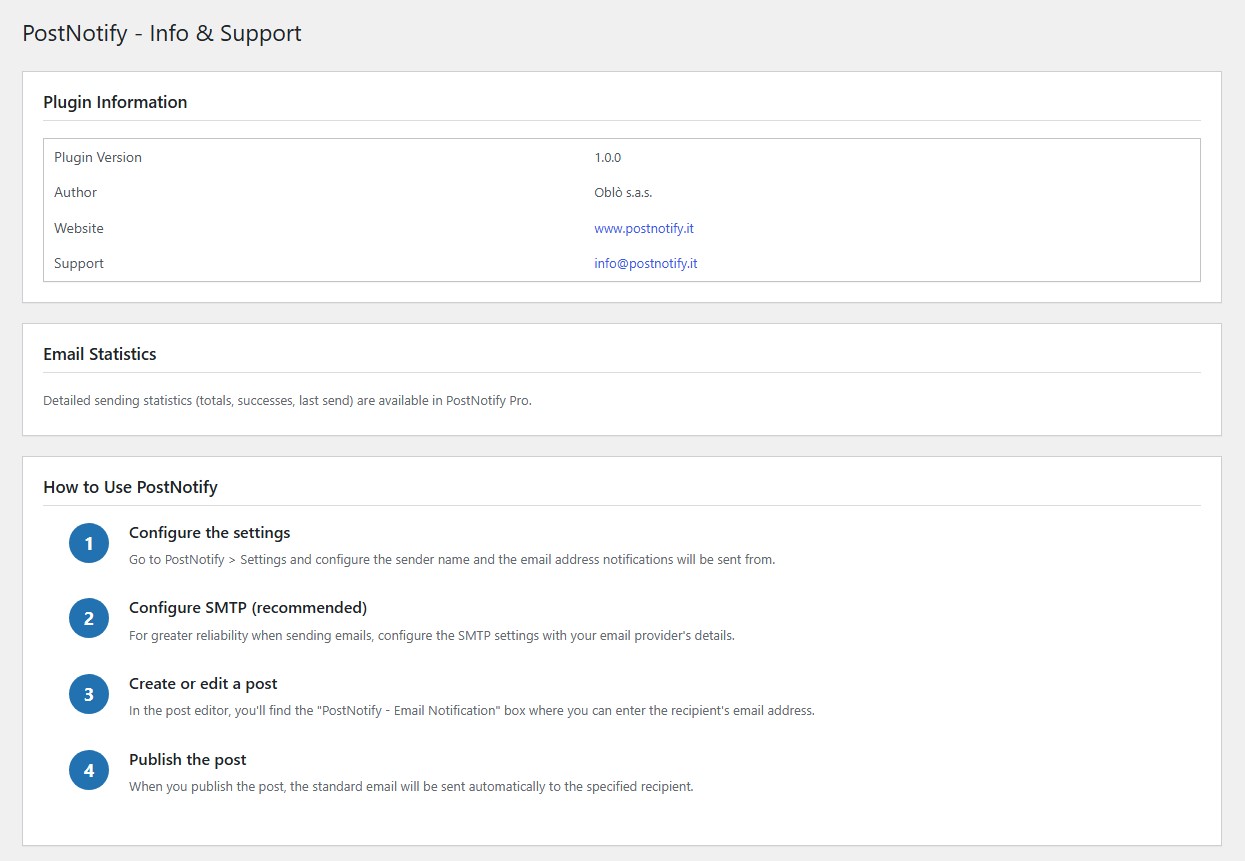
Installation
- Upload the ‘postnotify’ folder to the ‘/wp-content/plugins/’ directory
- Activate the plugin from the WordPress ‘Plugins’ section
- Go to PostNotify > Settings to configure the plugin
- Set the sender name and email
- (Optional but recommended) Configure SMTP for reliable delivery
- When creating a post, enter the recipient in the PostNotify box
FAQ
-
Emails are not being sent
-
Check that:
– The SMTP configuration is correct (if enabled)
– The sender email is valid
– The recipient address is correct
– Your server allows sending email
Try sending a test email from the settings page. -
Emails end up in spam
-
To avoid spam:
– Use SMTP with a reliable provider
– Configure your domain’s SPF and DKIM records
– Use an email address from your own domain as the sender -
Can I send to multiple recipients?
-
Not in the Free version — only one recipient per post is supported. PostNotify Pro supports multiple recipients and BCC.
-
How do I customize the email design?
-
Not possible in the Free version: the logo, subject and text are standard. PostNotify Pro lets you upload your own logo and fully customize the content.
Reviews
There are no reviews for this plugin.
Contributors & Developers
“PostNotify” is open source software. The following people have contributed to this plugin.
Contributors
Translate “PostNotify” into your language.
Interested in development?
Browse the code, check out the SVN repository, or subscribe to the development log by RSS.
Changelog
1.0.1 – 2026-07-12
- Internal code cleanup: renamed internal function/class/option/hook names to use a more distinctive “pnot” prefix, avoiding the generic word “post” (no user-facing changes)
1.0.0 – 2026-07-08
- First public release of the Free version
- Automatic email on post publish
- One recipient per post
- Standard email subject and text with dynamic variables
- PostNotify logo in the email header
- SMTP configuration with encrypted password (OpenSSL)
- Built-in SMTP send test
- Security: XSS/CSRF protection, input validation and sanitization