

Description
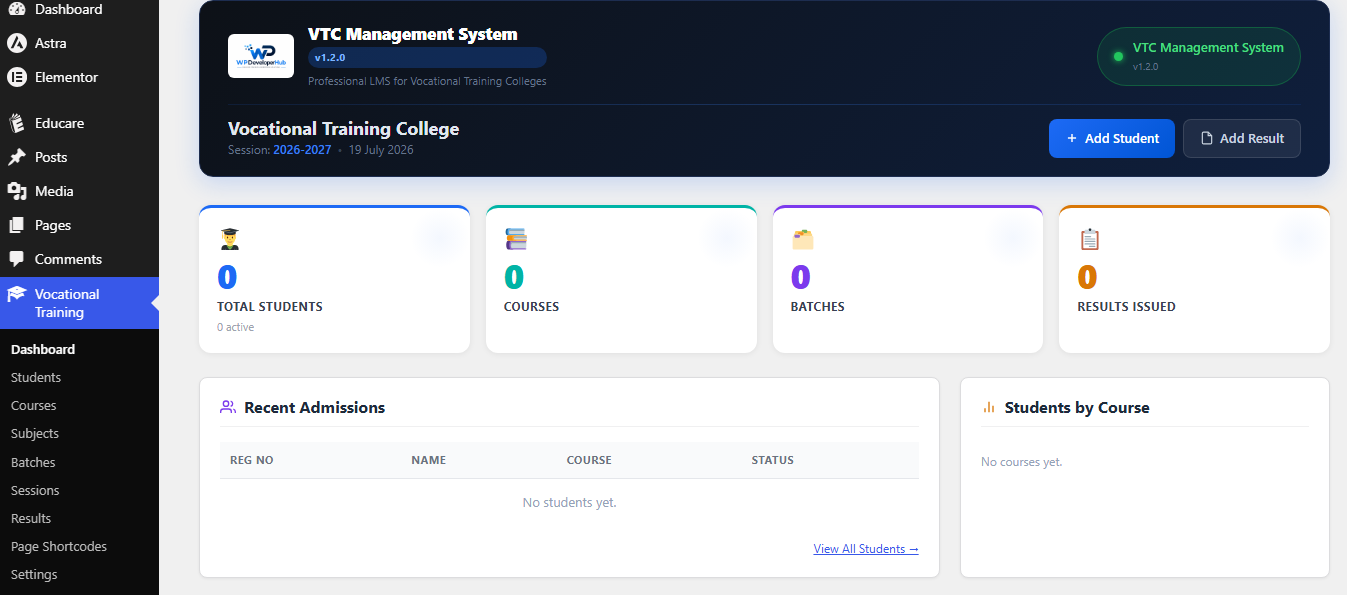
VTC Management System is a student and result management plugin built for vocational training colleges, trade institutes, academies, and skill-development centres. It lets you run the core administration of your institute directly from your WordPress dashboard — no external service or account required.
Everything in this plugin is free and fully functional. There are no locked features and no license key needed.
What you can do with it:
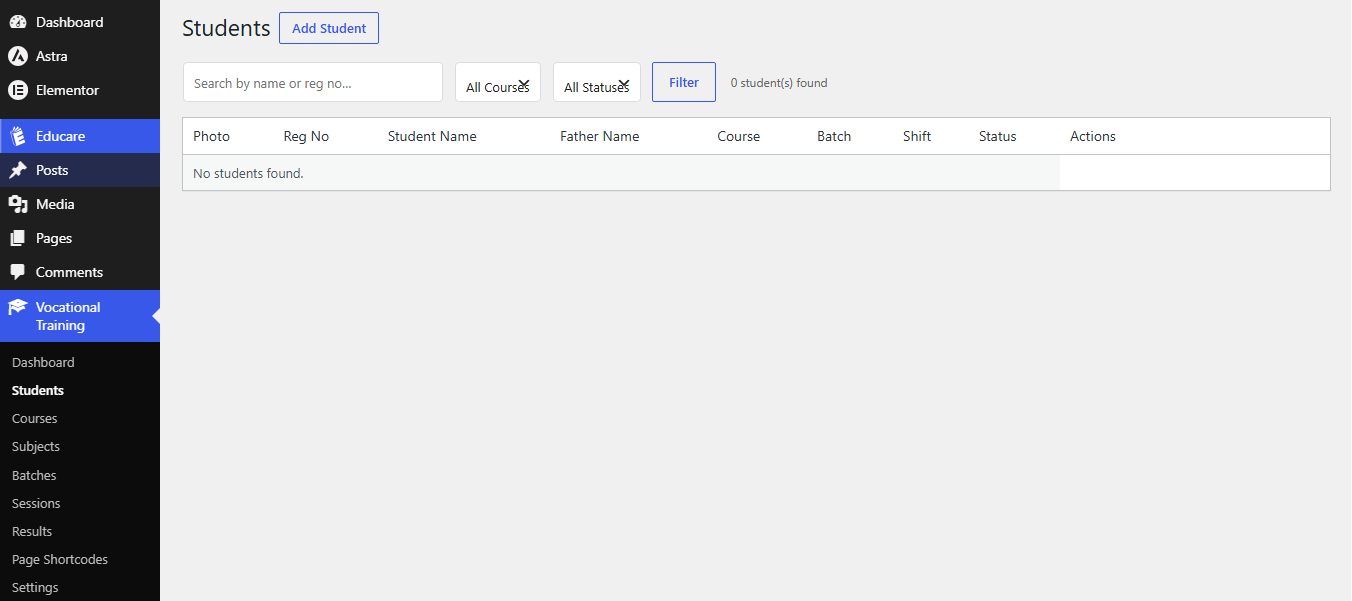
- Maintain a full student register (profiles, photos, registration numbers).
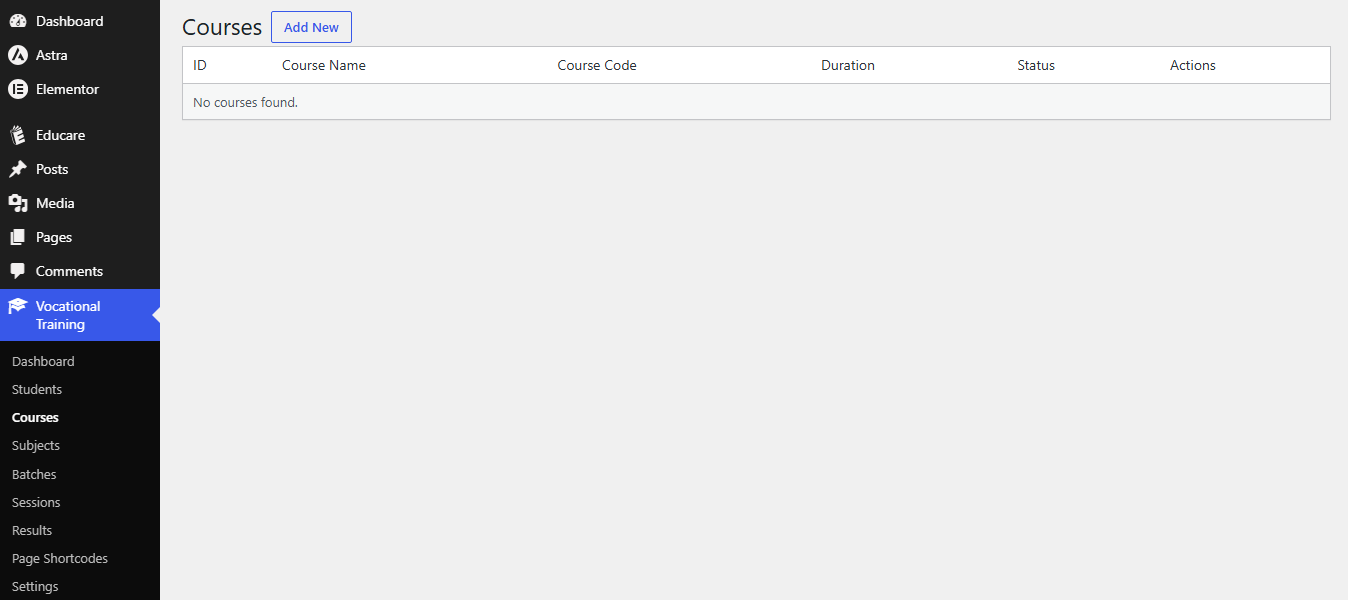
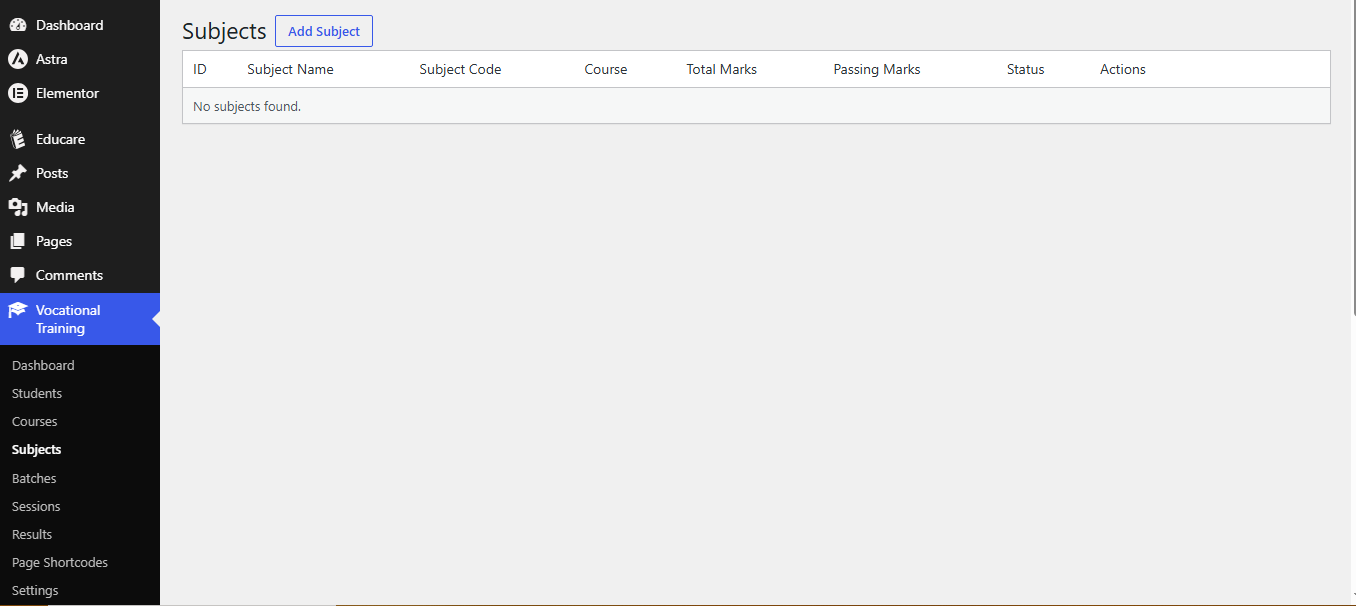
- Define courses and the subjects that belong to each course.
- Organise students into batches and academic sessions.
- Enter subject-wise marks and publish result cards with automatic grade, percentage and pass/fail calculation.
- Print clean, institute-branded result cards.
- Publish a public result-search page and a student self-service portal using shortcodes.
- Back up and restore all data as JSON.
Features
- Student Management — Add, edit, delete, search and filter students with auto-generated registration numbers.
- Course Management — Define courses with codes, durations and descriptions.
- Subject Management — Assign subjects (with total marks, passing marks and codes) to each course.
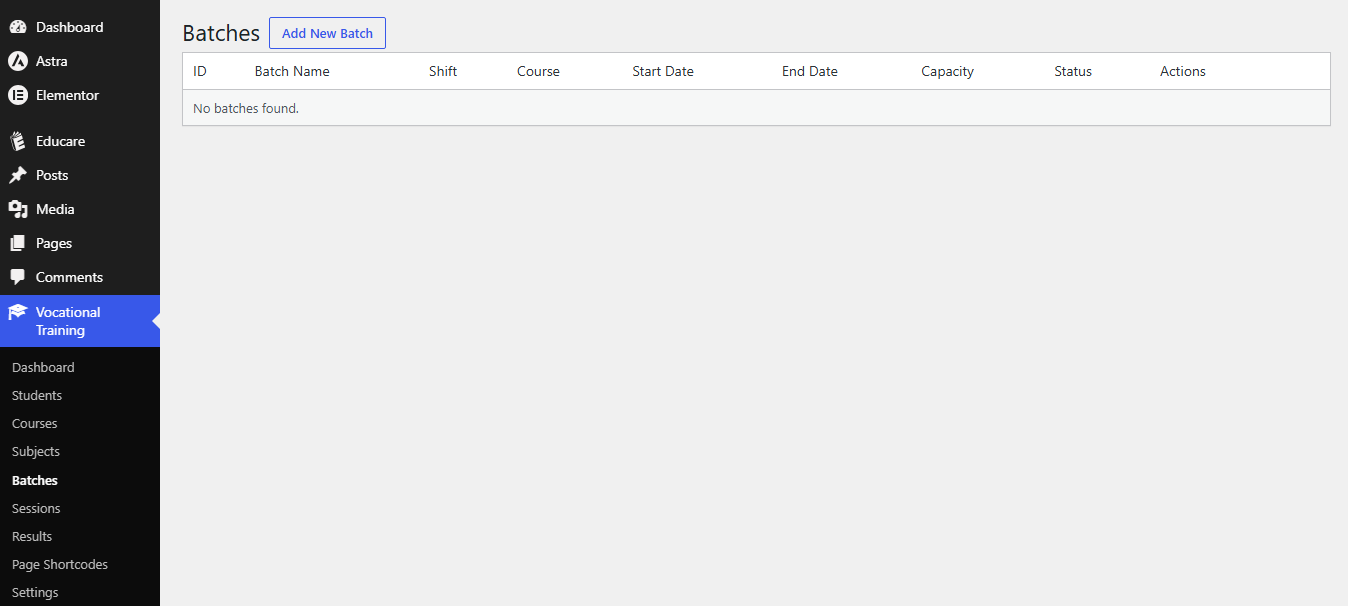
- Batch Management — Group students into batches with shift, capacity and dates.
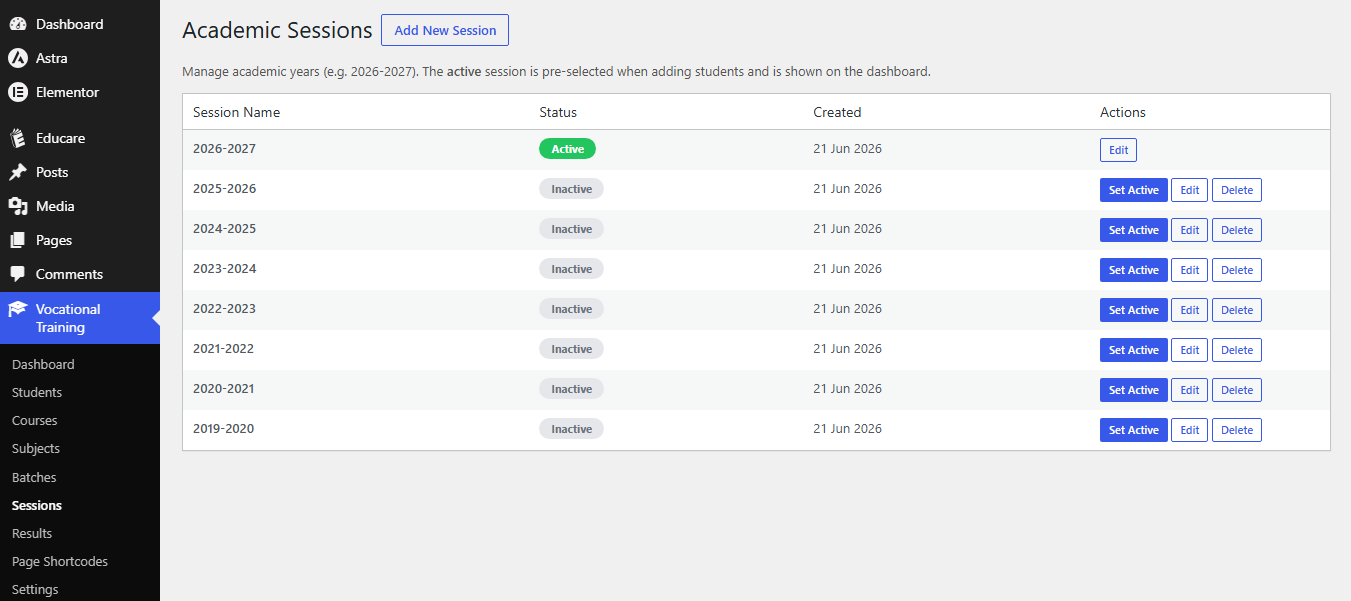
- Session Management — Create academic sessions (e.g. 2026-2027) and set the active one.
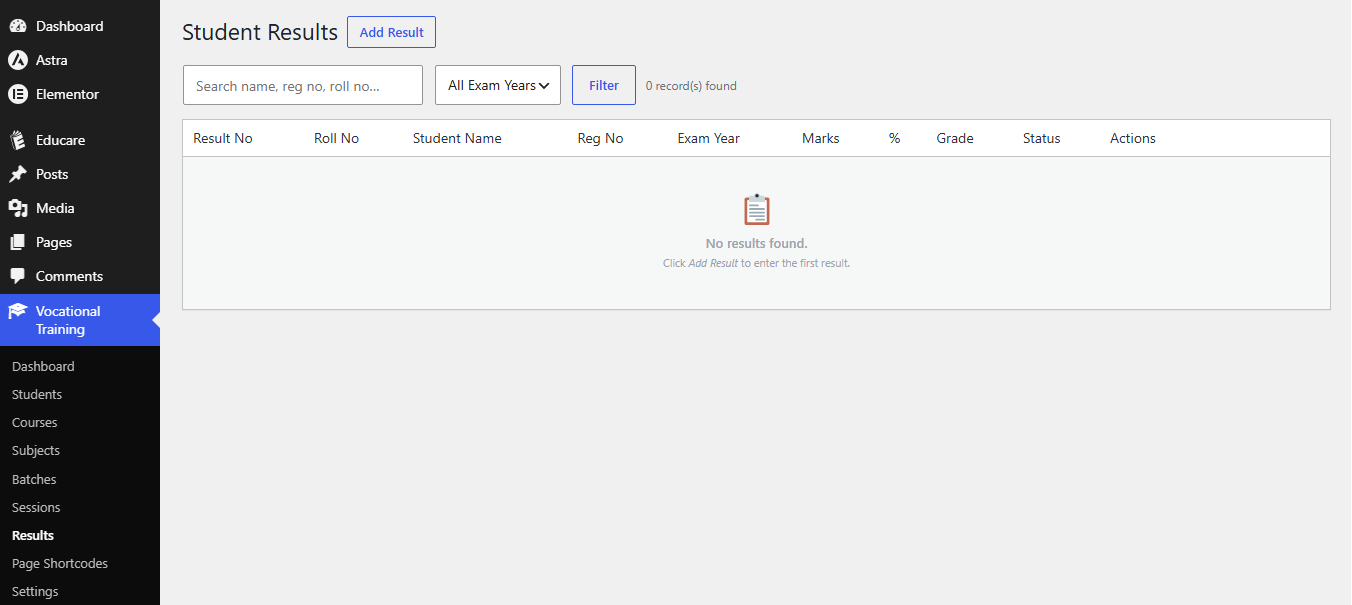
- Result Management — Enter subject-wise marks; the plugin auto-calculates totals, percentage, letter grade and pass/fail.
- Printable Result Cards — Clean, print-ready result cards with your institute name, logo and stamp.
- Result Search Shortcode —
[vtcms_result_search]for a public result-lookup page. - Student Portal Shortcode —
[vtcms_student_portal]for student self-service (login with Registration No + Date of Birth). - Admission Inquiry Shortcode —
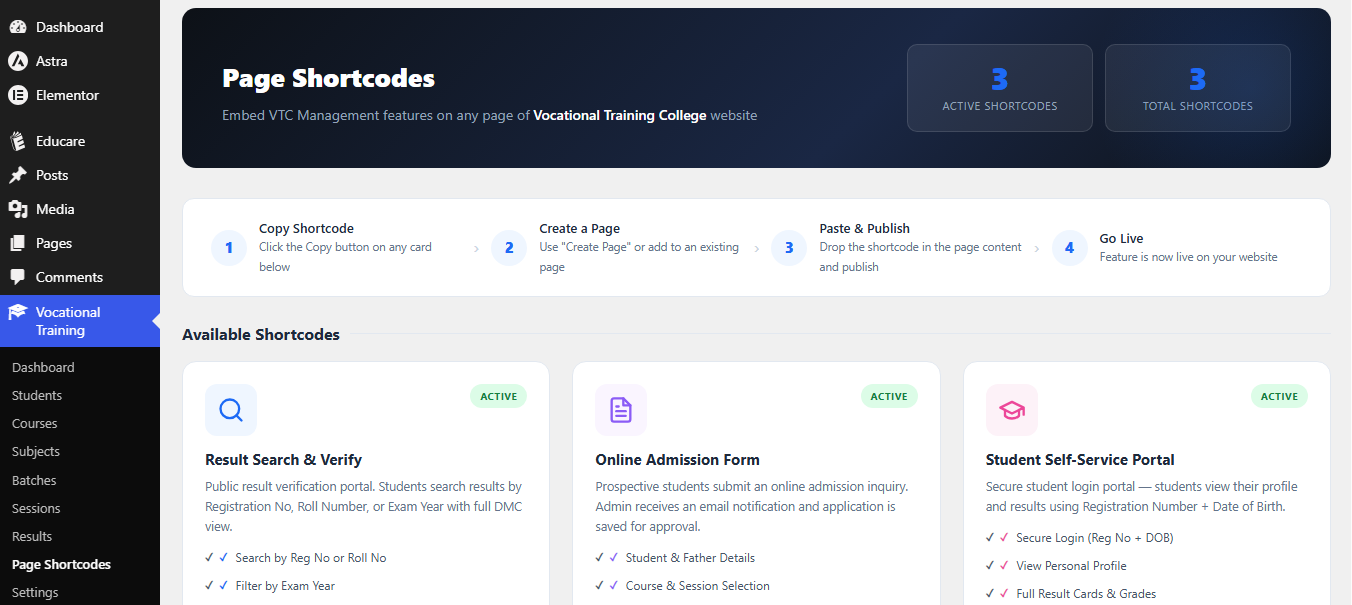
[vtcms_admission_form]— a public inquiry form that emails the admin. - Page Shortcodes Manager — An admin panel that lists every available shortcode with a copy button and one-click page creation.
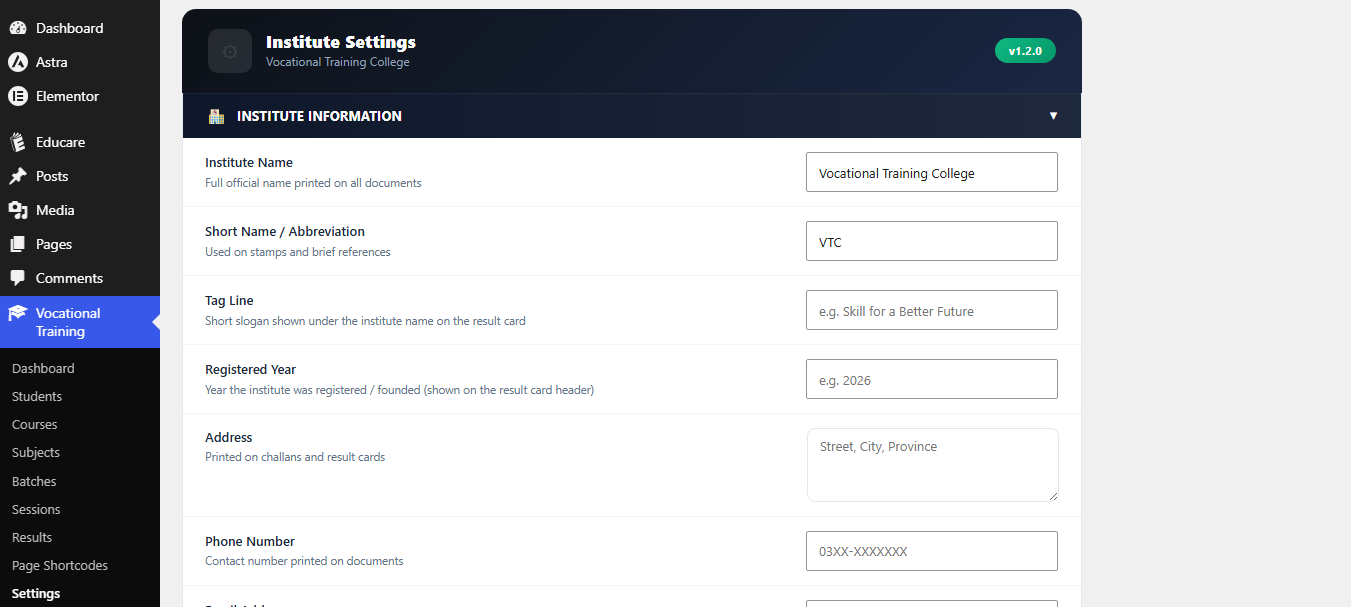
- Settings — Configure institute name, logo, stamp, signatures, brand colours, numbering prefixes and public-page field toggles.
- Import / Export — Full JSON backup and restore of all plugin data.
Shortcodes
Copy any of these into a WordPress page or post:
[vtcms_result_search]— Public result lookup. Visitors search by registration number and view / print the result card.[vtcms_student_portal]— Student self-service portal. Students log in with Registration Number + Date of Birth to view their profile and results.[vtcms_admission_form]— Public admission inquiry form. Submissions are emailed to the site administrator.
Public shortcode pages use inline, theme-independent styling and inherit the portal colours you set in Settings.
A more advanced version
A separate, paid VTC Management System Premium add-on is available from the author’s website (https://wpdeveloperhub.com). It is an independent plugin — this free plugin does not contain or unlock its code. The premium add-on adds certificate generation, fee/challan management, attendance tracking, an admissions workflow, advanced reports and an online quiz module. You never need it to use the features described above.
Screenshots
Installation
Install from within WordPress
- Go to Plugins > Add New.
- Search for VTC Management System.
- Click Install Now, then Activate.
- Open the Vocational Training menu that appears in the admin sidebar.
Install manually
- Download the plugin ZIP.
- Go to Plugins > Add New > Upload Plugin and upload the ZIP.
- Click Install Now, then Activate.
First-time setup
- Go to Vocational Training > Settings, fill in your institute name, logo and details, then click Save Settings.
- Add your Courses, then Subjects (linked to courses), then Batches and Sessions.
- Add Students and assign each to a course and batch.
- Enter Results for students — grades and pass/fail are calculated automatically.
- Create WordPress pages and paste
[vtcms_result_search]and[vtcms_student_portal]to give the public access to results and the student portal.
FAQ
-
Is this plugin free?
-
Yes. Every feature in this plugin is free and fully functional. There is no license key and nothing is locked.
-
Does the plugin connect to any external service or send data anywhere?
-
No. The plugin does not call any remote server or third-party API. Admission-inquiry notifications are sent through your own WordPress site using the standard
wp_mail()function. -
Does it work with any theme?
-
Yes. Admin screens use native WordPress UI, and public shortcode output uses self-contained inline CSS that does not depend on your theme.
-
How do I print a result card?
-
Go to Results, find the student and click Print. The card opens in a print-ready view. You can enable Auto Print on Open in Settings to trigger the print dialog automatically.
-
Can I back up or move my data?
-
Yes. Go to Settings > Import / Export to download a full JSON backup or restore from one — useful for migrations and staging-to-live transfers.
-
Can I reset the plugin?
-
Yes. Settings > Reset offers Restore Defaults (configuration only) and Reset Everything (permanently deletes all data and reinstalls fresh, with a typed confirmation).
-
Is the plugin translation-ready?
-
Yes. All user-facing strings use the
vtc-management-systemtext domain and standard WordPress translation functions. -
What are the requirements?
-
WordPress 6.0 or later and PHP 8.2 or later.
-
Where can I get support?
-
Use the plugin support forum on WordPress.org, or contact WP Developer Hub at https://wpdeveloperhub.com.
Reviews
There are no reviews for this plugin.
Contributors & Developers
“VTC Management System” is open source software. The following people have contributed to this plugin.
Contributors
Translate “VTC Management System” into your language.
Interested in development?
Browse the code, check out the SVN repository, or subscribe to the development log by RSS.
Changelog
1.2.0
- Rebuilt as a fully free, self-contained plugin: removed the license system and all license-gated code.
- Premium modules (certificates, fees, attendance, admissions, reports, quiz) are now shipped as a separate add-on and are no longer part of this plugin.
- Removed all remote/third-party calls: result cards no longer load an external QR library or contact any QR image service.
- Result cards now use the single clean built-in template.
- General code cleanup and hardening of the remaining free modules.
1.1.0
- Added duplicate action on Students, Courses, Subjects and Batches lists.
- Added manual Result Issue Date field in the result form.
- Various result-card print fixes (page breaks, PDF save, A4 layout).
- Fixed a fresh-install column issue that could block student saving.
1.0.0
- Initial release: student, course, subject, batch and session management; result entry with auto-calculation; printable result card; result search and student portal shortcodes; JSON import/export; settings with institute branding.