

Description
MerchantKits Attendance Manager brings simple, powerful attendance tracking and leave management to your WordPress dashboard. Built for small businesses, it covers the full cycle: employees, shifts, clock in/out, leave requests and approvals, reporting, and optional AI-powered insights.
Key features
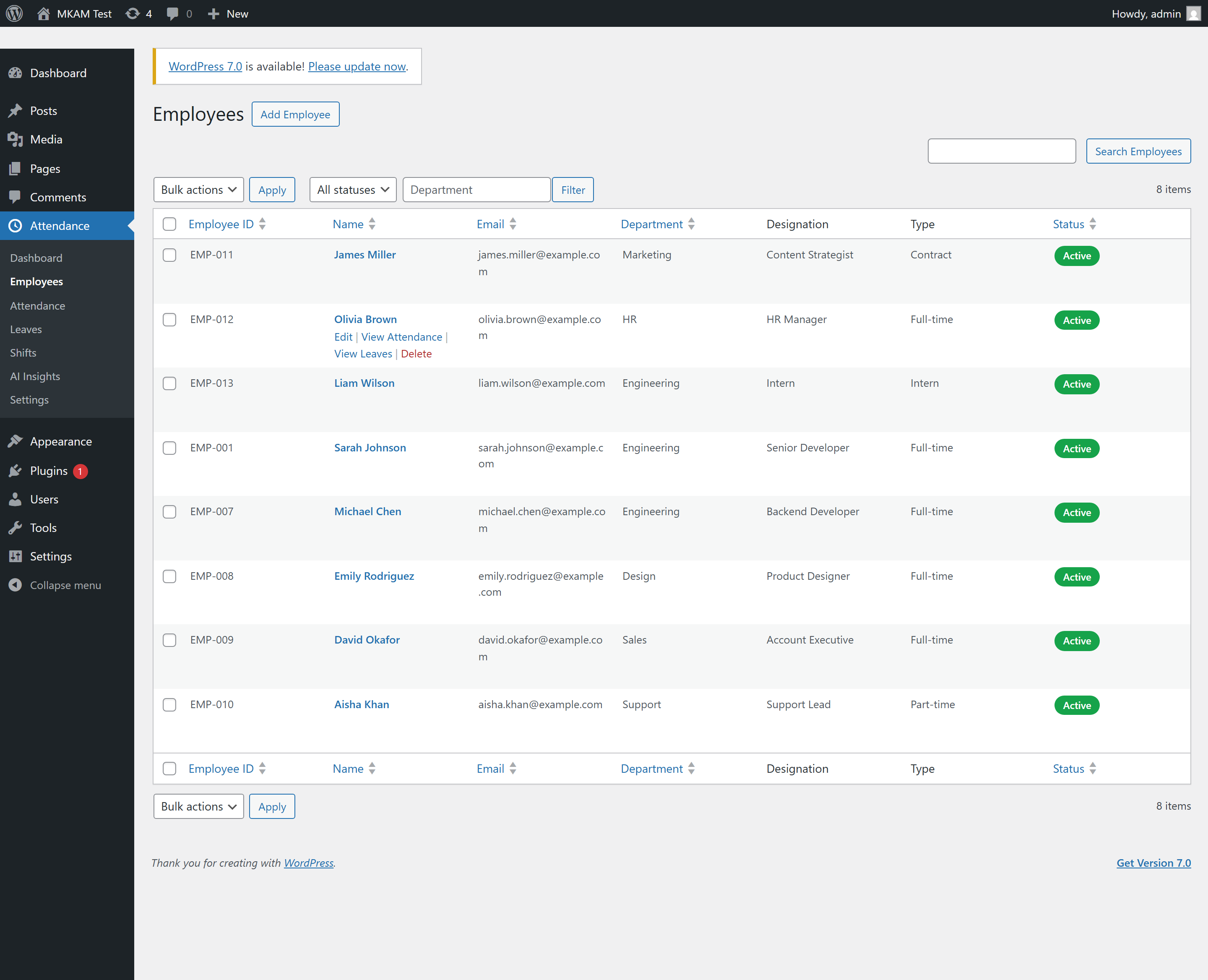
- Employee management — add employees, link them to WordPress users, assign shifts, and track employment type and status.
- Clock in / out — via the
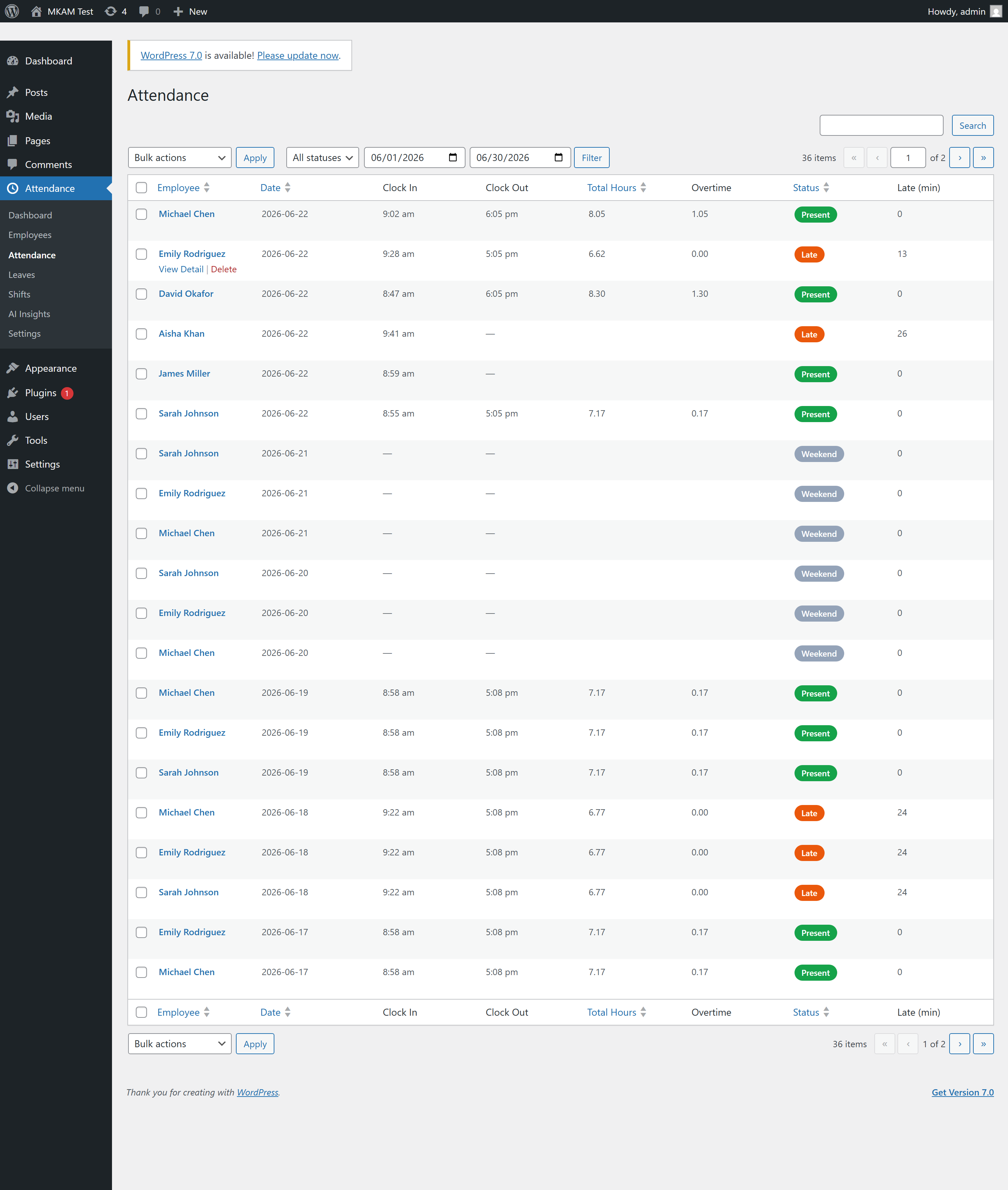
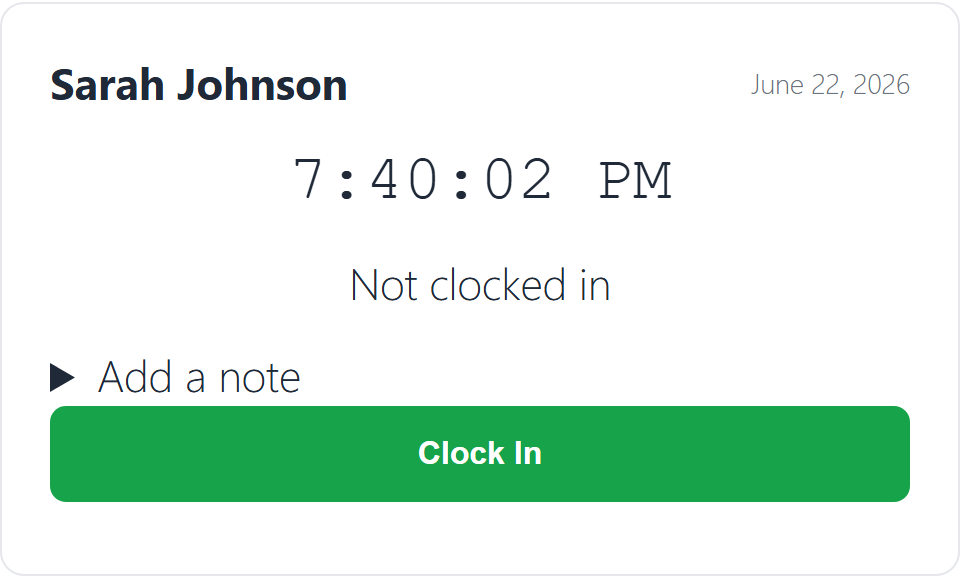
[mkam_clock_in]shortcode or the REST API. Captures IP and optional geolocation, detects lateness, and calculates worked hours and overtime. - Shifts — flexible shift definitions with grace periods, working days, breaks, and overnight support.
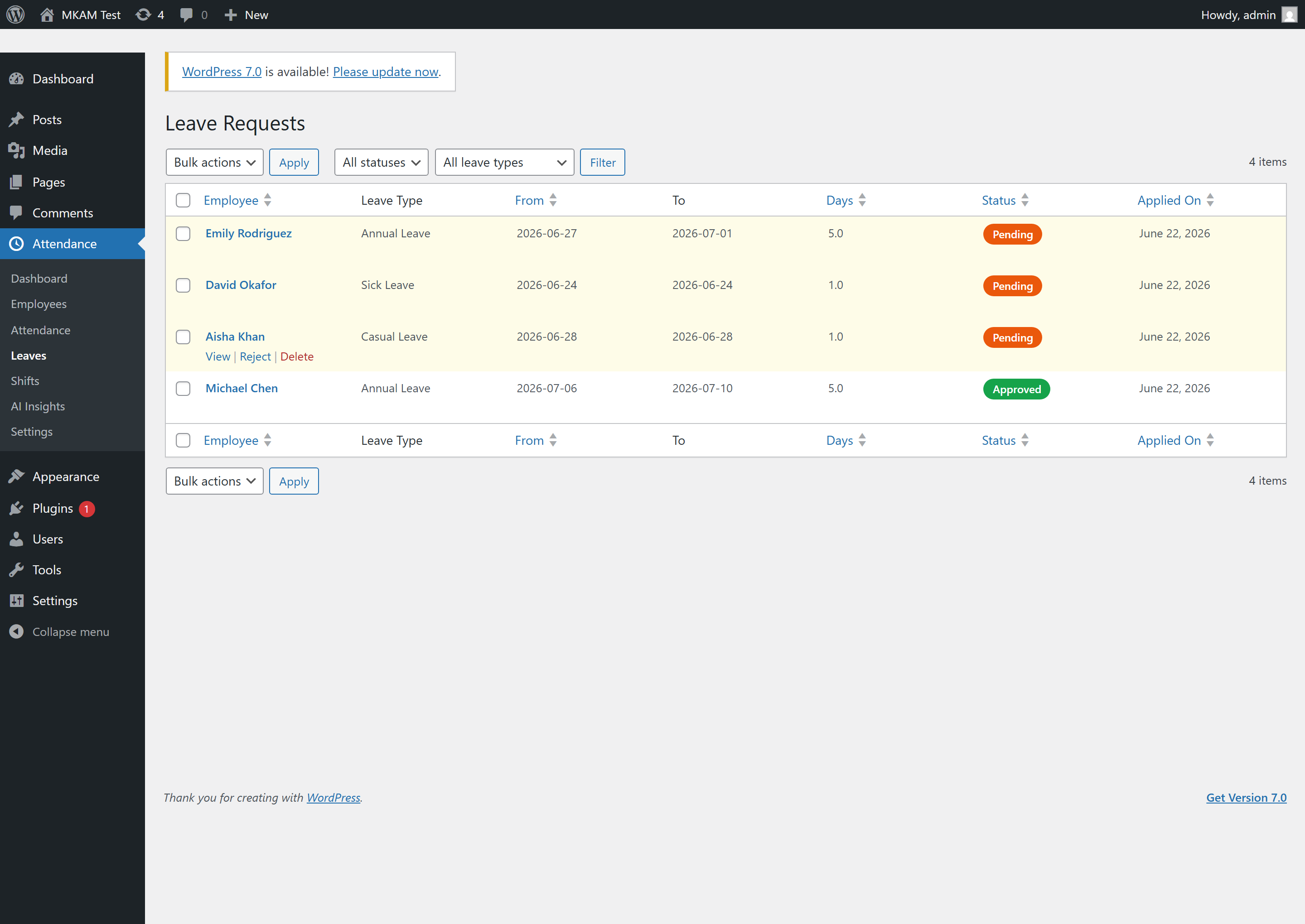
- Leave management — leave requests with balances, overlap detection, minimum-notice rules, approval workflow, and email notifications.
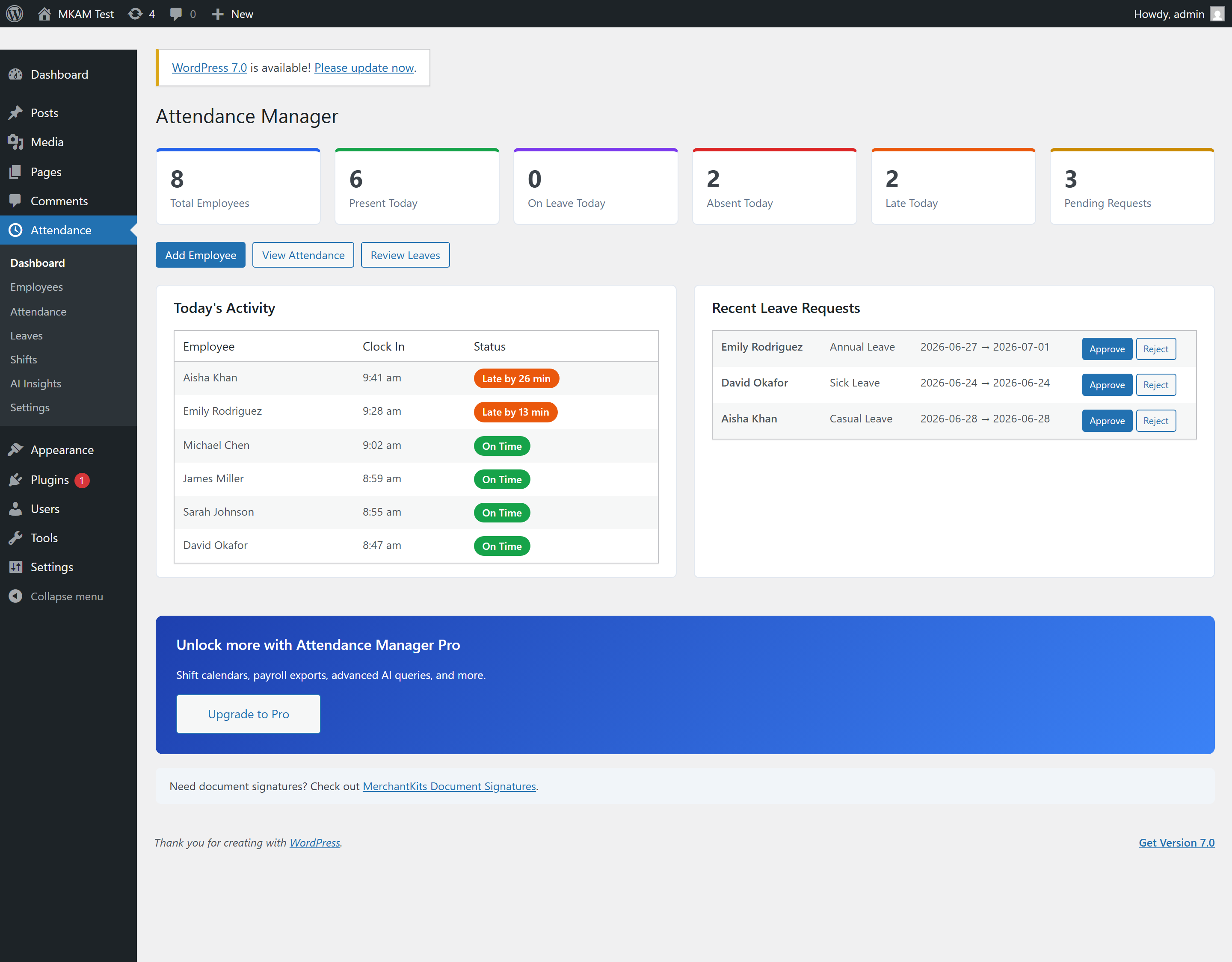
- Admin dashboard — at-a-glance stats, today’s activity, and one-click leave approvals.
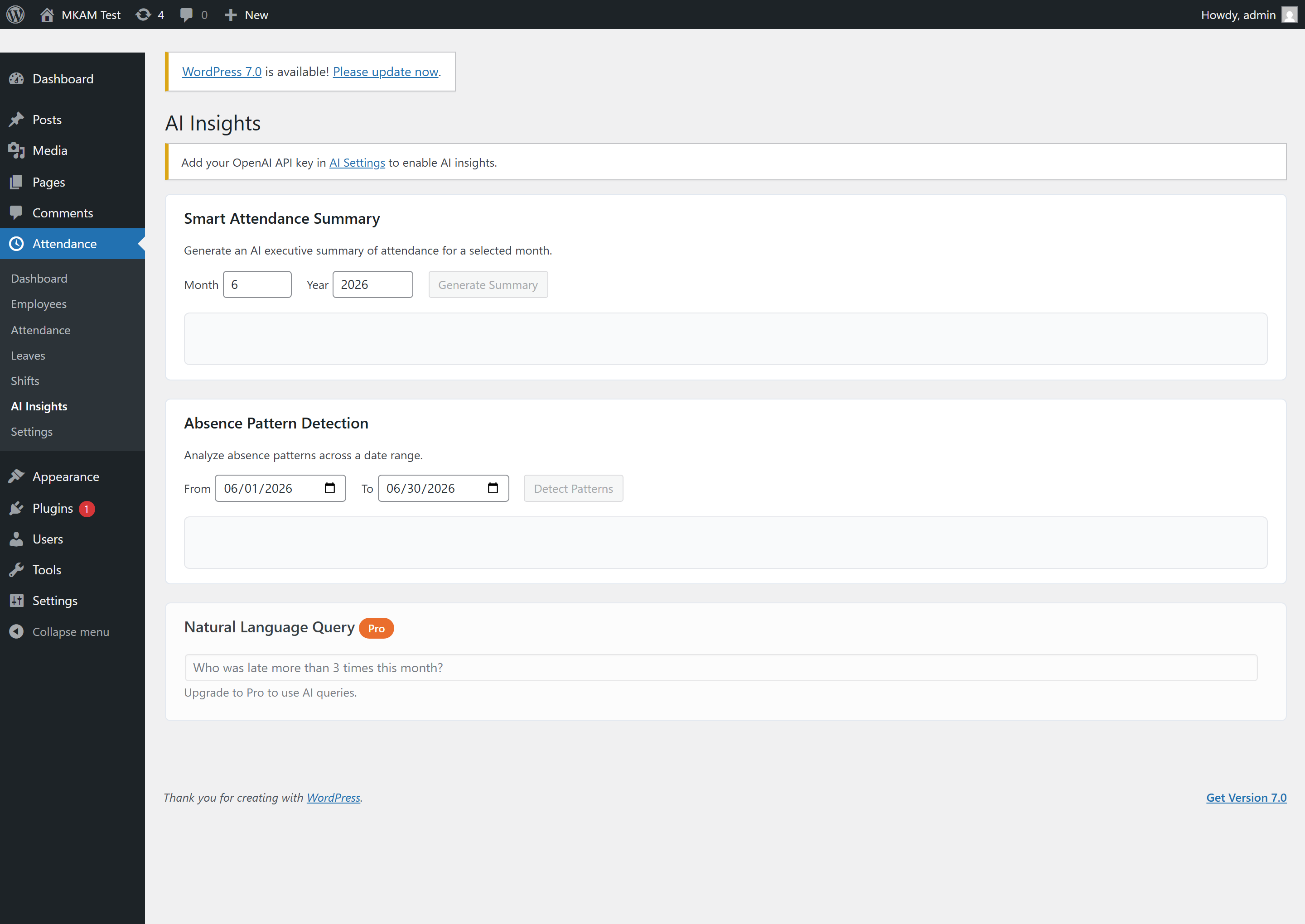
- AI Insights (BYOK) — generate smart attendance summaries and detect absence patterns using your own OpenAI API key.
- Self-service shortcodes —
[mkam_clock_in],[mkam_my_attendance],[mkam_leave_request], and[mkam_my_leaves]. - CSV export — employees, attendance, and leave records.
- REST API — full
mkam/v1namespace for integrations.
Privacy / External Services
This plugin optionally connects to OpenAI’s API (https://api.openai.com) for AI-powered attendance insights.
- Data is sent only when you explicitly click “Generate Summary” or “Detect Patterns”, or when you enable the optional AI weekly digest email
- The data sent includes employee names together with aggregated attendance statistics (counts of present/absent/late/on-leave days and overtime hours) for the selected period — this is required so the generated report can reference specific employees
- No other personal data (email, phone, IP address, salary, etc.) is sent
- Requires you to provide your own OpenAI API key in plugin settings
- No data is sent without your direct action (or, for the weekly digest, without you enabling that setting)
OpenAI Privacy Policy: https://openai.com/privacy/
OpenAI Terms of Service: https://openai.com/terms/
Screenshots
Installation
- Upload the plugin folder to
/wp-content/plugins/or install via the Plugins screen. - Activate MerchantKits Attendance Manager through the Plugins menu.
- Visit Attendance Settings to configure your company, attendance rules, and notifications.
- Add employees under Attendance Employees.
- Optionally add your OpenAI API key under Attendance Settings AI Settings to enable AI insights.
FAQ
-
Do I need an OpenAI account?
-
Only if you want AI insights. The plugin uses a Bring-Your-Own-Key model — add your own OpenAI API key in the settings. All other features work without it.
-
Can employees clock in from the front end?
-
Yes. Place the
[mkam_clock_in]shortcode on any page. Employees must be logged in and linked to an employee record. -
Are emails customizable?
-
Yes. Email templates can be overridden by copying them into
your-theme/mkam/email/. -
Is my data sent anywhere?
-
No data leaves your site unless you explicitly use the AI features. When you do, attendance statistics — including employee names — are sent to OpenAI to generate the insight. See the Privacy section below.

Contributors & Developers
“MerchantKits Attendance Manager” is open source software. The following people have contributed to this plugin.
Contributors
Translate “MerchantKits Attendance Manager” into your language.
Interested in development?
Browse the code, check out the SVN repository, or subscribe to the development log by RSS.
Changelog
1.1.2
- Fixed: Approved leave days now appear as “on leave” on the employee attendance calendar ([mkam_my_attendance]).
1.1.1
- Added: Freemius integration for seamless Pro upgrades and in-dashboard license management.
- Added (Pro): Natural-language AI queries — ask questions about your attendance data in plain English.
- Added (Pro): Geofenced clock-in — restrict clock-in to within a radius of a location.
- Added (Pro): Inline leave-policy editor — add, edit, and delete leave policies from Settings.
- Added: 7-day free trial for Pro features.
- Changed: Uninstall cleanup now runs via the Freemius after_uninstall hook.
1.0.0
- Initial release.