

Description
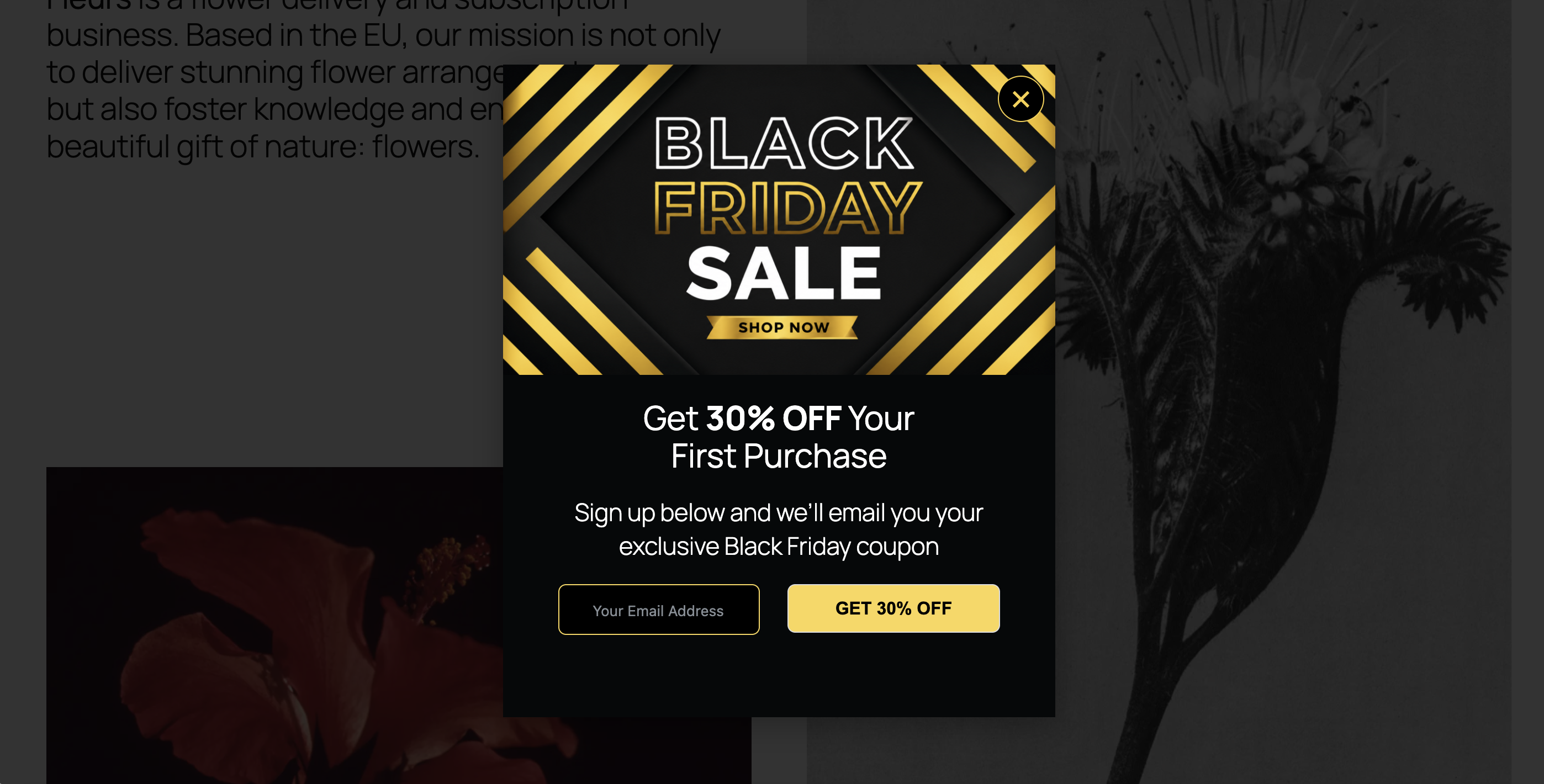
Moqapi Creative Solutions Popups – Create Responsive Website Popups helps you create beautiful, responsive website popups without complicated setup.
Display promotions, newsletter signup forms, announcements, special offers, contact forms, and more.
Whether you want to grow your mailing list, promote offers, generate leads, or increase visitor engagement, this plugin gives you the tools you need.
All popups are GDPR/CCPA-ready for easy integration with consent banner plugins, helping you respect visitor consent preferences while delivering engaging website experiences.
Developed and maintained by Moqapi Creative Solutions.
Features
- Responsive popup layouts
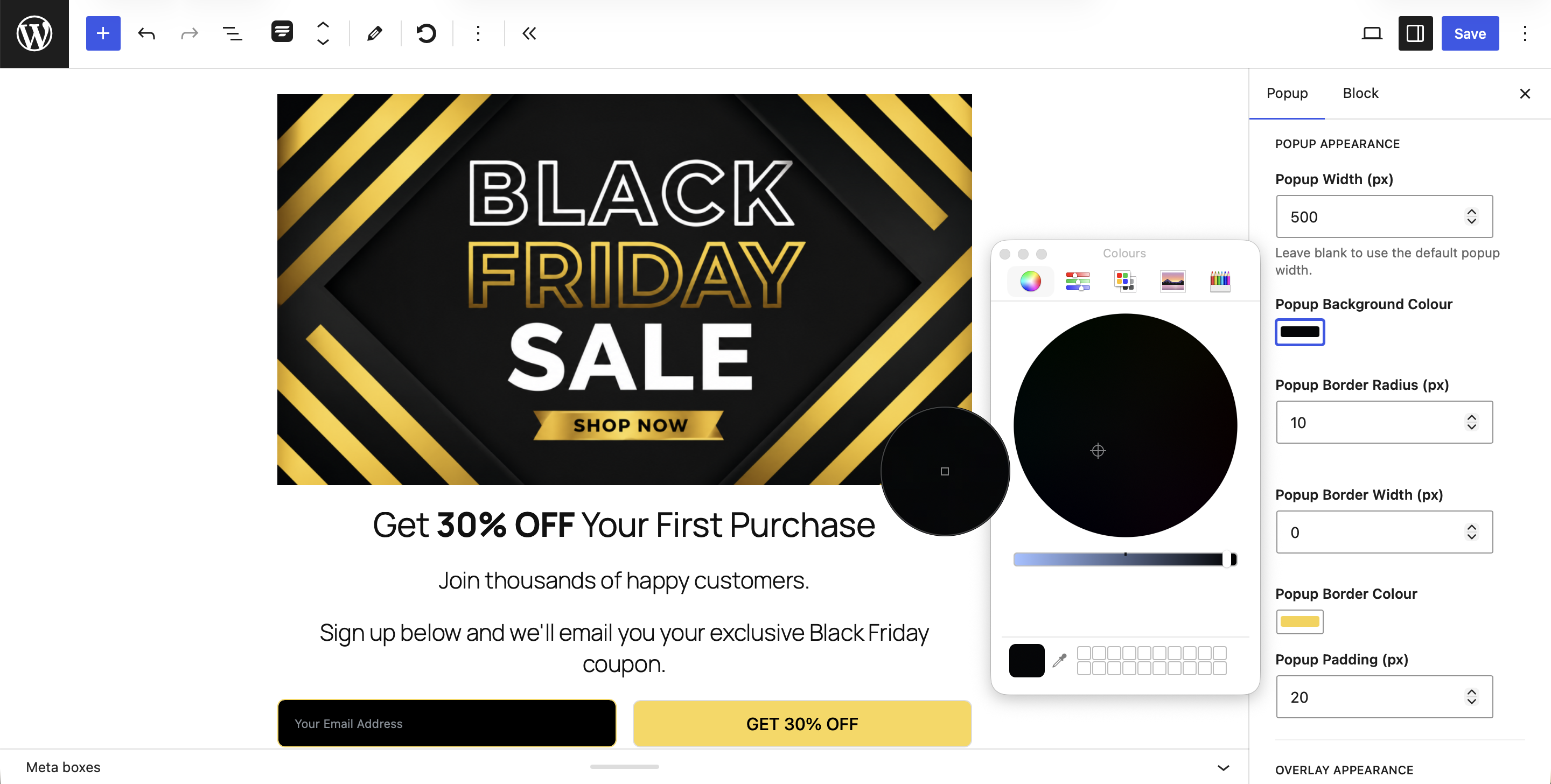
- Custom popup styling
- Custom popup width
- Form shortcode support
- Headline styling controls
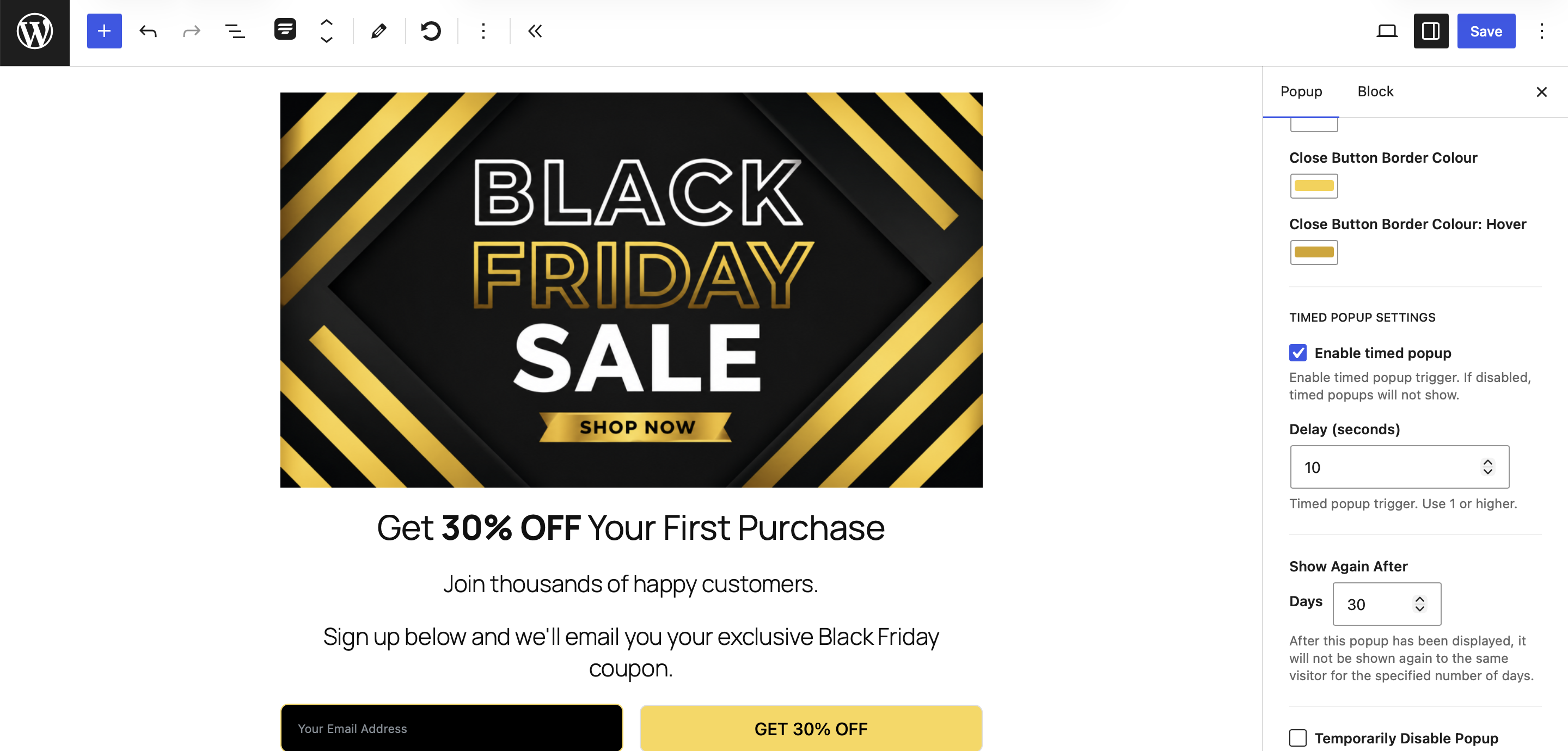
- Popup display delay
- Show Again After controls
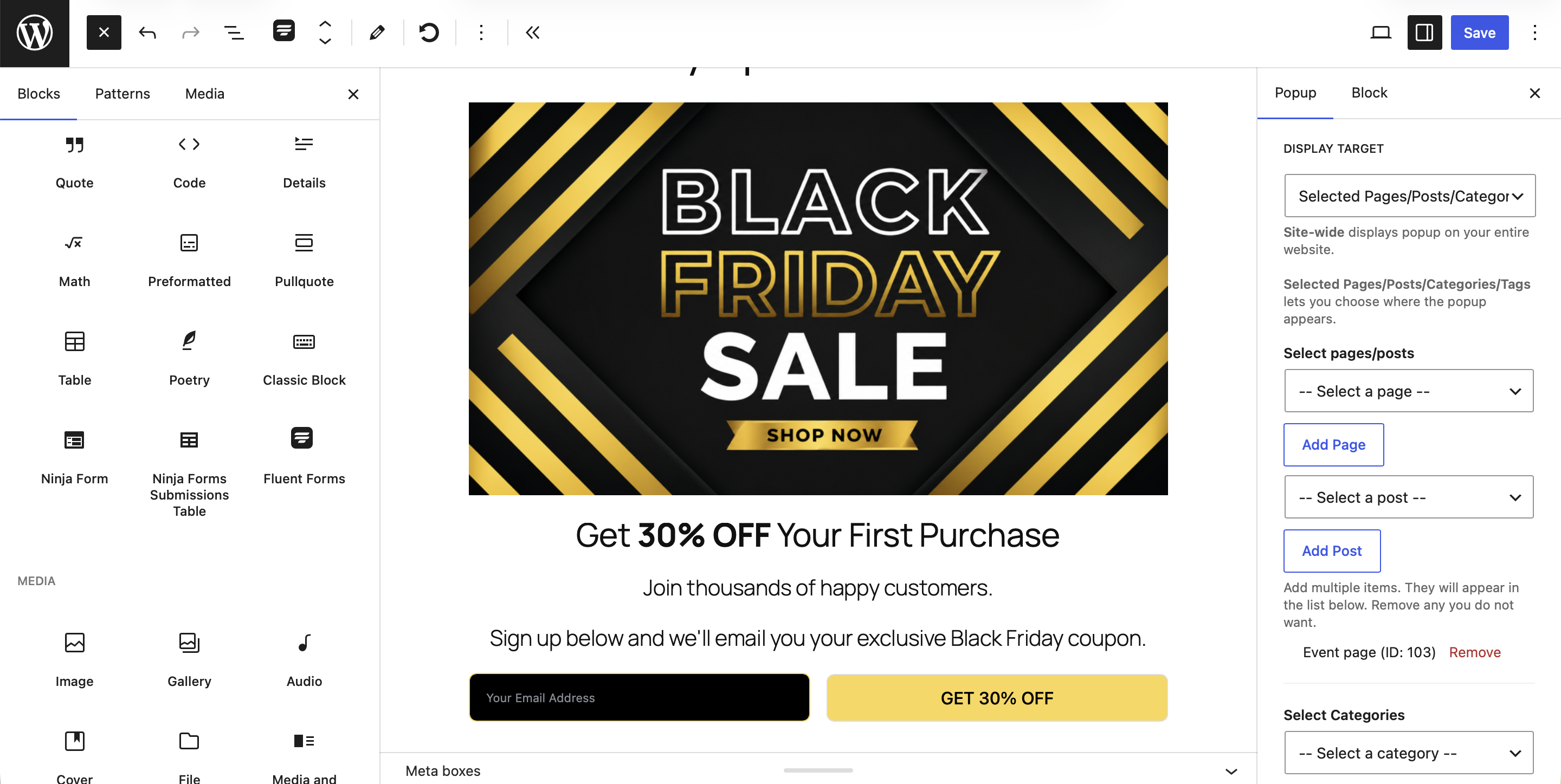
- Page and post targeting
- Category and tag targeting
- Page, post, category and tag exclusion rules
- Site-wide popup display
- GDPR/CCPA settings
Upgrade to Moqapi Creative Solutions Popups Pro
Upgrade to Moqapi Creative Solutions Popups Pro to add additional functionality, including:
- Exit Intent Popups
- Scroll Trigger Popups
- Popup Templates
- Advanced Analytics
Learn more about Moqapi Creative Solutions Popups Pro:
https://plugins.moqapicreativesolutions.com/pro-plugins/moqapi-creative-solutions-popups-pro/
Screenshots
Installation
- Upload the plugin files to the
/wp-content/plugins/directory, or install the plugin through the WordPress Plugins screen. - Activate the plugin through the ‘Plugins’ screen in WordPress.
- Go to Popups Add New Popup.
- Create your popup and configure its settings.
- Publish your popup.
FAQ
-
Does the plugin work with form plugins?
-
Yes. You can insert form shortcodes into your popup content.
-
Can I choose where popups appear?
-
Yes. You can target specific pages, posts, categories, tags, or display popups site-wide.
-
Is GDPR/CCPA support included?
-
Yes. The plugin includes GDPR/CCPA settings to help you manage popup display based on visitor consent preferences.
-
Does the plugin work on mobile devices?
-
Yes. Popups are responsive and adapt to different screen sizes.
-
Can I create more than one popup?
-
Yes. You can create and manage multiple popups from the WordPress admin area.
Reviews
There are no reviews for this plugin.
Contributors & Developers
“Moqapi Creative Solutions Popups – Create Responsive Website Popups” is open source software. The following people have contributed to this plugin.
Contributors
Translate “Moqapi Creative Solutions Popups – Create Responsive Website Popups” into your language.
Interested in development?
Browse the code, check out the SVN repository, or subscribe to the development log by RSS.
Changelog
1.1.5.12
- Added GDPR/CCPA settings with WP Consent API support.
- Improved popup targeting and exclusion rules.
- Improved popup layouts and styling controls.
- Improved shortcode rendering within popup content.
- Added translation support.
- Various bug fixes and performance improvements.