

Description
DiviOps Agent is the WordPress-side companion plugin for DiviOps, an AI harness for WordPress site authoring. It exposes authenticated /diviops/v1/* REST endpoints that the @diviops/mcp-server package can use from Claude Code, Codex, Claude Desktop, and other MCP clients.
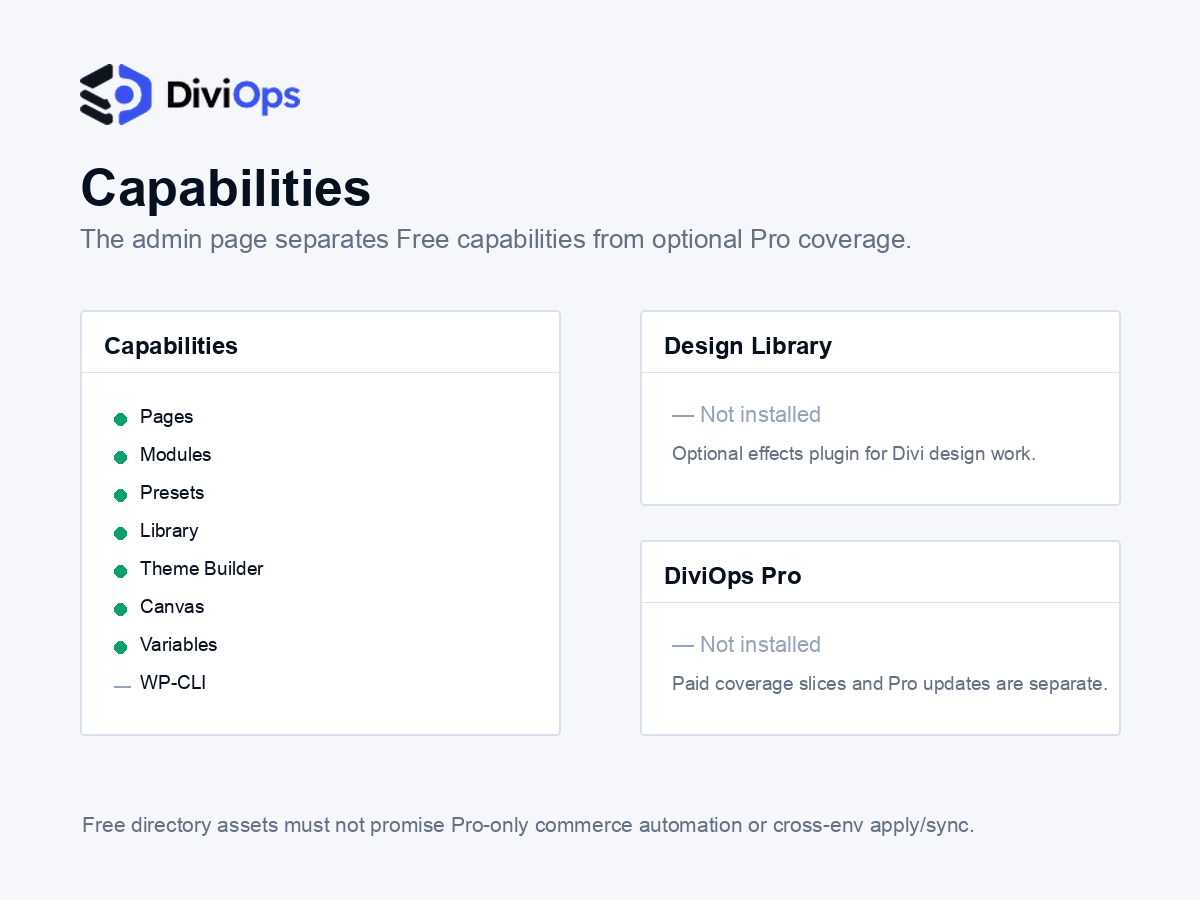
The Free plugin is useful on its own as the core REST bridge for Divi 5 page authoring, schema inspection, block validation, design-token management, preset audits, and safe read-only diagnostics. Pro adds paid workflow leverage, including advanced cross-environment apply flows, deeper paid coverage slices, Pro plugin handlers, license/update handling, and higher-support agency or studio workflows. Not every current or future MCP tool is guaranteed to be backed by the Free plugin; tools are advertised through the DiviOps capability handshake for the plugins installed on the connected site.
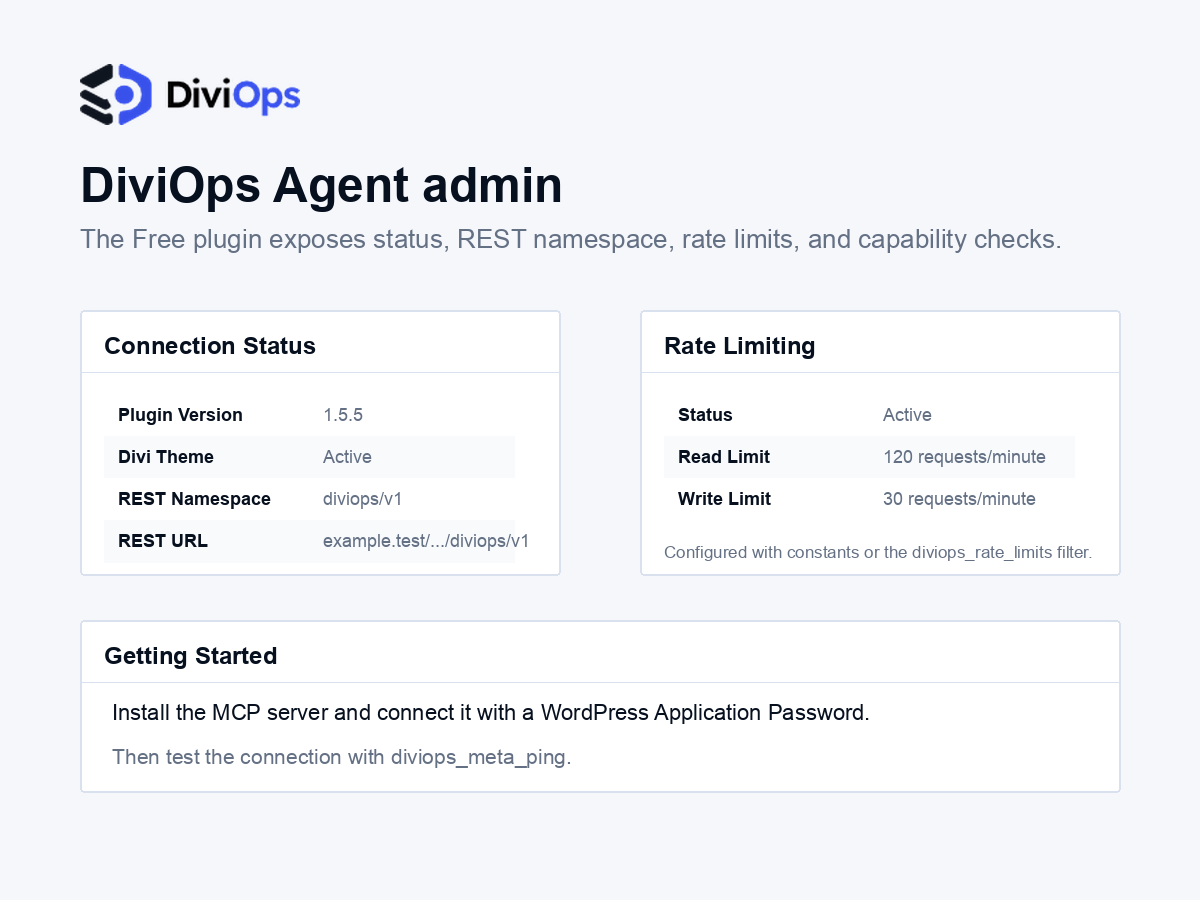
This plugin is not intended to be used as a standalone admin UI. Install and activate the WordPress plugin, create a WordPress Application Password, then configure the DiviOps MCP server for your AI client.
Divi is a registered trademark of Elegant Themes, Inc. DiviOps Agent is not affiliated with or endorsed by Elegant Themes.
External services and authentication
DiviOps Agent is a WordPress REST bridge. Normal Free plugin runtime does not require the plugin to contact DiviOps servers.
To use the plugin, you run the separately distributed @diviops/mcp-server package, which is published through npm. Depending on your installation method, npx or npm may download that package from the npm registry. The MCP server then connects to your WordPress site with WordPress Application Password authentication.
Relevant external service:
- Service: npm registry, used to distribute
@diviops/mcp-server - Package: https://www.npmjs.com/package/@diviops/mcp-server
- Terms: https://www.npmjs.com/policies/terms
Do not paste Application Passwords, license keys, access tokens, cookies, or other secrets into issue comments, documentation examples, screenshots, or repository files. Keep credentials in your AI client’s local MCP configuration or environment variables.
Privacy
The plugin does not add analytics or tracking. It exposes authenticated REST endpoints on your WordPress site. What data is read or written depends on the MCP tools you choose to run, your WordPress user’s permissions, and the installed DiviOps plugin capabilities.
Screenshots
Installation
- Upload
diviops-agent.zipthrough Plugins > Add New > Upload Plugin. - Activate DiviOps Agent.
- Confirm Divi 5 is active on the site.
- Create a WordPress Application Password from Users > Profile > Application Passwords.
- Configure the DiviOps MCP server for your AI client with your site URL, WordPress username, and Application Password.
For full setup instructions, see the DiviOps setup guide in the distribution package.
FAQ
-
Does this plugin work without the MCP server?
-
No. DiviOps Agent is the WordPress REST bridge. The MCP server is the client-facing layer that exposes tools to Claude Code, Codex, Claude Desktop, and other MCP clients.
-
Does this plugin require Divi?
-
Yes. DiviOps Agent targets Divi 5 today. Authenticated requests return a
divi_unavailableerror when Divi is not active. -
How are permissions handled?
-
All endpoints require WordPress Application Password authentication. Read endpoints generally require
edit_posts, write endpoints generally requireedit_pages, and administrative surfaces such as preset and variable management requiremanage_options. Content creation and status changes additionally require the mapped create/publish capabilities for the affected post type. -
Is every DiviOps MCP tool included in this Free plugin?
-
No. The Free plugin backs the core useful surface. Some higher-leverage workflows and paid coverage slices require Pro plugin handlers. The MCP server checks the plugin capability handshake and only exposes or runs tools supported by the connected site.
Reviews
There are no reviews for this plugin.
Contributors & Developers
“DiviOps Agent” is open source software. The following people have contributed to this plugin.
Contributors
Translate “DiviOps Agent” into your language.
Interested in development?
Browse the code, check out the SVN repository, or subscribe to the development log by RSS.
Changelog
1.5.13
- Confirms compatibility with WordPress 7.1 and updates the WordPress.org compatibility metadata.
- Keeps the MCP server, capabilities, REST behavior, and Free/Pro boundary unchanged from 1.5.12.
1.5.12
- Repairs the exact affected Divi 5.10/5.11 Post Filter product-price permission callback while preserving its route-specific nonce and editor authority boundary.
- Preserves exact upload-path provenance for reviewed cross-environment media matching, including custom upload locations and root-level files.
- Rejects ignored legacy Link-module attribute paths and fails closed when the canonical SEO provider plugin directory is unavailable.
1.5.11
- Adds stronger handshake and target-identity evidence for connected MCP health diagnostics while preserving the existing direct MCP and WordPress REST workflows.
- Enforces request-aware create and publish permissions before page status plans or mutations, including fixed-publish Canvas, Divi Library, and Theme Builder creation paths.
- Hardens access to Divi-owned global variable and preset registries without changing their storage keys or behavior.
1.5.10
- Adds provider discovery plus guarded get, set, and clear operations for explicit The SEO Framework title and description metadata on one editable post.
- Adds dry-run, checksum drift refusal, exact no-op, provider readback, lifecycle/cache evidence, and request-local rollback verification for supported metadata changes.
- Keeps the SEO surface semantic and explicit-metadata-only: generic postmeta and automatic Divi, dynamic-content, or Theme Builder description extraction are not included.
1.5.9
- Extends read-only cross-environment source and target evidence to existing Theme Builder headers and footers when the connected capability supports footer evidence.
- Adds metadata-only local storage sequence evidence so Pro retention workflows can order same-second rollback snapshots safely without exposing stored payloads.
- Keeps basic one-site snapshot capture, list, get, delete, dashboard inspection, and guarded restore in Free.
1.5.8
- Adds a guarded preset-registry doctor for diagnosing and repairing duplicate or stale preset registry entries.
- Improves nested module moves with a parser-backed fallback when direct block parsing cannot preserve the requested placement.
- Rejects foreign CSS variable references recursively across supported Divi content and design writers.
1.5.7
- Adds guarded rollback snapshots for Divi content writes, including snapshot list/get/delete surfaces and restore support with checksum drift checks.
- Adds dashboard-ready rollback snapshot inspection data for operator review before restore.
- Keeps restore operations protected by readback verification and cache invalidation evidence.
1.5.6
- Adds typed WordPress menu tools for creating menus, adding page/custom-link items, reading normalized menu trees, and assigning registered theme locations through the DiviOps capability handshake.
- Adds safer FluentCart 1.5 Advanced Variations read support for attribute metadata inspection while continuing to refuse unsupported write shapes.
- Adds read-only post taxonomy term inspection through the sanctioned WP-CLI fallback path.
1.5.5
- Adds richer DiviOps preflight metadata for the MCP server, including plugin version records used by
diviops_meta_info. - Keeps authenticated DiviOps REST endpoints and capability handshake support aligned with the current MCP server release.
- Keeps
Stable tagaligned with the plugin header version.