

Description
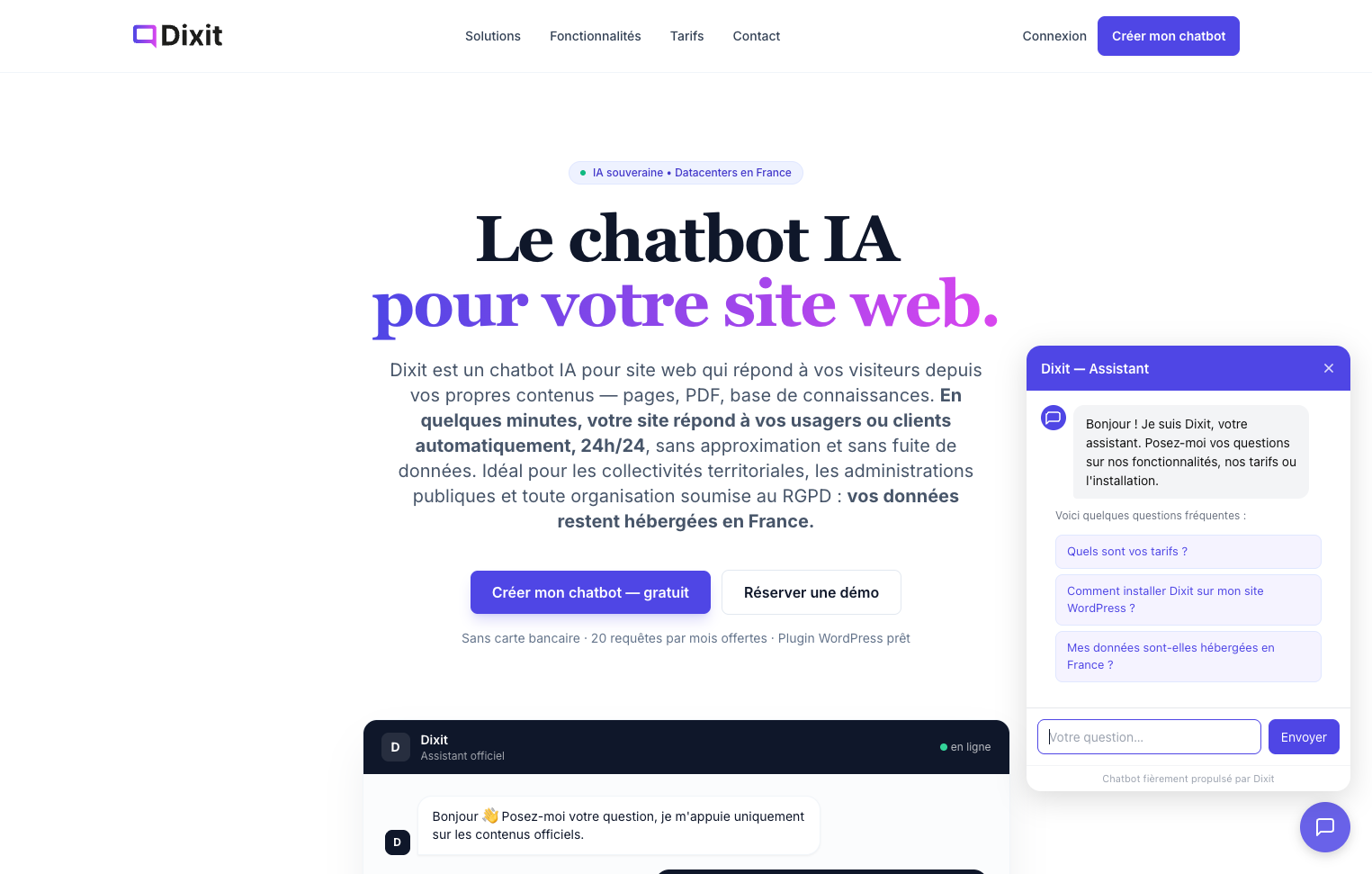
Dixit Chatbot connects your WordPress site to the Dixit dashboard to provide a sovereign, GDPR-compliant AI chatbot based on your own content.
How it works
- Install the plugin and enter your widget key (available in your Dixit dashboard).
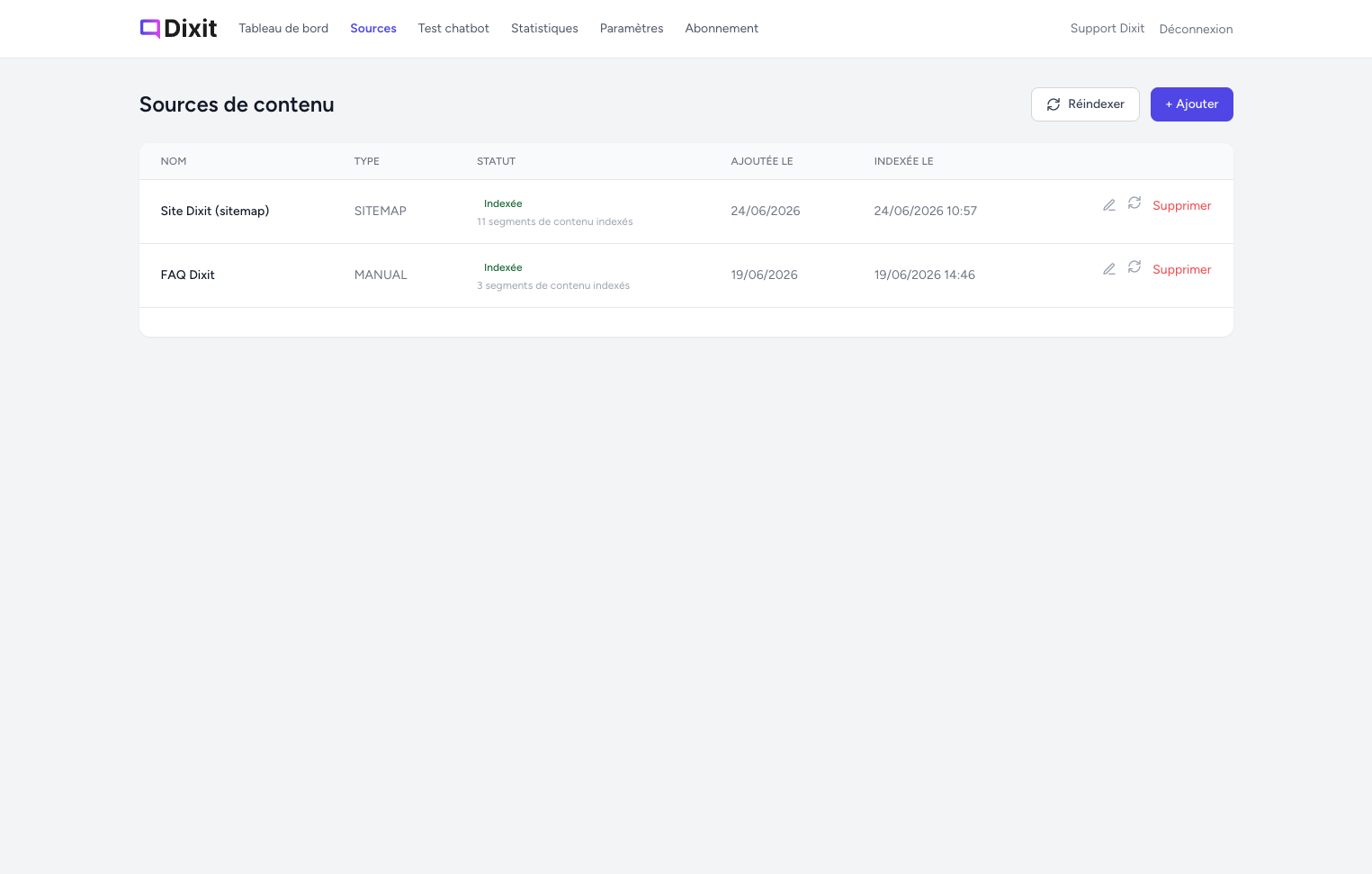
- Dixit indexes the content of your site (pages, documents, FAQ…).
- A chat widget appears on your site and answers visitors’ questions in real time, based exclusively on your validated content.
Key features
- Sovereign AI — powered by Mistral (French AI), hosted in France
- RGPD / GDPR compliant — trained only on your validated content, no third-party data sharing
- No-code setup — install, enter your key, done
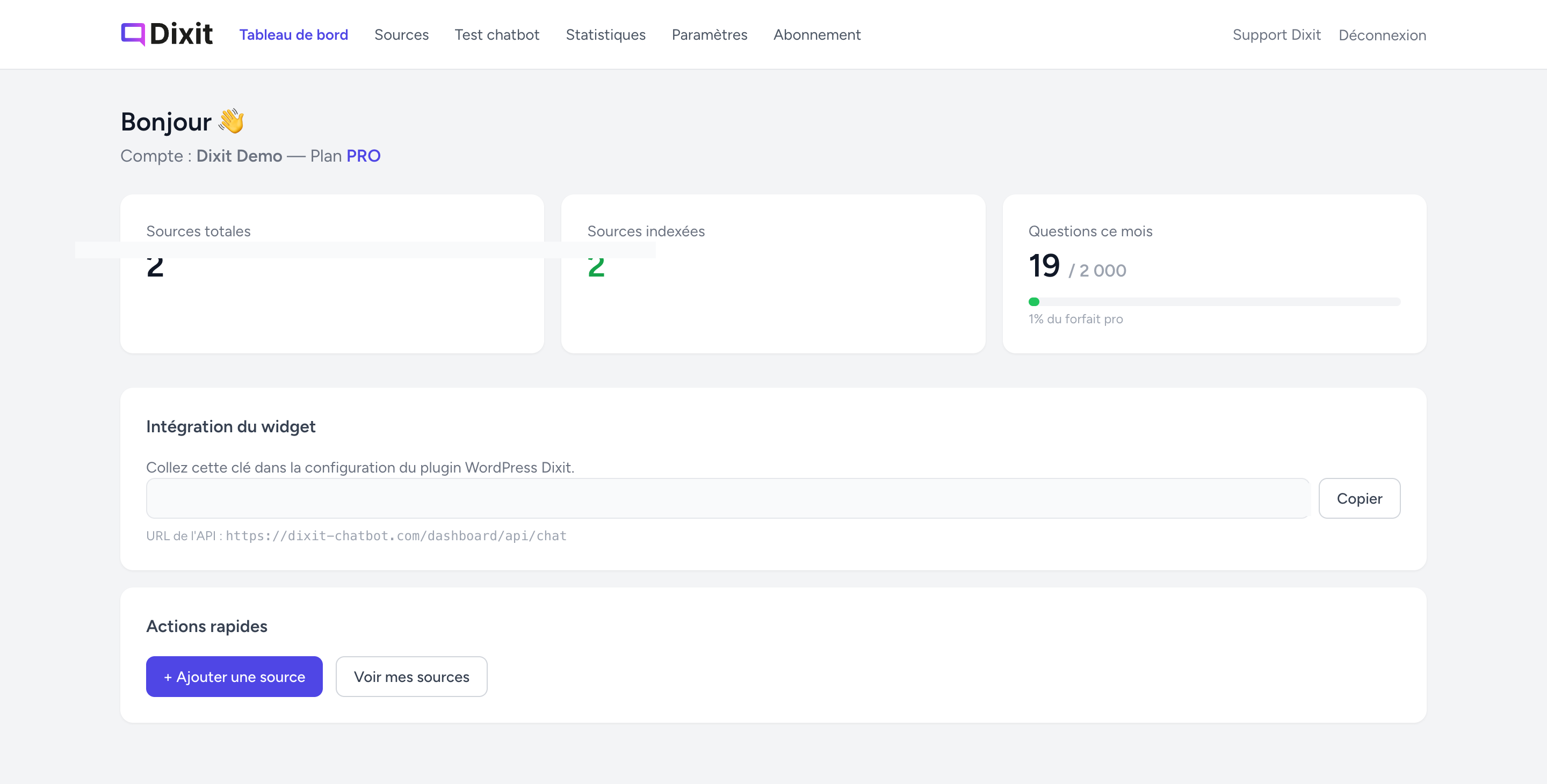
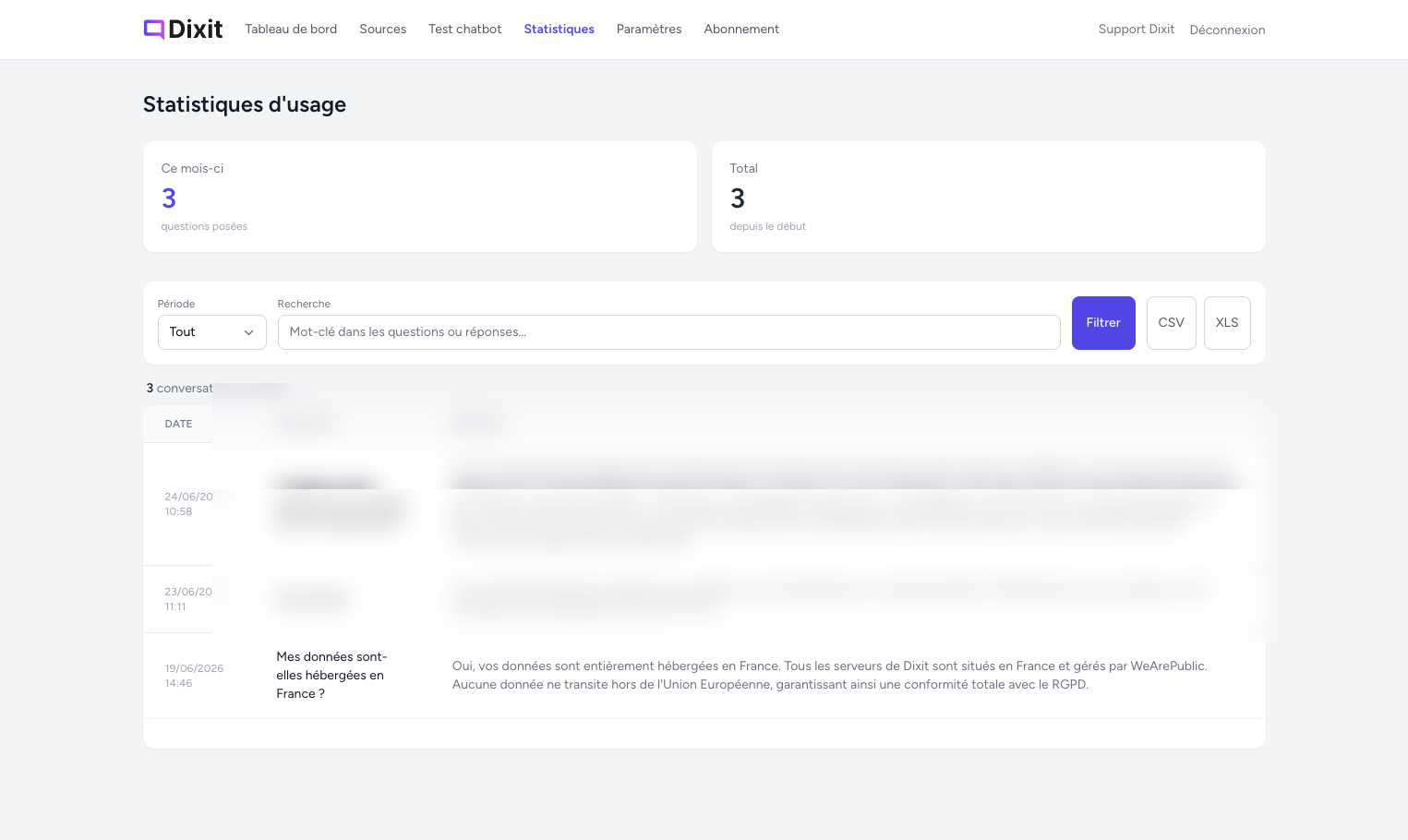
- Real-time dashboard — statistics, configuration and chatbot management from your Dixit account
- Free plan available — 20 conversations/month, no credit card required
Third-party service
This plugin relies on the Dixit external service (dixit-chatbot.com) to function.
- Your widget key and the visitor’s messages are sent to
https://dixit-chatbot.com/dashboard/api/chatto generate answers. - No personal data from visitors is stored beyond the conversation session.
- Please review the Terms of Service and Privacy Policy of Dixit before using this plugin.
Screenshots
Installation
- Upload the
dixit-chatbotfolder to/wp-content/plugins/, or install it via Plugins Add New Upload Plugin. - Activate the plugin from the Plugins menu.
- Go to Dixit Chatbot in your admin sidebar.
- Enter your widget key (found in your Dixit dashboard under Settings Deployment) and save.
The chat widget will automatically appear on all your site’s pages.
FAQ
-
Do I need a Dixit account?
-
Yes. You need to create a free account on dixit-chatbot.com to get your widget key and manage your chatbot.
-
Is there a free plan?
-
Yes — the free plan includes 20 conversations per month with no credit card required.
-
What data is sent to Dixit?
-
Only your widget key and the visitor’s message are sent to the Dixit API. No personal data is stored beyond the conversation session.
-
Is the AI sovereign and GDPR-compliant?
-
Yes. Dixit uses Mistral (a French AI model) and is hosted entirely in France, with no data leaving the EU.
-
Can I test the chatbot before it goes live?
-
Yes. From your Dixit dashboard, you can use the built-in chat test tool before making the widget visible to your visitors.
Reviews
There are no reviews for this plugin.
Contributors & Developers
“Dixit Chatbot” is open source software. The following people have contributed to this plugin.
Contributors
Translate “Dixit Chatbot” into your language.
Interested in development?
Browse the code, check out the SVN repository, or subscribe to the development log by RSS.
Changelog
1.0.0
- Initial public release — sovereign AI chatbot powered by Mistral, hosted in France
- Widget injection via wp_footer
- Admin settings page (widget key + API URL)
- i18n ready (text domain: dixit-chatbot, fr_FR + en_US)