

Description
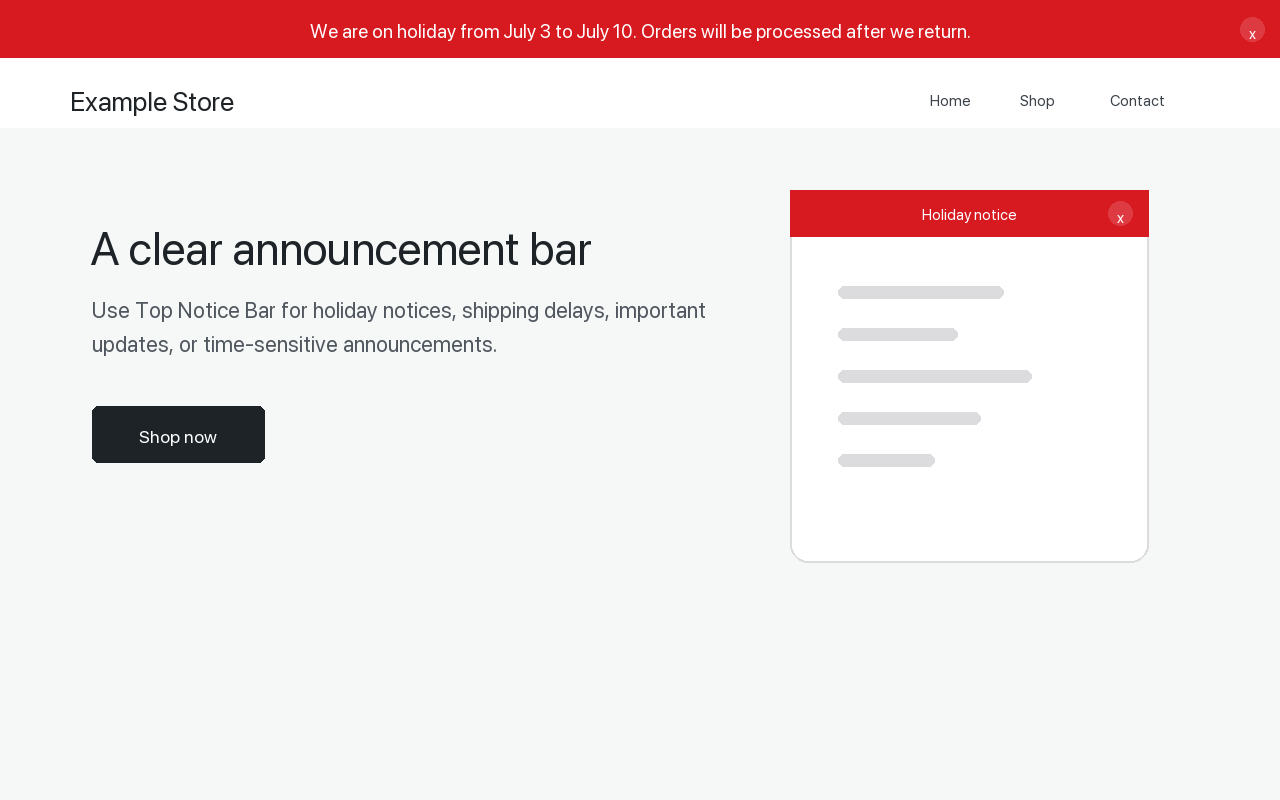
OffSign Scheduled Site Banner helps site owners show a clear message at the top of their site. It is useful for holiday notices, shipping delays, temporary closures, promotions, or important service updates.
The free plugin includes a complete single notice bar:
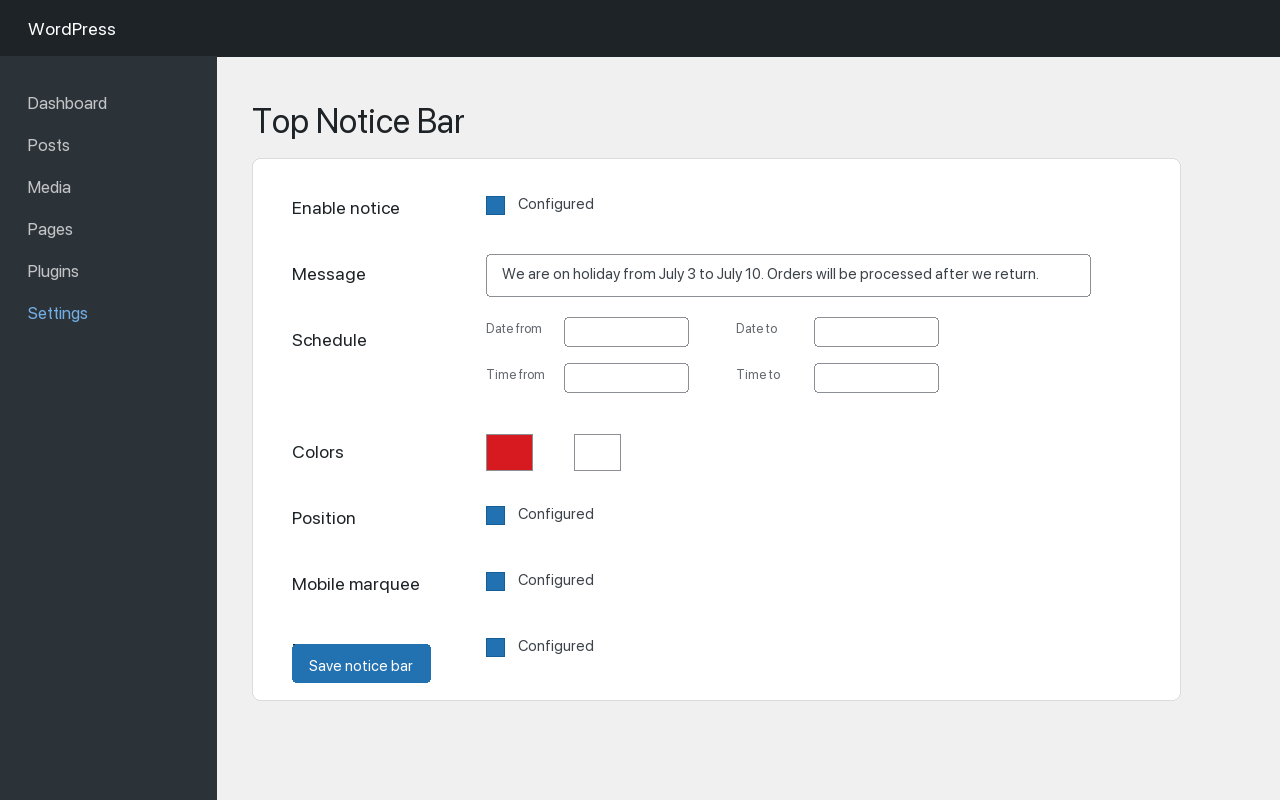
- Enable or disable the notice.
- Hide the notice automatically when the message is empty.
- Schedule by date and time.
- Choose background and text colors.
- Choose sticky, fixed, or static placement.
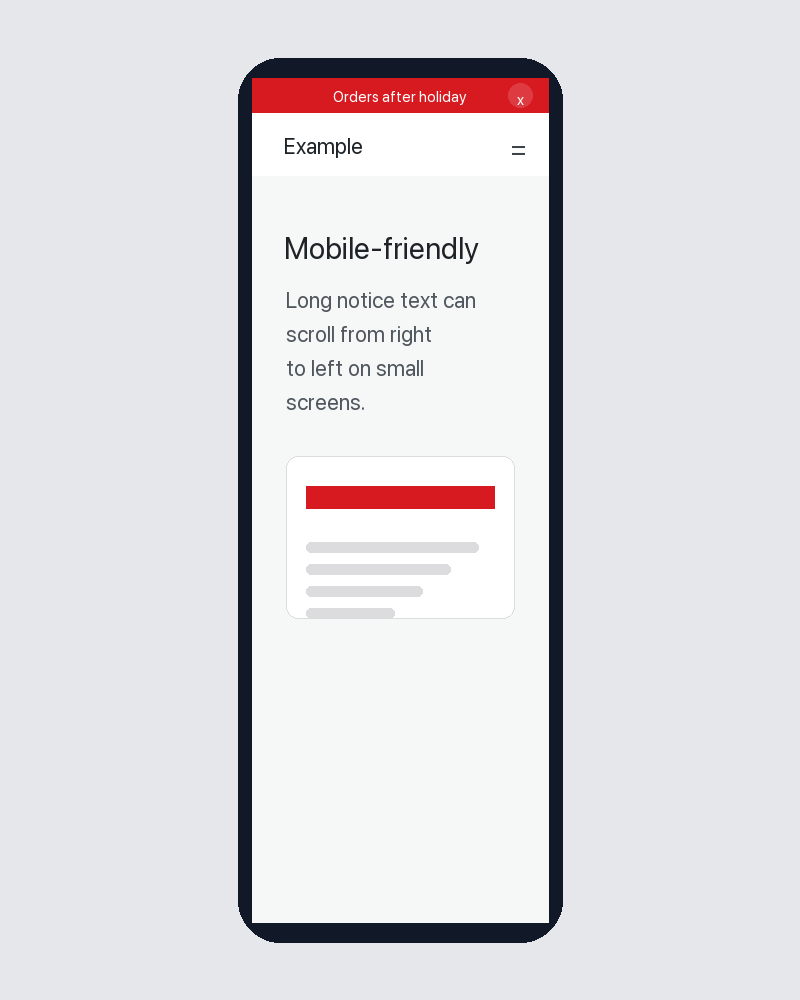
- Enable mobile marquee text for long messages.
- Let visitors dismiss the notice in their browser.
The plugin does not track visitors, does not load remote scripts, and does not contact third-party services.
Extensibility
OffSign Scheduled Site Banner includes filters that allow separate add-on plugins to extend its behavior. Paid add-ons should be distributed outside WordPress.org and are not required for the free plugin to work.
Screenshots
Installation
- Upload the plugin files to the
/wp-content/plugins/offsign-scheduled-site-banner/directory, or install the plugin through the WordPress plugins screen. - Activate the plugin through the
Pluginsscreen in WordPress. - Go to
Settings > OffSign Scheduled Site Banner. - Enter your message and save the settings.
FAQ
-
Will the bar show if the message field is empty?
-
No. Empty messages are treated as disabled output.
-
Does the plugin load external scripts or track users?
-
No. All assets are stored locally in the plugin, and no external requests are made.
-
Can visitors dismiss the notice?
-
Yes. Enable the dismiss button in the settings. The dismissed state is stored in the visitor’s browser.
-
Can I extend this plugin with my own code?
-
Yes. Developers can use the
offsign_scheduled_site_banner_optionsandoffsign_scheduled_site_banner_should_showfilters.
Reviews
There are no reviews for this plugin.
Contributors & Developers
“OffSign Scheduled Site Banner” is open source software. The following people have contributed to this plugin.
Contributors
Translate “OffSign Scheduled Site Banner” into your language.
Interested in development?
Browse the code, check out the SVN repository, or subscribe to the development log by RSS.
Changelog
1.0.0
- Initial release.