

Description
Stop downloading language files over FTP just to fix a single broken string in Poedit.
AF Translate eliminates the friction of traditional WordPress localization. Built for developers, translation managers, and agencies, it provides a safe, internal workspace to scan your codebase, compile translation templates, and edit strings natively inside your WordPress administration panels.
The Problems AF Translate Solves For You:
- No More Desktop Bottlenecks: Skip the endless loop of downloading source files, running external software, compiling binary
.mooutputs, and re-uploading via FTP. Translate on-the-fly right inside your browser. - Immunity to Update Data Loss: Standard translations stored inside theme or plugin folders get permanently wiped out during core repository updates. AF Translate safely isolates your custom translation work in a protected directory, keeping your assets intact forever.
- Absolute Performance Protection: Most translation and multilingual utilities heavily overload your database and front-end scripts, devastating your Core Web Vitals. AF Translate operates exclusively inside the admin dashboard (
is_admin()), loading exactly zero scripts, styles, or queries on your public-facing site. - Bulletproof Codebase Scanning: Powered by an intelligent lexical syntax tokenizer engine, the built-in scanner handles everything from traditional assets to modern block structures (like Twenty Twenty-Five) flawlessly, completely bypassing server-level regex tracking limits.
Configuration & Usage Guide
Manage your localization assets in minutes:
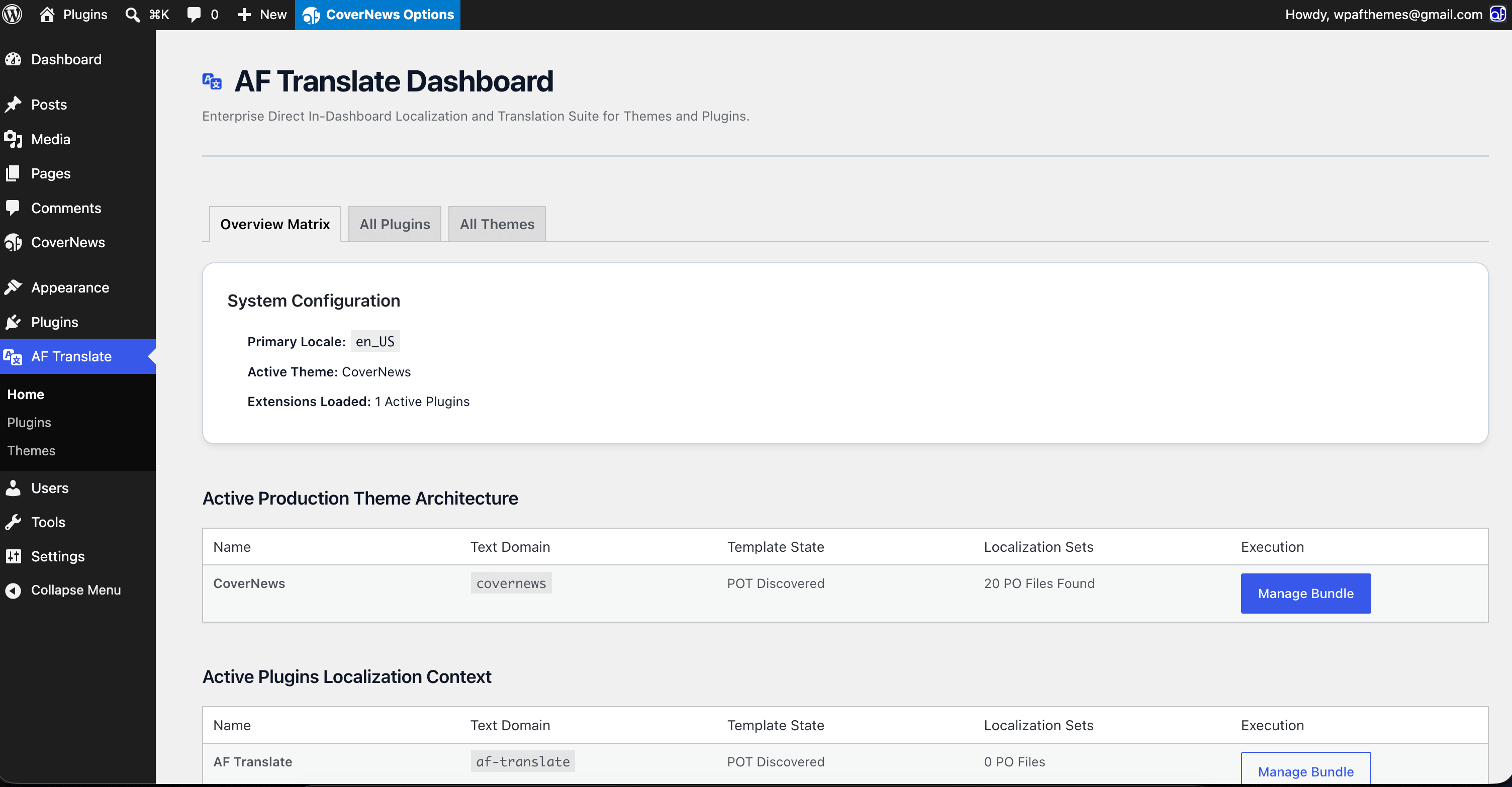
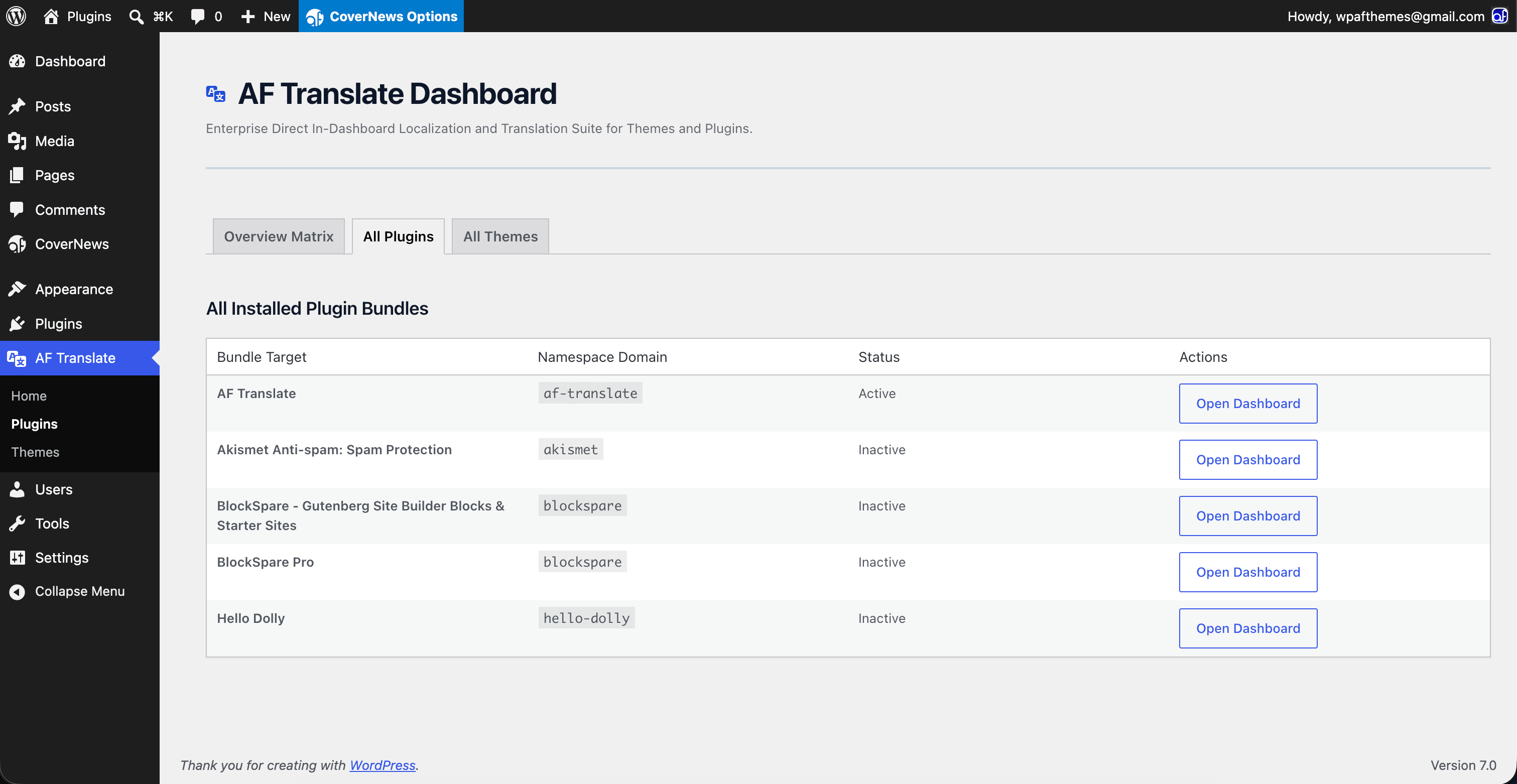
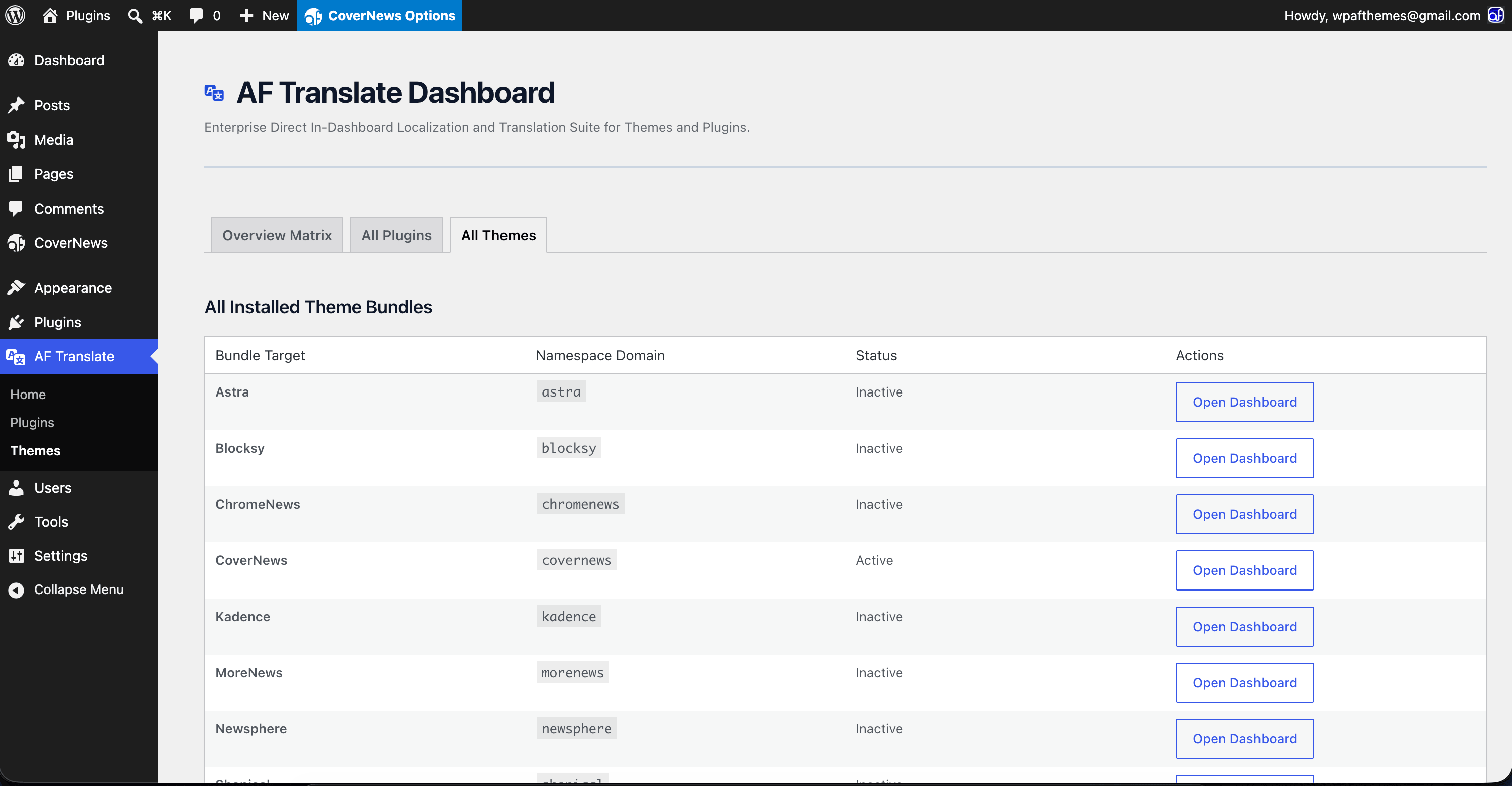
- Target Your Project: Open the AF Translate dashboard matrix and choose the active theme or plugin you need to modify.
- Instant Codebase Crawl: Run the scanner to instantly map out all translatable text blocks embedded inside your target extension’s source directories.
- Establish Your Baseline: If the extension lacks a core fallback mapping file, click Generate POT to instantly compile a fresh, clean translation standard template.
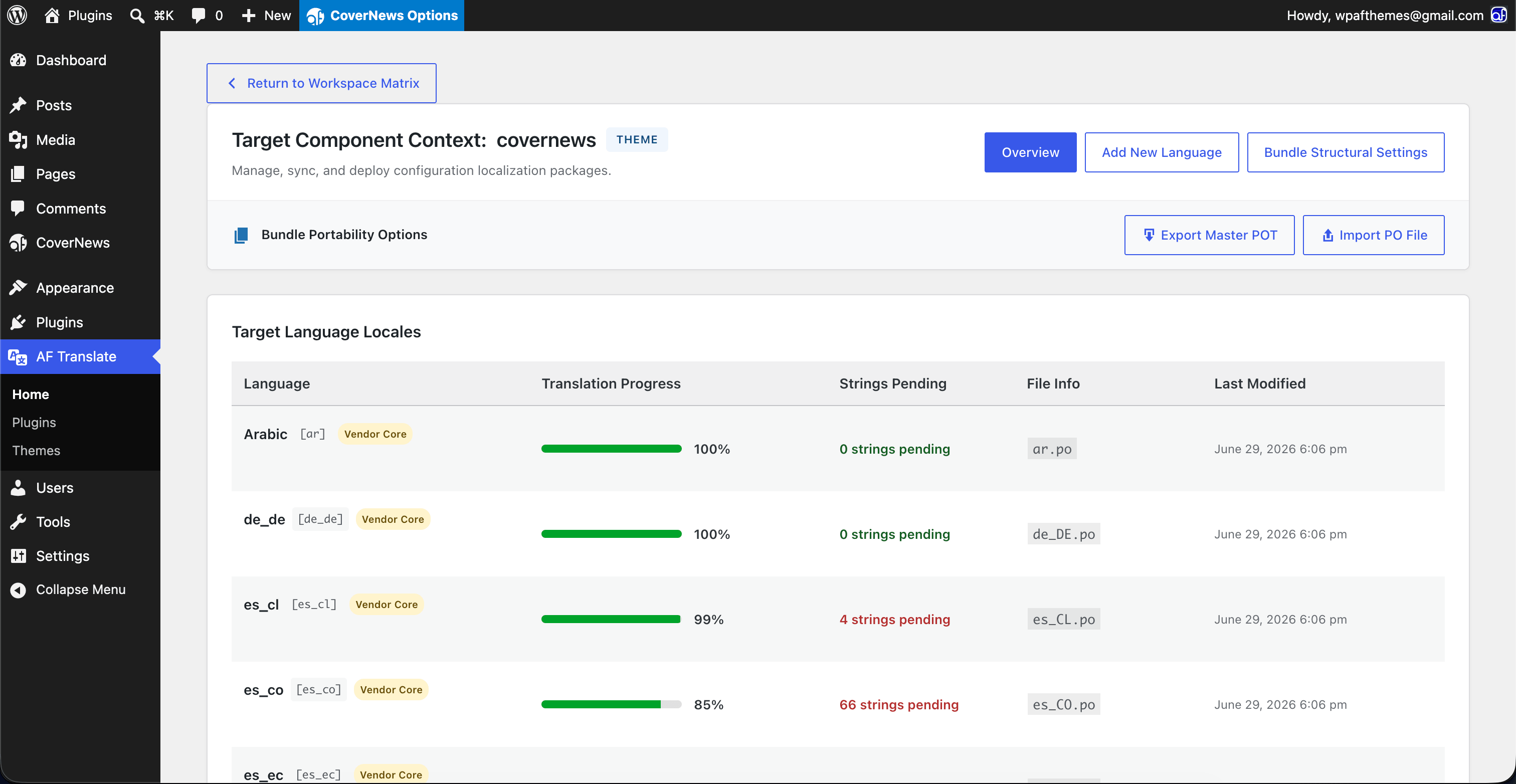
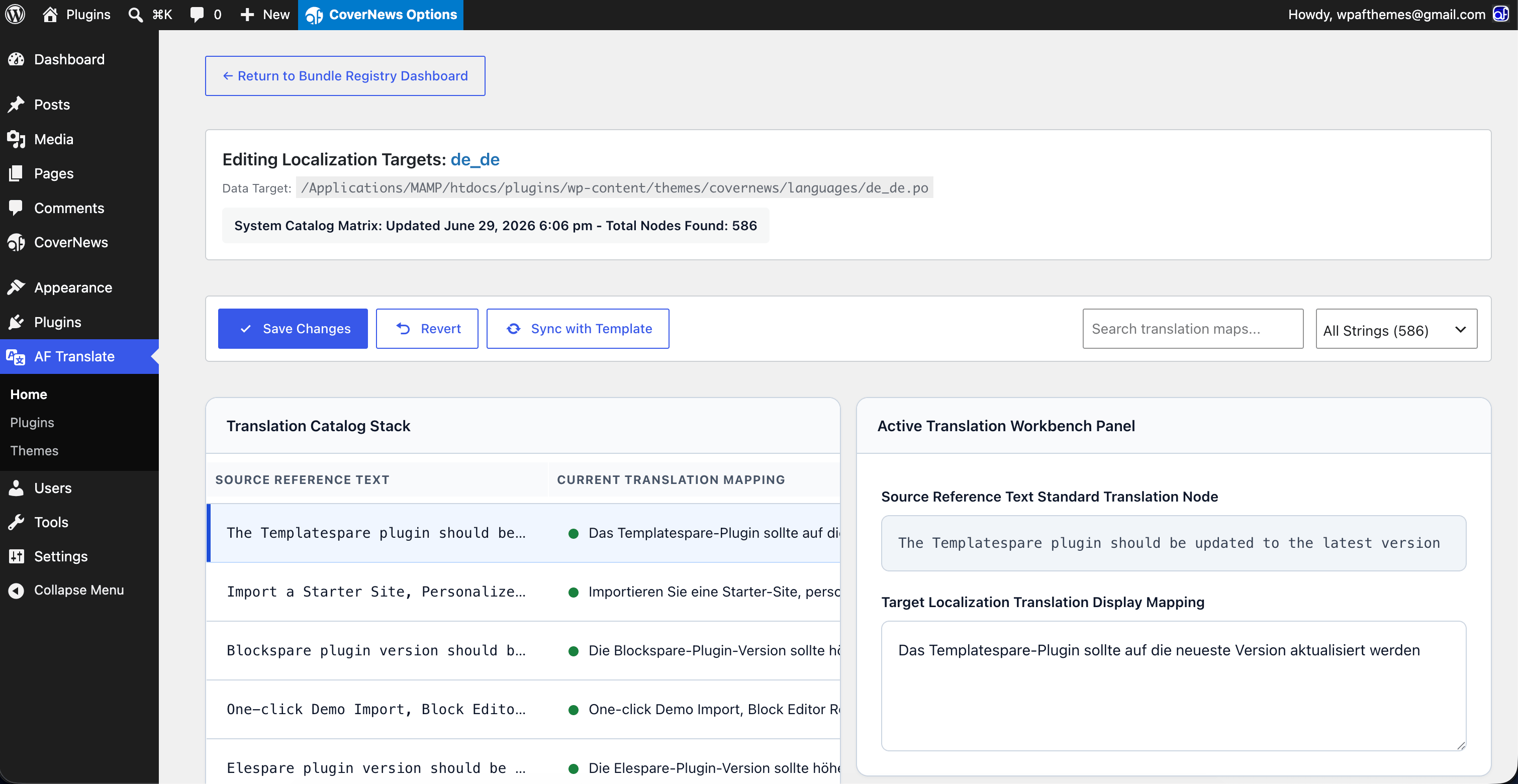
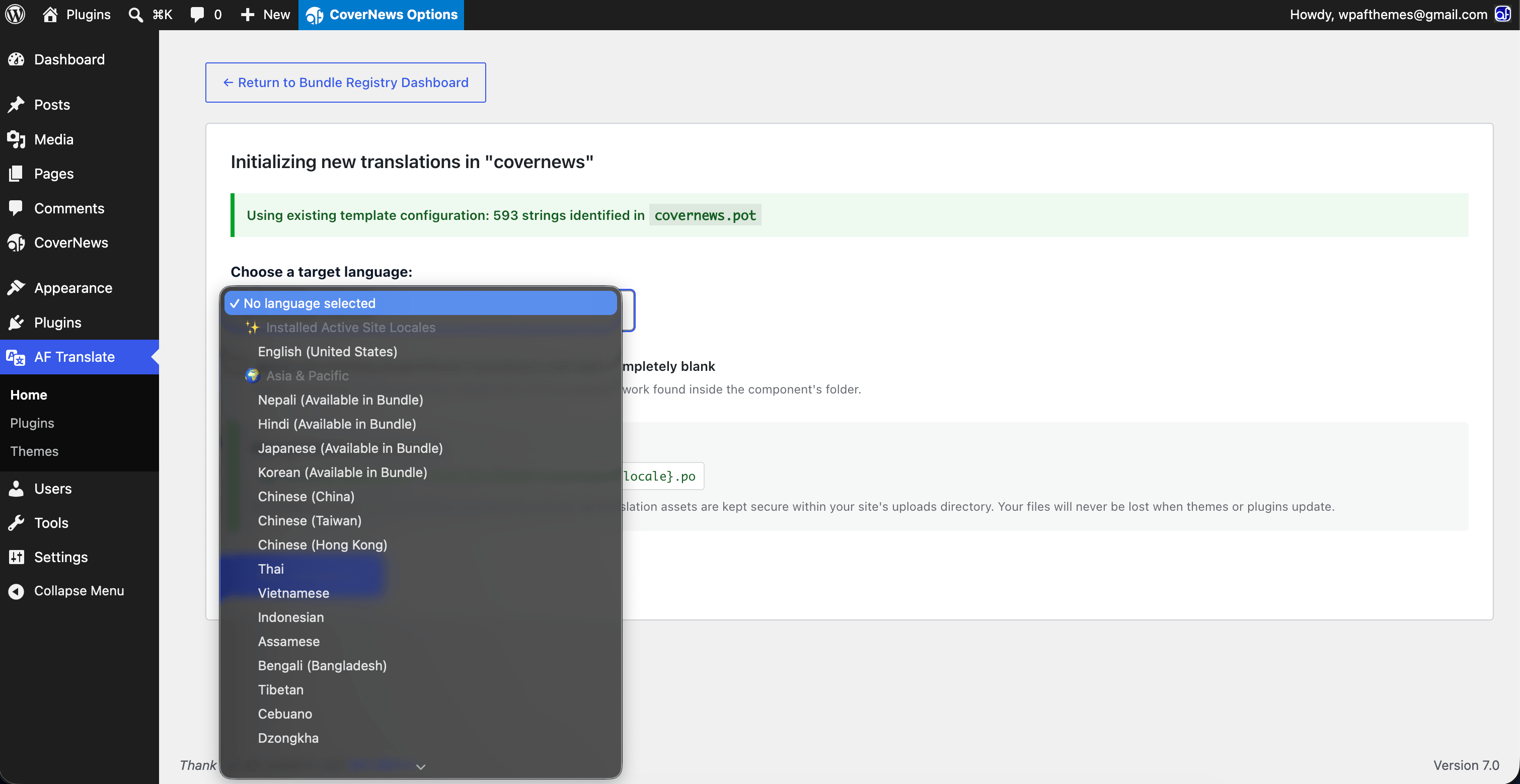
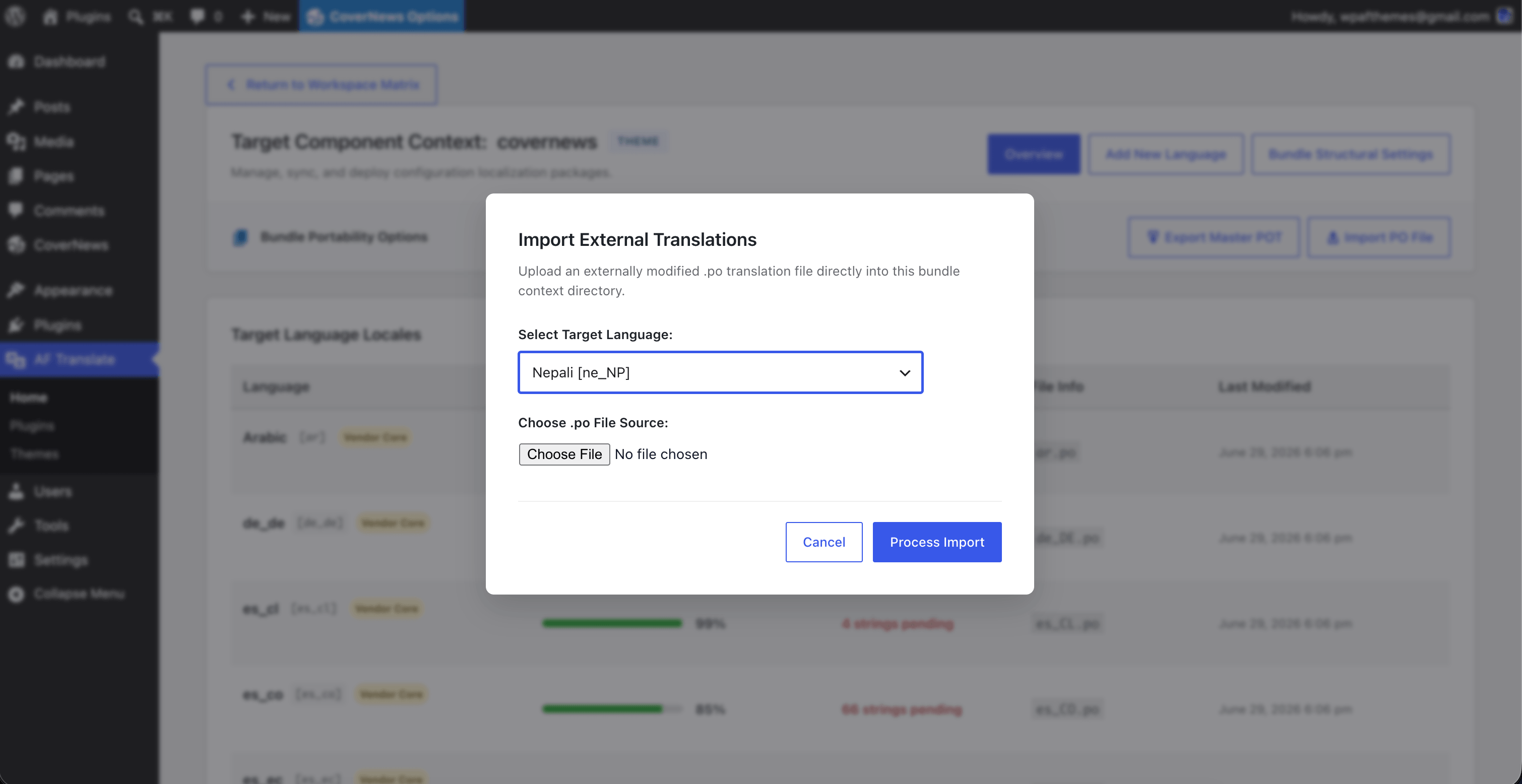
- Translate Side-by-Side: Add a native language locale tracker or initialize a custom one. Use the responsive edit matrix to fill out localized rows with clear contextual file lookups.
- Secure the Build: Save your translations. The system automatically updates the
.posource datasets and compiles clean, production-ready binary.moassets instantly on your disk.
Screenshots
Installation
- Upload the
af-translatefolder directly to your/wp-content/plugins/directory, or install it via the WordPress admin dashboard. - Activate the plugin through the Plugins panel.
- Access your clean, unified translation center by clicking the new AF Translate menu entry in your sidebar.
FAQ
-
Does this plugin affect frontend loading speeds or Core Web Vitals?
-
Absolutely not. Performance protection is built into the foundation of this engine. AF Translate runs strictly behind the scenes in the administrative backend. It introduces zero overhead, scripts, or rendering blocks to your public visitor experience, leaving your site speeds completely untouched.
-
Where are the translation PO and MO files stored?
-
To protect your hard work from being overwritten, all user-generated translation sets are automatically organized and written to a secure folder within your site’s uploads directory:
wp-content/uploads/af-translate/. This guarantees your localization assets remain completely unaffected when you update themes or plugins. -
Can I use this plugin to translate an item that does not include a .pot file?
-
Yes, this is exactly what it’s designed for. The integrated tokenizer parses the extension’s raw source file files, identifies core internationalization function wrappers (
__(),_e(), etc.), and builds a fully compatible.potfile from scratch with a single click. -
What administrative permissions are required to use this plugin?
-
To enforce strict directory protection, prevent unauthorized file injections, and secure core data paths, execution access is limited exclusively to user roles carrying the system-wide
manage_optionscapability.
Reviews
There are no reviews for this plugin.
Contributors & Developers
“AF Translate – In-Dashboard Translation Editor & POT Generator for WordPress” is open source software. The following people have contributed to this plugin.
Contributors
Interested in development?
Browse the code, check out the SVN repository, or subscribe to the development log by RSS.
Changelog
1.0.0
- Initial Public Release.
- Integrated memory-safe source code string parsing token architecture.
- Integrated sidebar editor panel with dynamic translation lookup references.
- Implemented path protection mapping strictly inside the WP uploads directory layout for permanent asset retention.
- Hardened internal file system interactions with strict input validation to prevent directory traversal threats.