
Description
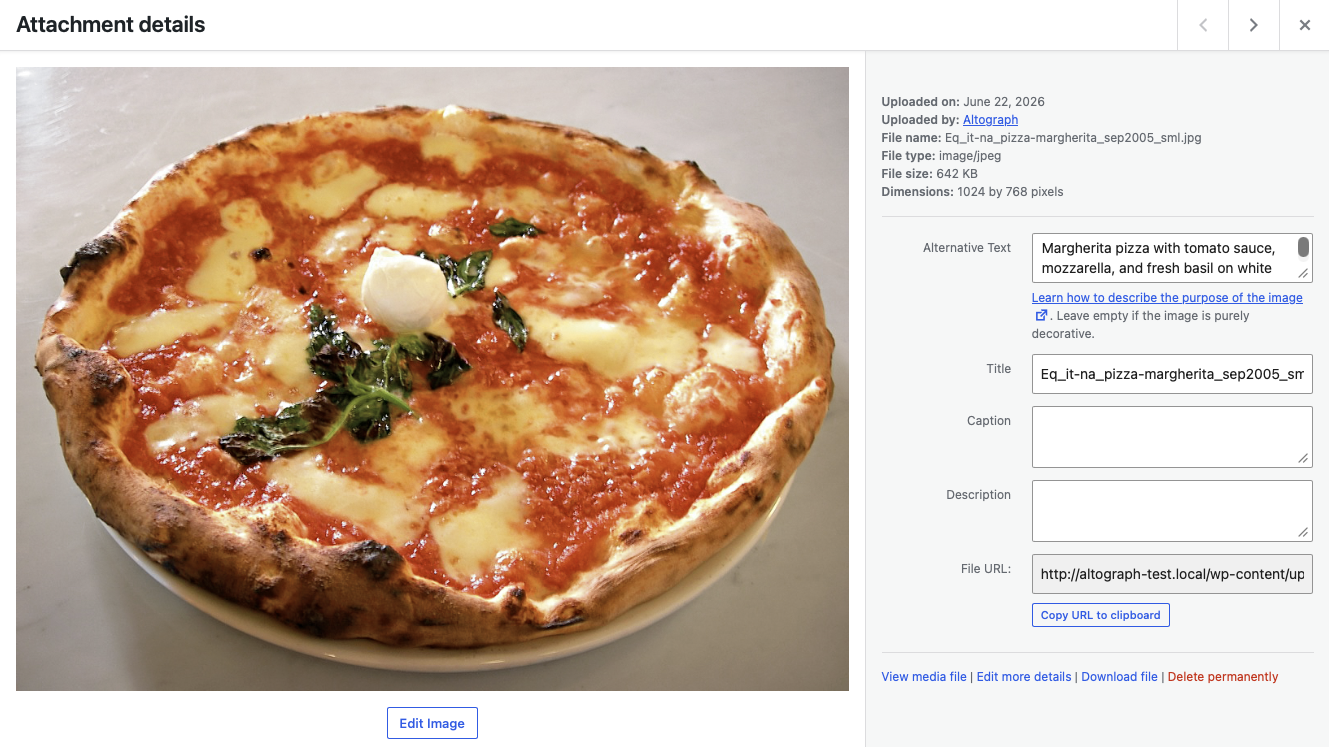
Altograph writes the metadata you never have time for. When you upload an image, it generates accurate, accessible alt text by looking at the picture. When you save a post, it can write an SEO meta description and add JSON-LD structured data. Turn it on once and it keeps your media and content described as your site grows.
Unlike most tools, you don’t need your own AI API key — the AI runs on the Altograph service, so there’s nothing to configure. The free plan covers 25 items per month; Altograph Pro removes the monthly limit (subject to fair use).
What it does
- Generates descriptive alt text for images from the image itself (better accessibility and image SEO).
- Writes concise, on-topic meta descriptions for posts and pages.
- Adds Article JSON-LD structured data for richer search results.
- Backfills alt text for images that are currently missing it.
- Never overwrites alt text you’ve written yourself.
Privacy-friendly by design
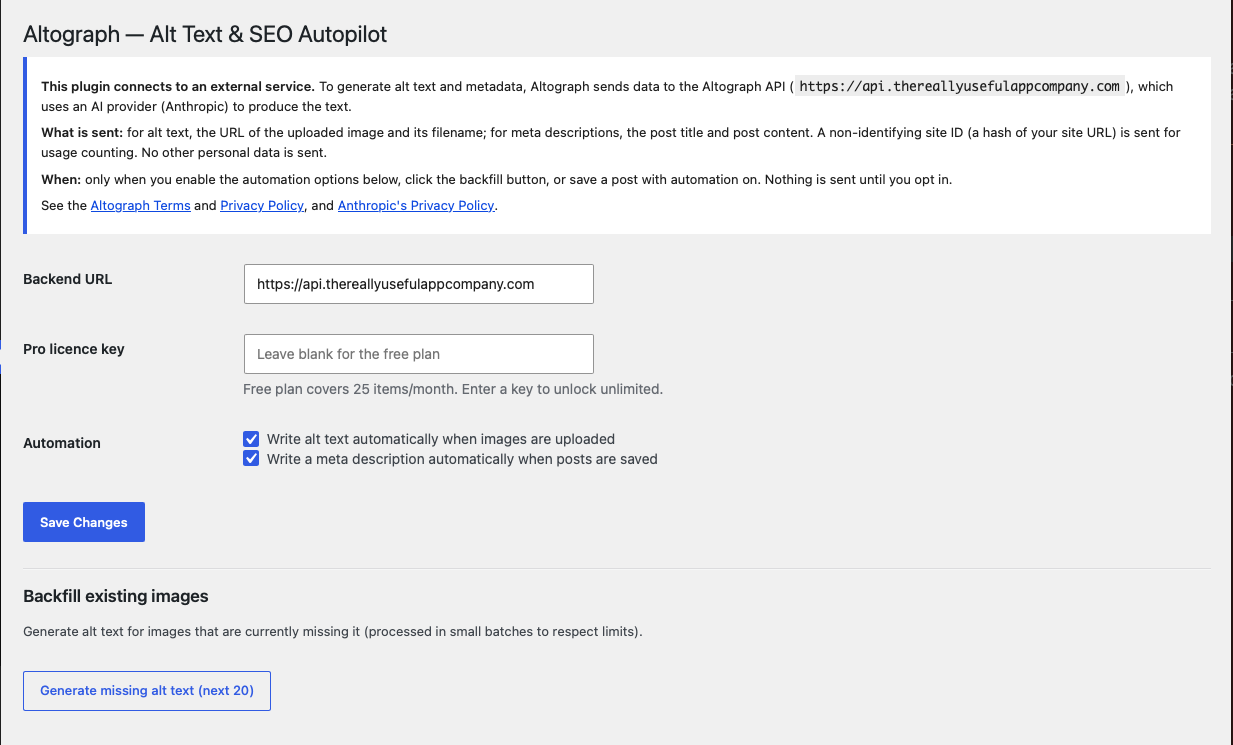
Automation is off until you switch it on, and Altograph only ever sends what it needs to do the job (see the External Services section below). A non-identifying site ID — a hash of your site URL — is used for usage counting; no personal data is required.
External services
This plugin connects to the Altograph API to generate alt text and metadata. It is required for the plugin’s core features.
- What is sent and when:
- Alt text: when you upload an image (with automation on), run the backfill action, the plugin sends the image URL and filename to the Altograph API.
- Meta descriptions: when you save a post or page (with automation on), the plugin sends the post title and post content.
- Usage counting: a non-identifying site ID (a hash of your site URL) accompanies each request.
- Where it goes: the Altograph API (default
https://api.thereallyusefulappcompany.com), which uses Anthropic as an AI subprocessor to generate the text. - Service terms and privacy:
- Altograph Terms: https://thereallyusefulappcompany.com/altograph/terms
- Altograph Privacy Policy: https://thereallyusefulappcompany.com/altograph/privacy
- Anthropic Privacy Policy: https://www.anthropic.com/legal/privacy
No data is sent until you enable automation, click the backfill button, or save a post while automation is enabled.
Screenshots
Installation
- Install Altograph from the Plugins screen, or upload the
altographfolder to/wp-content/plugins/. - Activate the plugin.
- Go to Settings Altograph.
- Review the external-service notice, then enable “Write alt text automatically” and/or “Write a meta description automatically.”
- (Optional) Enter a Altograph Pro licence key to remove the monthly limit.
FAQ
-
Do I need an AI API key?
-
No. The AI runs on the Altograph service, so there’s nothing to set up.
-
Will it overwrite alt text I’ve already written?
-
No. Altograph only fills in alt text that is missing.
-
Is anything sent automatically without my knowledge?
-
No. Automation is off by default. Data is only sent after you enable it, and exactly what’s sent is listed in the External Services section.
-
What happens when I hit the free limit?
-
Generation pauses for the rest of the month. Upgrade to Pro for unlimited use, or wait for the next month.
Reviews
There are no reviews for this plugin.
Contributors & Developers
“Altograph — Alt Text & SEO Autopilot” is open source software. The following people have contributed to this plugin.
Contributors
Translate “Altograph — Alt Text & SEO Autopilot” into your language.
Interested in development?
Browse the code, check out the SVN repository, or subscribe to the development log by RSS.
Changelog
1.0.0
- Initial release: automatic alt text, meta descriptions, JSON-LD, and backfill.