
Description
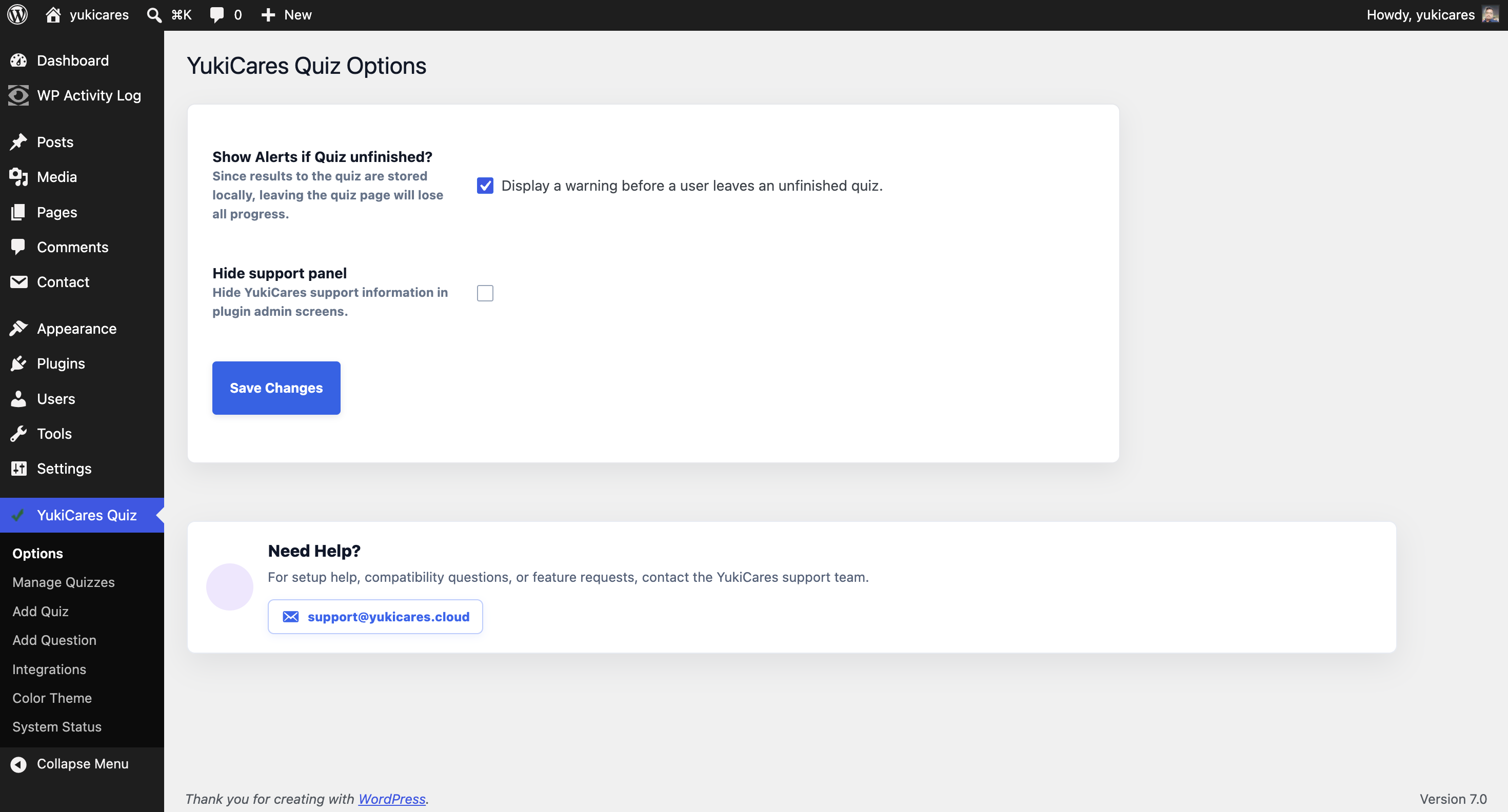
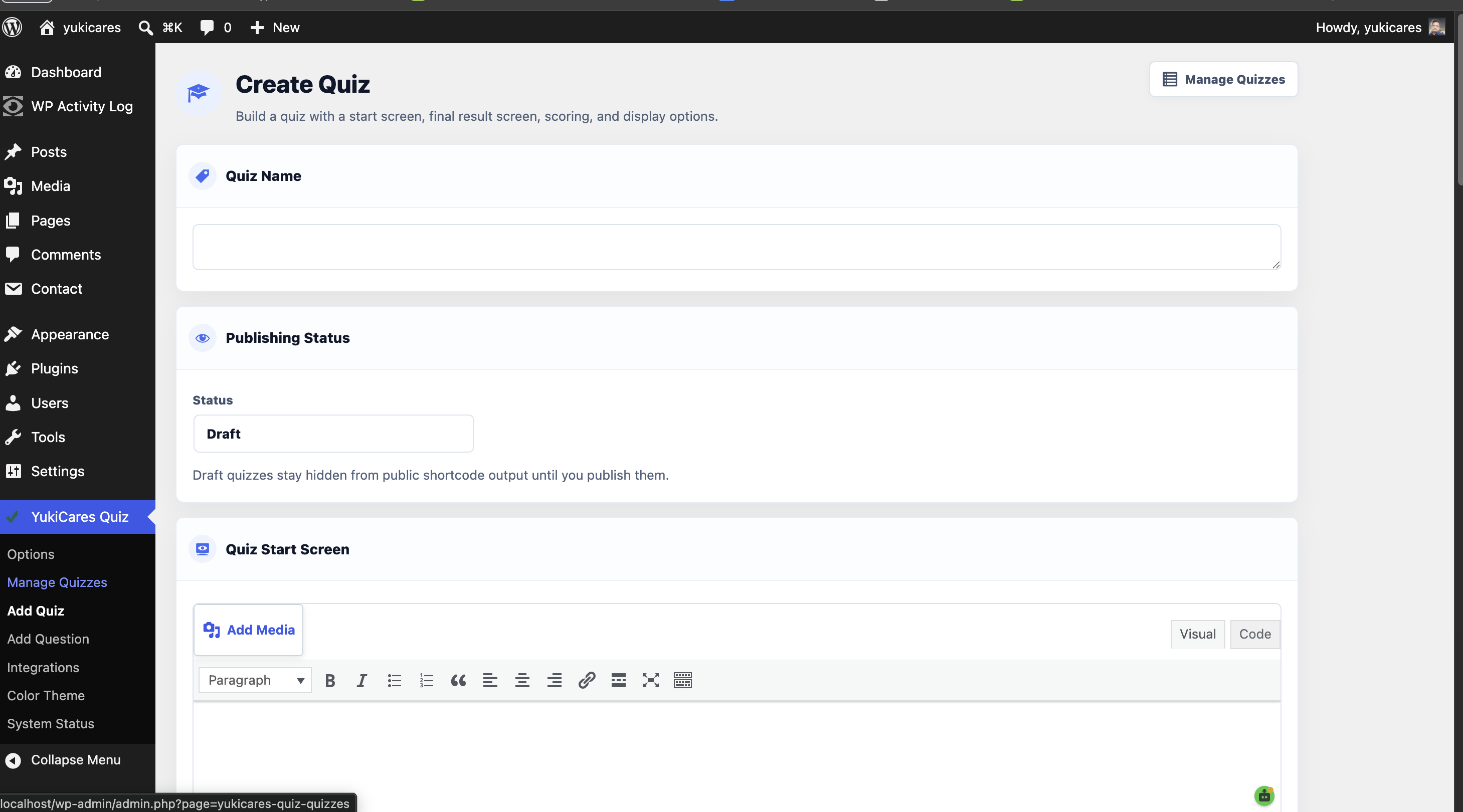
Pintraj Quiz Builder provides a focused quiz builder for WordPress. You can create quizzes with custom start screens, result screens, hints, explanations, point values, randomized questions, randomized answers, multiple correct answers, answer visibility settings, optional time limits, and shortcode publishing.
Features include:
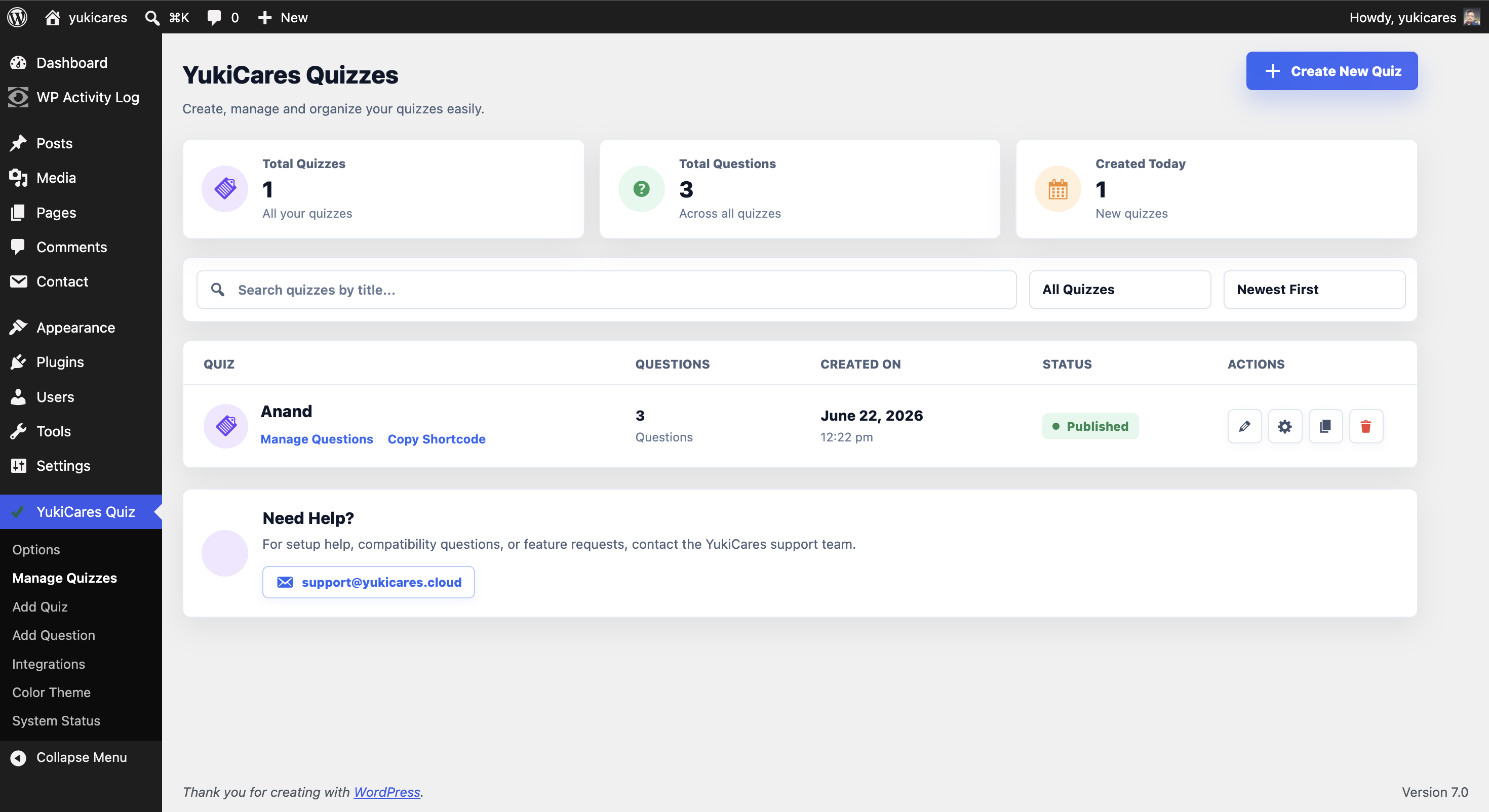
- Quiz and question management inside WordPress admin.
- Multiple-choice answers with hints and explanations.
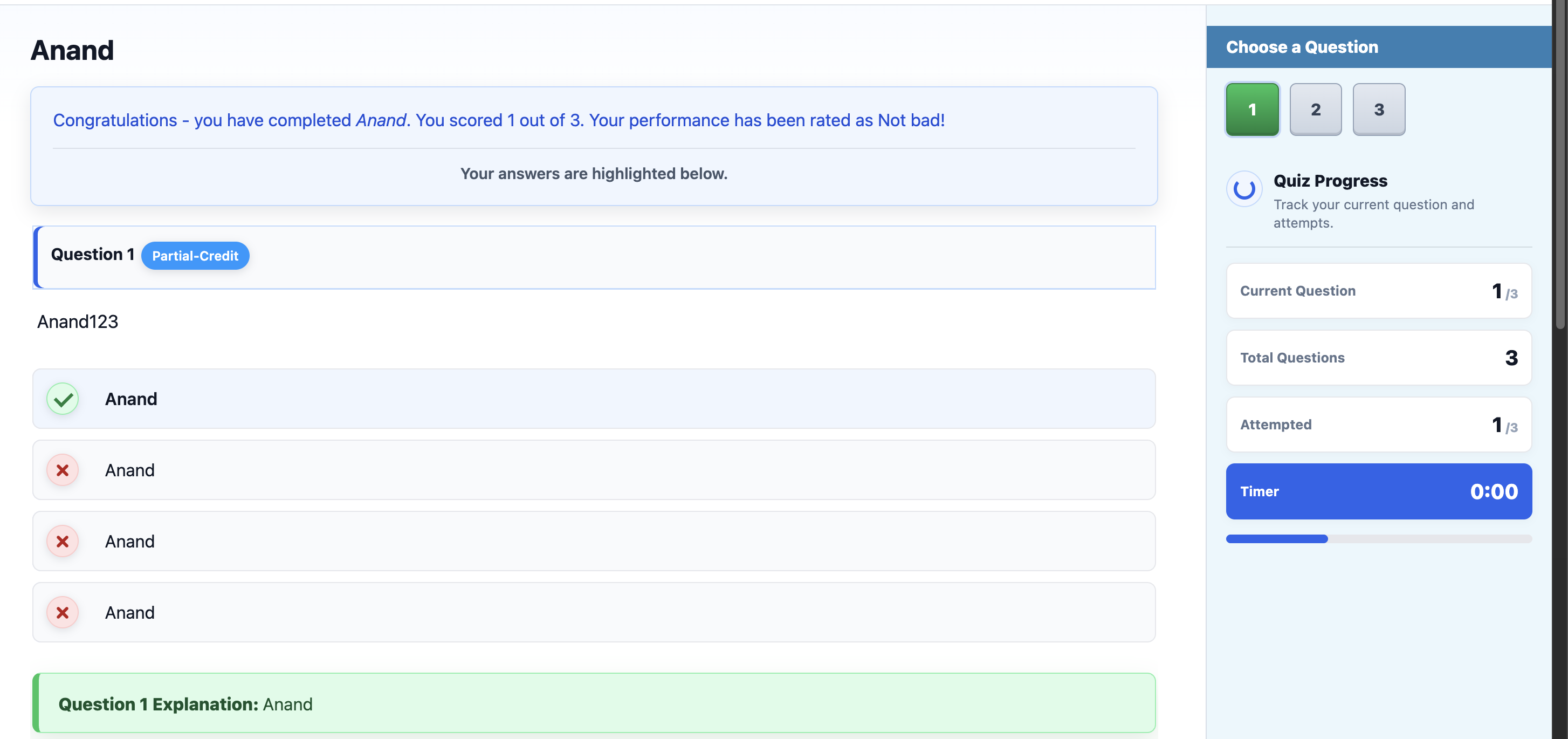
- Custom scoring and rating messages.
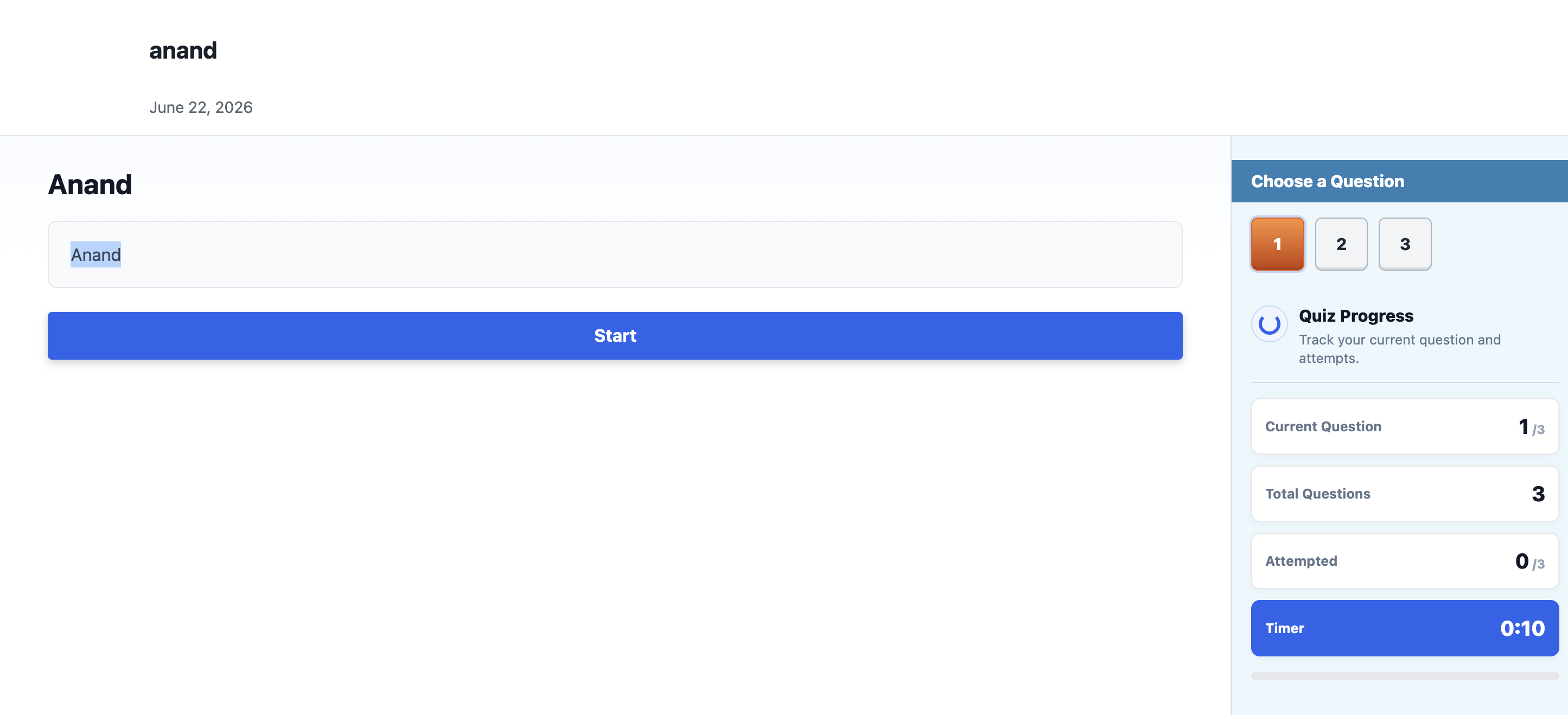
- Optional start and final screens.
- Randomized question and answer order.
- Optional result form placement.
- Built-in color theme selector.
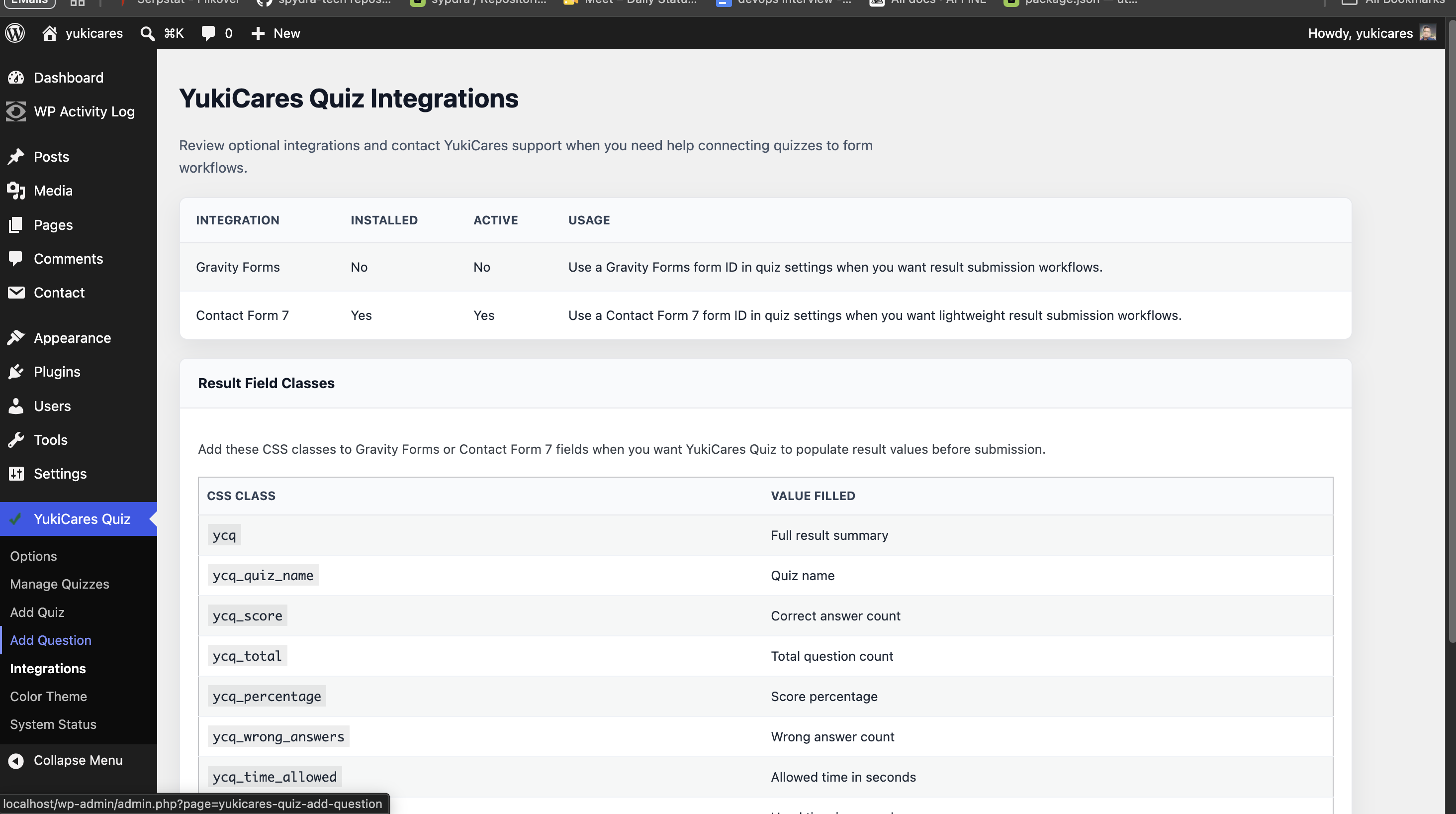
- Built-in Contact Form 7 and Gravity Forms result workflow support.
- Shortcode publishing for pages, posts, and templates.
Shortcode
Use the quiz shortcode with the quiz ID:
[pintraj_quiz id="1"]
You can also use the quiz short name shown on the Manage Questions screen:
[pintraj_quiz name="demo-quiz"]<h3>Support</h3>
Email: support@yukicares.cloud
Screenshots
Installation
- Upload the plugin folder to
/wp-content/plugins/. - Activate
Pintraj Quiz Builderfrom the WordPress Plugins screen. - Open
Pintraj Quiz Builderin the WordPress admin menu. - Create a quiz and add questions.
- Publish the quiz with the shortcode shown on the quiz questions screen.
Reviews
There are no reviews for this plugin.
Contributors & Developers
“Pintraj Quiz Builder” is open source software. The following people have contributed to this plugin.
Contributors
Translate “Pintraj Quiz Builder” into your language.
Interested in development?
Browse the code, check out the SVN repository, or subscribe to the development log by RSS.
Changelog
4.0.18
- Documented intentional plugin prefixes and custom-table database access for automated marketplace checks.
4.0.17
- Hardened escaping, request handling, text domain usage, direct file access guards, and review metadata for marketplace/plugin checks.
4.0.16
- Reworked the frontend timer countdown so saved quiz time limits display immediately, count down reliably, stop cleanly, and auto-submit at zero.
- Made shortcode
timelimits work without requiring the old timer add-on.
4.0.15
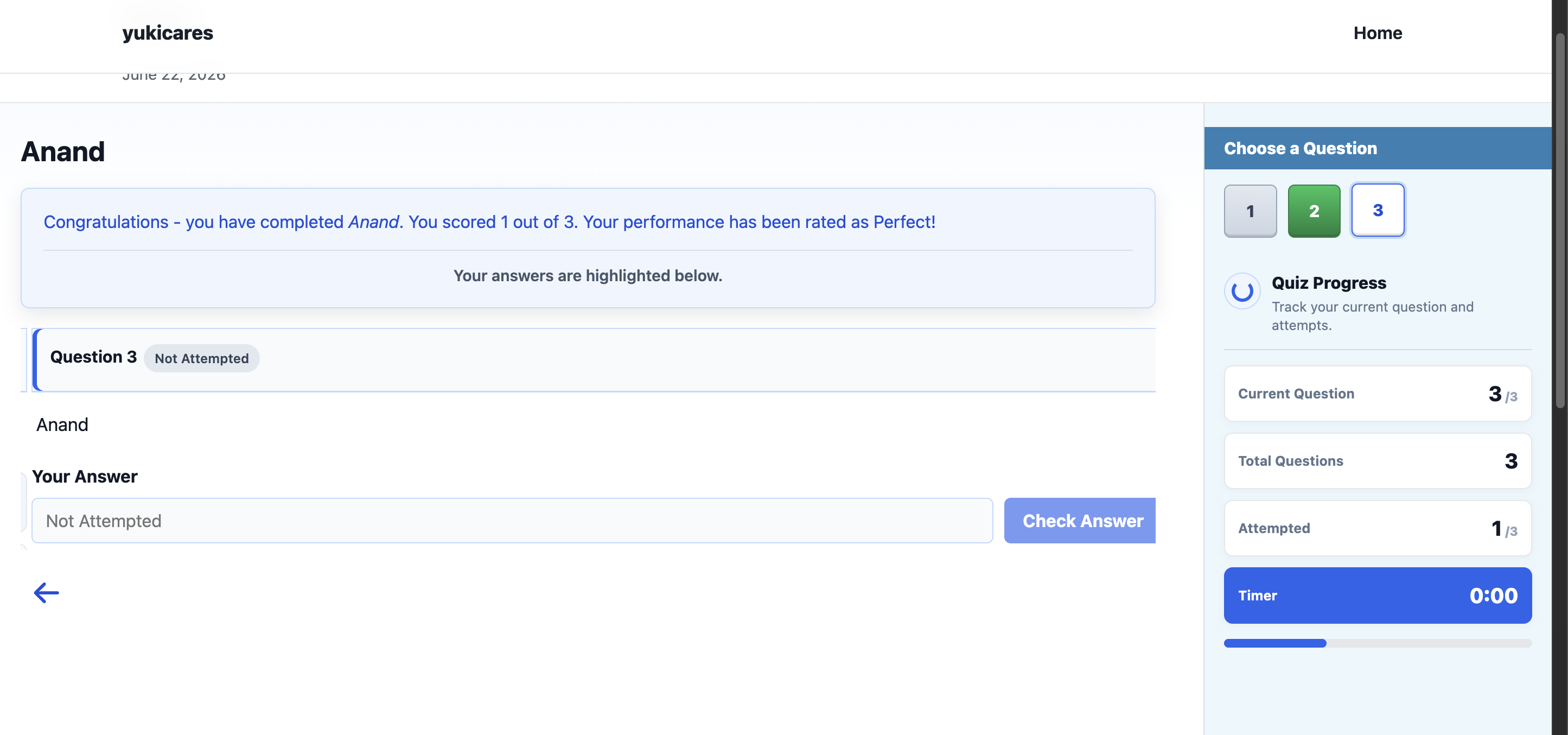
- Fixed final results so unattempted questions stay read-only and do not reveal explanations.
- Fixed fill-in-the-blank final scoring so typed answers are counted before the quiz is locked.
4.0.14
- Fixed quiz pages inside narrow theme containers by expanding the shortcode shell to full width and loading the modern layout stylesheet after the color theme stylesheet.
- Hardened frontend quiz text visibility so answers and question content stay visible with theme styles applied.
4.0.13
- Expanded the frontend quiz view to full width and replaced the old answer-result images with CSS-drawn status icons.
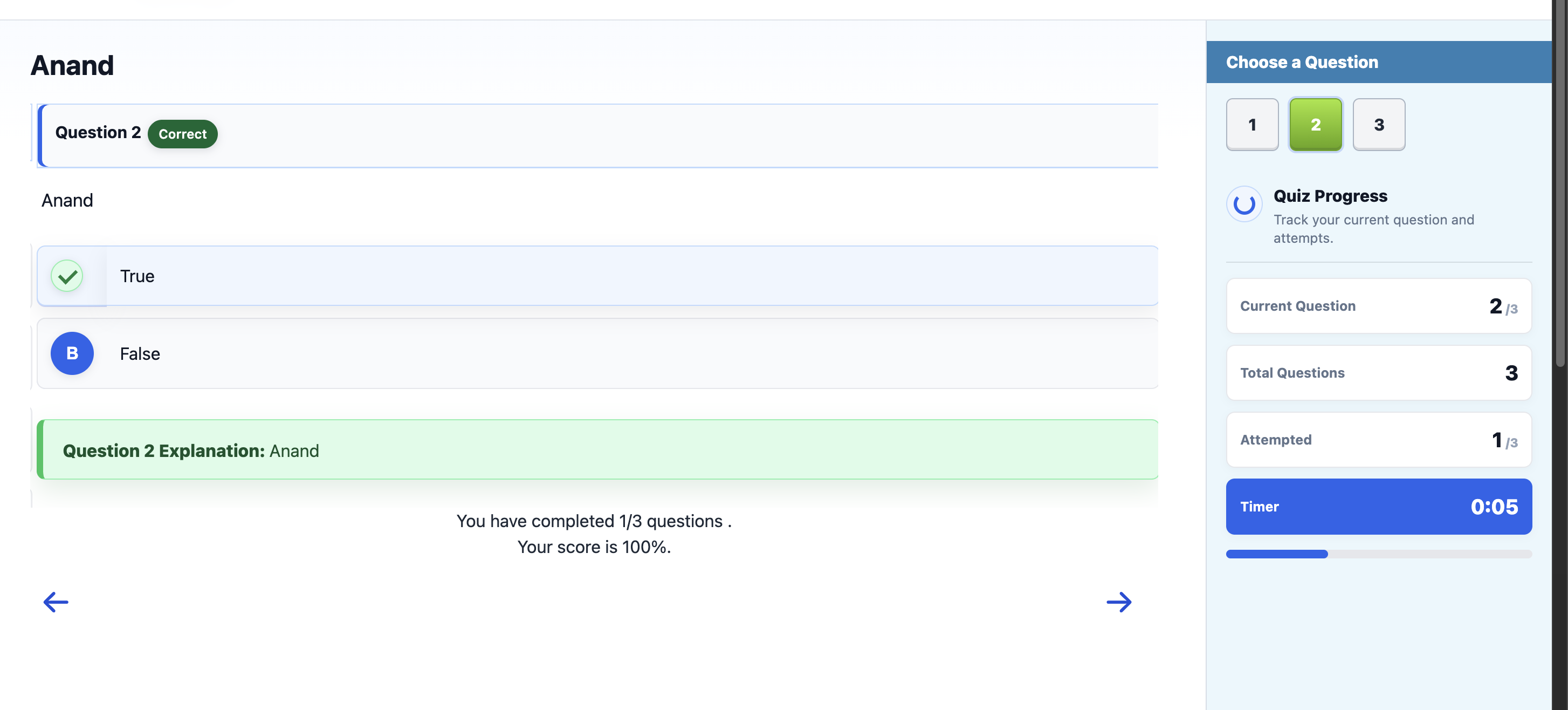
- Added a sidebar question picker with current, answered, and result states.
4.0.12
- Added a frontend quiz progress sidebar with current question, total questions, attempted count, timer, and progress indicator.
4.0.11
- Redesigned the Manage Questions screen with compact material cards, quiz ID and short-name shortcuts, copy actions, and a custom question delete modal.
4.0.10
- Replaced the browser quiz delete confirmation with a SweetAlert-style modal.
4.0.9
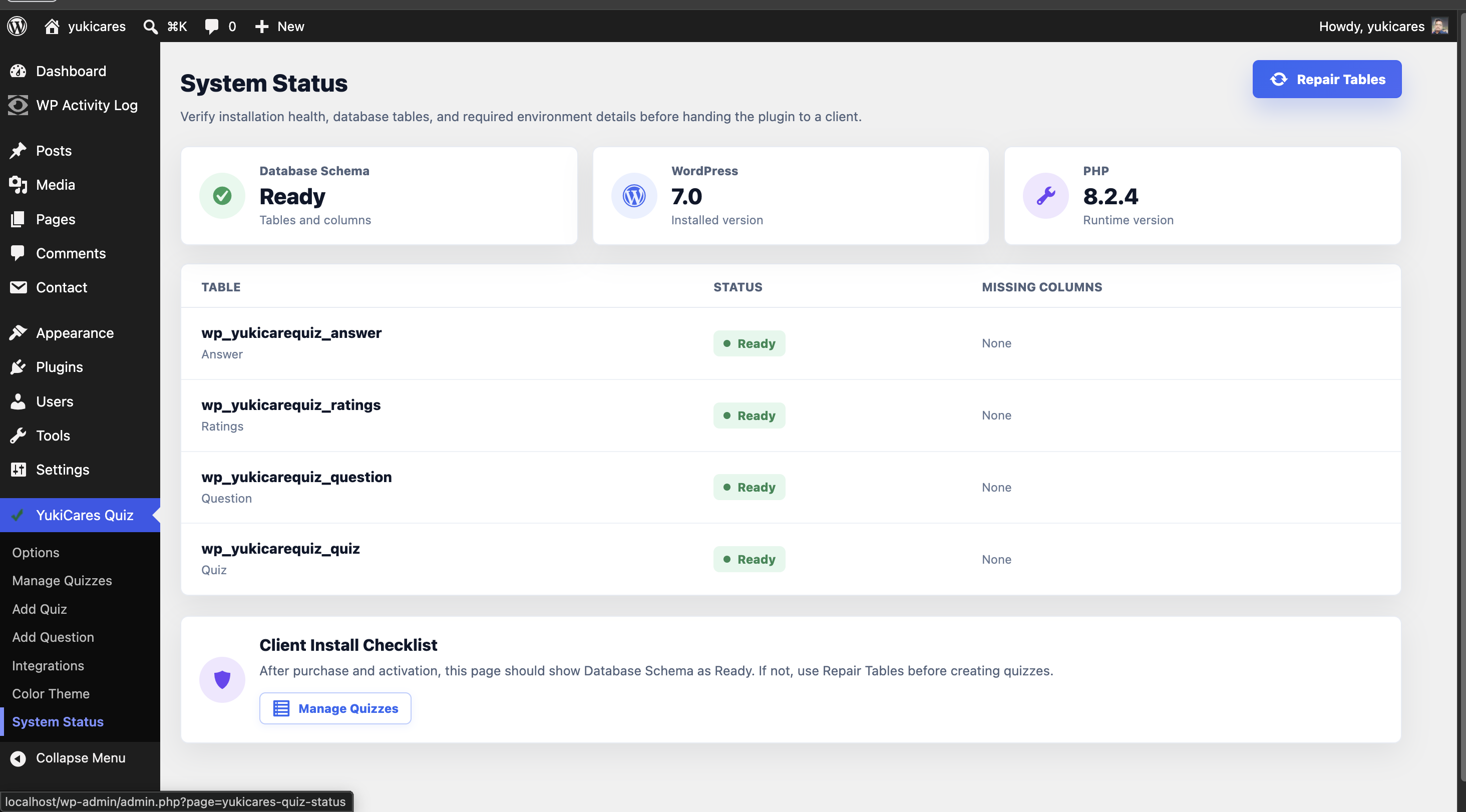
- Added a client-facing System Status screen with database schema checks and repair action.
- Hardened installation and upgrade checks so missing tables or columns are repaired automatically.
4.0.8
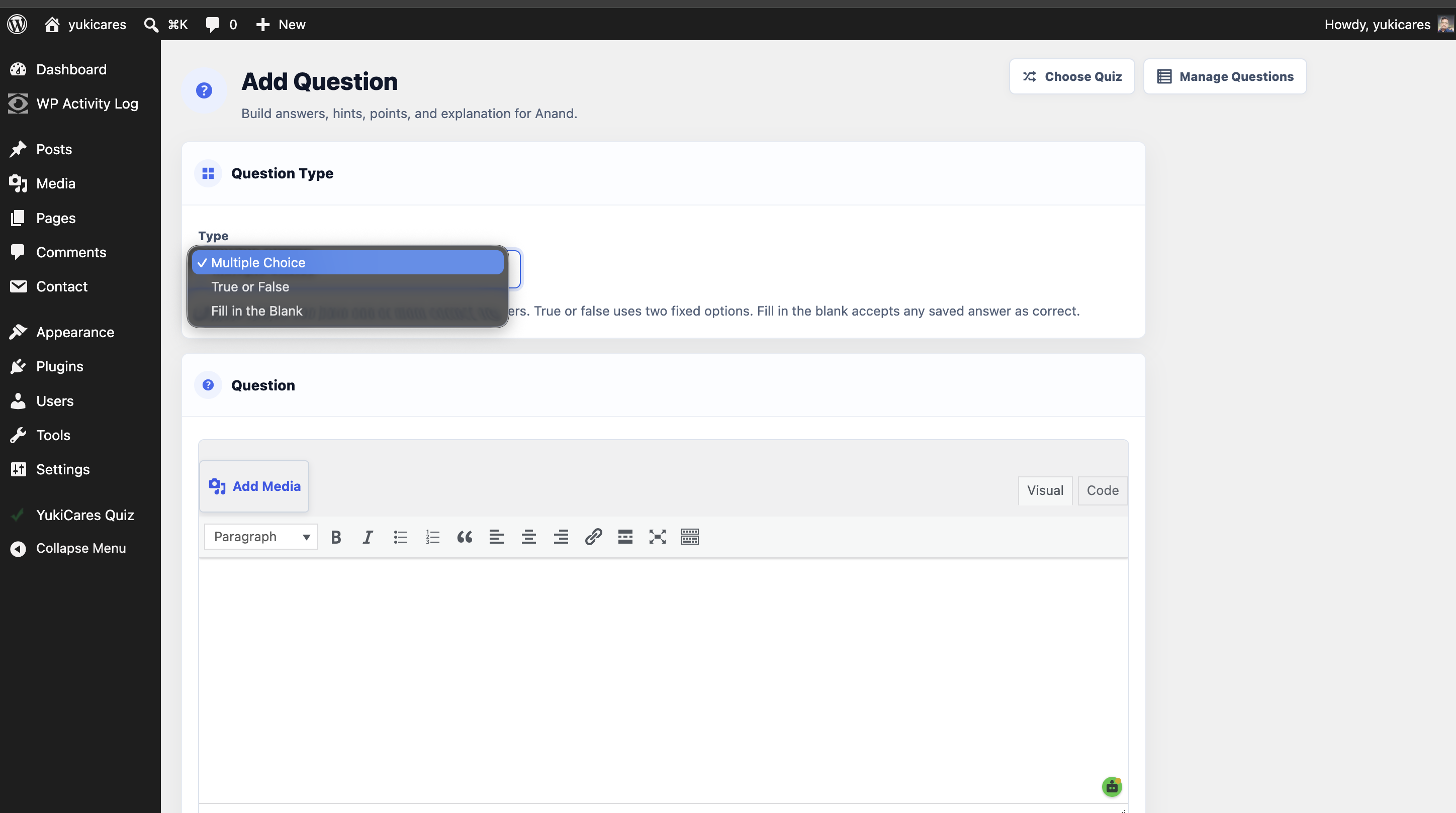
- Added question type support for Multiple Choice, True or False, and Fill in the Blank.
- Removed the Delimit option from answer editing.
- Added a WordPress editor for question explanations.
4.0.7
- Added an Add Quiz admin menu item below Manage Quizzes.
- Replaced the Quiz Start Screen plain textarea with the WordPress editor.
- Added real Draft and Published quiz statuses with dashboard filtering and shortcode draft protection.
4.0.6
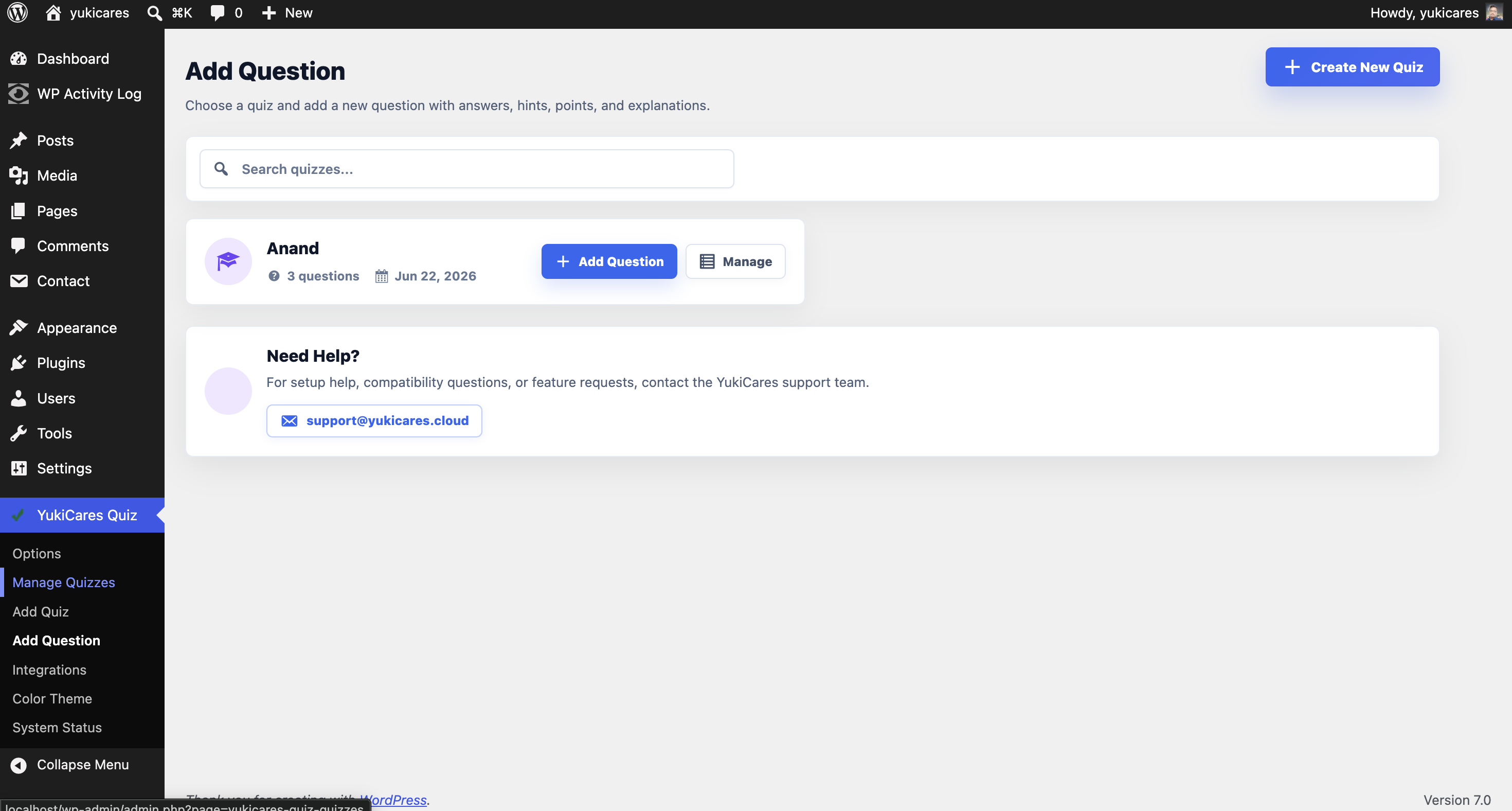
- Added an Add Question admin menu page after Manage Quizzes.
- Refreshed the quiz and question create screens with compact material headers, section icons, answer cards, and professional form spacing.
4.0.5
- Removed the Total Attempts dashboard card and tightened the Manage Quizzes layout for a denser admin view.
4.0.4
- Tightened the Manage Quizzes dashboard typography, spacing, card sizes, table rows, and action buttons.
4.0.3
- Redesigned the Manage Quizzes screen with dashboard stats, search, filters, sort controls, card-style rows, quick actions, and a material support panel.
4.0.2
- Added built-in Contact Form 7 and Gravity Forms result form support.
- Added result field class mapping for supported form integrations.
4.0.1
- Added a material-style visual refresh for quiz screens and plugin admin pages.
4.0.0
- Initial Pintraj Quiz Builder 4.0 release.
- Updated the codebase for current WordPress and PHP compatibility.
- Replaced deprecated editor usage with
wp_editor(). - Added guarded request handling to reduce PHP 8 warnings.
- Added nonces and capability checks to quiz, question, and theme admin actions.
- Reworked quiz save/delete queries to use safer WordPress database APIs.
- Added Pintraj Quiz Builder support and integrations screens.