
Description
BridgeHub Design Kit extends the Elementor page builder with a curated collection of lightweight, accessible, and performance-focused widgets.
Features
- Six lightweight Elementor widgets built for accessibility, performance, and modern website design: Hero, Feature Grid, Testimonial Slider, FAQ Accordion, CTA Banner, and Pricing Table
- WCAG 2.1 AA accessible output with ARIA attributes, keyboard navigation, and screen reader support
- Conditional asset loading — CSS and JS only load on pages using BridgeHub widgets, not every page
- PSR-4 autoloaded architecture for clean, maintainable code
- Template override system for theme developers
- Internationalization and RTL support using WordPress translation standards
- Vanilla JavaScript (no jQuery dependency) for frontend interactions
- JSON-LD structured data support in FAQ Accordion widget
- Reduced-motion preference support via
prefers-reduced-motion
Widgets Included
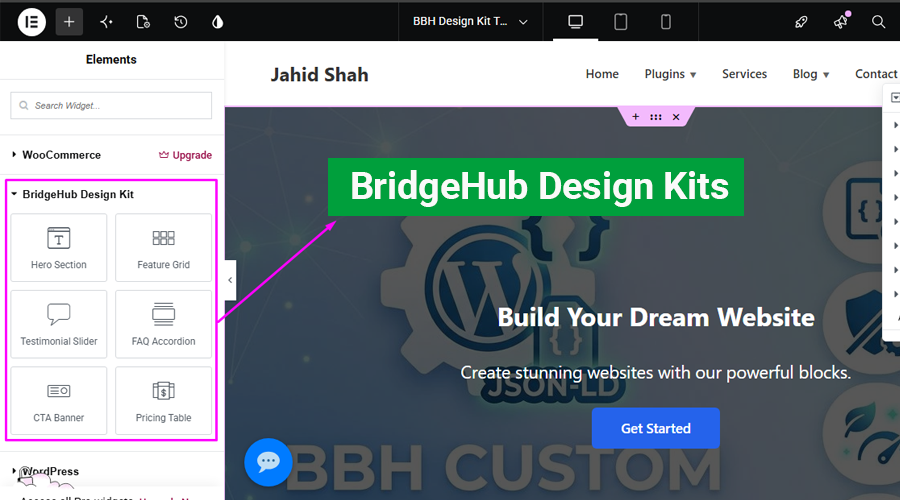
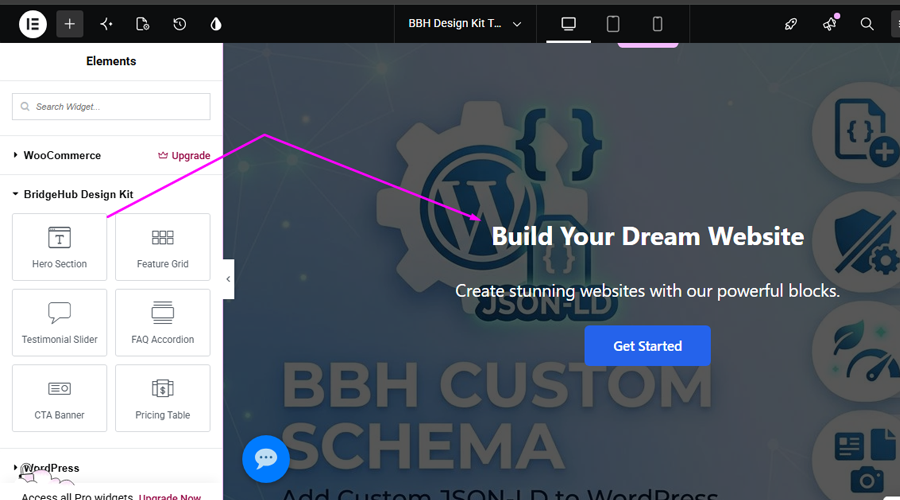
- Hero Section — Full-width banner with headline, subheading, CTA button, background overlay, and video/gradient support
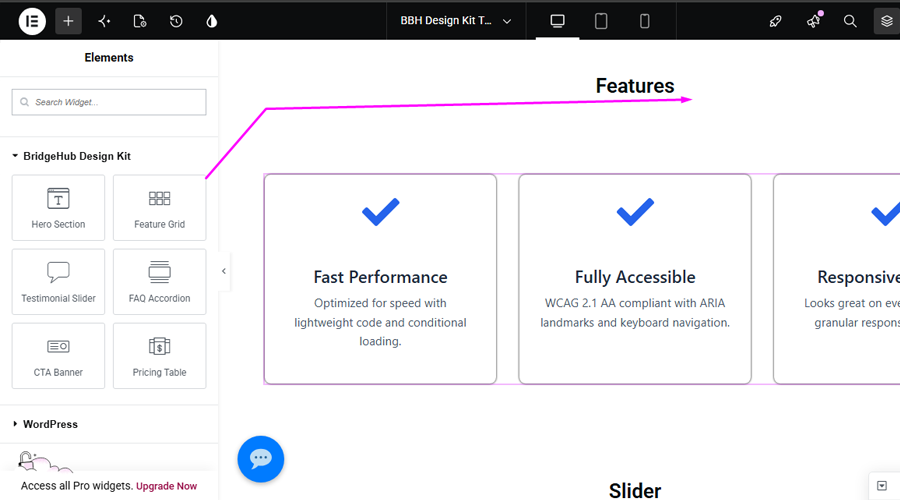
- Feature Grid — Responsive grid of feature items with icons, titles, and descriptions (1-4 columns)
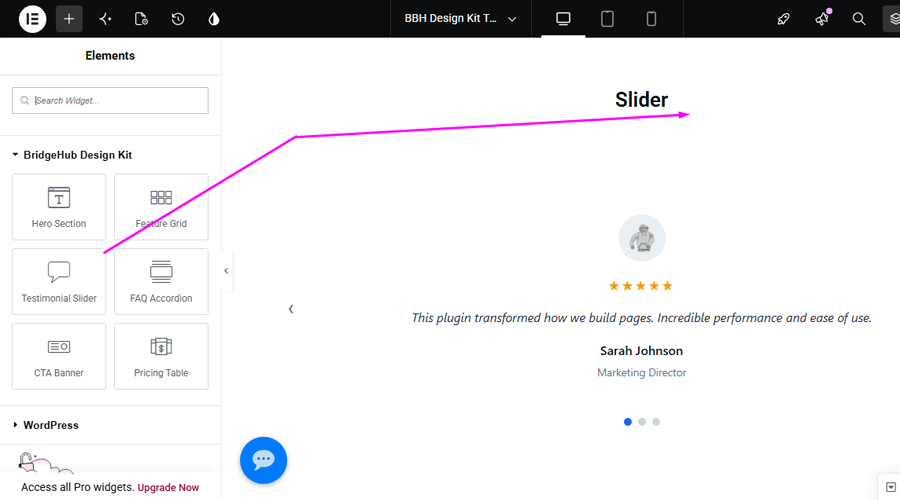
- Testimonial Slider — Accessible carousel with autoplay, keyboard navigation, dot/arrow controls, star ratings, and pause/play
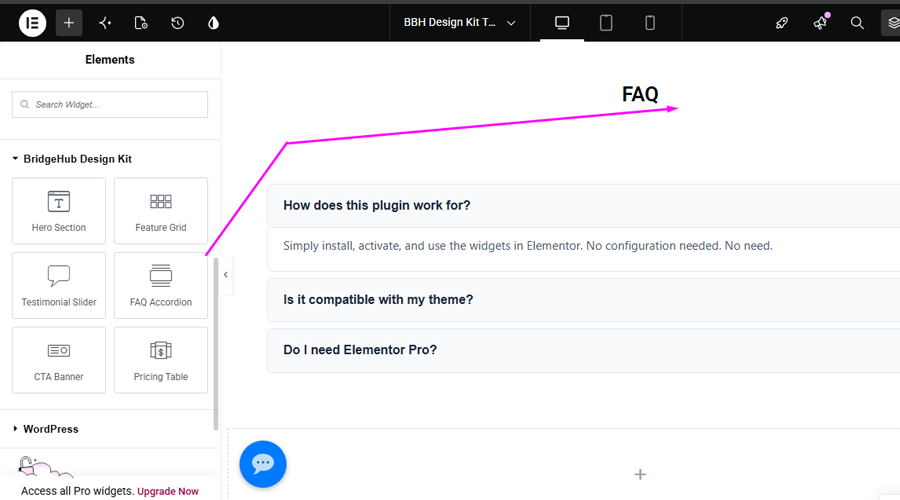
- FAQ Accordion — Expandable Q&A panels with WAI-ARIA accordion pattern, collapse-others mode, and FAQPage JSON-LD schema
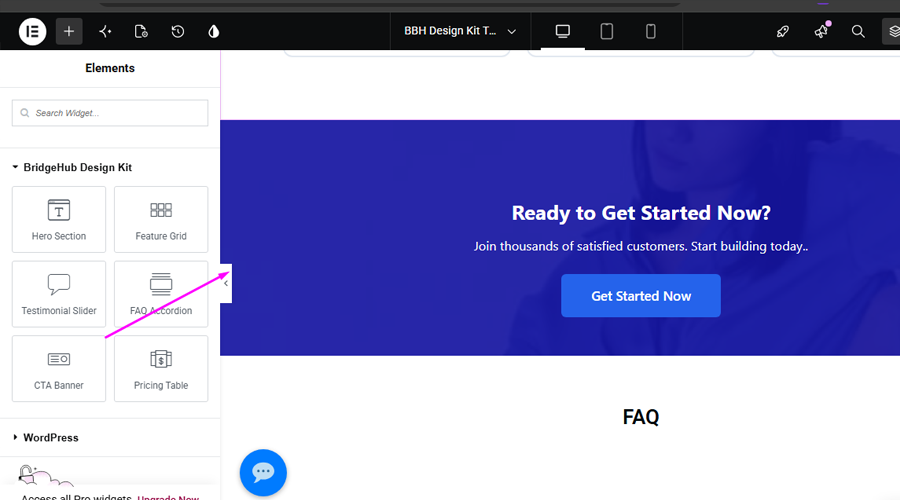
- CTA Banner — Call-to-action section with headline, description, button, and background overlay
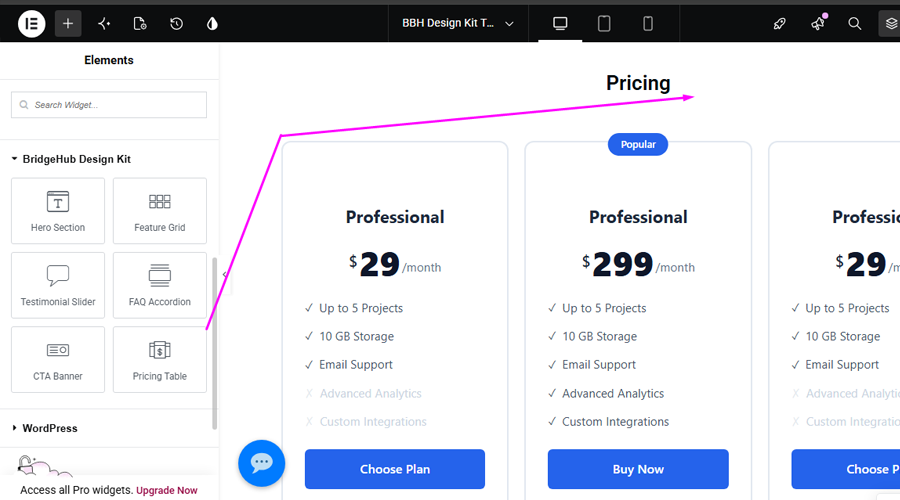
- Pricing Table — Plan card with title, price, features list, badge, and highlighting for featured plans
Support & Contact
Need help or want to report an issue?
For any issues, please open a support ticket in the WordPress plugin repository or visit our support page.
Screenshots
Installation
- Upload the
bridgehub-design-kitfolder to/wp-content/plugins/or install via Plugins Add New. - Activate BridgeHub Design Kit through the Plugins screen.
- For Elementor widgets, install and activate Elementor (free or Pro). BridgeHub Design Kit can be activated without Elementor and will display an admin notice until Elementor is installed.
- Open any page or template with Elementor — BridgeHub Design Kit appears in the widget panel under the BridgeHub Design Kit category.
FAQ
-
Do I need Elementor?
-
Yes. BridgeHub Design Kit provides Elementor widgets, so Elementor (free or Pro) must be installed to use the widgets. The plugin can be activated without Elementor and will display an informational admin notice until Elementor is available.
-
Do I need Elementor Pro?
-
No. BridgeHub Design Kit works with the free version of Elementor.
-
Are the widgets accessible?
-
Yes. All widgets are built with standards: ARIA landmarks and labels, keyboard navigation, visible focus indicators, semantic HTML, screen reader text, and
prefers-reduced-motionsupport. -
Can I override widget templates in my theme?
-
Yes. Copy any template from
/wp-content/plugins/bridgehub-design-kit/templates/widgets/into your theme at/wp-content/themes/your-theme/bridgehub-design-kit/widgets/. The plugin will detect and use your overridden template. -
Does the plugin slow down my site?
-
No. BridgeHub Design Kit uses conditional asset loading — CSS and JavaScript files only load on pages that actually use BridgeHub widgets. On all other pages, no additional assets are loaded.
-
Will uninstalling the plugin delete my Elementor content?
-
No. Uninstalling only removes BridgeHub Design Kit’s own options and transients. Your Elementor content, posts, and user data are never touched.
Reviews
There are no reviews for this plugin.
Contributors & Developers
“BridgeHub Design Kit” is open source software. The following people have contributed to this plugin.
Contributors
Translate “BridgeHub Design Kit” into your language.
Interested in development?
Browse the code, check out the SVN repository, or subscribe to the development log by RSS.
Changelog
1.0.0
- Initial public release on WordPress.org
- 6 Elementor widgets: Hero, Feature Grid, Testimonial Slider, FAQ Accordion, CTA Banner, Pricing Table
- WCAG 2.1 AA accessibility across all widgets
- Conditional asset loading so CSS and JavaScript are only loaded when BridgeHub widgets are used.
- Vanilla JavaScript carousel and accordion (no jQuery)
- JSON-LD FAQPage structured data
- Full i18n and RTL support
- PSR-4 autoloader with WordPress coding standards compliance