

Description
GatePass is a secure, lightweight, and modern plugin designed to restrict access to your entire website behind a custom passcode gate screen. It is perfect for staging sites, client previews, internal intranets, private blogs, or maintenance mode.
Site Protection
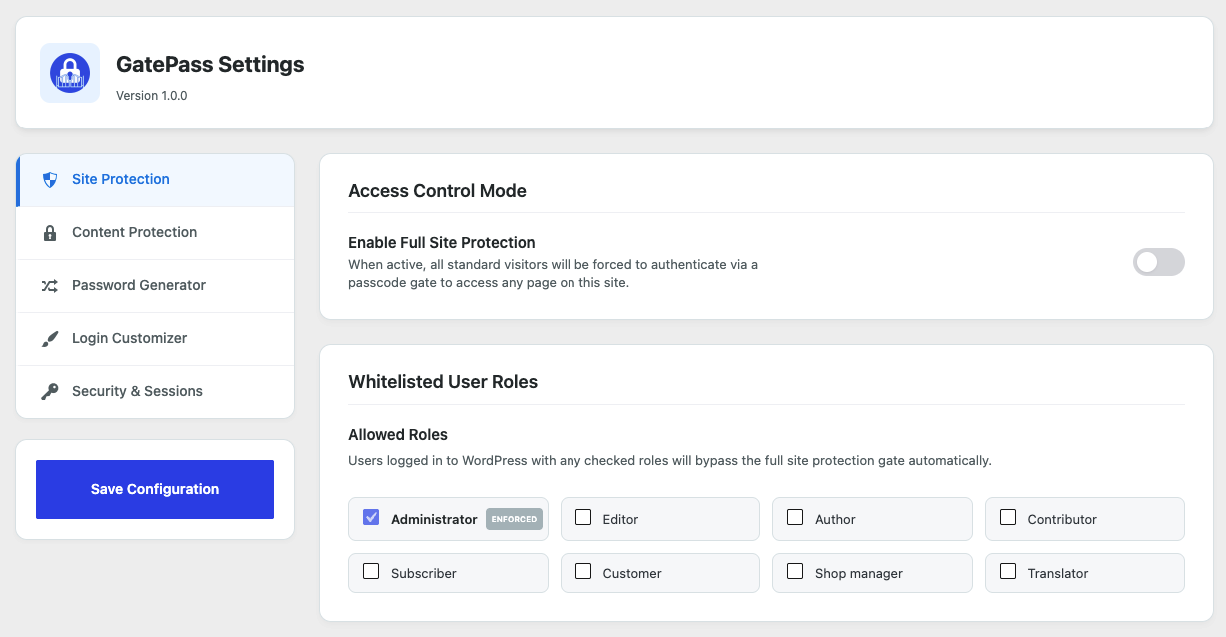
If you want to password protect your entire WordPress site, the Site Protection feature is the ultimate solution. Easily lock your entire website behind a secure password shield, preventing search engines (SEO crawler blocking) and unauthorized visitors from accessing any page. Perfect for hiding staging environments, client project previews, internal intranets, private blogs, or under construction maintenance mode sites.
Content Protection
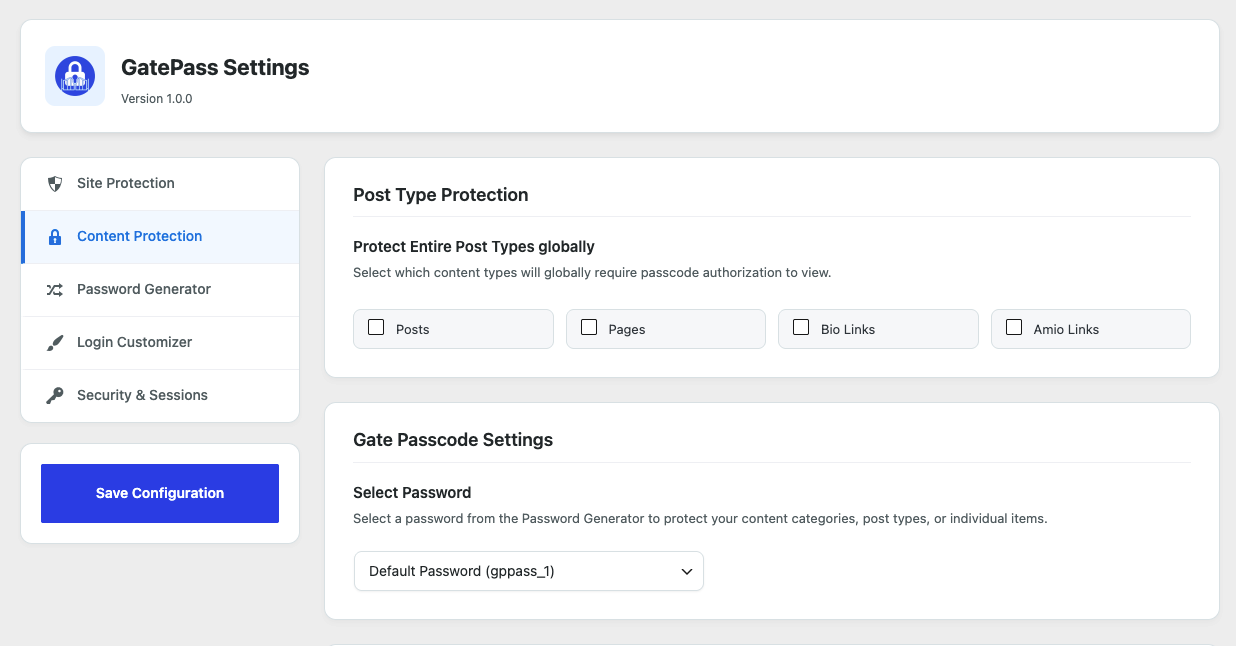
Looking to restrict content access to specific post types instead of the whole site? Content Protection has you covered. You can globally restrict access to pages, posts, portfolio items, or any custom post types. This allows you to secure private or premium sections of your site while leaving the rest of your website public for standard visitors and SEO search indexing.
Password Generator
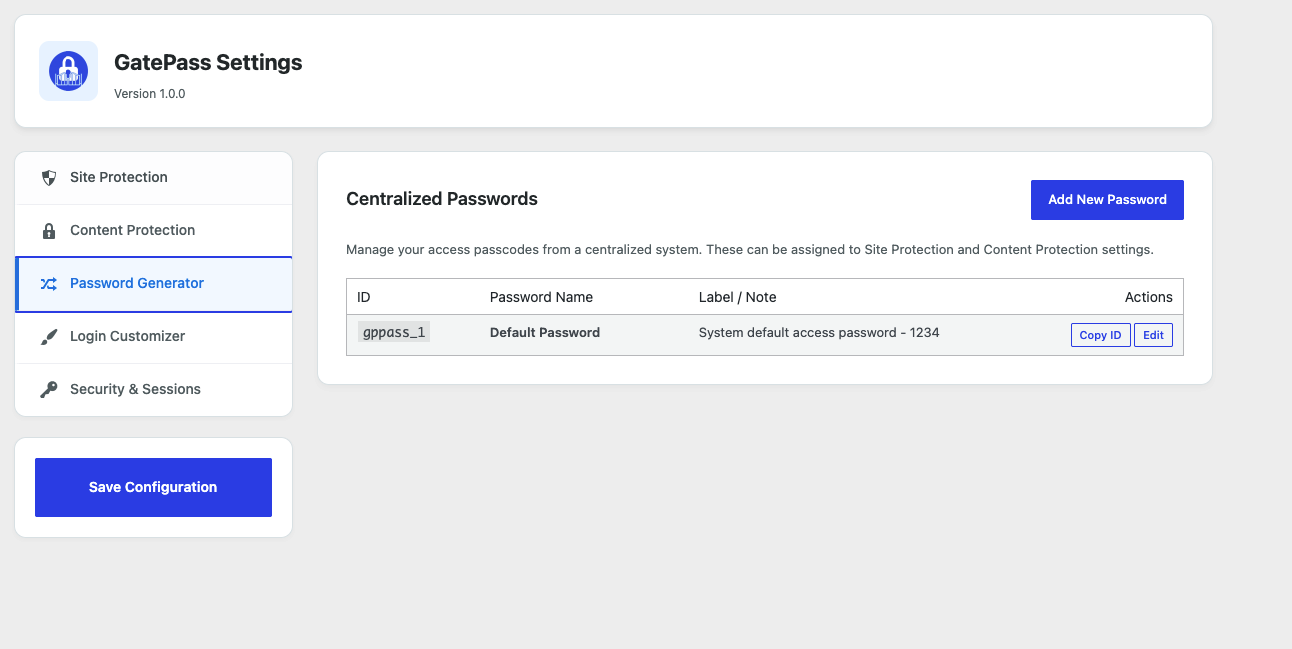
Easily generate and manage multiple secure passcodes with the built-in Password Generator. Instead of using a single global site password, you can generate strong, unique passwords and manage them from a centralized database. Assign specific passcodes to different user roles, clients, or content categories, giving you maximum flexibility over your access control.
Login Customizer
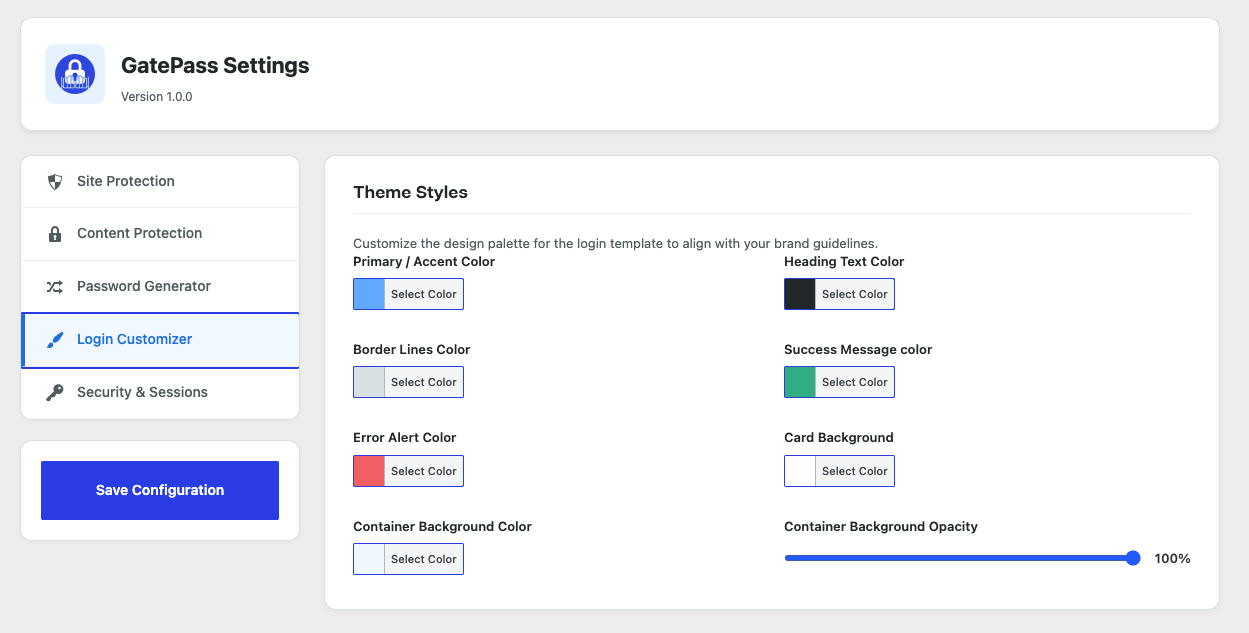
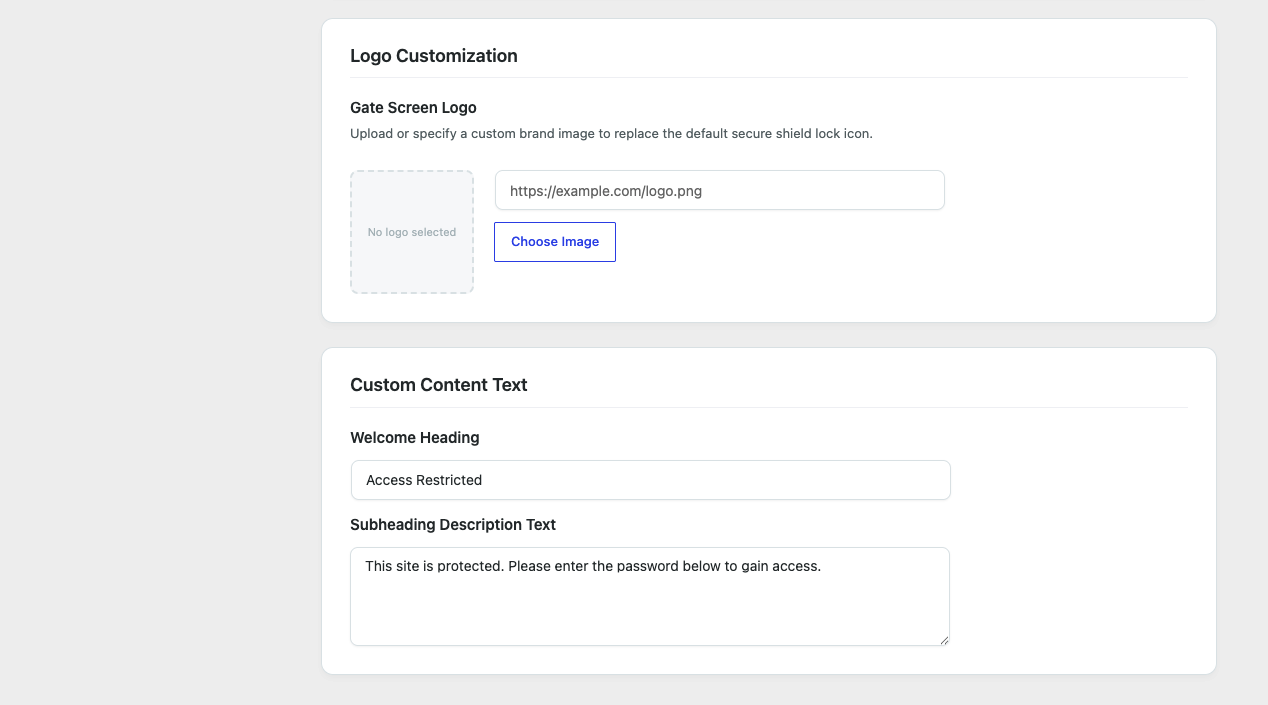
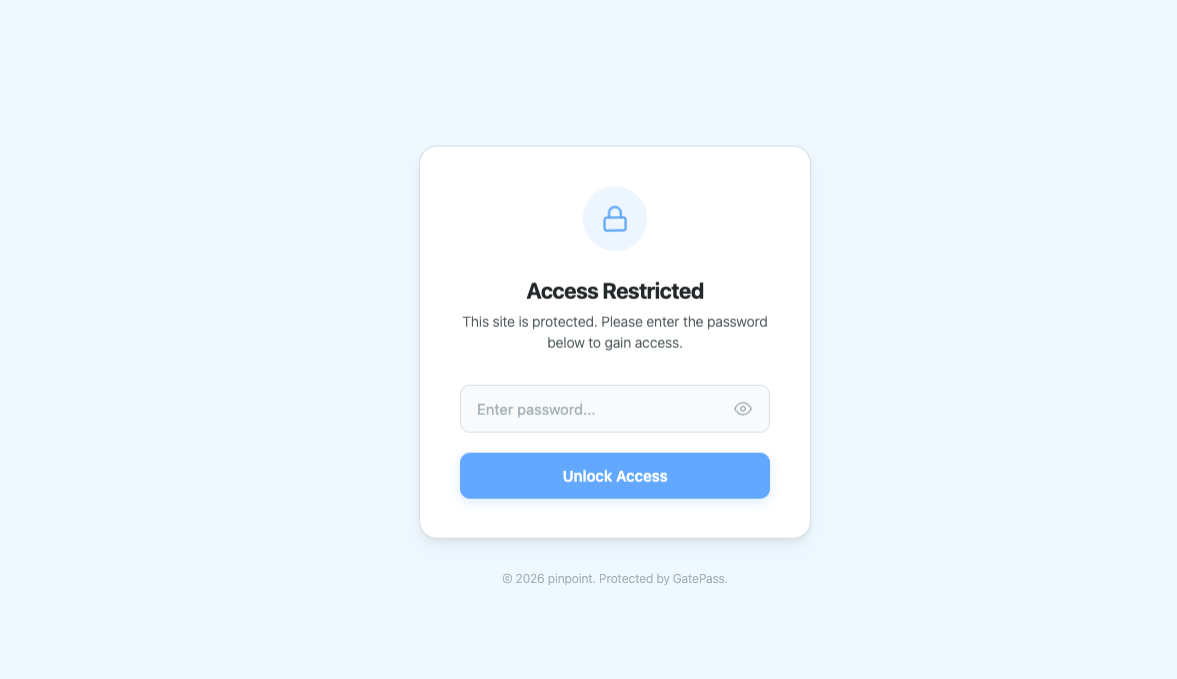
Design a beautiful, professional password gate screen that matches your brand identity using the Login Customizer. Customize the background color, upload a custom brand logo, adjust box container opacity, modify headings, and write custom description texts. Give your users a premium, trusted experience when they encounter the passcode gate.
Security & Sessions
Gain total control over how long users stay authenticated with advanced Security & Sessions settings. Set session expiration limits in minutes, hours, days, or months, or choose session-only cookies that automatically log users out when they close their browser. You can also invalidate all active user sessions instantly for maximum security.
Screenshots
Installation
- Upload the
gatepass-password-protectionfolder to your/wp-content/plugins/directory, or install it directly via the WordPress Admin. - Activate the plugin through the ‘Plugins’ menu in WordPress.
- Navigate to GatePass in your WordPress sidebar to enable protection, customize your design, and manage access passwords.
FAQ
-
How do I customize the passcode screen?
-
Go to the “Login Customizer” tab in settings. Here you can upload a logo, set custom background and text colors, and write your own headings or description.
-
How do I control session duration?
-
Navigate to the “Security & Sessions” tab and select a custom cookie lifespan (minutes, hours, days, months, or session-only).
-
How do role-based bypasses work?
-
Users logged into WordPress with any selected role in the “Whitelisted User Roles” setting will automatically bypass the site protection screen. Administrators are always whitelisted by default.
Reviews
There are no reviews for this plugin.
Contributors & Developers
“GatePass Password Protection” is open source software. The following people have contributed to this plugin.
Contributors
Translate “GatePass Password Protection” into your language.
Interested in development?
Browse the code, check out the SVN repository, or subscribe to the development log by RSS.
Changelog
1.0.0
- Initial WordPress.org release featuring core passcode Site Protection, Post Type Protection, and Login Design Customizer.