

Description
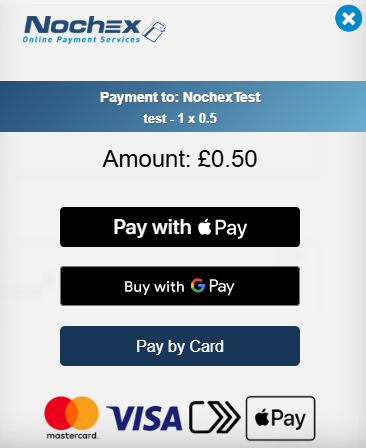
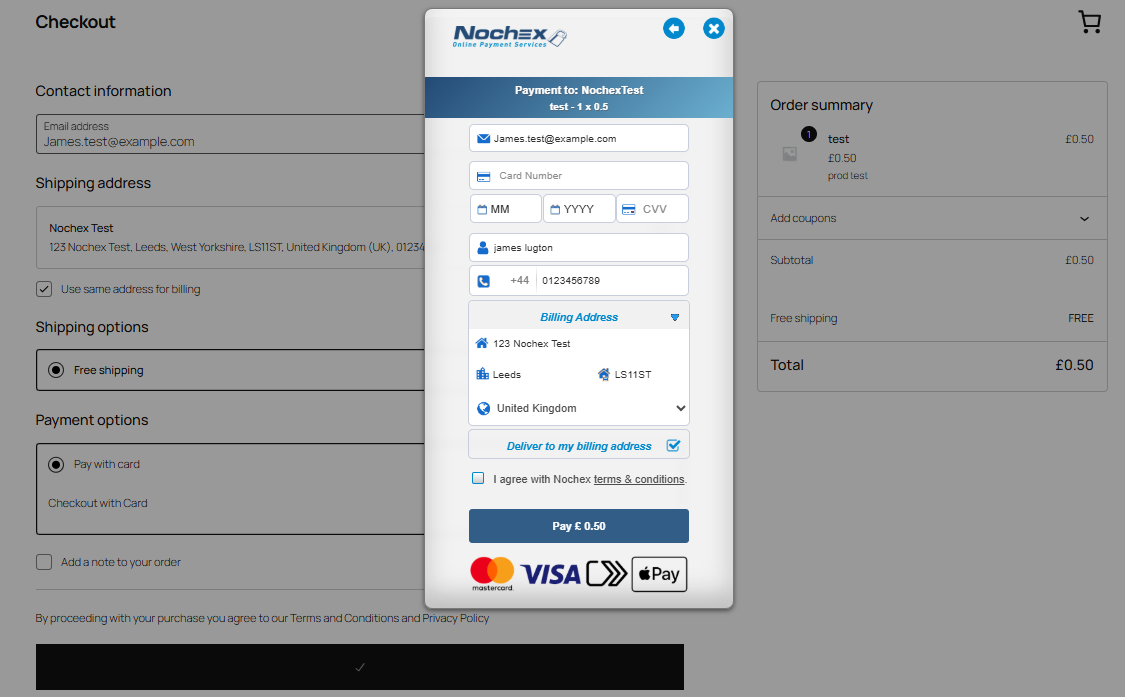
Nochex Payment Widget for WooCommerce adds a Nochex card payment method to WooCommerce checkout.
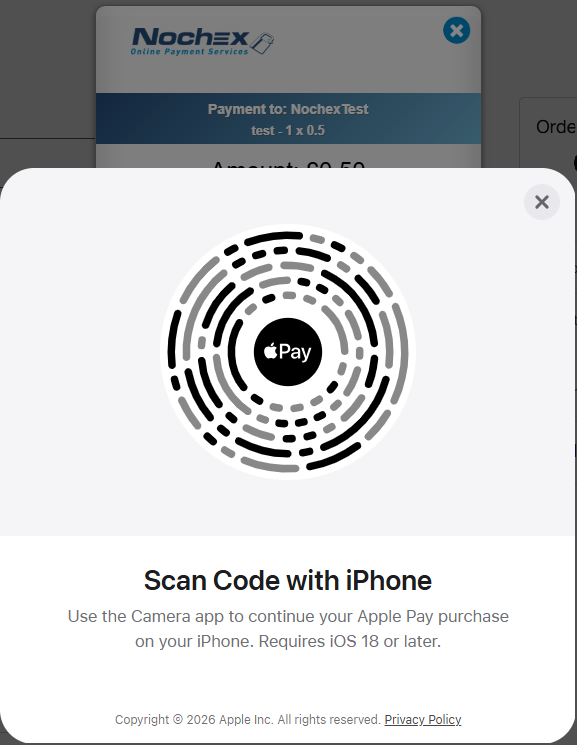
The plugin creates a WooCommerce payment method, renders the Nochex Payment Widget during checkout, and updates WooCommerce orders from Nochex Automatic Payment Confirmation (APC).
This plugin requires:
- A WordPress site running WooCommerce.
- A Nochex account with payment widget credentials.
- HTTPS on live stores.
- Store currency GBP for the current gateway configuration.
External service disclosure
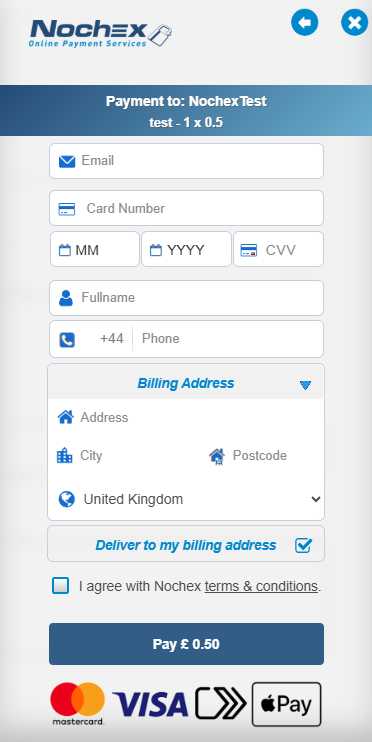
This plugin connects to Nochex to process payments. During checkout, the plugin may send order and customer information required to display and verify a payment, including order ID, order amount, billing name, billing email, billing phone, billing/shipping address, and the APC callback URL.
Payment card details are entered into the hosted payment widget and are handled by the payment service rather than stored by this plugin.
Service endpoints used by the plugin include:
https://secure.nochex.com/exp/jquery.jshttps://secure.nochex.com/exp/nochex_lib.jshttps://secure.nochex.com/apc/apc.aspx
Before enabling this plugin on a live store, review the Nochex terms and privacy information:
- Terms: https://www.nochex.com/terms-and-conditions/
- Privacy: https://www.nochex.com/privacy-policy/
Screenshots
Blocks
This plugin provides 1 block.
- Nochex Payment Widget
Installation
- Upload the plugin folder to
/wp-content/plugins/. - Activate “Nochex Payment Widget for WooCommerce” in WordPress.
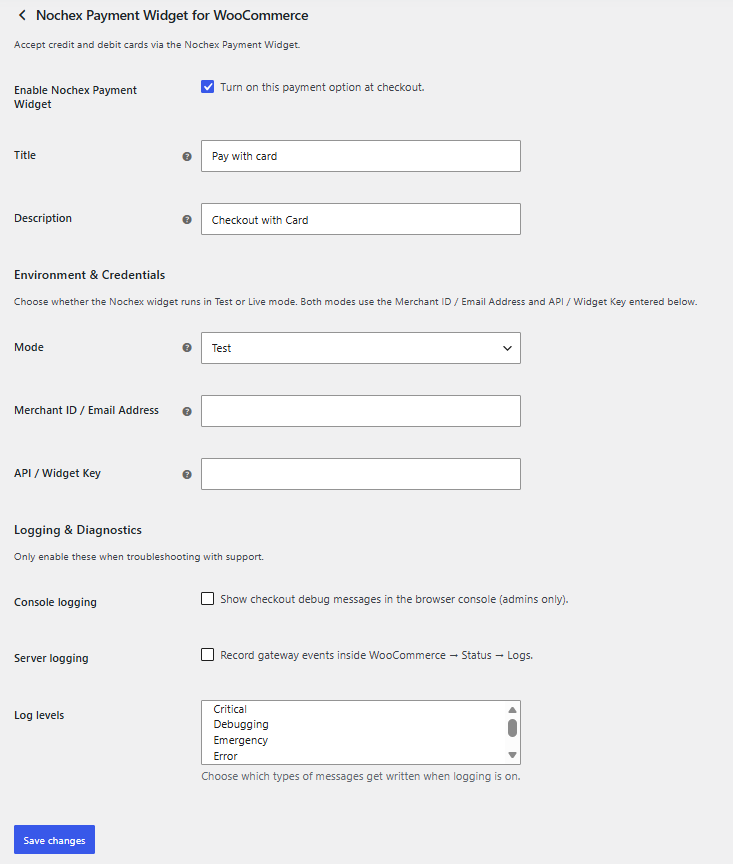
- Use the Settings link on the Plugins screen, or go to WooCommerce > Settings > Payments > Nochex Payment Widget.
- Enable Nochex Payment Widget.
- Enter the Merchant ID / Email Address and API / Widget Key supplied by Nochex.
FAQ
-
Does this plugin require WooCommerce?
-
Yes. WooCommerce is required for the payment gateway functionality.
-
Does this plugin store card numbers?
-
No. Card details are collected by the hosted payment widget. The plugin stores order/payment identifiers needed to reconcile WooCommerce orders with payment results.
-
Can this run in test mode?
-
Yes. Test mode uses the same Merchant ID / Email Address and API / Widget Key entered in settings, but adds the Nochex widget test transaction flag.
Reviews
There are no reviews for this plugin.
Contributors & Developers
“Nochex Payment Widget for WooCommerce” is open source software. The following people have contributed to this plugin.
Contributors
Translate “Nochex Payment Widget for WooCommerce” into your language.
Interested in development?
Browse the code, check out the SVN repository, or subscribe to the development log by RSS.
Changelog
1.0.0
- Initial WordPress.org-ready package metadata and WooCommerce payment widget integration.