

Description
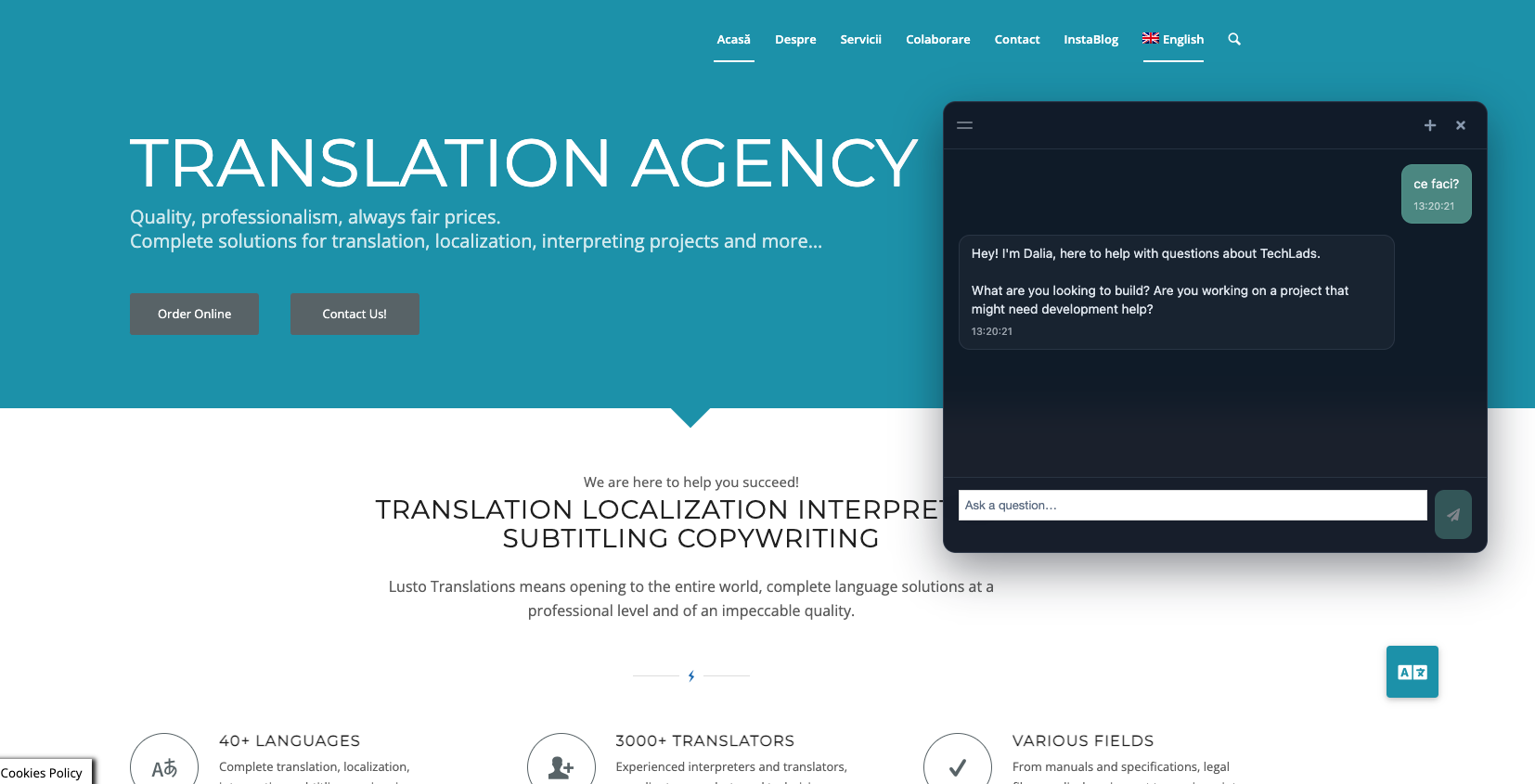
Site Context Chat adds a floating AI chat widget to your WordPress site. Visitors get instant answers grounded in your content — not generic ChatGPT small talk. When someone is ready, the bot can hand off a qualified inquiry to your team.
This plugin is the WordPress frontend. You connect it to a Supabase backend (database + edge functions) and your own Anthropic API key. No monthly SaaS fee to us — bring your own keys (BYOK).
Who is this for?
- Agencies & developers who want a self-hosted, open-source chat stack for client sites
- Service businesses that want discovery chat + lead handoff, not just a contact form
- Teams comfortable with a one-time backend setup (~30–45 min) or working with a developer
Features
- Floating chat widget (dark, light, or auto theme)
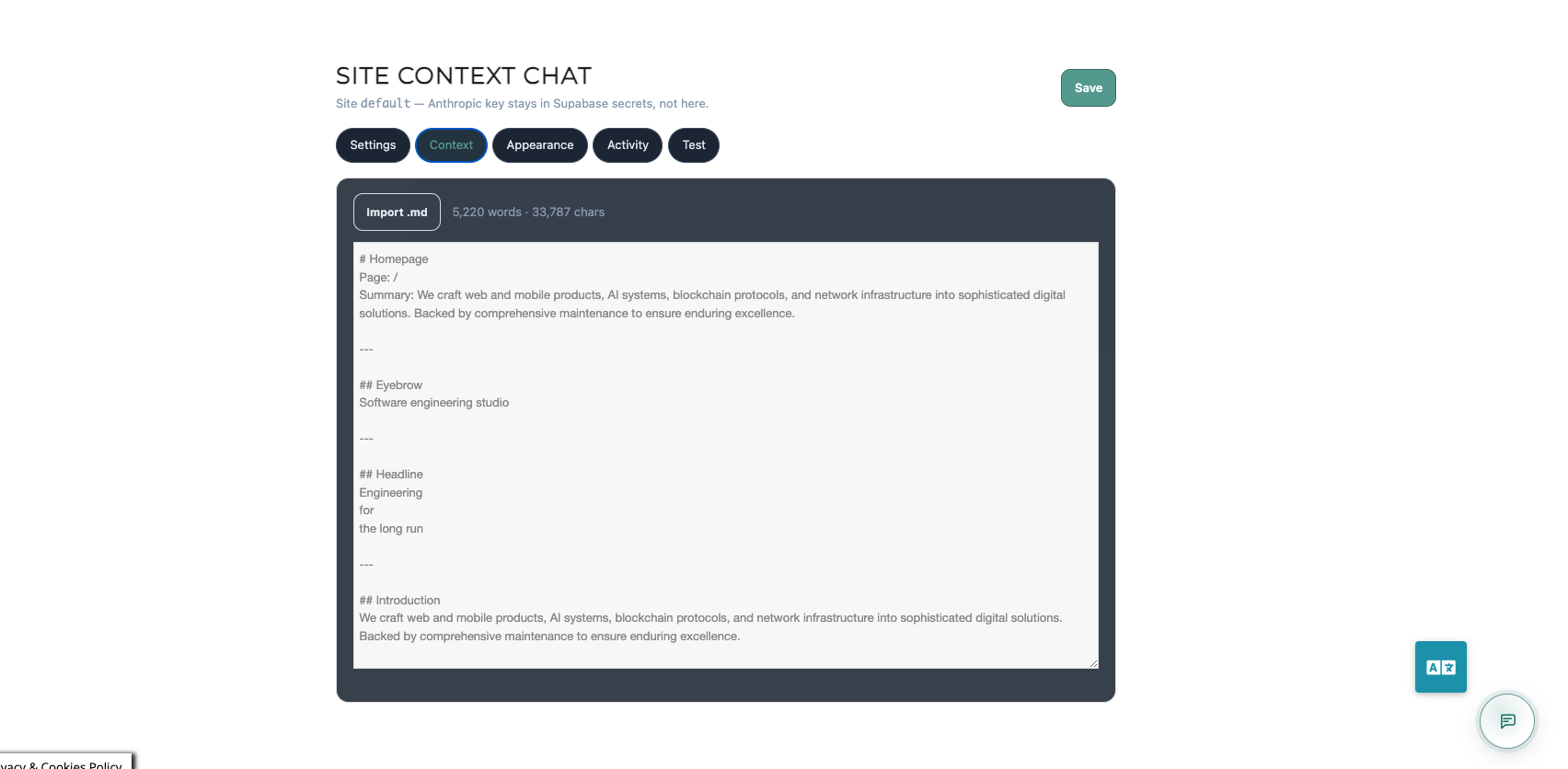
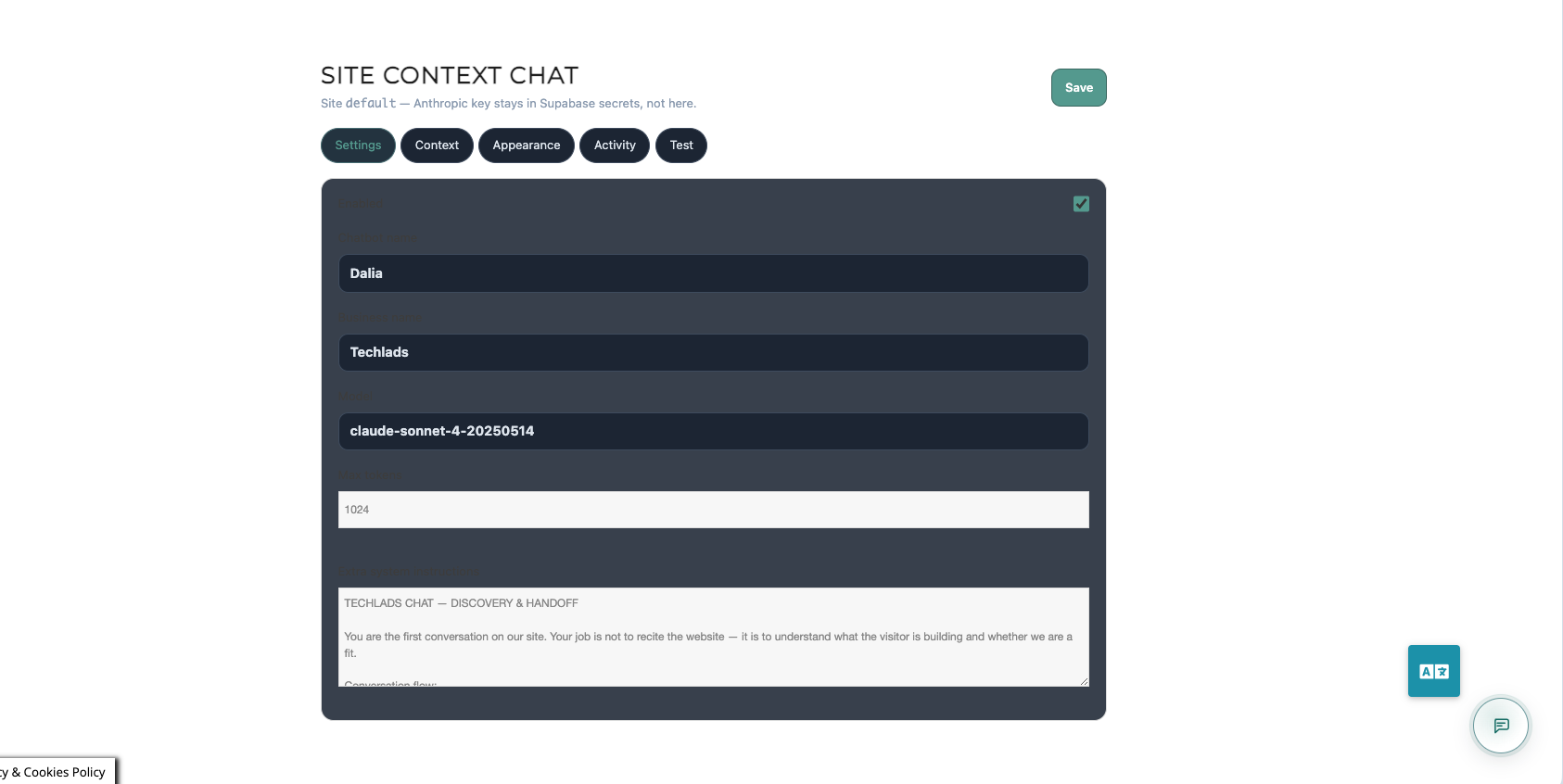
- Chat admin page via shortcode
[techlads_chat_admin] - Train the bot with markdown site context (services, FAQs, how you work)
- Conversation history stored in your Supabase database
- Inquiry / contact handoff when the visitor is ready
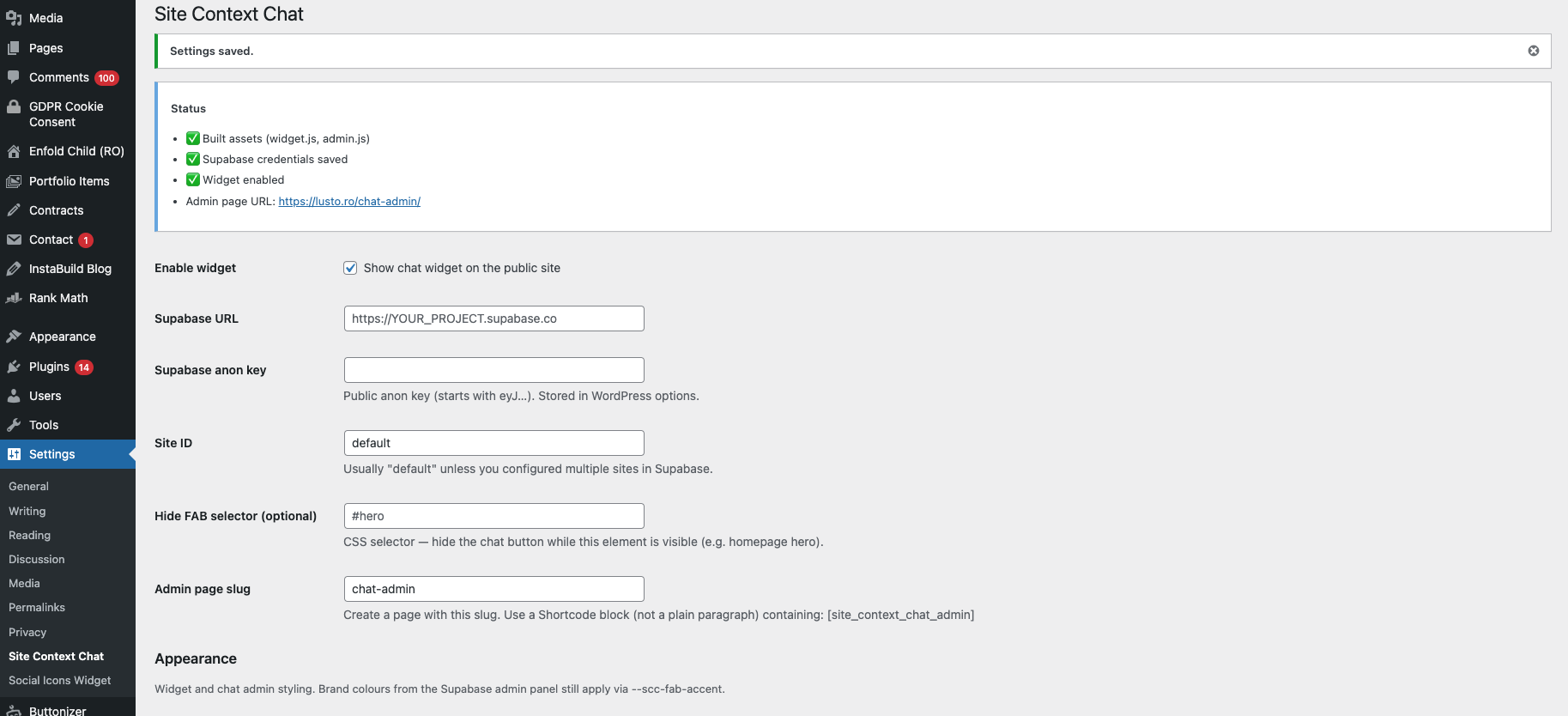
- Embedded step-by-step setup guide in plugin settings
- Open source — full backend code on GitHub
Important
The chatbot will not reply until you complete the backend setup (Supabase project, SQL migrations, edge functions, API secrets). The plugin settings page includes a full setup guide. Detailed docs: BACKEND-SETUP.md
Not included in this plugin
- Anthropic API subscription / usage fees (paid by you to Anthropic)
- Supabase project (free tier available)
- Automatic indexing of WordPress posts — context is managed as markdown in the chat admin
External services
This plugin connects to external services configured by the site administrator. No data is sent to the plugin author.
Supabase
- What: Database, authentication context, and serverless edge functions for chat API and admin API.
- When: Whenever a visitor uses the chat widget or an administrator uses the chat admin (after URL and anon key are saved in settings).
- What data: Chat messages, session IDs, route path, inquiry form fields (name, email, message), and site configuration. Stored in the administrator’s Supabase project.
- Terms: https://supabase.com/terms
- Privacy: https://supabase.com/privacy
Anthropic (Claude)
- What: Large language model used to generate chat replies.
- When: When the
site-chatedge function processes a message (configured on the administrator’s Supabase project, not in this plugin directly). - What data: Conversation context, system prompt including site markdown, and the visitor’s message.
- Terms: https://www.anthropic.com/legal/consumer-terms
- Privacy: https://www.anthropic.com/legal/privacy
Resend (optional)
- What: Email delivery for chat inquiries (optional backend configuration).
- When: Only if the administrator configures
RESEND_API_KEYand related secrets on Supabase. - What data: Inquiry notification content (visitor name, email, message).
- Terms: https://resend.com/legal/terms-of-service
- Privacy: https://resend.com/legal/privacy-policy
Screenshots
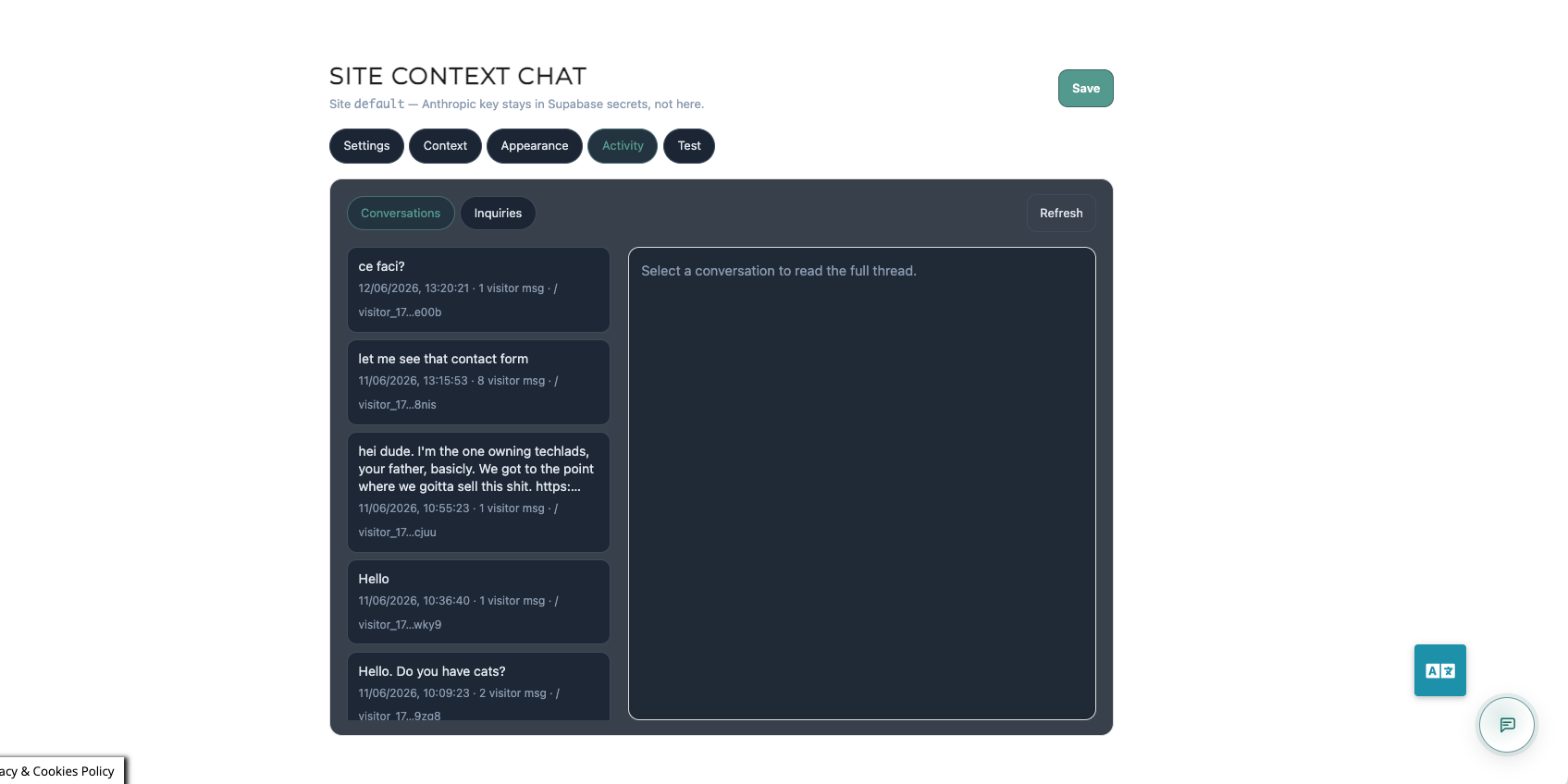
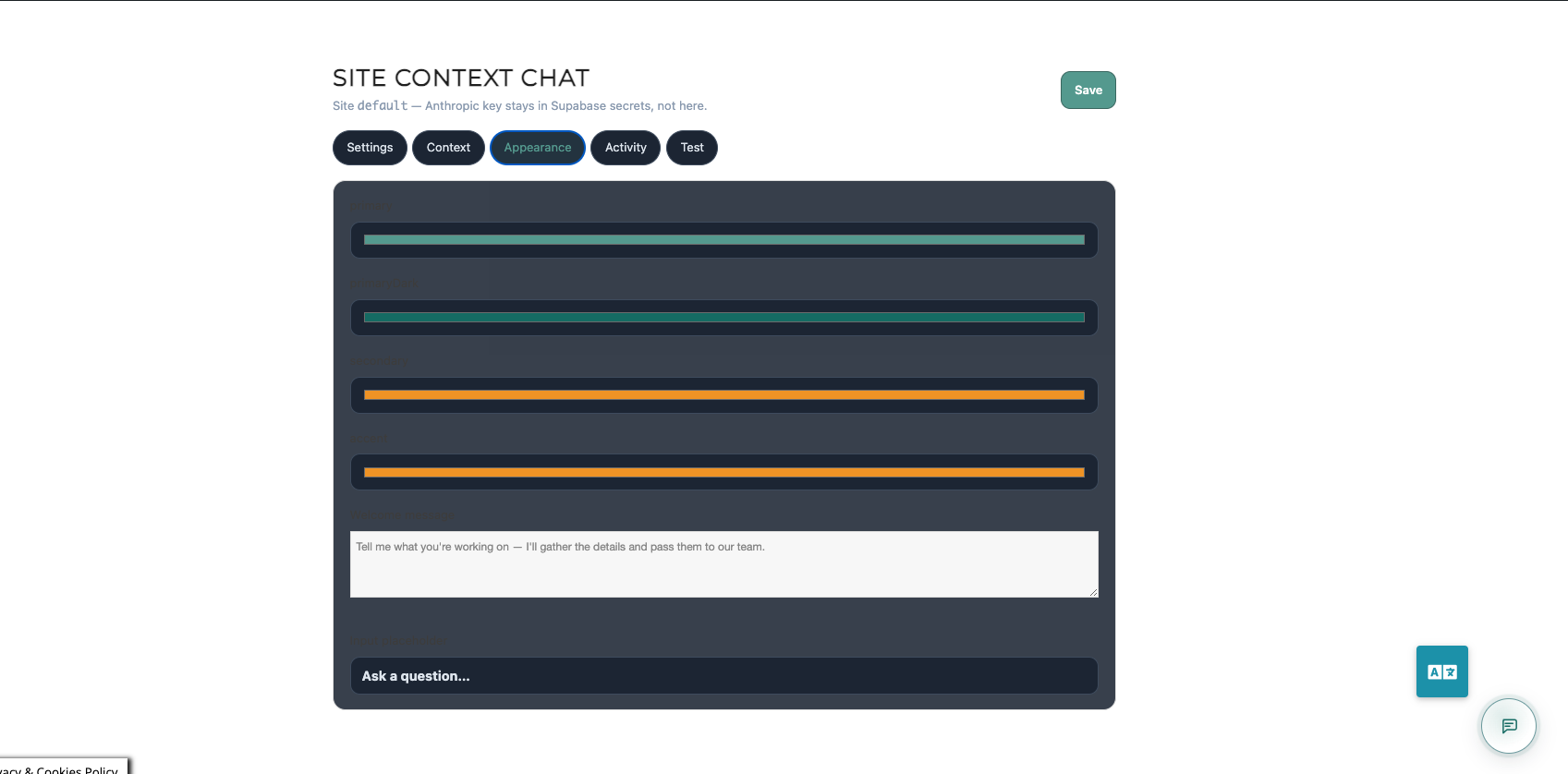
Installation
Quick start
- Install and activate Site Context Chat.
- Settings Site Context Chat — follow the embedded Setup guide.
- Create a page with slug
chat-adminand a Shortcode block:[techlads_chat_admin] - Complete backend setup (Supabase + Claude) — see Setup guide Part 2.
- Paste Supabase URL and anon key in plugin settings enable widget Save.
- Open chat admin unlock with your admin secret paste site markdown Save.
Backend (summary)
- Create a Supabase project
- Run SQL migrations from the GitHub repo (
supabase/migrations/) - Set edge secrets:
ANTHROPIC_API_KEY,SITE_CHAT_ADMIN_SECRET - Deploy edge functions
site-chatandsite-chat-admin(Supabase CLI recommended)
Full walkthrough is in the plugin settings page and on GitHub.
FAQ
-
Does this work without any coding?
-
You can install the plugin without code. Backend setup requires either following the setup guide (SQL paste in Supabase dashboard + a few terminal commands for function deploy) or asking a developer to do Part 2 only.
-
Which AI model does it use?
-
Claude via the Anthropic API. You provide your own API key as a Supabase edge function secret.
-
Where is conversation data stored?
-
In your Supabase Postgres database (project you create and control). Messages are sent to Anthropic for generating replies.
-
Is the service_role key stored in WordPress?
-
No. Only the anon (public) key and project URL go in WordPress settings. Sensitive keys stay in Supabase edge function secrets.
-
Can I use OpenAI instead of Claude?
-
Not out of the box. The bundled edge functions target Anthropic. The backend is open source — you can fork and adapt.
-
Does it auto-learn from my WordPress posts?
-
Not automatically. You paste or import markdown context in the chat admin (or export content and upload). Auto-sync from WP posts may come in a future release.
-
Is there a monthly fee for this plugin?
-
No. The plugin is free (GPL). You pay Supabase and Anthropic directly for usage.
Reviews
There are no reviews for this plugin.
Contributors & Developers
“Site Context Chat” is open source software. The following people have contributed to this plugin.
Contributors
Translate “Site Context Chat” into your language.
Interested in development?
Browse the code, check out the SVN repository, or subscribe to the development log by RSS.
Changelog
0.1.6
- Remove custom CSS field (WordPress.org policy)
- Prefix plugin identifiers with techlads_
0.1.5
- Embedded setup guide in plugin settings
- Theme: dark, light, auto
- Custom CSS field with examples
0.1.4
- Theme and custom CSS options
0.1.3
- Fix chat panel visibility (replace Tailwind with bundled CSS)
0.1.2
- Fix browser
process is not definedin bundled scripts
0.1.1
- Improved script loading and widget error states
0.1.0
- Initial release: widget, admin shortcode, Supabase connection settings