
Description
CoreMaintain is an all-in-one maintenance plugin for WordPress administrators. It allows you to manage important site health tasks such as core/plugin/theme updates, database cleanup, unused plugin and theme removal, trash cleanup, and security salt refresh.
Built for speed and simplicity, this plugin reduces manual maintenance work while giving you full control over each action from your WordPress admin area.
Features
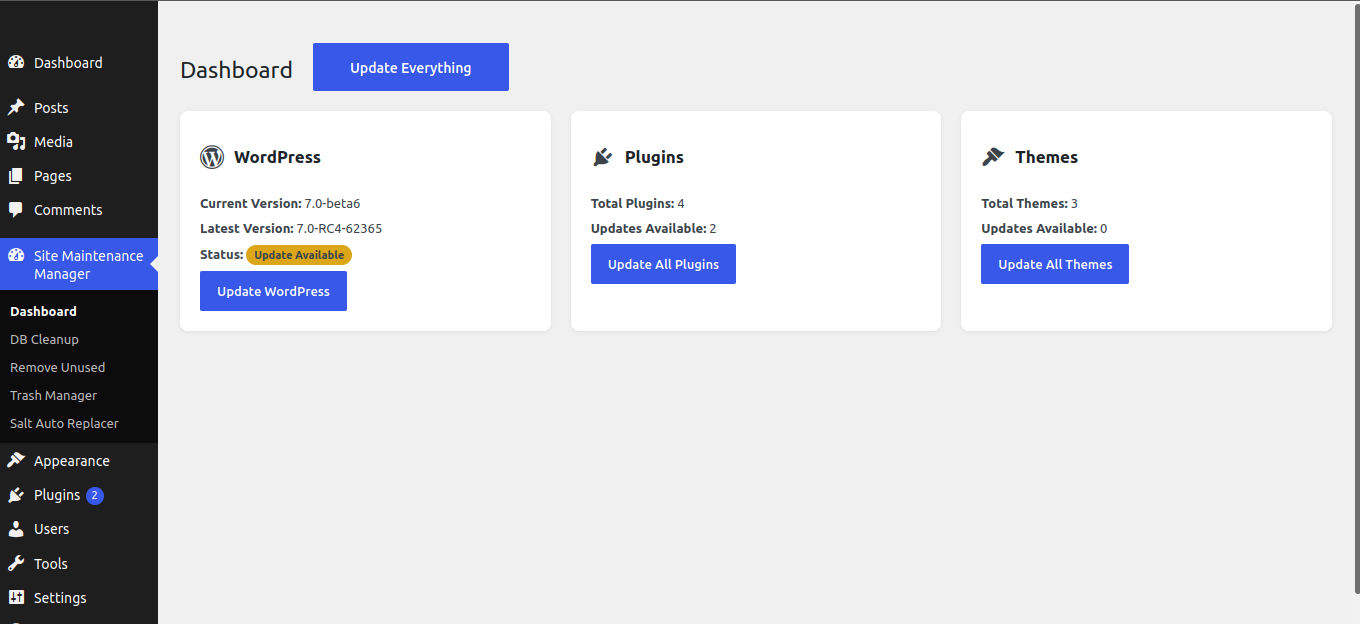
One-Click Maintenance Dashboard:
Control major maintenance actions from one admin screen.
WordPress, Plugin, and Theme Updates:
Run updates quickly with individual and bulk update options.
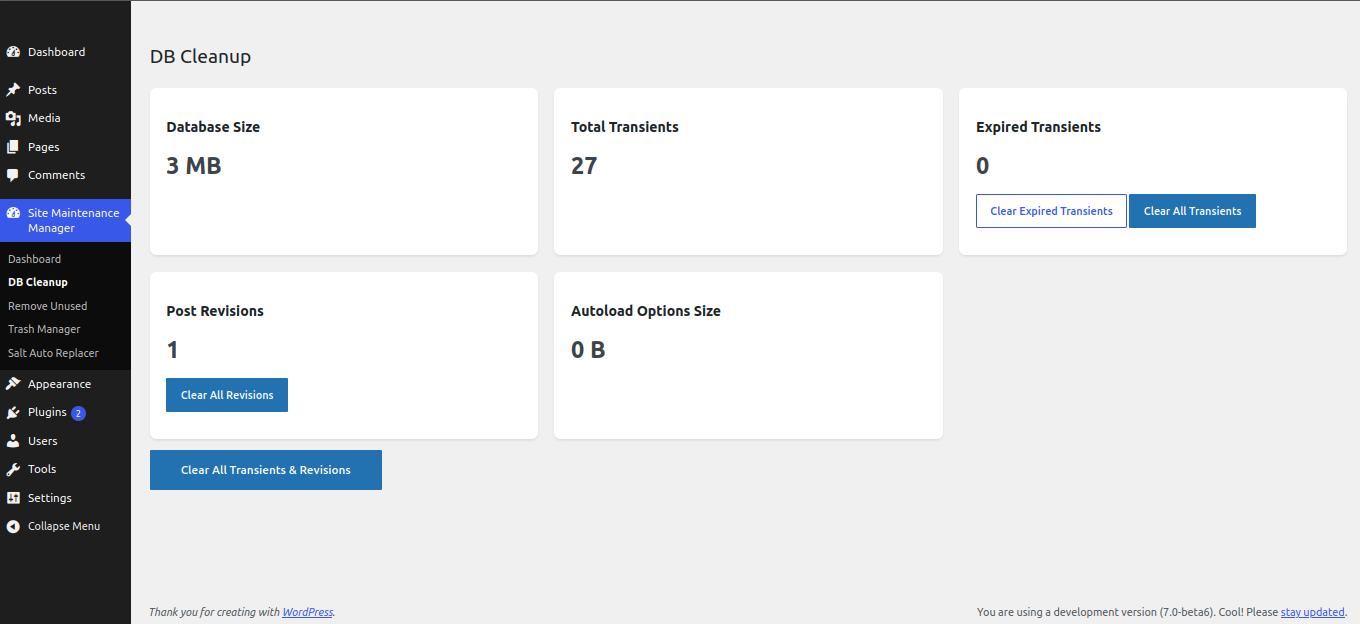
Database Cleanup Tools:
Remove unnecessary transients and revisions to keep your database optimized.
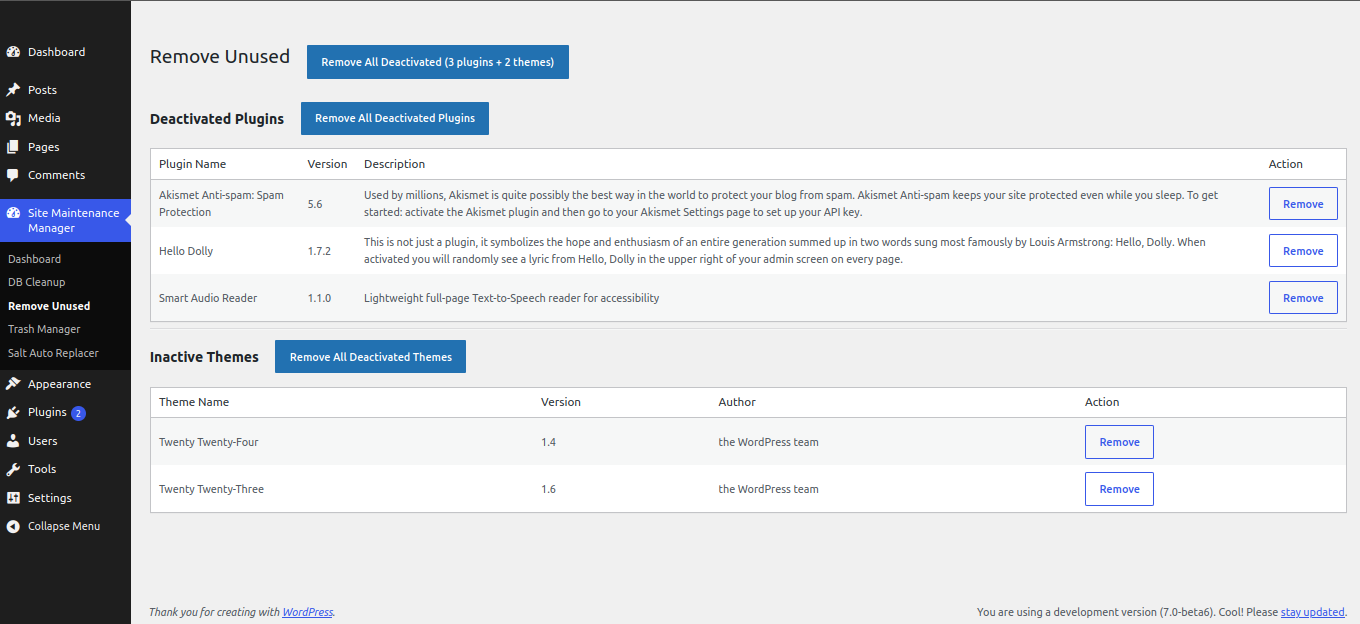
Remove Unused Plugins and Themes:
Identify and delete inactive items to reduce clutter and improve site hygiene.
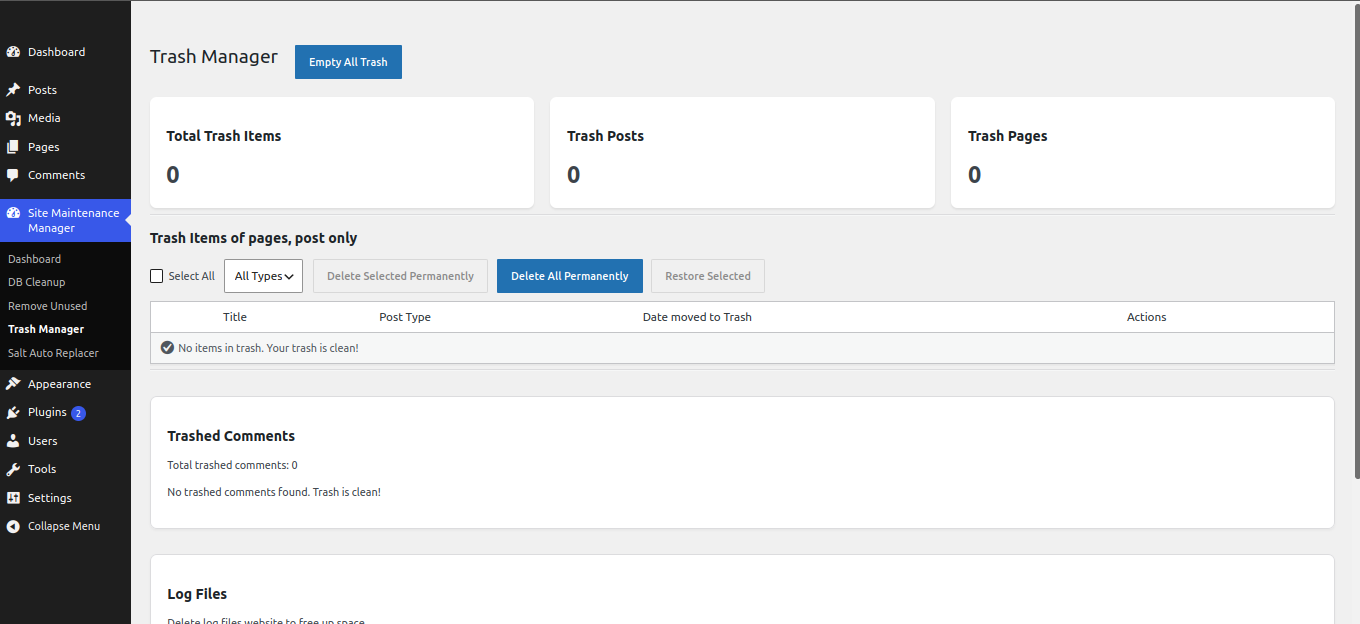
Trash Manager:
Permanently clear selected trash data from your WordPress site.
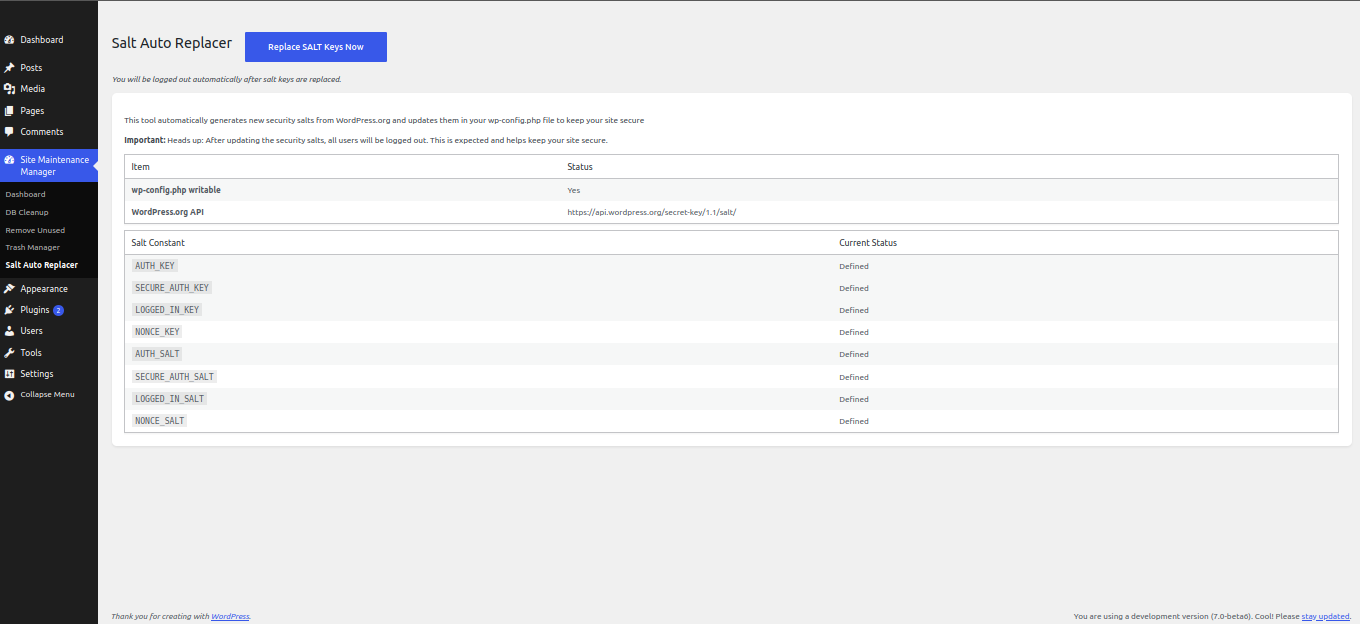
Security Salt Replacer:
Regenerate WordPress security salts to improve login/session security.
External services
This plugin connects to the WordPress.org Secret Key API when an administrator runs the “Replace SALT Keys” tool. The plugin sends an HTTP GET request to fetch new authentication salt keys that are written into wp-config.php. No personal data, site content, or credentials are sent with this request.
- Service: WordPress.org Secret Key API (https://api.wordpress.org/secret-key/1.1/salt/)
- When it is used: Only when a user with the manage_options capability clicks to replace security salts in the plugin admin.
- Data sent: None (public endpoint; no site-specific parameters).
- WordPress.org privacy policy: https://wordpress.org/about/privacy/
- WordPress.org terms of service: https://wordpress.org/about/tos/
Screenshots
Installation
- Go to your WordPress dashboard and navigate to Plugins > Add New.
- Click Upload Plugin and upload the plugin ZIP file.
- Install and activate the plugin.
- Open CoreMaintain from the WordPress admin menu.
- Review dashboard information and run maintenance actions as needed.
- For live websites, always take a full backup before running bulk cleanup or update tasks.
FAQ
-
What does CoreMaintain do?
-
CoreMaintain provides a centralized dashboard to handle updates, cleanup, removal of unused items, trash management, and security salt regeneration for your WordPress site.
-
Is it safe to use on a live website?
-
Yes, it is safe when used correctly. For best practice, take a full backup before running major update or cleanup actions on a live website.
-
Will this plugin affect my website design?
-
No. The plugin focuses on maintenance and optimization tasks in the WordPress admin area and does not directly modify your frontend design.
Reviews
There are no reviews for this plugin.
Contributors & Developers
“CoreMaintain” is open source software. The following people have contributed to this plugin.
Contributors
Translate “CoreMaintain” into your language.
Interested in development?
Browse the code, check out the SVN repository, or subscribe to the development log by RSS.
Changelog
Version 1.0.0
- Initial release.