
Description
Rudrastyh Simple Media Library Folders is a beautifully designed plugin that allows you to organize your WordPress media files into folders.
Features
✅ An unlimited number of folders
✅ Nested folders
✅ Download any folder as a ZIP archive in one click
✅ Instantly search for a folder using the search feature
✅ No annoying notifications
✅ The plugin does not affect your site performance in any way
✅ One-click import from other plugins (currently available are: Filebird, HappyFiles, Real Media Library, Wicked Folders, WP Media Folder by Joomunited, and Folders by Premio).
Screenshots
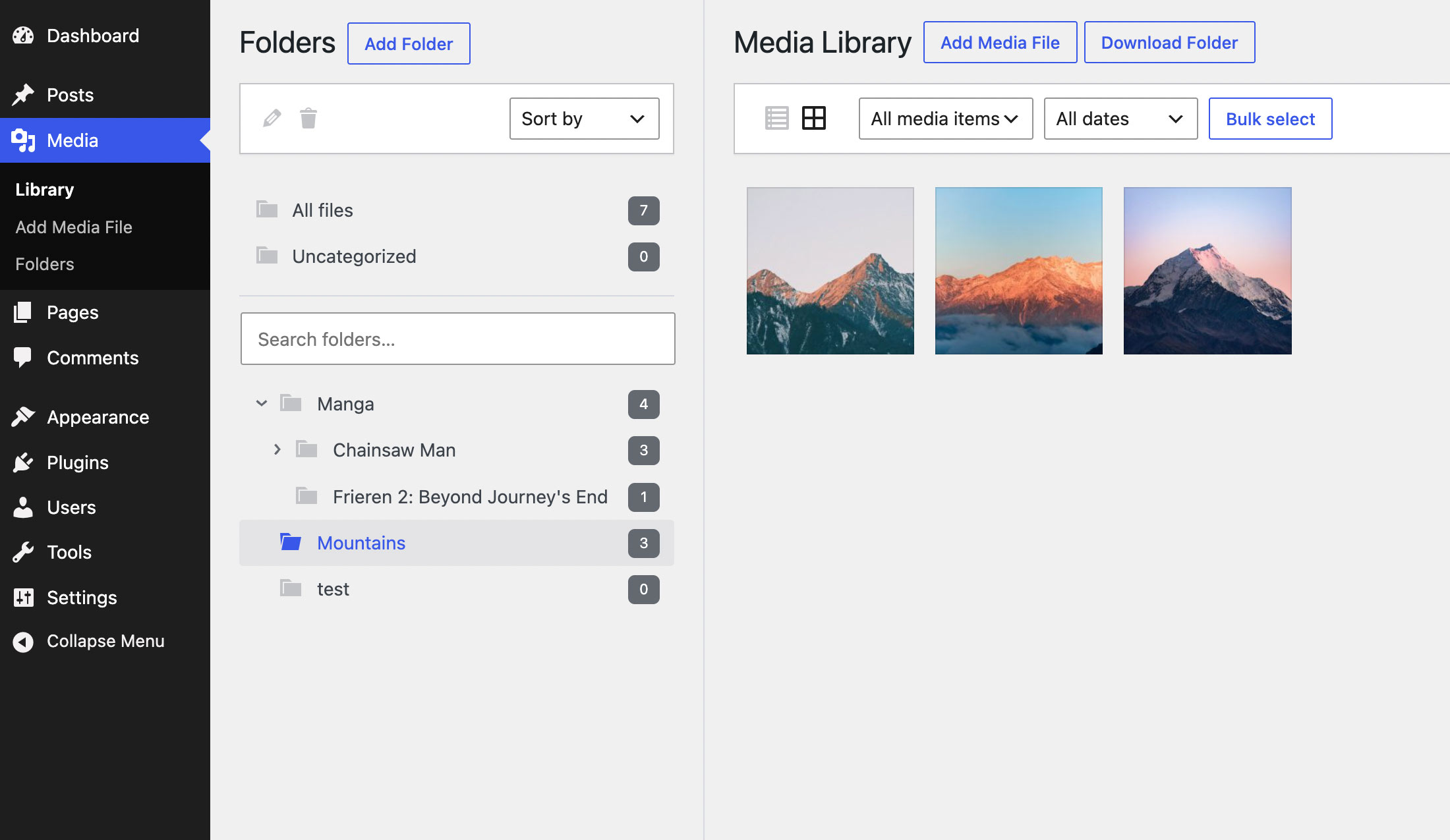
Simple Media Library Folders 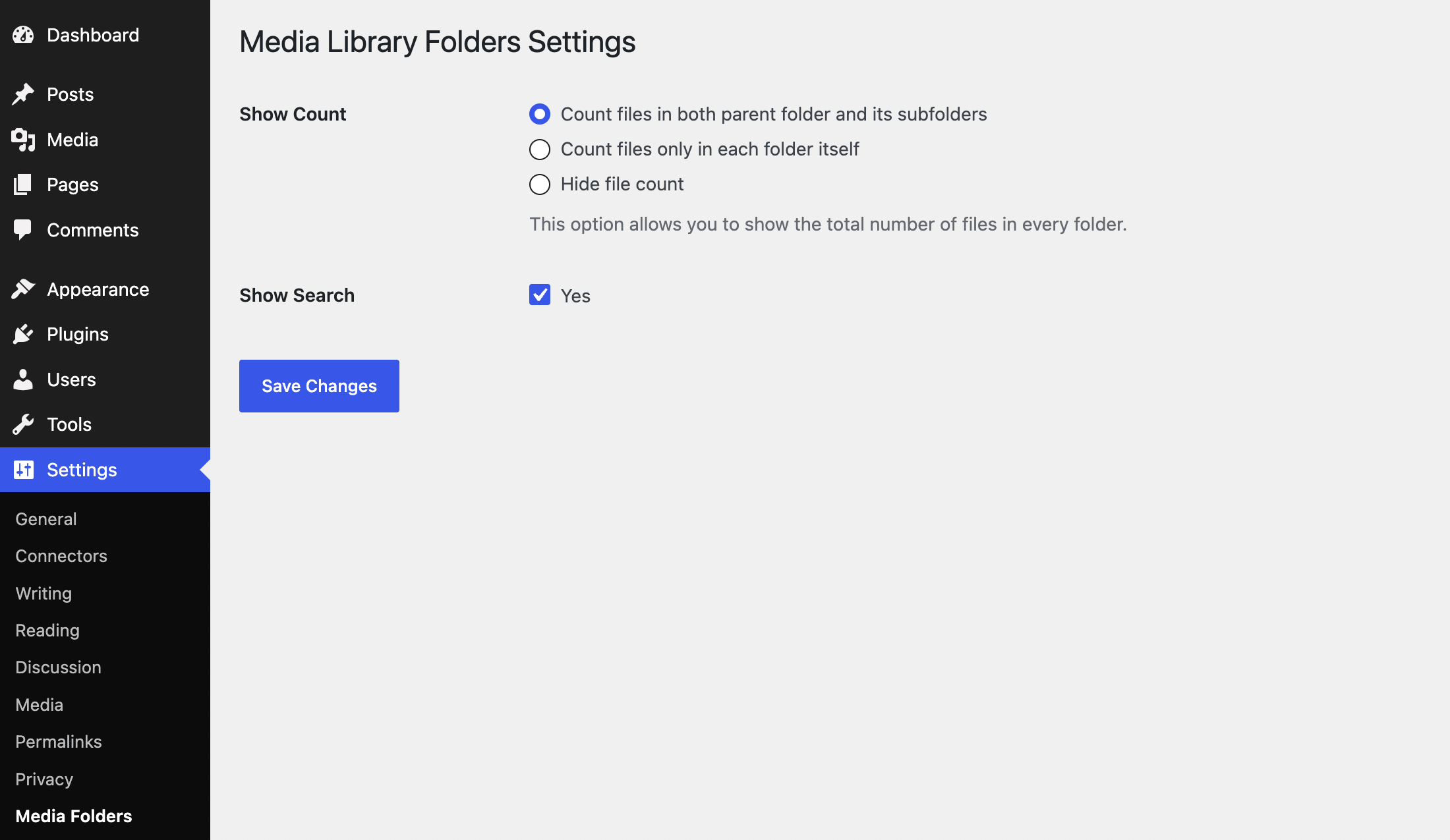
Plugin settings 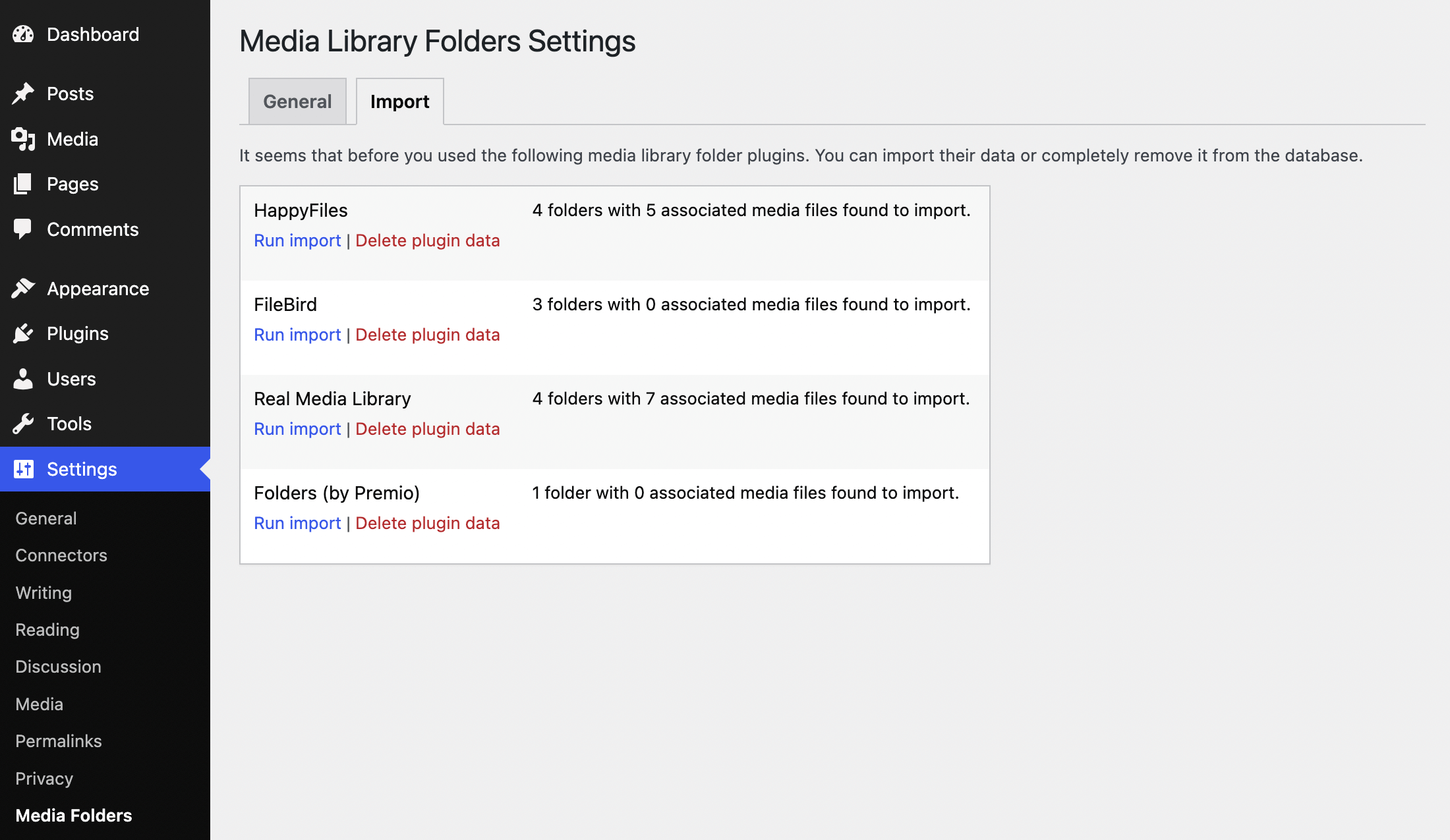
The Import tab is only displayed in settings if data from other media folder plugins is found in the database
Installation
Automatic Install
- Log into your WordPress dashboard and go to Plugins > Add New
- Search for “Rudrastyh Simple Media Library Folders”
- Click “Install Now” under the Rudrastyh Simple Media Library Folder plugin
- Click “Activate Now”
Manual Install
- Download the plugin from the download button on this page
- Unzip the file, and upload the resulting
rudrastyh-simple-media-library-foldersfolder to your/wp-content/pluginsdirectory - Log into your WordPress dashboard and go to Plugins
- Click “Activate” under the Rudrastyh Simple Media Library Folder plugin

Contributors & Developers
“Rudrastyh Simple Media Library Folders” is open source software. The following people have contributed to this plugin.
Contributors
Translate “Rudrastyh Simple Media Library Folders” into your language.
Interested in development?
Browse the code, check out the SVN repository, or subscribe to the development log by RSS.
Changelog
1.4
- Added: It is now possible to select multiple folders using checkboxes
1.3
- Added: A button, which allows you to download files from any folder as a ZIP archive
- Some CSS fixes for the upcoming WordPress 7.0 version
1.2
- Added: A tool that allows you to import media library folders from other plugins
1.1
- Added: It is now possible to hide or show folders sidebar via the Screen Options
- Fixed: An issue with SVG arrow icons not being properly displayed for nested folders
- Fixed: PHP Warning inside pre_get_posts action hook
- Fixed: A folder selection when editing media in the modal window is properly displayed as a dropdown list now
- Fixed: Capability issues: the plugin now uses two capabilities for folder management: upload_files and edit_files
1.0
- Initial release