

Description
DevAgent WBR adds simple rental and booking workflows to WooCommerce without custom booking tables or heavy frameworks.
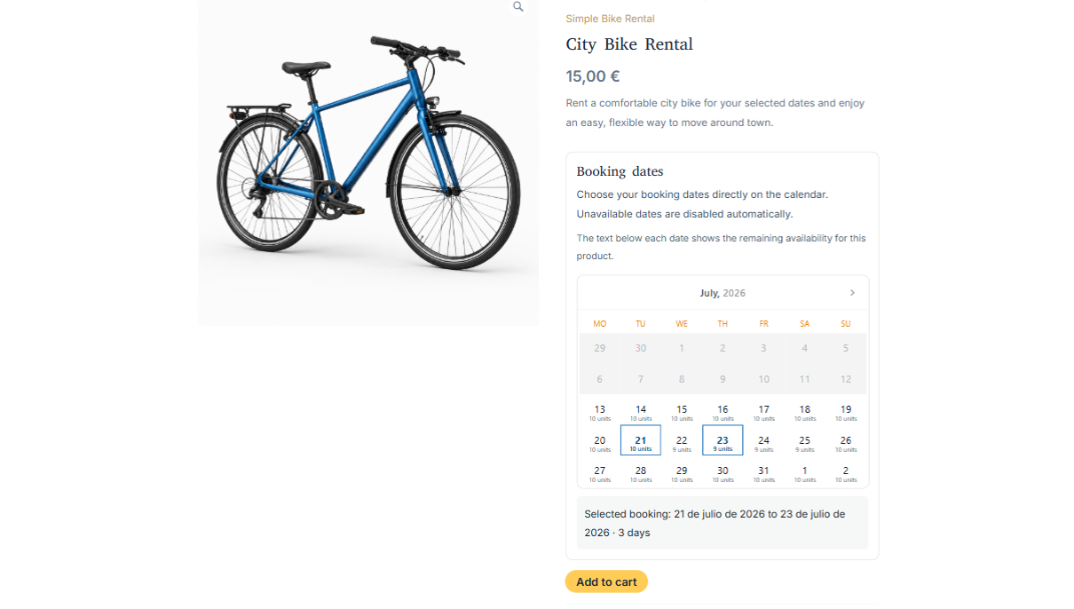
The plugin is designed for stores that need full-day date range bookings, availability checks, capacity per day and clear frontend date selection.
Main features
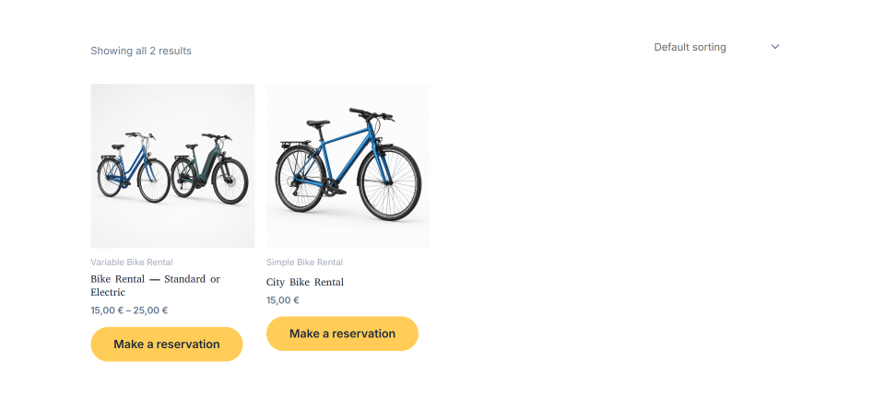
- Booking simple and booking variable product types.
- Day mode and night mode.
- Capacity per day with remaining availability display.
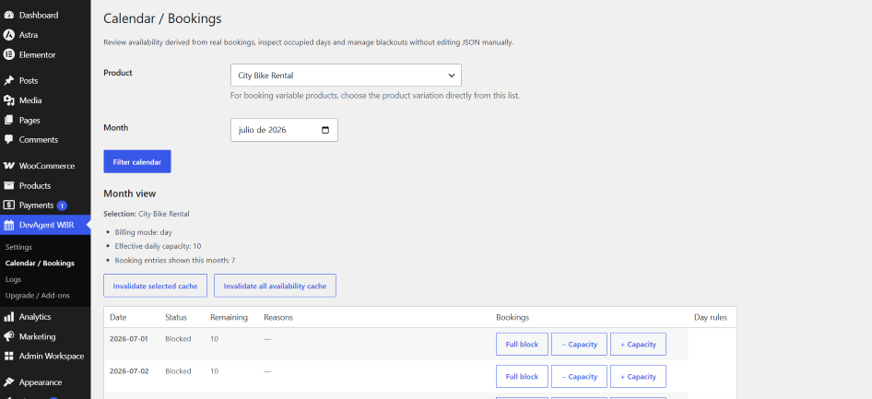
- Calendar / Bookings admin screen based on WooCommerce orders.
- Inline full-day blocks and per-day capacity overrides.
- Frontend Air Datepicker calendar with disabled unavailable dates.
- Quantity selector control for booking products.
- WooCommerce cart, checkout, order admin and email booking metadata.
- HPOS-safe order access through WooCommerce APIs.
- Translation-ready strings using the
devagent-wbr-rentals-bookingstext domain. - Extensible services, contracts and hooks for future add-ons.
Third-party assets
DevAgent WBR includes Air Datepicker 3.6.0 locally under vendor/air-datepicker/ for the frontend booking calendar. Air Datepicker is MIT licensed and dependency-free. Source and license details are documented in vendor/air-datepicker/SOURCE.txt and vendor/air-datepicker/LICENSE.txt.
What the free plugin does not include
- Hourly bookings.
- Advanced pricing rules.
- Operational logs.
- Custom booking tables.
- Buffer days.
Screenshots
Installation
- Upload the
devagent-wbr-rentals-bookingsfolder to/wp-content/plugins/or install the plugin ZIP from WordPress admin. - Activate the plugin from Plugins.
- Make sure WooCommerce is installed and active.
- Go to DevAgent WBR > Settings and review the global booking settings.
- Edit a WooCommerce product and select Booking simple or Booking variable as the product type.
- For booking variable products, configure booking capacity inside each variation.
- Use DevAgent WBR > Calendar / Bookings to review availability and manage full-day blocks or capacity overrides.
FAQ
-
Does this plugin require WooCommerce?
-
Yes. DevAgent WBR extends WooCommerce products, cart, checkout and orders.
-
Does this plugin create a booking custom post type?
-
No. Bookings are derived from WooCommerce order line item metadata.
-
Is it compatible with HPOS?
-
Yes. The plugin declares compatibility with WooCommerce High-Performance Order Storage (HPOS) and uses WooCommerce APIs for order access.
-
Can customers book more than one item?
-
Yes, when Show quantity selector is enabled and the selected date range has enough remaining capacity.
-
Where are blackouts managed?
-
Blackouts and per-day capacity overrides are managed from DevAgent WBR > Calendar / Bookings.
-
Are buffers supported?
-
No. Buffer fields were intentionally removed from this plugin to keep the booking flow simple.
-
What happens when I uninstall DevAgent WBR?
-
By default, DevAgent WBR keeps its settings and product booking rules so you can reinstall without losing configuration. You can choose to delete DevAgent WBR plugin data from DevAgent WBR > Settings > General > Uninstall behavior before deleting the plugin. WooCommerce orders, sales data and order item booking details are preserved.
Reviews
There are no reviews for this plugin.
Contributors & Developers
“DevAgent WBR — Rentals and Bookings for WooCommerce” is open source software. The following people have contributed to this plugin.
Contributors
Translate “DevAgent WBR — Rentals and Bookings for WooCommerce” into your language.
Interested in development?
Browse the code, check out the SVN repository, or subscribe to the development log by RSS.
Changelog
1.0.0
- Initial public release.