

Description
Limesnip Simple2FA adds email-based two-factor authentication to your site. After entering their username and password, users receive a 6-digit verification code via email that they must enter to complete login.
Features:
- Email-based 2FA – no authenticator app required
- Clean, Linear-inspired verification UI
- Auto-advancing digit inputs with paste support
- Auto-submit when all digits are entered
- Role-based enforcement – choose which roles require 2FA
- Configurable code expiration and max attempts
- Optional “Remember this device” feature
- HTML and plain text email support
- Secure code storage (SHA-256 hashed)
- Fully responsive design
Screenshots
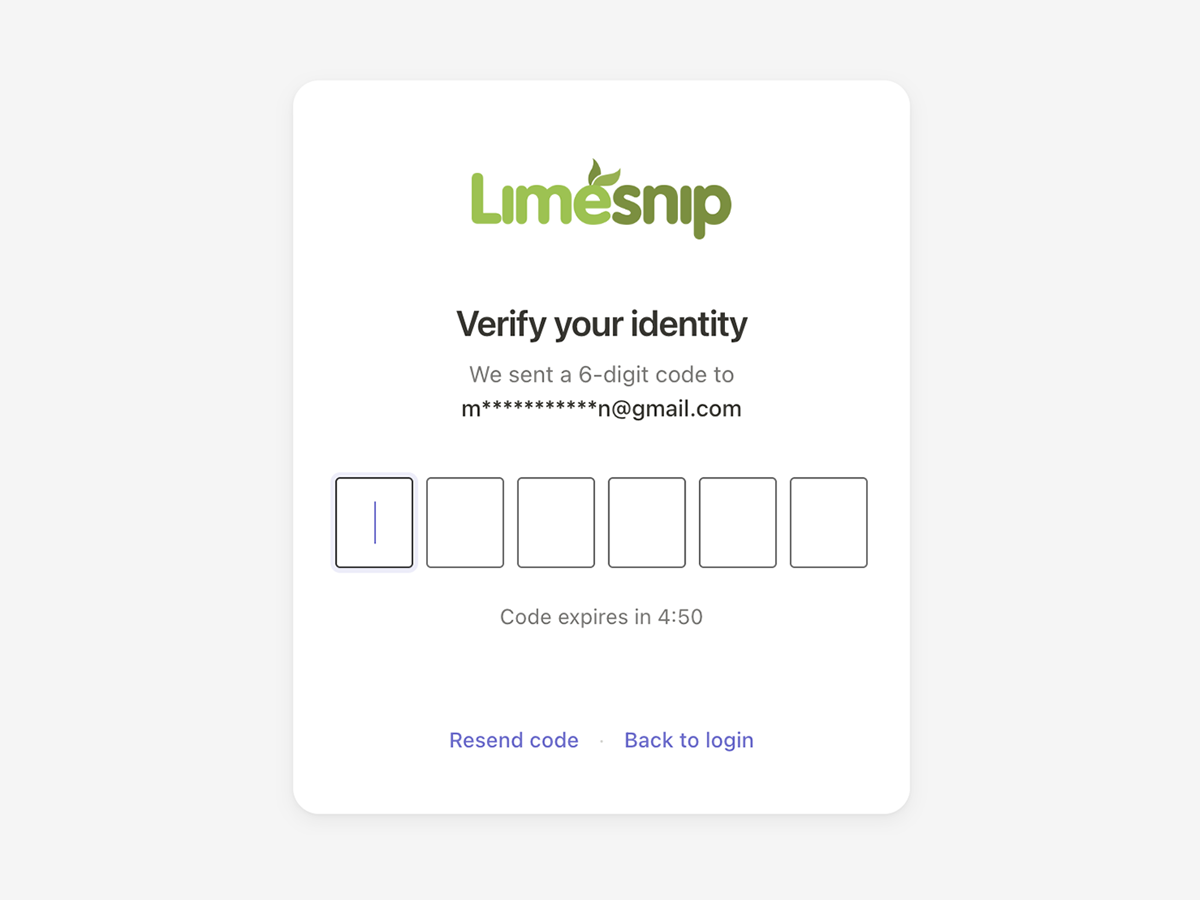
The verification screen shown to users after login. 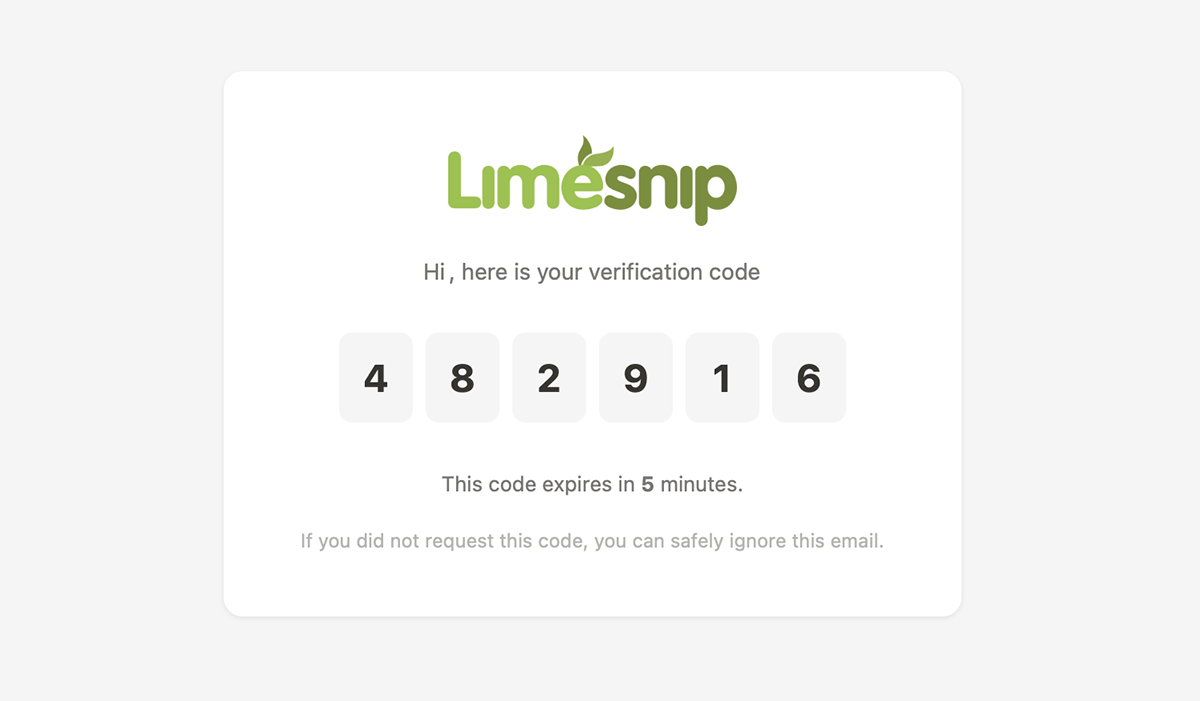
The email the user receives with their verification code. 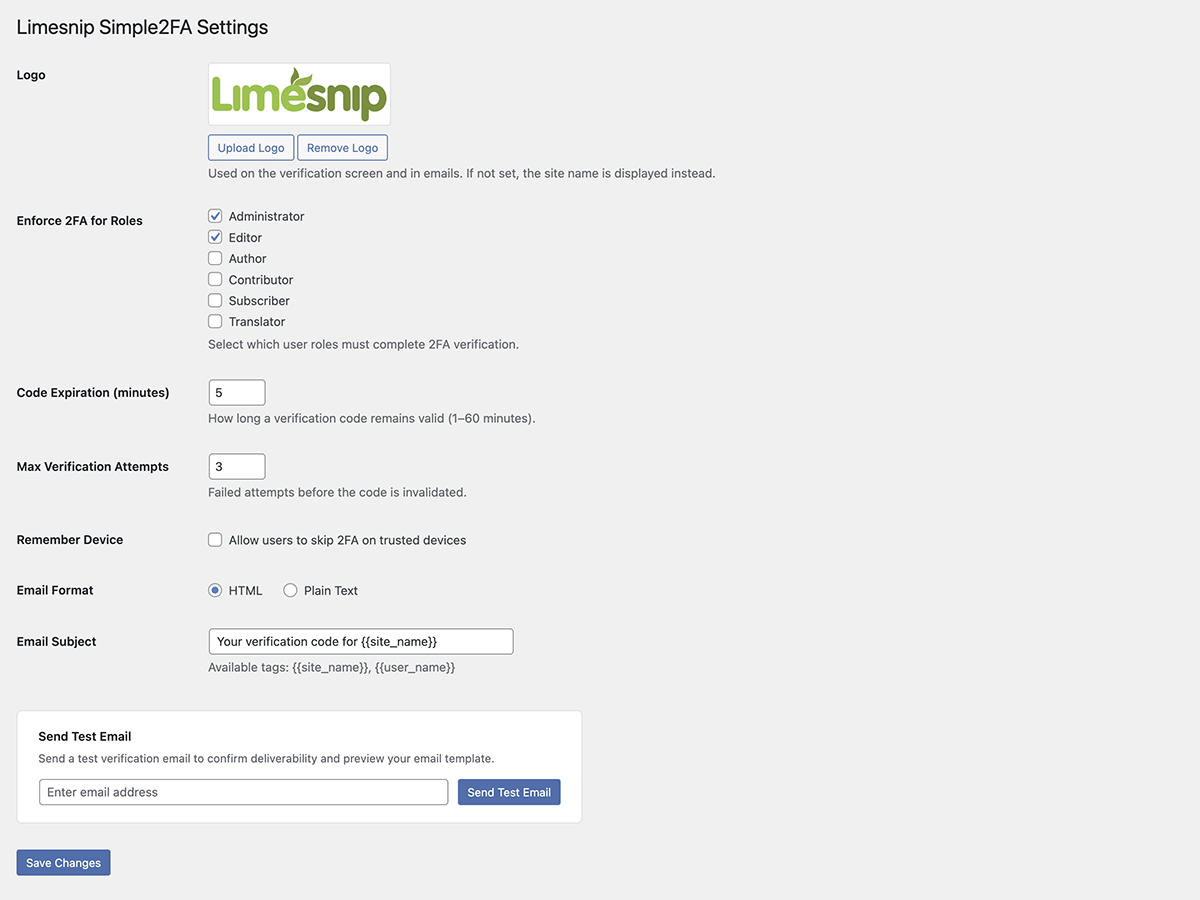
The plugin settings page.
Installation
- Upload the
limesnip-simple2fafolder to/wp-content/plugins/ - Activate the plugin through the ‘Plugins’ menu in WordPress
- Go to Settings > Limesnip Simple2FA to configure
FAQ
-
Which email is used for the verification code?
-
The code is sent to the email address registered in the user’s WordPress profile.
-
Can I customize the verification email?
-
Yes. You can upload a logo that appears in the email, choose between HTML and plain text format, and edit the email subject line. Go to Settings > Limesnip Simple2FA to configure these options.
-
Can I customize the 2FA login screen?
-
Yes. You can upload a logo that appears on the verification screen. Go to Settings > Limesnip Simple2FA to configure this.
-
What happens if the code expires?
-
Users can click “Resend code” to receive a new code. There is a 60-second cooldown between resends.
-
Can users skip 2FA on trusted devices?
-
If enabled by the admin in settings, users can check “Remember this device” to skip 2FA for a configurable number of days.
Reviews
There are no reviews for this plugin.
Contributors & Developers
“Limesnip Simple2FA” is open source software. The following people have contributed to this plugin.
Contributors
Translate “Limesnip Simple2FA” into your language.
Interested in development?
Browse the code, check out the SVN repository, or subscribe to the development log by RSS.
Changelog
1.3.0
- Added: Full-page loading overlay shown after successful verification, so users know their code was accepted and the dashboard is loading
- Added: Verification digits are grayed out and disabled once the code is accepted, giving immediate visual confirmation
- Added: Auto-redirect to the plugin settings page on first activation so you can configure and test right away
- Added: Editor role is now enforced for 2FA by default (alongside Administrator)
- Added: If the site has a Site Logo set in the Customizer, it is automatically used as the plugin’s default logo on activation
1.2.8
- Initial public release