

Description
WooCommerce WhatsApp order and abandoned cart notifications
Send automated WhatsApp messages for…
- new order placements
- order status updates (Processing, Completed, Failed, Refunded and more)
- COD order placements
- abandoned cart recovery
- and much more
…using the official WhatsApp Business API.
Not just that, add a WhatsApp chat button to your WooCommerce store with integrated WhatsApp chatbot to automatically answer customer queries instantly!
NOTE: This plugin requires you to have a WANotifier account to setup WhatsApp API and do the integration. Click here to create your FREE account.
Here’s everything that you can do with this plugin…
WooCommerce WhatsApp Order Notifications
Send WhatsApp notifications using for:
- New WooCommerce orders – all, COD or prepaid orders
- Order status updates – when order status changes to Processing, Completed, Failed, Refunded and more
- Custom order status updates – when order status changes to a custom-defined order status
👉 Learn how to set up order notifications
Abandoned Cart Recovery
- Automatically track carts abandoned on your WooCommerce store
- Send WhatsApp reminders to recover lost sales
👉 Learn how to set up abandoned cart recovery notifications
Add WhatsApp Chat Button
- Add a WhatsApp chat button to your WooCommerce store to let customers reach you instantly.
- Boost engagement by integrating the button with our WhatsApp chatbot to respond to customer queries on autopilot 24/7.
👉 Learn how to create a WhatsApp chatbot
Sync Customer Data For Sending WhatsApp Campaigns
- Automatically sync your customer billing phone number and other details with your WANotifier account
- Segment your contacts with Lists, Tags and Atributes on our portal
- Send targeted WhatsApp marketing campaigns and promotional offers
Supported WooCommerce Extensions
Our plugin supports integration with the following 3rd party extensions:
About WANotifier
WANotifier is an all-in-one WhatsApp marketing and automation SaaS tool that let’s businesses do end-to-end lifecycle marketing on WhatsApp using the official WhatsApp Business API.
We’re one of the leading Meta Tech Partners. Our tool let’s businesses:
- Send targeted WhatsApp marketing campaigns to thousands of opted-in contacts on WhatsApp
- Trigger transactional messages from your website or apps in response to user actions like purchases, form submissions, or callback requests
- Capture leads from Facebook and Instagram ads and add them to your contact lists (learn more about it here)
- Set up chatbots and auto replies to manage FAQs, qualify leads, and provide 24/7 customer support
- Set up drip sequences to onboard new users, nurture leads, and re-engage inactive customers
- Use WhatsApp Flows to collect user data directly within chat
- Integrate your CRM, e-commerce platform, and other third-party tools with WhatsApp
- Track message delivery and open rates, chatbot sessions, Flow responses, and ad-driven conversions
- Collaborate with your team on chats using a shared team inbox (invite team members, assign chats, and view entire conversation history)
And much more!
Note: WhatsApp Business API is paid API.
They charge you a small fees per conversation as shown here that you need to settle with them directly on their portal.
If you’re looking for a cost friendly and robust solution for sending WhatsApp broadcasts or messages, this tool is for you!
You can learn more about WANotifier using the following links:
External services
This plugin connects your WooCommerce store to the WANotifier SaaS platform to send WhatsApp notifications via the official WhatsApp Business API. A WANotifier account is required to use this plugin.
When WooCommerce events occur (e.g. new order, order status change, cart abandonment), the plugin sends the event data (order and customer details) to the WANotifier to trigger WhatsApp messages to your customers.
Data is also sent when connecting or disconnecting the store, syncing trigger definitions, and optionally syncing customer contacts.
Screenshots
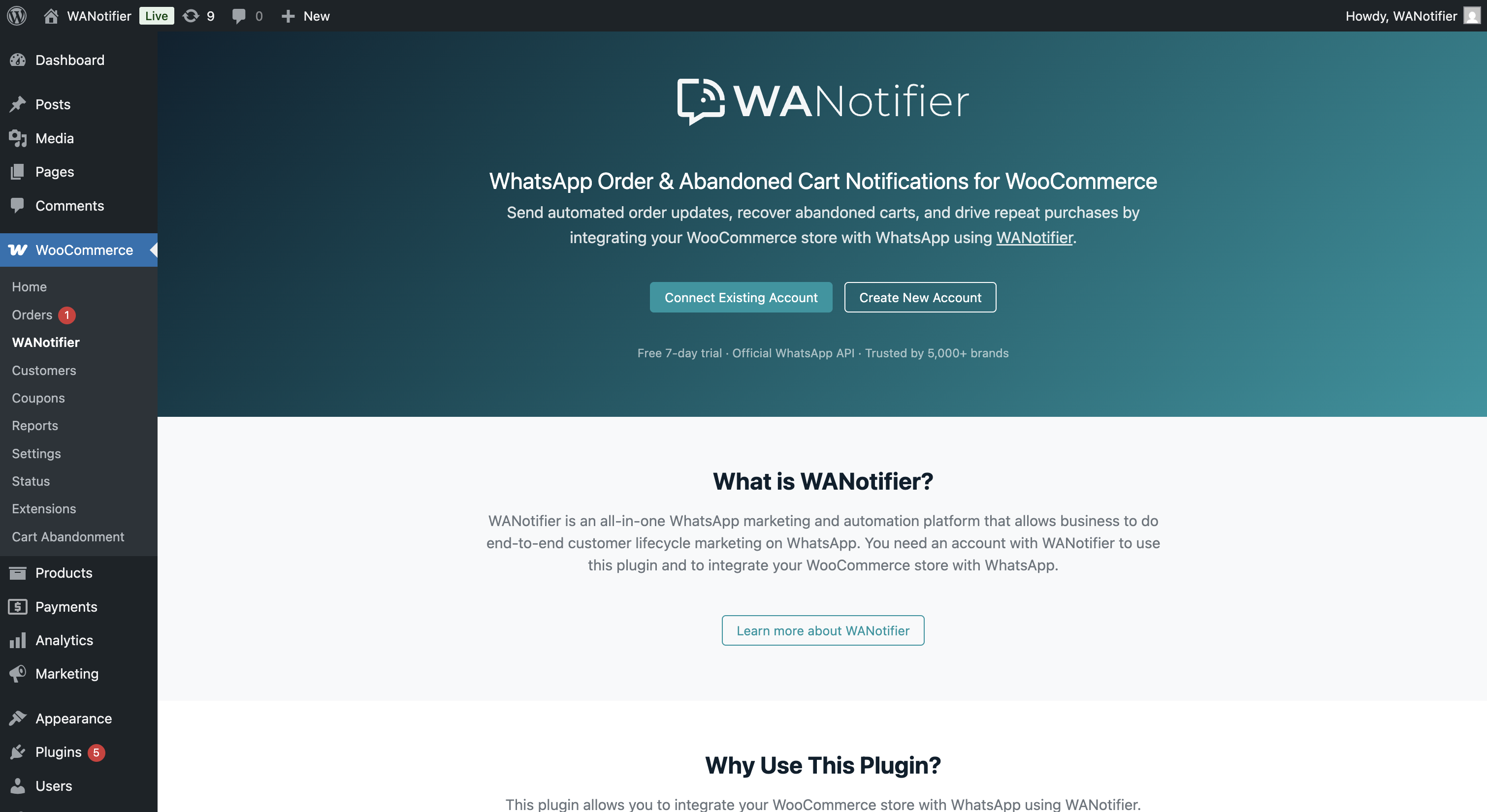
Landing page after you install the plugin 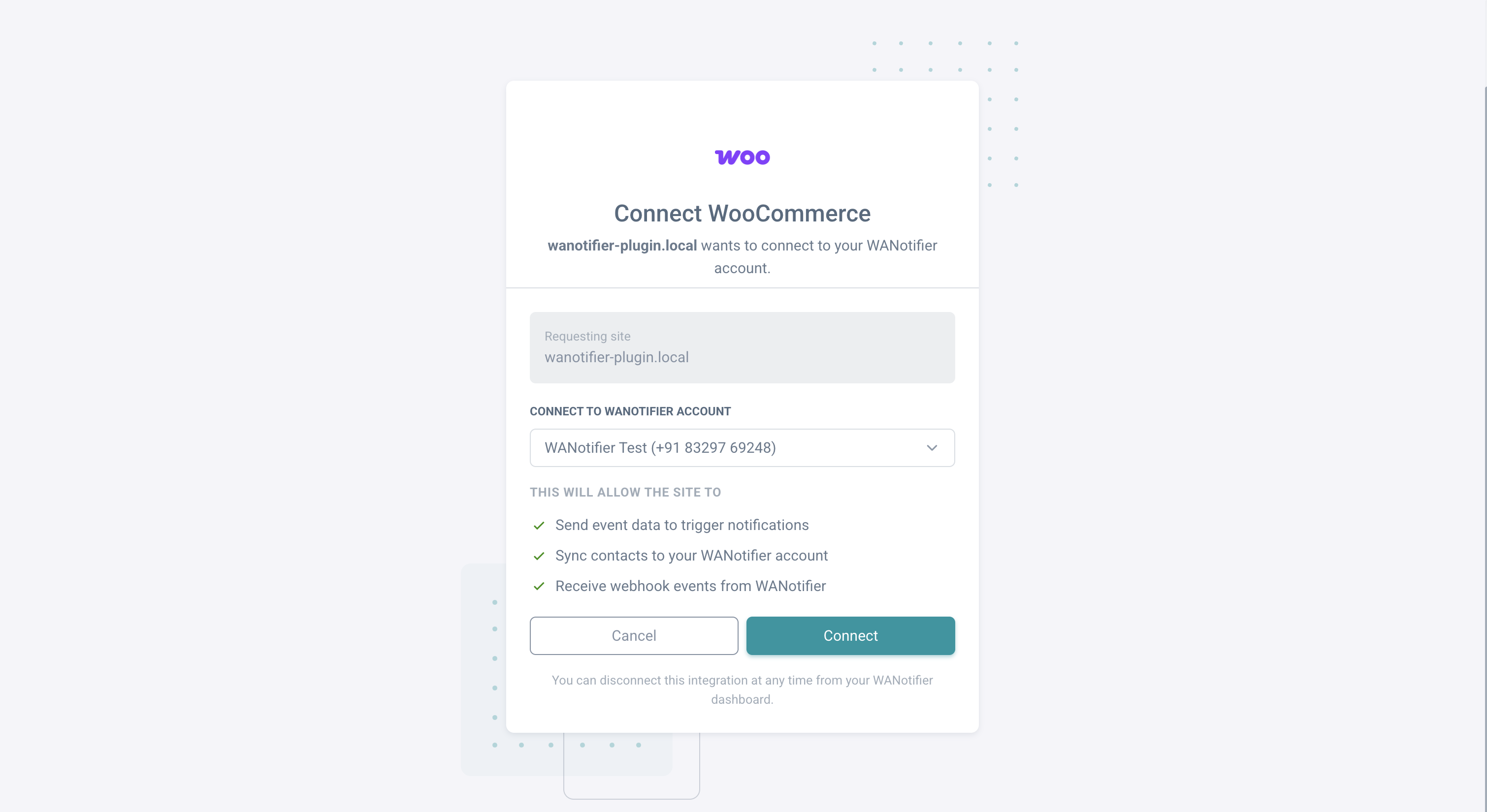
Connect your WooCommerce store to WANotifier in one click 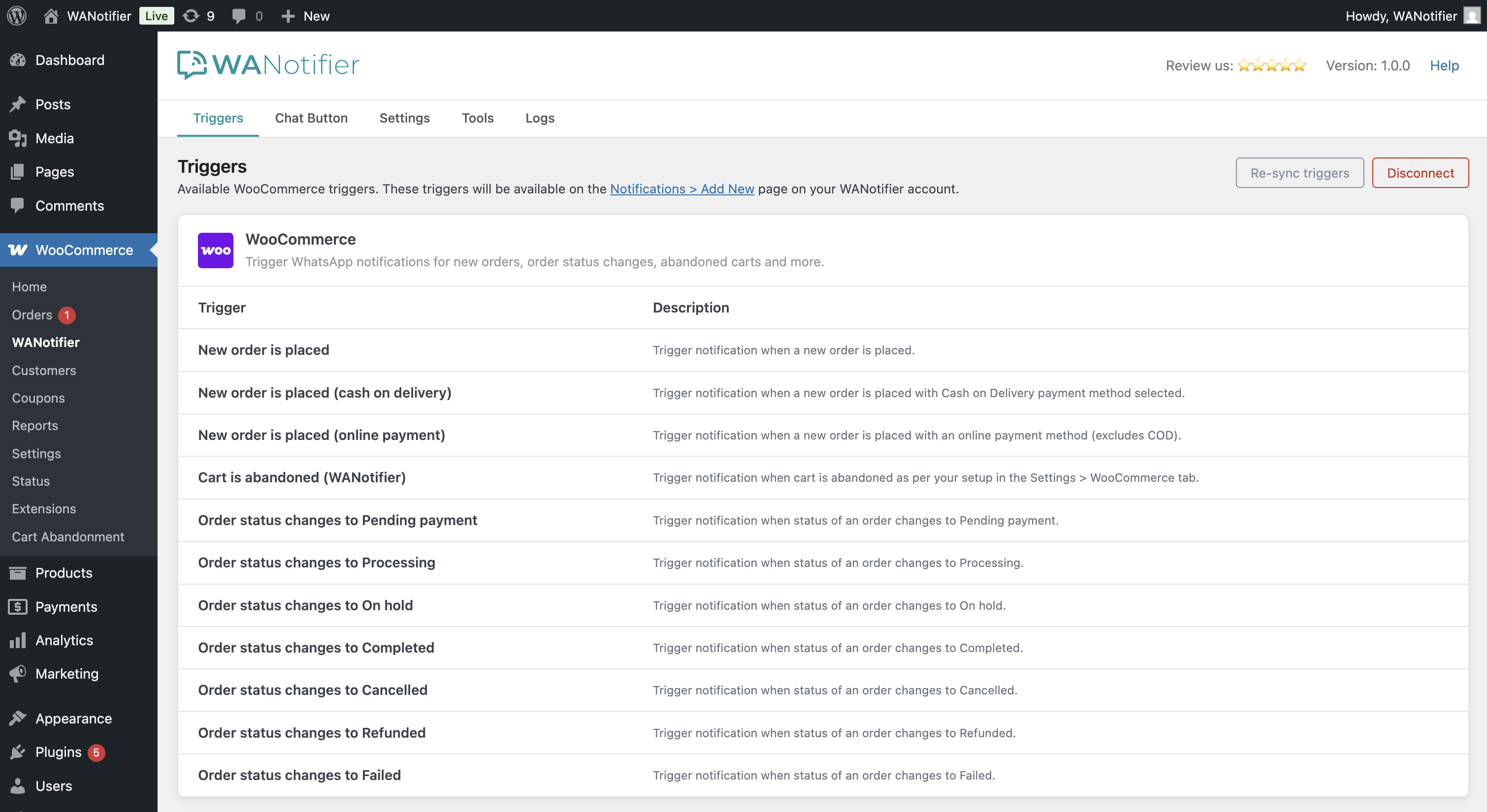
View all available order and cart abandonment triggers 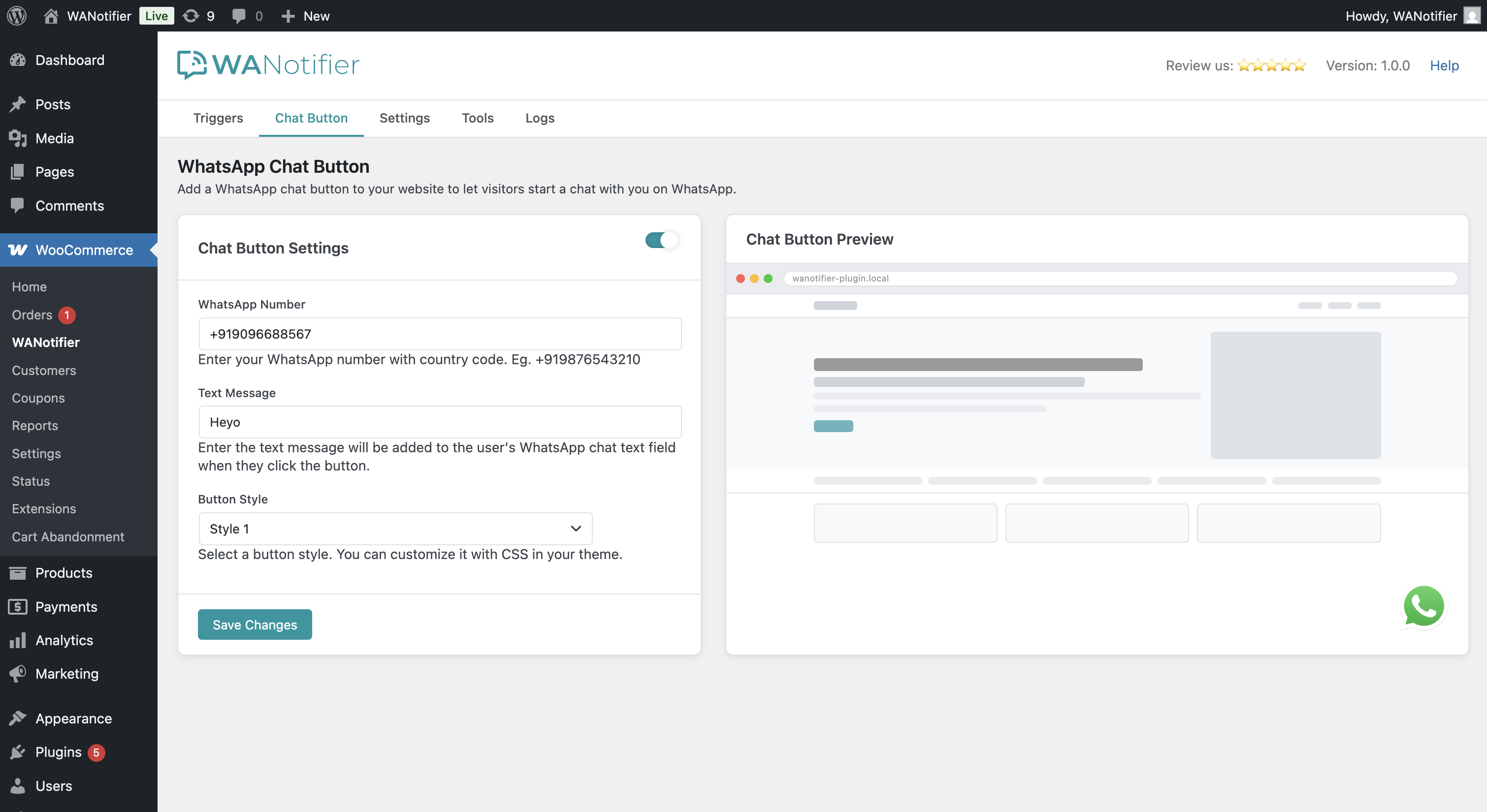
Configure the WhatsApp Chat Button with live preview 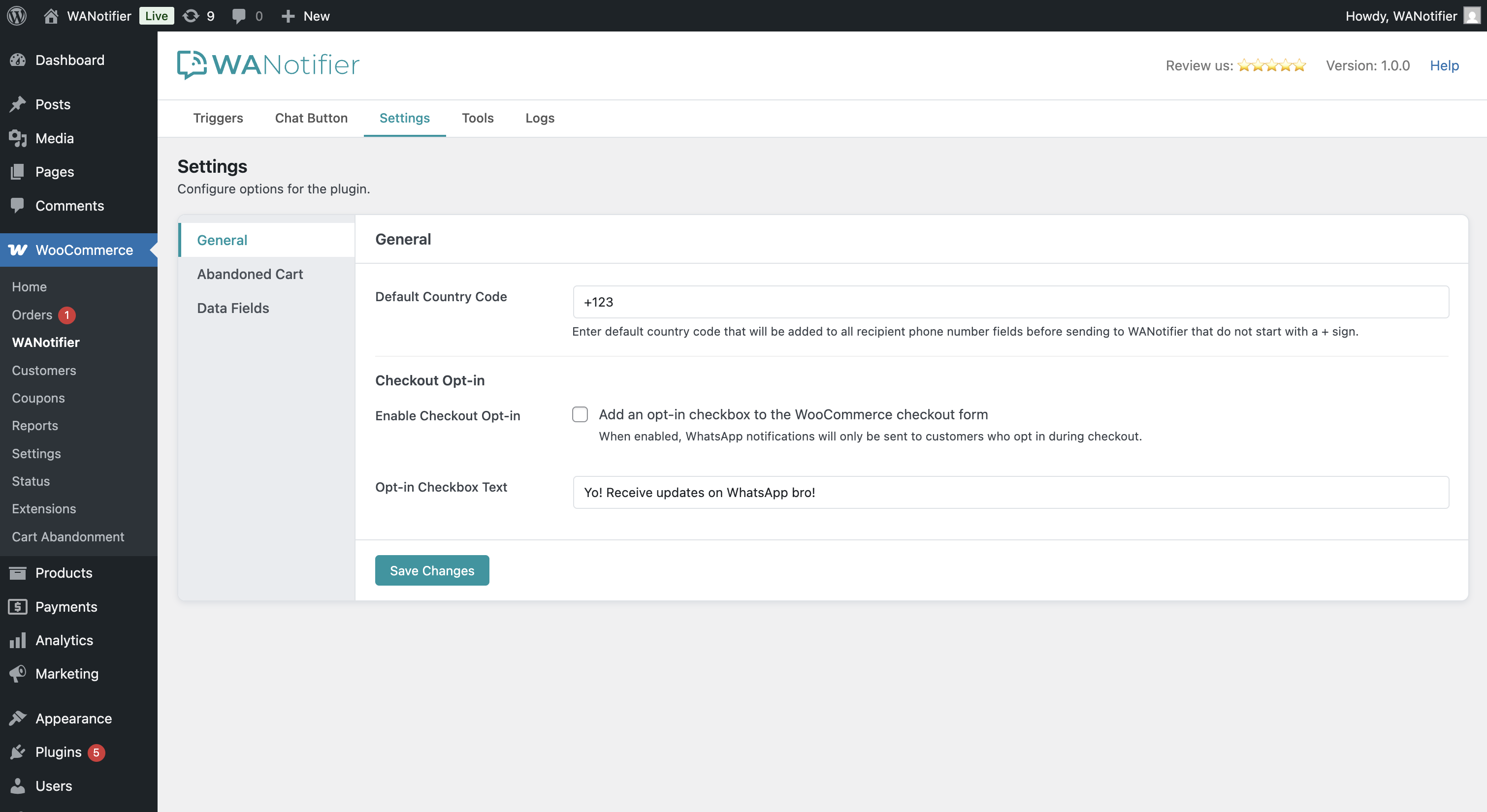
Manage plugin General settings 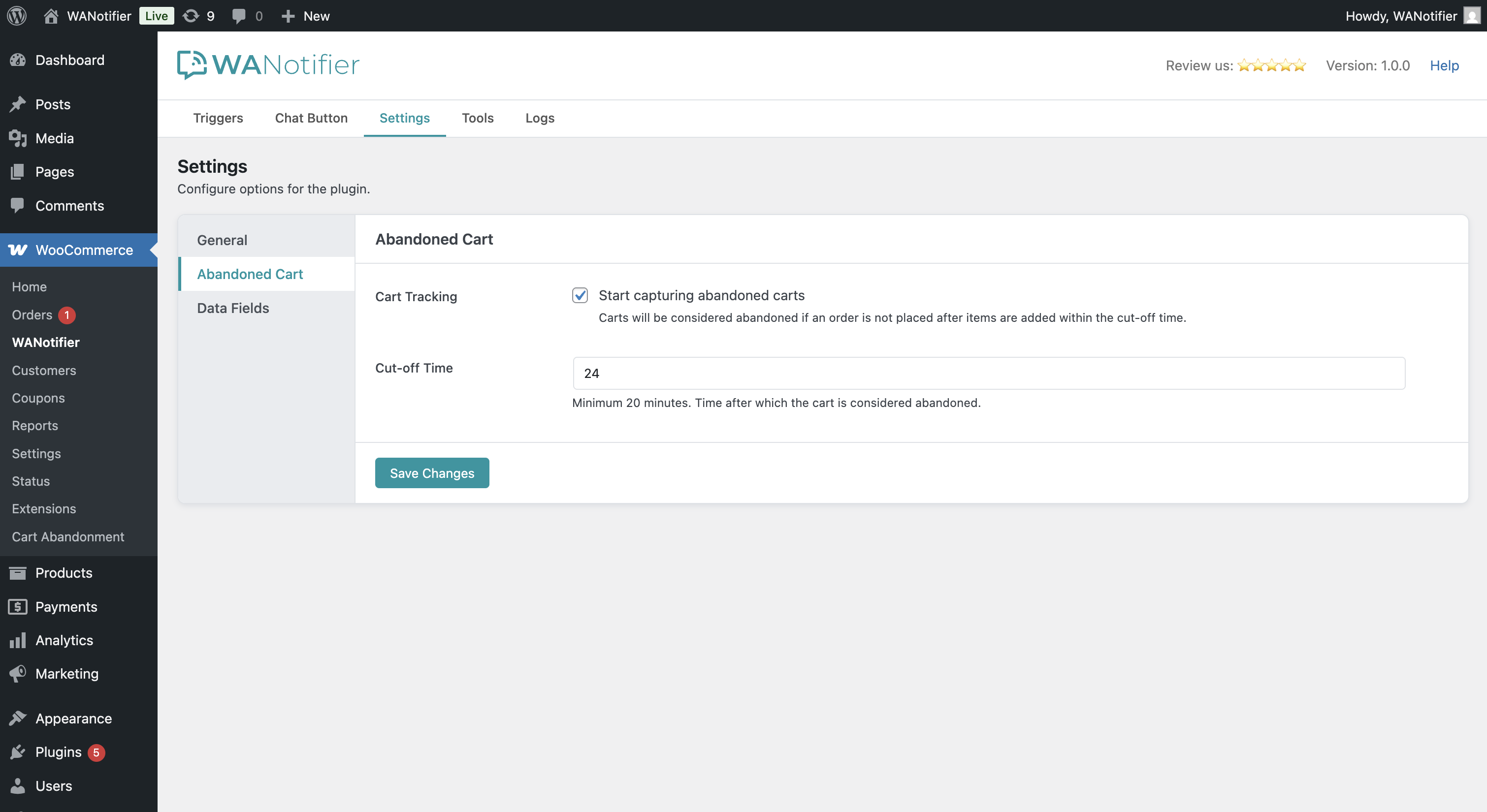
Manage plugin Abandoned Cart settings 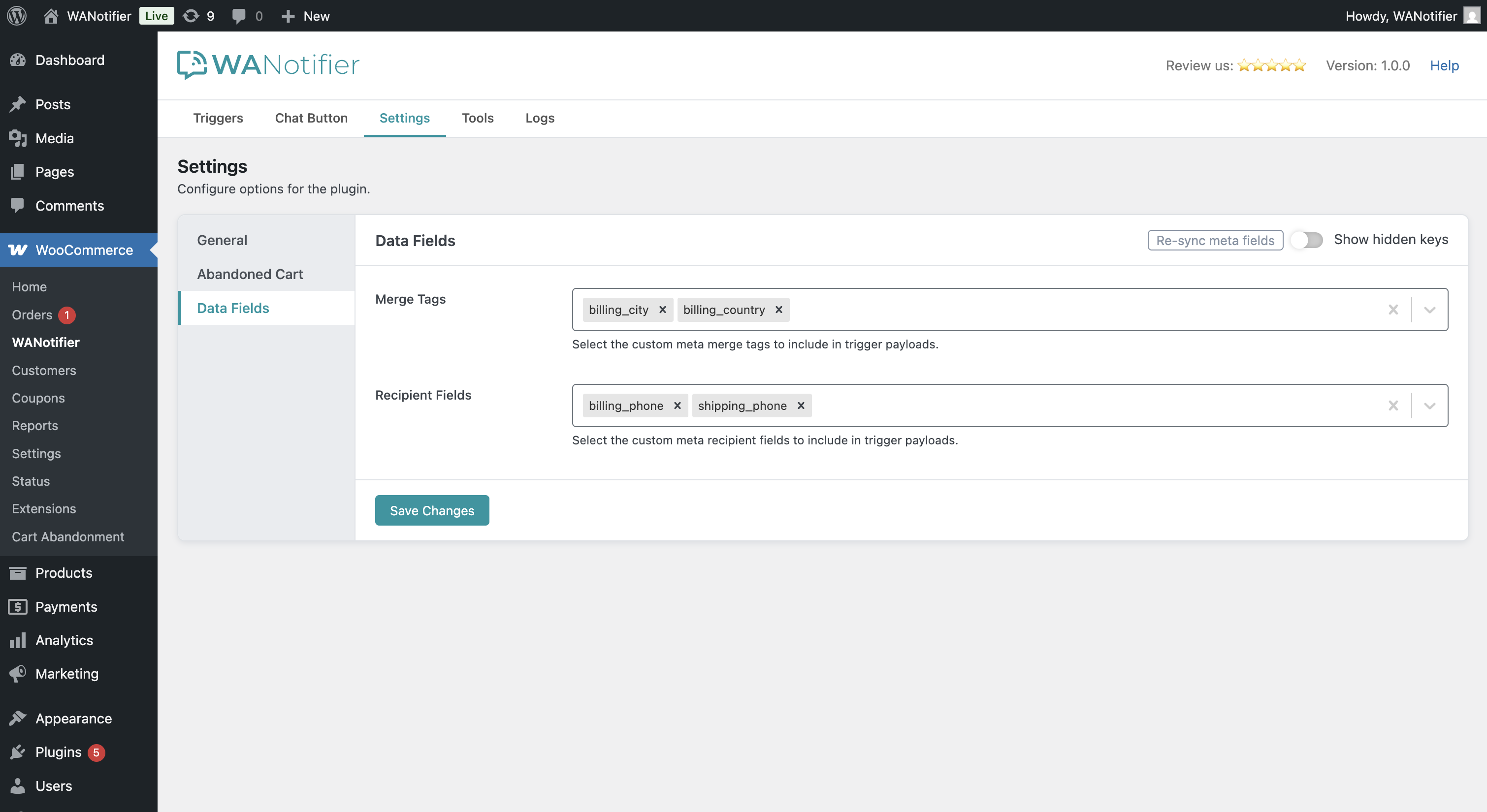
Manage plugin Data Fields settings 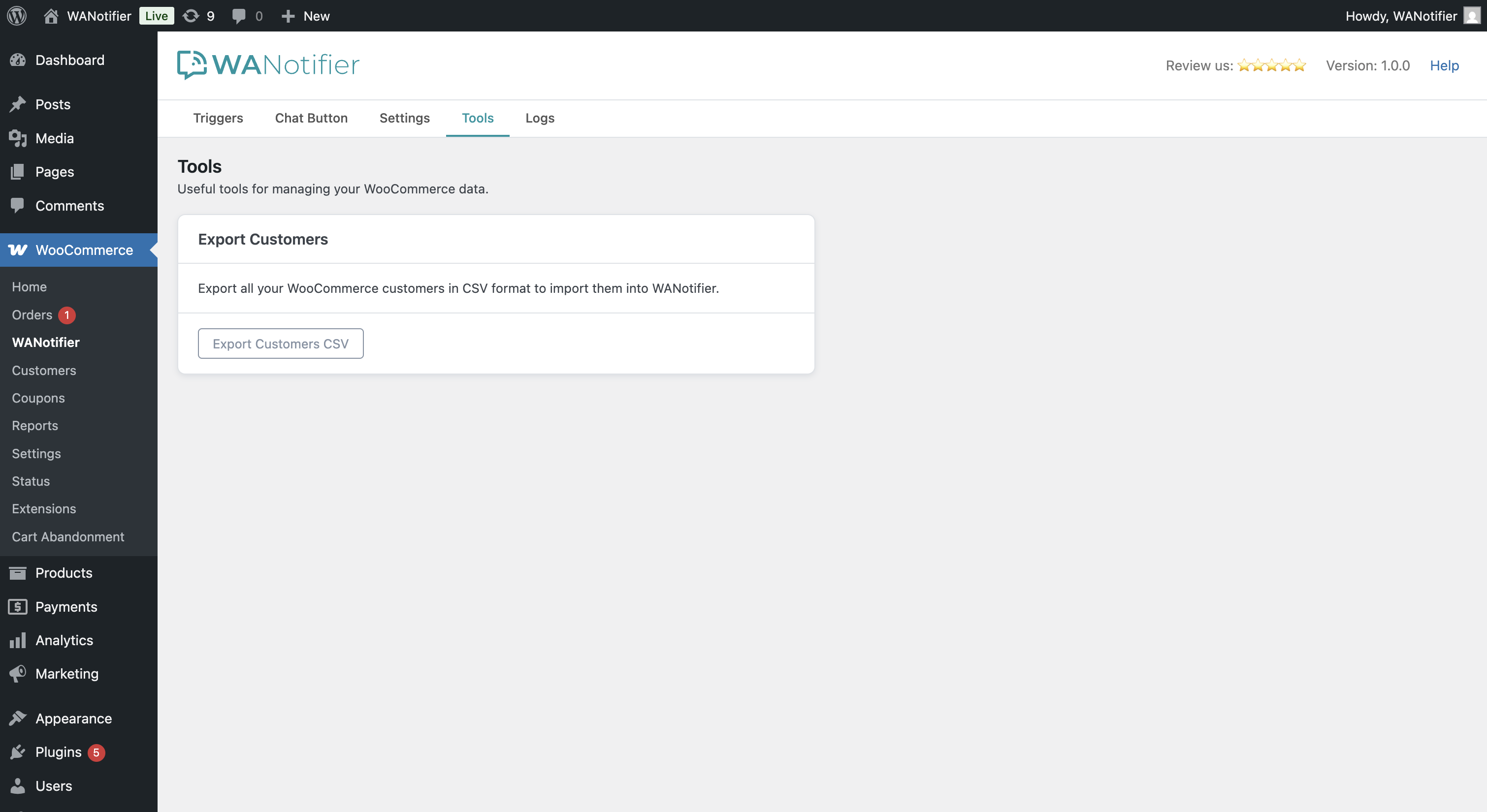
Handy tools to performs various actions 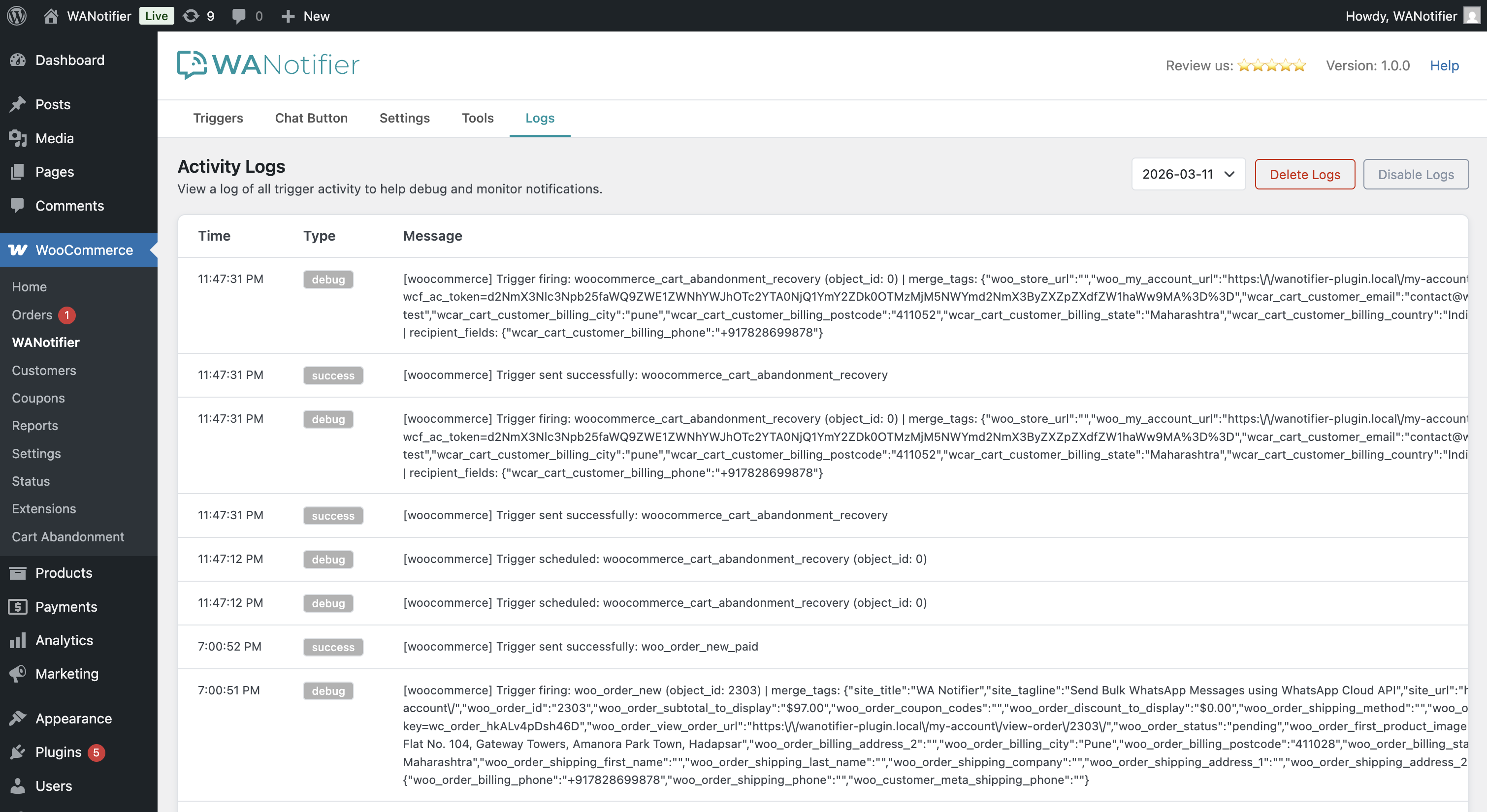
Activity log to monitor notification delivery
Installation
- Make sure WooCommerce is installed and active.
- Download the plugin zip, upload it to the
/wp-content/plugins/directory and unzip. Or install the plugin via ‘Plugins’ page in your WordPress backend. - Activate the plugin through the ‘Plugins’ page.
- Go to WooCommerce WANotifier in your WordPress admin.
- Follow the instructions on the screen to connect with WANotifier and complete your setup.
FAQ
-
Do I need a WANotifier account to use this plugin?
-
Yes. This plugin connects your WooCommerce store to your WANotifier account, which handles WhatsApp message delivery via the official WhatsApp Business API. You can create a free account here.
-
Does this plugin use the official WhatsApp API?
-
Yes. All messages are sent through the official WhatsApp Business API via WANotifier. No unofficial methods or browser extensions are used.
-
Is WhatsApp API free?
-
WhatsApp charges a small per-conversation fee billed directly by Meta. WANotifier does not add any markup on top of WhatsApp’s pricing. See WhatsApp’s pricing page for details.
-
Which WooCommerce order statuses are supported?
-
All WooCommerce order statuses are supported, including custom statuses created by other plugins. A separate trigger is available for each status.
-
Does the abandoned cart feature require any other plugin?
-
No. The plugin has built-in abandoned cart tracking. It also optionally integrates with the WooCommerce Cart Abandonment Recovery plugin (v1.2.25 or higher) if you have it installed.
-
Yes. The plugin includes a WhatsApp Click-to-Chat button with multiple styles and a live preview in the admin.
-
Is WooCommerce HPOS (High-Performance Order Storage) supported?
-
Yes. The plugin is fully compatible with WooCommerce’s High-Performance Order Storage (custom order tables).
Reviews
There are no reviews for this plugin.
Contributors & Developers
“Order & Abandoned Cart Notifications for WooCommerce” is open source software. The following people have contributed to this plugin.
Contributors
Translate “Order & Abandoned Cart Notifications for WooCommerce” into your language.
Interested in development?
Browse the code, check out the SVN repository, or subscribe to the development log by RSS.
Changelog
1.0.2 – 2026-03-24
- new merge tags for abandoned cart first item — name, price, quantity, total, and image URL
1.0.1 – 2026-03-19
- fix: prevent duplicate trigger actions from being scheduled for the same event
1.0.0 – 2026-03-02
- Initial release as a standalone plugin
- Extracted WooCommerce and abandoned cart integration from the WANotifier plugin
- add: dedicated admin page under WooCommerce menu
- add: WooCommerce order triggers (new order, COD order, all order status updates)
- add: inbuilt abandoned cart tracking and recovery triggers
- add: WooCommerce Cart Abandonment Recovery plugin integration
- add: checkout opt-in consent checkbox
- add: WhatsApp Chat Button with live preview
- add: WooCommerce customer export to CSV
- add: custom order meta and customer user meta field selection
- add: activity logs