
Description
Svea Payments Finland for WooCommerce enables Finnish merchants to accept online payments directly in WooCommerce using a single integration.
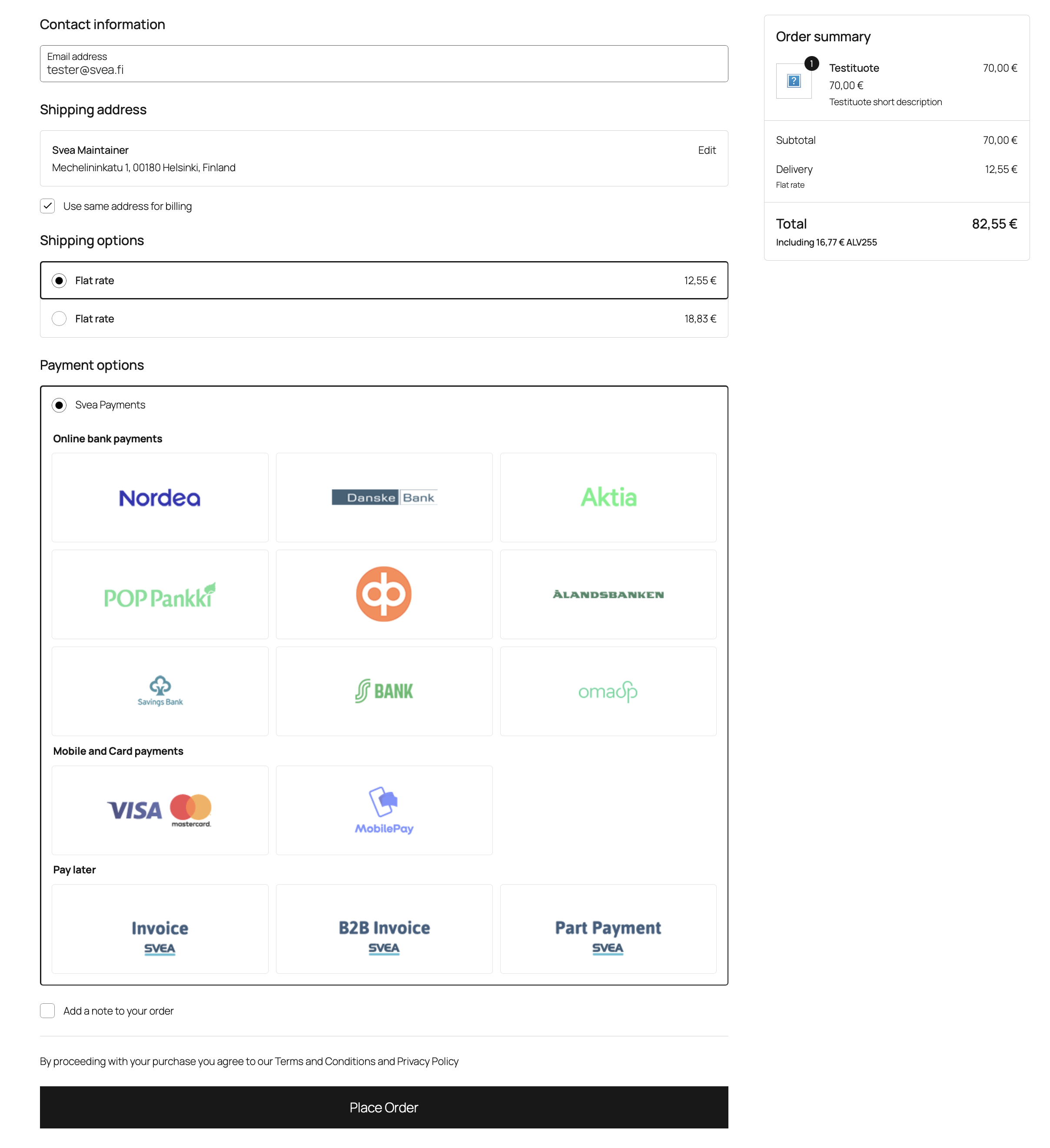
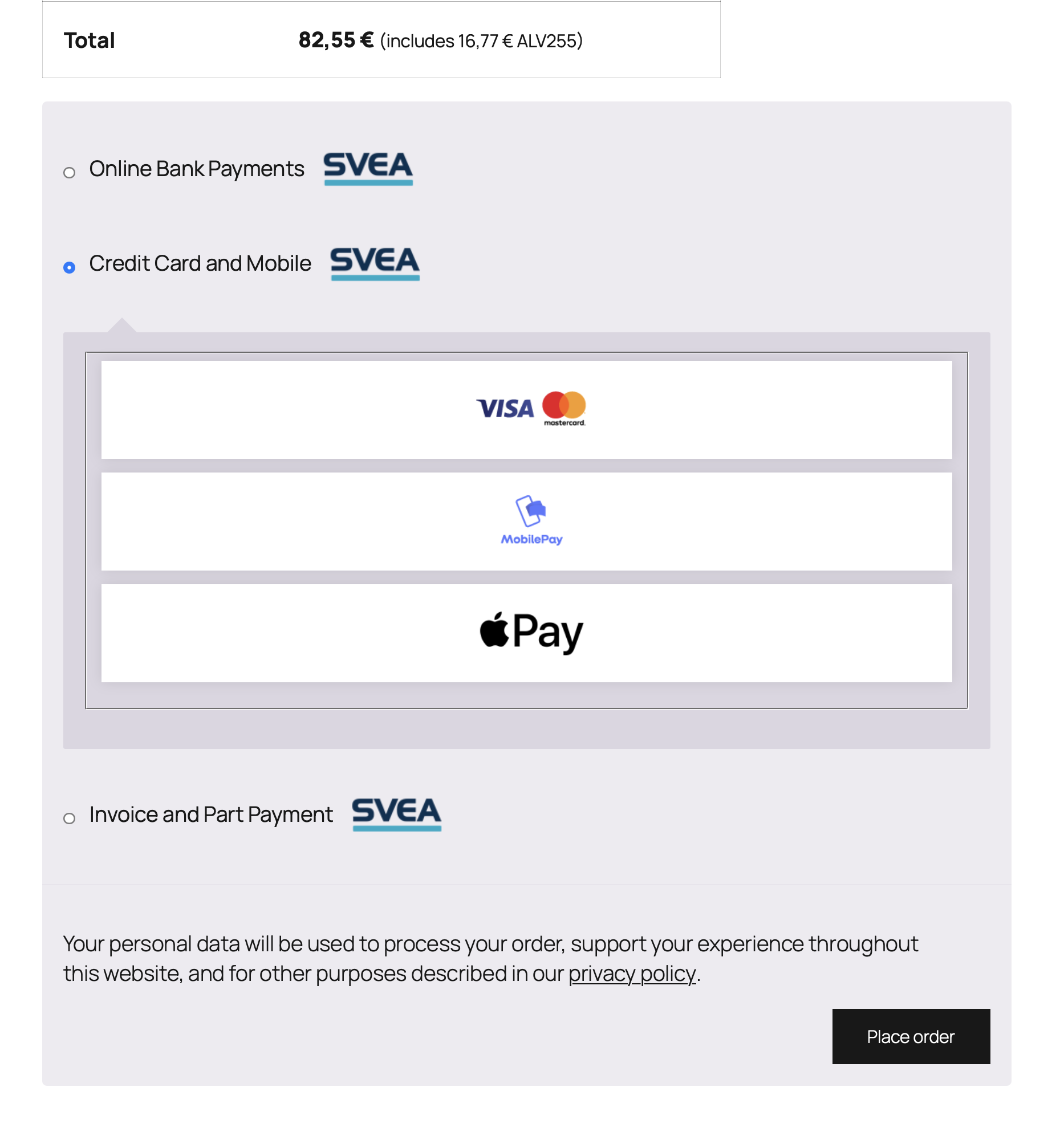
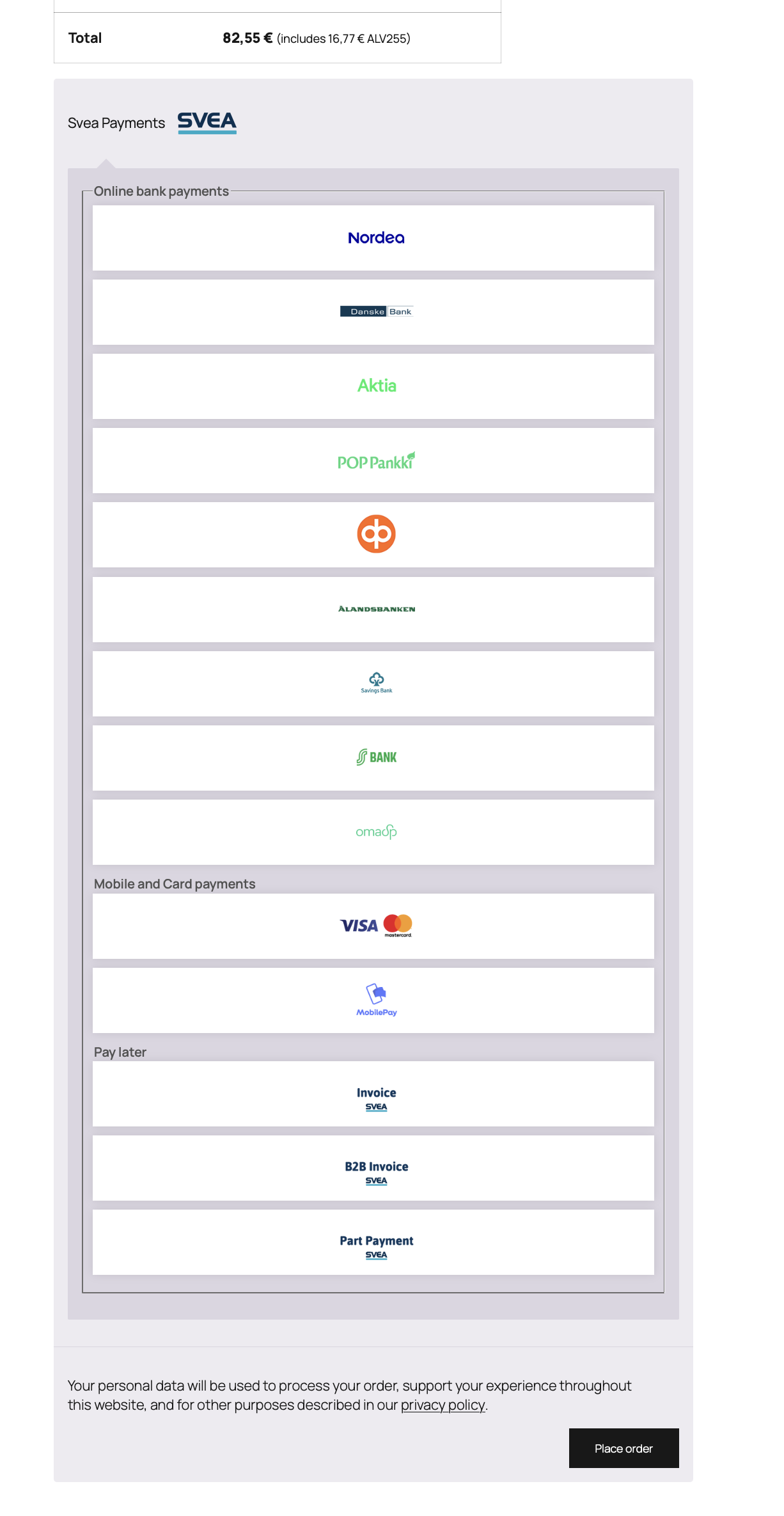
Supported payment methods include:
- Finnish online banking payments
- MobilePay
- Apple Pay
- Visa and Mastercard
- Svea Invoice
- Svea Part Payment
- Svea B2B Invoice
Manage all supported payment methods through the Svea Payments platform while providing customers with a seamless checkout experience.
Features
- Single integration for multiple payment methods
- Support for popular Finnish payment methods
- Configurable checkout experience
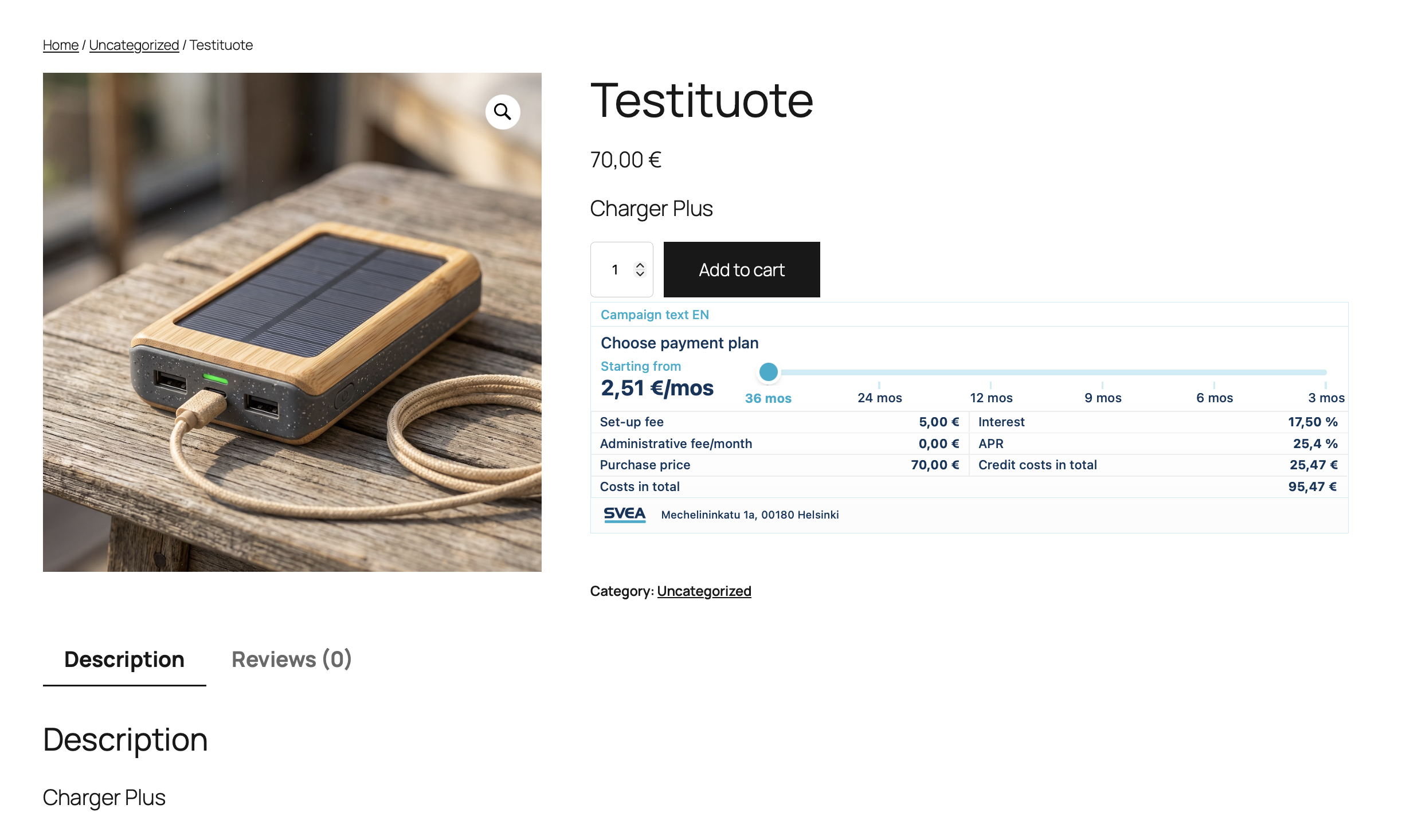
- Part Payment Calculator
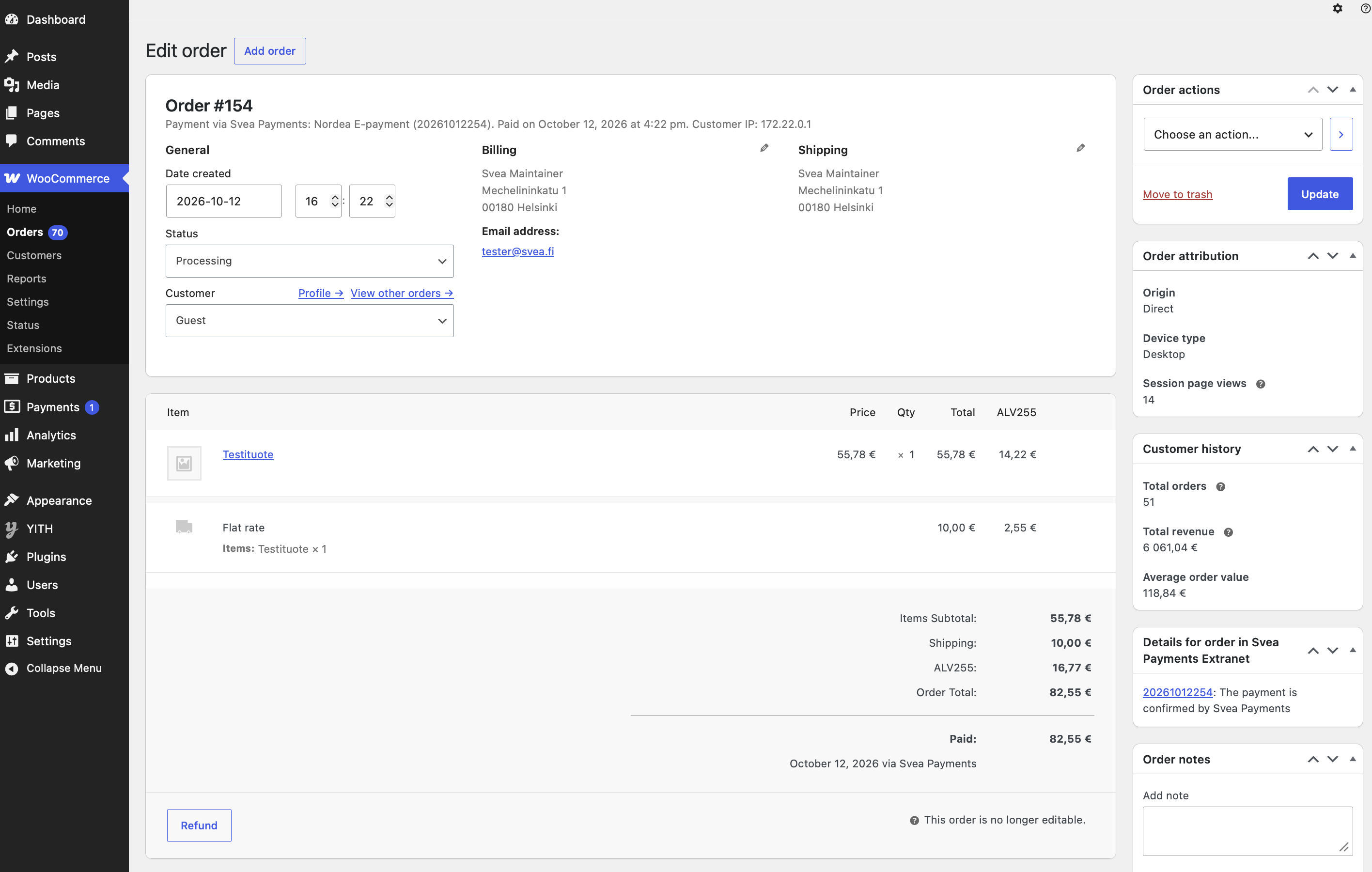
- Merchant Extranet for transaction management
- Comprehensive reporting
Getting Started
- Sign up for Svea Payments.
- Install and activate the plugin.
- Enter your Svea Payments credentials.
- Select the payment methods you want to offer.
- Start accepting payments in your WooCommerce store.
About Svea Payments
Svea Payments provides e-commerce payment solutions for Finnish merchants, including online banking payments, card payments, mobile payments, invoices and part payments through a single integration.
For pricing and merchant onboarding, please visit our website Tilaa maksupalvelupaketti | Verkkokauppa ja myymälä | Svea Bank or contact our sales team: myynti.payments@svea.fi.
Documentation
- Changelog: CHANGELOG.md
- Installation and administration guide: docs/Svea_Payments_Finland_for_WooCommerce_manual.pdf
Filters
svea_payment_gateway_payment_method_error_message– Filter for changing the error message when payment method is not available.svea_payment_gateway_payment_error_return_url– Filter for changing the return URL when payment is returned with error state.
Support
For General support, please contact info.payments@svea.fi
For Technical support, please contact support.payments@svea.fi
External Services
This plugin is designed for the Svea Payments payment gateway in Finland on the WooCommerce platform. It connects to external API services hosted by Svea Payments Oy (on secure domains such as maksuturva.fi and svea.fi) to process transactions.
The plugin processes WooCommerce orders on the cart and checkout pages, securely transferring order information to Svea Payments, and features full integration with WooCommerce payment and order management.
The plugin integrates with the following external APIs:
* Payment API: Initiates and handles checkout payment transactions.
* Payment Status Query API: Queries the final status of a payment.
* Delivery Info API: Submits shipping and delivery updates to Svea.
* Refunds and Cancellation API: Allows processing refunds and cancellations directly from the WooCommerce admin dashboard.
* Part Payment Calculator: Connects to the Svea API to dynamically calculate and display monthly payment installments for the customer on the product, cart, and checkout pages.
Data Sent:
During checkout and order processing, the plugin securely transmits transaction-relevant data to Svea Payments Oy, which includes:
* Order information (amounts, currencies, items, quantities, and tax rates).
* Buyer details (name, billing and shipping addresses, email, and phone number).
* Selected payment method.
Conditions & Environments:
* The plugin supports both test (sandbox) and production environments.
* More comprehensive documentation can be found in the docs directory.
Service Links:
* Terms of Service: Svea Payments Terms of Service
* Privacy Policy: Svea Payments Privacy Policy
* API Service Documentation: Svea Payments API Documentation
Screenshots
Installation
For detailed installation and configuration instructions, please refer to the Svea Payment Gateway Manual (PDF).
Note: Ensure you have the WooCommerce plugin installed and activated before installing the payment module.
- Install the Svea Payments Finland for WooCommerce plugin via the WordPress admin panel (Plugins > Add New) or by uploading the plugin ZIP file.
- Activate the plugin through the ‘Plugins’ menu in WordPress.
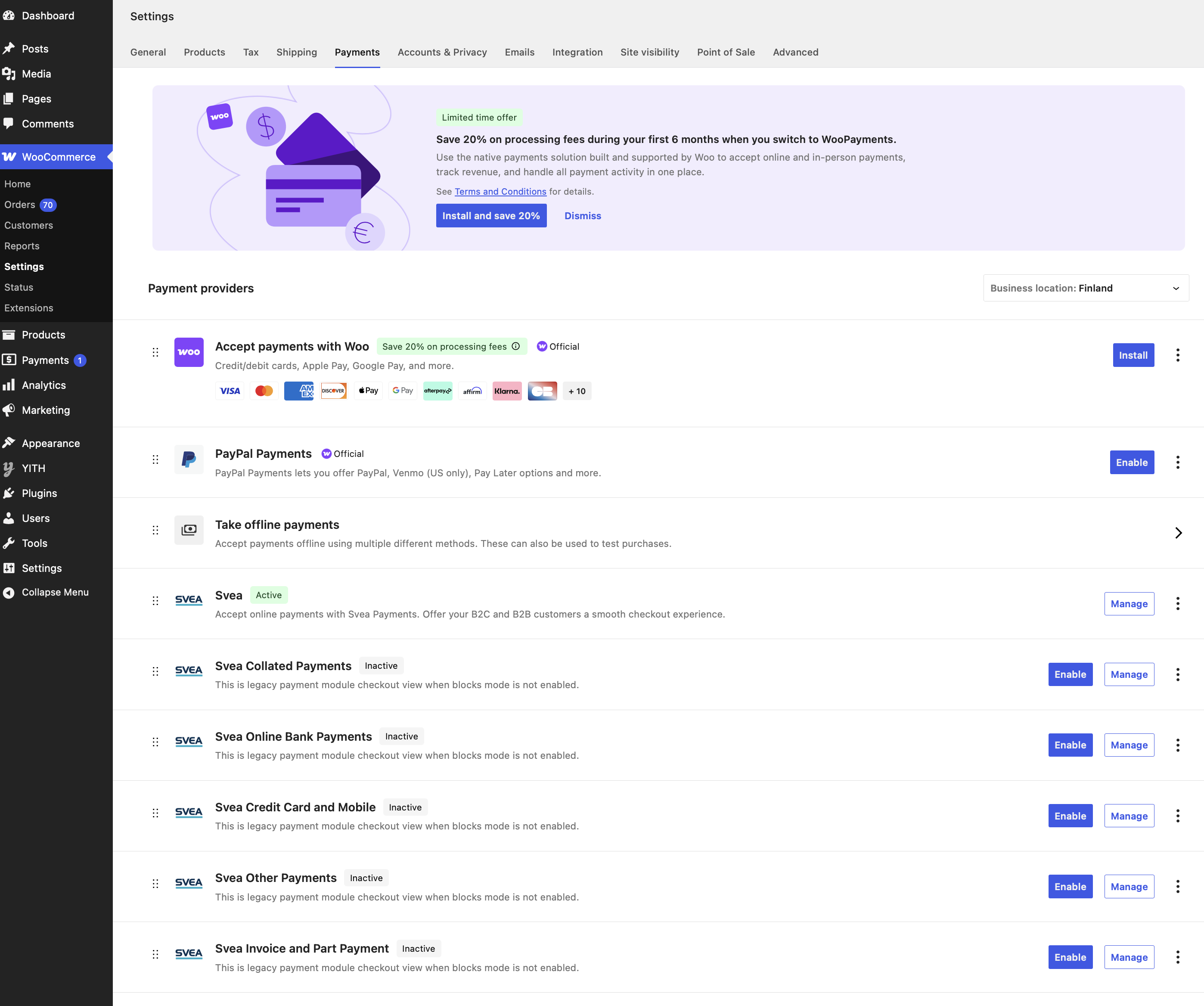
- Navigate to WooCommerce > Settings > Payments in your WordPress dashboard.
- Enable the Svea payment methods and click Manage to enter your merchant credentials and configure the gateway settings.
For detailed step-by-step instructions, configuring credentials, and testing procedures, please refer to the full documentation.
Reviews
There are no reviews for this plugin.
Contributors & Developers
“Svea Payments Finland for WooCommerce” is open source software. The following people have contributed to this plugin.
Contributors
Translate “Svea Payments Finland for WooCommerce” into your language.
Interested in development?
Browse the code, check out the SVN repository, or subscribe to the development log by RSS.
Changelog
- See CHANGELOG.md for full history.