

Description
Royal MCP is a security-first Model Context Protocol (MCP) server for WordPress. It gives AI platforms like Claude, ChatGPT, and Google Gemini structured access to your WordPress content — with authentication, rate limiting, and audit logging that most MCP implementations skip entirely.
According to recent security research, 41% of public MCP servers have no authentication and respond to tool calls without any credentials. Royal MCP takes the opposite approach: every MCP session requires an API key, every request is rate-limited, and every interaction is logged.
Why Security Matters for MCP
MCP gives AI agents the ability to read, create, update, and delete your WordPress content. Without proper authentication, anyone who discovers your MCP endpoint can:
- Read all your posts, pages, and media
- Create or delete content
- Access user data and plugin information
- Overwhelm your server with rapid-fire requests
Royal MCP prevents all of this with API key authentication on session initialization, timing-safe key comparison, per-IP rate limiting (60 requests/minute), and a full activity log of every MCP interaction.
37+ MCP Tools Built In
WordPress Core (37 tools):
- Posts — create, read, update, delete, search, count
- Pages — full CRUD with parent page support
- Media — library browsing, metadata, deletion
- Comments — create (respects moderation settings), read, delete
- Users — display names and roles (emails and usernames are not exposed)
- Categories & Tags — create, assign, delete, count
- Menus — list menus and menu items
- Post Meta — read, update, delete custom fields
- Site Info — site name, description, WordPress version, timezone
- Plugins & Themes — list installed plugins and themes with active status
- Search — full-text content search across post types
- Options — read allowlisted safe options only
Plugin Integrations (Conditional)
Royal MCP automatically detects compatible plugins and adds specialized MCP tools. No configuration needed — if the plugin is active, the tools appear.
WooCommerce Integration (9 tools):
When WooCommerce is active, AI agents can manage your store:
- Browse and search products by category, status, or type
- Create and update products with prices, SKUs, stock levels
- View orders, order details, and update order status
- List customers with order count and total spent
- Get store statistics — revenue, order count, average order value by period
GuardPress Integration (7 tools):
When GuardPress is active, AI agents can monitor your site security:
- Get current security score and grade with factor breakdown
- View security statistics — failed logins, blocked IPs, alerts
- Run vulnerability scans and review results
- List blocked IP addresses and failed login attempts
- Browse the security audit log filtered by severity
SiteVault Integration (6 tools):
When SiteVault is active, AI agents can manage your backups:
- List available backups filtered by status or type
- Trigger new backups (full, database, files, plugins, themes)
- Check backup progress in real time
- View backup statistics — total size, last backup, counts
- List and review backup schedules
Works Alongside WordPress Core MCP
WordPress is building MCP support into core via the Abilities API. Royal MCP complements this by providing security controls that the core implementation does not include — API key authentication, rate limiting, activity logging, and sensitive data filtering. When the Abilities API ships, Royal MCP will continue to provide the security layer, plugin integrations, and WooCommerce tools that core does not cover.
Supported AI Platforms
- Claude (Anthropic) — Full MCP support via Claude Desktop, Claude Code, and VS Code
- OpenAI / ChatGPT — GPT-4o, GPT-4 Turbo, GPT-3.5 Turbo
- Google Gemini — Gemini 1.5 Pro, 1.5 Flash
- Groq — Llama 3.3, Mixtral, Gemma 2
- Azure OpenAI — Azure-hosted OpenAI deployments
- AWS Bedrock — Claude, Llama, Titan models
- Ollama / LM Studio — Local self-hosted models (no external data transmission)
- Custom MCP Servers — Connect to any MCP-compatible endpoint
MCP Spec Compliance
Royal MCP implements the MCP 2025-03-26 Streamable HTTP transport specification:
- Single
/mcpendpoint for all JSON-RPC communication - POST for client messages, GET for server-sent events, DELETE for session termination
- Cryptographically secure session IDs with transient-based storage
- Origin header validation to prevent DNS rebinding attacks
- Proper CORS handling for browser-based MCP clients
External Services
This plugin connects to third-party AI services to enable AI platforms to interact with your WordPress content. No data is transmitted until you explicitly configure and enable a platform connection.
What data is sent: Your WordPress content (posts, pages, media metadata) as requested by the connected AI platform through authenticated MCP tool calls.
When data is sent: Only when you have configured a platform with API credentials AND enabled that platform connection AND the AI platform makes an authenticated request.
Supported services and their policies:
-
Anthropic Claude — Used for Claude AI integration
Terms of Service | Privacy Policy -
OpenAI — Used for ChatGPT/GPT-4 integration
Terms of Use | Privacy Policy -
Google Gemini — Used for Gemini AI integration
Terms of Service | Privacy Policy -
Groq — Used for Groq LPU inference
Terms of Service | Privacy Policy -
Microsoft Azure OpenAI — Used for Azure-hosted OpenAI models
Terms of Service | Privacy Policy -
AWS Bedrock — Used for AWS-hosted AI models
Terms of Service | Privacy Policy -
Ollama / LM Studio — Local self-hosted models (no external data transmission)
-
Custom MCP Servers — User-configured servers (data sent to user-specified endpoints only)
Screenshots
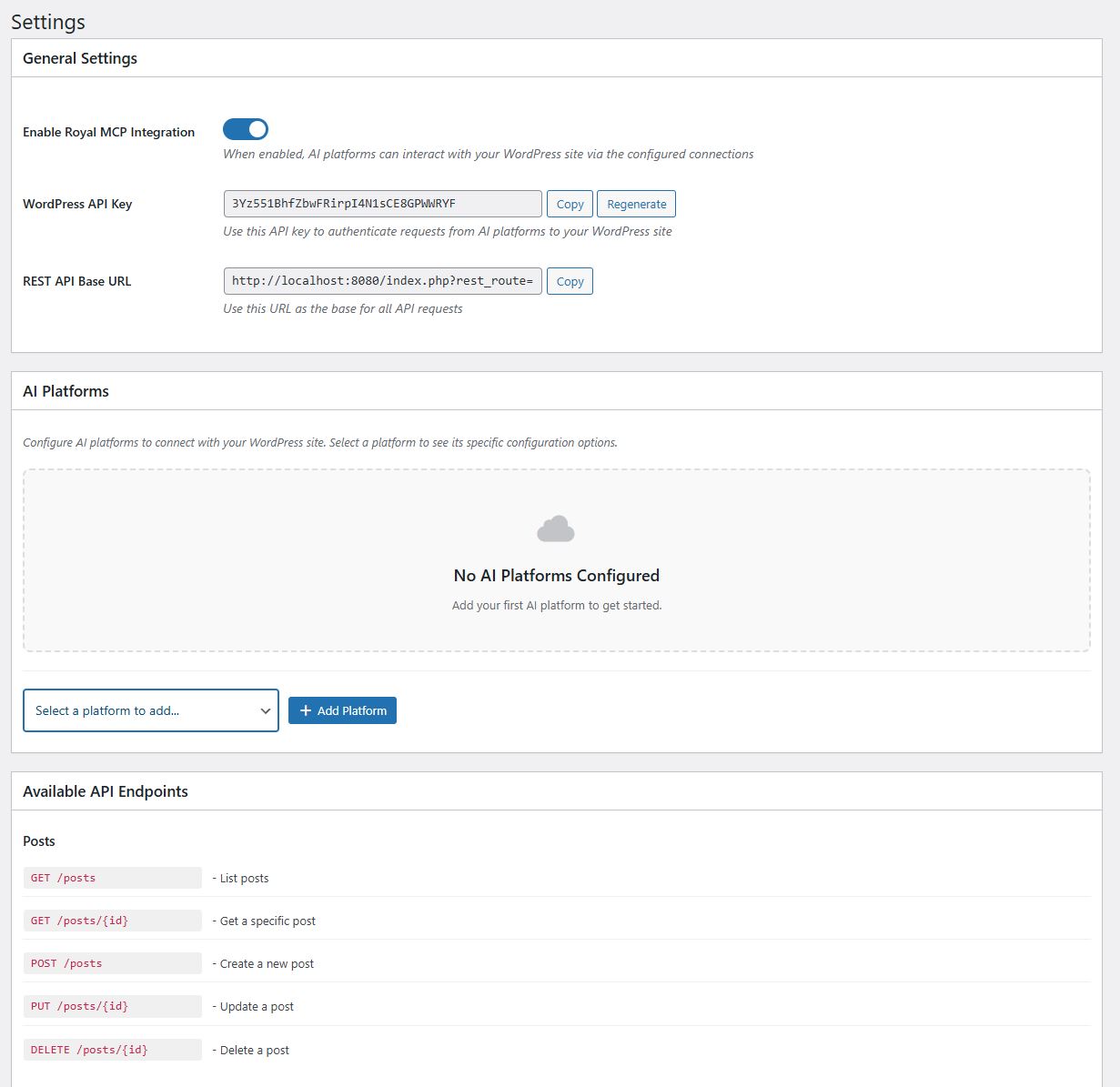
Main settings page with API key and platform overview 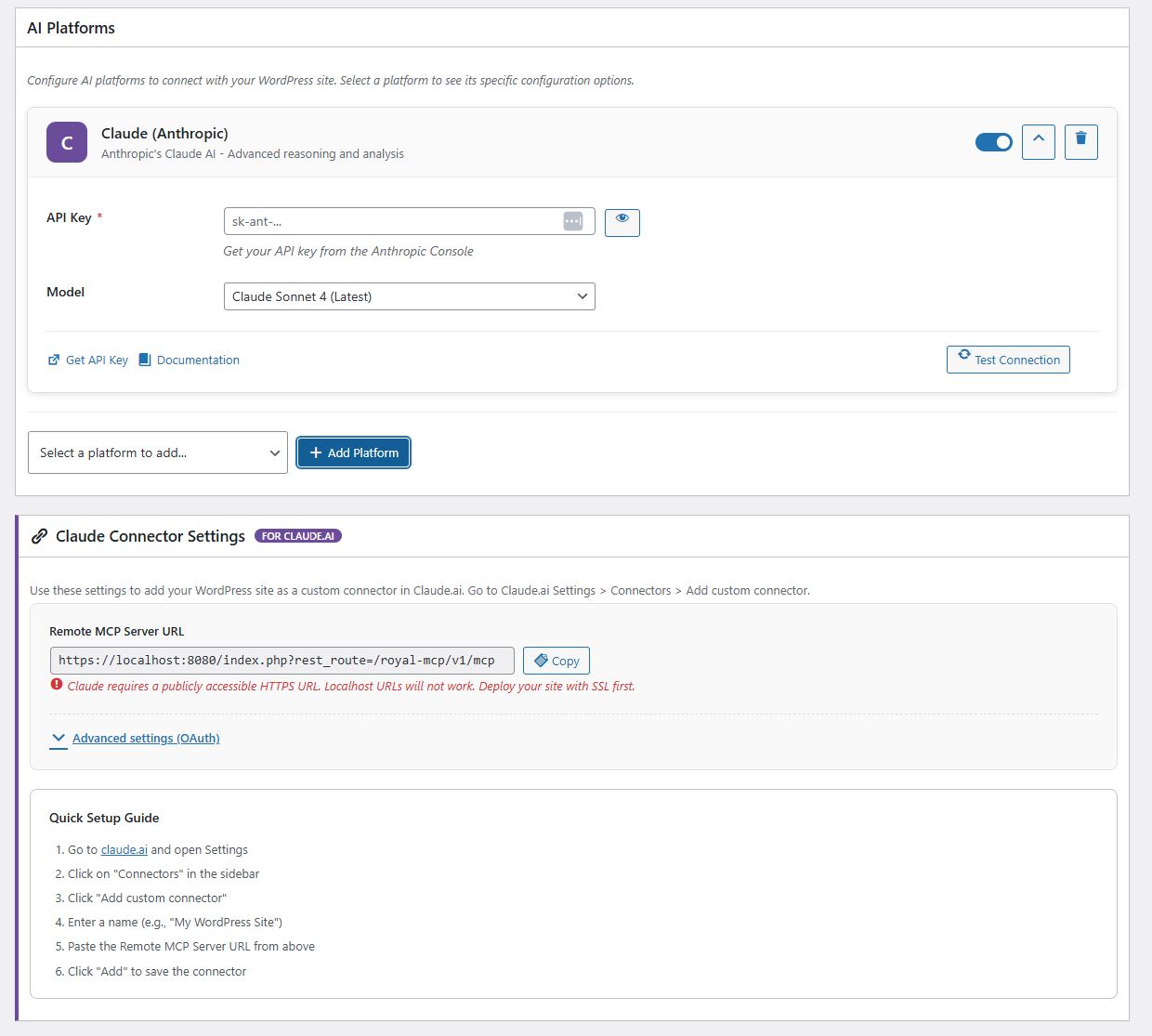
AI platform configuration with connection testing 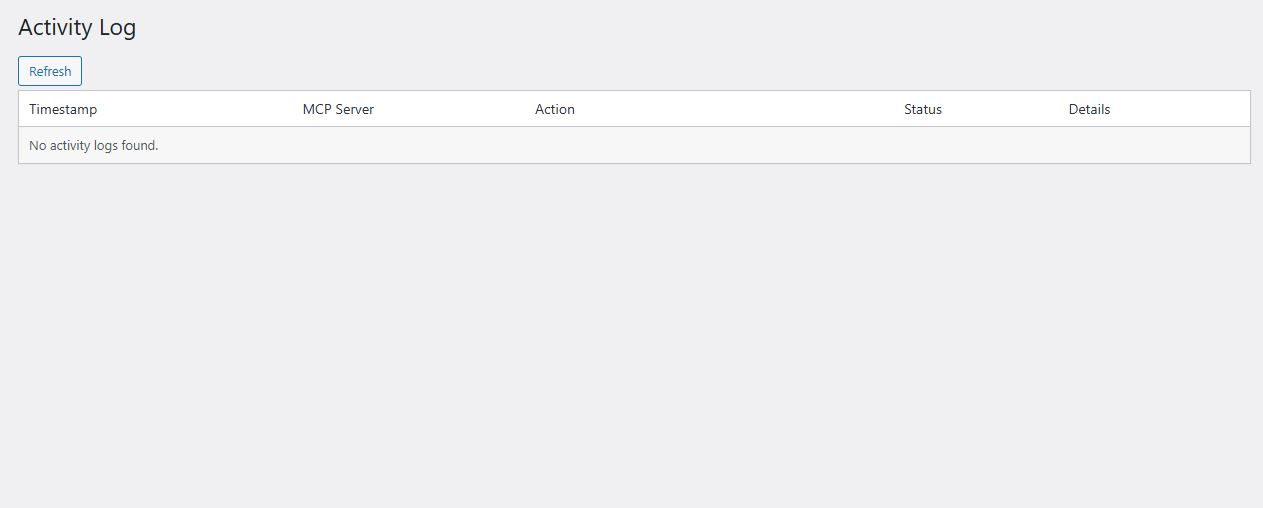
Activity log showing authenticated MCP requests 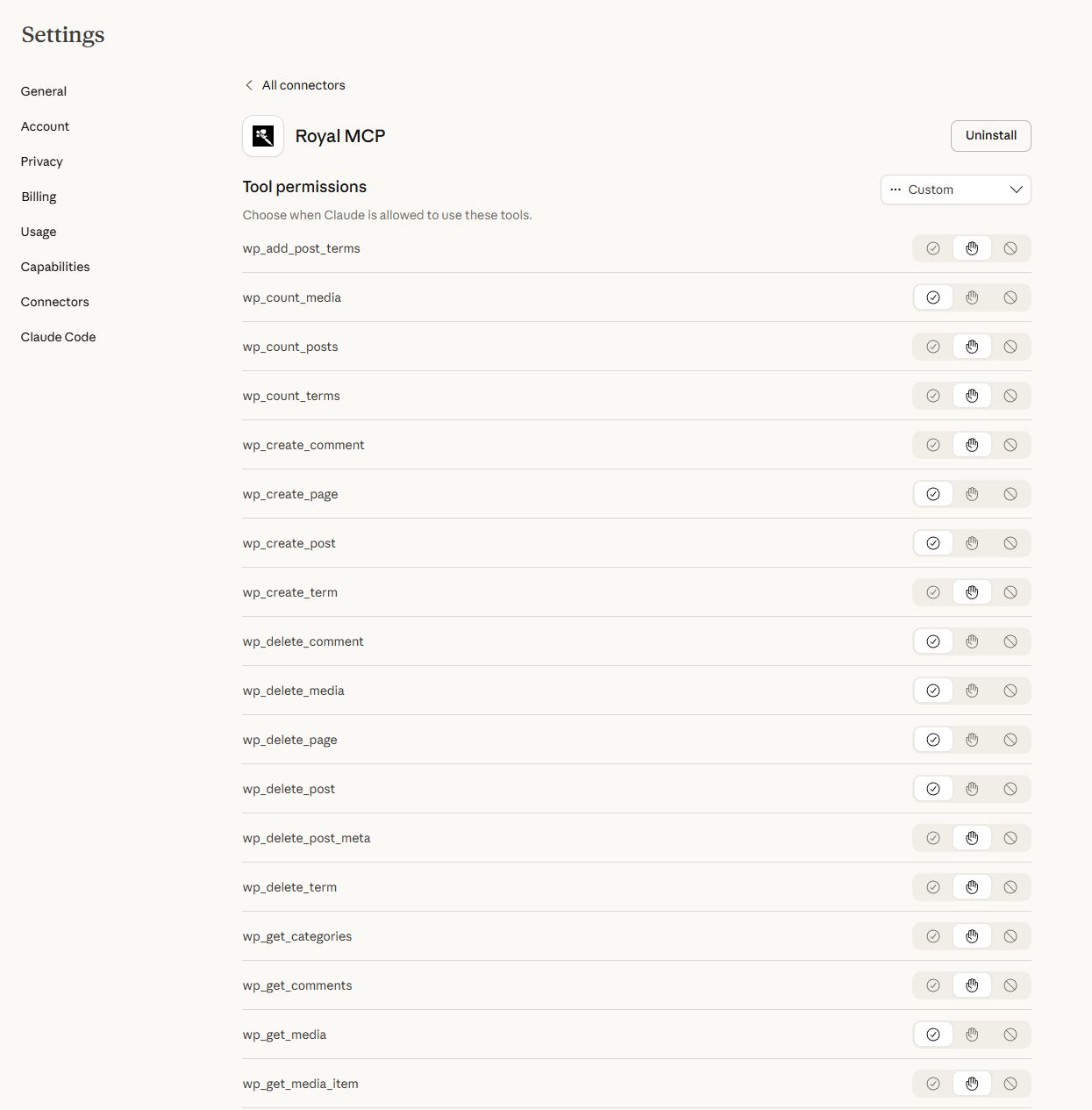
Claude Desktop MCP connector setup 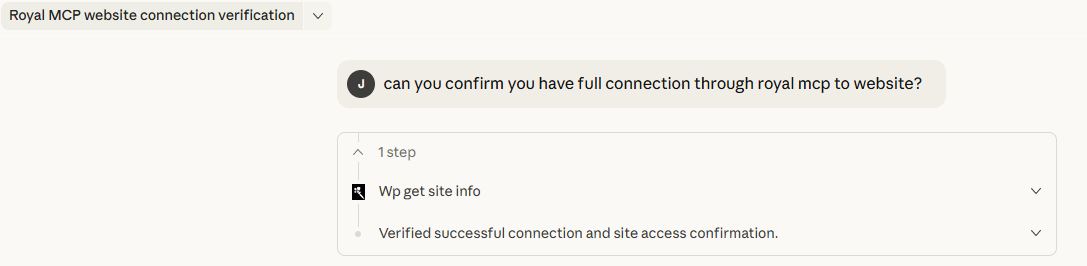
WooCommerce product management via Claude
Installation
- Upload the
royal-mcpfolder to/wp-content/plugins/ - Activate the plugin through the ‘Plugins’ menu in WordPress
- Go to Royal MCP Settings to configure
- Copy your API key — you will need this to authenticate MCP connections
- Add your AI platform(s) and enter their API keys
- In your AI client (Claude Desktop, VS Code, etc.), configure the MCP server URL and API key
Full setup guides for each platform are available at royalplugins.com/support/royal-mcp/.
FAQ
-
What is MCP and why does my WordPress site need it?
-
Model Context Protocol (MCP) is an open standard created by Anthropic that lets AI assistants interact with external data sources. Without MCP, AI tools like Claude or ChatGPT can only work with content you copy and paste into them. With Royal MCP installed, these AI platforms can directly read your WordPress posts, create new content, manage your WooCommerce products, check your security status, and trigger backups — all through a structured, authenticated protocol.
-
How is Royal MCP different from other WordPress MCP plugins?
-
Security. Most MCP plugins — and 41% of all public MCP servers — have no authentication at all. Royal MCP requires an API key for every session, rate-limits requests to prevent abuse, logs every interaction for audit purposes, and filters sensitive data (emails, PHP version, admin credentials) from responses. We built this plugin with the same security standards we apply to GuardPress, our WordPress security plugin used on thousands of sites.
-
Will WordPress core make this plugin unnecessary?
-
No. WordPress is adding MCP support through the Abilities API, which will allow plugins to register “abilities” that AI agents can call. Royal MCP complements this by adding security controls (API key auth, rate limiting, activity logging), plugin-specific integrations (WooCommerce, GuardPress, SiteVault), and sensitive data filtering that the core implementation does not include.
-
Does Royal MCP work with WooCommerce?
-
Yes. When WooCommerce is active, Royal MCP automatically adds 9 additional MCP tools for product management (create, update, search), order management (view, update status), customer data, and store statistics. No additional configuration is needed — the tools appear automatically in the MCP tools list.
-
How do I connect Claude Desktop to WordPress?
-
Install Royal MCP, go to Royal MCP Settings, and copy your API key and MCP server URL. In Claude Desktop, add a new MCP server configuration with the URL and include the
X-Royal-MCP-API-Keyheader with your API key. Full step-by-step guide at royalplugins.com/support/royal-mcp/. -
Is my content safe?
-
Royal MCP is designed with defense in depth. API key authentication is required for all MCP sessions. Rate limiting prevents abuse (60 requests per minute per IP). Activity logging records every tool call. Sensitive data is filtered — user emails, usernames, admin email, and PHP version are never exposed through MCP. Comment creation respects your WordPress moderation settings. Post meta values are sanitized before storage. And the plugin starts disabled by default — nothing is accessible until you explicitly enable it.
-
Can I use local AI models instead of cloud services?
-
Yes. Royal MCP supports Ollama and LM Studio for fully local AI inference. When using local models, no data leaves your server — the AI model runs on your own hardware and communicates with WordPress through the MCP protocol on localhost.
-
What happens if I uninstall Royal MCP?
-
Royal MCP performs a clean uninstall. All plugin options, database tables (activity logs), transients, and user meta are removed. No orphaned data is left behind.
Reviews
There are no reviews for this plugin.
Contributors & Developers
“Royal MCP” is open source software. The following people have contributed to this plugin.
Contributors
Translate “Royal MCP” into your language.
Interested in development?
Browse the code, check out the SVN repository, or subscribe to the development log by RSS.
Changelog
1.3.0
- New: WooCommerce integration — 9 MCP tools for products, orders, customers, and store stats (auto-detected)
- New: GuardPress integration — 7 MCP tools for security score, scans, firewall logs, and audit trail (auto-detected)
- New: SiteVault integration — 6 MCP tools for backup management, scheduling, and progress tracking (auto-detected)
- Security: MCP endpoint now requires API key authentication via X-Royal-MCP-API-Key header
- Security: Added rate limiting (60 requests/minute per IP) to prevent abuse and accidental DoS
- Security: API key comparison uses timing-safe hash_equals() to prevent timing attacks
- Security: Sanitized wp_update_post_meta values before storage
- Security: Comments created via MCP now respect WordPress moderation settings
- Security: Removed admin_email and php_version from wp_get_site_info response
- Security: Removed user_login and user_email from wp_get_users/wp_get_user responses
- Improved: CORS headers include X-Royal-MCP-API-Key for cross-origin MCP clients
1.2.3
- Security: Added SSRF protection — validates all outbound URLs against private/reserved IP ranges
- Fixed: Text domain changed from ‘wp-royal-mcp’ to ‘royal-mcp’ to match plugin slug
- Fixed: Menu slugs updated for WP.org compliance
- Improved: REST API permission callbacks include explanatory comments for reviewers
- Compatibility: Tested up to WordPress 6.9
1.2.2
- Added: Documentation link on Plugins page (Settings | Documentation)
- Added: Documentation banner on settings page
1.2.1
- Fixed: Claude Connector setup guide link displaying raw HTML
1.2.0
- Security: Origin header validation to prevent DNS rebinding attacks
- Security: Session ID format validation (ASCII visible characters only)
- Improved: MCP 2025-03-26 Streamable HTTP spec compliance
- Added: Filter hook
royal_mcp_allowed_originsfor custom origin allowlist
1.1.0
- Added multi-platform AI support (Claude, OpenAI, Gemini, Groq, Azure, Bedrock)
- Added Claude Desktop MCP connector
- Added activity logging
- Added connection testing
1.0.0
- Initial release