
Description
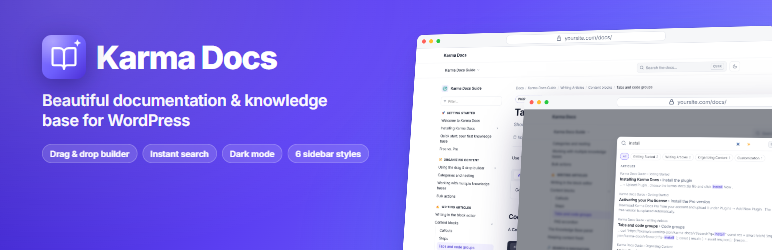
Karma Docs turns WordPress into a fast, modern documentation site and knowledge base. Organise content visually, publish with the block editor and give readers instant answers.
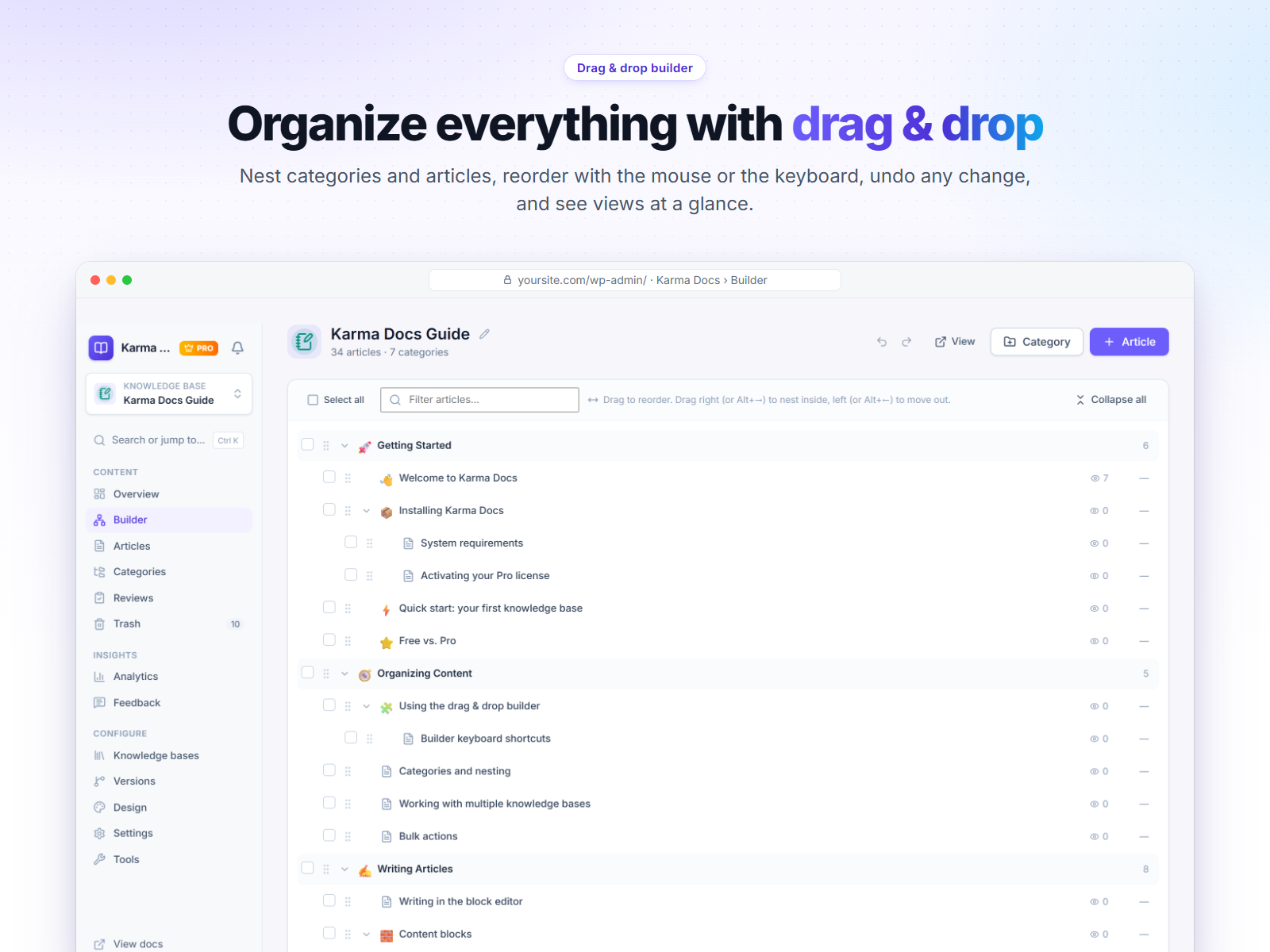
Drag & drop builder
- Unlimited categories with unlimited nesting.
- Unlimited nested articles (articles inside articles, at any depth).
- Drag articles within or between categories at any level. Drag right to nest, left to move out.
- Reorder and nest categories.
- Keyboard friendly: move items with the arrow keys and indent/outdent with Tab.
- Select several items and move them in one go.
- Inline rename, quick add, duplicate, publish/unpublish and trash from the tree. Undo for every move.
A help center readers love
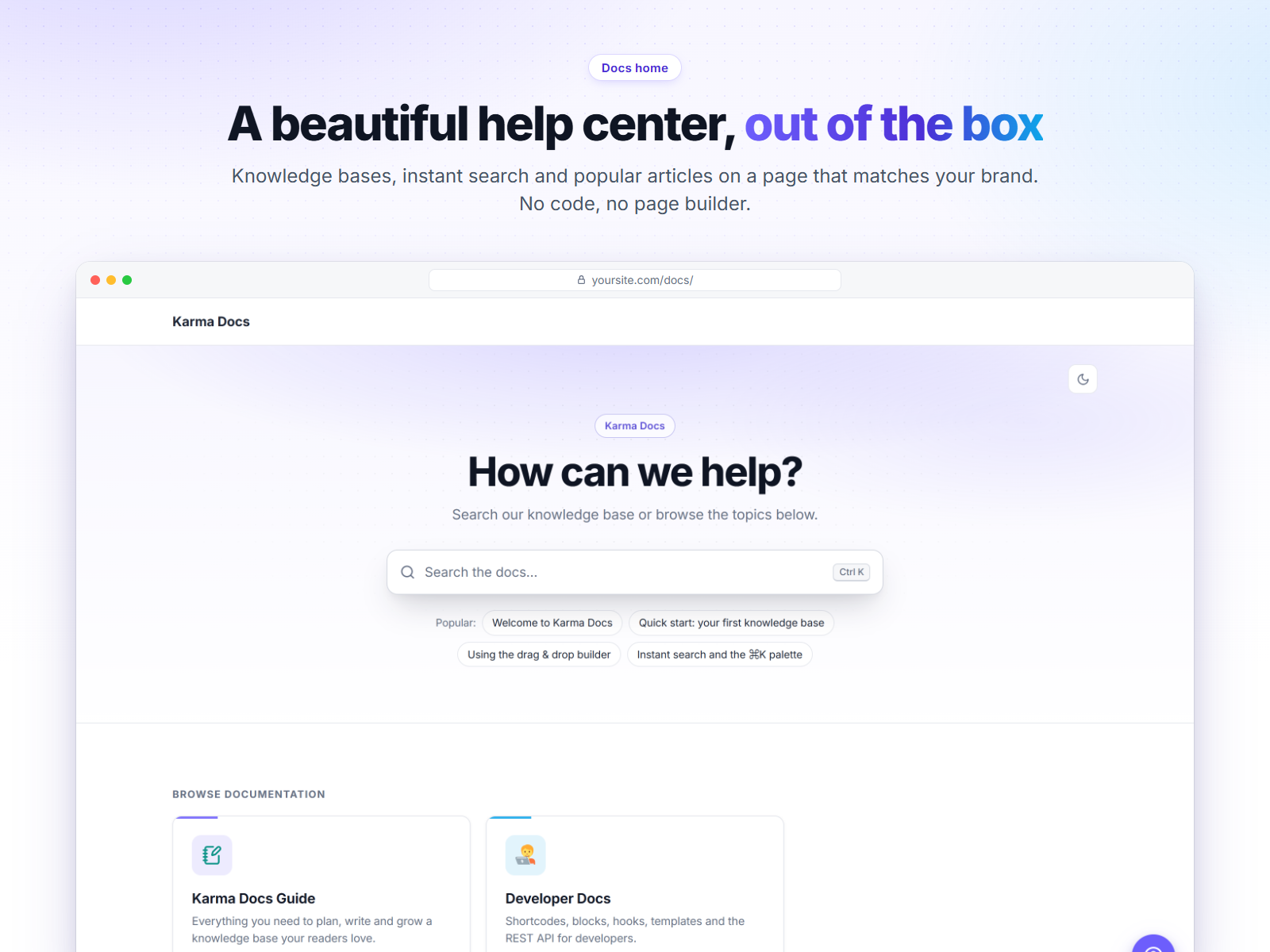
- Docs home, knowledge base home, category, article and search results templates.
- Works with block themes and classic themes. Override any template in your theme.
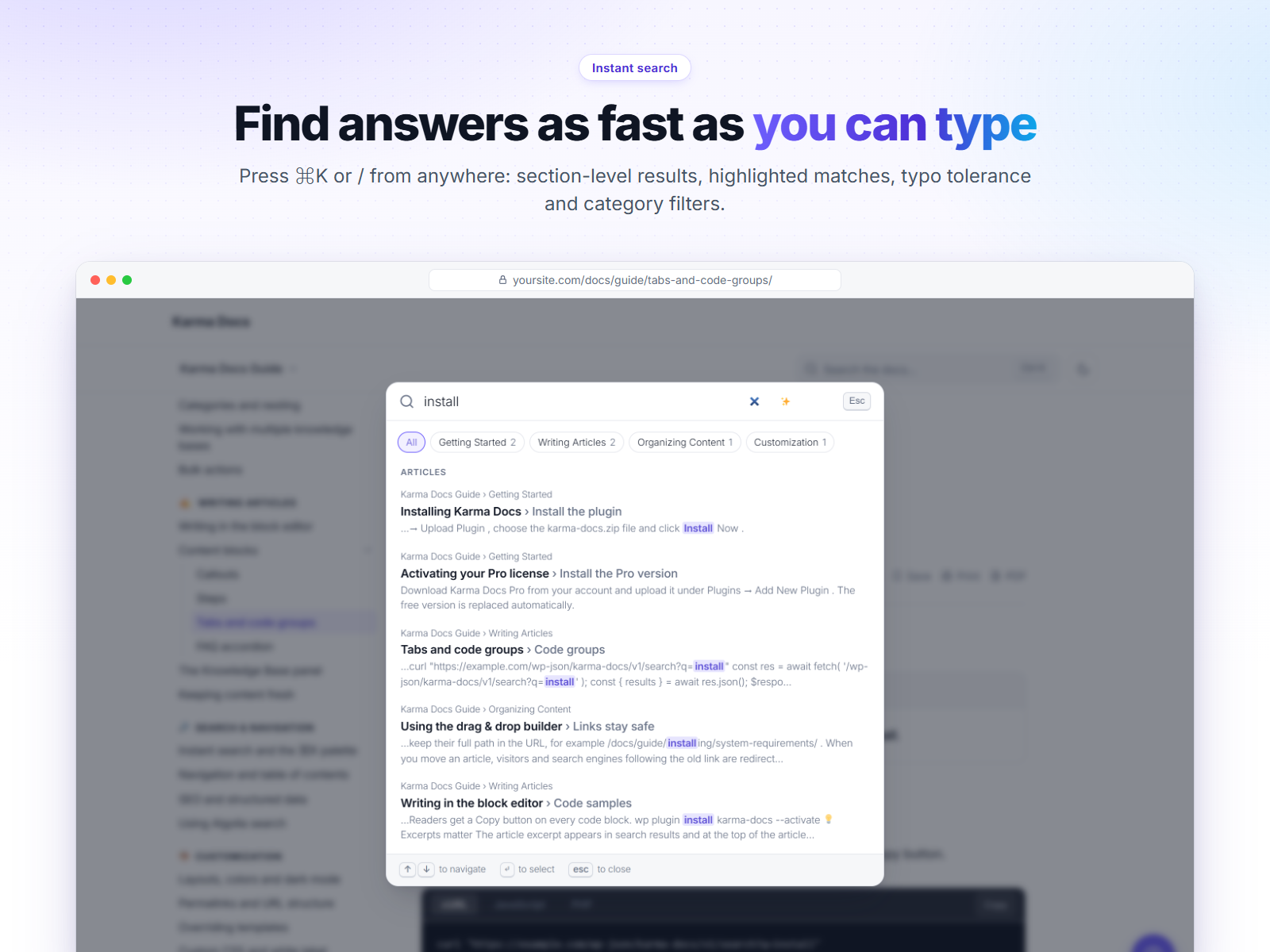
- Instant search with highlighted matches and a ⌘K / Ctrl K search palette.
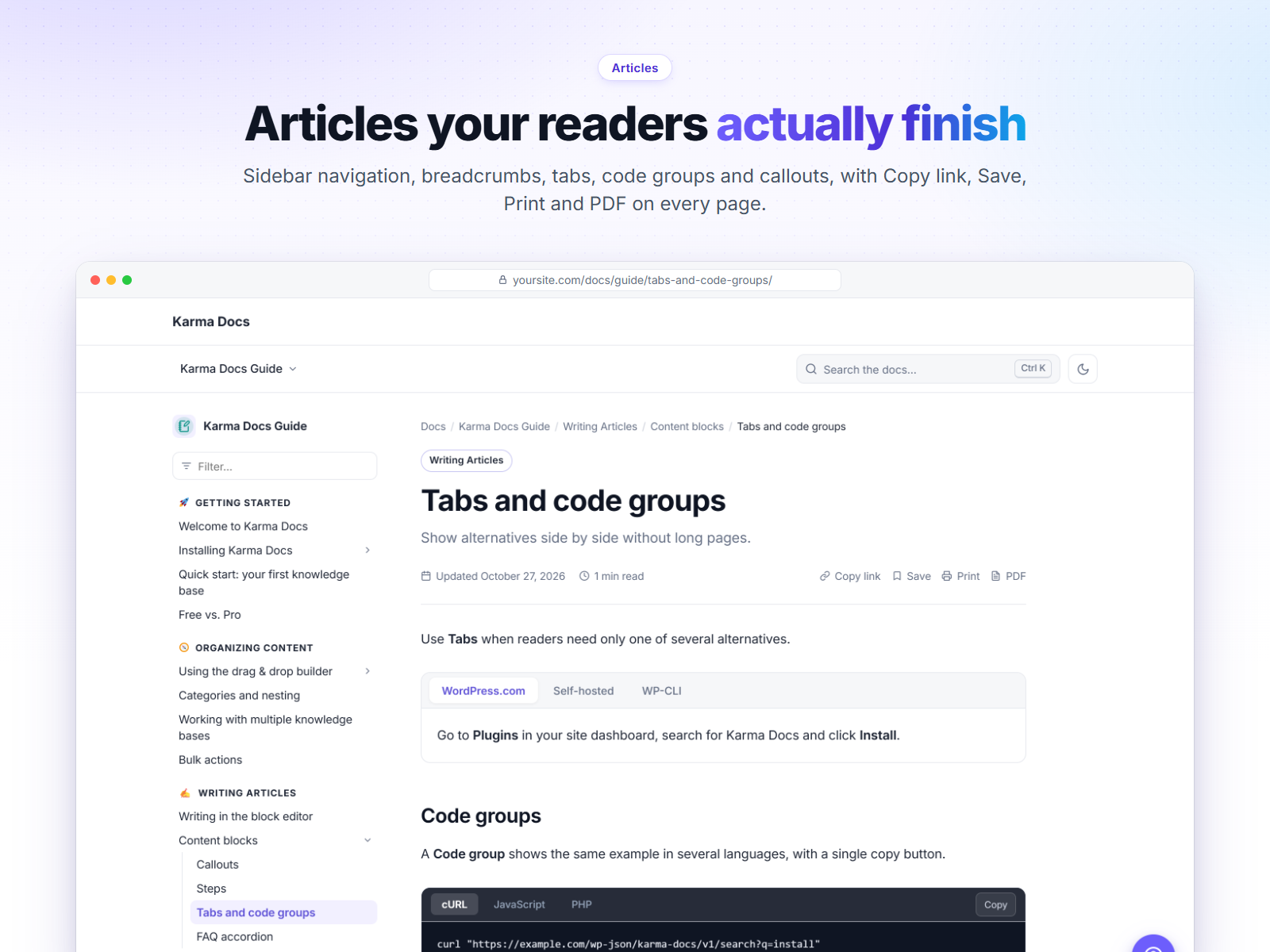
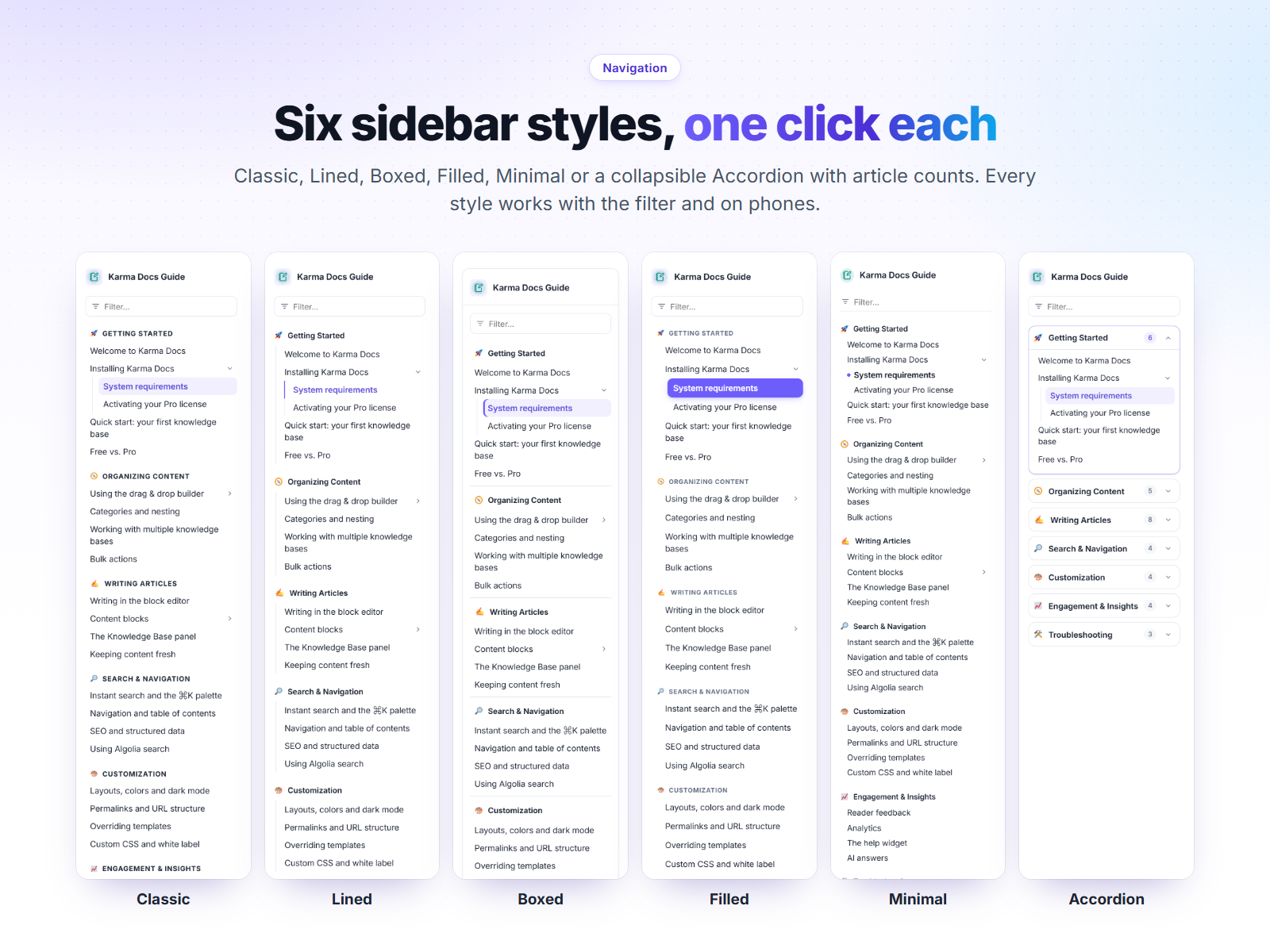
- Collapsible sidebar navigation and a sticky table of contents with scroll spy.
- Breadcrumbs, previous/next links, related articles, reading time, last updated and print.
- “Was this helpful?” voting and a page-cache-safe view counter.
- Copy buttons on code blocks and click-to-copy heading links.
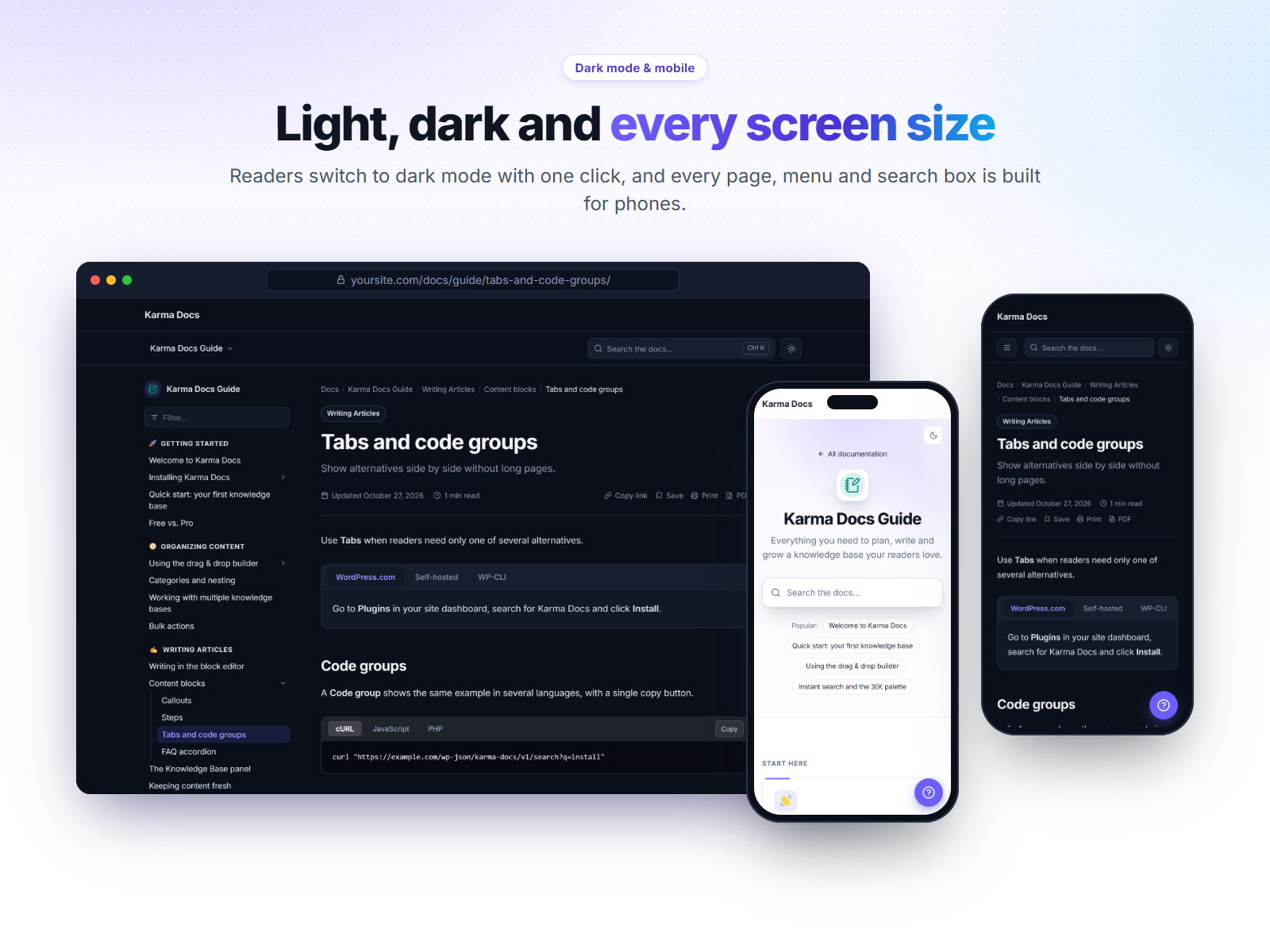
- Light/dark mode toggle without a flash on load.
- Pretty nested URLs (
/docs/{knowledge-base}/{parent}/{child}/) and automatic 301 redirects when you move an article.
Content blocks
- Callout (info, tip, warning, danger, success).
- FAQ accordion with FAQPage structured data.
- Tabs, Steps and Code group blocks for technical docs.
- Docs Home, Docs Search and Knowledge Base blocks, plus matching shortcodes.
- Elementor widgets for Docs Home, Search and Knowledge Base.
SEO & performance
- TechArticle, BreadcrumbList and FAQPage JSON-LD.
- No jQuery on the frontend; assets only load on documentation pages.
- Translation ready and RTL compatible. Compatible with WPML and Polylang.
Karma Docs Pro
Pro (also available as Business and Agency plans for more sites) adds:
- Unlimited knowledge bases and moving content between them.
- Doc versions (v1 / v2 …) with a version switcher.
- AI answers (“Ask the docs”) and an AI writing assistant using your own Anthropic, OpenAI or Google key.
- Members-only and role-based access control.
- Analytics: views, trends, top searches and searches with no results.
- Feedback inbox, email alerts and a weekly report.
- Contributors & approval workflow with a review queue.
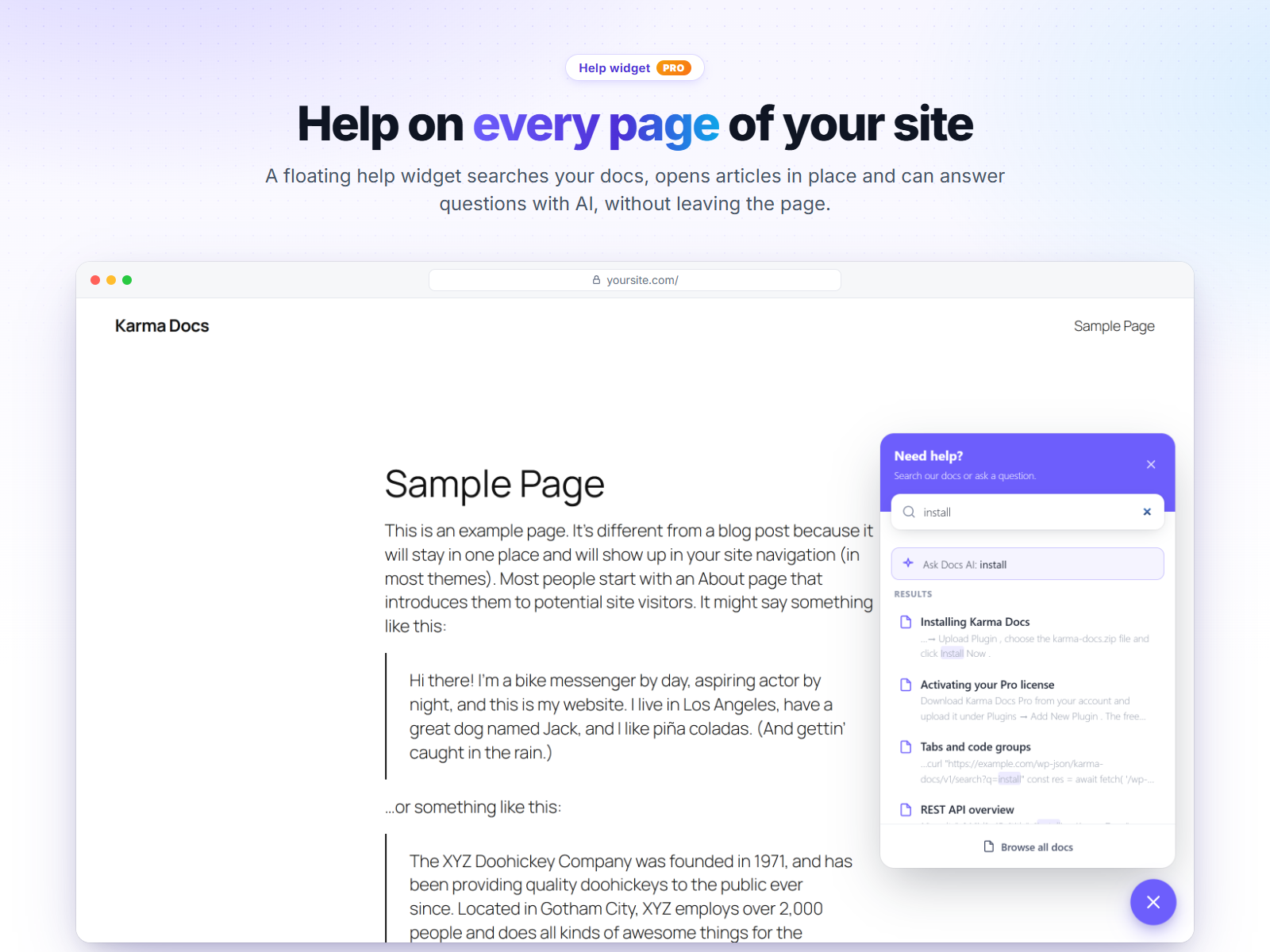
- Floating help widget for every page of your site.
- PDF export of an article or a whole knowledge base.
- Slack and webhook notifications, Algolia search.
- Import/export and one-click migration from weDocs, BetterDocs and Echo Knowledge Base.
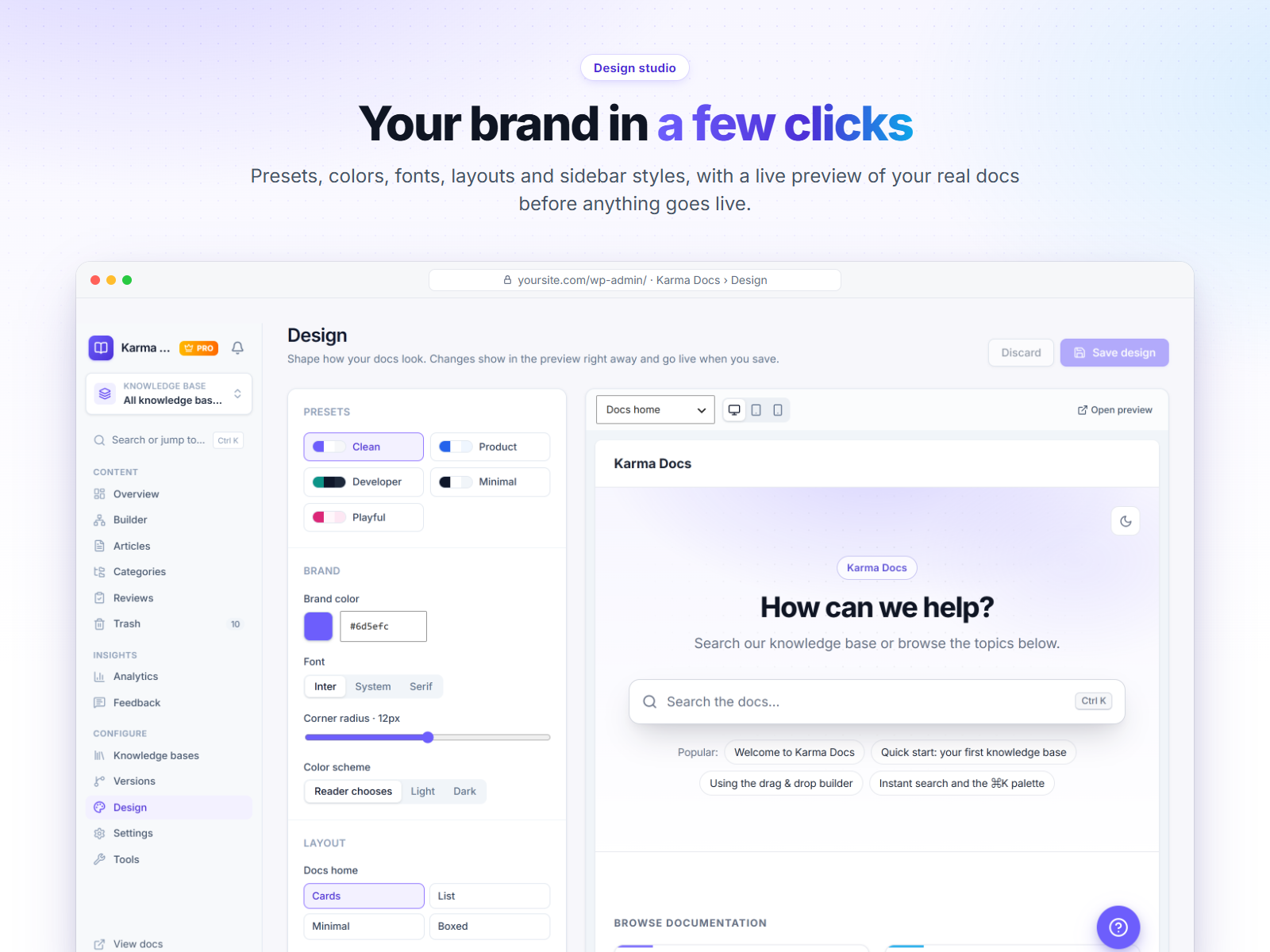
- Premium layouts, custom CSS and white label.
Screenshots
Blocks
This plugin provides 6 blocks.
- Docs
- Search
- Kb
- Private Note
- Section Embed
- Key Points
Installation
- Upload the plugin through Plugins Add New Upload Plugin, or install it from the plugin directory.
- Activate it. You will land on the Karma Docs dashboard.
- Click “Create sample knowledge base” or create your own, then open the Builder.
- Your documentation lives at
yoursite.com/docs/. You can change the slug in Karma Docs Settings.
Pretty permalinks (Settings Permalinks) are recommended. Plain permalinks are supported too.
FAQ
-
Does it work with my theme?
-
Yes. Karma Docs ships its own templates and works with both block themes and classic themes. To customise a template, copy it from
wp-content/plugins/karma-docs/templates/towp-content/themes/your-theme/karma-docs/. -
Can I use the block editor for articles?
-
Yes. Articles are edited in the block editor. A “Knowledge Base” panel lets you pick the knowledge base, category, parent article, icon and table of contents options.
-
Can I have more than one knowledge base?
-
The free version includes one knowledge base with unlimited categories and articles. Pro adds unlimited knowledge bases.
-
Will moving an article break links?
-
No. When an article moves to a new parent or category, its old URL redirects (301) to the new one.
-
Does it slow down my site?
-
Frontend assets are dependency-free and only load on documentation pages or where you place a docs block/shortcode.
-
Is my data removed when I delete the plugin?
-
Only if you choose so: enable “Delete all data when the plugin is uninstalled” in Karma Docs Settings Advanced. Otherwise your articles stay in the database.
Reviews
There are no reviews for this plugin.
Contributors & Developers
“Karma Docs – Documentation & Knowledge Base” is open source software. The following people have contributed to this plugin.
Contributors
Translate “Karma Docs – Documentation & Knowledge Base” into your language.
Interested in development?
Browse the code, check out the SVN repository, or subscribe to the development log by RSS.
Changelog
1.0.1
- Fix: translations are loaded by WordPress itself (no manual text domain loading).
- Fix: database table names are escaped in every query.
- Fix: template variables use the plugin prefix (theme overrides keep working).
- Fix: readme and plugin names match; composer.json ships with the bundled libraries.
1.0.0
- Initial release.