• Resolved 1wweb

    (@1wweb)


    Thank you for your continued support.

    I’m confused by the UI changes after updating AIP.

    The “Add-ons” menu that appeared in the navigation menu in version 2.3.43 is missing in the new version (2.3.4x or2.3.5).

    Where can I find the settings that were previously in the “Add-ons” menu?

    ▽ver2.3.43Add-ons menu
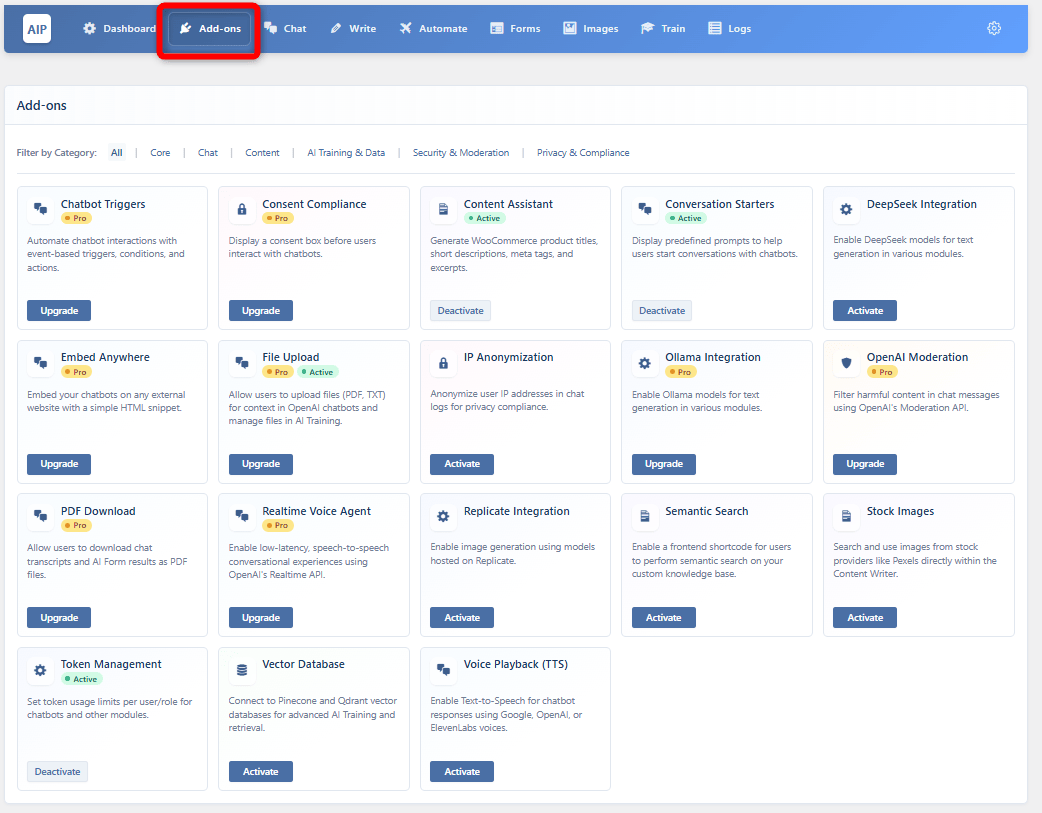
    ▽ver2.3.4x or 2.3.5 The “Add-ons” menu is missing.

Viewing 5 replies - 1 through 5 (of 5 total)
  • Plugin Author senols

    (@senols)

    Hi @1wweb

    Thank you for your support too 🙂

    I removed the add-ons menu from the plugin and integrated all those add-ons into the modules. They are not gone, they are just moved to the modules.

    May i know which specific add-on you are looking for?

    Thread Starter 1wweb

    (@1wweb)

    Thanks for the quick reply.

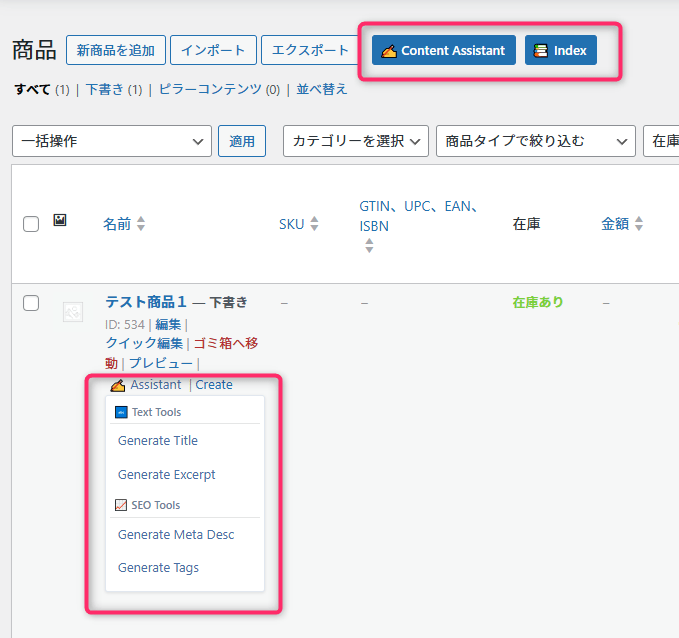
    For WooCommerce, I looked for the menu to activate “Content Assistant,” which was previously under “Add-ons.”

    Plugin Author senols

    (@senols)

    At the moment content assistant is enabled by default. You are supposed to see it when you go to WooCommerce product list screen. Is it there?

    I will be adding a toggle to turn it on and off under “Content Writer” module soon.

    Thread Starter 1wweb

    (@1wweb)

    I see. So it’s these things?

    The settings that used to be listed in the “Add-ons” menu have either been moved closer to the module screen or enabled by default, right?

    Got it.
    I’ll look into it!

    Thanks

    Plugin Author senols

    (@senols)

    Yes, correct 🙂

    Have a great day!

Viewing 5 replies - 1 through 5 (of 5 total)
The topic ‘Where is the “Add-ons” menu that was in previous versions?’ is closed to new replies.