• Resolved John Webber

    (@bilion)


    Hi, hope you are doing great πŸ™‚

    The plugin is wonderful

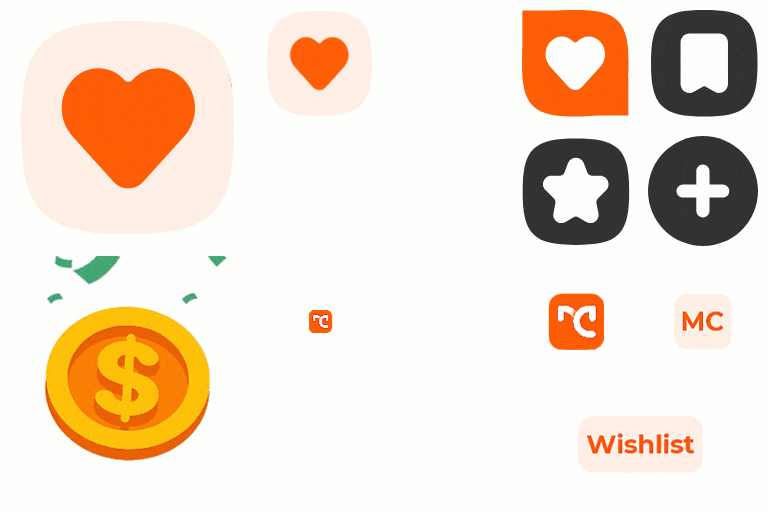
    I can’t find a setting to choose which icon to have in the button.
    On the product single page, the hart is showing.
    In the Shop page, the bookmark icon is showing.
    I’d like to use the hart in both places

    Thank you

Viewing 3 replies - 1 through 3 (of 3 total)
  • Plugin Author Moreconvert Team

    (@moreconvert)

    Hi you can change it easily from
    Setting -> button tab on top -> appearance (second box) -> button icon

    For each page means product page, shop page (product list) you can choose and change every icon you want

    If you have problem that you can’t solve, just send email to moreconvert@gmail.com

    Thread Starter John Webber

    (@bilion)

    Thanks for the help!
    I found the setting…
    But, if I set Button Theme to be ON, the Heart Icon setting is hidden

    Plugin Author Moreconvert Team

    (@moreconvert)

    Yeah,because default setting is used on that way and that is not a problem.

Viewing 3 replies - 1 through 3 (of 3 total)

The topic ‘How do we choose the icon?’ is closed to new replies.