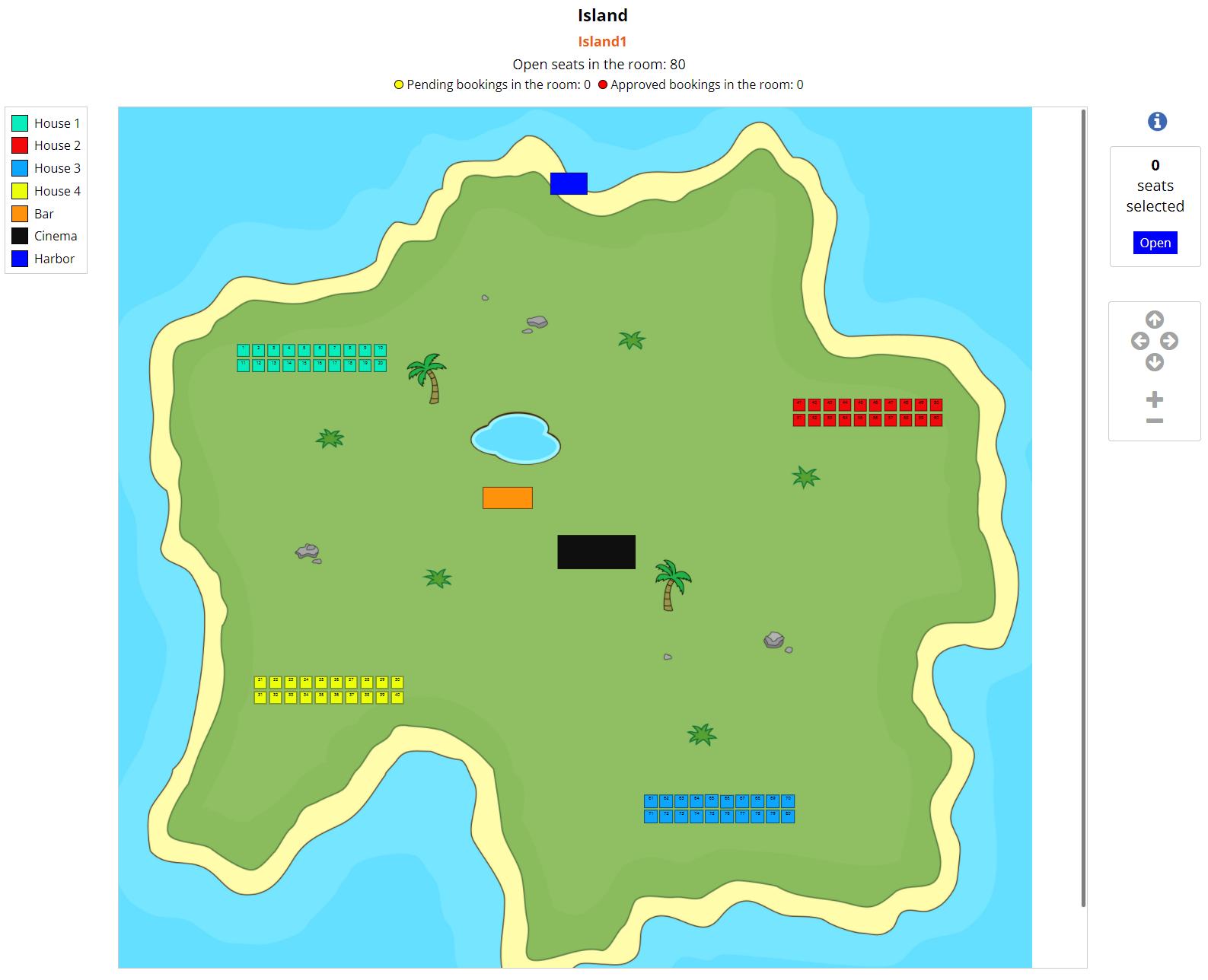
I tried to make test booking and http request returned
{"apbct":{"blocked":true,"comment":"*** Forbidden. Anti-Spam by CleanTalk. ***","stop_script":0}}
Do you have CleanTalk plugin installed? I think that is the problem here.
Thread Starter
 pamalu
(@pamalu)
Hi Siim,
seems you are right.
I deactivated Clean Talk and it´s working .
Thank you again for your help.
A final question if I may:
I defined the Hover text for the seats with Row, Seat and Price
like for example “R1-P1-30 EUR”
I have to do it for each seat separately . I find no bulk action, like in the ” Change Numbering”.
That eats a lot of time.
In the “Change Numbering” I tried it with the Prefix , but this doesn´t work.
And the text should appear on the booking receipt and in the booking manager as well.
Probably it´s already implemented, but I can´t find it.
I think the legends feature is more suited for your case. So you can create custom legends and assign them to seats. The hover text and legends are more meant to guide users. This info wont be added to booking receipt or booking manager.
Thread Starter
pamalu
(@pamalu)
Hello Siim,
I´ve tried to use the Prefix such as: 1/1 for Row 1 , Seat 1 and so on.
This is shown in the layout but not in the Registration view and furthermore in the booking process.
Just the seat number appears.
Is it not meant to use it this way or is it the slash or a dash for example?
Is there a manual for the legends feature? I struggled a little bit.
If you add prefix to seat then it will be displayed in the registration view, booking manager and booking process. Just to be sure did you also save the layout and refresh the Registration view?
Both slash and dash should be supported. So when you add example prefix 1-1- to selected seats (1,2,3,4) then it will display 1-1-1, 1-1-2, 1-1-3, 1-1-4. It might be that you need to make layout with bigger seats.
Currently there is no manual. But legends look like this: https://ps.w.org/seatreg/assets/screenshot-6.png?rev=2615044 . The idea is that you create legends (for example 20-EUR, 30-EUR) and then start to assign them to seats you want.
Thread Starter
pamalu
(@pamalu)
Hi Siim,
the size of the seats was the trick.
I tried it with a new test layout.
Can I change the size of an existing layout. My first try didn´t work, somehow.
And I understand the legends now. Thank you.
Currently there is no nice way to resize existing seats. You need to manually select seats and drag them bigger.
Thread Starter
pamalu
(@pamalu)
Yes, I see it. I´ve made a new layout.
Well, sorry for the ton of stupid questions and thank you again for the
extreme fast reactions on your side. Made my day.
There should be a message on your paypal account.